You hired someone to help run your store. Do they know what the dashboard can actually do?
This store staff guide pulls together the Help Center articles that matter most to each person on your team — the accountant, the digital marketer, the warehouse keeper, the technical staff, the designer, and the customer service team. Instead of handing a new hire the whole Help Center, you can point them at the dozen or so articles that cover their job. In this guide, you'll learn which roles are covered, how to search the Help Center by role, and which articles belong to each one.
Each role below has its own reading list of Help Center articles, ordered from the basics upward. You can also find articles for any role directly by searching the Help Center for that role's tag — search for the accountant tag, for example, to pull up every article written with an accountant in mind.
📌 Article overview
- Which roles this store staff guide covers
- How to find Help Center articles for a specific role
- Articles for your store's accountant
- Articles for your digital marketer
- Articles for your warehouse keeper
- Articles for your technical staff
- Articles for your store designer
- Articles for your customer service staff
🎯 Which roles this store staff guide covers
- The accountant.
- The digital marketer.
- The customer service employee.
- The warehouse keeper.
- The designer.
- The technical staff.
🔍 How to find Help Center articles for a specific role
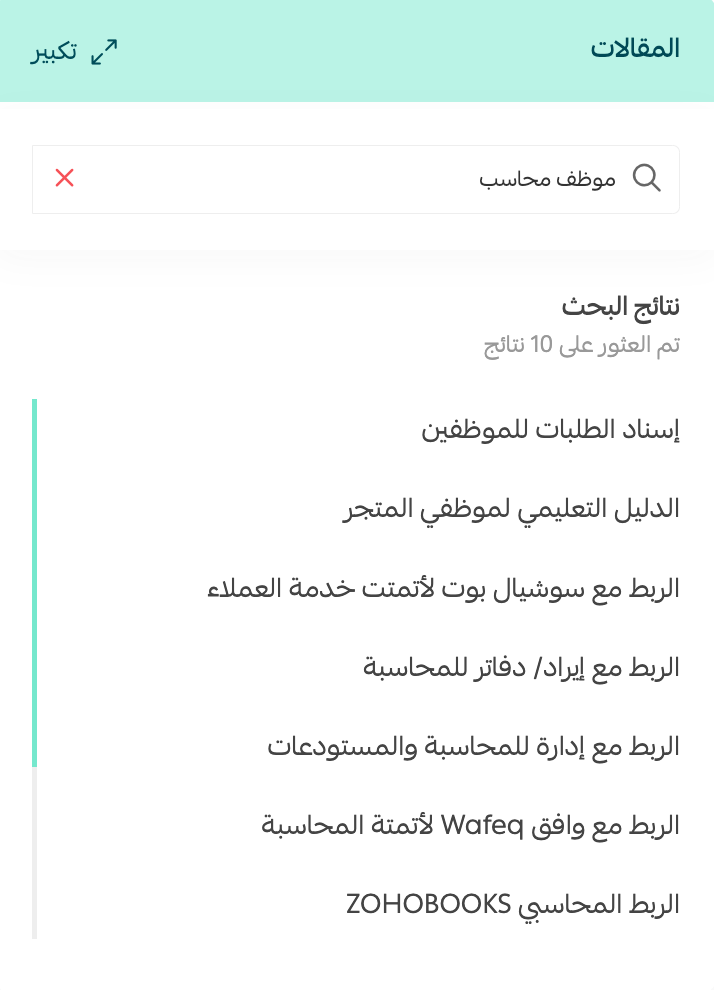
Search by role tag. To find the articles written for your accountant, for example, search for the accountant tag or the accountant staff tag.
✅ Articles for your store's accountant
1. Store wallet
How to open your store wallet on Salla, review it, and use it.
2. Set your store's billing settings
Learn how to enter every detail tied to your Salla subscription and your financial transactions.
You can also watch the video.
The steps for previewing all of an order's accounting invoices and printing them.
4. Manage payment methods and activate online payments
Turn on online payment methods, digital wallets, and buy-now-pay-later options, and set up your bank accounts.
5. Shipping waybills step by step
Learn how to issue your store's shipping waybills, review them, print them, and cancel them, step by step.
You can also watch the video.
The steps for setting up value added tax.
7. Show your tax number in the store footer
The steps for displaying your tax certificate and tax number at the bottom of your store.
8. Accounting integration with ZOHOBOOKS
How to connect to ZOHOBOOKS, an accounting program that manages your finances, calculates taxes, and automates your workflows.
How to connect to Daftra, an Arabic program for managing your accounting: tracking profits and expenses, issuing invoices and quotes, managing warehouses and products, following stock movement, and preparing purchase orders.
10. Connect to Qoyod
Qoyod is an accounting program for businesses that needs no installation, just an internet-connected device. It lets you track purchase orders and quotes and convert them into invoices in one click, and it runs your accounting automatically so you can review it in detailed reports.
McLedger offers complete accounting services for entrepreneurs and business owners, from bookkeeping to value added tax and more.
SahelBooks helps you create simplified invoices and track expenses, saving you time and money. You can create your first invoice in under 60 seconds.
✅ Articles for your digital marketer
1. Abandoned cart reminders without a discount
How to send a customer a reminder about their abandoned cart without attaching a discount.
2. Abandoned cart reminders with a discount
How to send a customer a reminder about their abandoned cart with a discount attached.
3. Activate temporary discounts on abandoned carts
How to activate the temporary discount that encourages a shopper to complete their purchase, valid for a limited time.
4. Increase sales through abandoned carts
The tools and features that help you turn abandoned carts into revenue through effective targeting.
You can also watch the video.
5. Working with marketing campaigns
How to direct your advertising campaign at customers, whether by SMS or by app notification.
6. Promotional ideas for your store
A walkthrough of methods and strategies for promoting your store. Use all of them or pick the ones that fit your business and its size.
How to connect your Salla store to your Mailchimp account, a well-known email marketing tool that helps you send engaging messages, manage your recipient list, and review detailed analytics on each campaign.
8. Understand visitor behavior with Hotjar
Understand how visitors behave on your site so you can improve the experience and lift conversion rates, with a set of supporting articles for store marketers.
How to connect to the SMS companies that send text messages to your store's customers.
10. SEO basics
Search engine optimization in e-commerce puts your store at the top of the results when someone searches for something related to your business.
11. Improve your store's search engine visibility
Explore the methods that improve your store's SEO through your store settings.
12. Help search engines understand your store with schema markup
Learn how to use structured data to signal your content type and its details, so search engines read your store's contents clearly.
13. Improve your store's SEO with Google Tag Manager
Explore ways to improve your store's SEO through Google Tag Manager, starting with canonicalization to control duplicate content.
The steps for creating a new coupon.
How to create a batch of coupons at once with the same settings, without re-entering the details every time.
16. Set a maximum coupon discount
How to cap the discount when you choose a percentage of the purchase total, or cap the affiliate's commission when you choose a percentage of the order total.
The steps for creating a coupon for an affiliate to share with your customers, so the customer gets a discount and the affiliate earns a commission for promoting your store.
18. Double your sales with coupons for specific customers
Methods for promoting your store by targeting discount coupons at a specific group of customers.
19. Activate the coupon field in the cart
The steps for enabling the coupon field in the shopping cart, so a shopper is encouraged to buy more once they see the cart total after the discount.
20. Announcements
How to add an announcement bar that shows while customers browse your store, so you can highlight an activity, draw attention to a specific offer, or share store news.
How to activate the notify-me-when-available feature, so customers can be alerted when a product they want is back in stock.
Manage the questions your customers and visitors send about your products and services, along with reviews of the store, products, and services.
23. Review settings
How to configure reviews on your Salla store, so you can see what your store does well and reinforce it, and where it falls short and fix it.
✅ Articles for your warehouse keeper
A product group bundles several existing products from your store into a single product sold together.
Filtering shows only the products you want, so you can review them or act on them in bulk.
Sorting lets you control the order in which products appear to customers in your store.
The steps for reviewing an order's e-invoice and printing it.
How to set your order control options: adding a new order, viewing orders in a specific status, customizing order statuses, changing an order's status, sorting and filtering orders, deleting an order or a batch of orders, printing an order invoice, printing a picking list, and more.
6. Store branch and warehouse settings
How to add branches to your Salla store and manage them: setting each branch's working hours, hiding branches, marking one as the default warehouse, and choosing which branch to ship from.
7. Shipping waybills step by step
Learn how to issue your store's shipping waybills, review them, print them, and cancel them, step by step.
You can also watch the video.
8. Shipping company restrictions
How to set up the restrictions for the shipping companies your store supports.
9. The product card and adding a new ready-made product
Get to know the product card and how to add a new product, along with the tools it offers: setting product options and available quantity, controlling product data, and the options behind the more button.
How to add products such as food and drinks that need special shipping.
11. Add a made-to-order service
A made-to-order service covers any product or service that can't be priced upfront, where the final price is set after negotiating with the customer.
Digital products include e-books, courses, downloadable files, and similar items.
How to add a digital card such as a top-up card or an account.
Donation products cover everything tied to charitable work: zakat, sadaqah, and general support.
✅ Articles for your technical staff
1. Manage your store's domain on Salla
Domain management covers editing your store's primary domain, reserving a domain on annual plans, reserving or buying one on monthly plans, connecting a domain from outside Salla, creating a blog and linking it to your domain, and linking your store to a subdomain.
2. Reserve a Salla domain on annual plans
How to reserve a domain for your Salla store.
3. Create a blog and link it to your store's domain
How to create a blog on Google Blogger and then link it to your Salla store's domain.
How to nest your Salla store's domain so it becomes a subdomain of your organization's main domain.
5. Verify domain ownership and manage DNS
How to verify ownership for services such as G Suite, G Suite Essentials, and other paid subscriptions.
6. Create email addresses on your store's domain
How to create an email address for general enquiries, one for sales, and one for each user or staff member.
7. Connect a domain from outside Salla
How to link your Salla store to a domain registered elsewhere.
8. Buy an app from the Salla dashboard
Alongside many technical articles for the app builder, which you'll find in the app builder section of the Help Center.
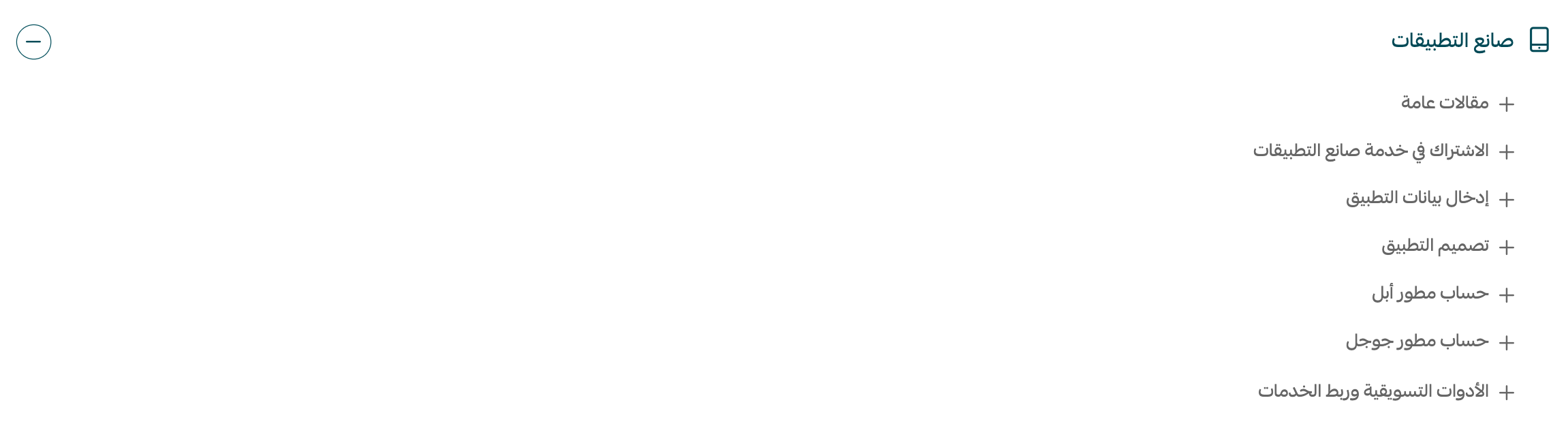
For more on the app builder, watch the video.
The steps for configuring your store's basic settings, where you control how your store looks, how it responds to your customers, and how it connects to the various social networks.
To make paying easier for your customers, activate one of the digital wallets Salla supports, such as PayPal or stc pay.
The steps for adding a new bank account to your store.
12. The instant transfer system
A fast system for moving money between banks in a short window, using identifiers other than the account number or IBAN.
13. Value added tax
The steps for setting up value added tax.
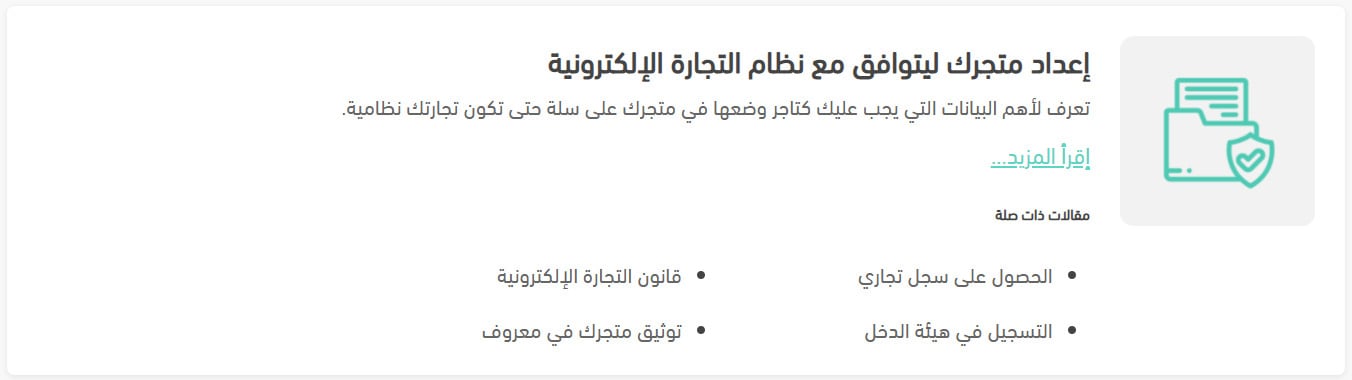
14. Make your store compliant with e-commerce regulations
The key details you need to publish in your Salla store to keep your business compliant, plus the related articles on verification.
15. Maintenance mode
The steps for putting your store into maintenance mode.
16. Activate multiple languages in your store
Get to know the languages feature in Salla stores, along with the steps for adding a new store language, with a simple walkthrough of the languages page in your dashboard.
How to set your order control options: adding a new order, viewing orders in a specific status, customizing order statuses, and more.
18. Control the (you may also like) products
How to activate the (you may also like) product feature in your store.
19. Protect your dashboard with two-factor authentication
How to turn on two-factor authentication for signing in to your store dashboard.
20. About the (services) button on the products page
The (services) button offers several ways to manage products, including product categories, brands, product sorting, and stocktaking.
✅ Articles for your store designer
1. Store design
The steps for designing your store to suit the people who visit it.
2. Customize your store's design
How to customize your store's design by changing the background color, the font, and the main menu, along with the other tools available, and finally how to preview your changes.
3. Design your store with the Nomow theme
Explore the features the Nomow theme offers, such as language support, adding a store slogan, adding a menu, and much more.
For more details, watch the video.
4. Add social media and chat support to your store
Learn how to add buttons for the various chat and social media apps to your store through Google Tag Manager.
5. Build a homepage that increases your sales
Tips and guidance for building a strong homepage that lifts your sales and draws more customers to your store.
6. Motion graphics support in the app builder
How to upload animated images to your app's splash screen.
7. Check how your app icon looks in the app store
The rules for choosing an app icon design, and how to check the way it appears in the app store.
8. App publishing steps, part two
Designing your app using the default template.
✅ Articles for your customer service staff
1. Deliver excellent customer service
Learn the points that help you reach a higher level of professionalism and effectiveness in the customer service your Salla store provides.
Learn how to set your order control options: adding a new order, viewing orders in a specific status, customizing order statuses, changing an order's status, sorting and filtering orders, deleting an order or a batch of orders, printing an order invoice, printing a picking list, and more.
The steps for setting order options to suit you: customizing how waybill fees are deducted, customizing the order invoice, setting up how your store receives orders, enabling reorder and pre-fulfillment cancellation, payment options, and more.
Learn how to add tags to an order so you can group and organize orders that share a particular trait.
Every store has its own way of dealing with customers and its own names for each stage of work. In some stores (completed) means the order has shipped or is out for delivery; in others it means the order has actually been delivered.
Assigning orders to a staff member helps you organize who does what when you work as a team and prepare orders, so each order goes to the person responsible for fulfilling it.
The steps for adding a new order to your order list by hand.
Picking lists let you print a selected batch of orders at once to prepare them for shipping, saving the time and effort of printing and preparing each order separately.
How to return a full order and refund all or part of its value to the customer, and how to edit a returned order's prices or quantities up or down.
10. Let customers cancel before fulfillment
The steps for allowing a customer to cancel an order before it's fulfilled, and how the customer does it.
11. Update order status by importing an Excel file
The steps for updating order status from an Excel file: export your orders to Excel, edit the statuses as needed, save the file, then click import to upload it.
12. Reduce non-serious orders and returns
The steps for setting up a pre-purchase acknowledgment to cut down on non-serious orders and returns.
13. Restore deleted orders and products
How to restore products and orders deleted from your store in the last 30 days.
14. Customize when an order becomes completed
The steps for customizing when an order moves to completed, so customers don't misread the (completed) status on options such as cash on delivery or on made-to-order products.
15. Complete an order from an abandoned cart
Completing the order for an abandoned cart from the order details.
16. Add a made-to-order service
A made-to-order service covers any product or service that can't be priced upfront, where the final price is set after negotiating with the customer.
How to return a full order and refund all or part of its value to the customer, along with how to edit a returned order's prices or quantities up or down.
How to use shipping waybills on orders, buy them, cancel them, and print them, plus how to review waybill activity and the other actions available on waybills.
19. Connecting to the chat services Salla offers
Salla offers a varied and growing set of chat services, including Dardsh, Freshworks, Kayako, Intercom, and Zendesk.
📝 Important notes
Several articles appear under more than one role because the work overlaps — order control options, for example, matters to your warehouse keeper, your technical staff, and your customer service team alike.
Give each new hire the section that matches their job rather than the whole Help Center, and they'll be productive in the dashboard far sooner.