Starting an online store can feel overwhelming at first, but with Salla, launching is simple, guided, and fast.
In this article, you’ll walk step by step through setting up your store, adding your first product, connecting shipping providers, and activating online payments.
By the end, you’ll be ready to showcase your products professionally, offer multiple payment options, enable delivery for all product types, and confidently start receiving your first orders.
📌 Article overview
- Steps to launch your new store on Salla
- Enter your store information
- Add your first product
- Activate shipping options
- Enable online payments
- Explore Salla subscription plans
- Frequently asked questions
Steps to launch your new store on Salla
After creating a new Salla account, you’ll be guided through the first essential steps to launch your store.
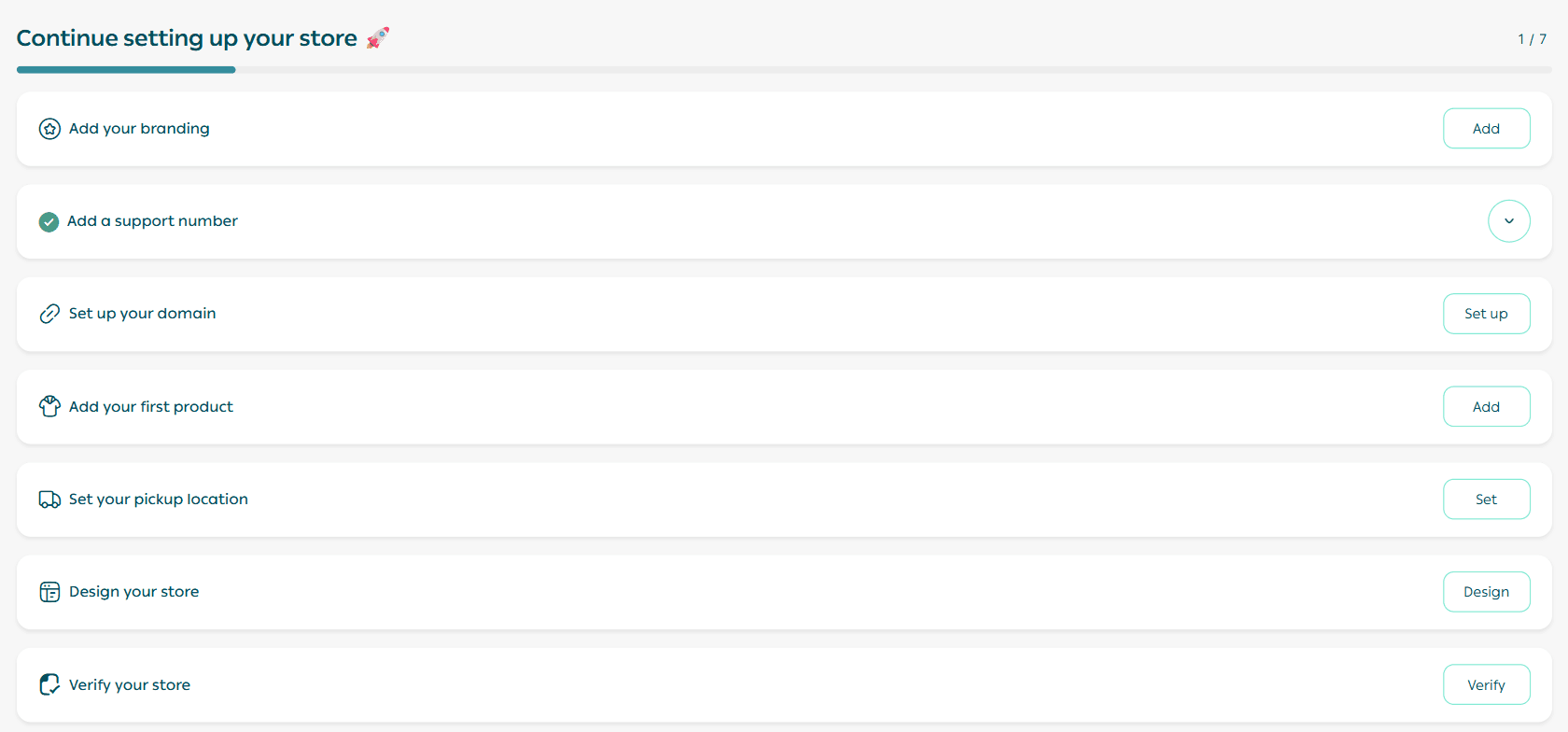
Store identity
Enter the key details that define your store, including:
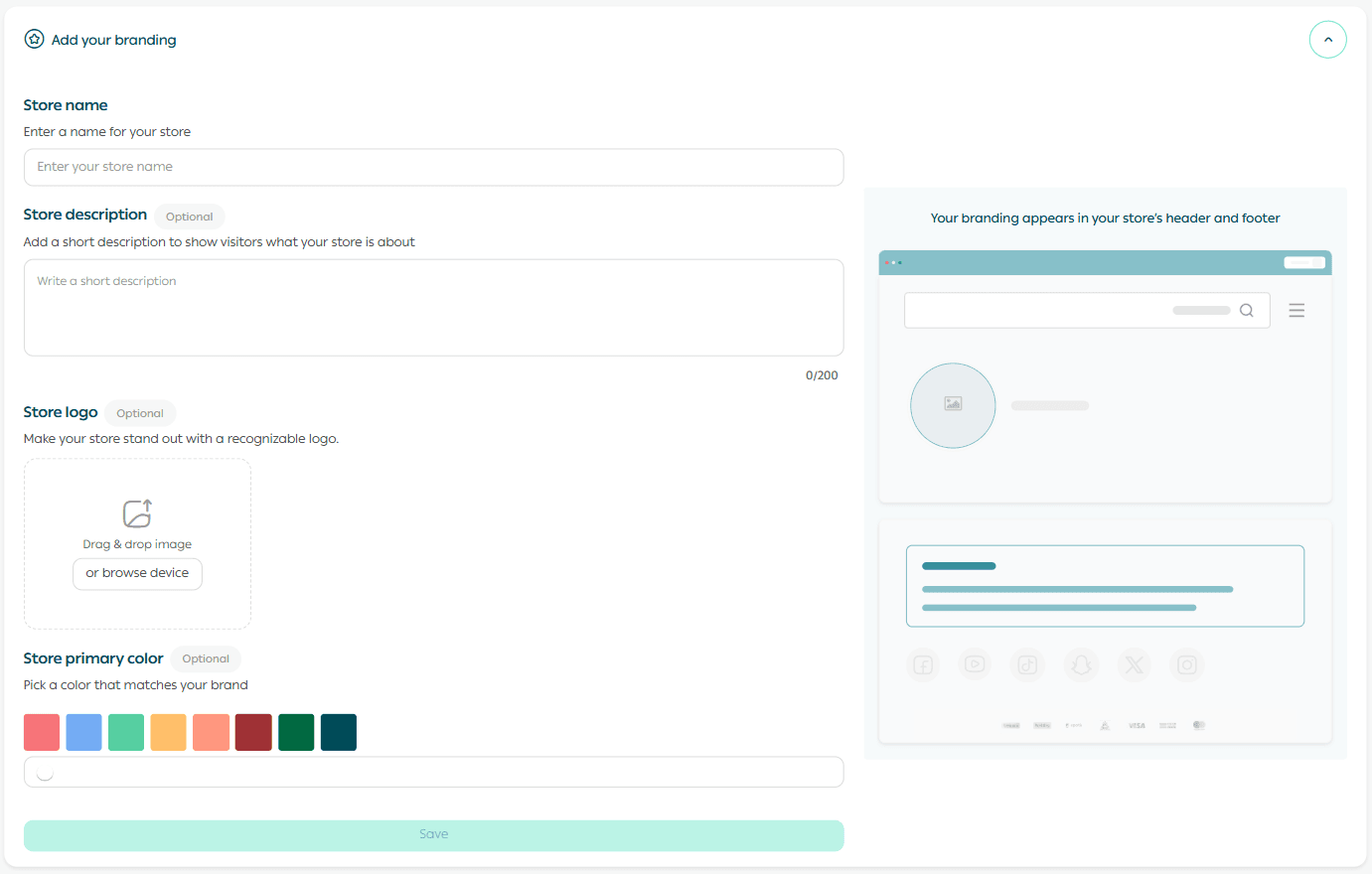
- Store name
This is the name customers will see.
Choose a name that is memorable, clear, and easy to search for.
- Store description (Optional)
A short summary that appears to visitors when they browse your store.
- Store logo (Optional)
Upload your brand logo to make your store instantly recognisable.
You can always update it later after launch.
- Store theme color (Optional)
Select a colour that matches your brand identity, then click Save.
Customer service channels
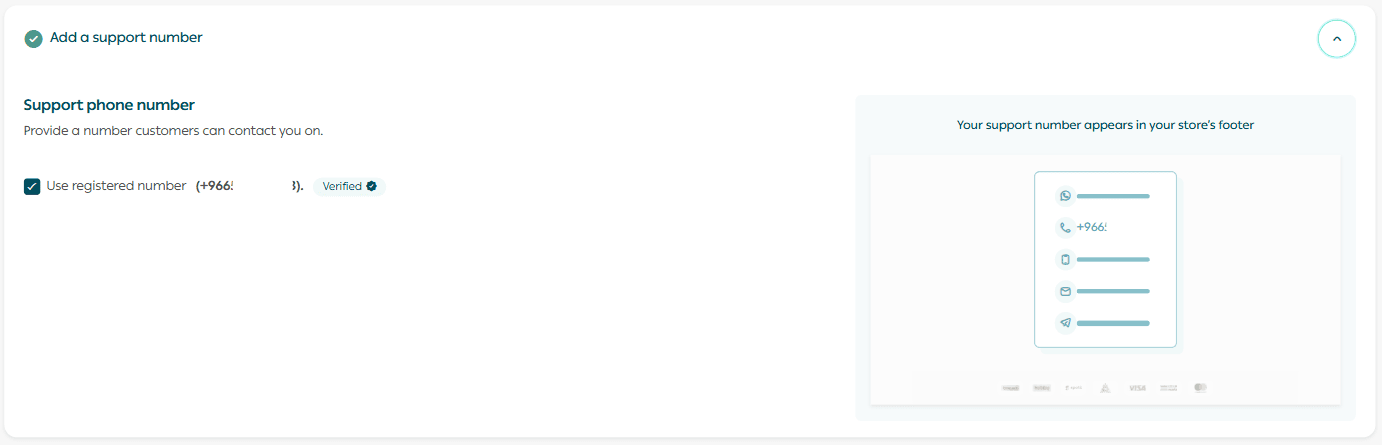
By default, Salla uses the same phone number you registered with when creating your account.
This number will appear at the bottom of your store for customers to contact you.
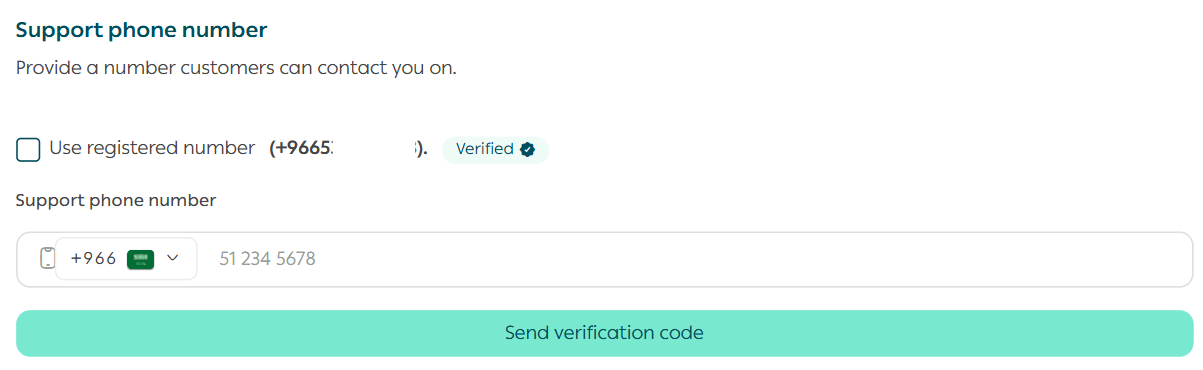
If you want to use a different support number, simply uncheck:
- “Use the same registered number.”
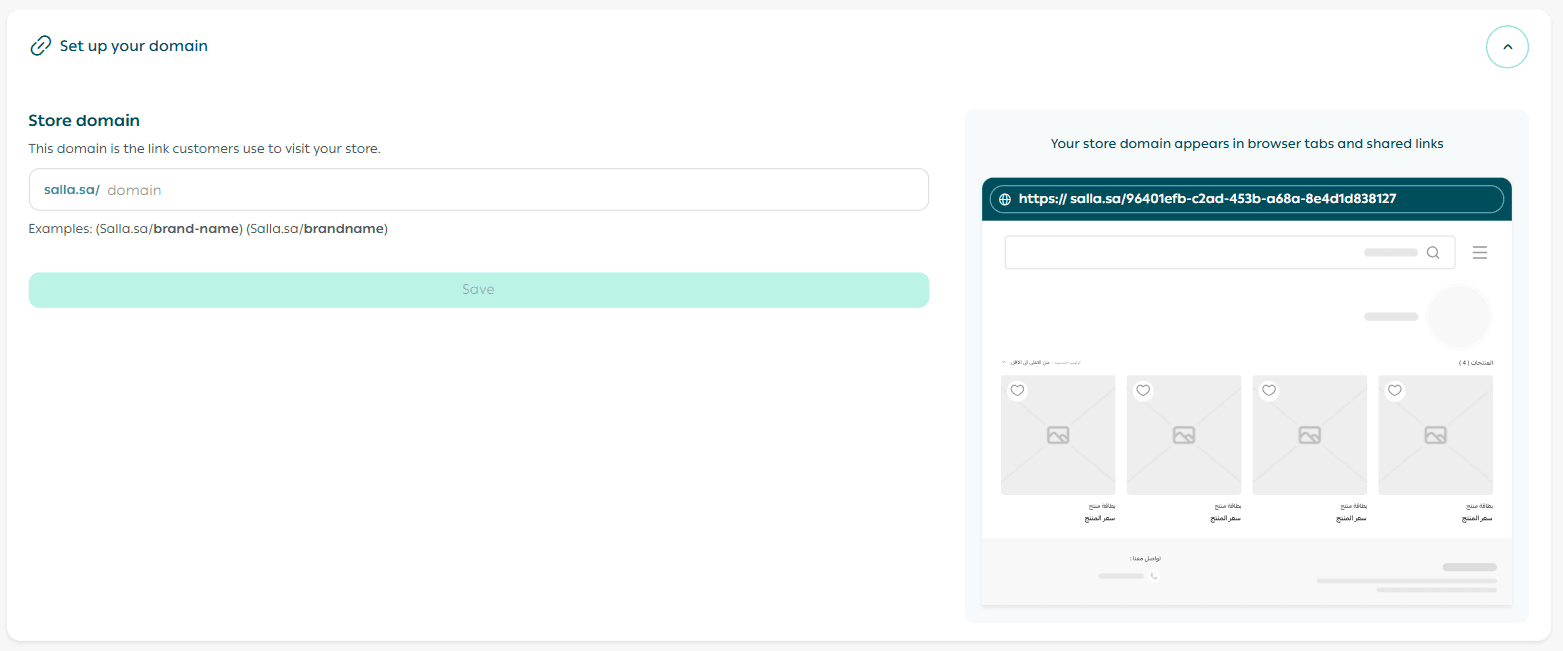
Store domain

Choose the link customers will use to access your store.
Enter a domain name that is short, professional, and easy to remember, then click Save.
Add your first product

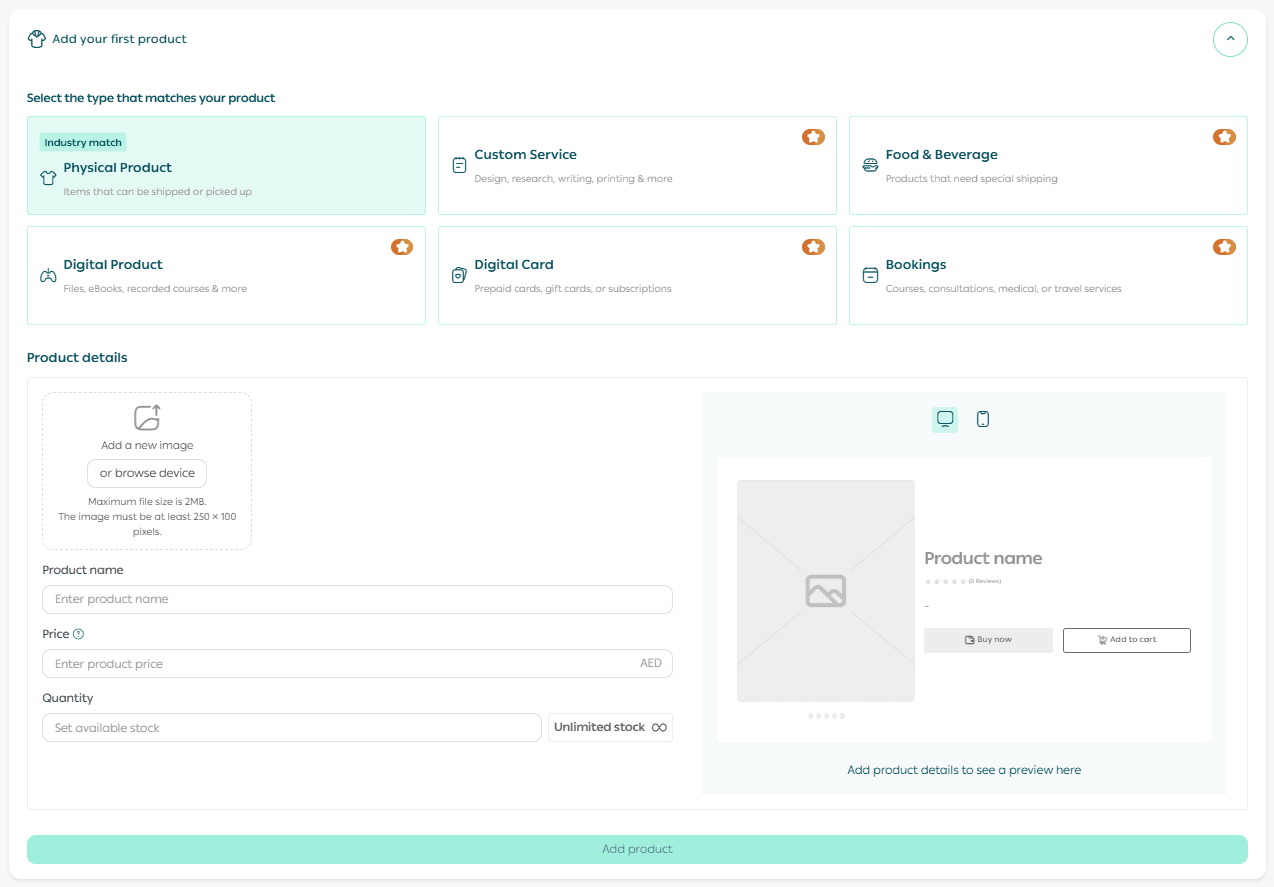
Now it’s time to add your very first product.
Select the product type that matches your business activity.
Then fill in the required details and click Add Product.
Set your shipping pickup location

Define your shipment pickup location by selecting it directly on the map shown on the page.
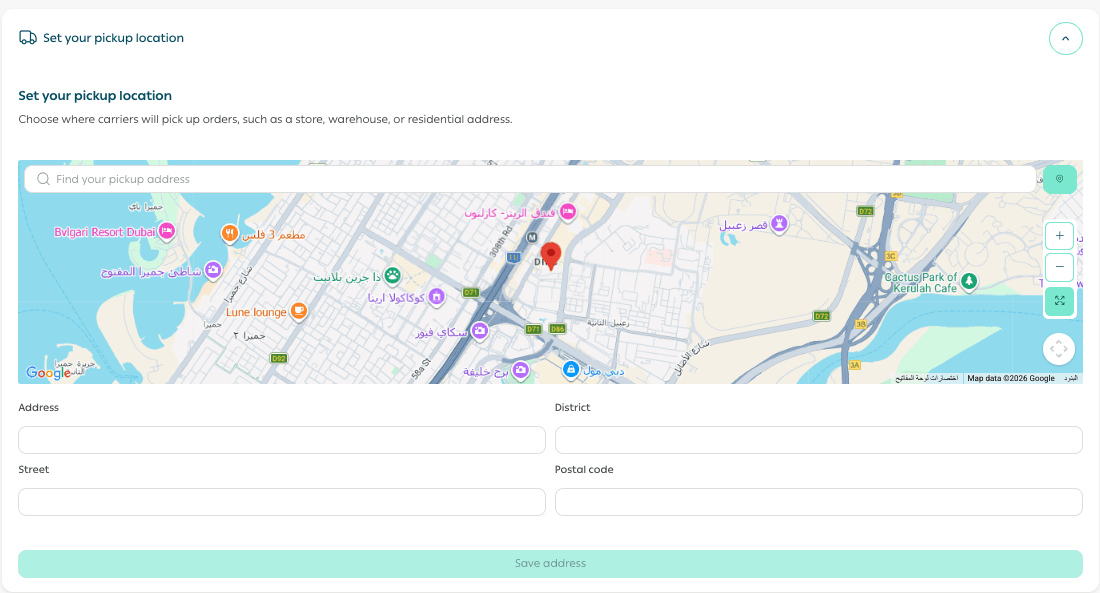
This ensures a smooth delivery setup with shipping providers.
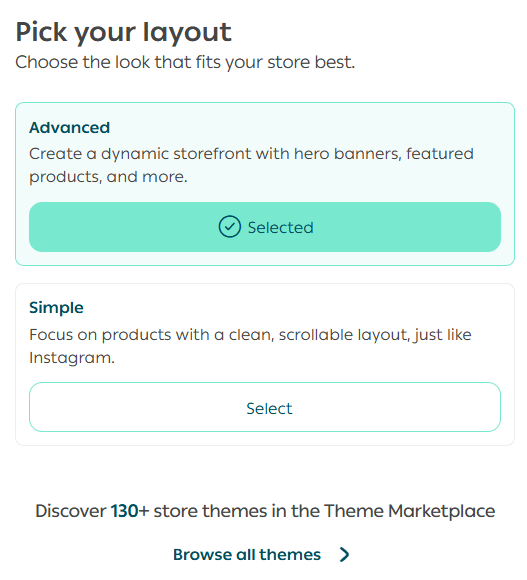
Store design
To complete setting up your store design, click (Store Design), and you will be redirected to the store design page.

It allows you to have full control over the template details and customize it according to your preferences.
Store verification

Verify your store to unlock the full capabilities of the Salla platform.
Store verification is essential to activate key services such as online payments and advanced features.
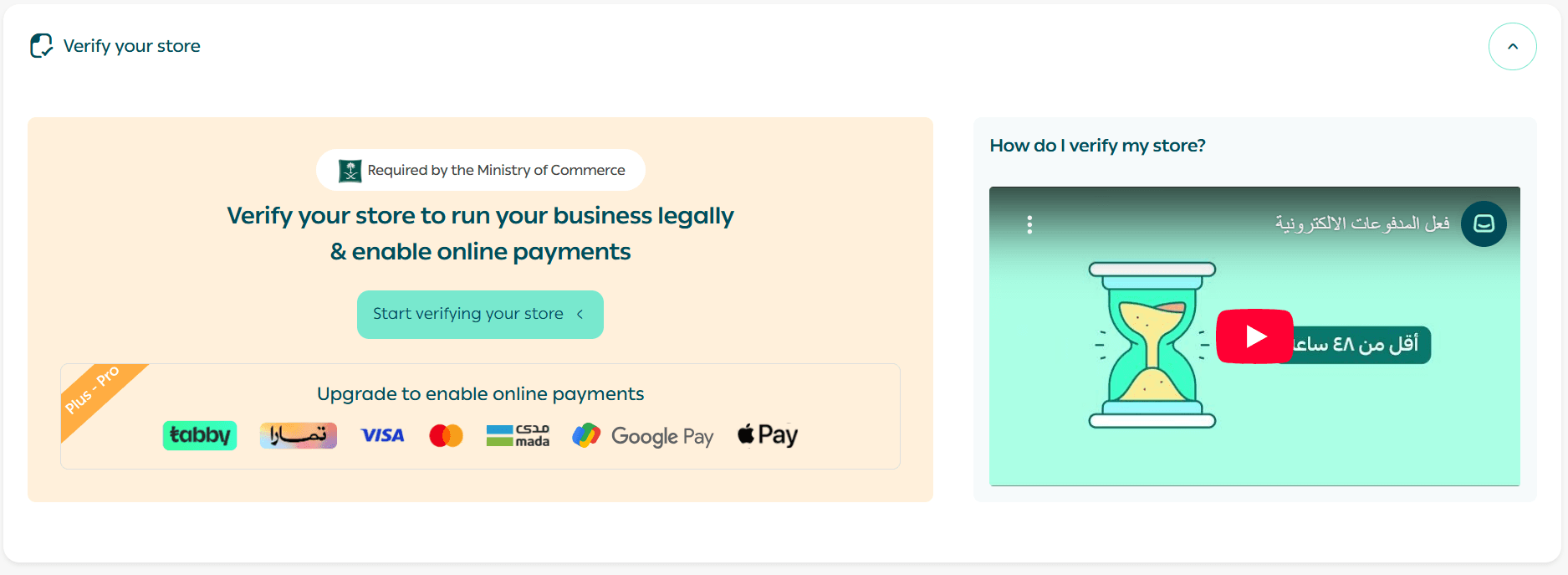
Read this help center article on verification to ensure your store is ready to operate confidently and professionally.
Frequently asked questions
How can I add all my stores to the login list?
If you manage multiple stores, you can add them easily:
- On the login screen, click + Add another account
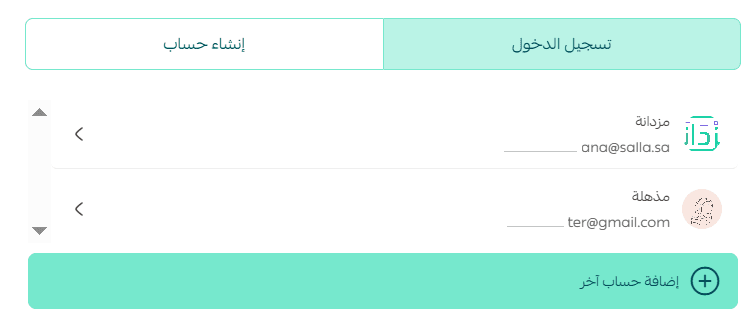
- Sign in to the store you want to add
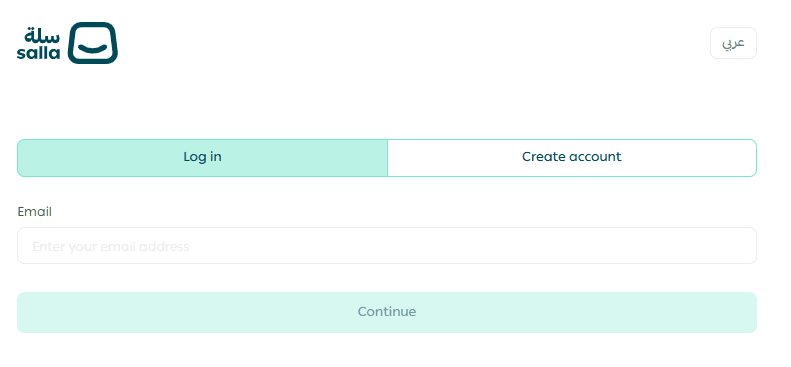
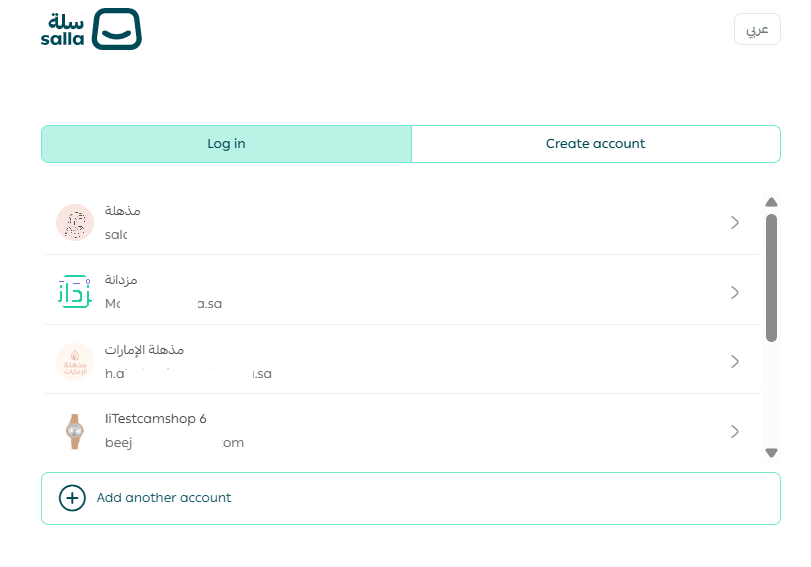
- Log out, and the store will appear in your login list
Do I need additional steps to activate online payment gateways?
Yes. To enable electronic payments, you must:
- Verify your store (required)
- Upgrade your plan to Salla Plus or Salla Pro
- Activate payment integrations
For more details, refer to the guide on managing payment methods and enabling online payments.
Can I connect or disconnect payment providers after registration?
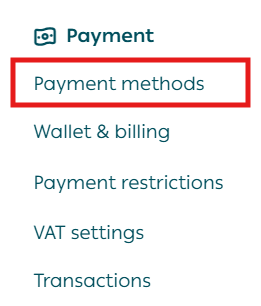
Yes. You can manage payment methods anytime:
- From your dashboard, go to All → Payment Methods
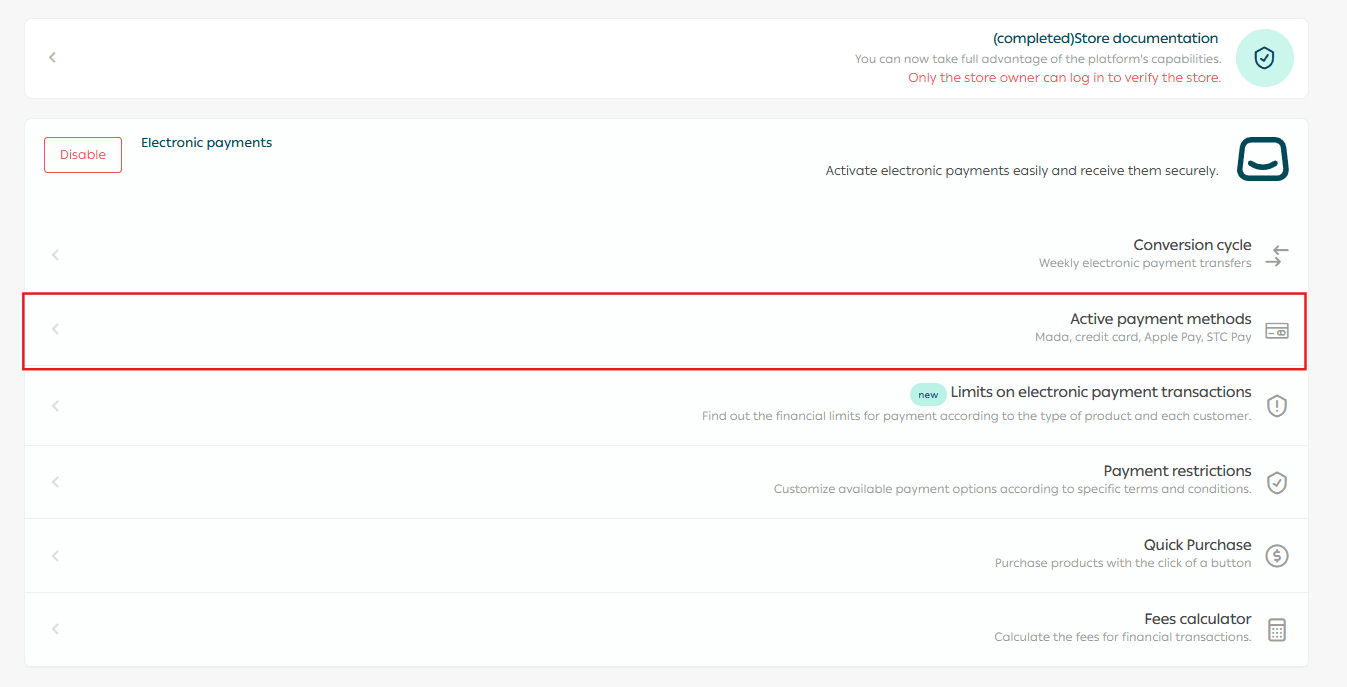
- Click Active Payment Providers
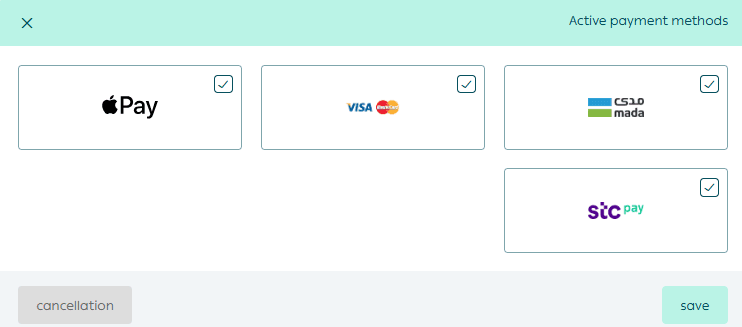
- Enable or disable providers as needed, then click Save
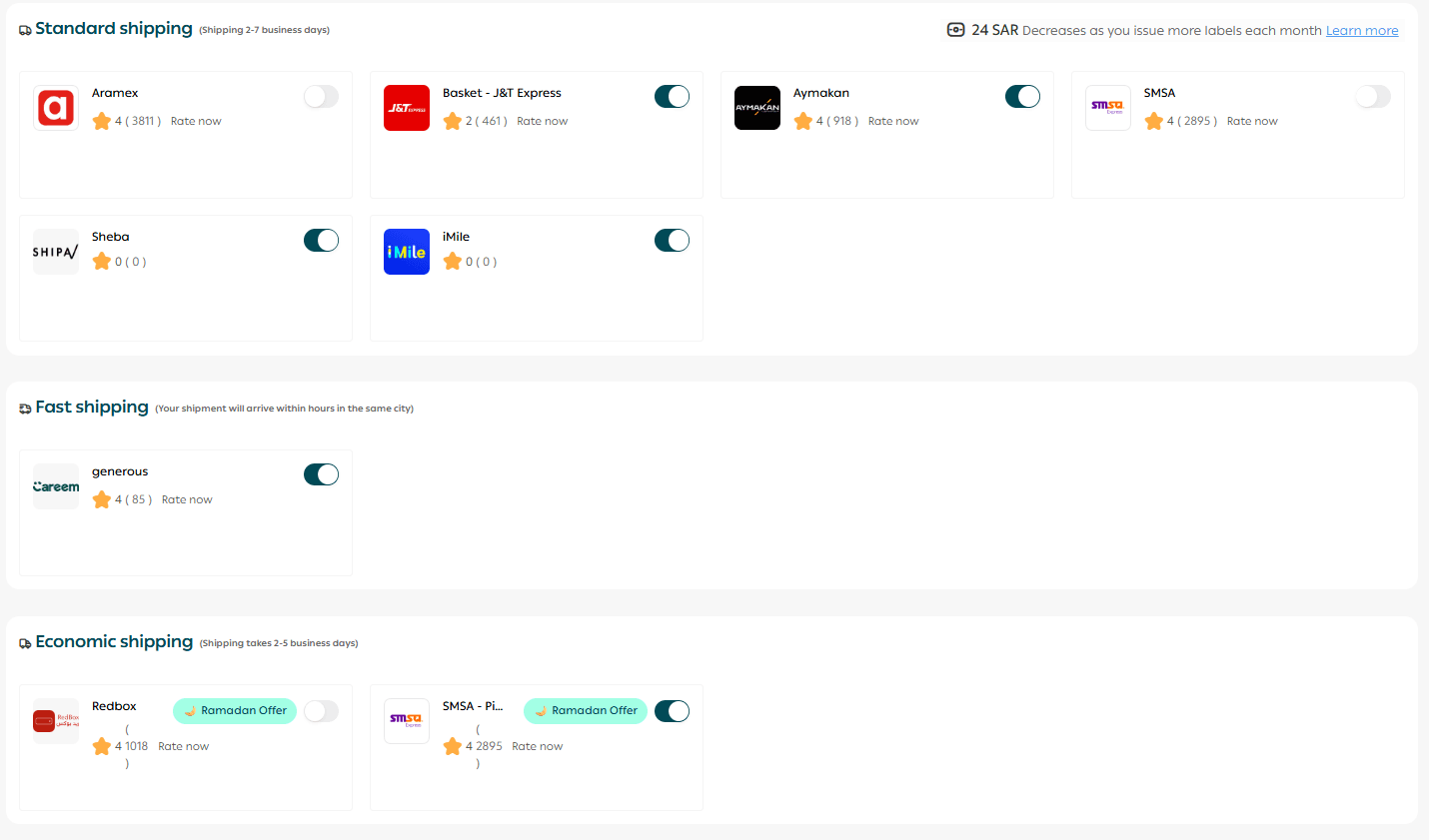
Can I connect or disconnect shipping companies after registration?
Yes. Shipping integrations remain fully flexible:
- From your dashboard, go to All → Shipping
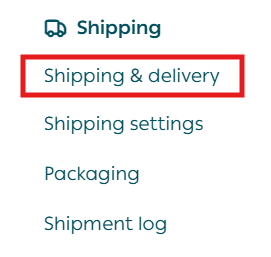
- Manage all shipping providers, delivery settings, and Salla shipping labels
What product types can I add in the Basic plan?
In the Basic plan, you can only add Ready Products.
To add other product types such as:
- Digital products
- Digital cards
- Food products
- Made-to-order products
- Product bundles
- Booking products
You’ll need to upgrade to Salla Plus or Salla Pro.
Merchant Services
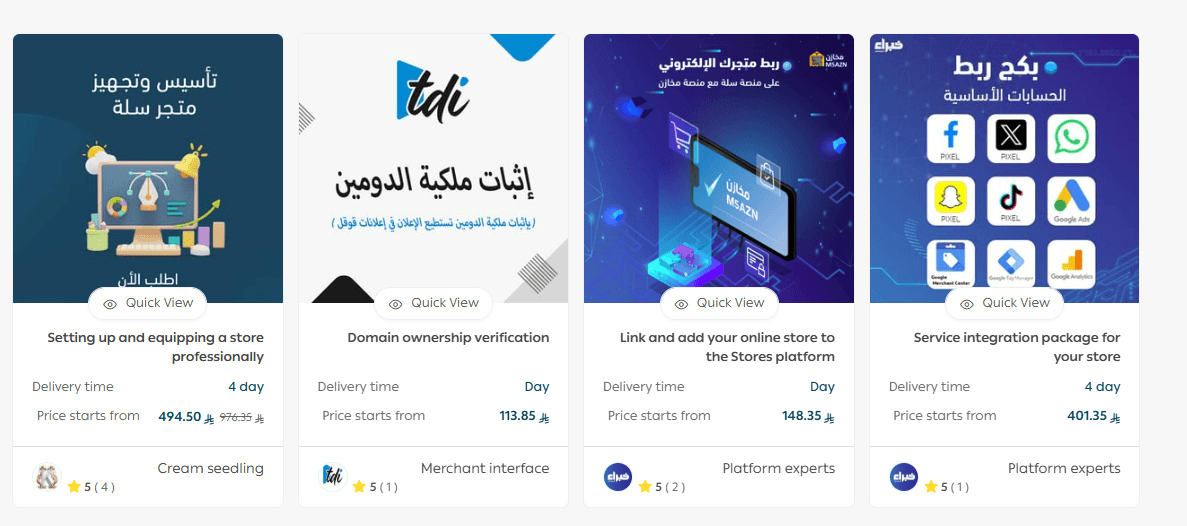
If you need professional help setting up your Salla store, adding products, activating payments, enabling shipping, or completing verification, you can benefit from Merchant Services.
This feature connects you with trusted third-party experts who can support your business setup efficiently.