Some customers may find it difficult to browse the store in a way that matches their country or currency.
The Multi-Market feature solves this by customizing the customer experience based on the selected market, ensuring that prices, currencies, and shipping options are accurately displayed for each customer.
Customers have several options when shopping from multi-market stores. The most important ones include:
- Selecting the market
When entering the store, the customer can select the market they want to shop from, based on how the merchant has configured product visibility across markets.

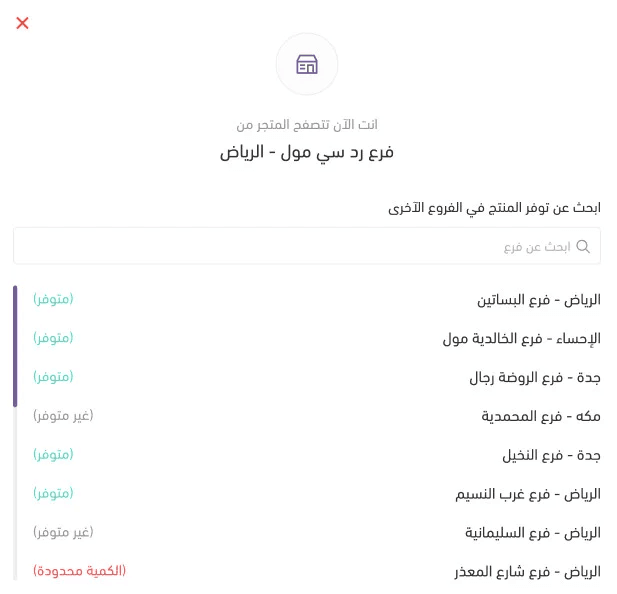
Then, the customer selects the branch they want to shop from and clicks (Confirm).

2. Choosing pickup from a specific branch
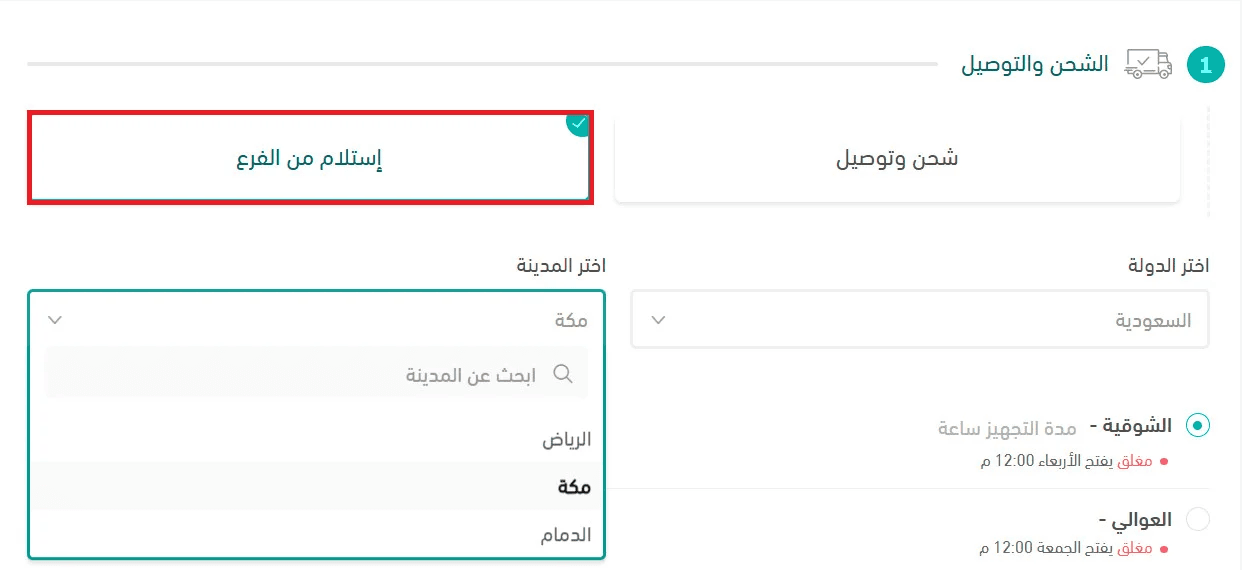
From the checkout page: The customer selects Pickup from Branch, then chooses the branch based on product availability and proximity.
3. Viewing multiple shipments in order details
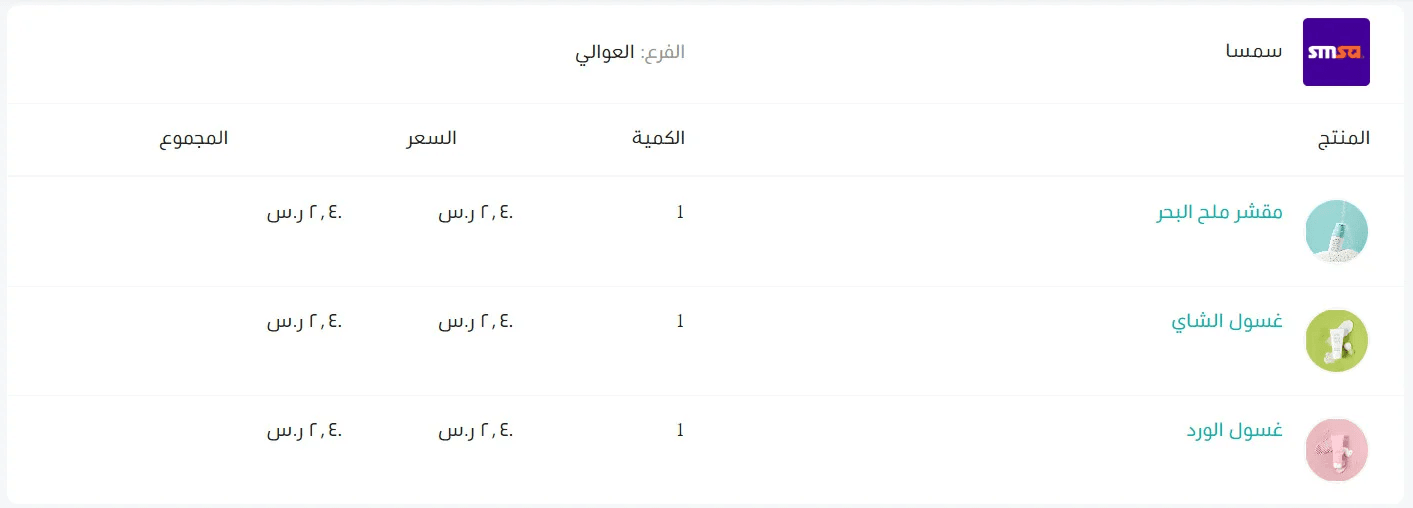
The shipments created for the customer are displayed in the order details page, including:
- Shipping company
- Branch
- Products
- Quantities
- Price
- Total
In addition to other details:
- Tracking number
- Shipping status / shipment tracking
4. Checking product availability
If the product availability check feature is enabled, the customer will see an option on the product details page to check product availability across branches / countries / cities.
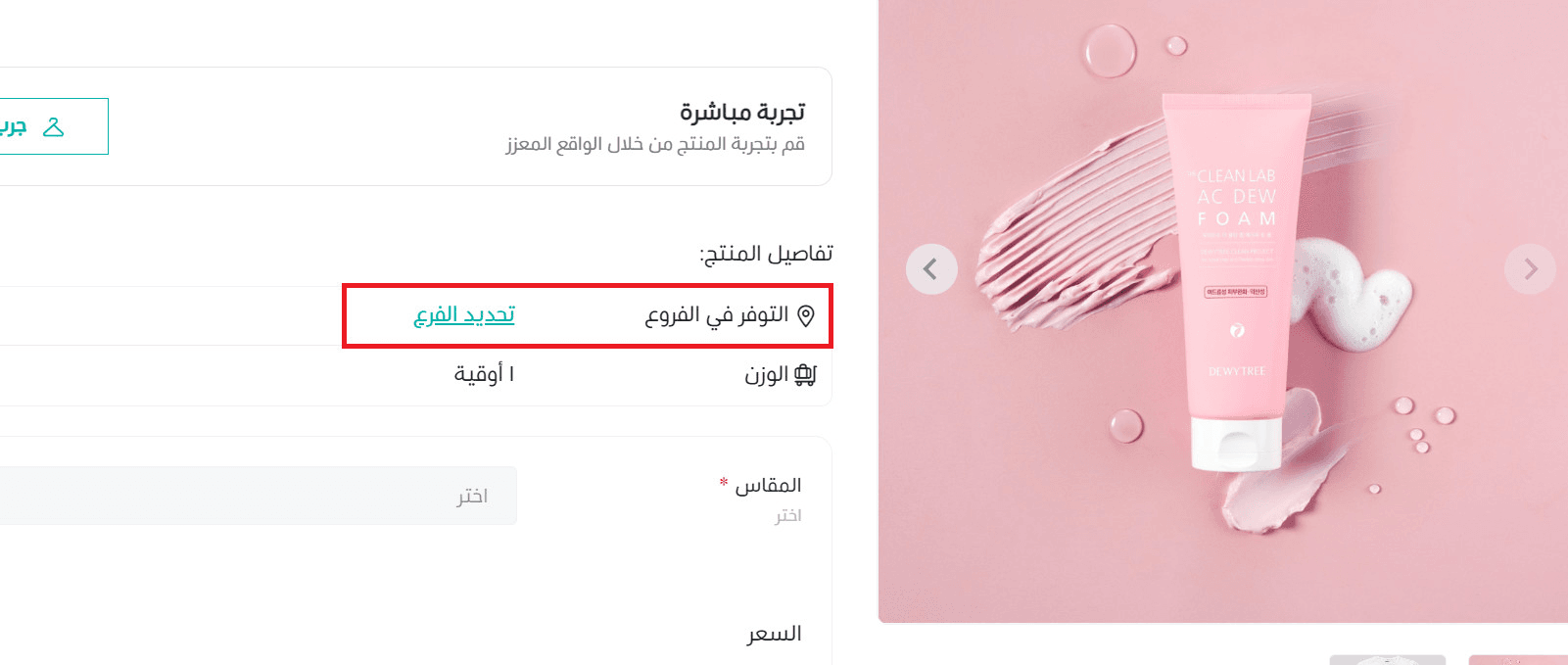
Then, the customer selects the branch where the product is available.