Stores on the Special plan that use an external domain connected via CNAME often need a professional email address. Previously, setting this up required multiple manual steps, which could delay activation and affect communication.
Now, you can easily activate your custom email using an AWS SES Token directly on the dashboard without needing to contact support.
Important: This feature is available only for Special plan stores using a custom domain connected via CNAME.
How it works
- From the main menu, go to: Store & Channels → Domain
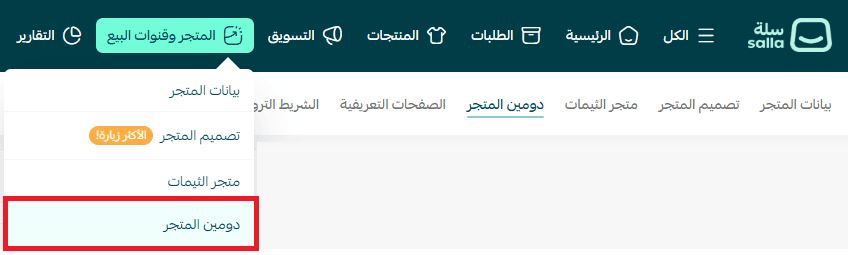
2. After connecting your domain via CNAME and activating it:
- Salla will automatically generate an AWS SES Token
- From the domain settings page, click: (Email Setup Details)
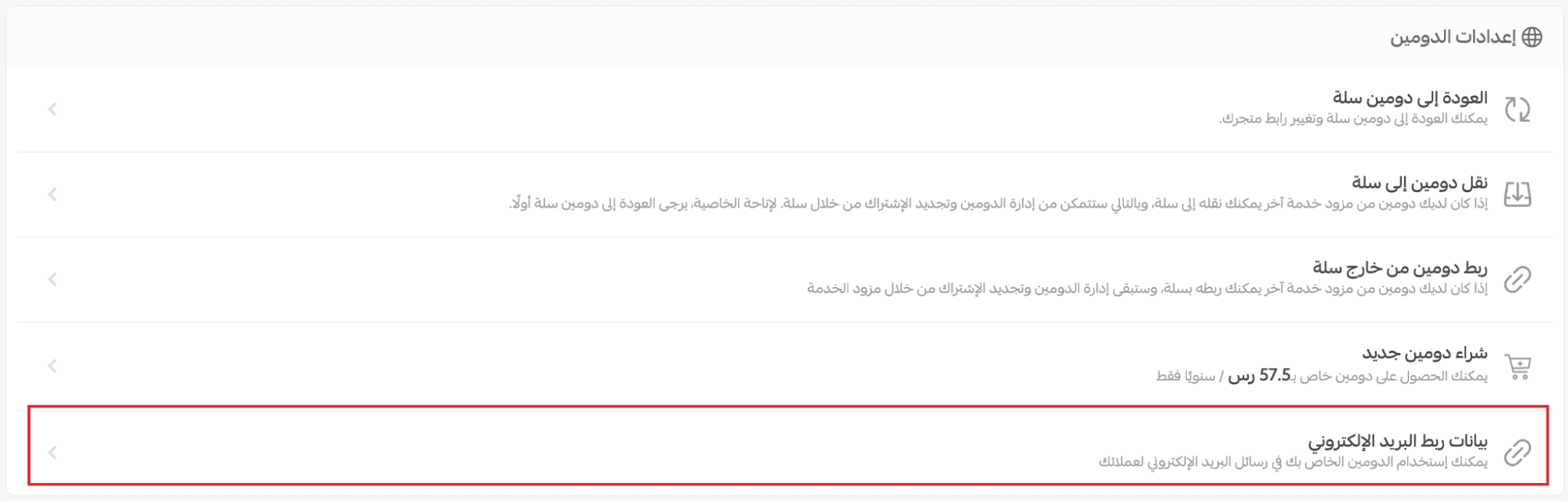
3. Click Copy Code
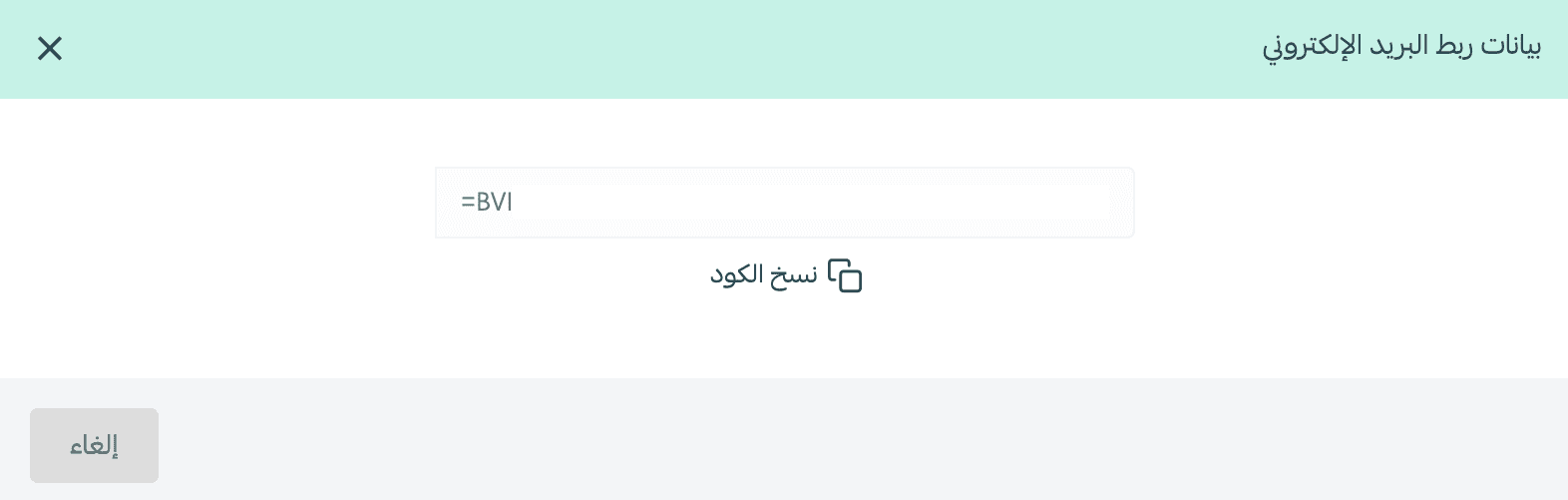
How to use the code
- Log in to your domain provider (e.g., GoDaddy, Namecheap, Google Domains)
- Open DNS settings
- Add a new CNAME record using the copied code:
- Host / Name: as provided by Salla (e.g., www)
- Value / Points to: the copied token
- TTL: leave as default
4. Save changes
The domain will be ready in approximately 24 hours
Important notes:
- After setup, your email will change from: no_reply@salla.sa → no_reply@yourstore.com
- Stores using domains fully managed on Salla will have this configured automatically without additional steps
Benefits
- Fast and seamless activation of a professional email
- Stronger brand identity and customer trust
- Better email deliverability and message management
- Ready for future domain and email enhancements