In a highly competitive market, having a great product isn’t enough; you need to reach the right customer at the right moment. With Google’s diverse advertising network, you can do exactly that with precision and measurable impact.
This guide walks you step by step through creating a Google advertising campaign via Salla, offering multiple ad formats that align with your marketing goals and help you achieve tangible growth for your business.
📌 Article overview
- Types of Google ads supported by Salla Ads
- Steps to create a new Google ad
- Frequently Asked Questions
Google Ad Types Supported by Salla Ads
Salla Ads supports two main Google ad formats, each designed to achieve different marketing objectives:
🔍 Search Ads
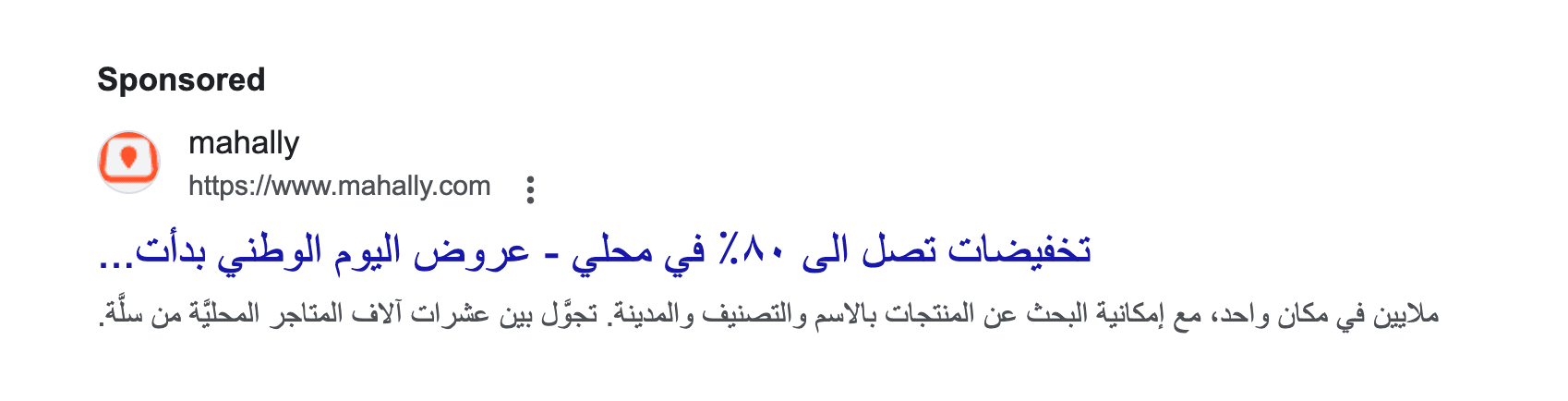
- Placement: Google search results pages
- User intent: High purchase intent or direct interest
- Ad format: Text-based ads
- Best for: Immediate performance and conversions
🖼️ Display Ads
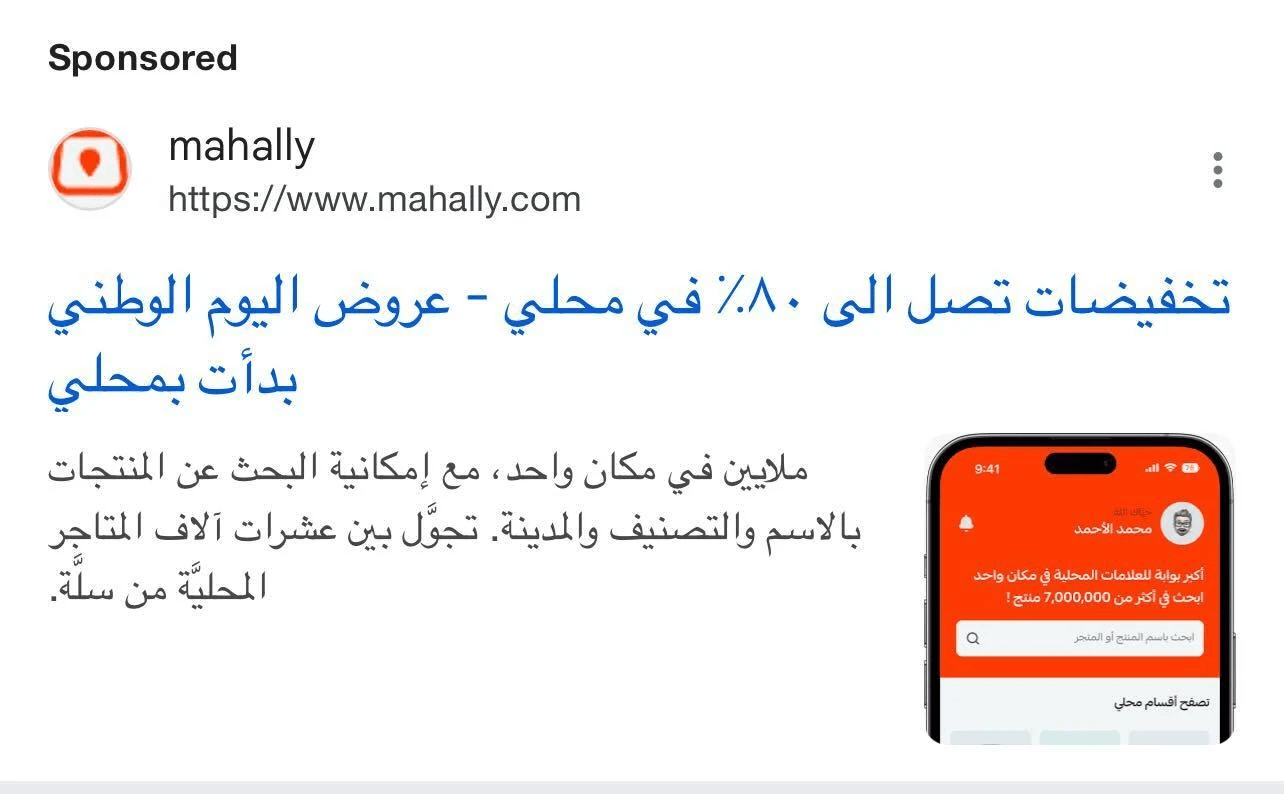
- Placement: Google partner websites and mobile apps
- User intent: Broader targeting based on interests and behavior
- Ad format: Visual (images and banners)
- Best for: Brand awareness and long-term visibility
🎯 Tip: If you’re looking for quick results from users with clear intent, start with a Search campaign. If your goal is brand awareness and wider reach, a Display campaign is the better choice.
Steps to Create a New Google Ad
- From the Salla Ads page, click + Create Ad.
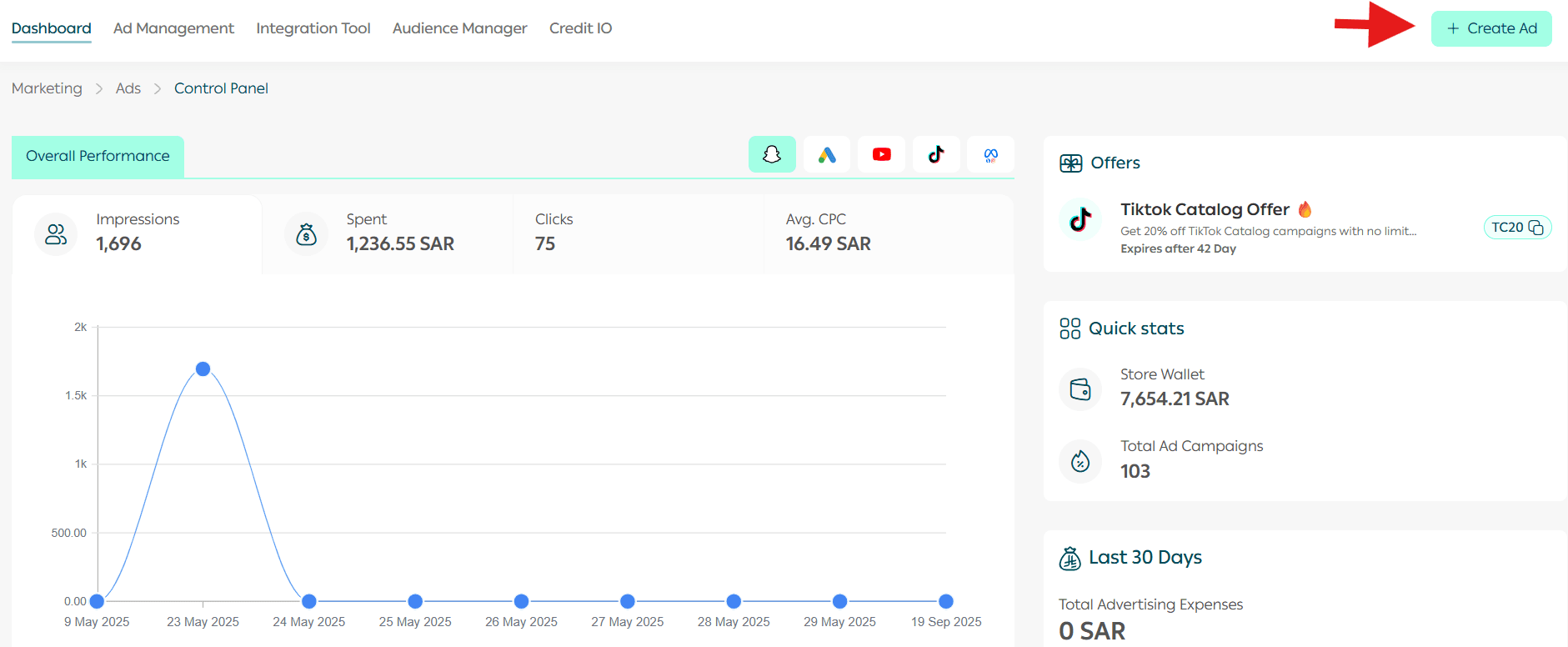
2. Select Google as the advertising platform.
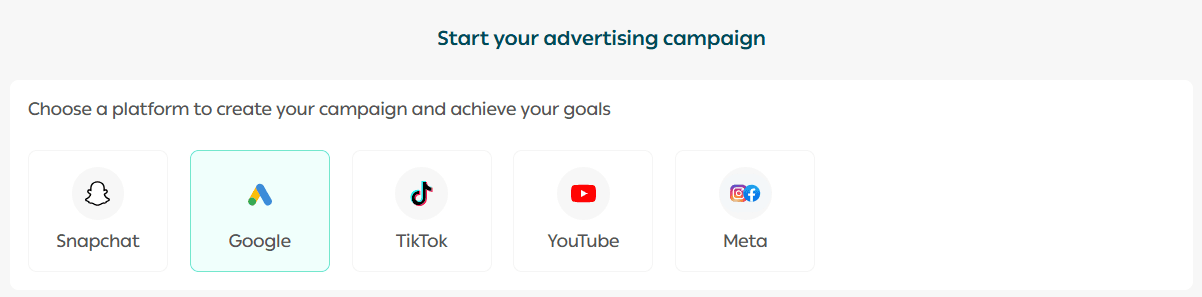
3. Choose a campaign objective that suits your goals, then click Create Ad.
You can choose between:
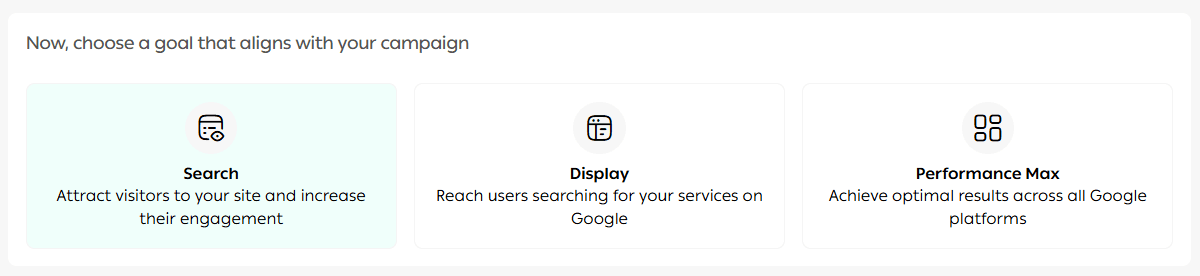
- Search Campaign
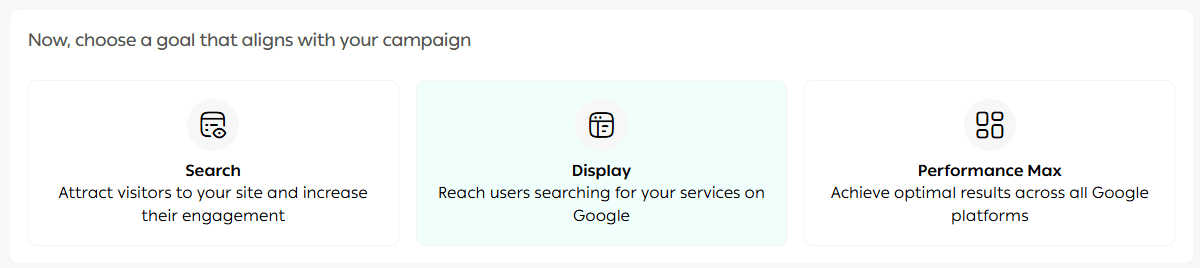
- Display Campaign
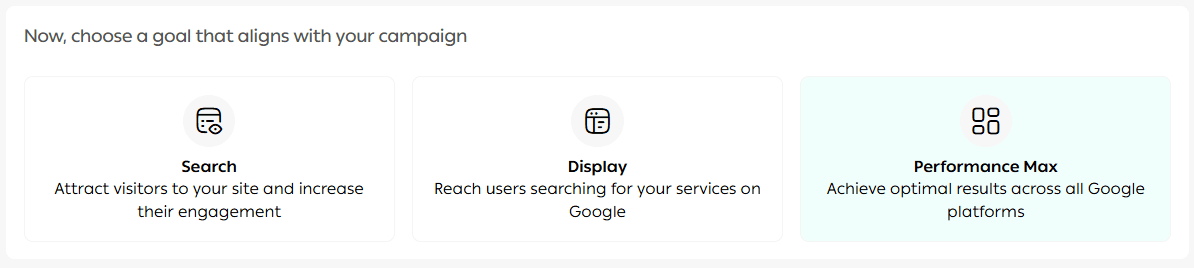
- Performance Max
🎨 Design Your Campaign
4. Start building your campaign by setting up the ad design:
- Enter a short, clear campaign name.
- Select the desired conversion actions.
- Preview your ad in real time using the preview panel.

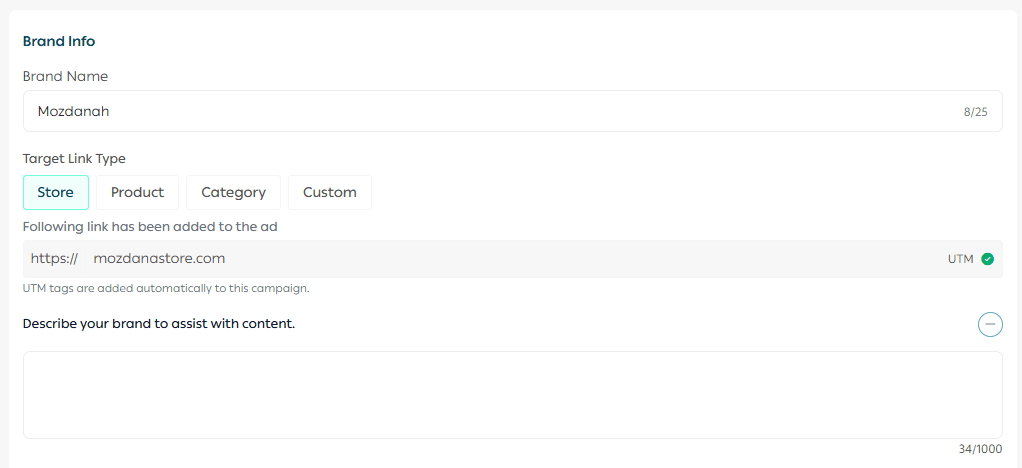
Enter your brand name and the destination URL.
✍️ Ad Copy Setup
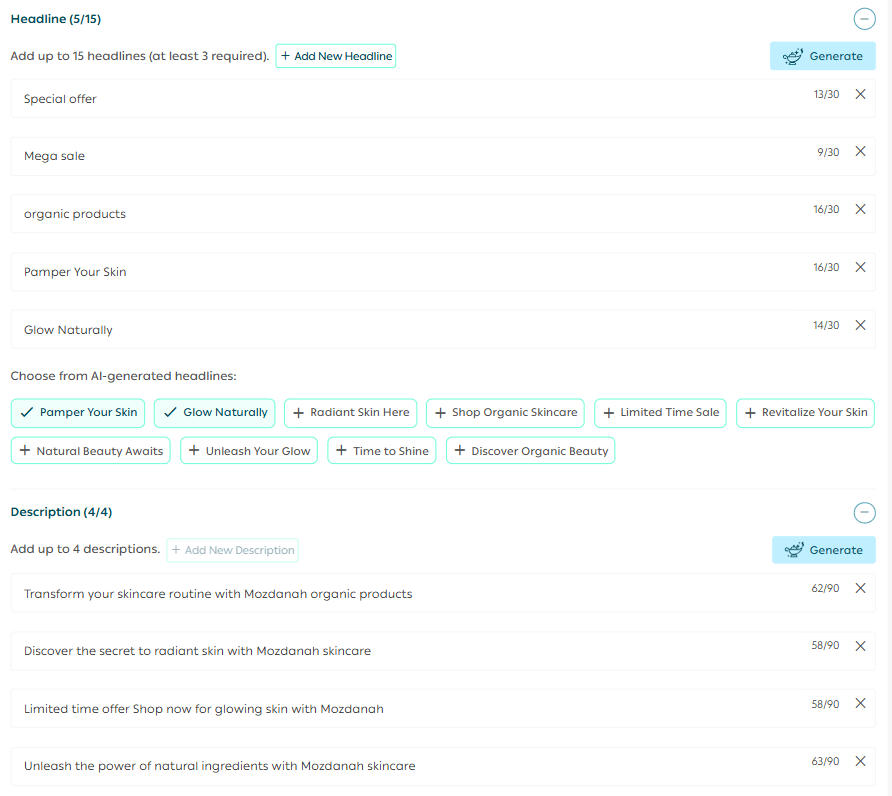
Add your ad text as follows:
- Up to 5 headlines, each with a maximum of 30 characters
- Up to 5 descriptions, each with a maximum of 90 characters, encouraging users to take action
You can also use AI-powered suggestions to help generate headlines and descriptions.
📍 Define Your Target Audience
5. Set your target audience by:
- Choosing the location (country, region, or custom geographic area)
- Defining demographic attributes such as age and gender
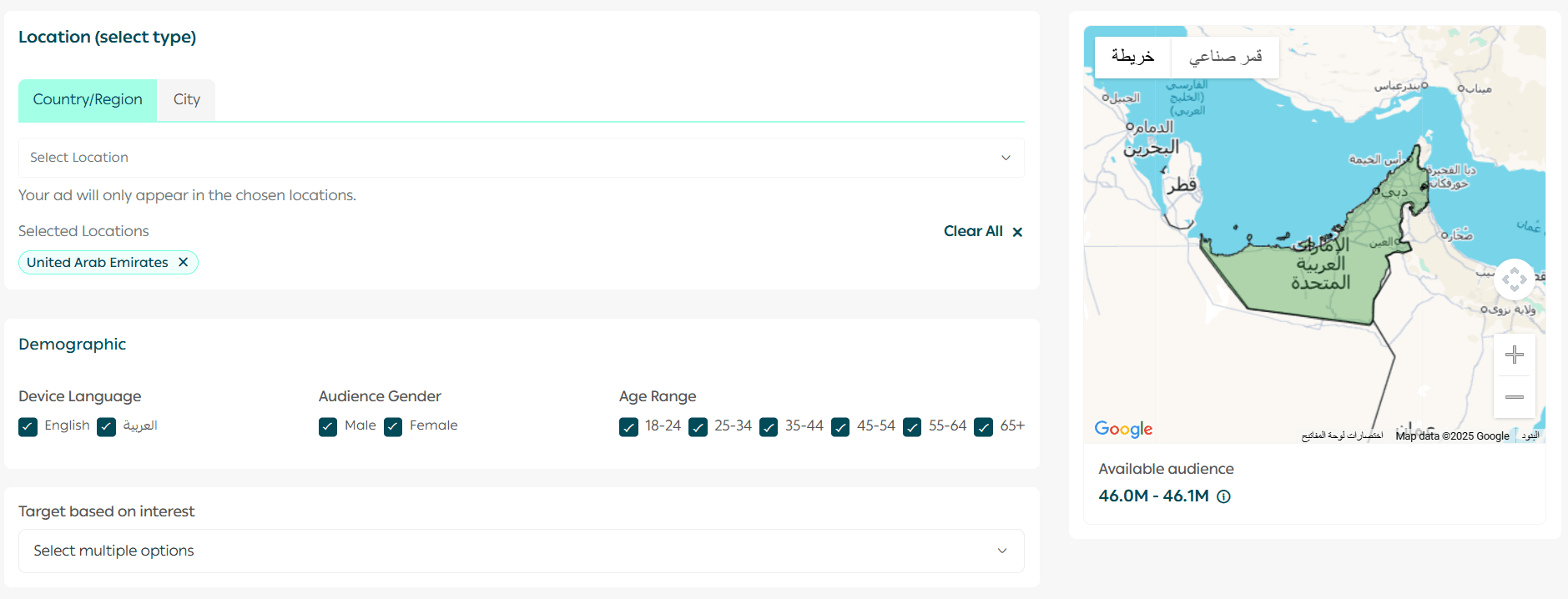
This ensures your ads reach the most relevant audience.
⚙️ Asset & Keyword Setup
6. In the asset setup step, you’ll need to:
🔑 Select Keywords
- Enter at least 10 keywords for the campaign
- Use Salla AI to discover and add relevant keywords
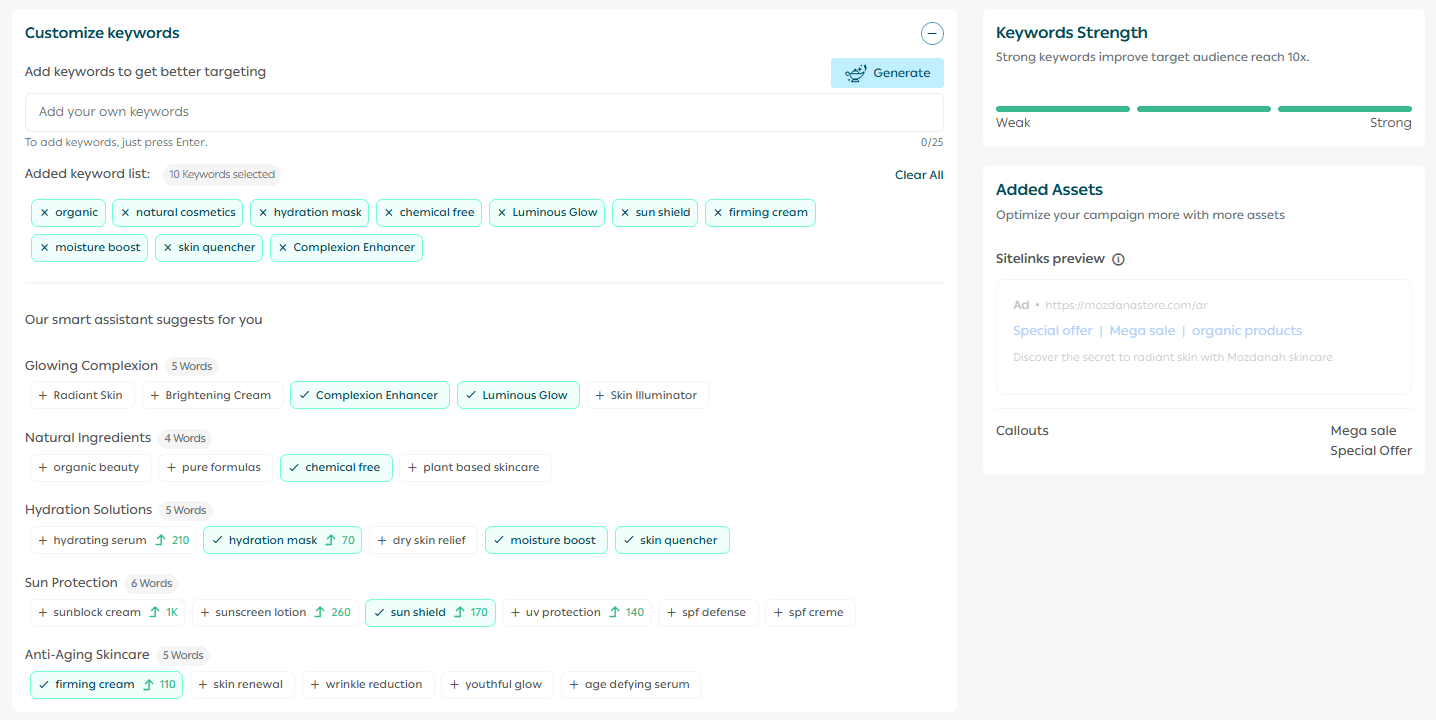
You can choose to use broader keyword matching for wider reach.
🤖 Smart Bidding
Google’s Smart Bidding utilizes AI to analyze user behavior, timing, location, and device type, optimizing bids in real-time to help you increase clicks or conversions without manual adjustments.

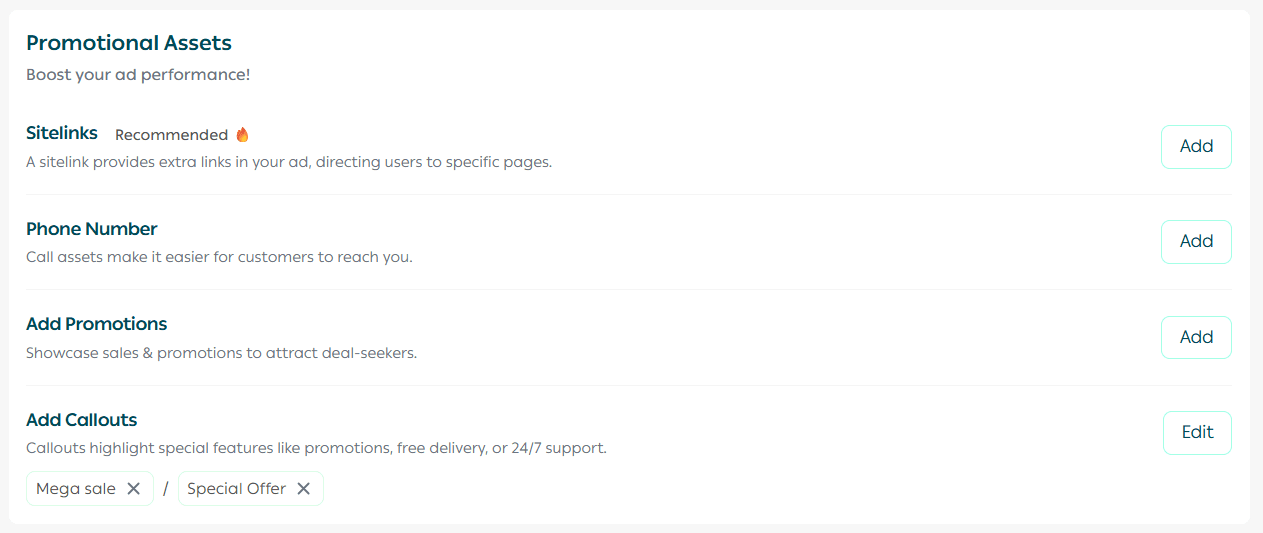
Add any required promotional assets, then click Next.
💰 Set Your Campaign Budget
7. Define your campaign budget by selecting:
- Campaign duration
- Bidding strategy (CPC – Cost Per Click)
You can choose between:
- Automatic CPC: Google determines the optimal cost per click
- Manual CPC: Set a fixed CPC between SAR/AED 1–30 per click
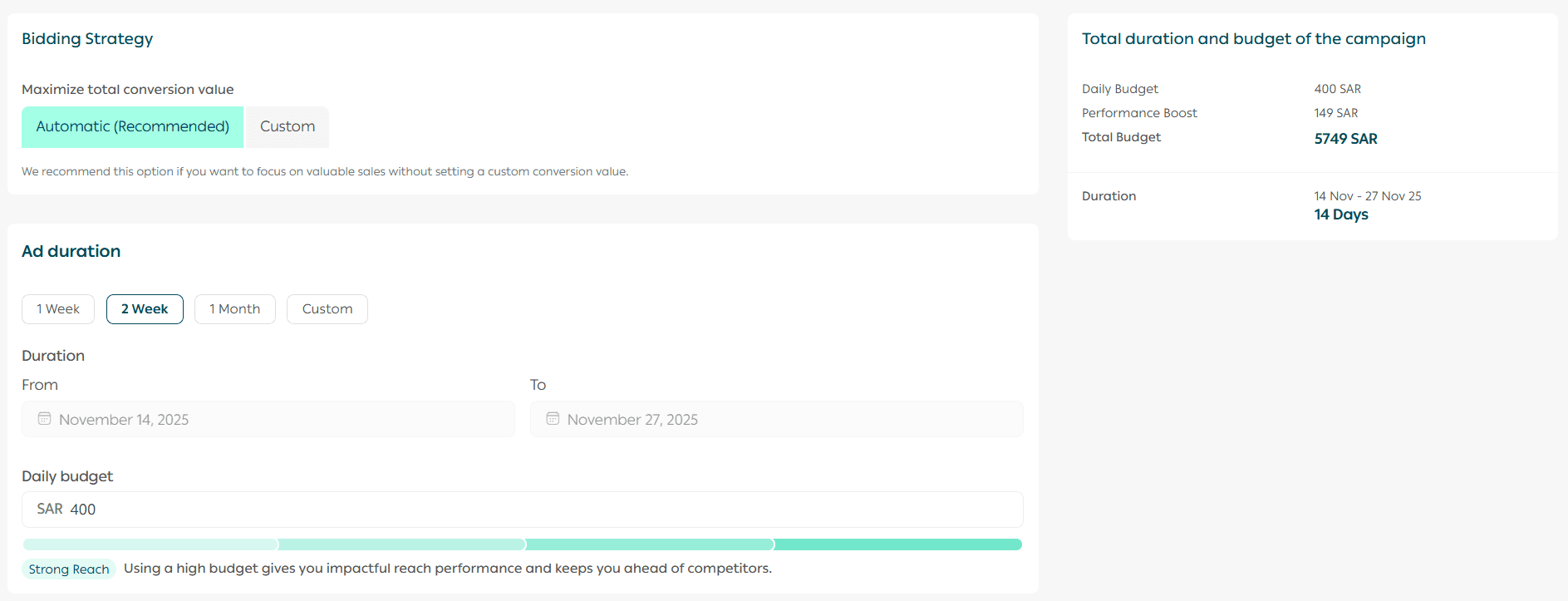
You may also enable Salla Ads optimization, allowing the Salla Ads team to apply best practices for content and keywords to enhance performance.

Finally, review all campaign details before launching.
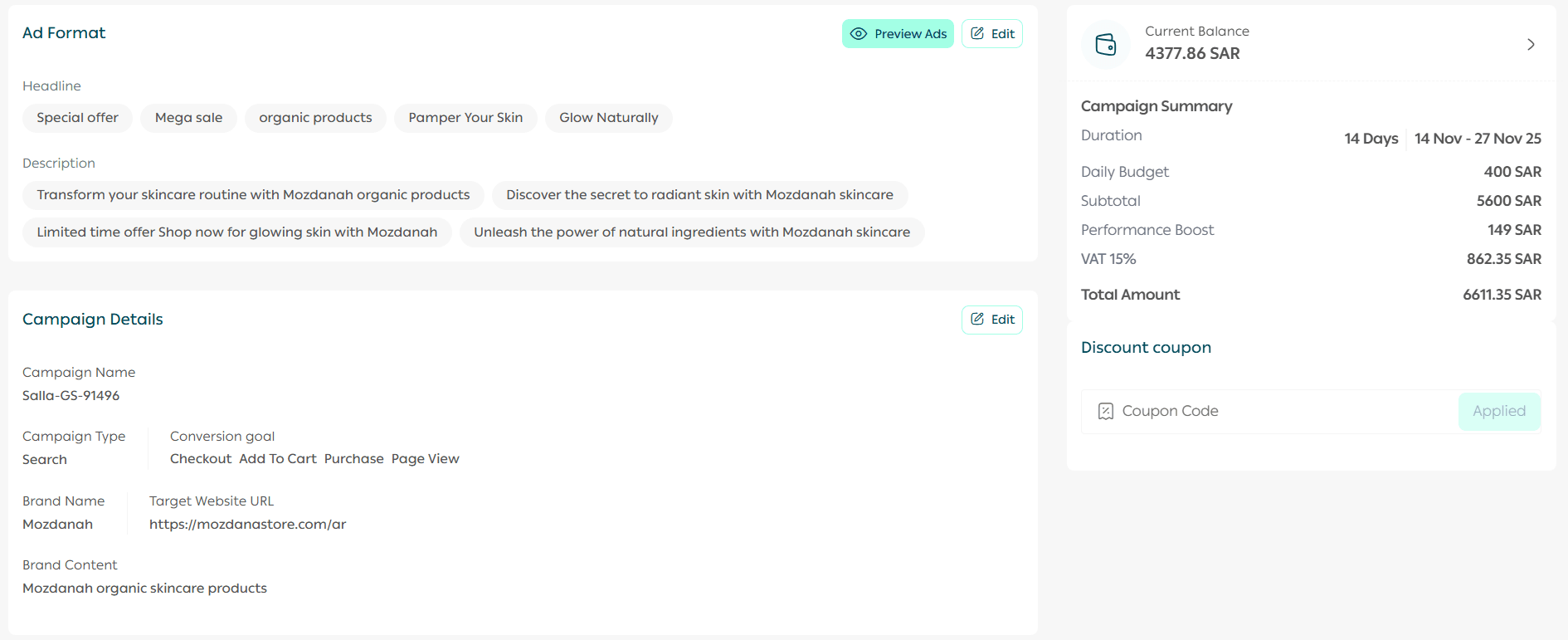
🚀 Launch Your Campaign
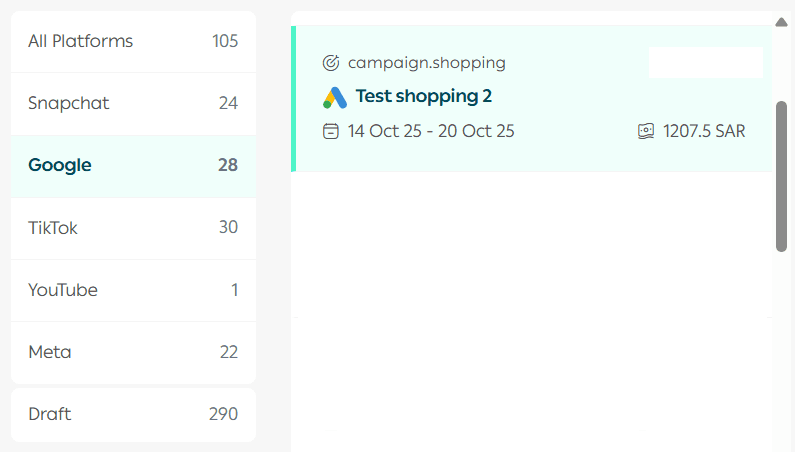
Once submitted, your Google campaign will appear under the Ads Management tab.
Frequently Asked Questions
How are ads displayed on the Google Display Network?
Display campaigns show visually engaging ads across the Google Display Network, reaching users while they browse millions of websites and mobile apps, helping you stay visible throughout their online journey.
When is the campaign budget refunded if the campaign is canceled or rejected?
- The amount is refunded immediately if the campaign is canceled before launch or rejected by Salla Ads
- The amount is refunded within 24–48 hours if the campaign is canceled after launch
Start your Google advertising journey today with Salla Ads and connect your products with customers exactly when they’re searching for them 🚀