Salla gives you access to a complete shipping label archive, making it easy to track shipments, review label details, and quickly find the information you need using filtering and search tools.
In this article, you'll learn how to access the shipping label archive, view labels issued through different shipping providers, and manage shipping label records more efficiently.
📌 In this article
- View the shipping label archive
Frequently asked questions about shipping labels
🔎View the Shipping Label Archive
Method 1: From the shipping company settings
1. From the main menu, click All, then select Shipping companies.
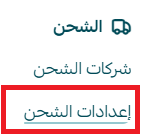
2. From Shipping and delivery options, enable the shipping company you want to use.

3. To view shipping labels for a specific carrier, click Shipping label archive.

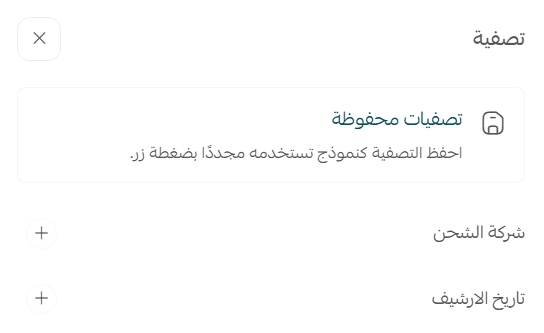
4. On the Shipping Label Archive page, click Filter.

5. Select the filters and sorting options you want to apply.
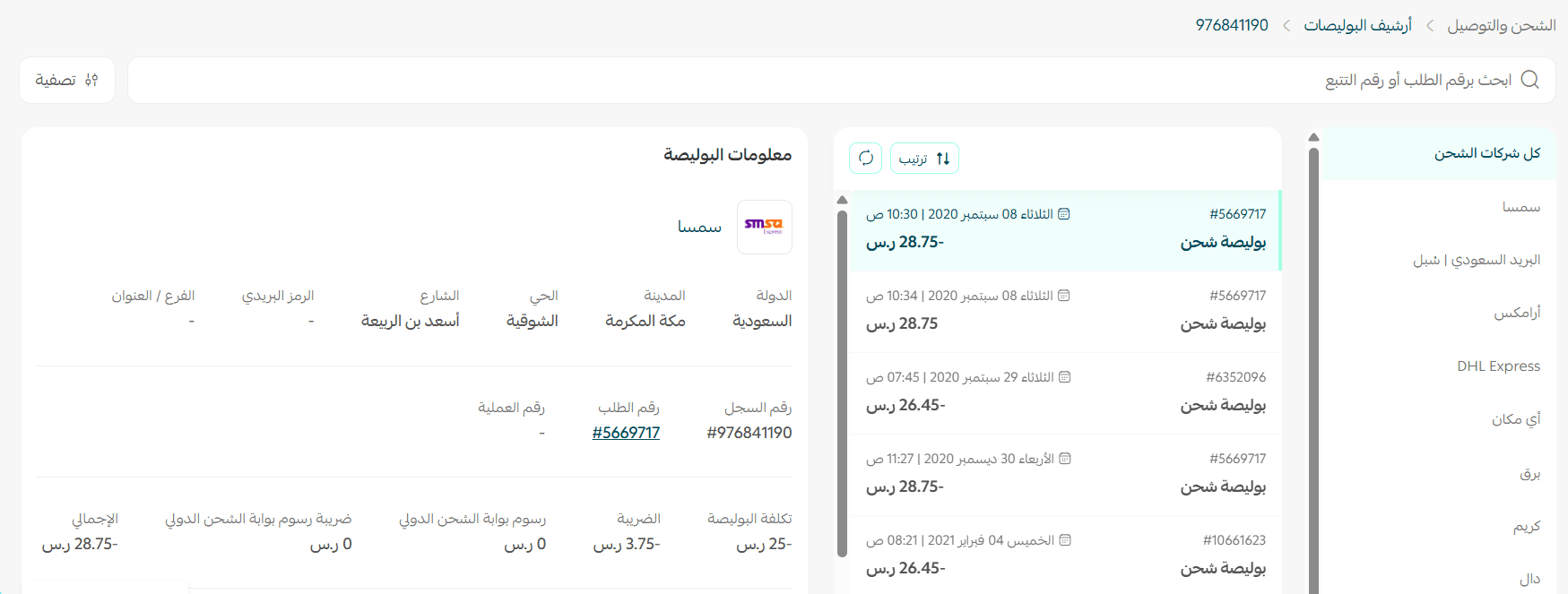
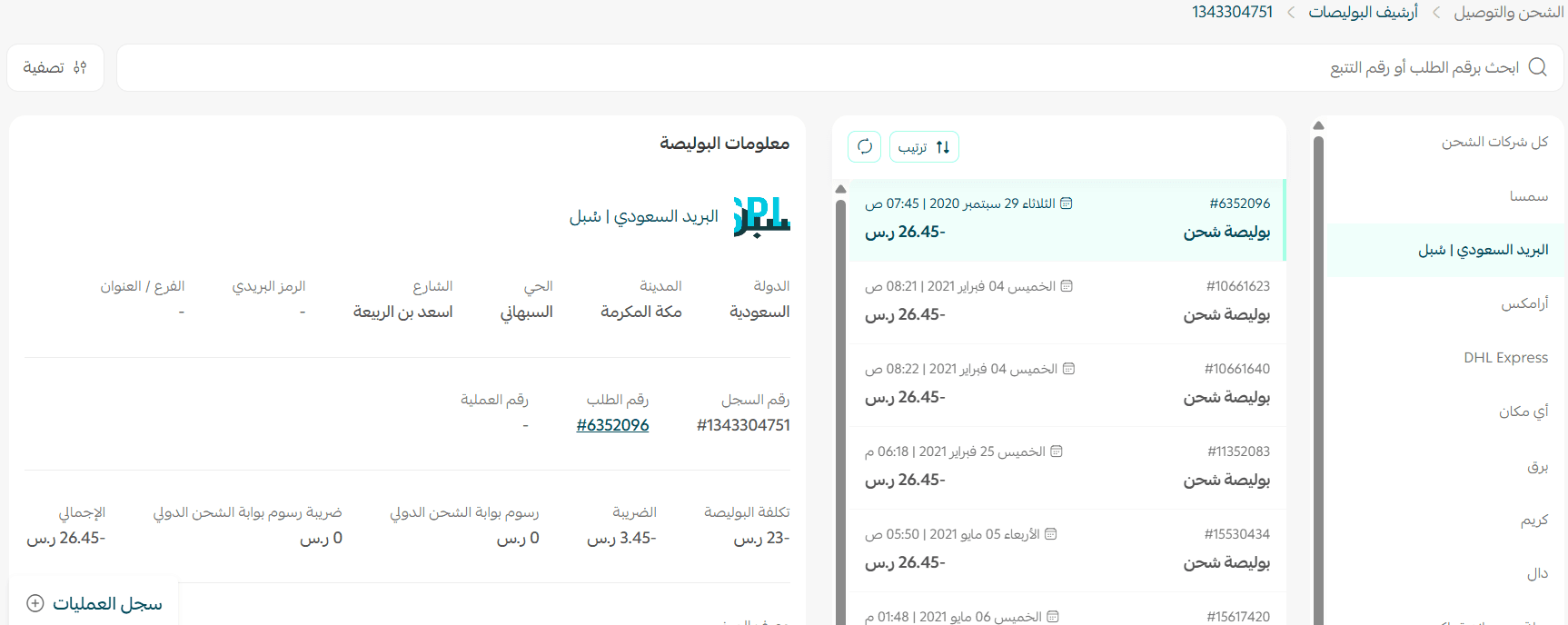
Example: Display shipping labels issued through SMSA.
Method 2: From the Salla Shipping Label Archive
1. From the main menu, click All, then select Shipping label archive.
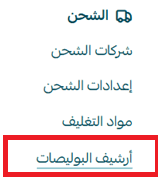
A table will appear showing all shipping labels issued across all supported shipping providers
Frequently Asked Questions
Which shipping companies support shipping labels?
Shipping labels are currently supported by:
- Aramex
- DHL
- SMSA
- Aymakan
- RedBox
- Adwar
- Careem
- J&T
For more information, see:
- Connect Aramex
- Connect SMSA
- Connect DHL International Shipping
- Connect Aymakan
- Connect RedBox
- Connect J&T
- Connect Adwar Refrigerated Shipping
- Connect Careem
How can I temporarily disable a shipping company?
From the shipping company settings page, under Shipping and delivery options, enable or disable the Hide shipping company from checkout page option

?What are Salla shipping labels
Salla shipping labels are shipping services offered to merchants through selected shipping partners in Saudi Arabia at exclusive rates negotiated by Salla
?How do I purchase shipping labels
Shipping labels are not purchased individually.
Instead, shipping label charges are deducted directly from your store wallet balance.
How do I use shipping labels for orders?
To issue shipping labels, make sure your store wallet has sufficient balance to cover the shipping label charges.
For more information, see Wallet & billing
?What happens if my wallet balance is lower than the shipping label cost
When you attempt to issue a shipping label, the system will check your available wallet balance before processing the request

How are customs duties and additional international shipping fees handled with DHL?
Any customs duties or additional charges are settled through your store wallet balance.
Where can I view shipping label transactions?
Shipping label activity appears in two places:
Store wallet
Shipping label charges appear as financial transactions.
Shipping label archive
A detailed record of each issued shipping label is available in the archive.
How are shipping labels handled for bank transfer orders?
In this case, shipping label fees are not deducted from the order amount.
If the merchant has available wallet balance, the shipping label cost will be deducted from the wallet.
If the wallet balance is insufficient, the merchant will be prompted to add funds before issuing the label.
Do shipping labels support cash on delivery?
The following Salla shipping label providers support cash on delivery:
- Aymakan
- Aramex
- J&T
For more information, see Enable & manage COD with Salla Shipping Labels
How is free shipping handled when the shipping company's actual rate differs from the configured rate?
For example, if DHL charges SAR 30 and the merchant increases or decreases the configured shipping rate in the pricing settings, any difference will be settled through the store wallet balance.
How can I check shipping label rates for different carriers?
You can view current shipping label rates from the shipping company page under Shipping and delivery options.
Are shipping label prices fixed?
Salla continuously works with shipping partners to provide competitive rates and minimize price changes whenever possible.
However, because shipping labels are provided through third-party carriers, pricing may occasionally change based on factors that affect shipping costs.
?How can I check the latest shipping label prices
If shipping label pricing changes, Salla will notify merchants to ensure they have the latest pricing information.
What happens if a shipment is lost or damaged?
Salla's role is to connect merchants with shipping providers and negotiate competitive shipping rates on their behalf.
Salla is not responsible for lost, damaged, or delayed shipments, and is not liable, directly or indirectly, for the actions of third-party service providers.
If a shipment is lost, damaged, or delayed, you should contact the shipping company directly to review the available procedures and compensation policies.
How can I print a shipping label?
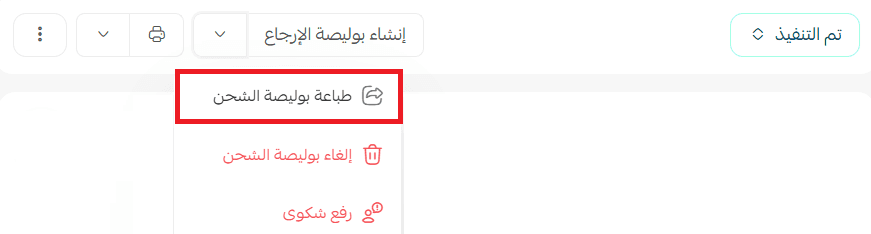
Open the order, then click Print label from the order details page.
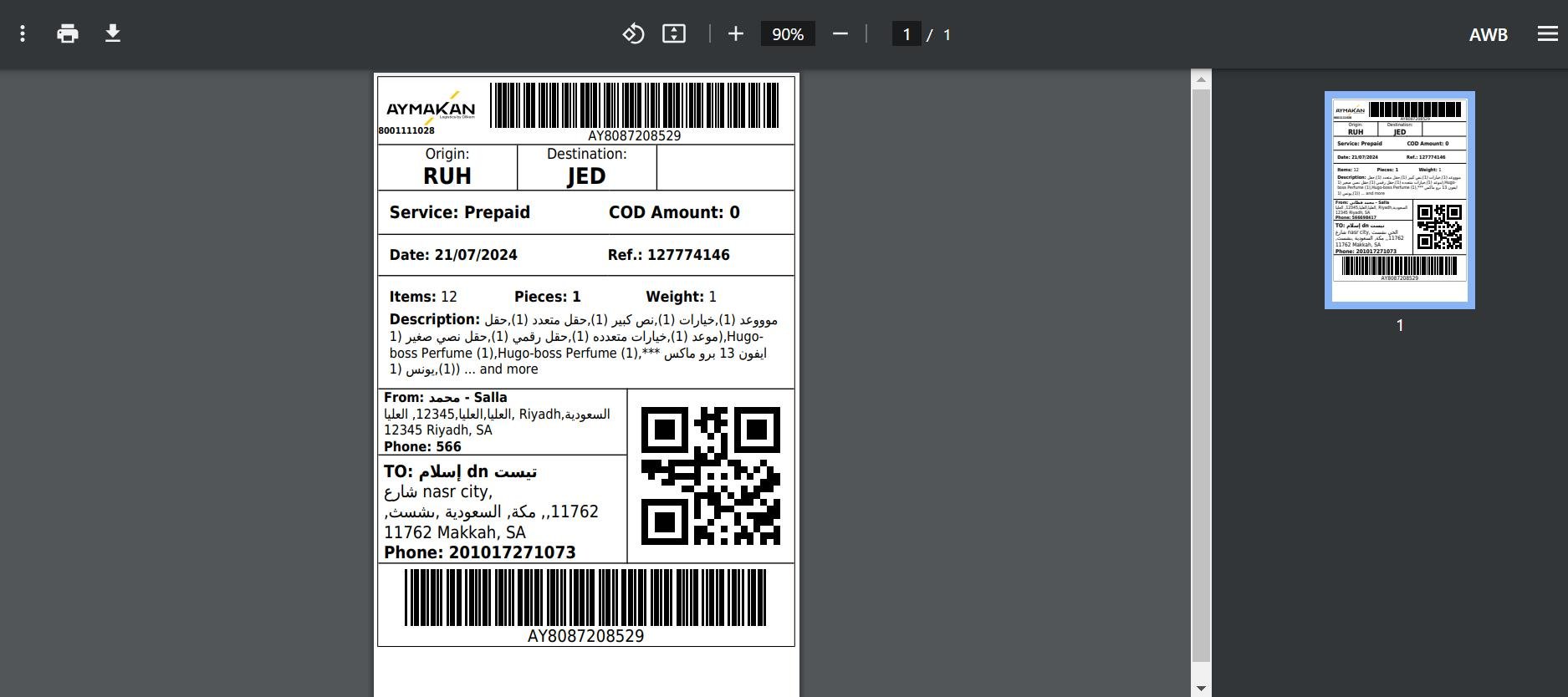
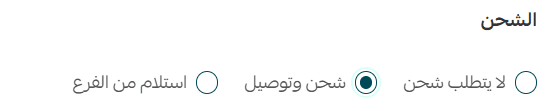
Only products that require shipping and delivery are included on the shipping label
For more information, see Print shipping labels
Can I cancel a shipping label?
Yes.
From the order page, open the order and click Cancel shipping label.
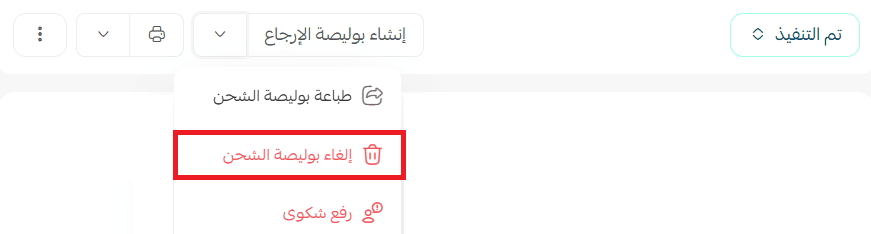
Conditions for shipping label cancellation
To be eligible for cancellation approval:
- The shipment must not have been collected by the shipping company.
- This must be the first cancellation request for the order.
- The order must be paid electronically and not through cash on delivery.
- The order value must be at least SAR 50.
- The store must not exceed the monthly cancellation limit of 100 labels.
- No more than 14 days must have passed since the label was issued.
How can I follow up on shipping company complaints?
If you've submitted a complaint regarding a shipment, such as a damaged package or delivery issue, you can track its status through the Quality Portal.
1. From the Shipping and Delivery Settings page, click Quality Portal.

2. Inside the portal, you can review submitted complaints and track status updates.
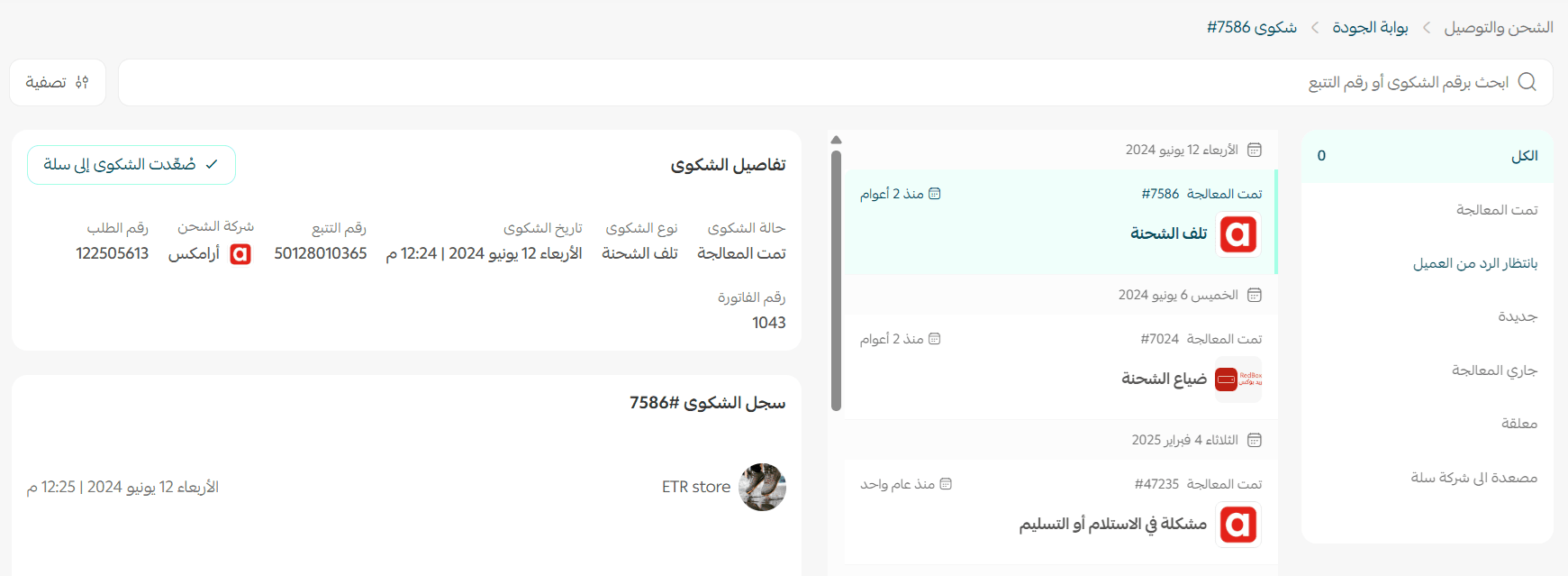
For more information, see Quality Portal