In fast moving businesses, organizing and exporting order data efficiently is essential.
Order Export Templates help you simplify data management by allowing you to create reusable export formats that match your exact needs. You can design templates once, update them easily, and reuse them whenever your requirements change.
What once felt complex is now structured, flexible, and fully in your control.
📌 Article overview
- Order Export Templates Page
- Create a new export template
- Edit an existing export template
Order Export Templates Page
From the main menu, click Orders.

From the More tab, click Export Templates.
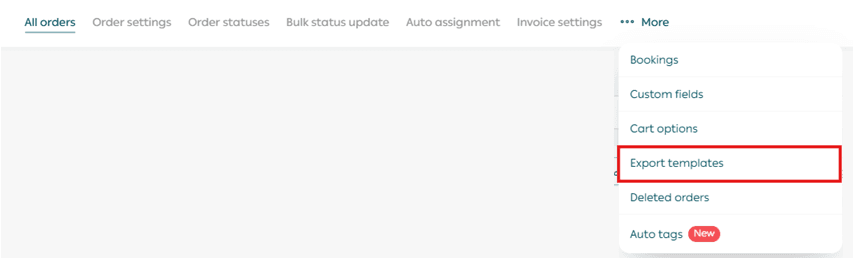
The page will display all saved order export templates.
Create a New Export Template
1. Add a new template
Click Add new template.

2. Name and configure the template
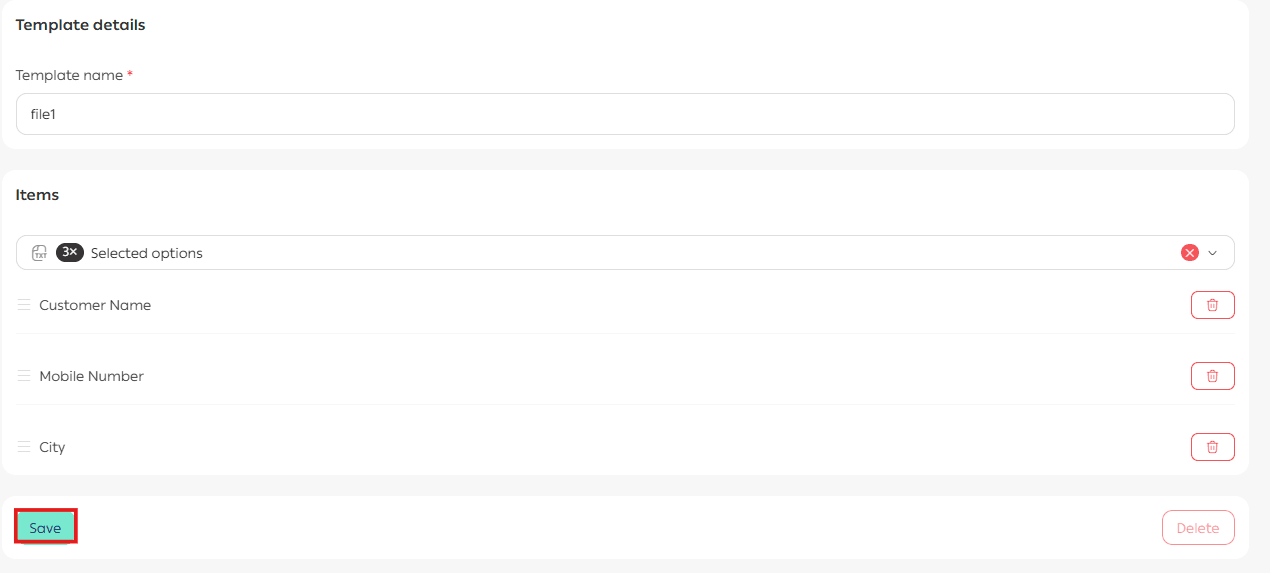
Enter a clear and descriptive name for the template.
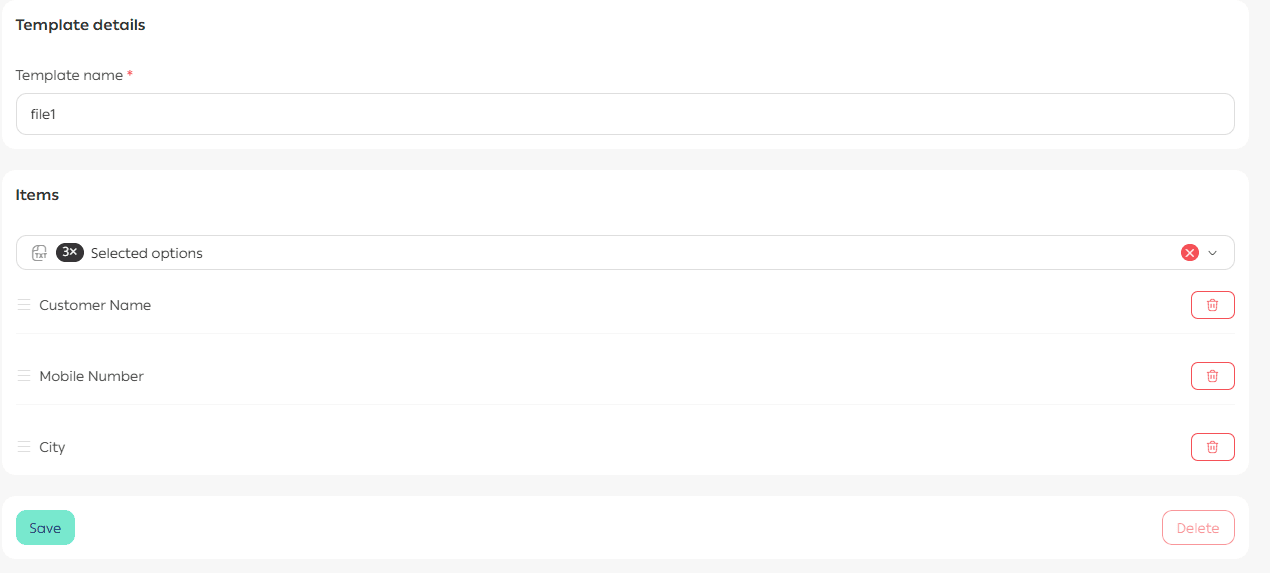
From the list of available fields, select the data fields you want to include in the export.
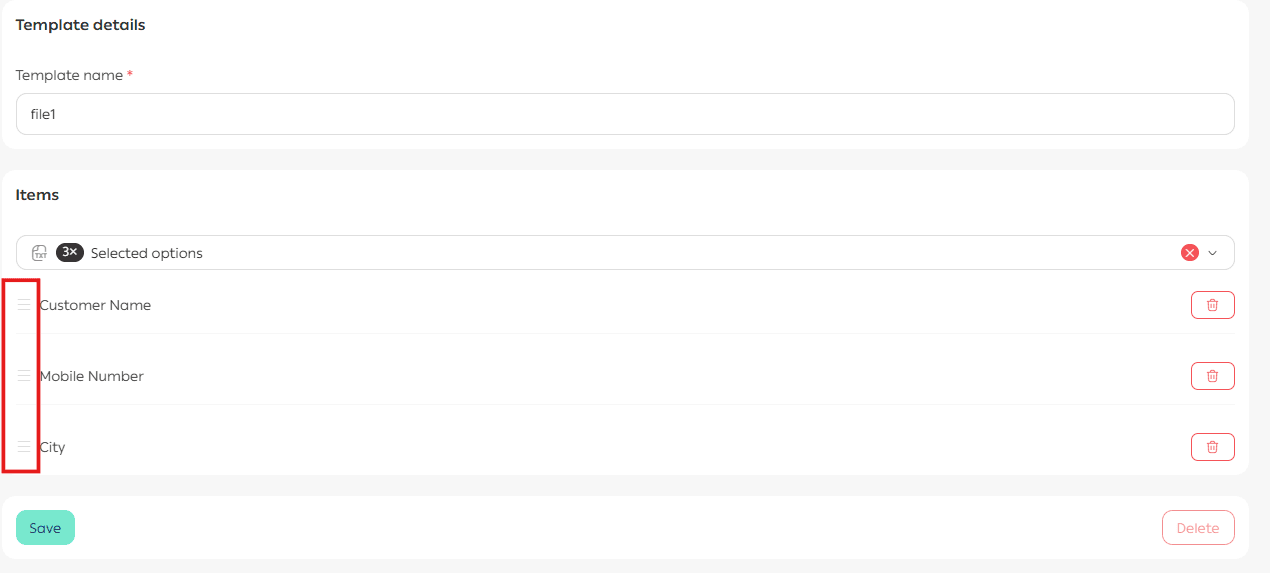
3. Reorder fields
You can change the order of fields using drag and drop.
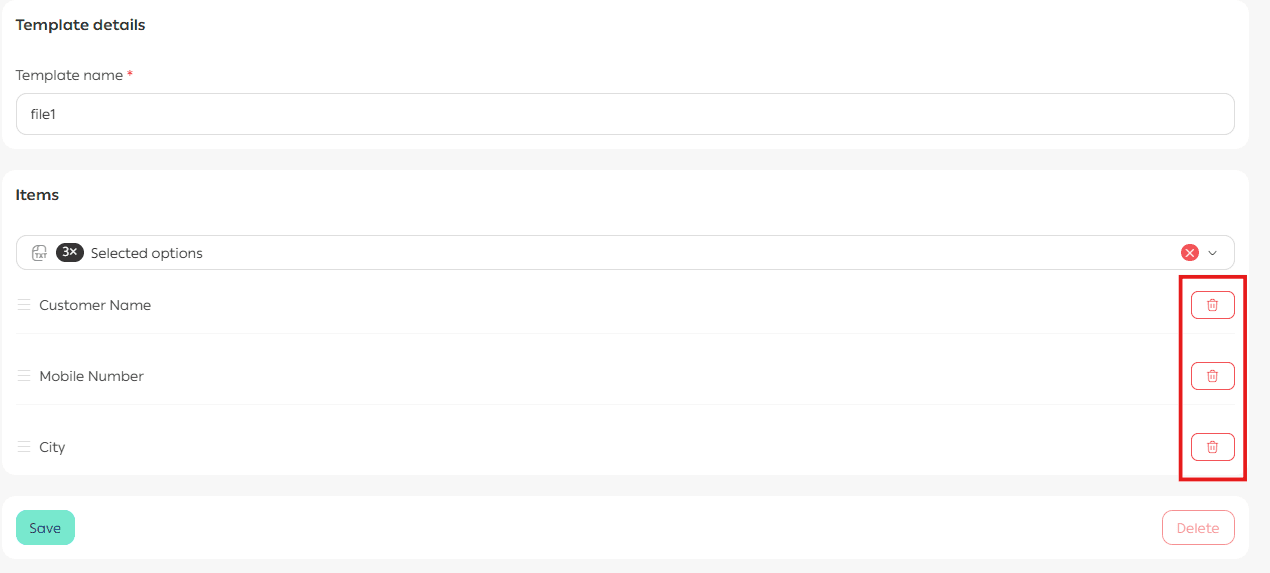
4. Remove fields
To remove any field, click Delete Field.
📝 Important note: You can create up to five order export templates.
Edit an Export Template
From the list of order export templates, click the template you want to edit.
You can update:
- The template name
- Selected fields
- Field order
Once finished, click Save.
Use Order Export Templates
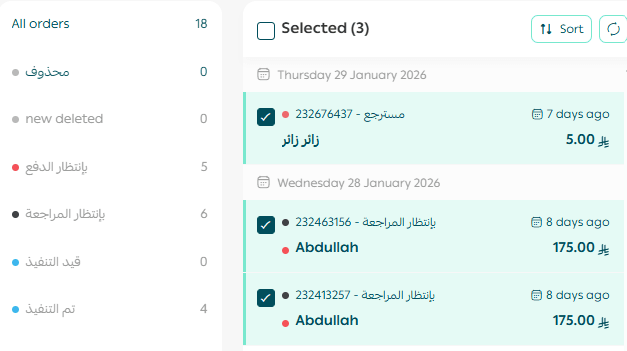
1. Select orders
From the Orders page, select the orders you want to export.
2. Choose an export option
From the Order Actions section, you have two export options.
Option One: Export all orders
Select Export All Orders, then click Execute Actions.
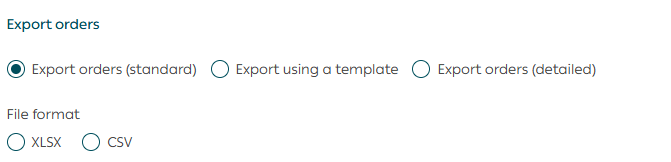
The export file will be sent to your store email address.
Option Two: Export using a template
Select a predefined export template from the list, then click Execute Action.
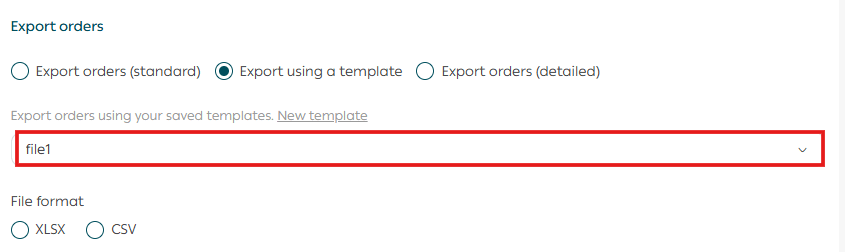
The export file will be sent to your store email address.
Once completed, you will receive a confirmation and the file will arrive in your inbox.
Final Takeaway
Order Export Templates give you precision and control over your data.
By designing exports that fit your workflow, you save time, reduce manual effort, and keep your reporting consistent and reliable.