Your account manager in the Special package provides direct support to help you take advantage of the package benefits, answer your inquiries, and assist you in developing your store to achieve the best results. You can access their contact information directly from the control panel at any time.
In this article, you'll learn how to access the account manager's information and contact them easily.
📌 Main topics
- Who is the account manager?
- How to access the account manager's information.
- Ways to contact the account manager.
Who is the account manager?
They are the person assigned to assist you at every step of your journey with the Special package, starting from before the upgrade and continuing to support you whenever needed throughout your entire journey with the Special package, offering you the key features that can elevate your business.
How to access the account manager's information:
1. From the side control panel, below the merchant logo, click (Account Manager).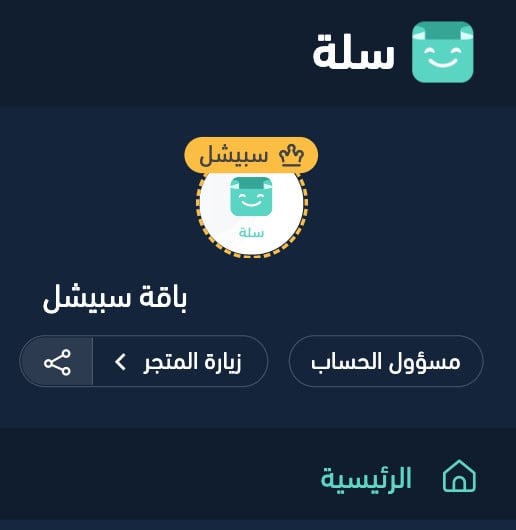
The account manager's contact information will appear immediately.
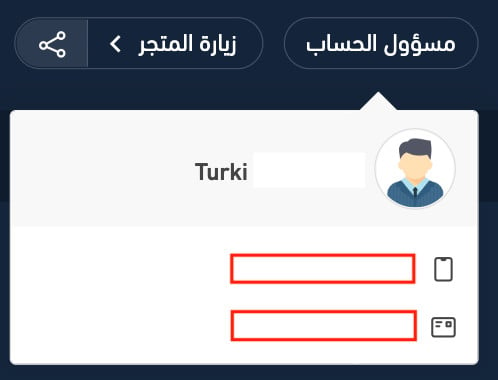 When you click on the phone number, you will be connected directly.
As for clicking on the email; you will be directly taken to send a message to their email.
- For more details about View transaction records
💡 Contact your account manager whenever you need help or consultation, and benefit from dedicated support to help you make the most of the Special package features and grow your store with confidence.