Do you know what your visitors actually do on your store — where they click, where they hesitate, and why they leave?
Analytics tell you what happened; behavior tools show you why. When you connect Hotjar to your Salla store, you can watch how visitors really use your pages through heatmaps, session recordings, and surveys — and turn those insights into a better shopping experience and higher conversion rates. In this guide, you'll learn what Hotjar is, how to create a Hotjar account, and how to connect it to your store.
To connect Hotjar to your Salla store, create an account at hotjar.com and copy your tracking code. Then, in your Salla dashboard, open the Salla App Store, install the Hotjar app, paste the tracking code into the app's settings, and click (Save). Hotjar then starts collecting visitor behavior data.
📌 Article overview
- What is Hotjar?
- Stage one: sign up for Hotjar
- Stage two: paste the tracking code into your Salla store
- Frequently asked questions
What is Hotjar?
Hotjar is a powerful tool for monitoring how visitors behave on your site and gathering their feedback. It combines analytics tools — heatmaps, session recordings, and surveys — with direct visitor input, giving you the big picture of how to improve your site's user experience and conversion rates. It reveals exactly what your visitors are thinking: the problems they run into most often, and what they like best about your site.
🚀 How to connect your Salla store to Hotjar
The connection happens in two stages:
1. Sign up for Hotjar.
2. Paste the Hotjar tracking code into your Salla store.
Stage one: sign up for Hotjar
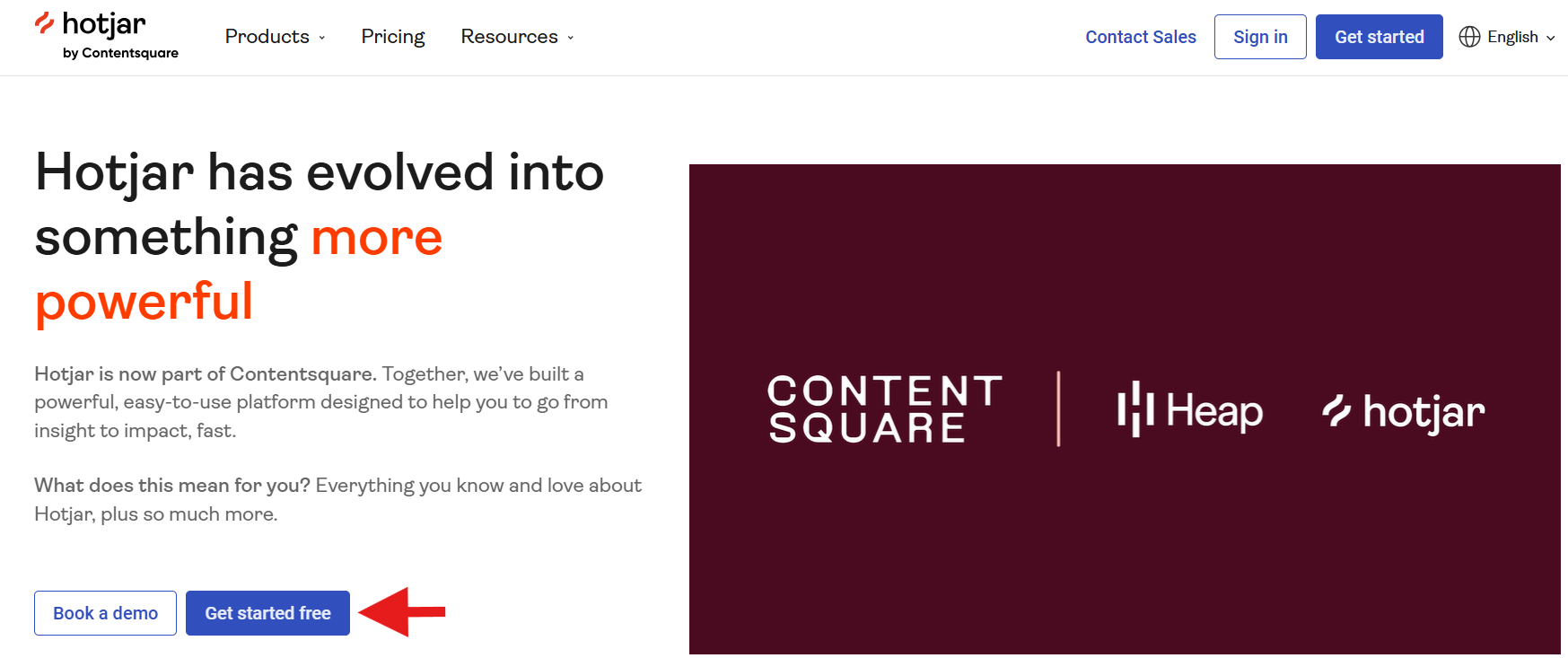
1. Go to the Hotjar website and click (Get Started) to sign up.
2. Enter the basic account details, then click (Get Started) to begin.
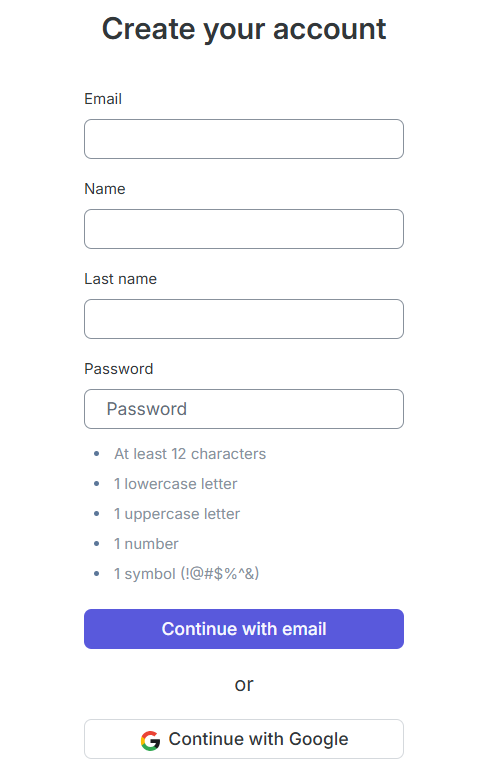
A. Your full name.
B. Your store's official email address.
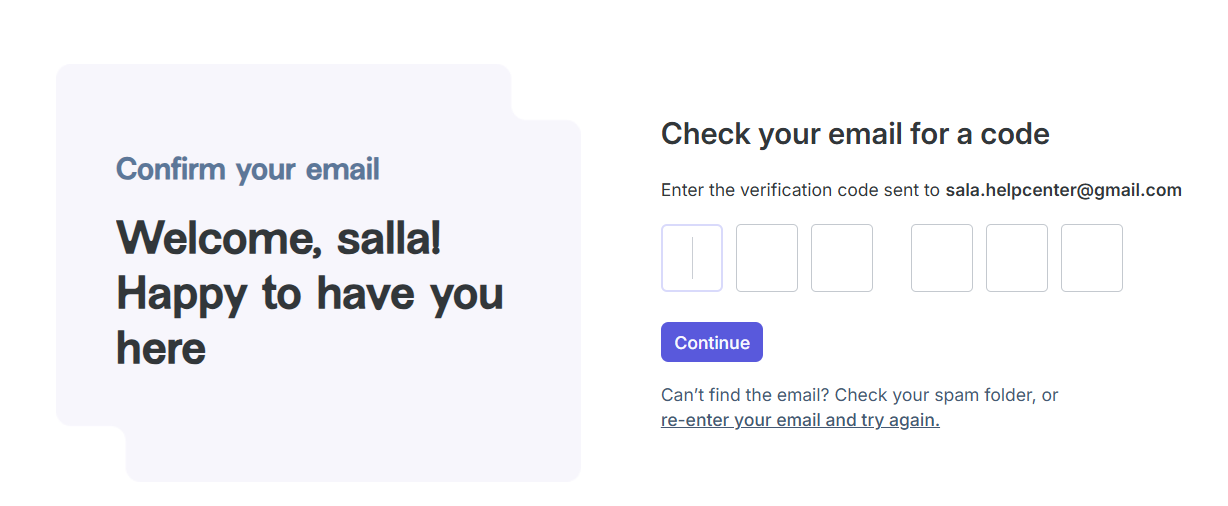
3. Enter the verification code sent to the email you registered in the previous step, then click (Confirm).
4. Enter some information about yourself and your organization, then click (Next). Then enter your store or website URL and its type, and click (Start Using Hotjar).
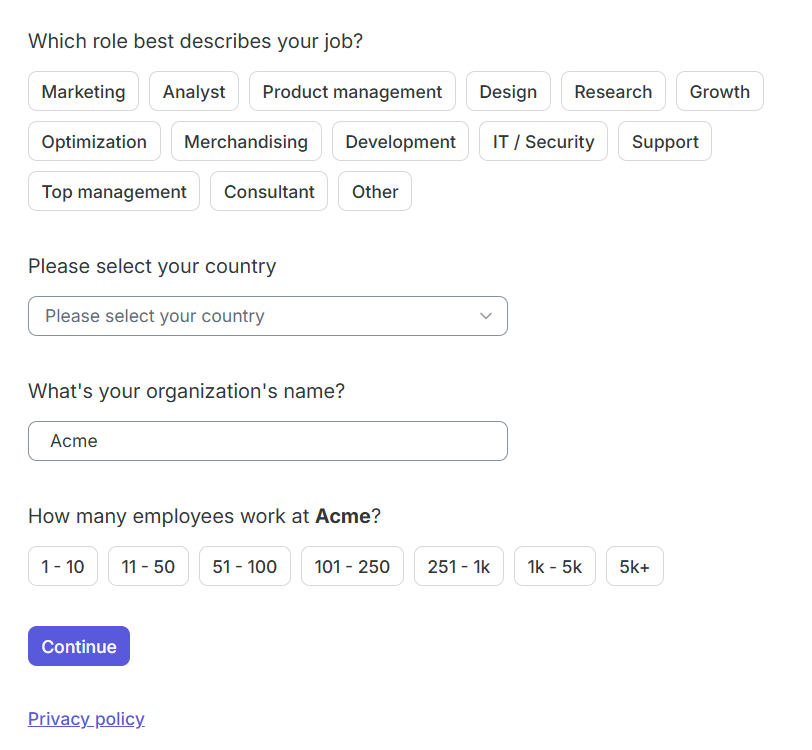
A. Your role — for example, store owner.
B. Will you use this account to manage clients?
- Choose yes if you're an agency or consultant working on client sites.
- Choose no if you're working on your own site.
C. Your organization's name — you can change it later.
D. Your organization's size, from one employee to more than 5,000.
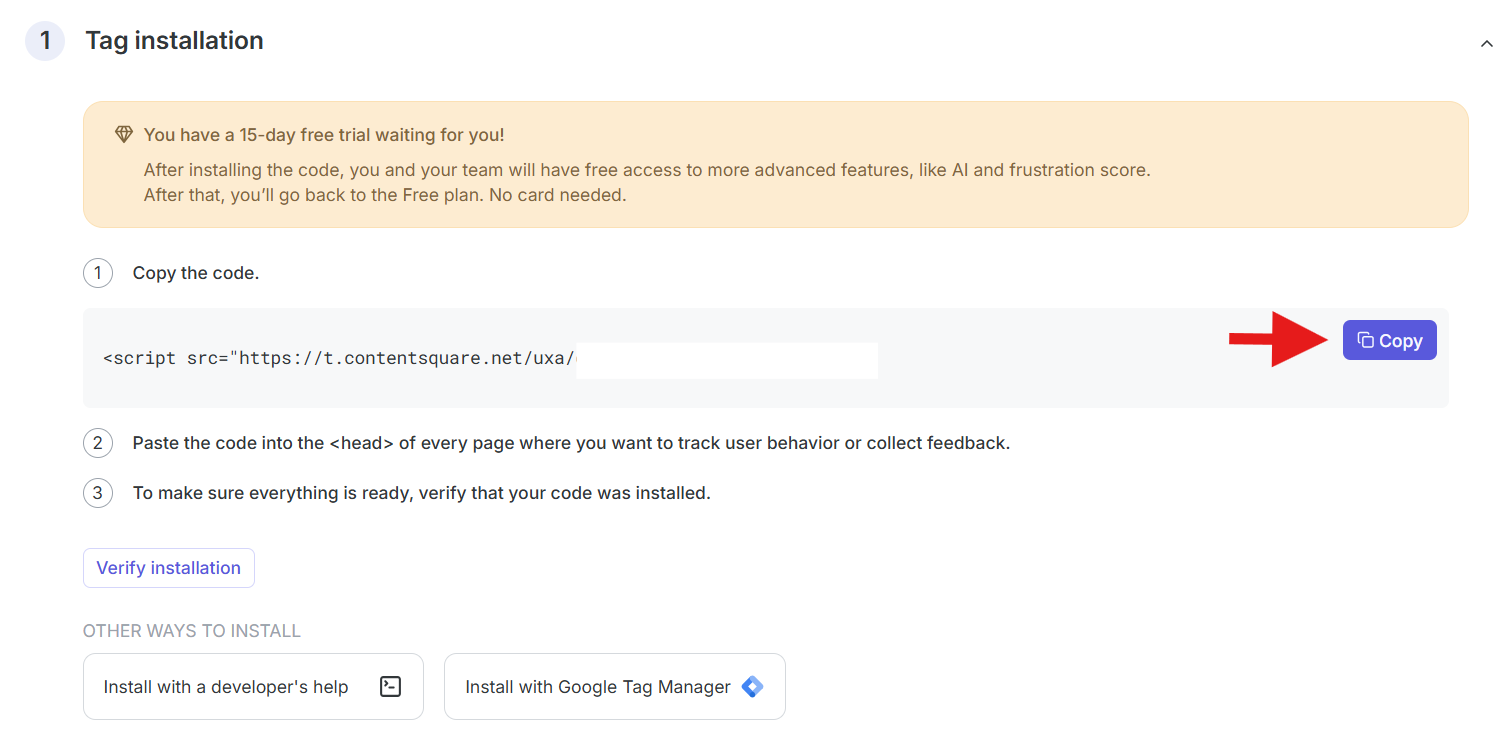
5. Copy the tracking code so you can paste it into your store.
Stage two: paste the Hotjar tracking code into your Salla store
1. From the main menu, click (All), then under the helper tools section, click (App Store).

2. Find the app using the search field.

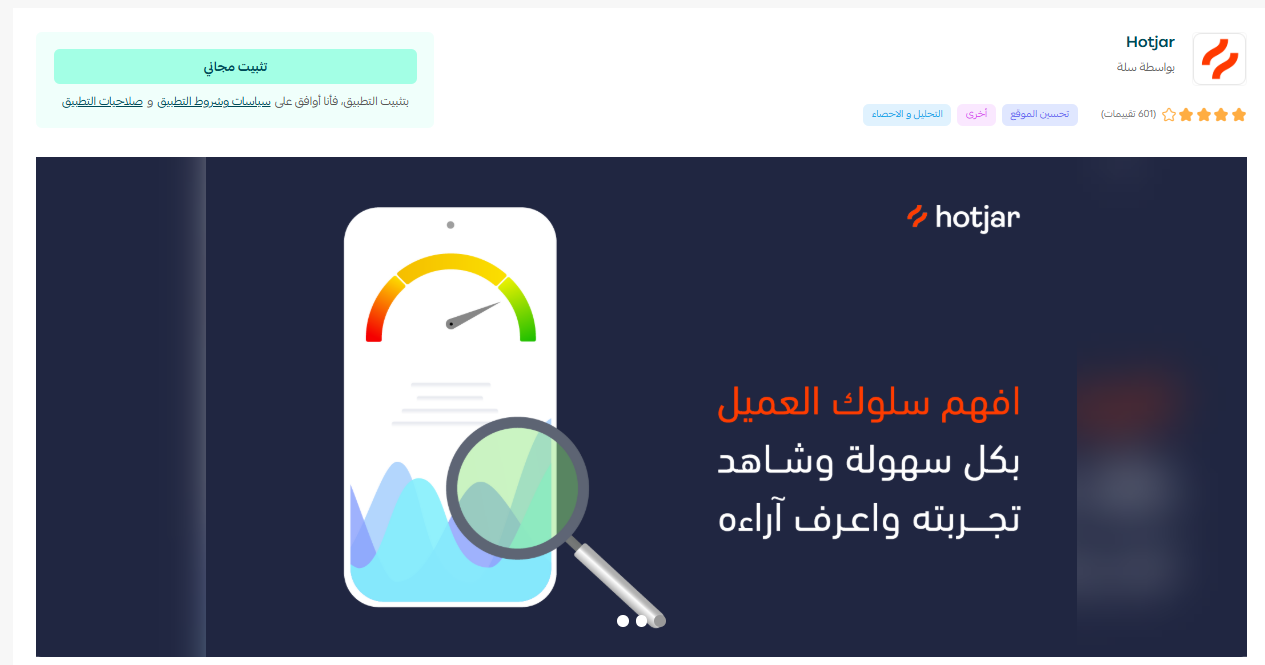
3. From the Hotjar app page, click (Install).
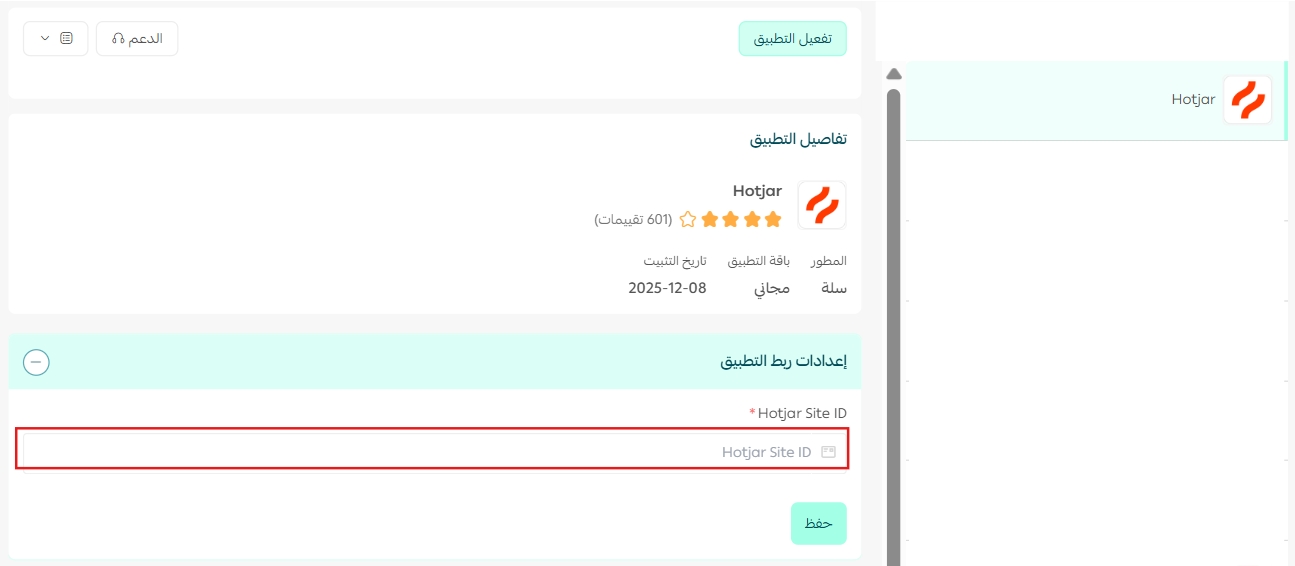
4. The Hotjar app is now installed on your store. To activate it, paste the tracking code you copied from the Hotjar platform in stage one, then click (Save).
The app is now activated successfully!
Frequently asked questions
❓ Will Hotjar slow down my site?
Hotjar takes site performance seriously. Like most tracking scripts, the Hotjar script has only a marginal, barely noticeable effect on your site's speed and performance — and it does not affect your SEO.
❓ How is Hotjar different from Google Analytics?
Hotjar is not a replacement for Google Analytics — ideally, you use it alongside a web analytics solution.
Web analytics tools such as Google Analytics give you data about the pages people visit — for example, which page has the highest bounce rate or conversion rate — but they won't show you how visitors actually use those pages.
With Hotjar, you understand your web and mobile visitors by seeing how they interact with your pages and why they behave the way they do. That lets you spot improvement and growth opportunities quickly.
💡 Example: Google Analytics reports that your homepage has a very high bounce rate. Hotjar tells you exactly why it's happening — through heatmaps, recordings, and surveys — so you can make the changes needed to bring that bounce rate down.
You can use Hotjar to:
- Compare clicks before and after your changes.
- Remove or rethink content that gets ignored.
- Match your page copy to the words visitors use in their feedback.
- Learn which kinds of images work best.
- See whether your calls to action attract attention.
- Ask customers why they almost didn't convert.
- Turn common feedback into FAQ entries.
- Give your clients or manager proof of what works and what doesn't.
- Challenge internal misconceptions and so-called best practices.
- Fix forms to generate more leads.
- Restructure your design based on visitor objections.
- Test which above-the-fold content performs best.
- Understand why test pages aren't beating the control.
- Learn which content to move up or down the page.
- Uncover distracting elements you should remove.
- Filter out noise from unqualified user tests.
- Talk directly to visitors before they leave the page.
- Prioritize where to test first by spotting the biggest opportunities.
- Identify new content to add to the page.
- Confirm your hypothesis before building new elements.
- Generate new ideas for A/B testing.
- Collect valuable customer testimonials.
❓ Where do I find my Hotjar tracking code later?
The tracking code appears at the end of Hotjar's sign-up flow, and you can copy it again anytime from your Hotjar account. Paste it into the Hotjar app's settings in your Salla dashboard and click (Save) to activate tracking.