Short national address
A wrong delivery address costs you a failed shipment, a support conversation, and often the customer's patience. The short national address app adds a fixed icon to your store that sends customers straight to the official service for retrieving their approved national address. That keeps shipping data accurate, improves the buying experience, and cuts both errors and support contacts — with no manual entry or extra configuration. In this guide, you'll learn how to connect the short national address app and how to remove it.
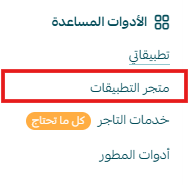
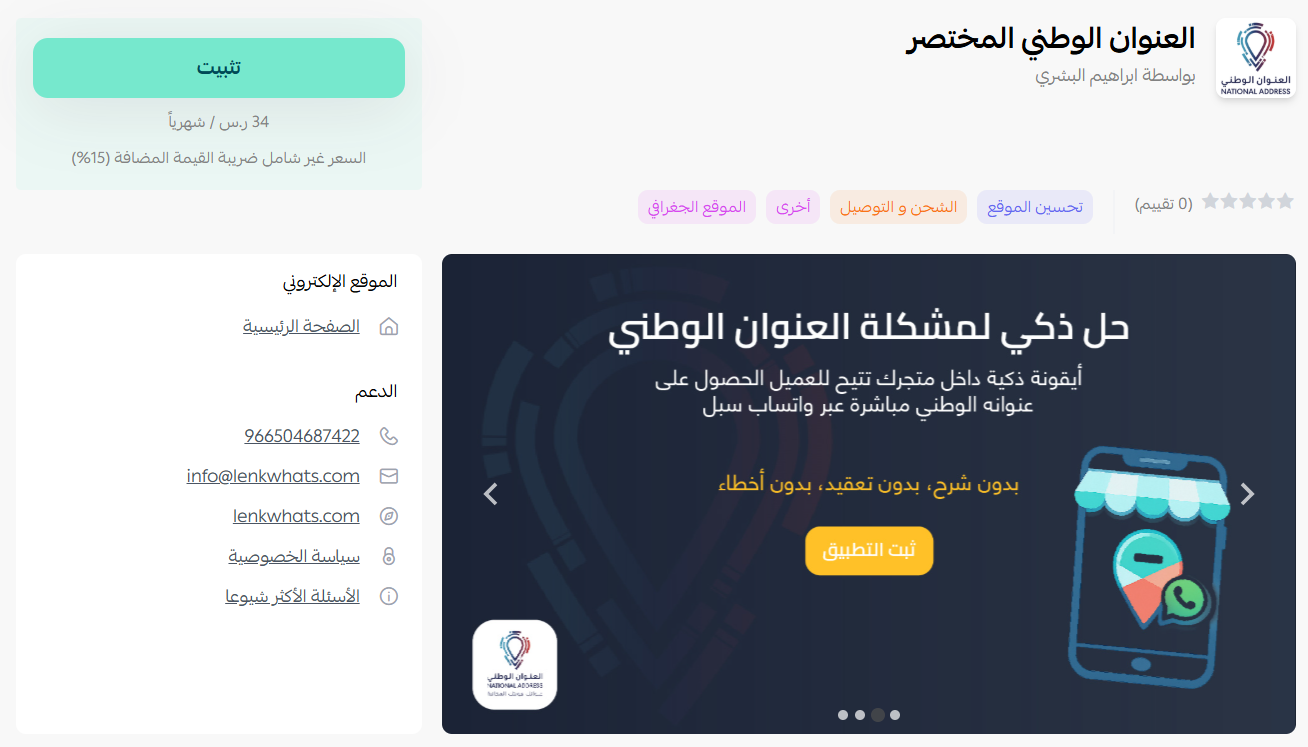
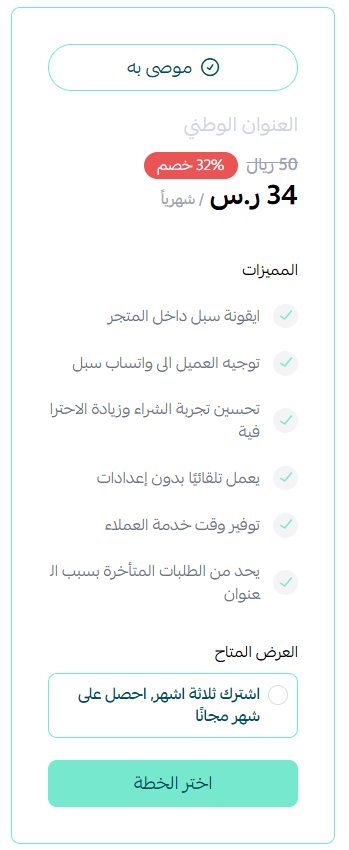
To connect the short national address app on Salla, click All in the main menu, then open the App Store from the helper tools section. Open the short national address app page, click Install, choose the plan that suits you, complete your payment details, and click Confirm.
📌 Article overview
- How to connect the short national address app
- Managing the app
- Frequently asked questions
👣 How to connect the short national address app on Salla
1. From the main menu, click (All), then from the helper tools section click (App Store).
2. From the short national address app page, click (Install).
3. Choose the plan that suits you.
4. Complete your payment details, then click (Confirm).
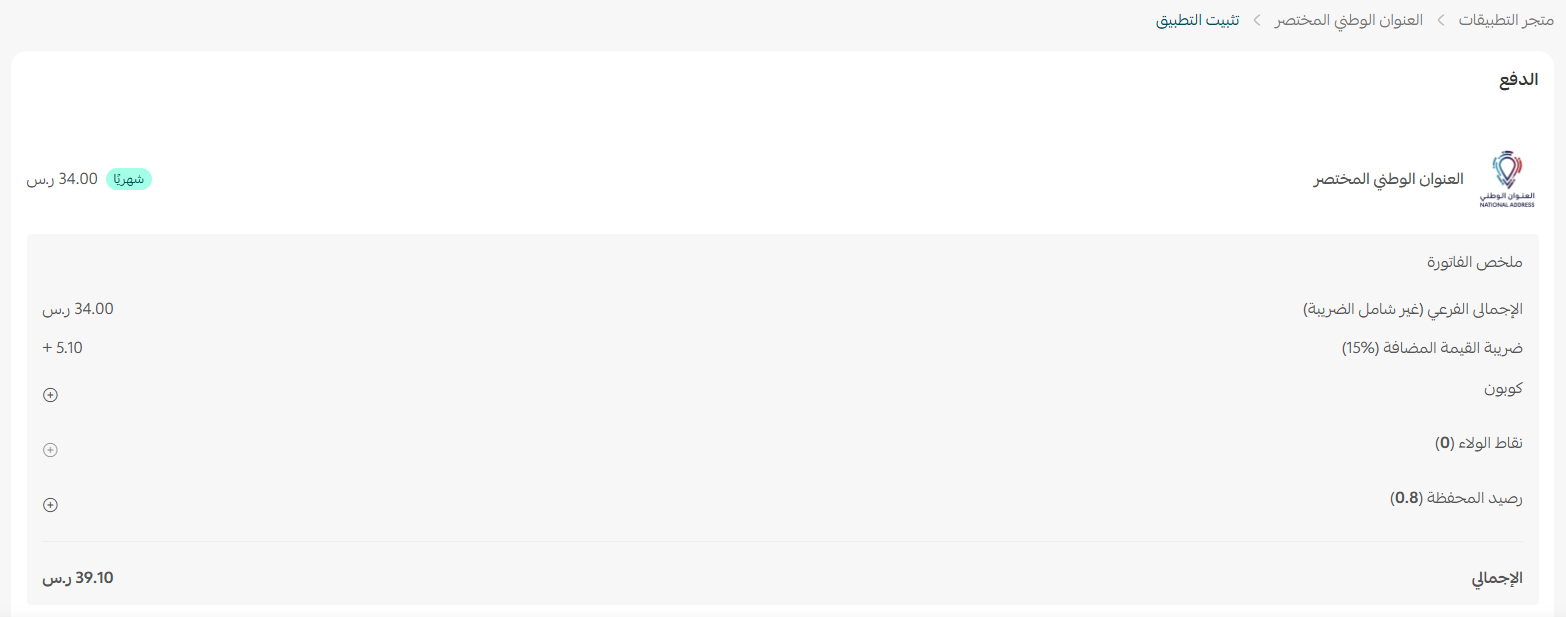
That's it — the app is installed and active on your store.
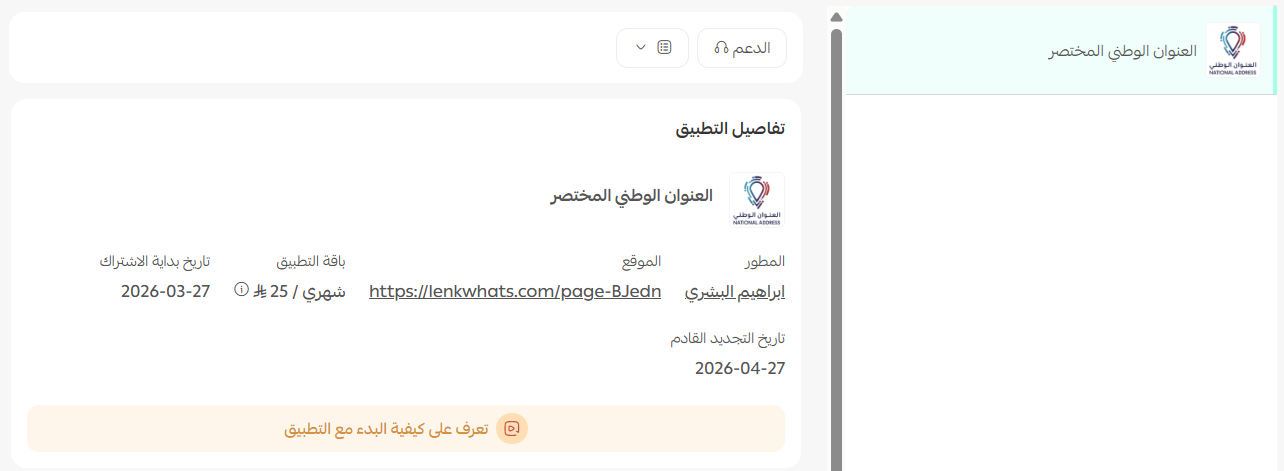
🎬 Watch the video to see how to start using the app.
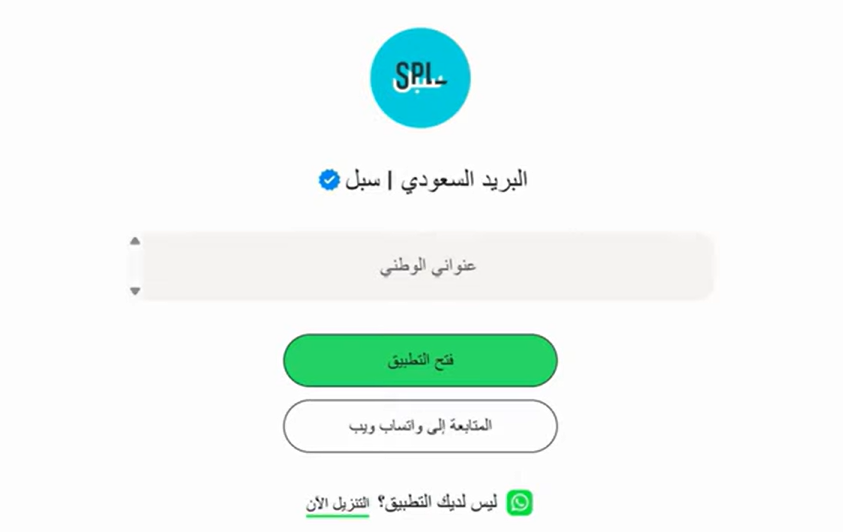
🚀 Managing the short national address app
Removing the app
1. From the app options menu, click (Unsubscribe) and choose your reason for cancelling.
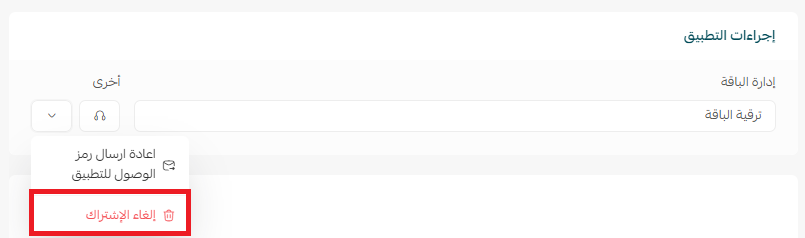
2. From the app options menu, click (Delete app) and choose your reason for deleting it.
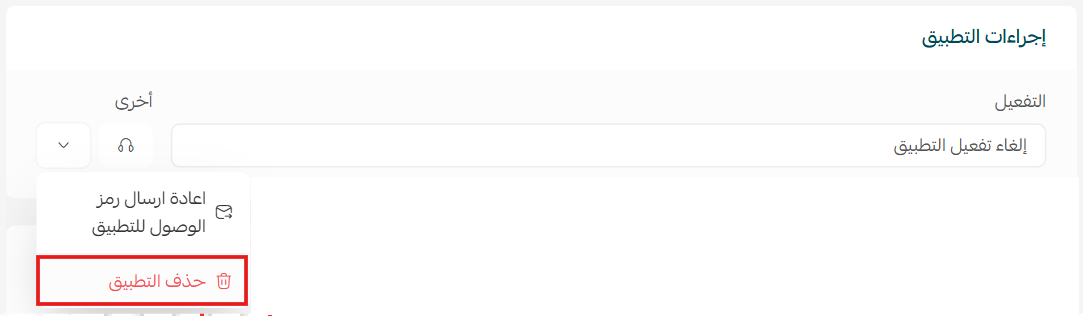
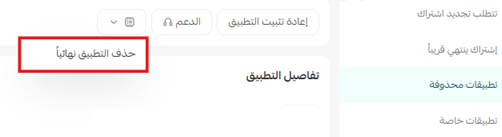
3. From the deleted apps page, open the app options menu and click (Delete app permanently) to remove it from your store for good.
Frequently asked questions
❓ What does the short national address app do?
It adds a fixed icon to your store that takes customers directly to the official service for retrieving their approved national address, so shipping details are accurate.
❓ Do I need to configure anything after installing?
No. The app works without manual entry or extra settings.
❓ What is the difference between unsubscribing and deleting the app?
Unsubscribing ends the subscription. Deleting removes the app from your store, and deleting it permanently from the deleted apps page removes it for good.
Address errors are cheapest to prevent at the moment the customer types them. Anything that gets an accurate address into the order up front saves several conversations later.