Managing inventory across multiple locations can quickly become complex. As your business grows, so does the need to know exactly where products are stocked, fulfill orders from the right location, and maintain accurate inventory levels across branches.
With Multi-Warehouse Management, you can manage inventory more efficiently by assigning stock quantities to individual branches, automatically routing orders based on customer location, choosing how inventory is deducted, and supporting multi-shipment orders when products are fulfilled from different locations.
The result is better inventory accuracy, faster fulfillment, and a smoother customer experience.
📌 In this article
About Multi-Warehouse Management
Enable Multi-Warehouse Management
Access the Multi-Warehouse Management page
Features and settings
🔍 About Multi-Warehouse Management
Multi-Warehouse Management gives you greater control over inventory and fulfillment operations across your branches and warehouses.
📦 More Accurate Inventory Management
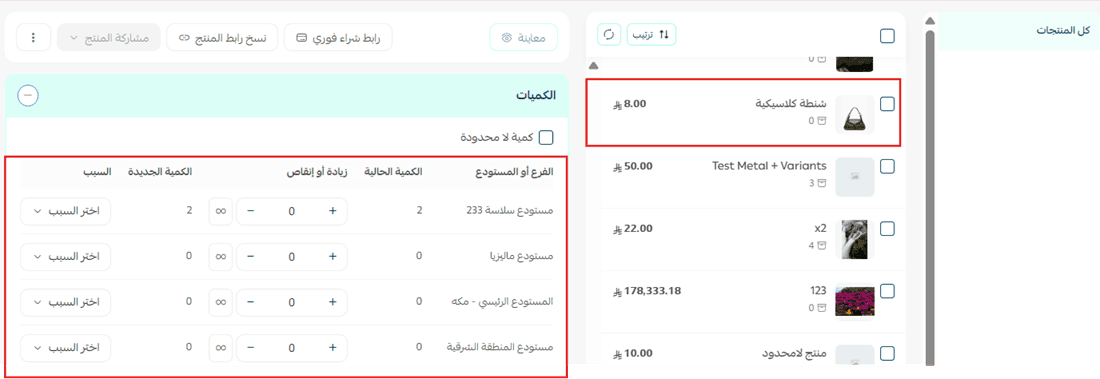
Track inventory quantities independently for each branch or warehouse to maintain accurate stock levels.
⚡ Faster Order Fulfillment
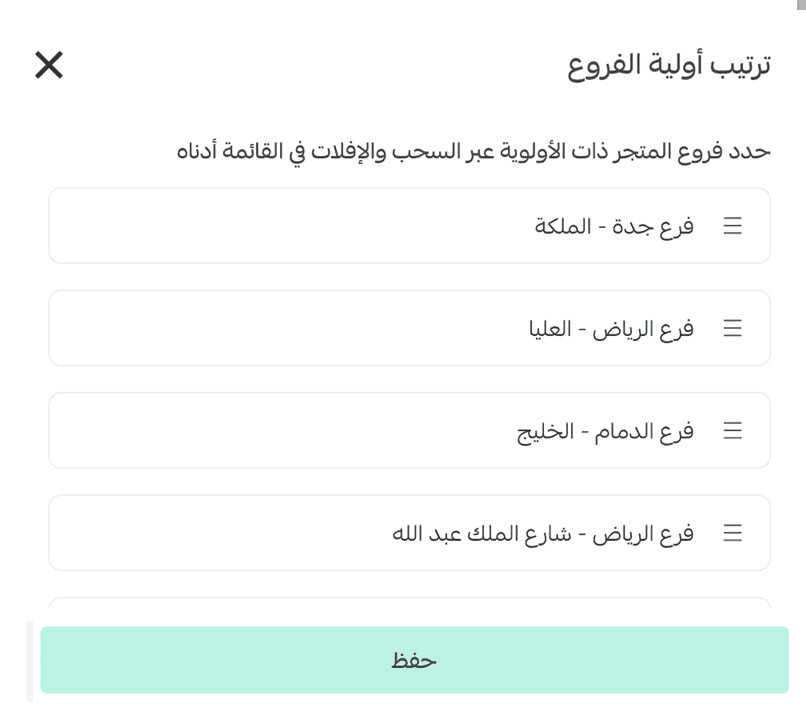
Automatically select the most suitable fulfillment location to speed up order processing and delivery.
🎯 Multi-Shipment Support
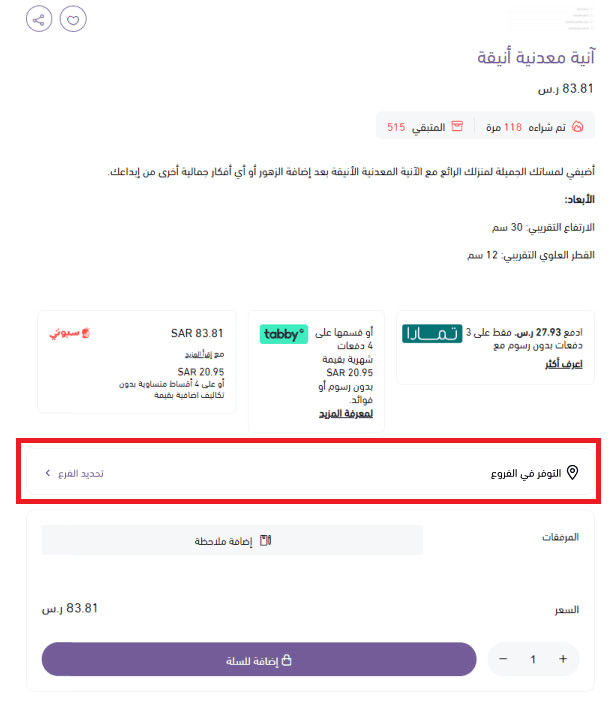
Manage orders that contain products stocked across multiple locations.
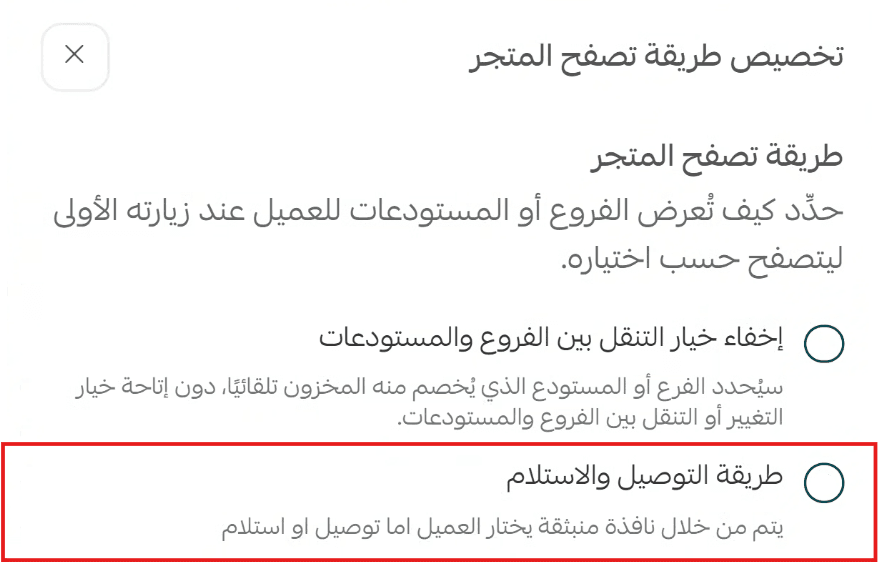
🚚 Flexible Pickup and Delivery Options
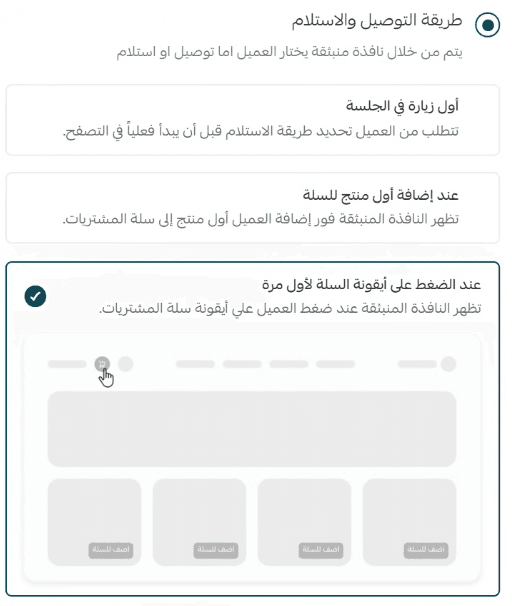
Give customers more flexibility by allowing them to choose how they receive their orders.
Enable multi-warehouse management
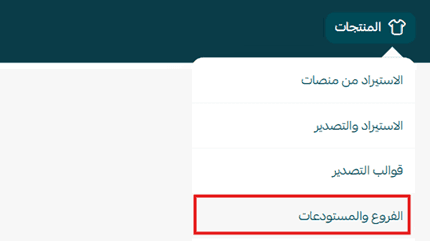
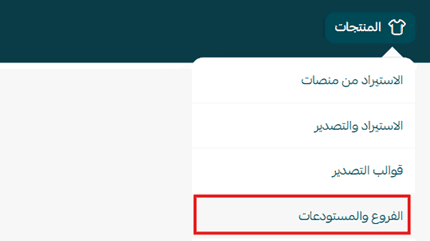
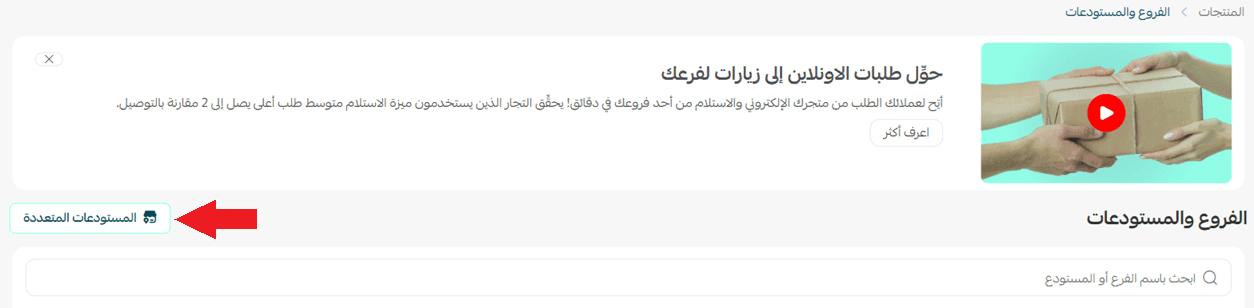
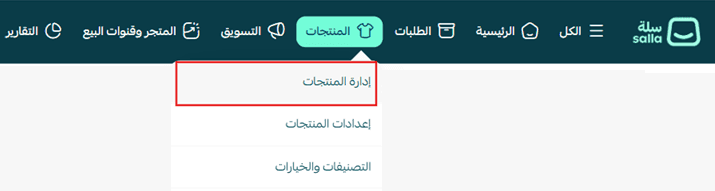
1. From the main menu, click Products, then select Branches and Warehouses.
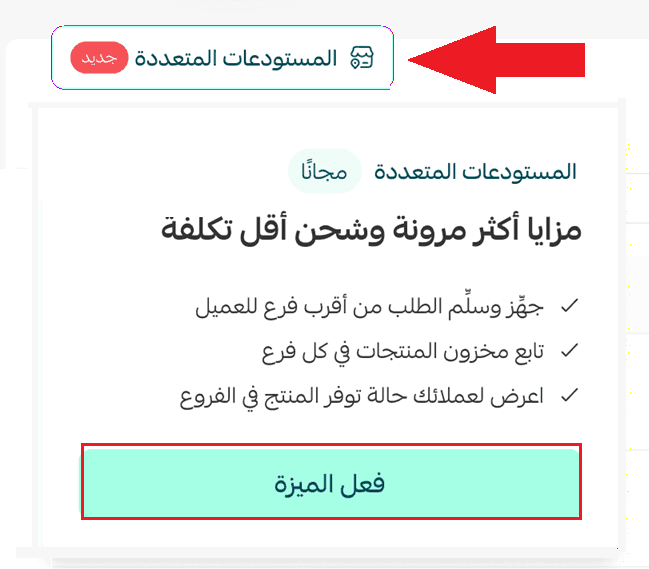
2. Open the Multi-Warehouses tab and click Enable feature.
👣 Access the Multi-Warehouse Management Page
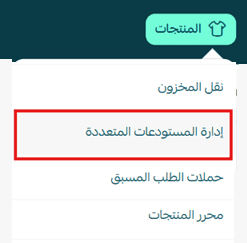
Method 1
From the Products menu, click Multi-Warehouse Management.
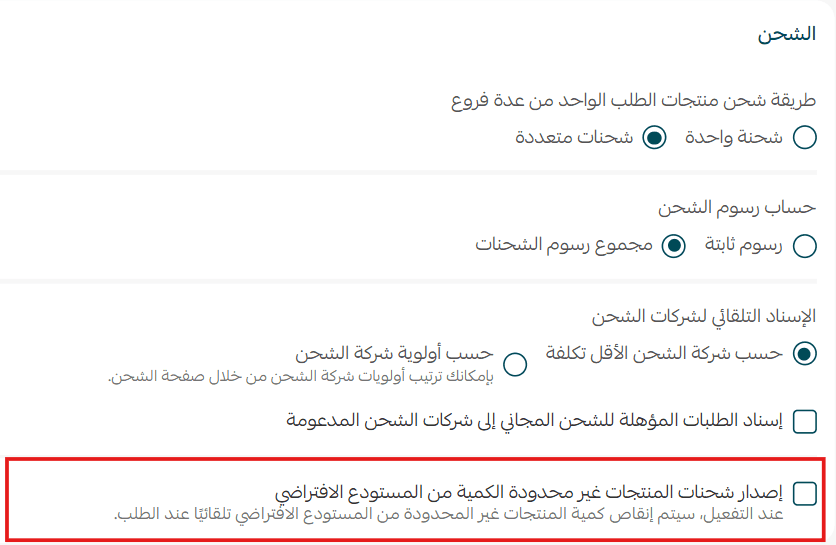
Issue shipments for unlimited inventory products from the default branch
When enabled
If a product has unlimited inventory, stock deductions are assigned to the default branch.
When disabled
Inventory deductions follow the selected inventory deduction strategy.
Frequently asked questions
❓ What happens if a product isn't available in the branch closest to the customer?
The system selects the most suitable branch according to the inventory deduction strategy configured in Multi-Warehouse Management.
❓ Can customers choose a branch themselves?
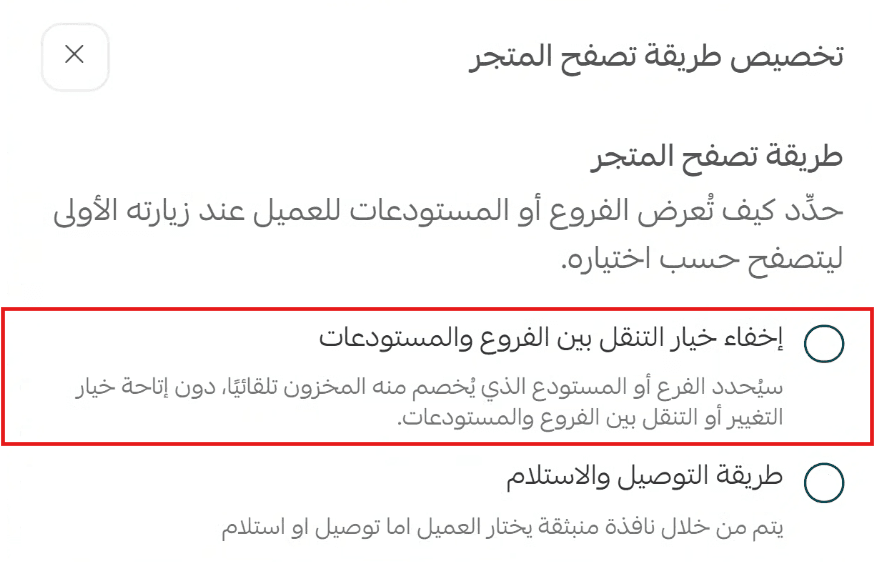
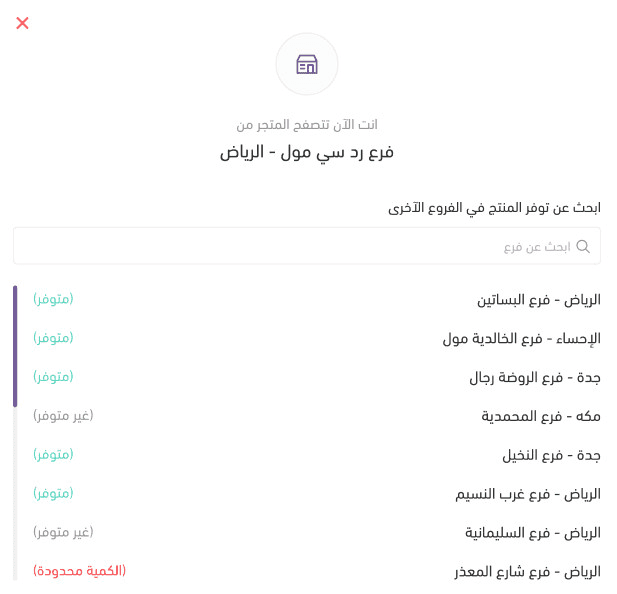
Yes. When the fulfillment selection window is enabled, customers can choose delivery or pickup from their preferred branch.
❓ Can a single order be fulfilled from multiple branches?
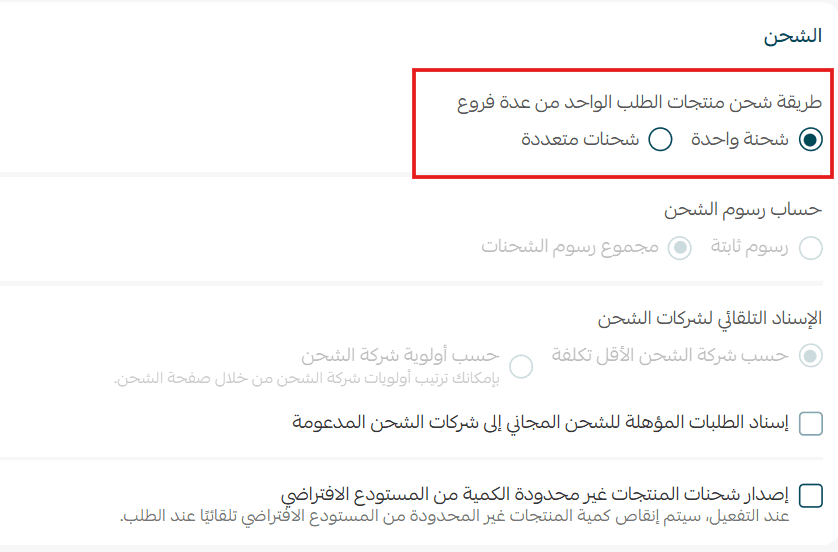
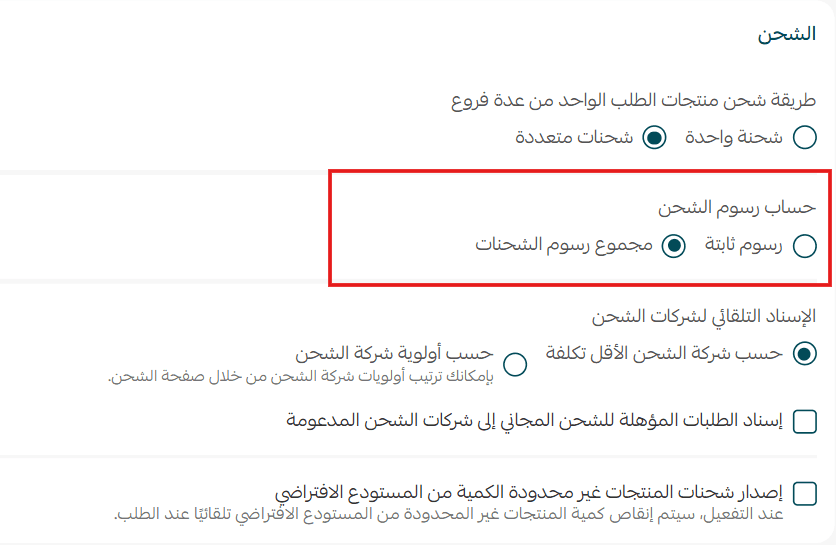
Yes. By enabling Multi-Shipments, you can generate multiple shipping labels for products fulfilled from different locations.
❓ Can I change the inventory deduction strategy later?
Yes. You can update the strategy at any time from the Multi-Warehouse Management page.
❓ Do I need to assign inventory quantities for every branch?
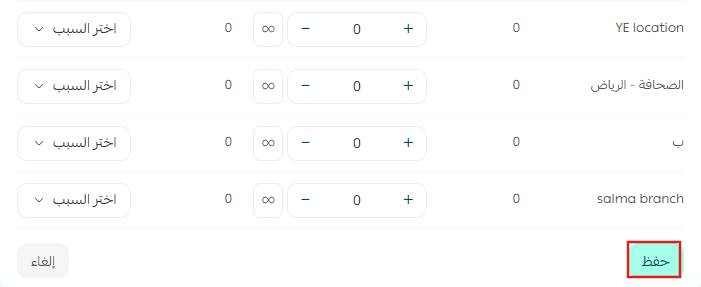
Yes. To ensure accurate inventory availability and proper fulfillment routing, it's recommended to assign quantities to each branch when using Multi-Warehouse Management.
❓ Which plans support this feature?
Multi-Warehouse Management is available on Pro and Special plans only.
💪 Improve inventory accuracy, speed up fulfillment, and give customers more flexibility with Multi-Warehouse Management.
Manage stock across locations with confidence and create a smoother fulfillment experience as your business grows.