In today’s highly competitive digital landscape, where new content is uploaded every second, reaching your audience on YouTube can feel complex and overwhelming.
This practical guide simplifies the process. You’ll learn how to create a professional YouTube advertising campaign directly from the Salla dashboard, using clear steps, precise targeting, and proven practices that help you achieve meaningful visibility and support the growth of your business.
📌 Article overview
- Creating a new YouTube ad
- Frequently Asked Questions
Steps to Create a New YouTube Ad
- From the Salla Ads page, click + Create Ad.
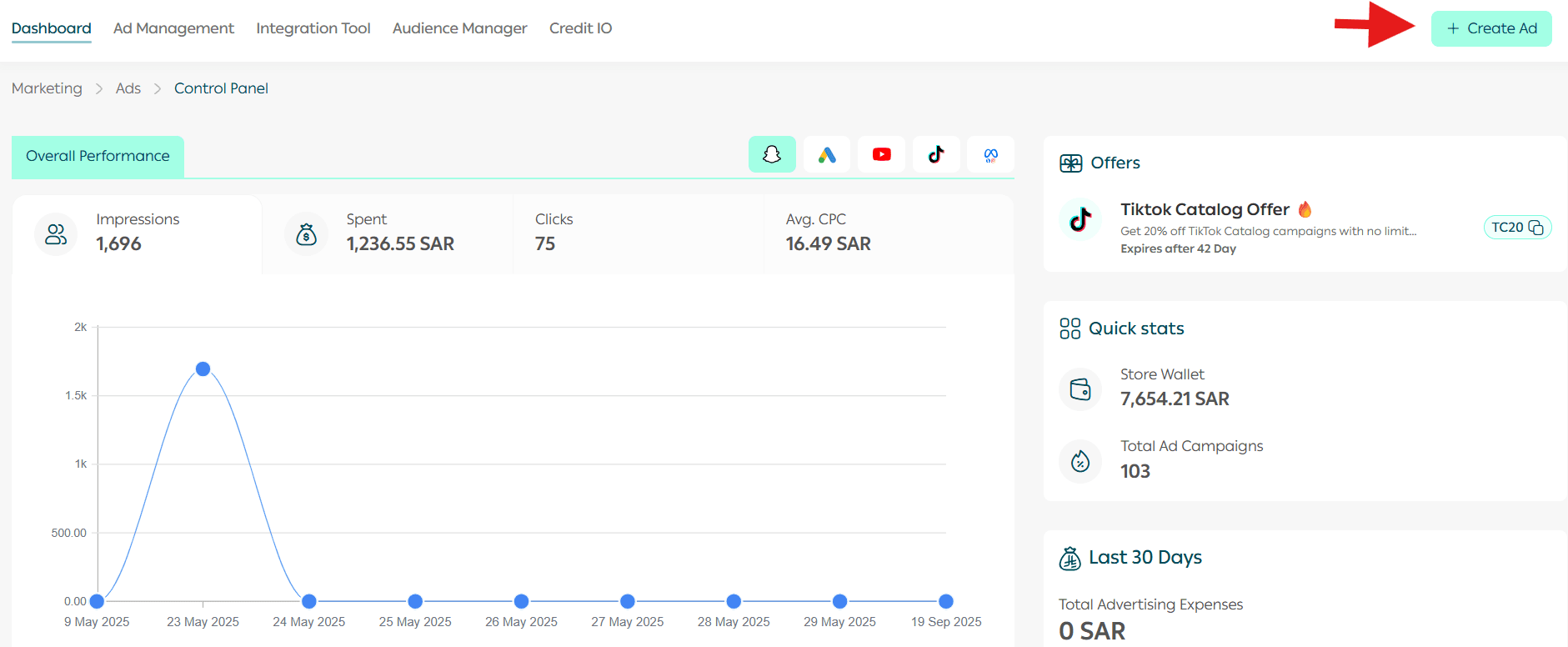
2. Select YouTube as the advertising platform.
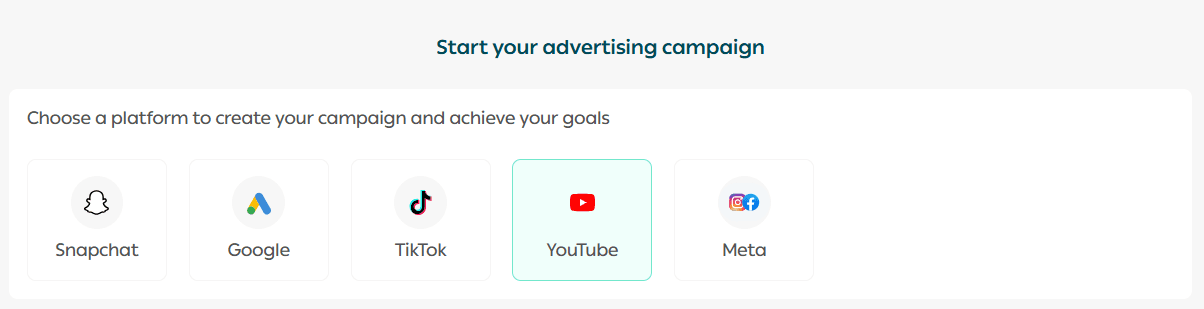
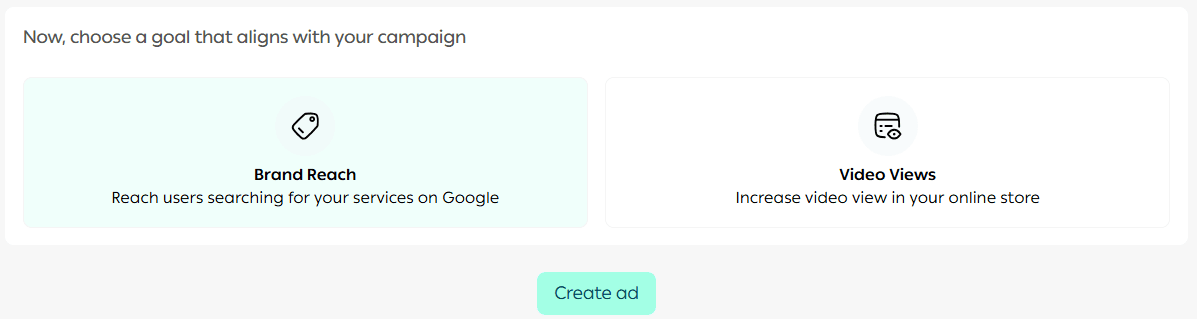
3. Choose your campaign objective, then click Create Ad.
4. Enter your campaign details, including the following:

🎨 Ad Design
- Enter a short, descriptive campaign name that clearly reflects the campaign’s goal and makes it easy to find later.

Choose the Ad Objective
You can select from several YouTube ad formats:
✅ Efficient Reach (Skippable Ad)
A skippable video ad that allows viewers to skip after a few seconds, helping you reach a wide audience efficiently.
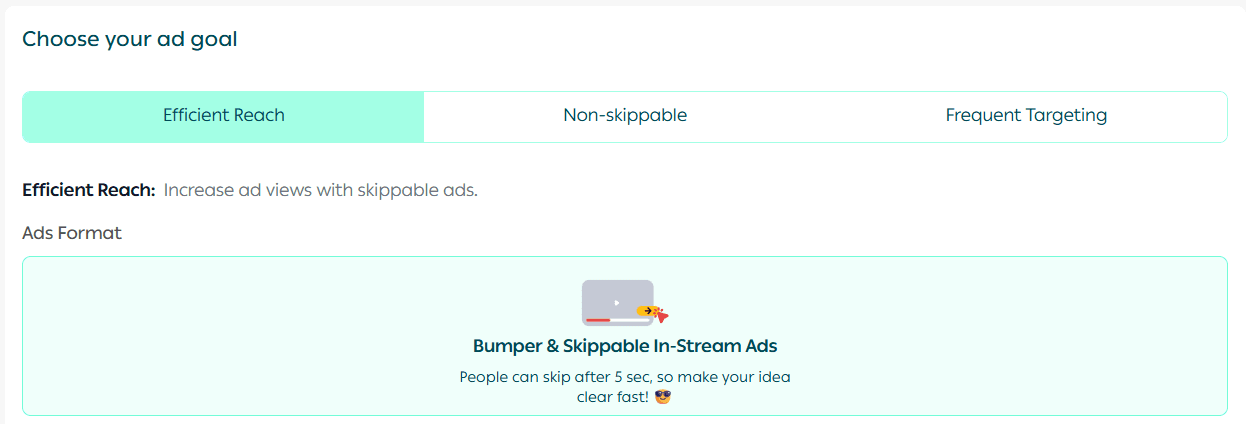
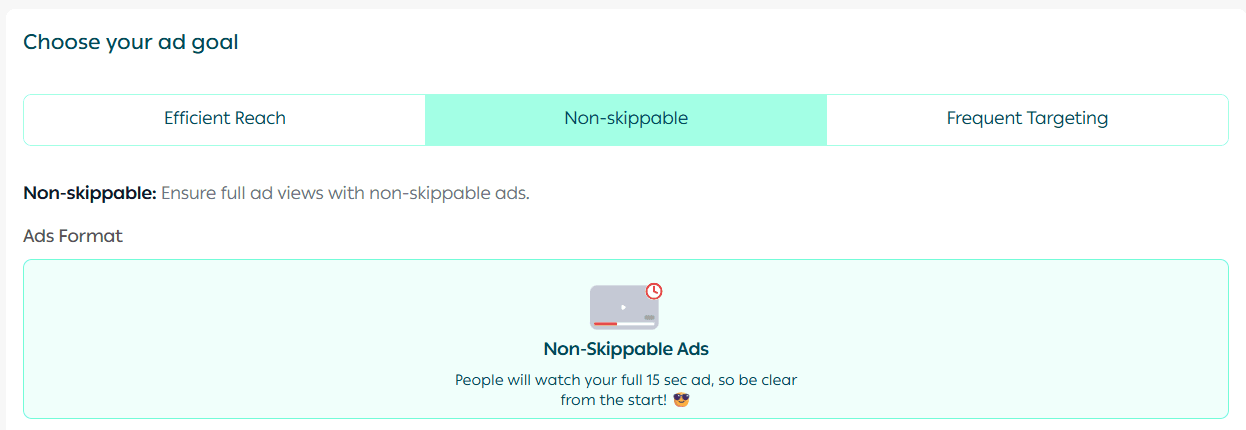
🚫 Non-Skippable Ad
A non-skippable video ad that plays before or during a video, ensuring your message is fully delivered.
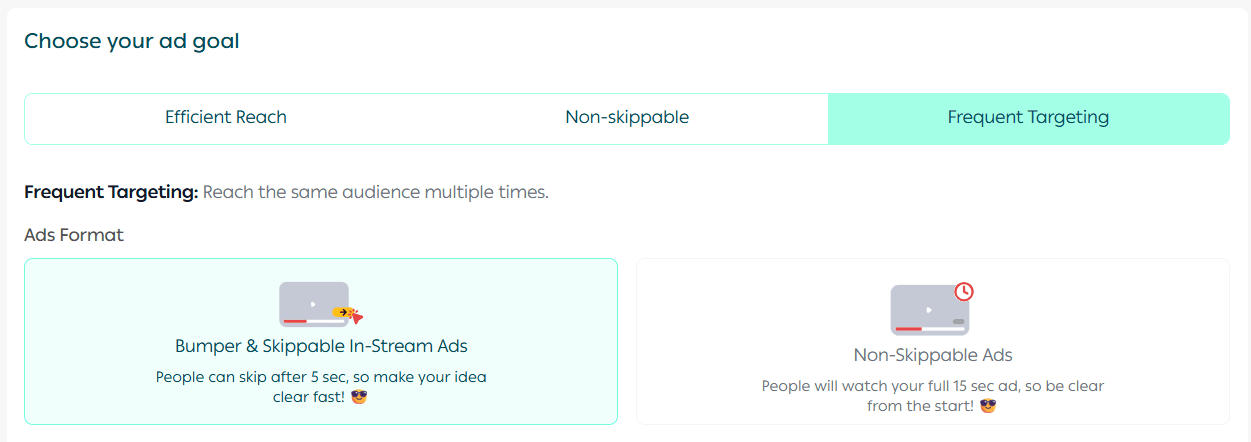
🔁 Frequency Targeting
Displays your ad multiple times to the same audience, reinforcing brand awareness and recall.
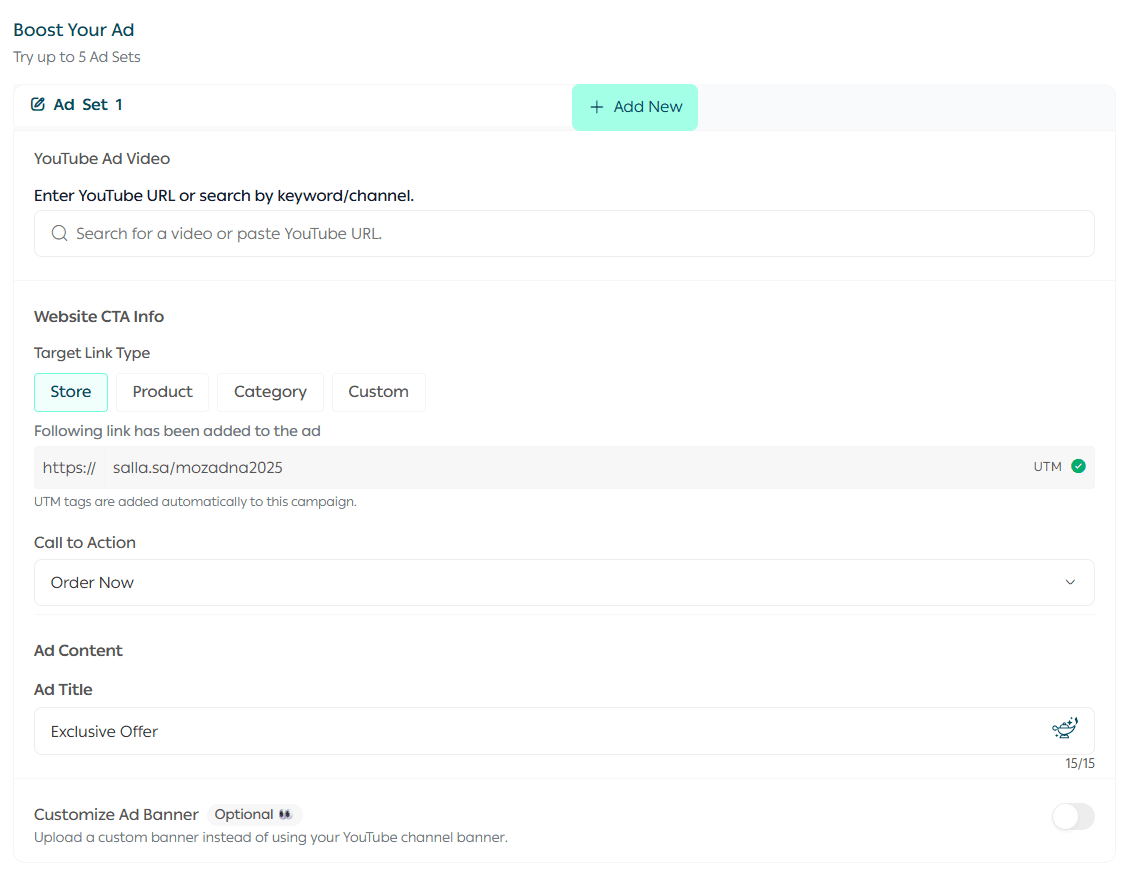
Complete the remaining campaign details as prompted.
📍 Define Your Target Audience
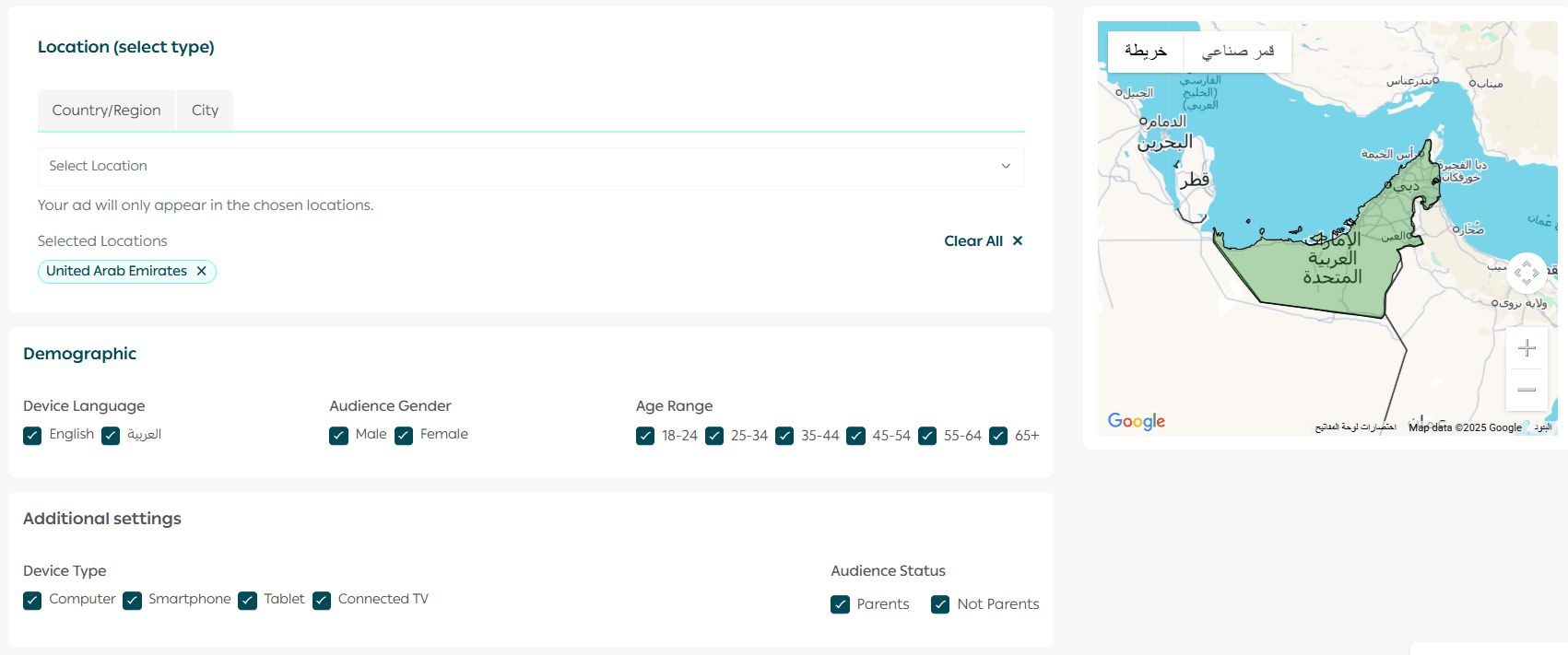
Specify your target audience by:
- Selecting the location (country, region, or custom geographic area)
- Defining demographic attributes such as age and gender
🎯 Refine Your Targeting
Increase targeting accuracy by specifying:
- Audience interests

- Relevant keywords, with the option to use the Salla AI to identify high-performing keywords
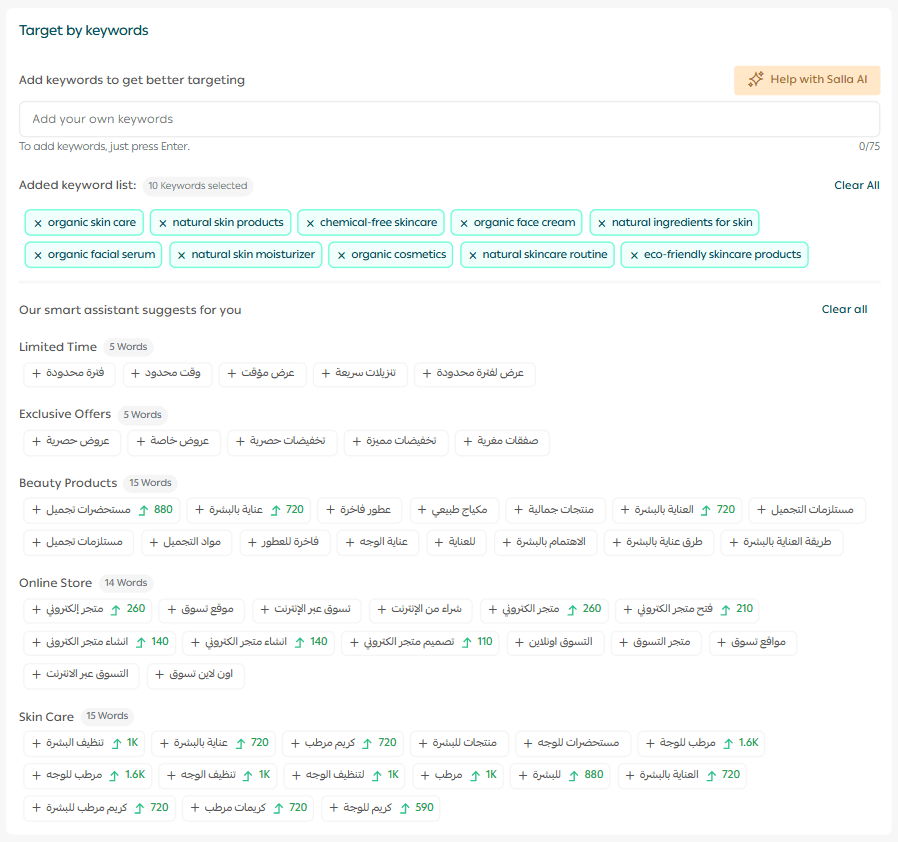
You can also control where your ads appear, such as:
- Specific YouTube channels
- Specific YouTube videos
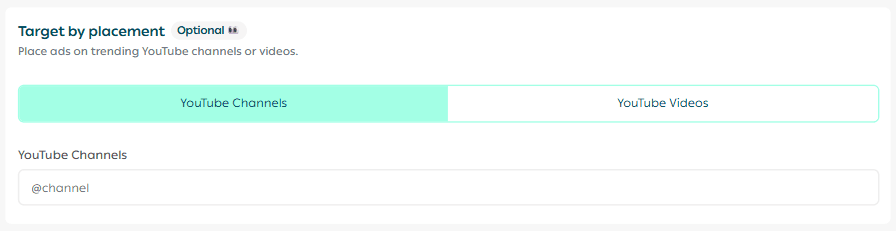
This level of control helps ensure your ads appear in the most relevant contexts.
💰 Set the Campaign Budget
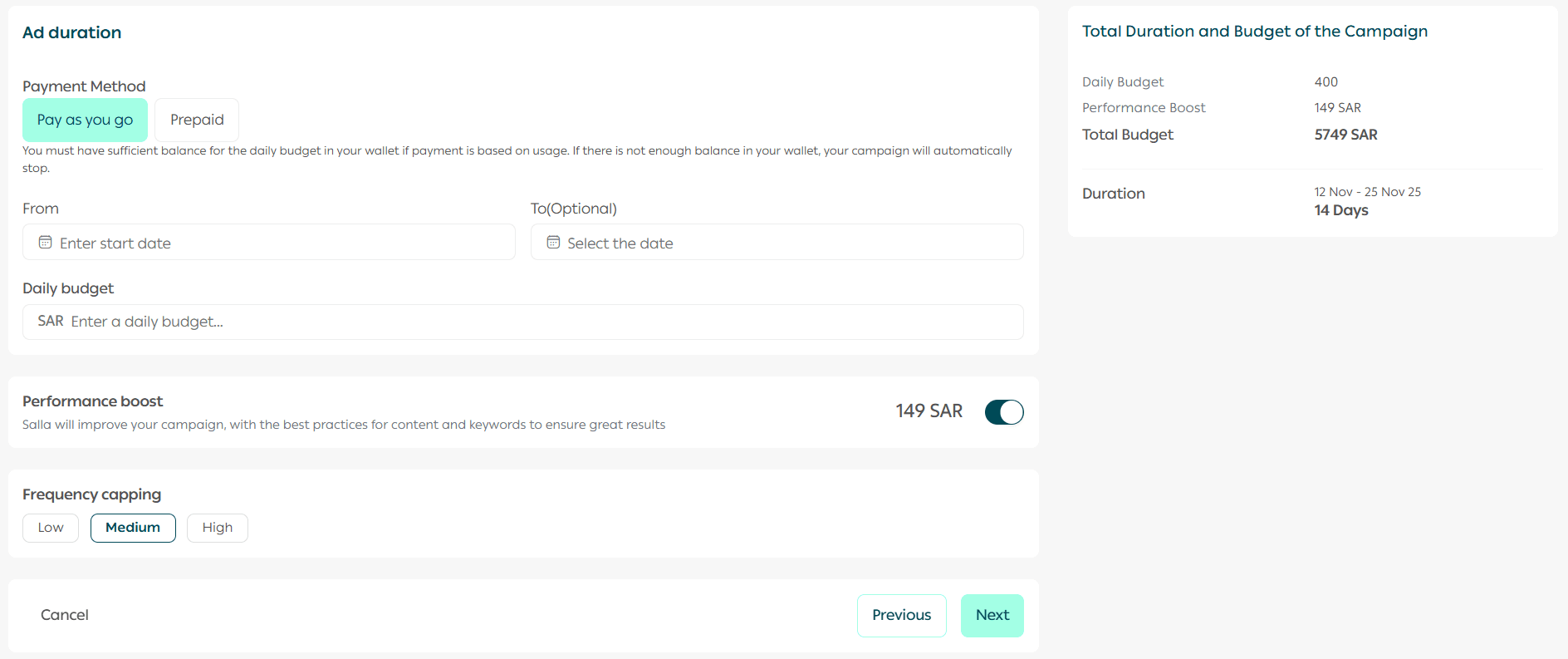
Define your campaign budget by selecting:
- Campaign duration
- Start and end dates
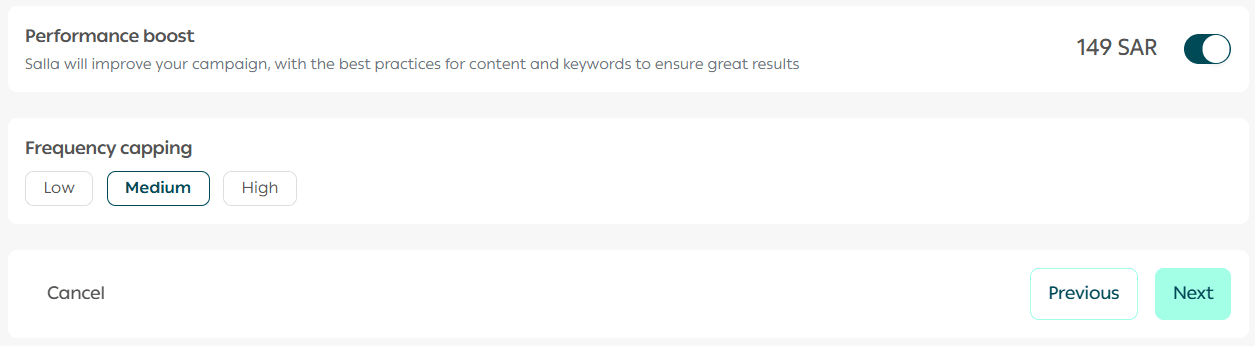
You can also choose whether to enable campaign optimization by the Salla Ads team, who will apply best practices for content and keyword selection to improve performance.
🚀 Launch the Campaign
Review all campaign and ad details carefully.
When you’re ready, click Launch Campaign.
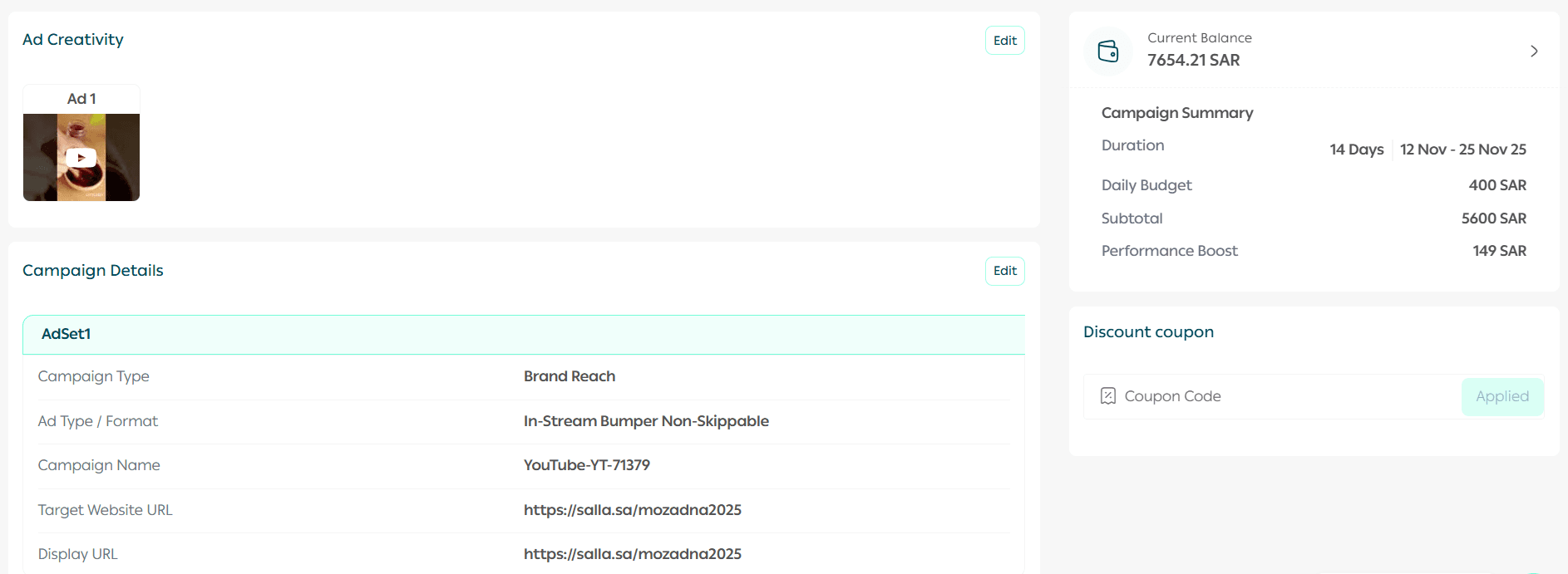
Your campaign will appear under the Ads Management tab once submitted.
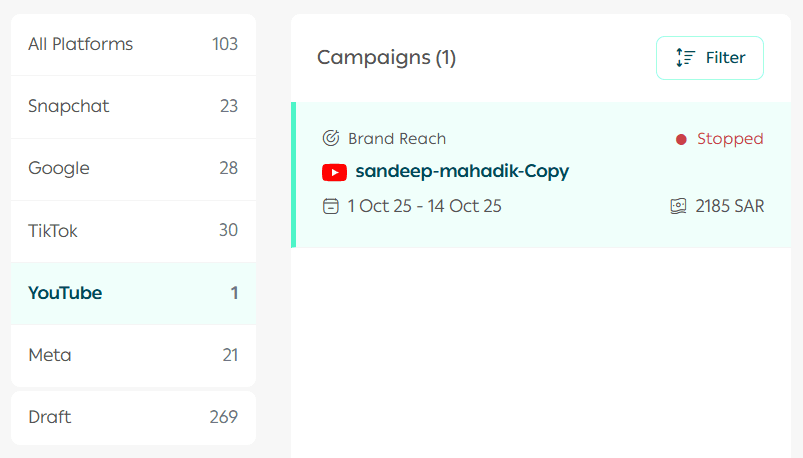
📝 Important Note: All YouTube ad campaigns are reviewed and approved within 48 hours at most.
Frequently Asked Questions
Why is my YouTube video link rejected even though it meets the requirements?
To ensure your ad displays correctly, the video used in a YouTube campaign must be publicly available (Public) on YouTube.
If the video is set to:
- Private, or
- Unlisted
YouTube will not allow it to be used in advertising campaigns.
👉 Make sure the video’s privacy setting is set to “Public” before adding it to your ad.
Launch your YouTube advertising campaign today and reach your audience with clarity, precision, and impact through Salla Ads 🚀