Sanad Accounting
Daily bookkeeping is the work that gets postponed until a tax deadline makes it urgent. Sanad Accounting provides accounting services that help merchants manage day-to-day financial operations, such as issuing tax returns and organizing financial records. It works automatically to reduce errors and make compliance with approved accounting standards easier. In this guide, you'll learn how to connect the Sanad app, activate your account, and remove the app.
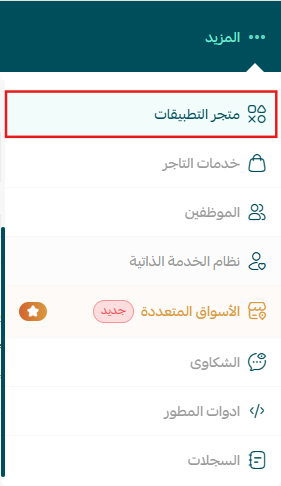
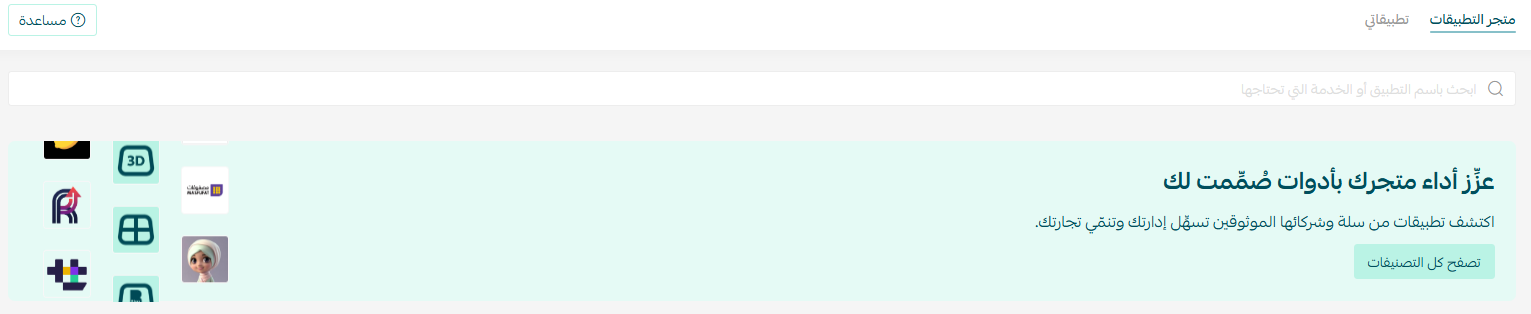
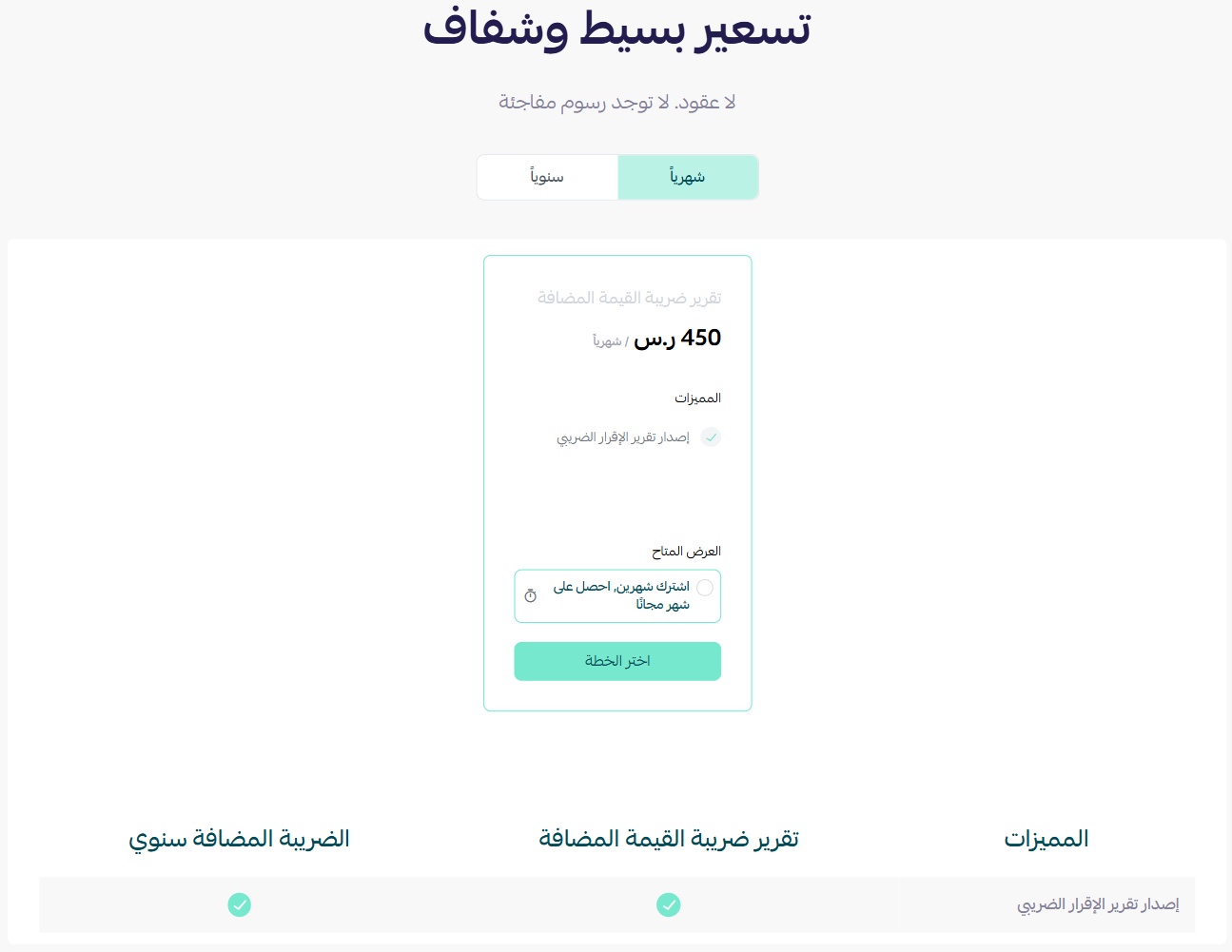
To connect Sanad on Salla, click the More tab in the main menu, then open the App Store. Click Browse all apps, open the Sanad Accounting app page, click Install, choose your plan, and complete the payment. You'll then receive an email to confirm your address and set your password on the Sanad platform.
📌 Article overview
- How to connect the Sanad app
- Managing the app
- Frequently asked questions
🚀 How to connect the Sanad app on Salla
1. From the main menu, click the (More) tab, then click (App Store).
2. From the App Store tab, click (Browse all apps).
3. From the Sanad Accounting app page, click (Install).

4. Choose the plan that fits your business to continue with the installation.
5. Complete the payment to activate the app's features.
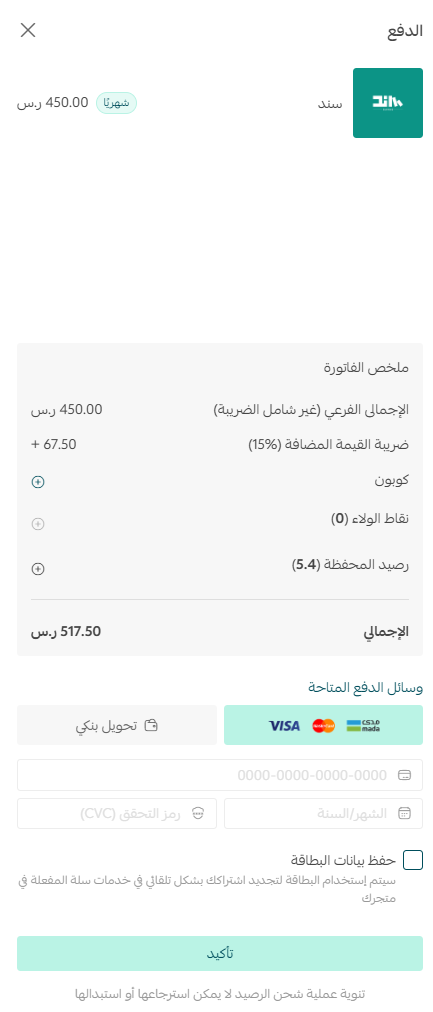
The Sanad app is now installed on your store.
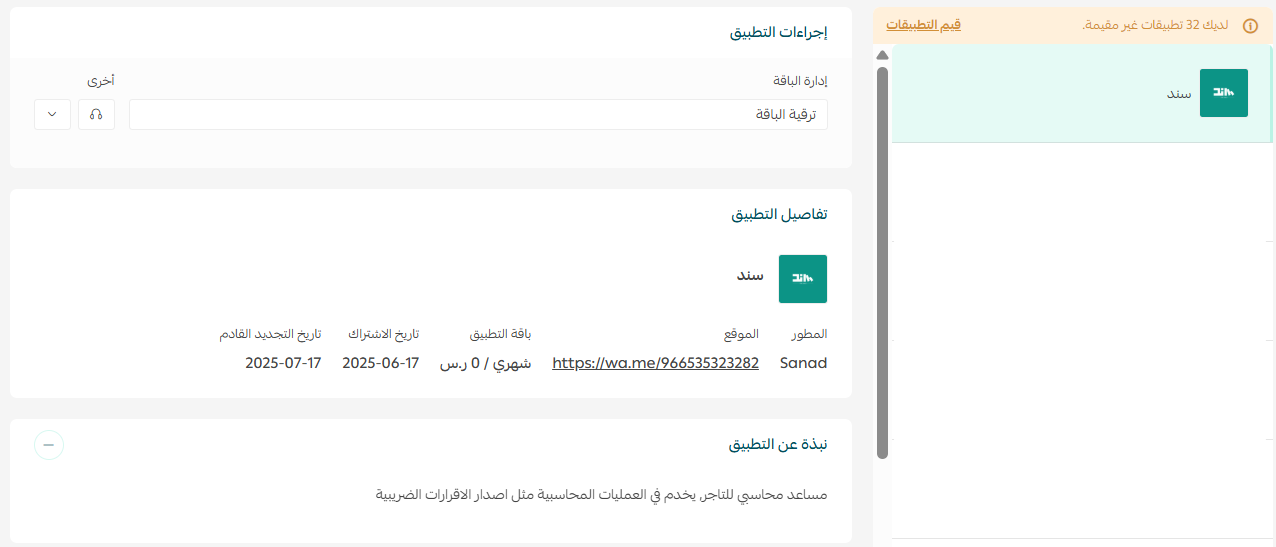
6. Once installation finishes, you'll receive an email containing your login details. Click (Confirm email address).

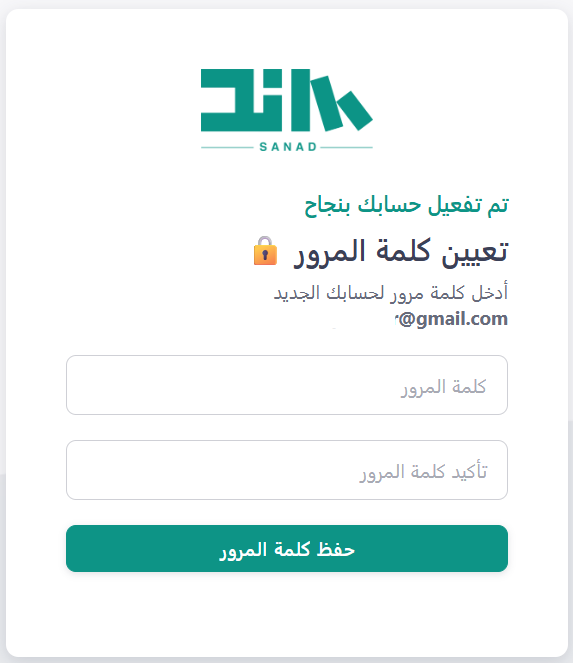
7. Reset the password for your account on the Sanad platform.
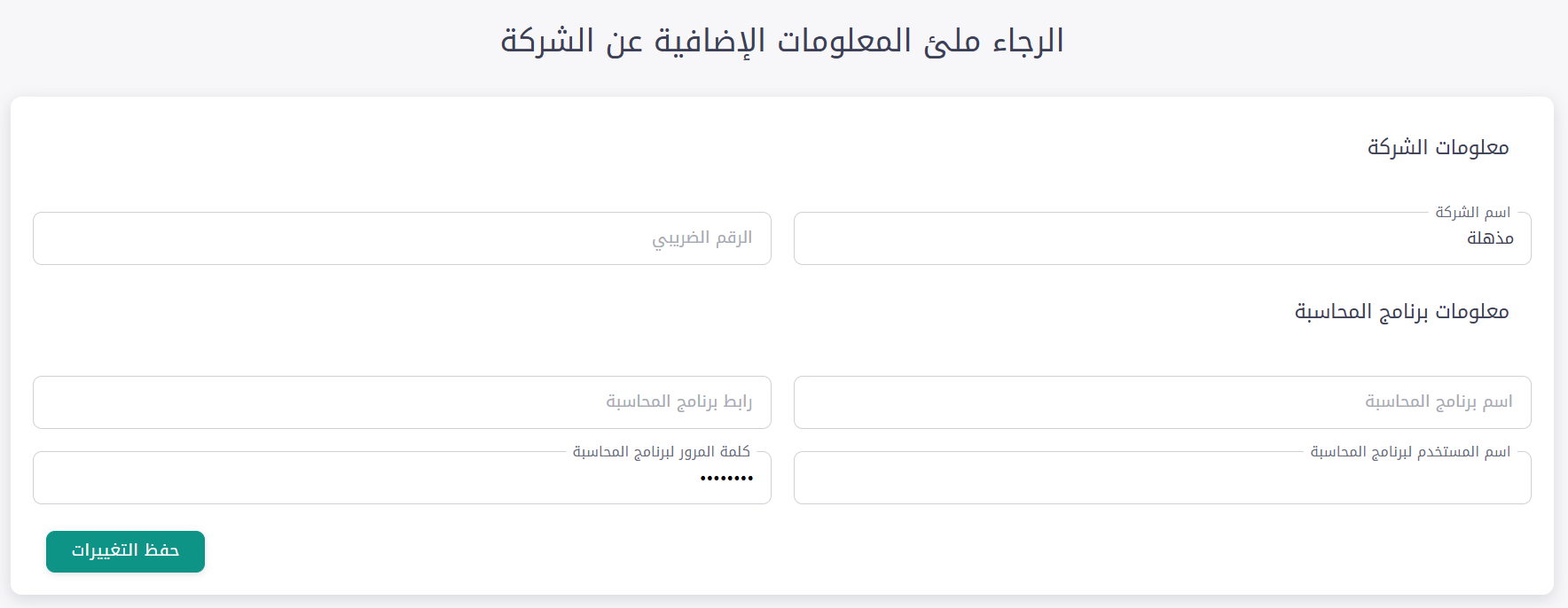
Fill in your store information and click (Save changes).
🎉 That's it — the Sanad app is active on your store.
🚀 Managing the app
Removing the app
From the Sanad app, click ( ) then click (Delete app).

Frequently asked questions
❓ What does Sanad handle?
Day-to-day financial operations such as issuing tax returns and organizing your financial records.
❓ Is the app ready to use straight after payment?
Not quite. You still need to confirm your email address, reset your password on the Sanad platform, and fill in your store information.
❓ How do I remove the app?
Open the Sanad app, click the options icon, then click Delete app.
For more detail, see the Sanad app site.
Automating the bookkeeping matters most in the weeks before a filing deadline, when the alternative is reconstructing months of records at once. Set it up while things are quiet.