Managing product data efficiently is essential for any successful online store. Manually handling large amounts of data can be time consuming and prone to errors. Product export templates simplify the process by allowing you to export only the data you need, in the format you want, with just a few clicks.
In this guide, you will learn how to create, edit, and use custom product export templates to save time and streamline your workflow.
📌 Article overview
- Product export templates page
- Creating a new product export template
- Editing an export template
- Using product export templates
Product export templates page
- From the main menu, click Products.

2. Within the Products section, click More then select Export Templates.
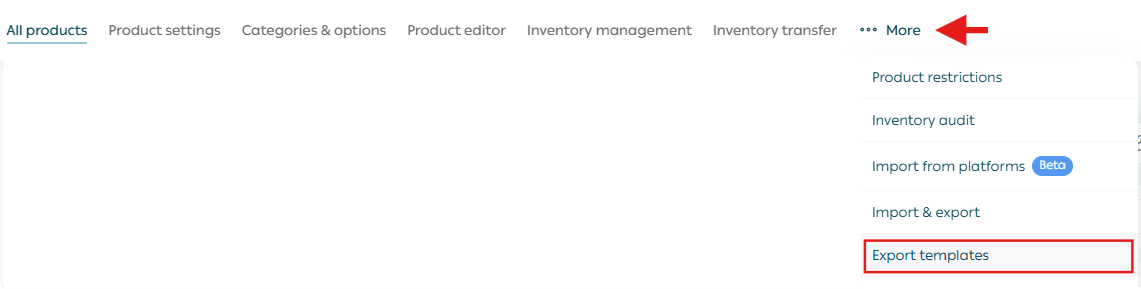
This page displays all export templates created for your store and allows you to manage them easily.
Create a new export template
- To add a new template, click New Template.
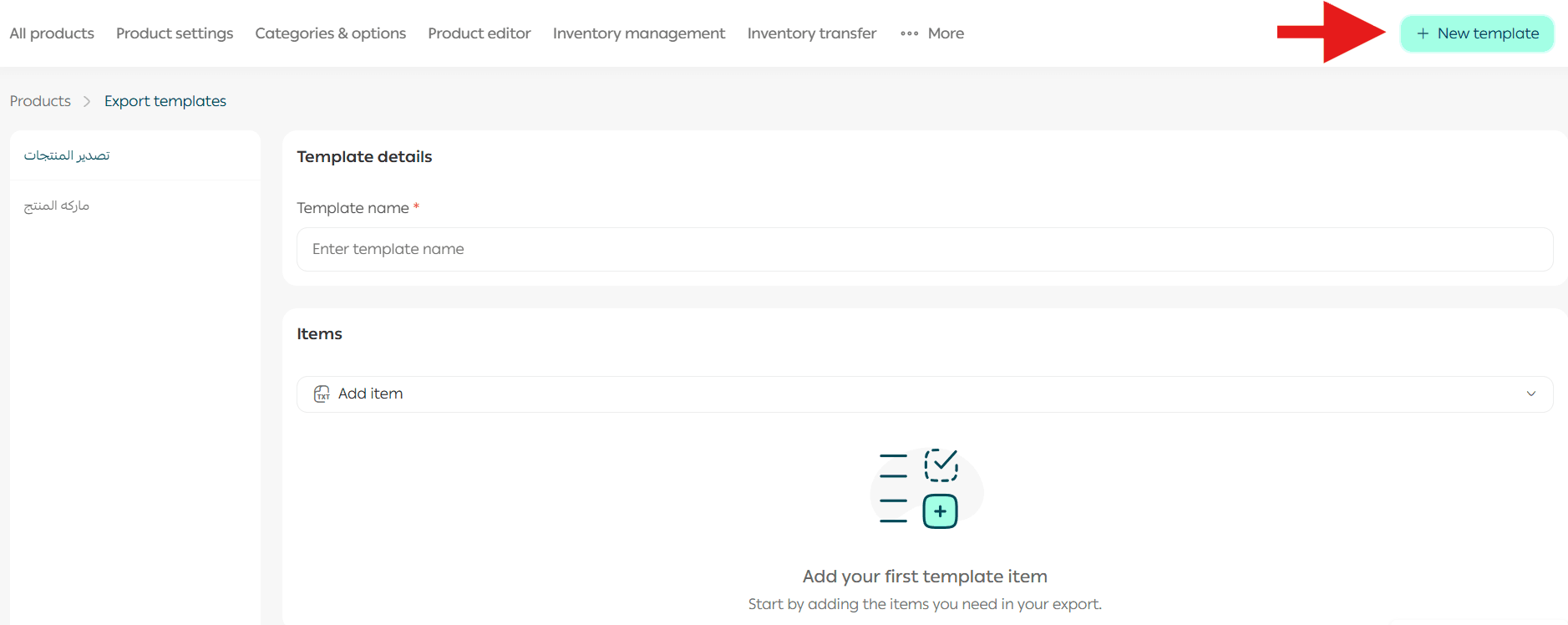
2. Enter a clear and descriptive name for the template.
3. From the list of available fields, select the data you want to include in the export.
4. Click Save.
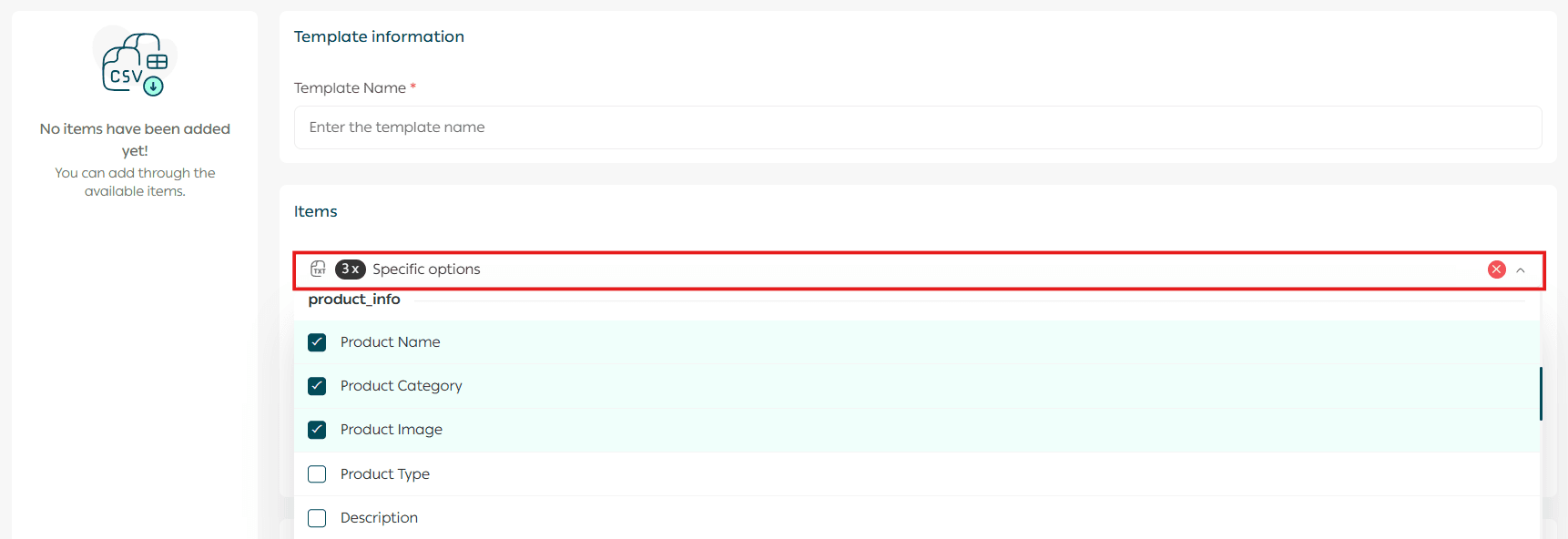
📝 Important note: You can create up to five export templates for products.
Edit an export template
From the Product Export Templates list, click the template you want to edit.
You can modify the following:
- Template name
- Included fields
- Field order
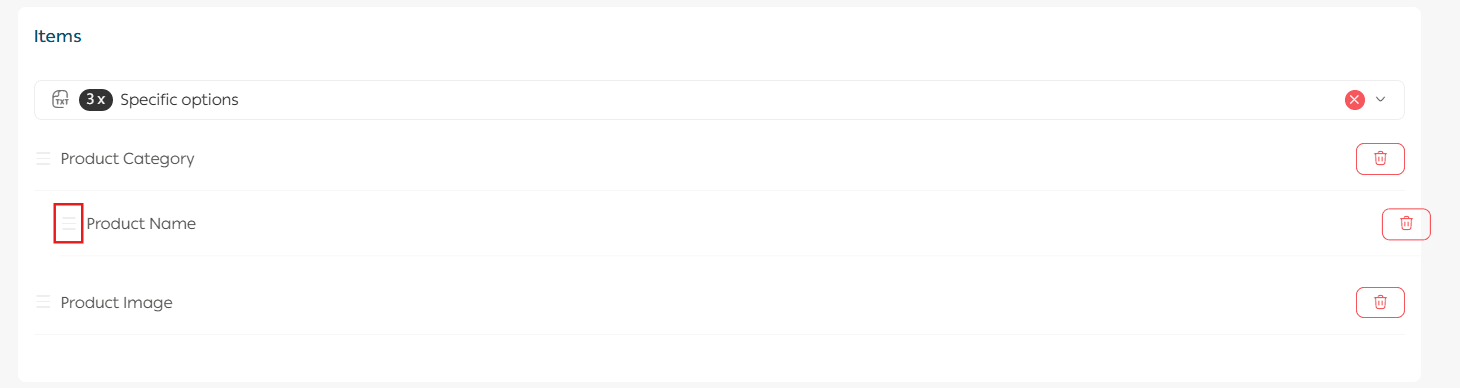
To remove a specific field from the Selected Fields section, click the delete icon next to it.
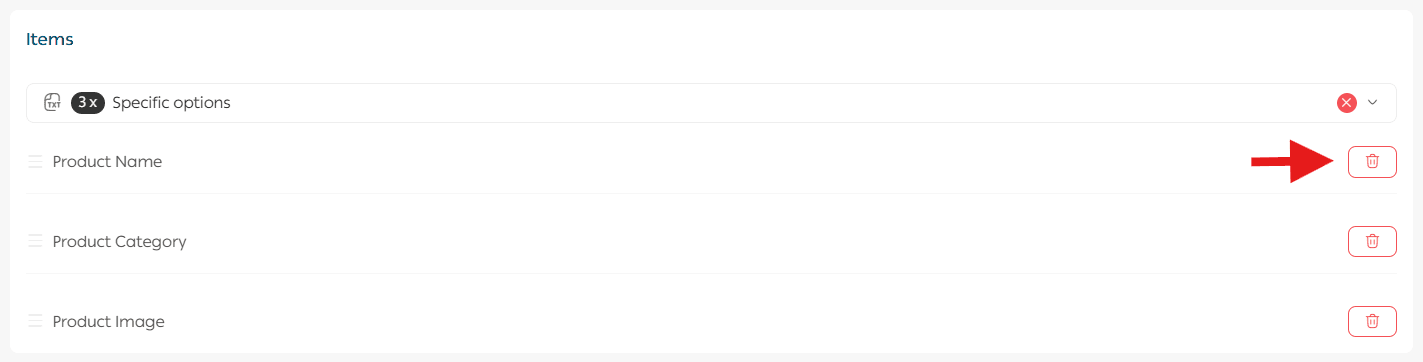
You can also reorder fields using drag and drop.
Once finished, click Save.
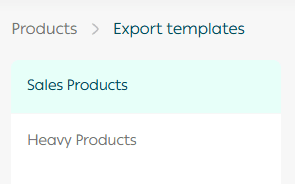
All created templates will appear on the main Export Templates page for quick access.
Use product export templates
- From the Products page, go to the All Products tab.

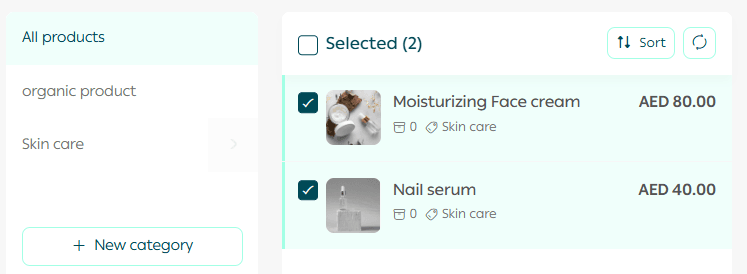
2. Select the products you want to export.
3. From the product actions menu, choose Export Custom Template.
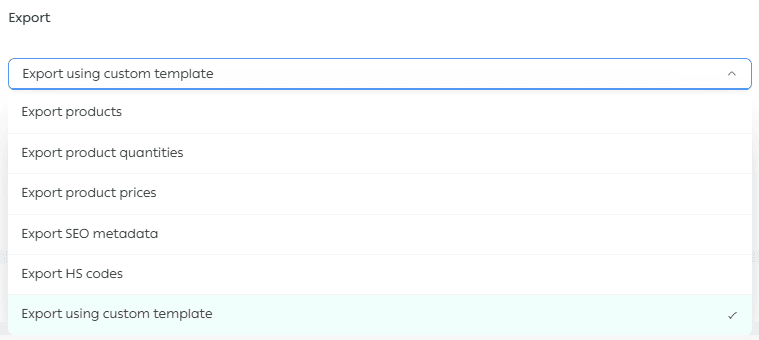
4. Select the export template, choose the file format, then click Run Action.
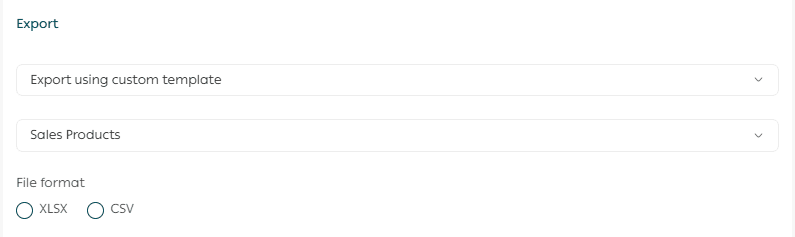
The export will be processed successfully, and the file will be sent directly to your email.
Efficient export templates help you work smarter, reduce manual effort, and keep your product data organized and ready whenever you need it.