Not sure whether the app you need lives in the App Store, the Salla Store, or the App Maker?
The three sit close together in the dashboard and solve very different problems, so it is worth a minute to separate them. The Salla App Store is the one you reach for when you want to add a capability to your store — a shipping carrier, a marketing tool, an integration with a service you already use. In this guide, you'll learn what the App Store is, how it differs from the Salla Store and the App Maker, how apps are priced and reviewed, what they can access in your store, and how to remove or reinstall one.
The Salla App Store is where you browse and install apps that add features to your store, such as shipping, marketing, and integrations. Some are built by Salla, others by developers in Salla's developer community. Apps can be free or paid, and every one is reviewed by Salla before it is listed.
📌 Article overview
- The App Store, the Salla Store, and the App Maker
- Finding and choosing apps
- App permissions and trust
- Paying for apps
- Removing and reinstalling an app
🎯 The App Store, the Salla Store, and the App Maker
❓ What is the difference between the Salla App Store, the Salla Store, and the App Maker?
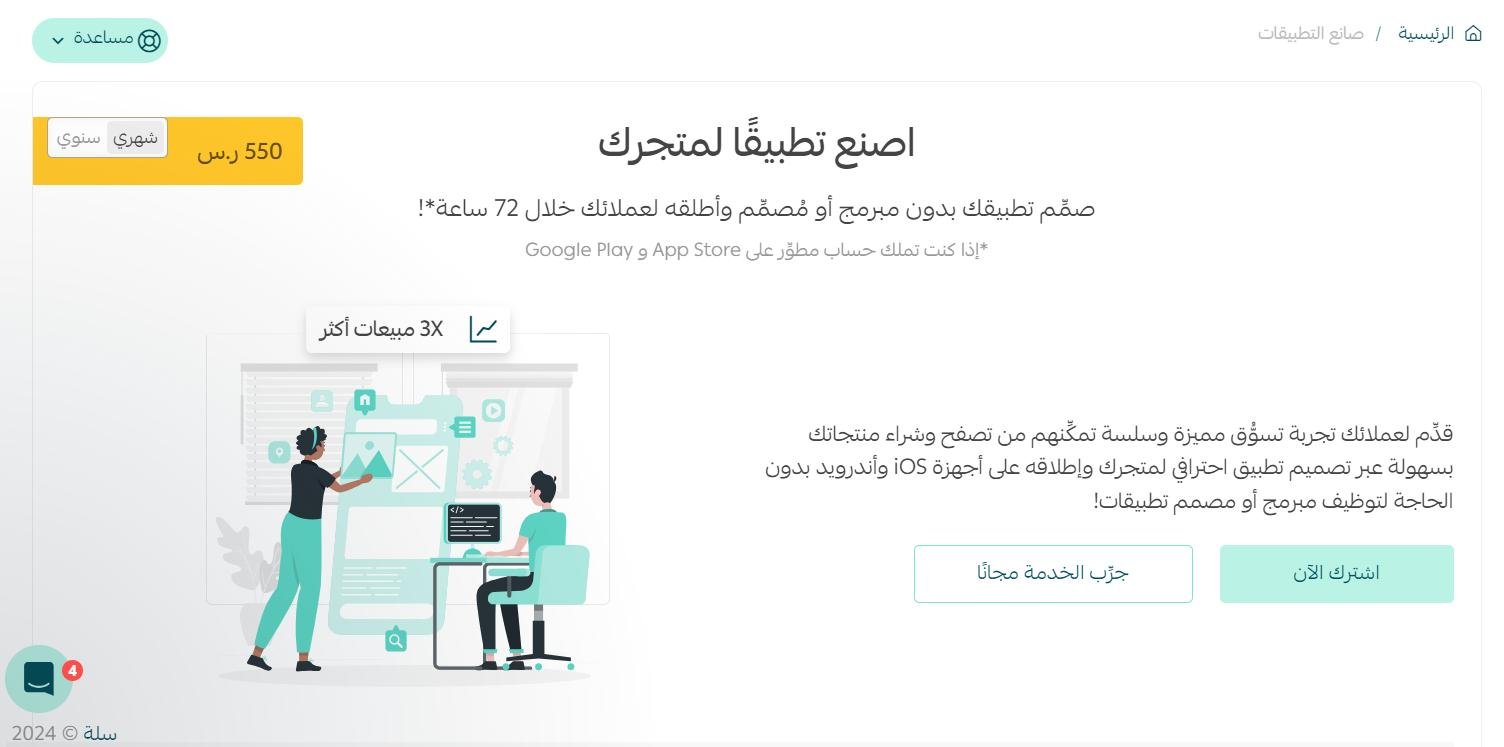
App Maker
Build your store's own mobile app with Salla's App Maker. It produces a polished app for your Salla store without a developer, in under 72 hours.
Salla Store
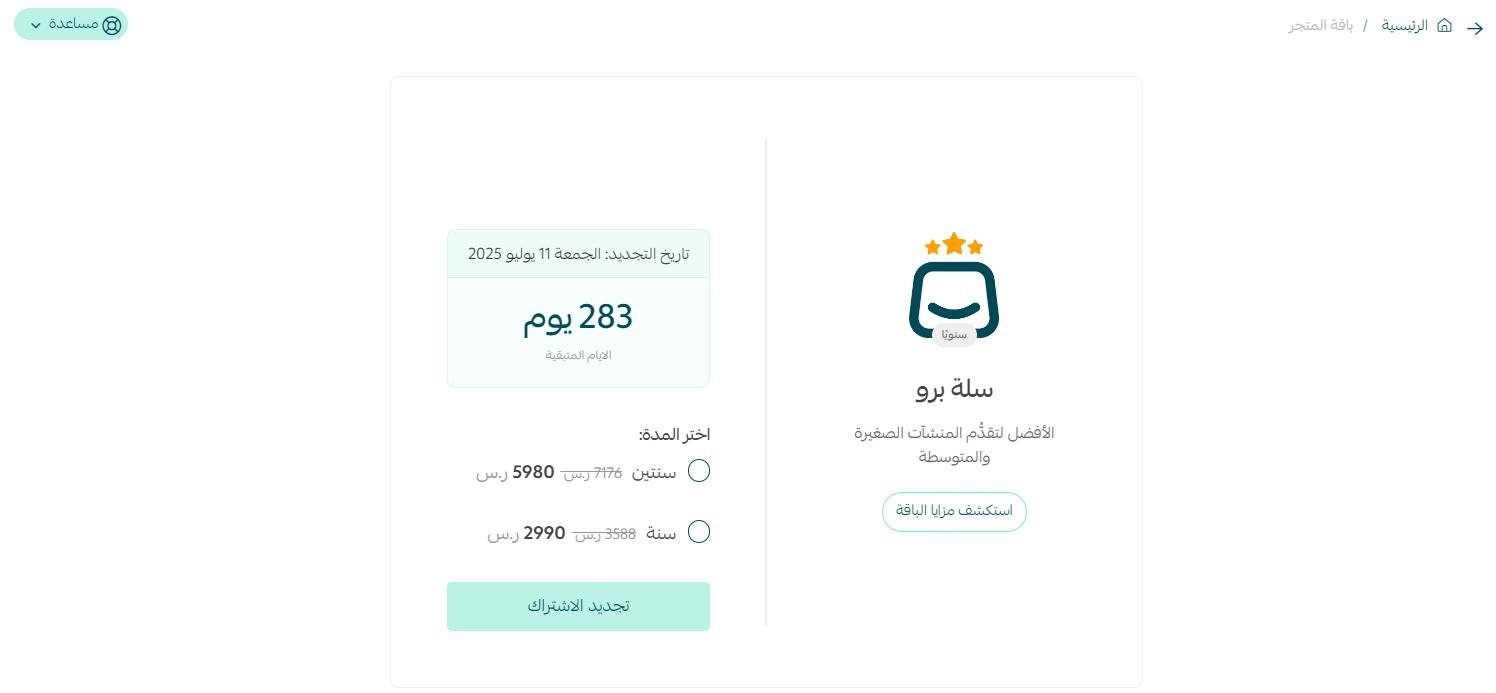
This is where you buy from Salla itself. Its main services are:
- Upgrading your current plan to Salla Plus or Salla Pro, or renewing a paid plan.
- Add-ons: more branches, more users, one million characters of instant translation, and WhatsApp credit.
Salla App Store
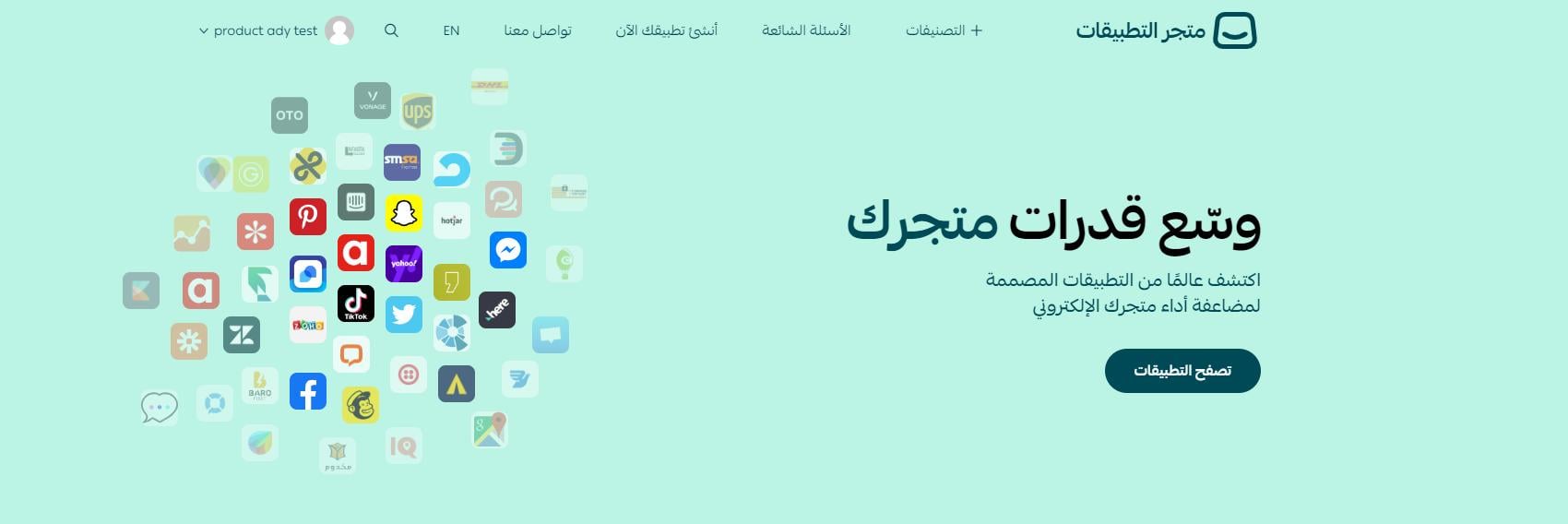
The App Store carries different kinds of apps for merchants to choose from, aimed at growing the store and improving its performance and profitability. The apps are built either by Salla or by another developer from Salla's developer community.
❓ What are the main features of the App Store?
- A range of apps covering different merchant needs.
- Open to every Salla merchant, on any plan and any type of business entity.
- Its own area in the store dashboard, called App Store.
- A simpler, smoother interface for managing your apps.
- The place to connect an external service privately from the merchant dashboard (previously known as API connection).
🔍 Finding and choosing apps
❓ Which apps should I use?
The App Store usually offers several apps for the same job, so you pick the one that fits your store. Shipping is a good example: Salla lists a number of shipping apps, and you choose the carrier and service that match how you actually ship.
❓ How do I search for apps in the Salla App Store?
Apps are organized into categories and types, which makes browsing to the right one straightforward. You can also use the search bar to go straight to an app by name.
🔐 App permissions and trust
❓ What can an app access in my store?
Each app has its own permissions, limited to the data its service needs. You are asked to authorize the app's scope before it is installed in your store, so you always see what it is asking for first.
❓ Are the apps on the App Store trusted by Salla?
Apps come from Salla and from third-party developers in Salla's developer community, and Salla reviews and approves every app before it is listed. If you run into a problem while using an app, contact that service's own customer support.
💰 Paying for apps
❓ Do I pay for apps?
The App Store has both free and paid apps. If an app charges for installation, you pay the amount shown to start using the service, and the payment is made through your merchant dashboard.
❓ If an app's trial ends, will I be charged?
No. The service simply stops and no fees are taken.
❓ Once the trial ends, how do I pay for the app?
Pay for the service from your store dashboard. Once the payment goes through, you get full access to the service you subscribed to.
👣 Removing and reinstalling an app
❓ The app is not right for me. How do I remove it?
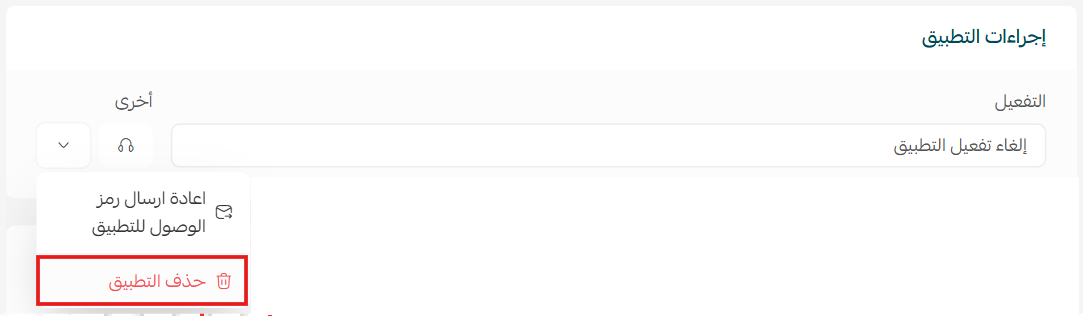
You can uninstall an app directly from your store. From the my apps page, open the options menu for the app and click (Delete app).
❓ If I remove a paid app, can I get my money back?
Yes, within a limited window. Remove the app within 7 days of installing it for the first time and you are refunded what you paid at installation. After those 7 days, or if you remove it after a second installation, nothing is refunded — whether you paid once or on a monthly subscription.
❓ I removed an app and want it back. How do I reinstall it?
Go back to the App Store and install it again, the same way you installed it the first time.
📝 Important notes
The 7-day refund window applies to the first installation only. Installing an app a second time and removing it does not qualify for a refund.
Support for an individual app comes from the developer behind it, not from Salla.
The App Store is worth treating as a shortlist rather than a shopping trip. Install what solves a problem you have today, give it the trial period to prove itself, and remove anything that does not earn its place.