Are your product descriptions doing any selling, or just listing specifications?
Most product pages carry a plain description written once and never revisited, and a shopper scanning it rarely finds the one line that convinces them. AI Float Product Description is a Salla app that adds an AI-generated marketing description to your product page in a floating box, without touching the description you already wrote. In this guide, you'll learn how to install the AI float product description app, what it looks like to shoppers, and how to remove it.
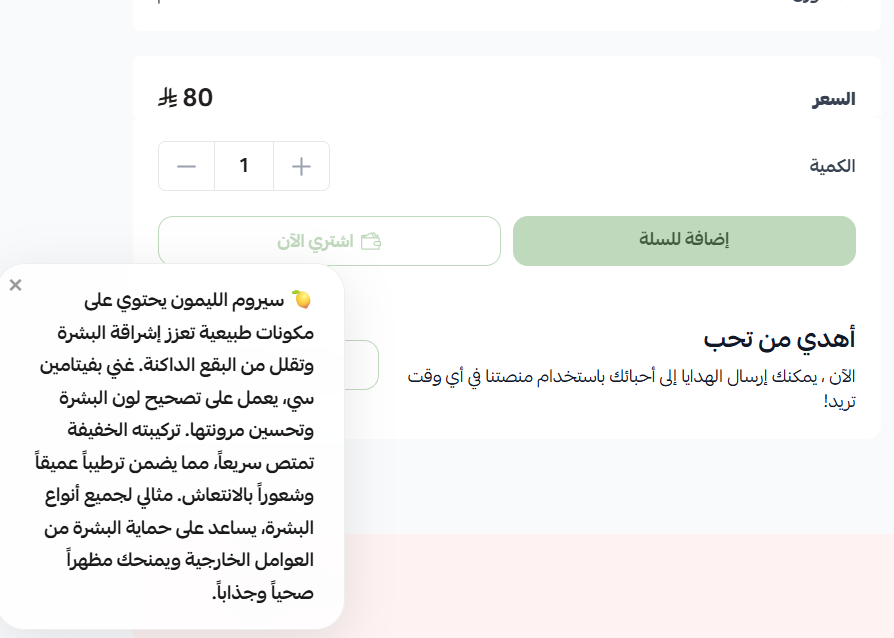
AI Float Product Description is a Salla app that adds an AI-written marketing blurb to your product pages. It appears automatically in a floating box beside your existing description, so your original product text and data stay exactly as they are. Install it from the App Store and it starts working.
📌 Article overview
- How to install the AI Float Product Description app
- How to manage and remove the app
- Frequently asked questions
👣 How to install the AI Float Product Description app
1. From the main menu, click (All), then under helper tools click (App Store).
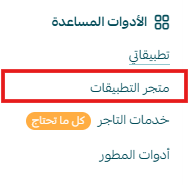
2. Search for the app using the search field.

3. On the AI Float Product Description app page, click (Install).
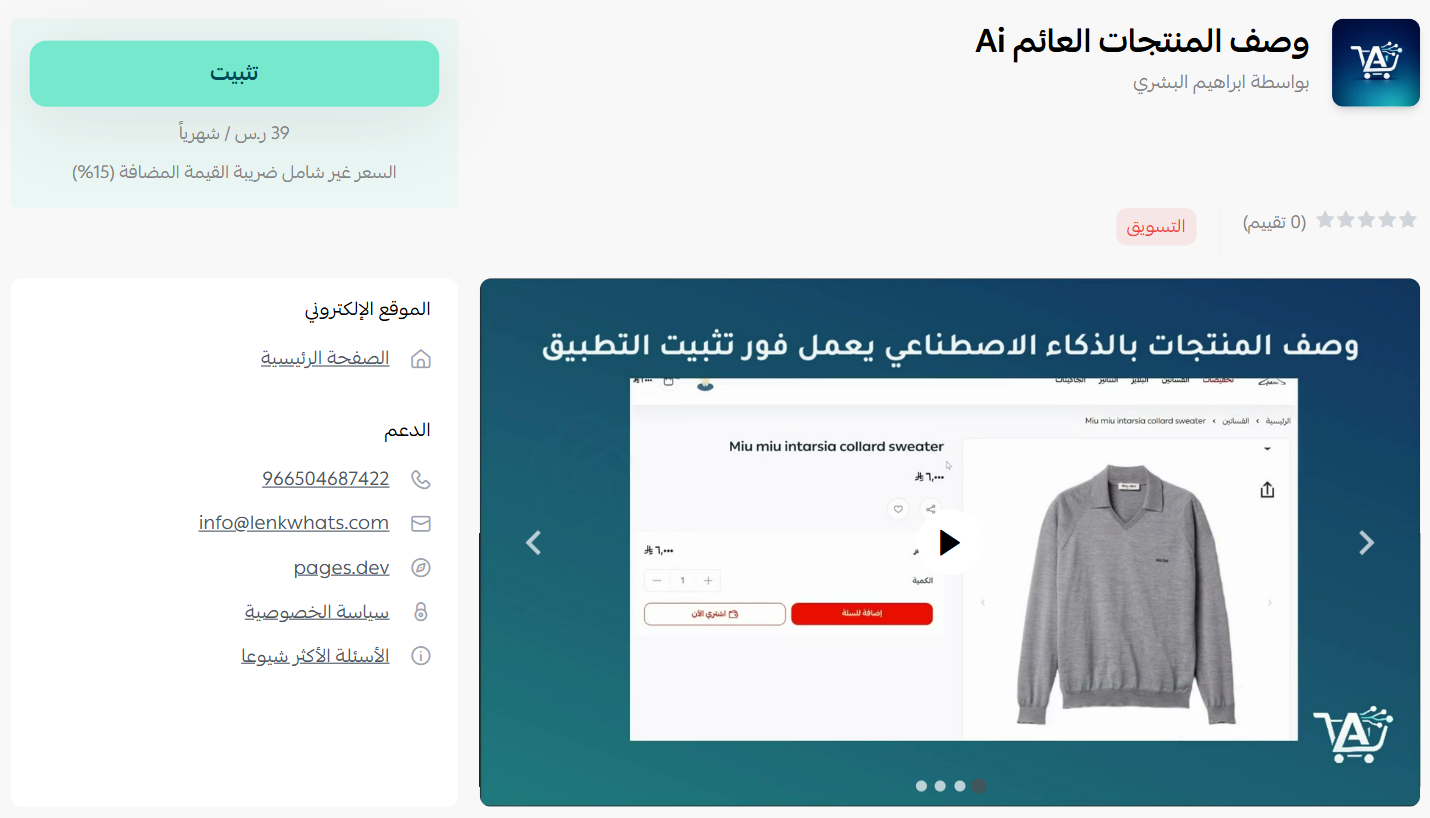
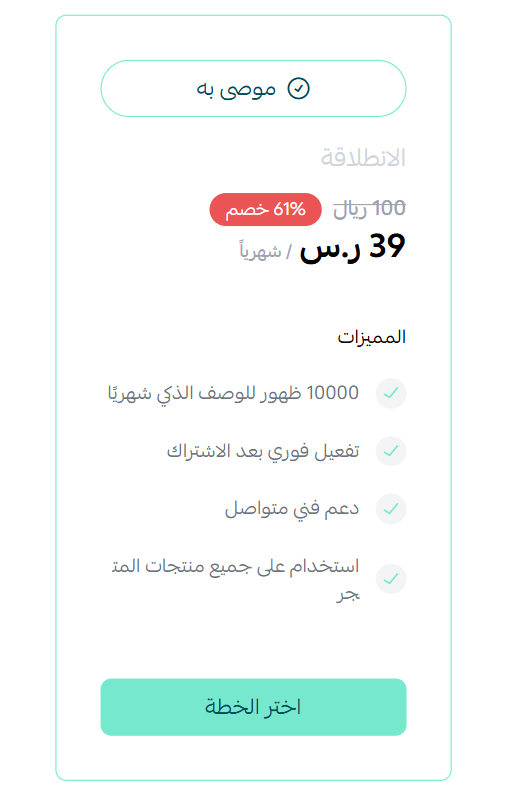
4. Choose the plan that suits you, then click (Install app).
5. Complete the payment to unlock the app's features.
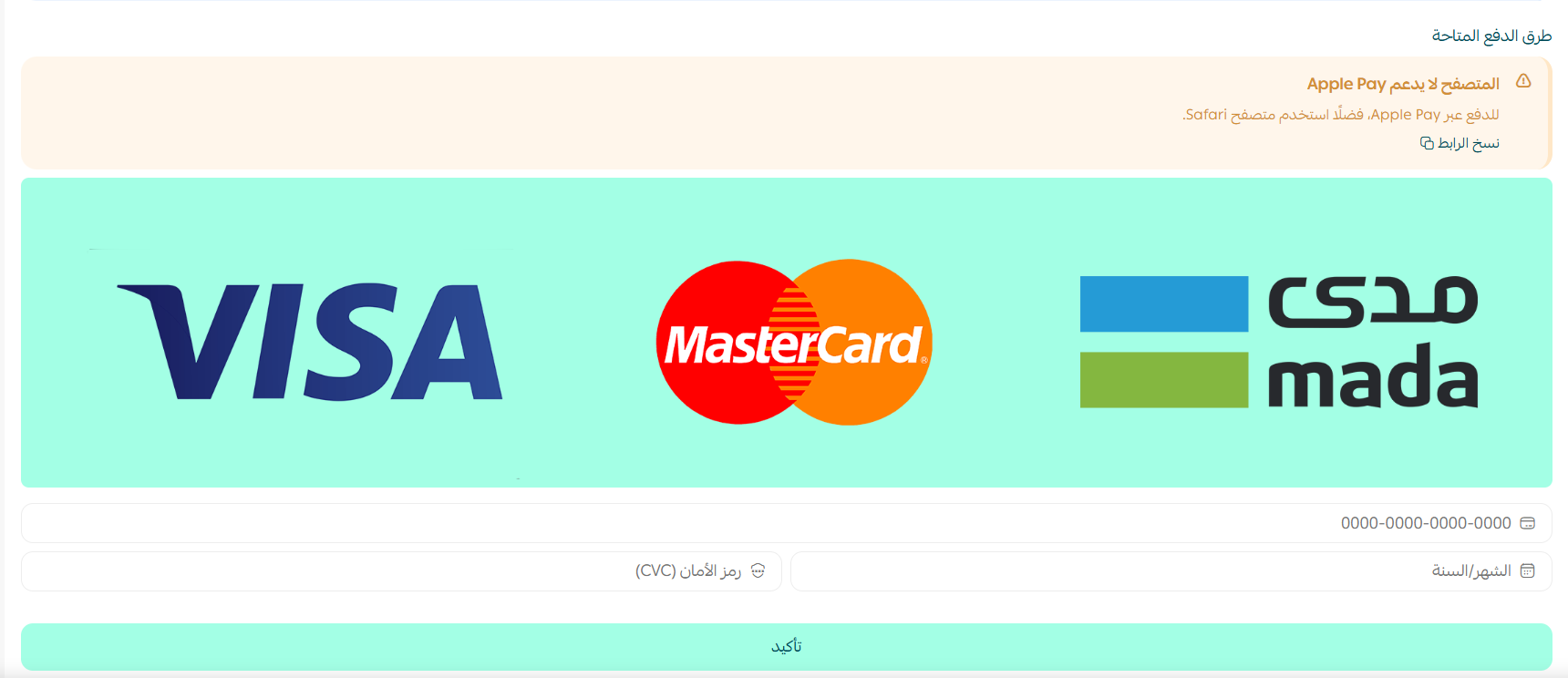
AI Float Product Description is now installed on your store.
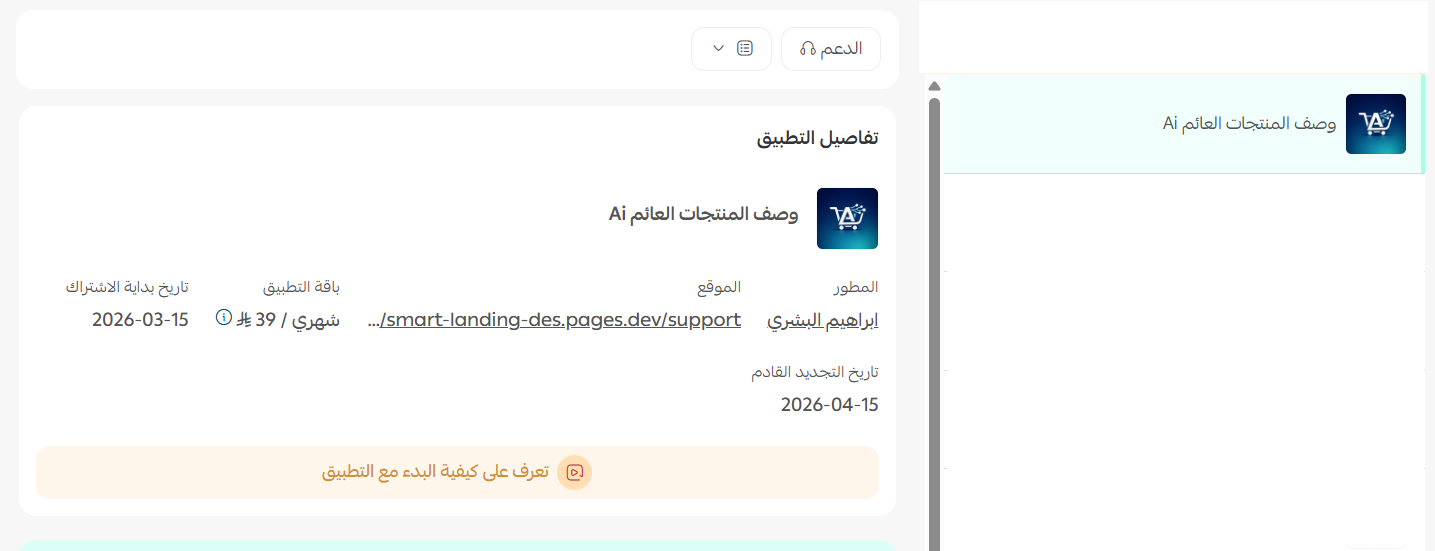
Here is how it appears on a product page in your store:
🚀 How to manage and remove the app
Remove the app
1. From the app options menu, click (Cancel subscription), then choose a reason for cancelling.
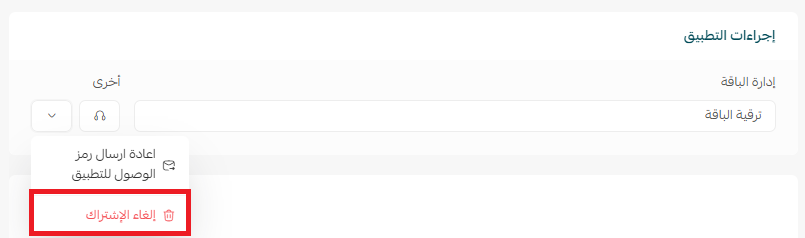
2. From the app options menu, click (Delete app), then choose a reason for deleting.
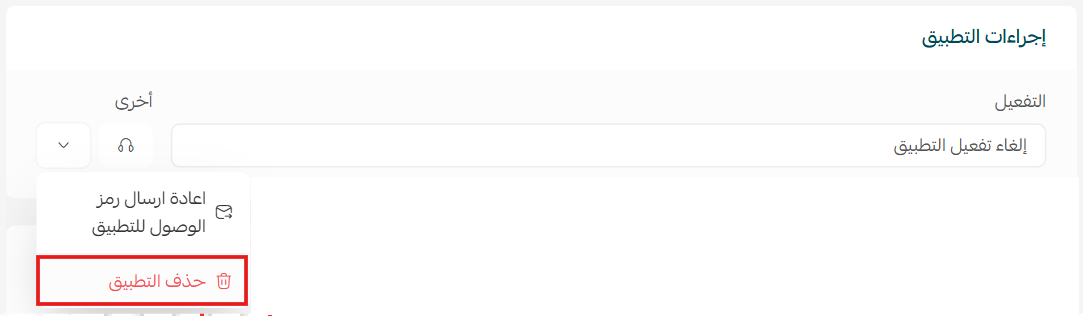
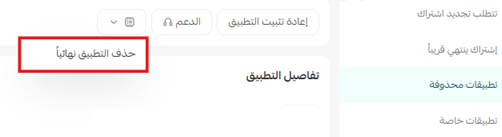
3. Open the deleted apps page, then from the app options menu click (Delete app permanently) to remove it from your store for good.
📝 Important notes
- The floating box is an addition to the product page. It never edits your original description or any other product data.
- Cancelling the subscription and deleting the app are two separate steps, and the app stays recoverable until you delete it permanently.
❓ Frequently asked questions
Will the app rewrite the product descriptions I already have?
No. The AI description appears in a separate floating box on the product page, and your original description stays untouched.
Do I have to write the AI description myself?
No. The box is generated by AI and appears on the product page automatically once the app is installed.
Does the app change my product data?
No. Product data such as price, options, and stock is unaffected.
Do I need a paid plan?
Yes. You pick a plan during installation and complete the payment before the app's features become available.
How do I get rid of the app completely?
Cancel the subscription, delete the app, then delete it permanently from the deleted apps page.
For more details, visit the AI Float Product Description app page.