What happens to the money when a customer overpays or returns an order?
Refunding small amounts by bank transfer costs you fees, takes days to clear, and rarely brings the customer back. The My Point app takes a different route: it turns overpayments and refunds into loyalty points the customer can spend in your store, which cuts your transfer costs, keeps the value inside your business, and gives your accounting an accurate record of every point balance. In this guide, you'll learn how to install the My Point app from the Salla App Store, activate it on the My Point platform, resend the access code, and cancel or remove the app.
To use My Point, install it from the Salla App Store, choose a plan, and complete the payment. The My Point team then emails your activation details. Sign in to the My Point platform with those credentials, and the app starts converting overpayments and refunds into loyalty points.
📌 Article overview
- How to install and activate the My Point app
- How to manage your My Point app options
- Frequently asked questions
🚀 How to install and activate the My Point app
1. From the main menu, click (All), then under helper tools, click (App Store).

2. Find the app using the search field.

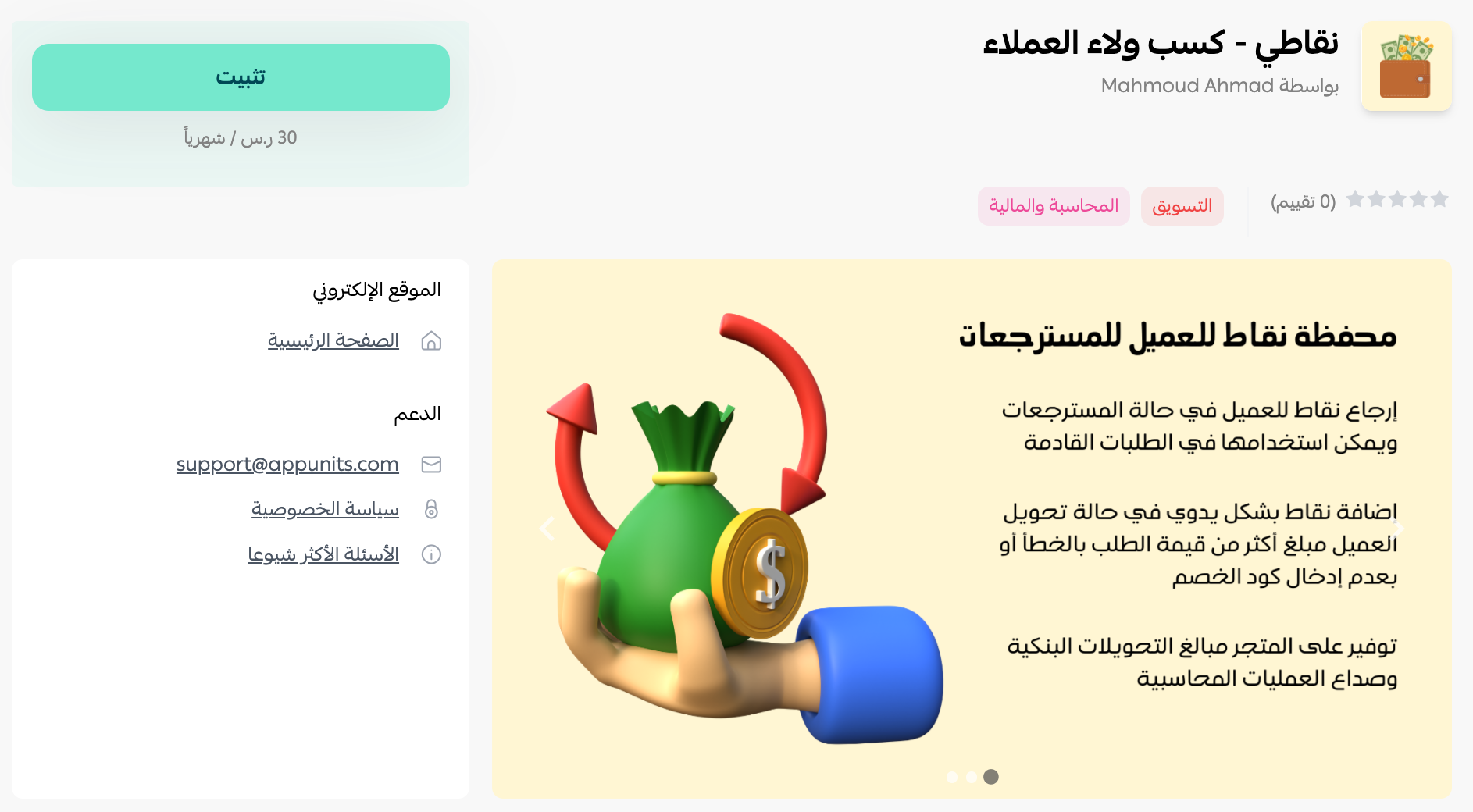
3. On the My Point | win customer loyalty app page, click (Install).
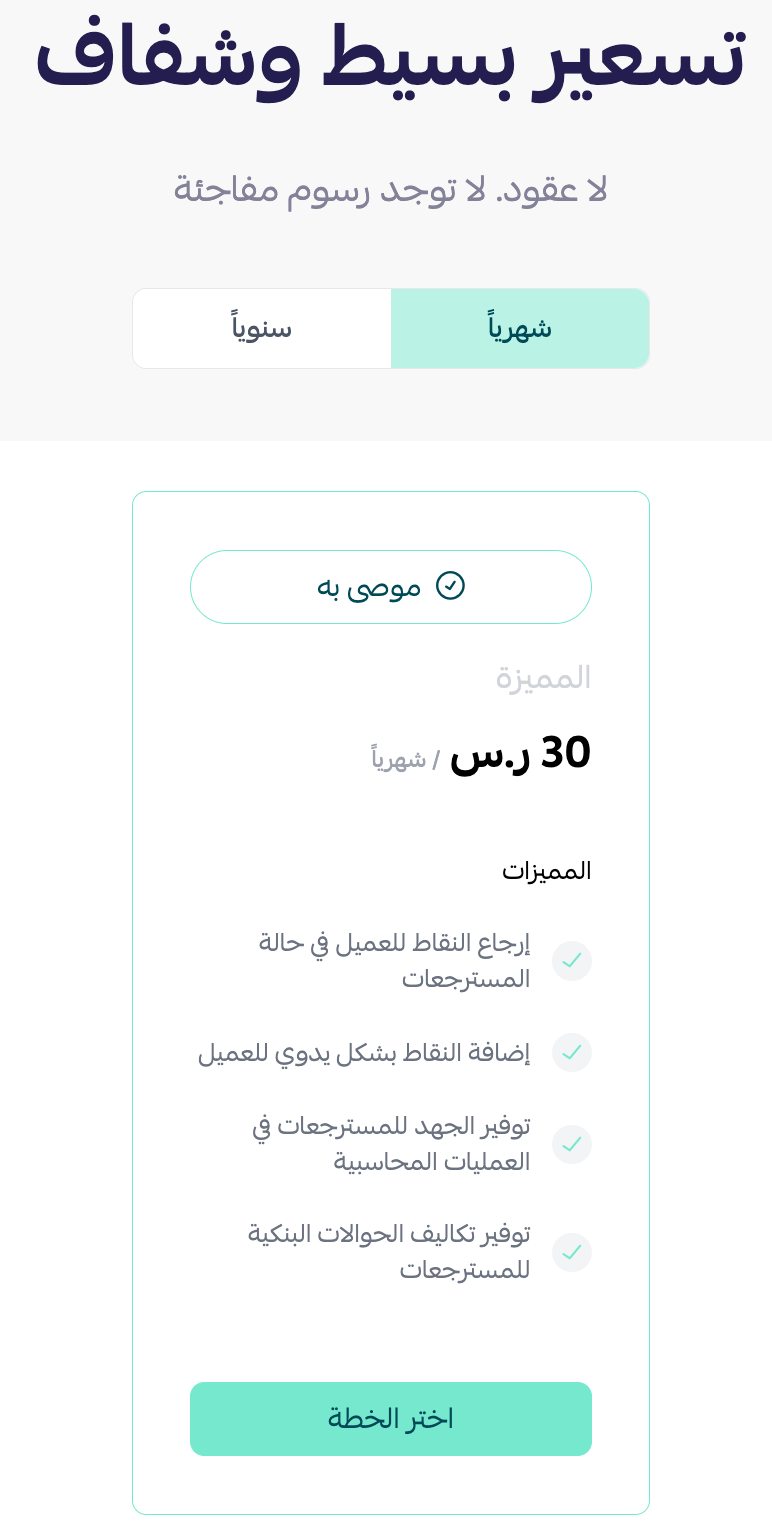
4. Choose the plan that fits your business to continue with the installation.
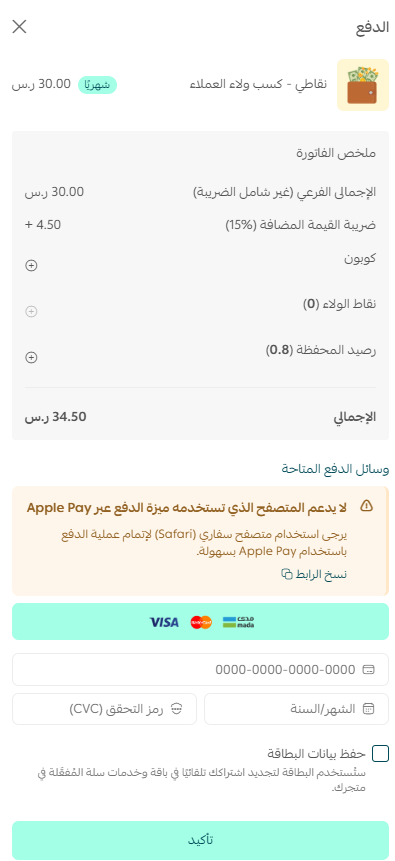
5. Complete the payment to unlock the app's features.
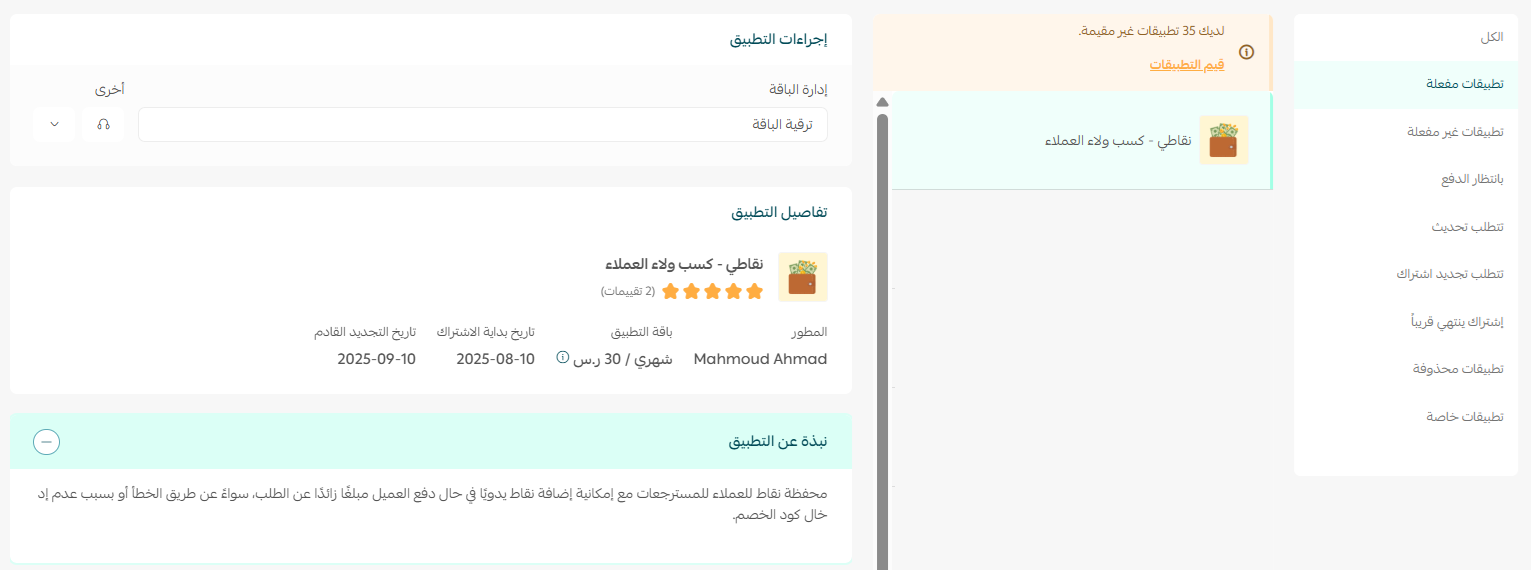
My Point is now installed on your store.
6. Check your inbox. The My Point team sends you an email with the activation details you need to sign in to the My Point platform.
7. Open the My Point platform sign-in page, then enter the credentials from that email.
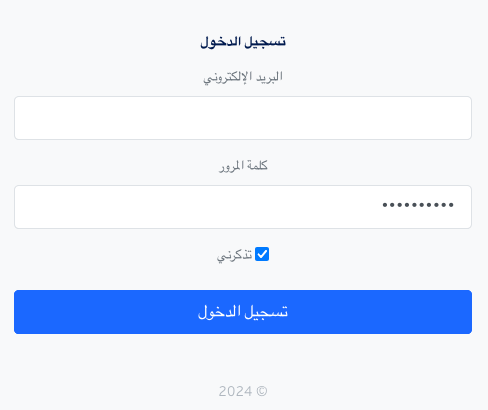
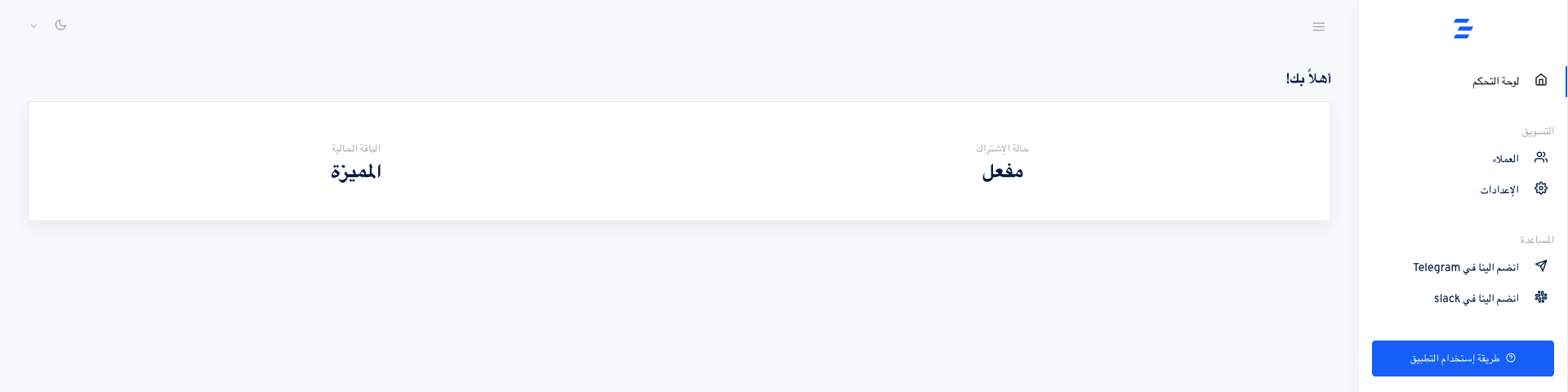
Your app is now active. Read how to get the most out of My Point and use its features effectively.
⚙️ How to manage your My Point app options
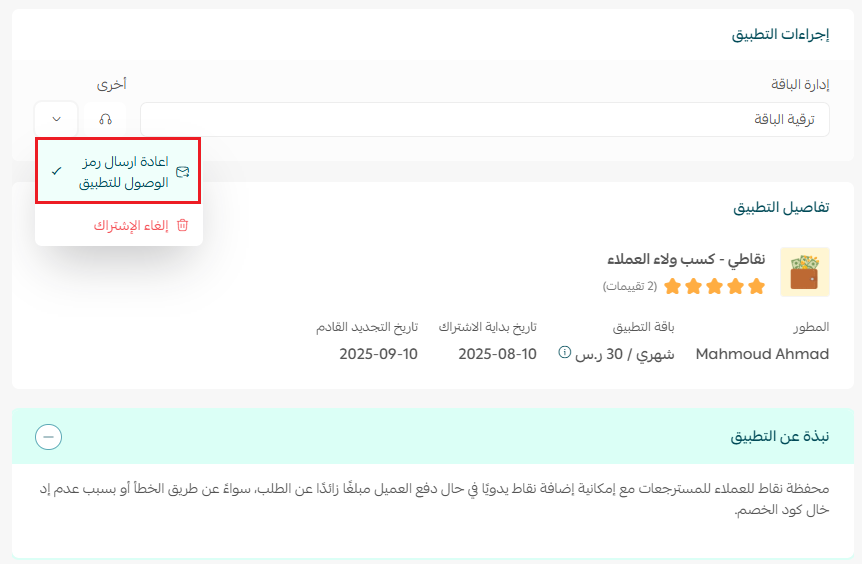
Resend the app access code
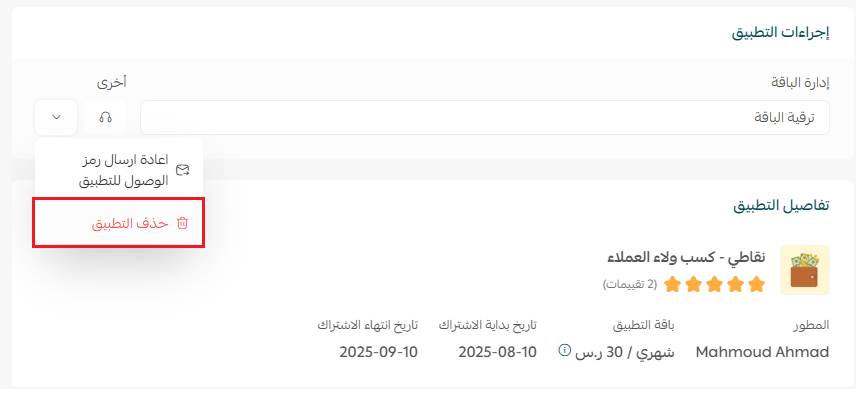
Open the (My apps) tab, find the My Point app, click the (Other) menu, then click (Resend app access code).
Cancel the subscription and remove the app
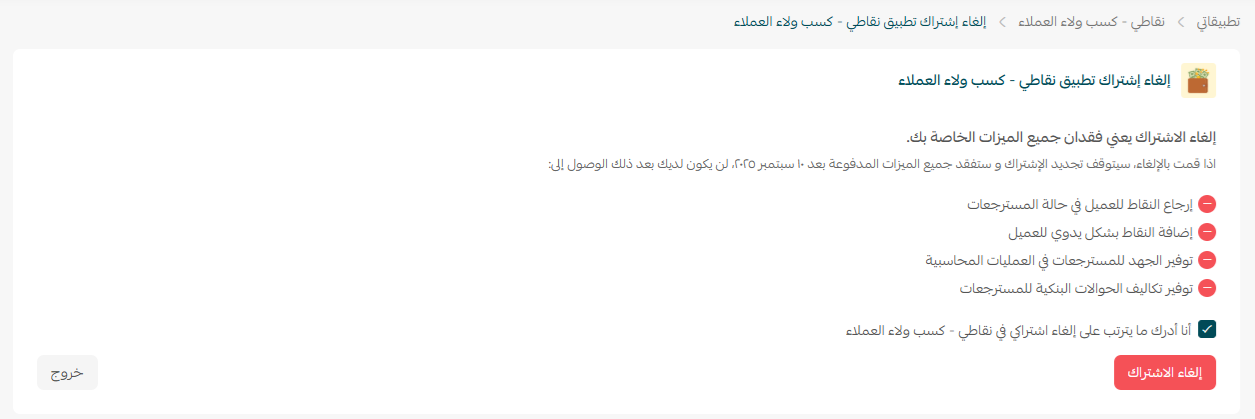
Open the (My apps) tab, find the My Point app, click the (Other) menu, then click (Cancel subscription).
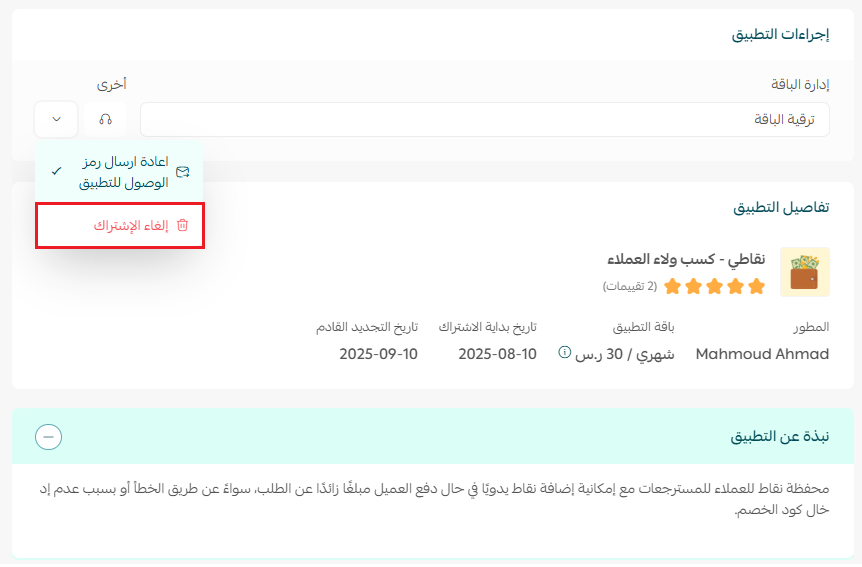
Read the confirmation carefully so you know exactly what cancelling your My Point subscription affects.
Then, from the same app options menu, click (Delete app).
📝 Important notes
- My Point is a paid app. You choose a plan and complete the payment as part of the installation.
- Points are managed on the My Point platform, so keep the activation email you receive after payment.
- Cancelling the subscription and deleting the app are two separate actions in the (Other) menu. Do both to remove My Point completely.
❓ Frequently asked questions
What does My Point do with an overpayment or a refund?
It converts the amount into loyalty points on the customer's balance instead of sending money back by bank transfer, so the customer can spend it on their next order with you.
How do I get my sign-in details for the My Point platform?
The My Point team emails them to you once the payment goes through. Use those credentials on the My Point platform sign-in page.
I can't find the activation email. What should I do?
Open the (My apps) tab, find My Point, click the (Other) menu, and click (Resend app access code).
How does My Point help with accounting?
Every point balance is tracked in the app, so you get an accurate record of what each customer is owed instead of reconciling a stream of small bank transfers.
How do I stop using My Point?
Cancel the subscription from the (Other) menu, review what the cancellation affects, then click (Delete app) from the same menu.
A refund is money leaving your store. A point balance is a reason for the customer to come back — and that is the difference My Point is built on.