How many sales opportunities have you missed because a customer's question wasn’t answered in time?
Or how often has your store rating been affected by a review that wasn’t handled properly?
In this guide, you’ll learn how to manage questions and reviews effectively, helping you build customer trust, improve the shopping experience, and increase sales by making smarter, data-driven decisions based on real customer feedback.
📌 Article overview
- Questions & Reviews page
- Product reviews
- Publish a review
- Unpublish a review
- Pin reviews to the top of the product page
- Delete reviews
- Manage quick replies
- Bulk actions for reviews
- Search for a question or review
- Filter questions and reviews
- Store reviews
- Shipping company reviews
- Blog comments
- Customer questions
- Reported comments
- Customer notifications when replying to reviews or questions
Questions & reviews page
This page displays all questions submitted by customers and visitors about your products or services, in addition to:
- Product reviews
- Store reviews
- Shipping company reviews
Accessing the page
- From the main menu, click (All) → Help desk → Reviews & questions.
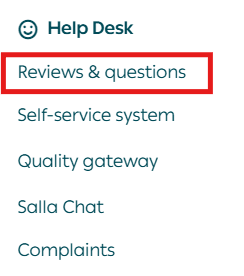
The page is organized into tabs based on content type:

- Customer reviews
- Questions
- Blog comments
- Reported comments
You can perform the same actions across all tabs, including publishing, replying, or deleting content.
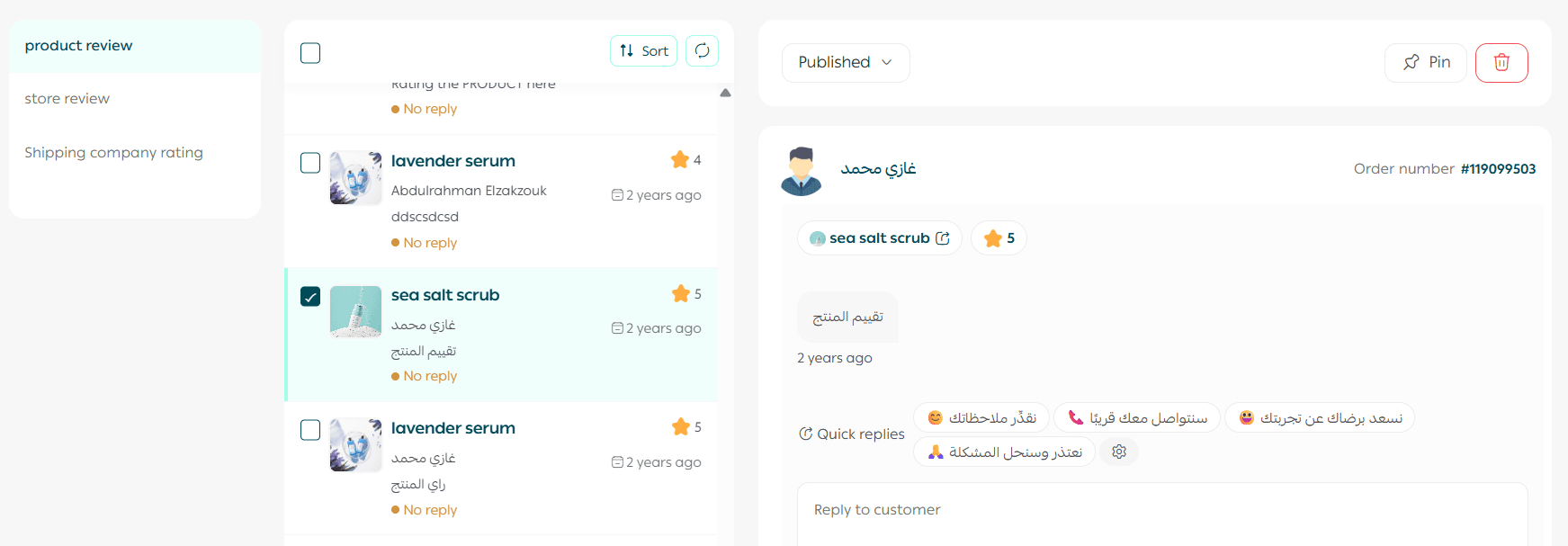
From this page, you can:
- Publish or unpublish reviews and questions
- Reply to customers
- Delete content when necessary
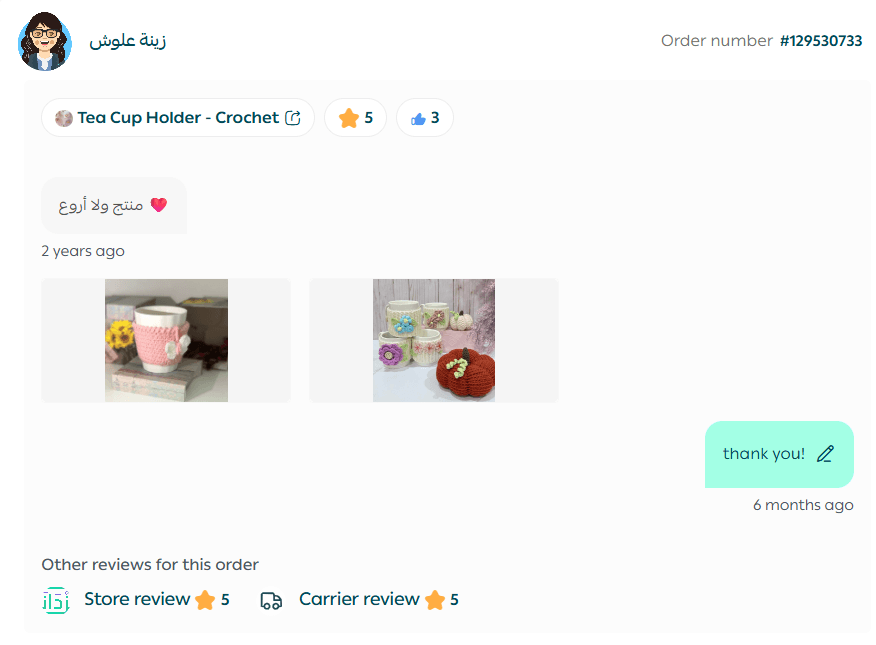
- Review customer-uploaded images clearly
You’ll also see categorized sections such as:
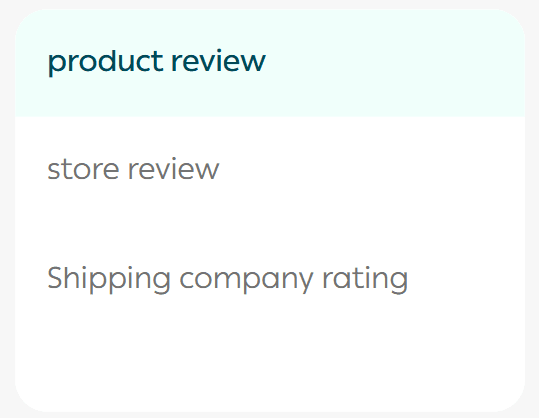
- Product reviews
- Store reviews
- Shipping company reviews
Product reviews management
Publish a review
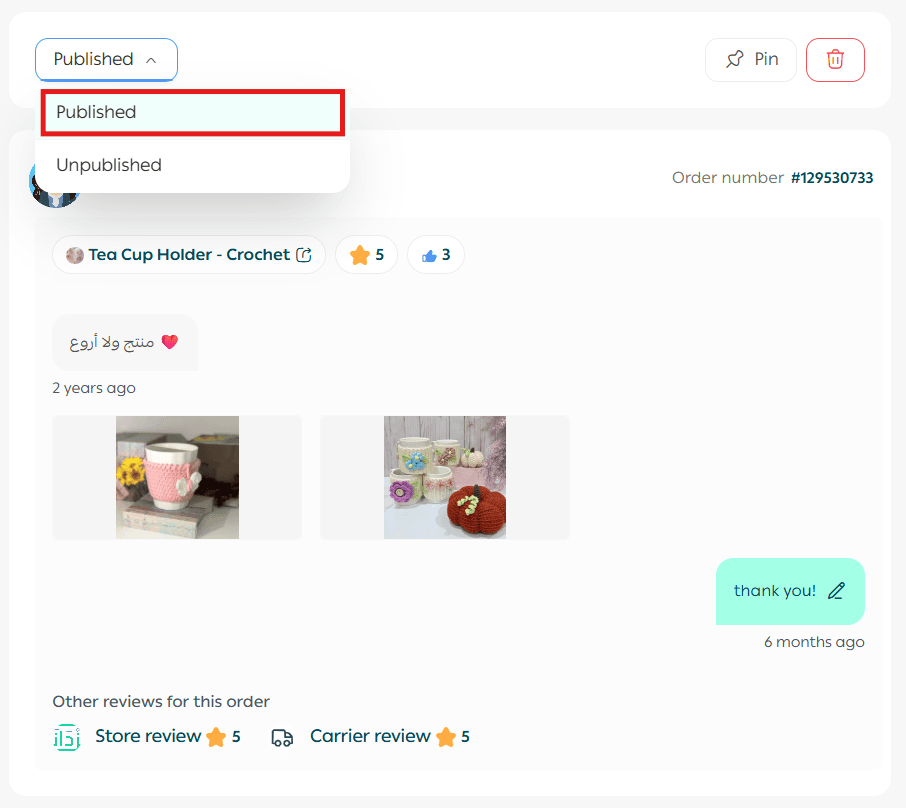
To publish a review or question:
- Select the item
- From the action bar, enable Published
Unpublish a review
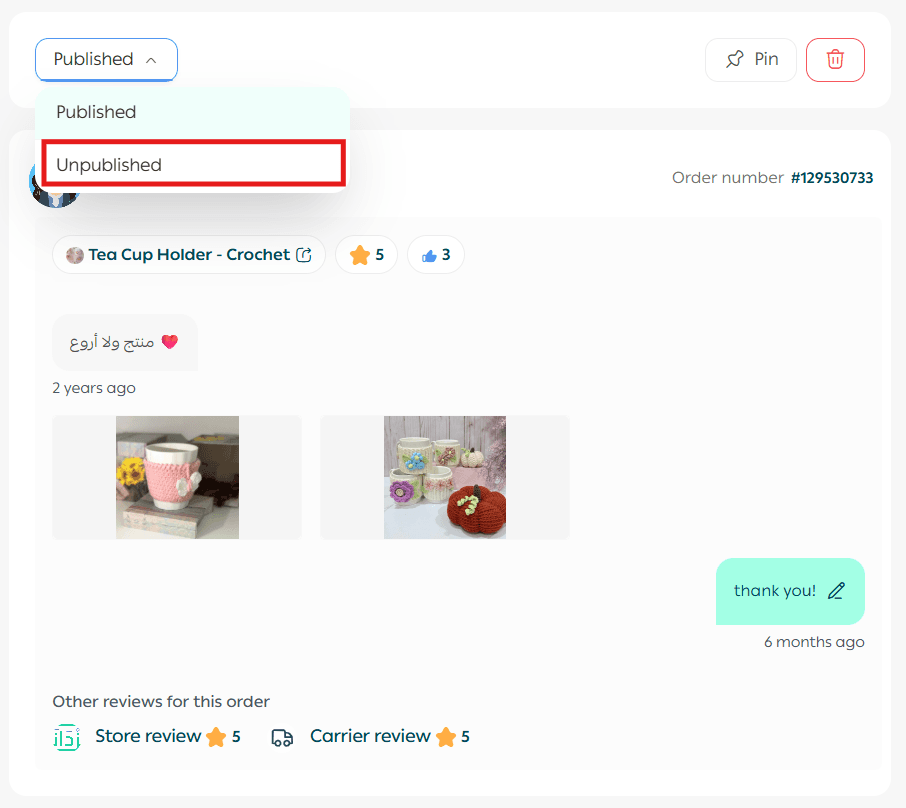
To hide a review or question:
- Select the item
- From the action bar, enable Unpublished
Pin a review to the top of the product page
To highlight an important review or question:
- Open the review
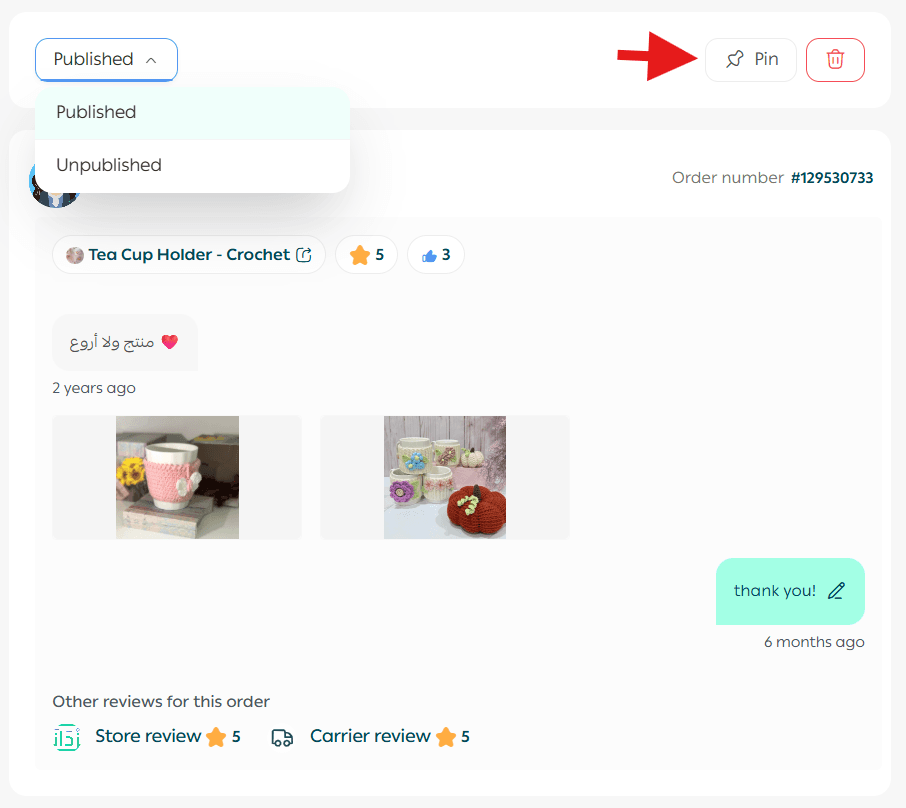
2. From the action bar, click Pin
- You can pin up to 5 reviews or questions per product
- Confirm by clicking Pin review
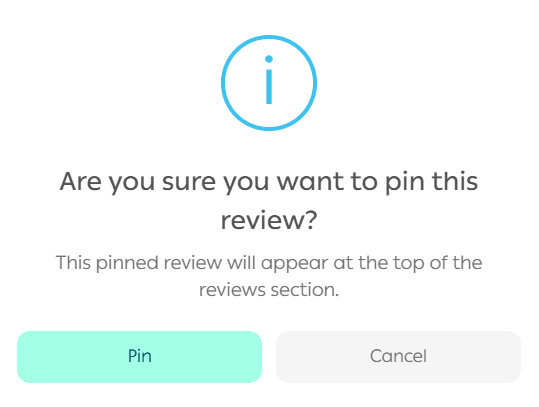
The pinned review will appear at the top of the product page.
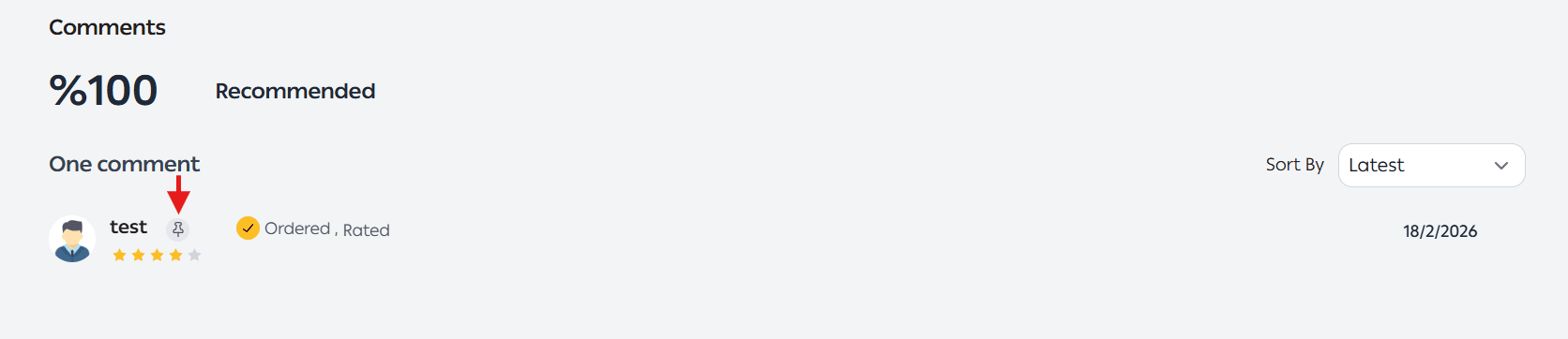
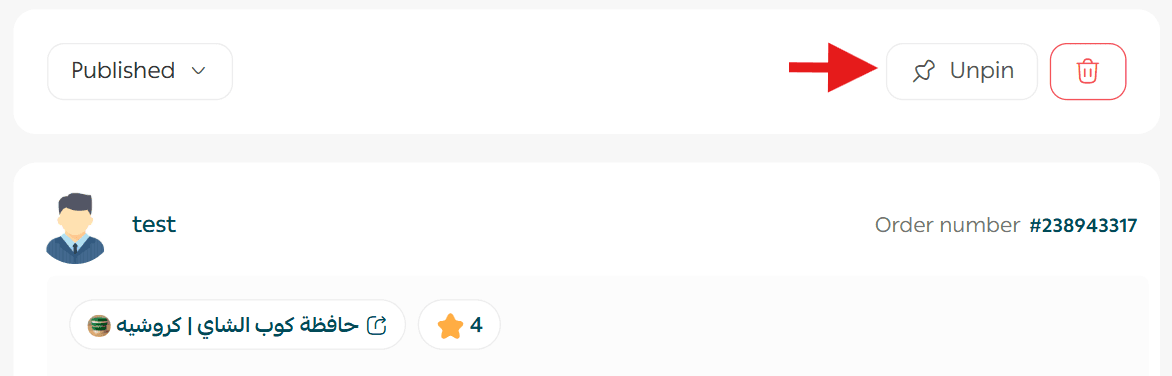
You can unpin it at any time by clicking Unpin.
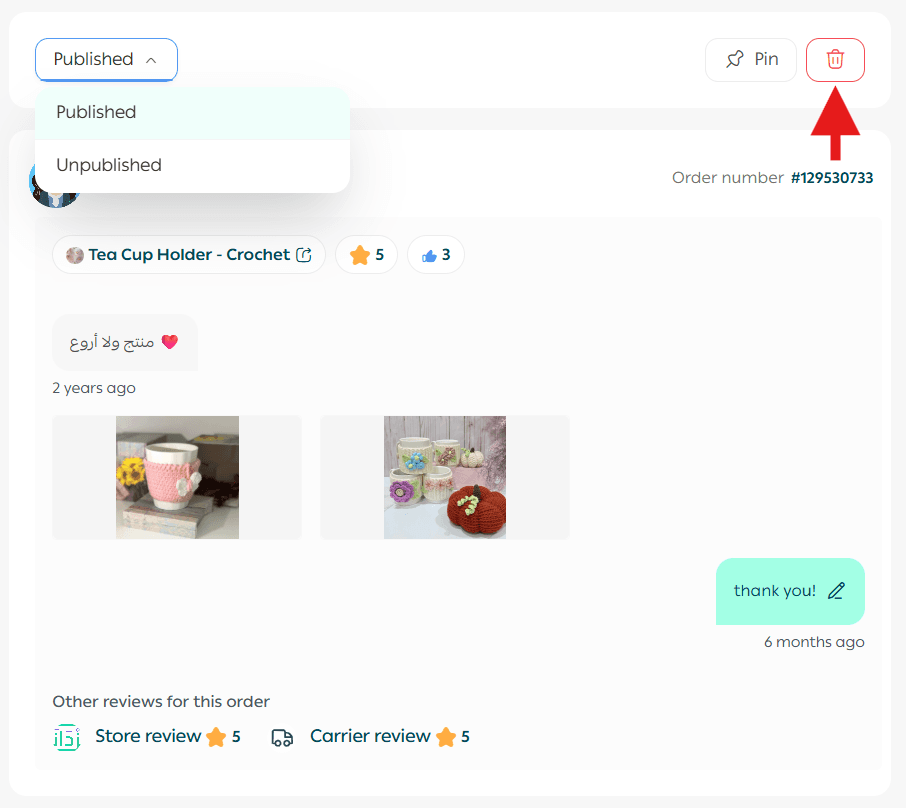
Delete a review
- Open the review
- From the action bar, click Delete
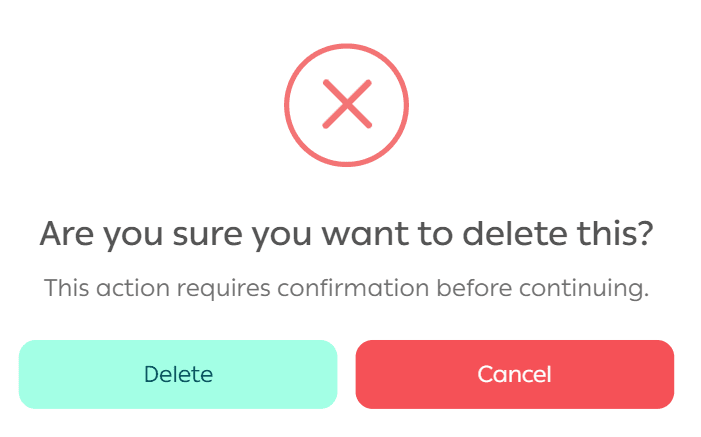
3. Confirm deletion
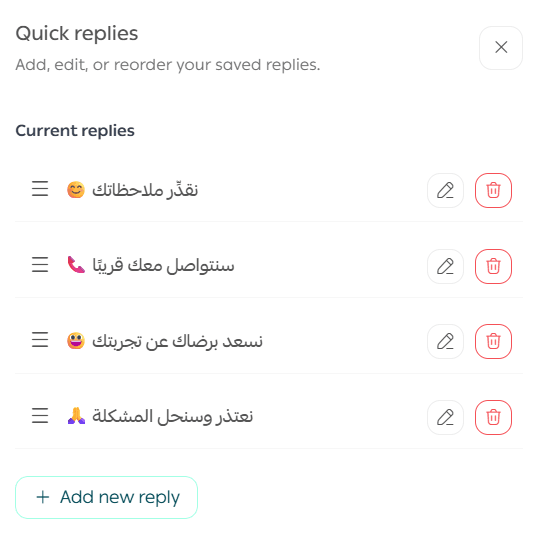
Manage quick replies
From the Questions & Reviews page:
- Select a customer review or question
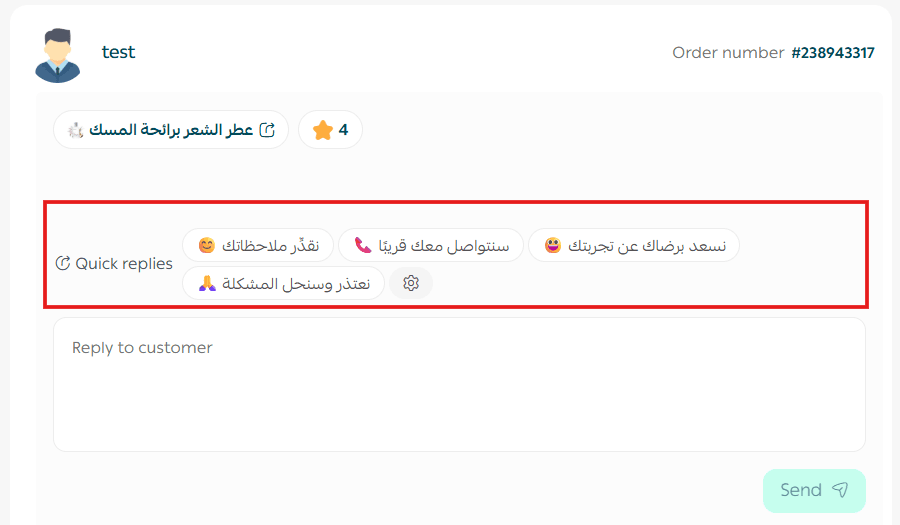
- Add a reply using Quick Replies
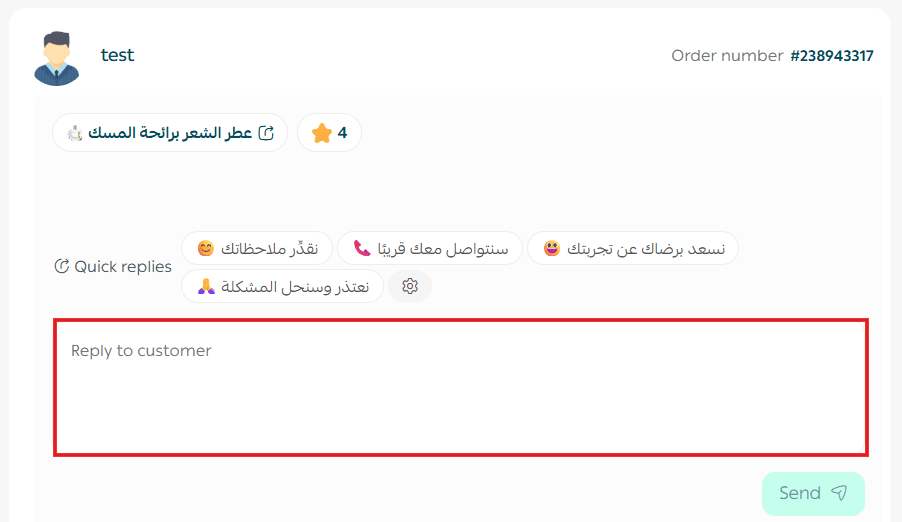
You can:
- Use up to 4 quick replies at once
- Edit quick replies to match your business tone
- Save them for future responses
Bulk actions on reviews
You can select multiple reviews to:
- Delete
- Reply
- Edit replies
- Publish or unpublish
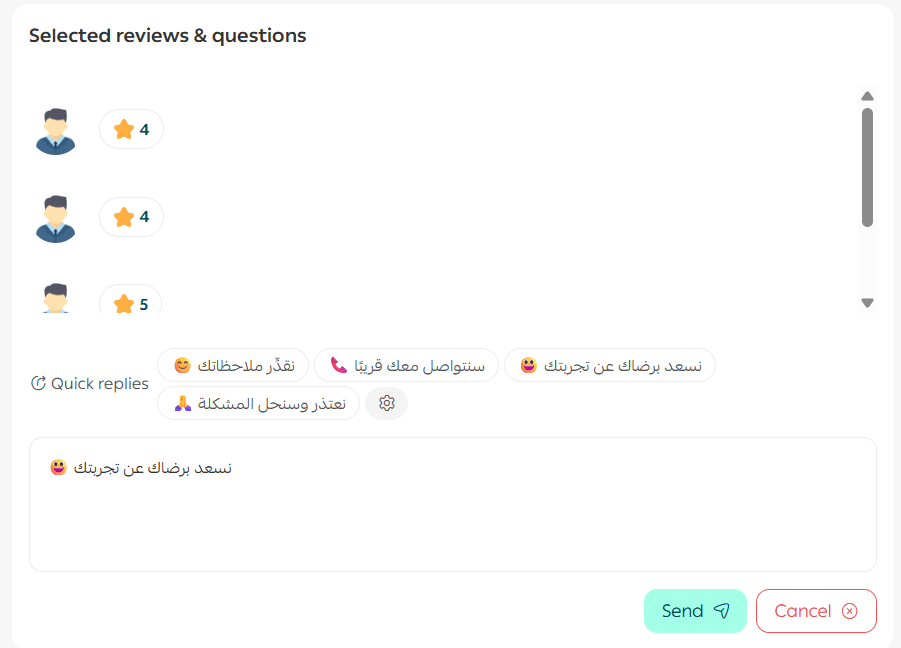
🔔 Note: Bulk editing for questions and reviews is available on paid plans only.
Search for a question or review
Use the search bar to type part of a question or review text, then press Enter.
Filter questions and reviews
- Click Filter

2. Select the desired criteria
3. Click Show results
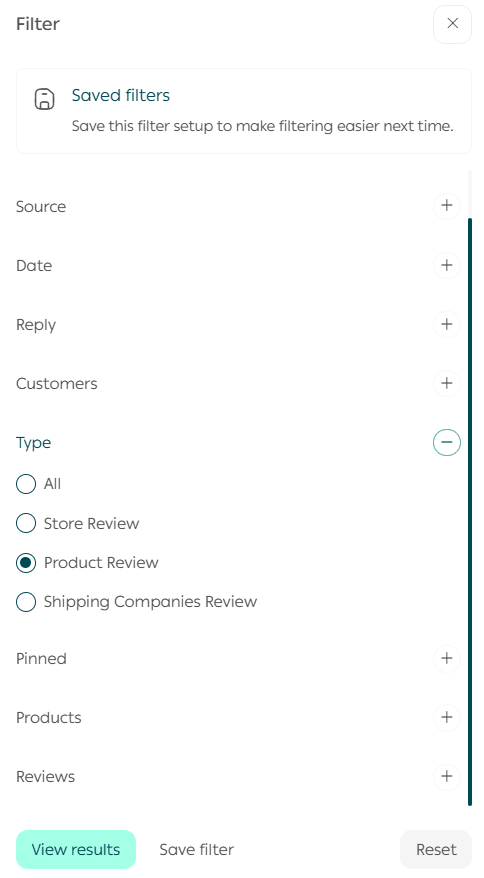
Key filter options include:
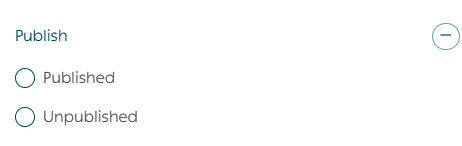
- Published vs. unpublished
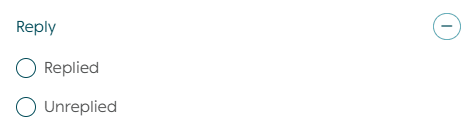
- Replied vs. unreplied
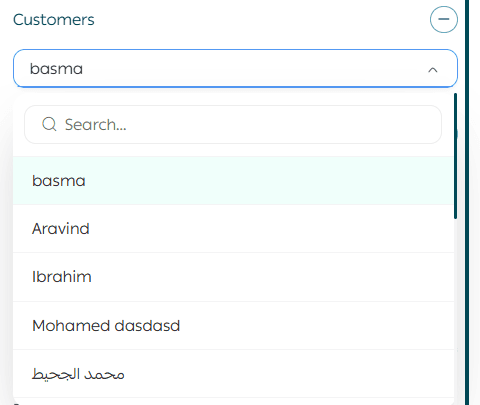
- Reviews by specific customers
- Reviews by source
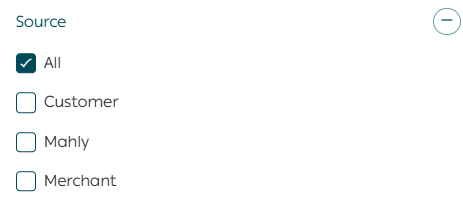
🔔 Important: The Mahally source filter is currently available only for stores in Saudi Arabia.
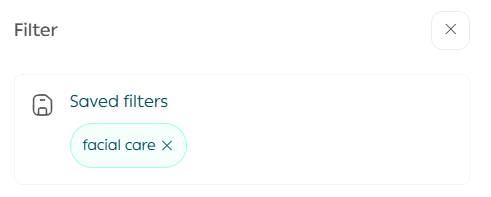
You can save filter conditions as reusable presets and apply them with one click.
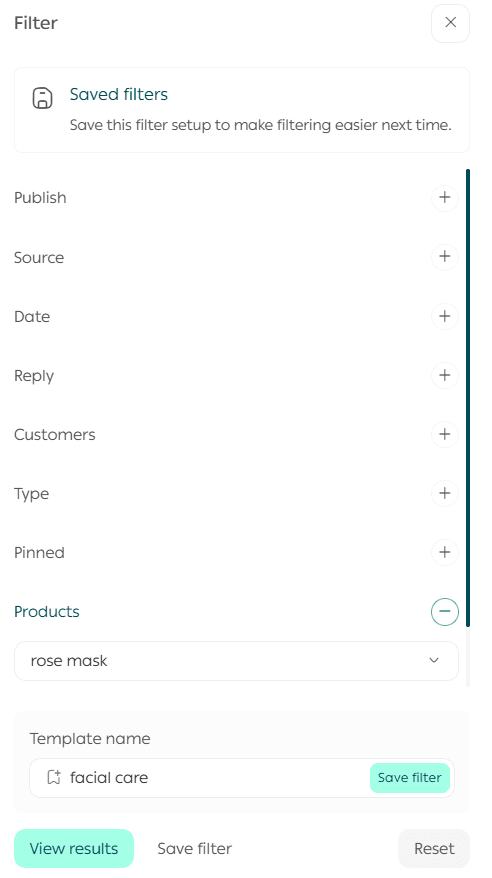
To clear filters, click Cancel.
Store reviews
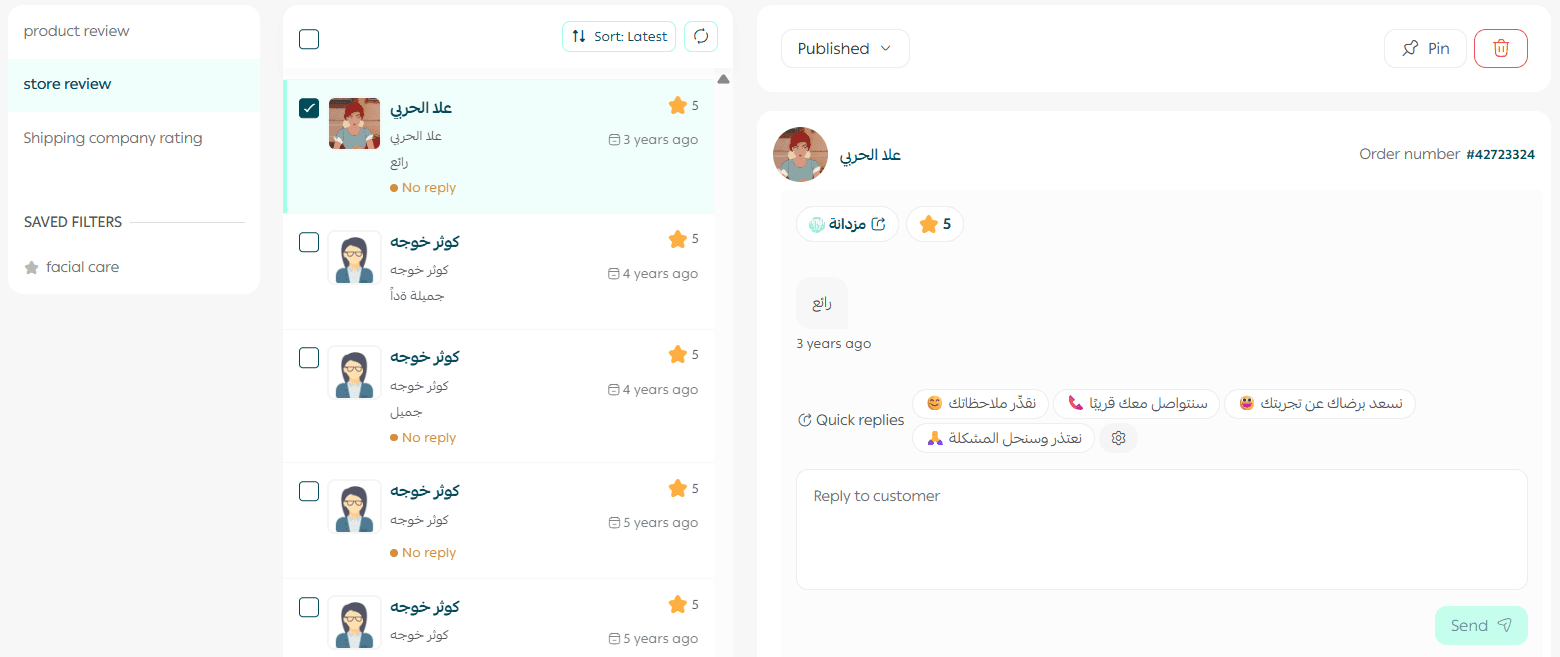
From the Store Reviews section, you can:
- Publish or unpublish reviews
- Reply to reviews
- Delete reviews
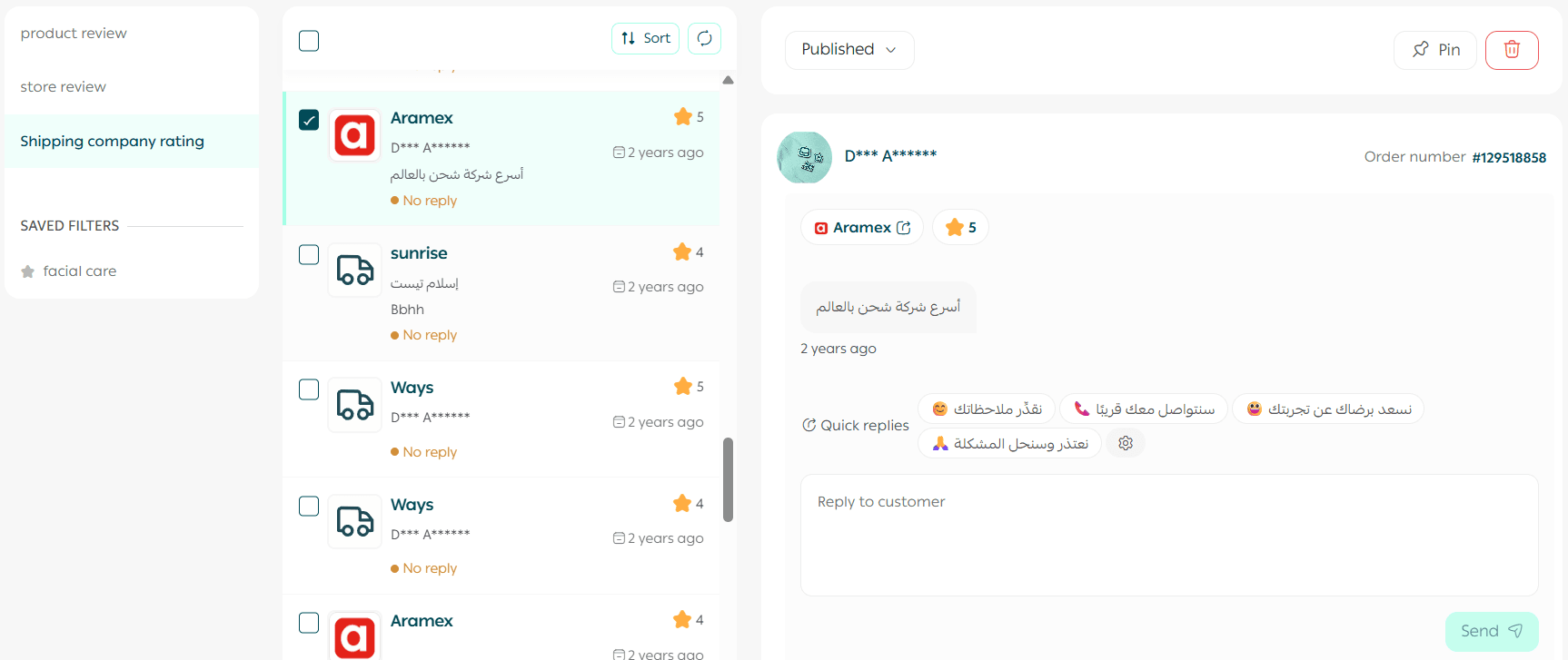
Shipping company reviews
Track customer satisfaction with shipping partners by:
- Monitoring reviews
- Publishing, unpublishing, or deleting reviews
This helps evaluate logistics performance and customer experience.
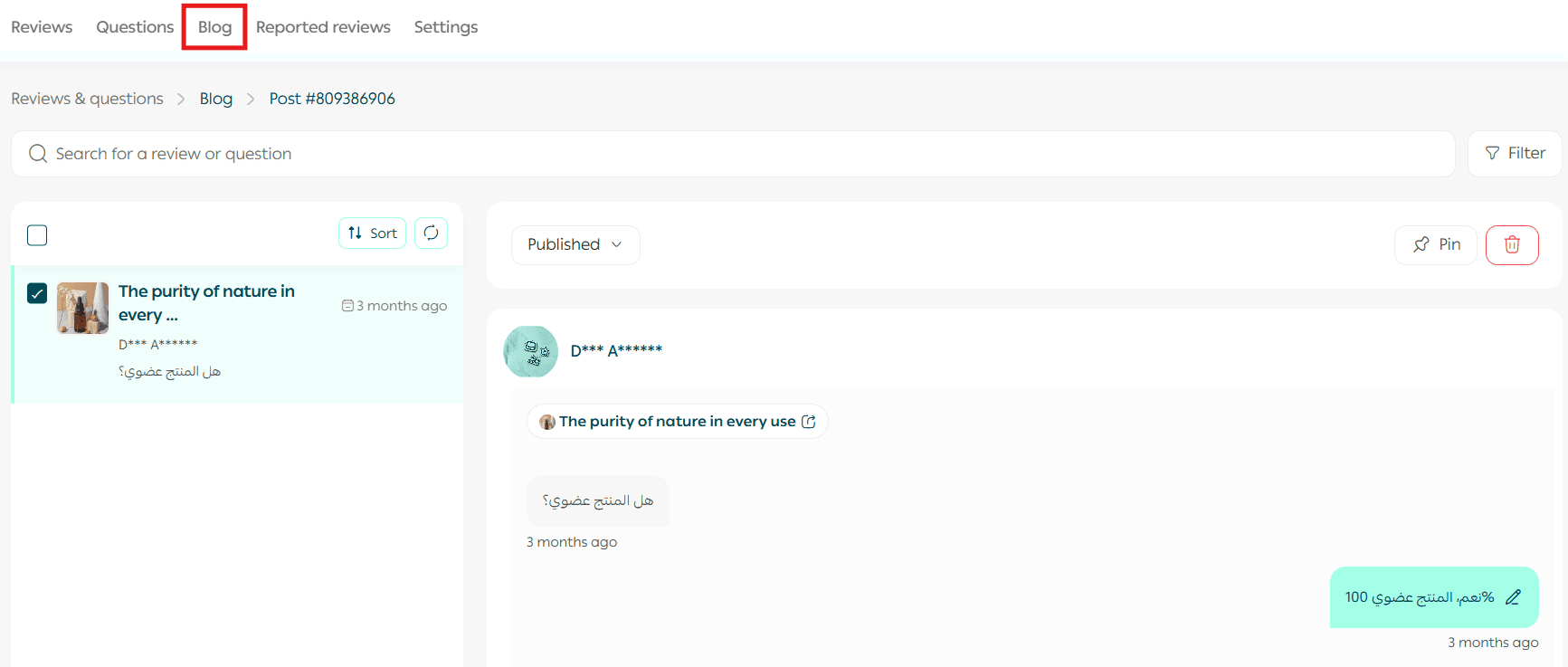
Blog comments
Manage and moderate customer comments on blog articles directly from this section.
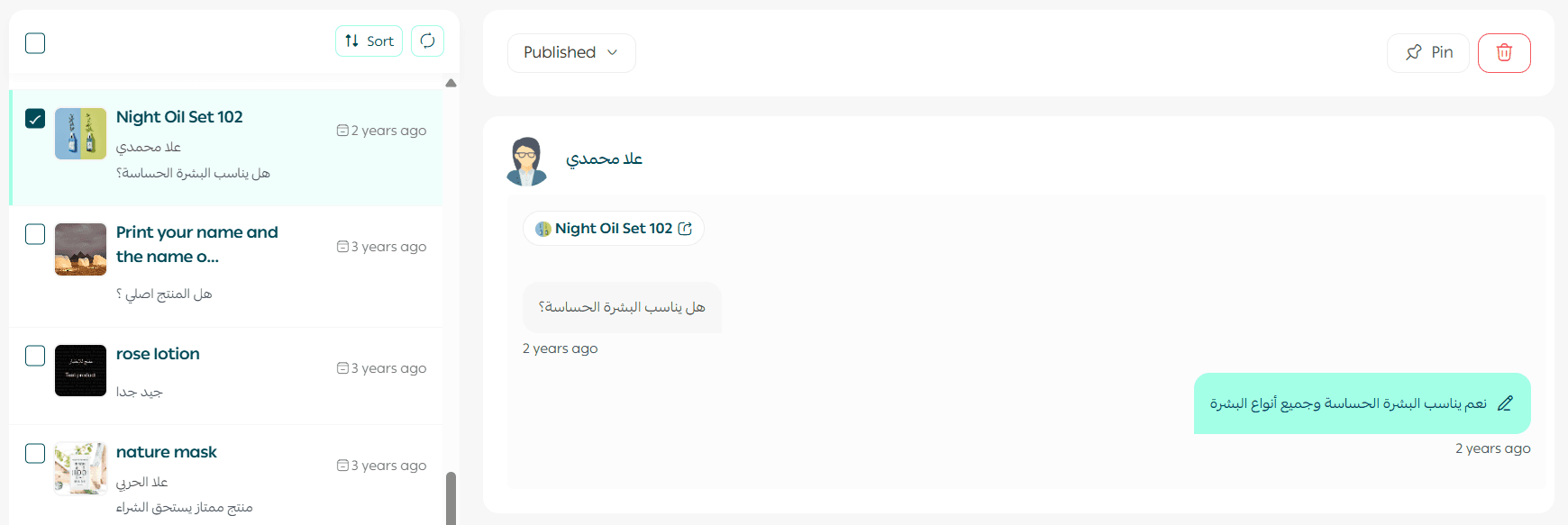
Customer questions
Questions submitted on:
- Product pages
- Informational pages
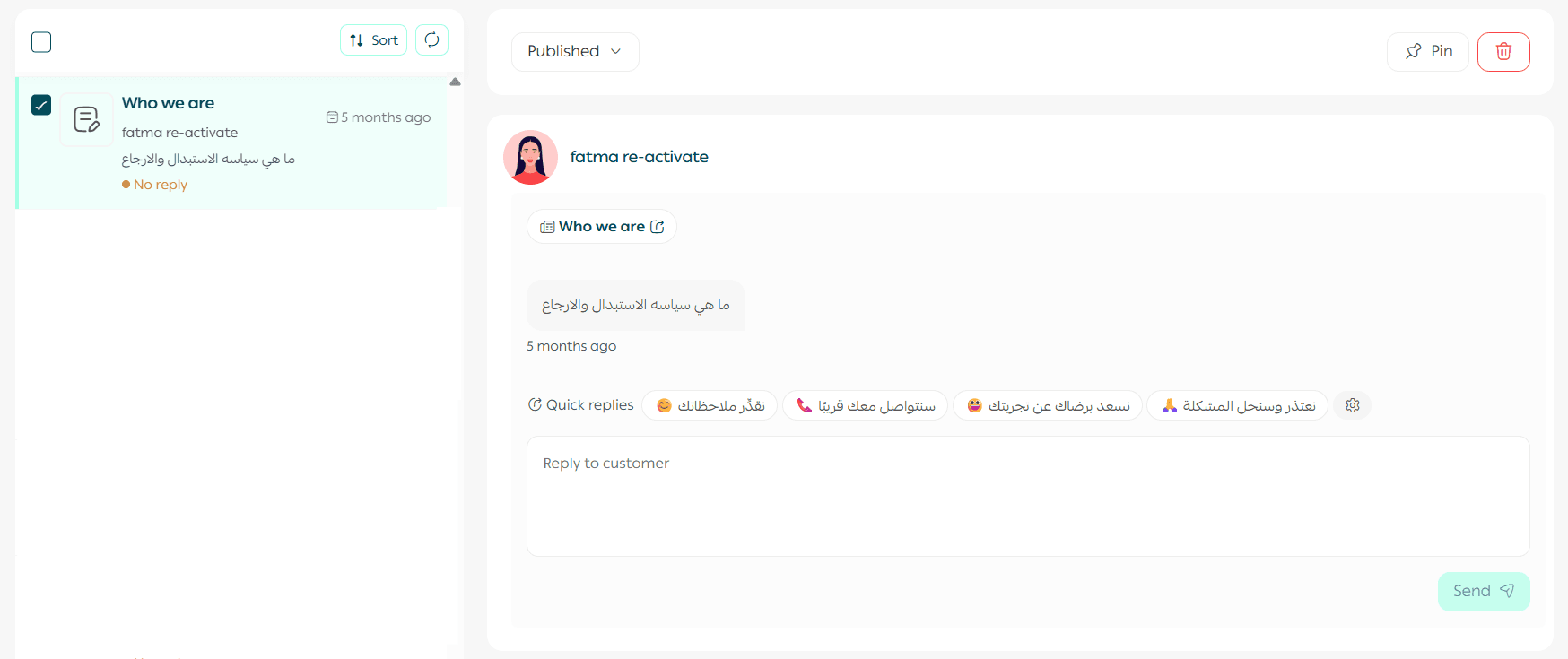
All questions can be reviewed, published, replied to, or moderated.
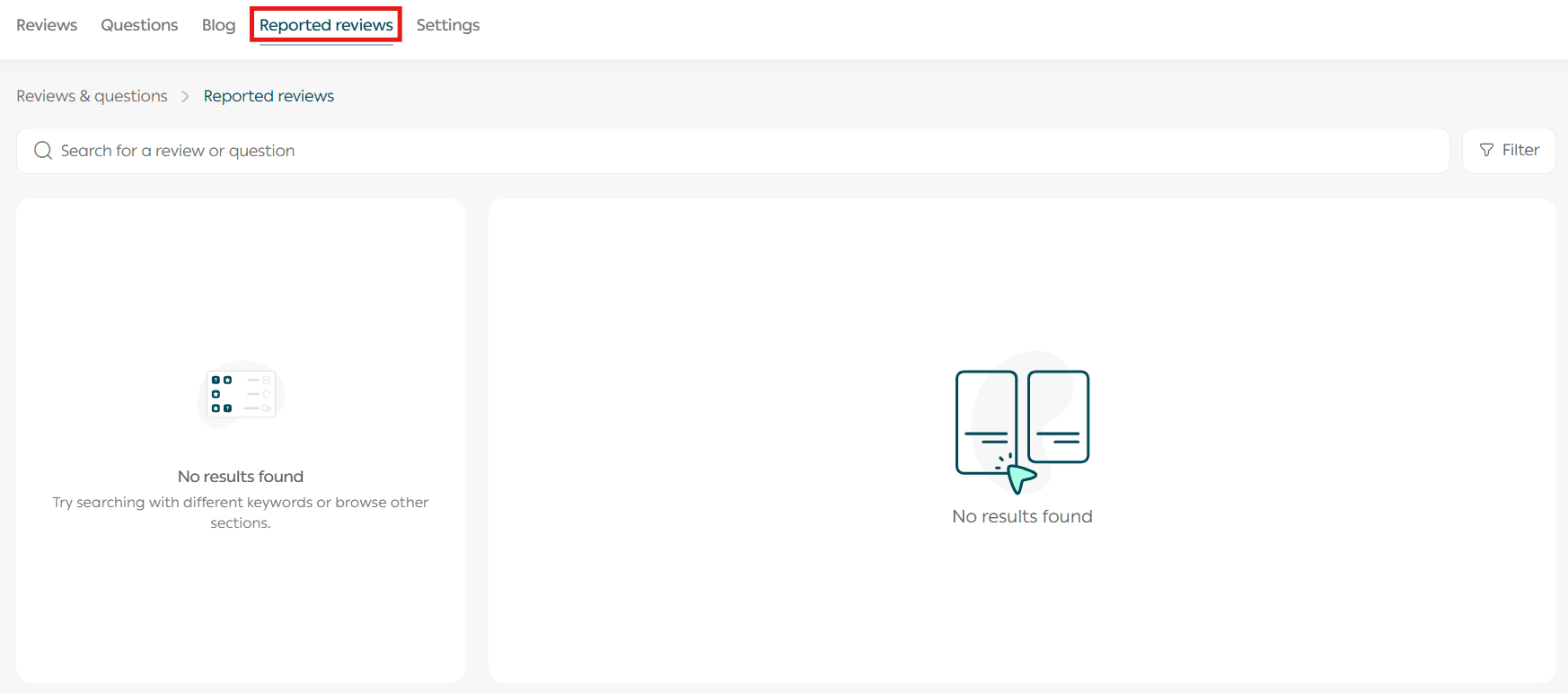
Reported comments
View reports submitted by customers regarding:
- Inappropriate questions
- Offensive or misleading reviews
This helps keep your store content clean and trustworthy.
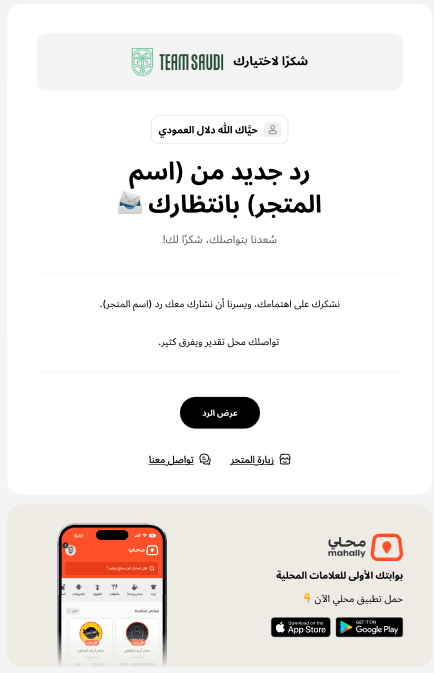
Customer notification when you reply
Responding to customer reviews or questions shows care and professionalism—and strengthens customer loyalty.
📝 Important: Customers will only receive notifications if the review or question is published on the store.
How notifications work:
- A customer submits a review or asks a question
- You reply from the dashboard
- The system automatically sends:
- An email notification
- An in-store notification
- When the customer clicks the notification link, they’re taken directly to the reply.
Frequently asked questions
How can I display customer recommendations on my store?
From the Settings tab, enable Customer Recommendations.
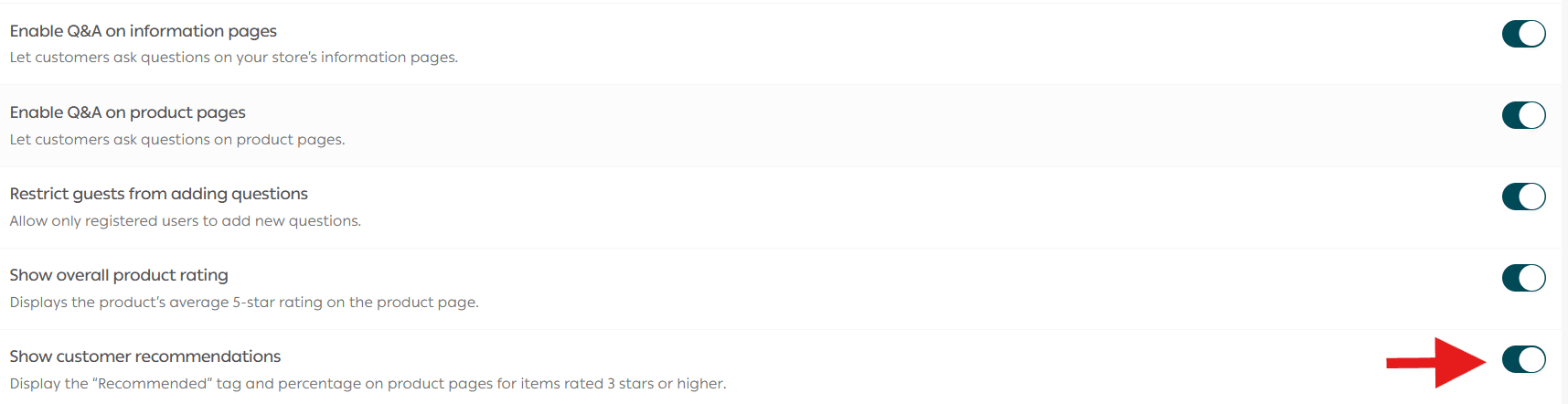
Once enabled, recommendations appear automatically on product pages.
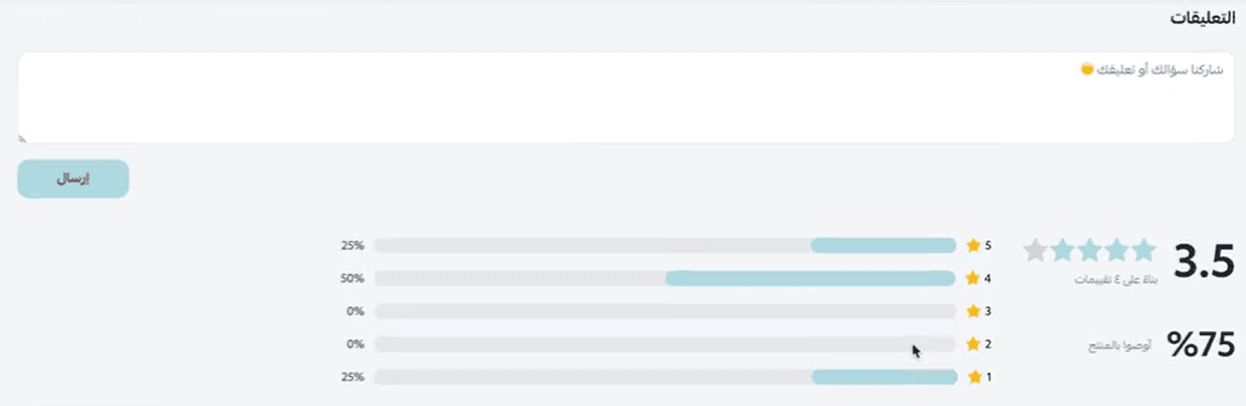
How are customer recommendations calculated?
Recommendations are calculated automatically based on the percentage of customers who rated the product 3 stars or higher.
💡 Example: If 100 customers reviewed a product and 85 rated it 3 stars or above, the recommendation score will display 85%.
How can I send a review request link to a specific customer?
- Go to Orders

2. From order actions, click Send review request
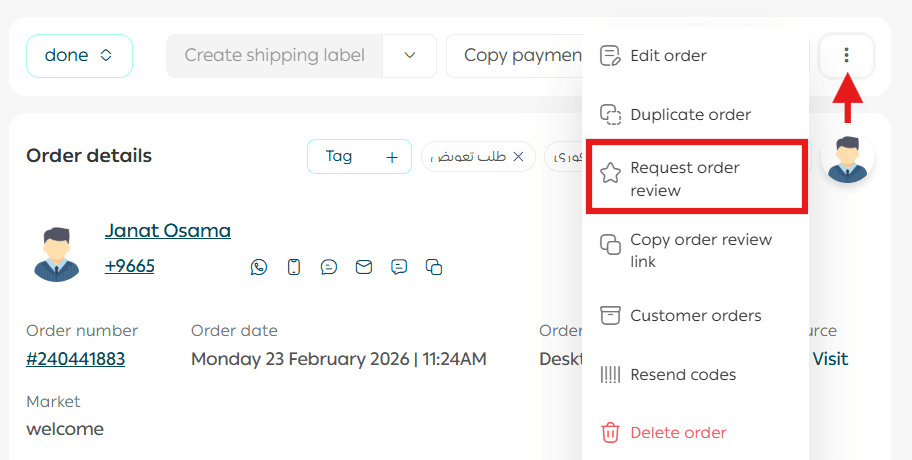
Can customers edit or delete their reviews?
Yes. Enable Allow customers to edit or delete reviews from the Settings tab.
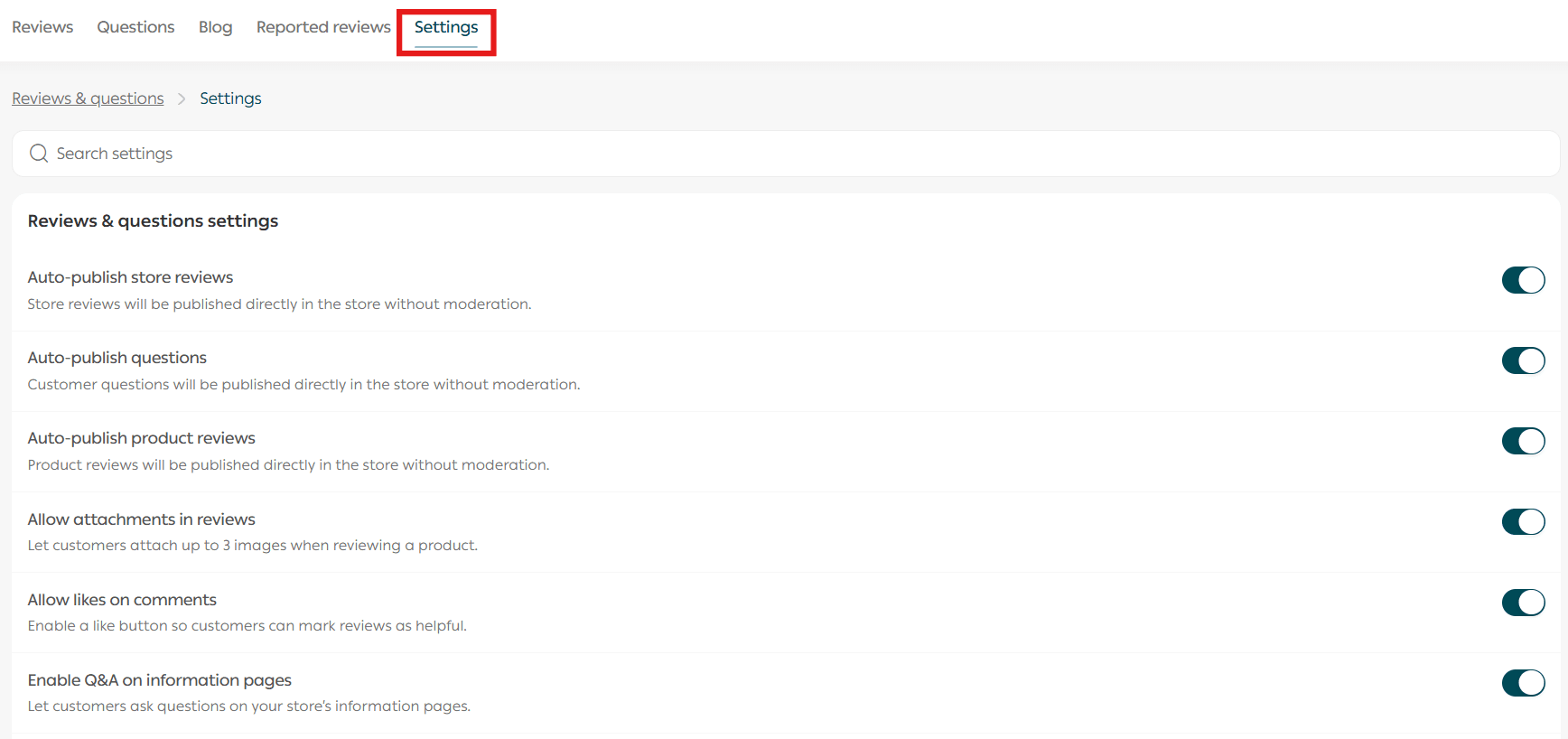
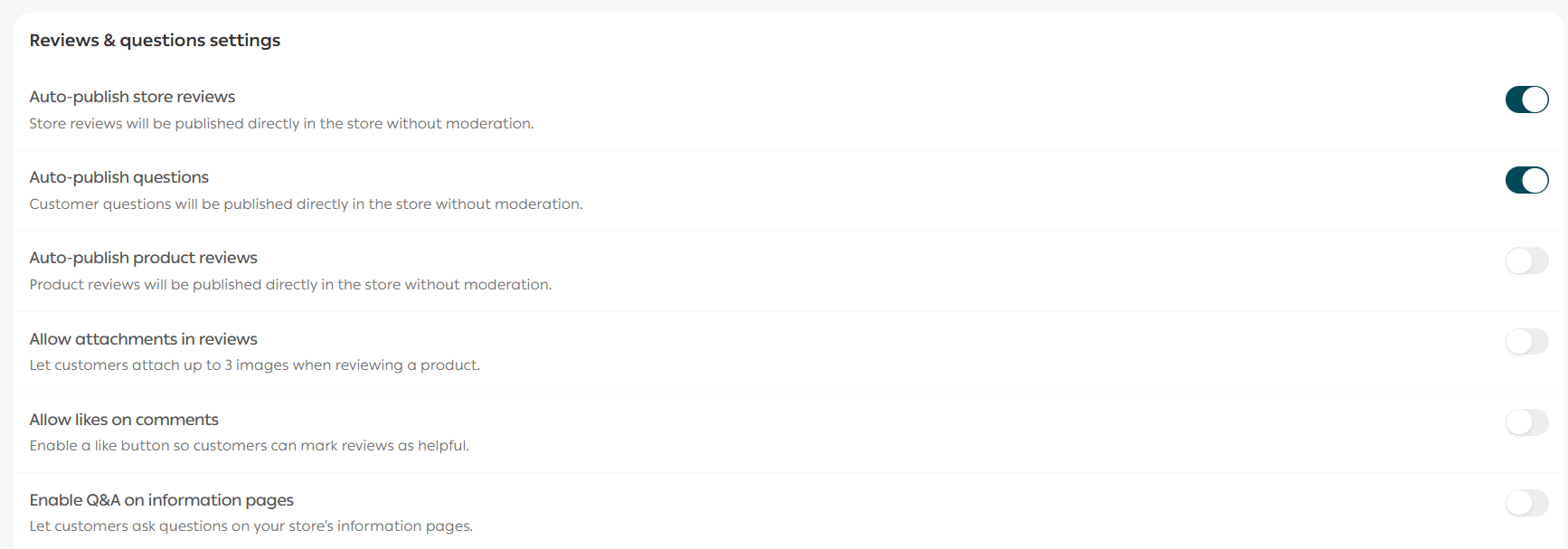
How can customers submit a product question?
From the product page, customers can type their question and click Submit.

How do I control whether questions appear to customers?
From the Settings tab, you can control question visibility options.
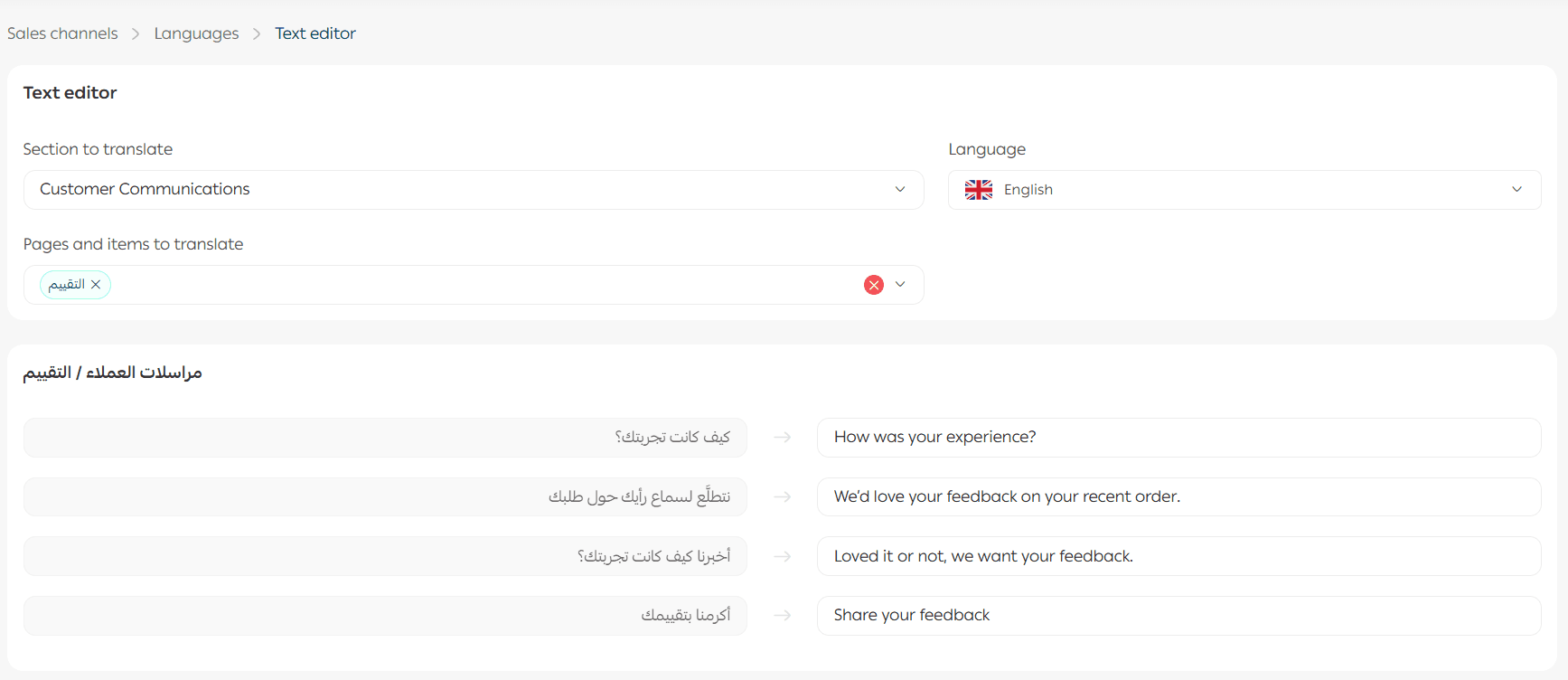
What does the review request email template look like?
The review request email template has been updated with a modern design.
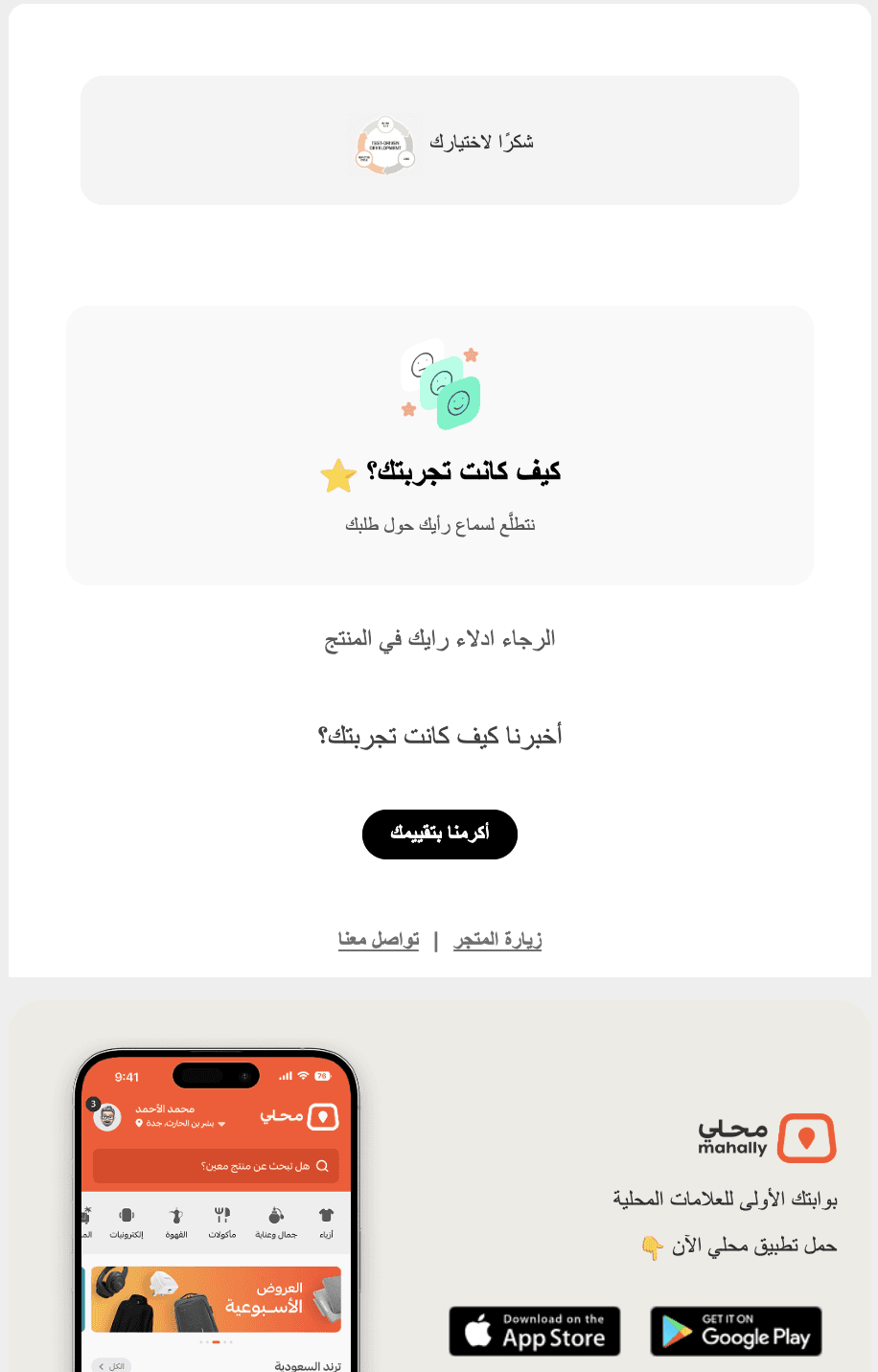
You can:
- Edit its content
- Translate it into all supported store languages
Can I send a custom review request message instead of the default template?
Yes:
- Go to Questions & Reviews
2. Open Review Settings
3. Click Customize review request messages

4. Enable custom messages
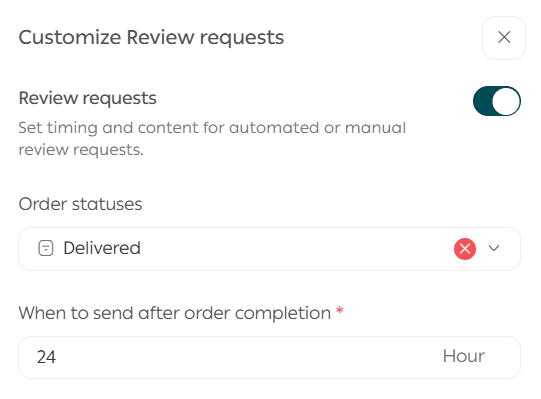
5. Select order statuses and sending timing
6. Write your subject and message content
7. Click Save
Final Takeaway
Questions and reviews are not just feedback—they’re conversion drivers.
By responding quickly, moderating smartly, and highlighting the right reviews, you:
- Build trust
- Improve buying confidence
- Turn feedback into sales growth