Do you know which part of your store is actually driving your revenue?
Most merchants have plenty of data and very little time to make sense of it. ProINSIGHTS.ai is a data analytics app you can install from the Salla App Store to close that gap: it reads your store data and presents it back as ready-made reports and visual dashboards, so you spend your time acting on the numbers instead of assembling them. In this guide, you'll learn how to install the app, choose a plan, complete payment, and remove the app when you no longer need it.
ProINSIGHTS.ai is a data analytics app for Salla stores. It turns your store data into instant reports and visual dashboards, so you can understand how your store is performing at a glance, without a technical background and without exporting anything to a separate reporting tool.
📌 Article overview
- How to install the ProINSIGHTS.ai data analytics app
- Manage the data analytics app
- Frequently asked questions
🚀 How to install the ProINSIGHTS.ai data analytics app
1. From the main menu, click (All), then under the helper tools section, click (App Store).

2. Search for the app using the search field.

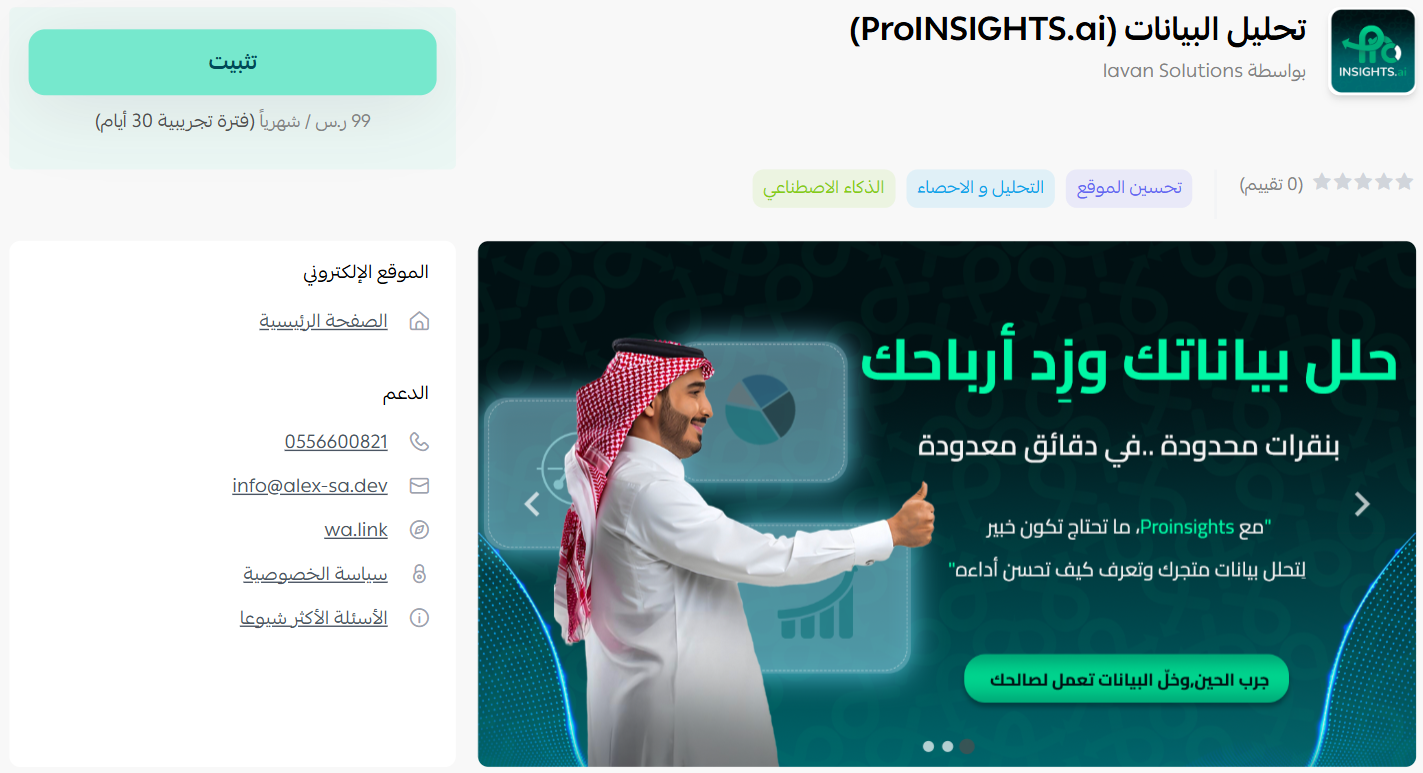
3. On the data analytics app page, click (Install).
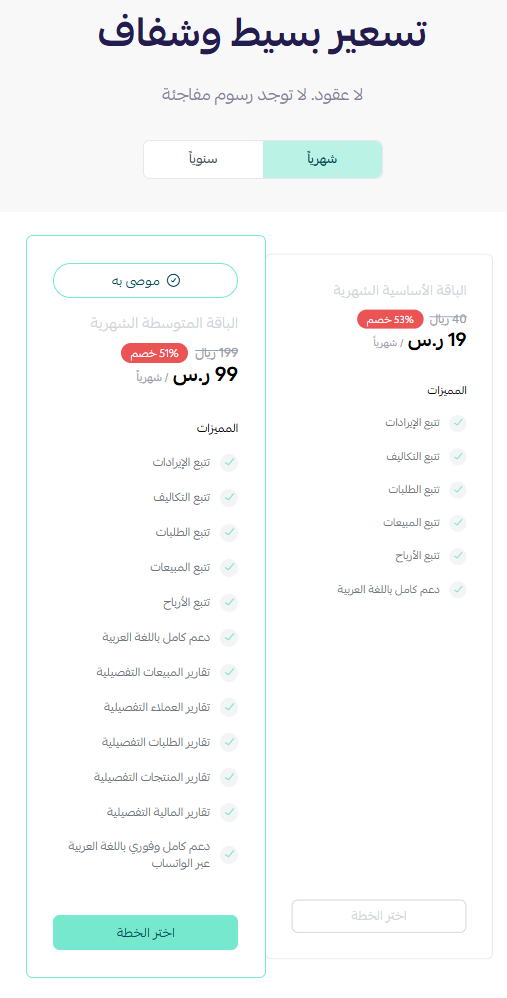
4. Choose the plan that suits your business to continue with the installation.
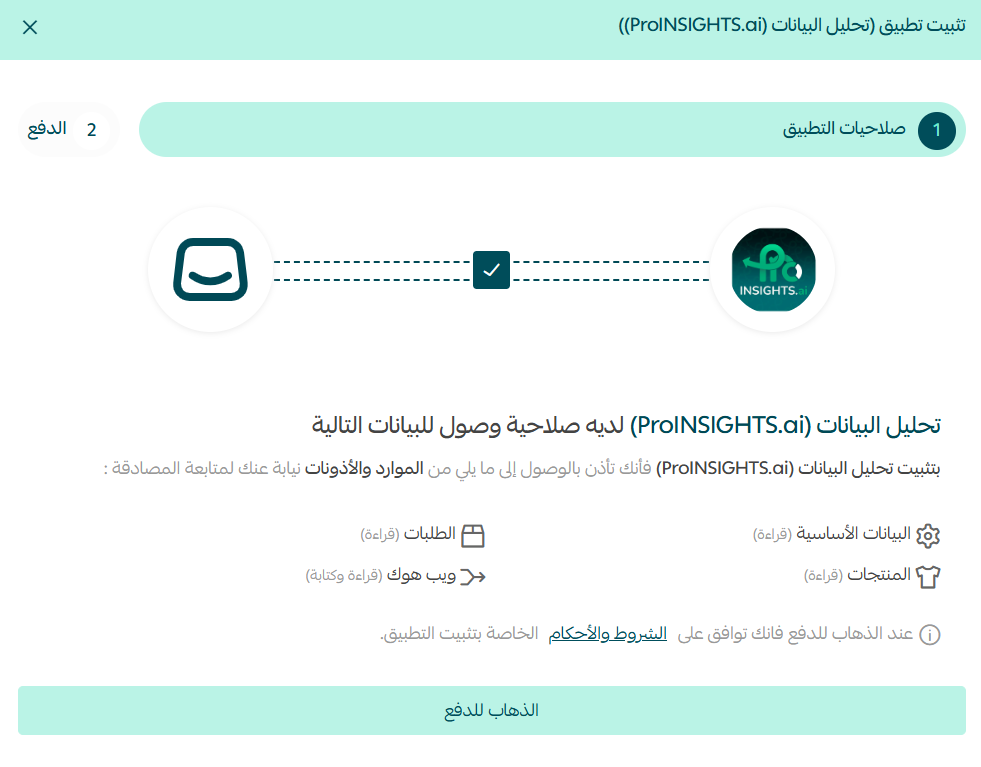
5. Review the permissions the app requests, then click (Go to payment).
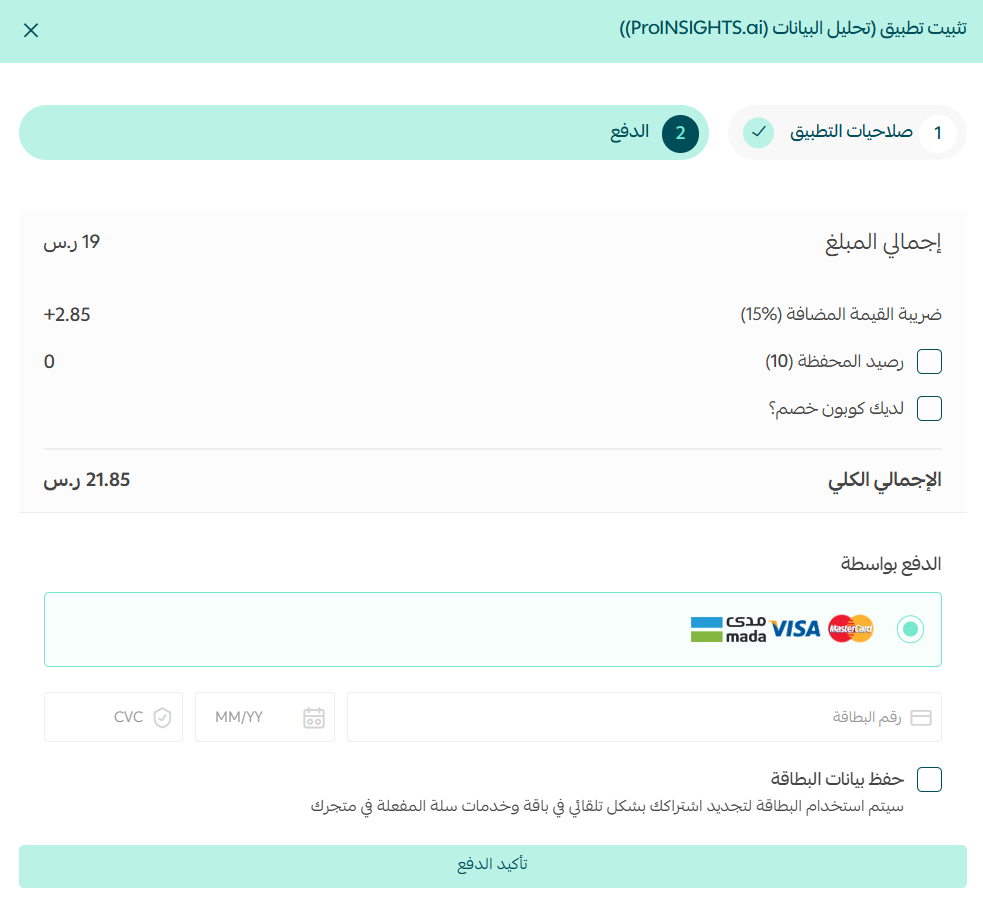
Complete the payment to unlock the app's features.
The data analytics app is now installed on your store.
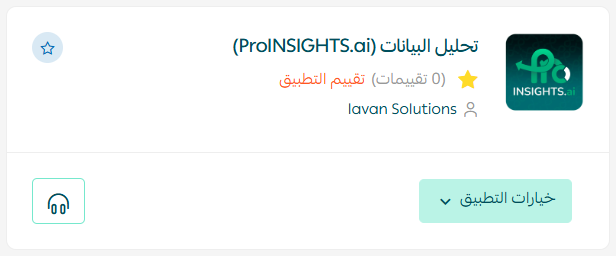
🎉 Congratulations — the app is connected.
🚀 Manage the data analytics app
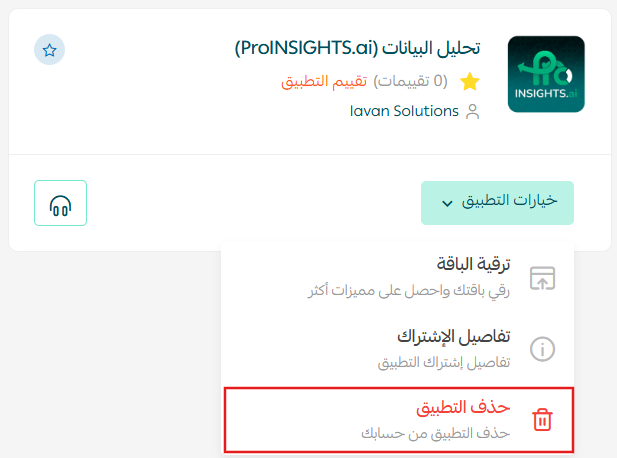
Delete the app
From the data analytics app, click (App options), then click (Delete app).
📝 Important notes
- ProINSIGHTS.ai is a paid app. You choose a plan during installation and the app is only activated once payment is complete.
- Deleting the app also removes its access to your store data.
❓ Frequently asked questions
What does ProINSIGHTS.ai do?
It analyzes your Salla store data and presents it as instant reports and visual dashboards.
Do I need technical or analytics experience to use it?
No. The reports and dashboards are ready to read as soon as the app is installed.
Is the app free?
No. You choose a plan during installation and complete payment before the app is activated.
Where do I install it from?
From the Salla App Store in your dashboard, under the helper tools section.
How do I remove the app?
Open the app, click (App options), then click (Delete app).
Reporting only pays off when you look at it. Once the dashboards are in place, a few minutes a week is usually enough to spot a trend early rather than explain it after the fact.