Verifying your store on the Salla is an essential step to fully operate your store and access all advanced features and services, such as activating payment gateways, shipping services, and building greater trust with customers.
In this article, you will learn the step-by-step process for verifying your store, along with the requirements needed to complete the process successfully without delays.
Why should you verify your store?
Store verification provides several important benefits, including:
- Enabling you to use all Salla platform features without restrictions.
- Increasing your store’s credibility and trust among customers.
- Speeding up the activation of payment gateways and shipping services.
- Ensuring compliance with e-commerce regulations and requirements.
Store verification steps
When launching your store on Salla, store verification is the final step before fully launching your store.
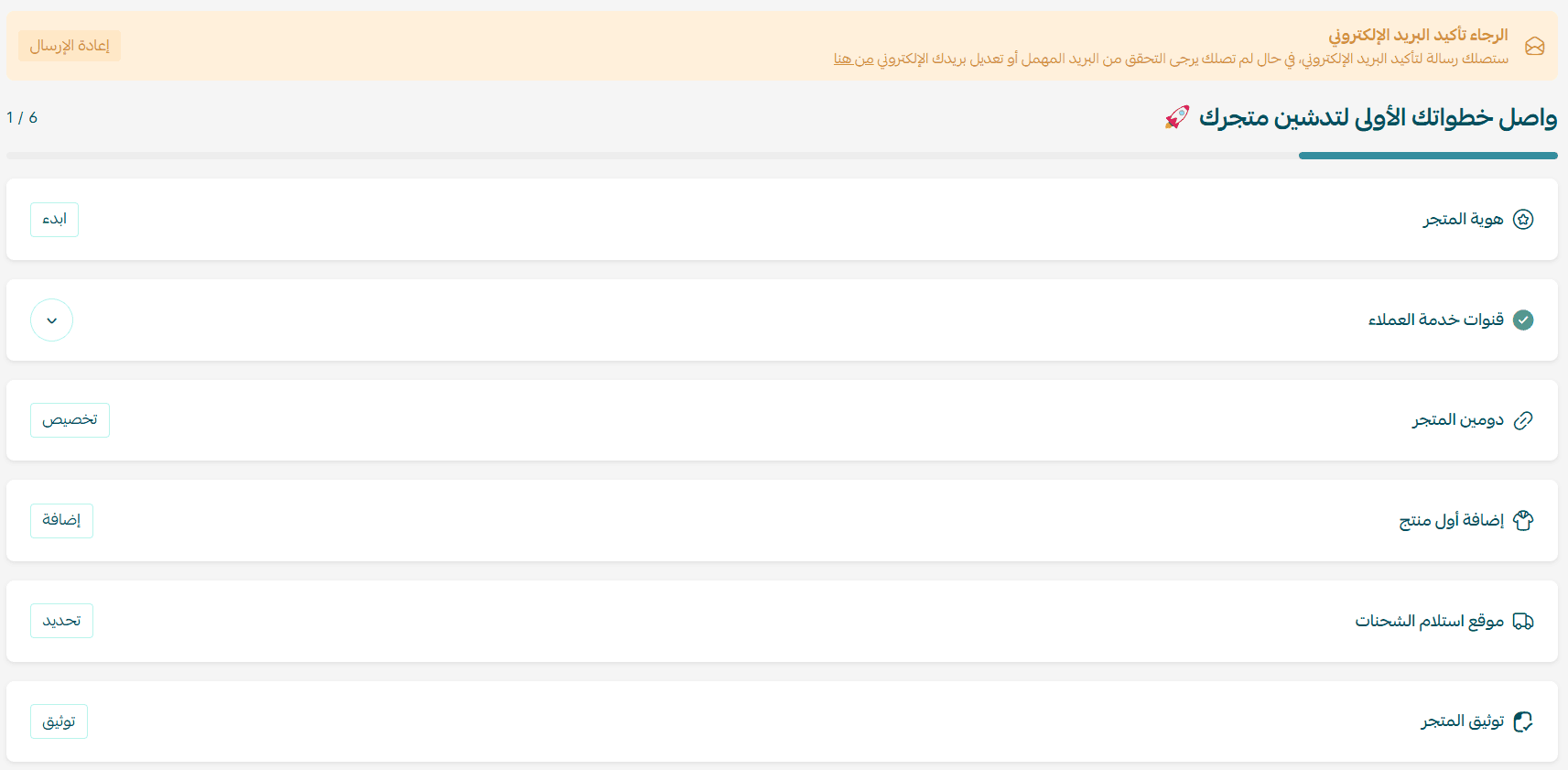
- Click Verify your store
You will be directed to the store verification page.
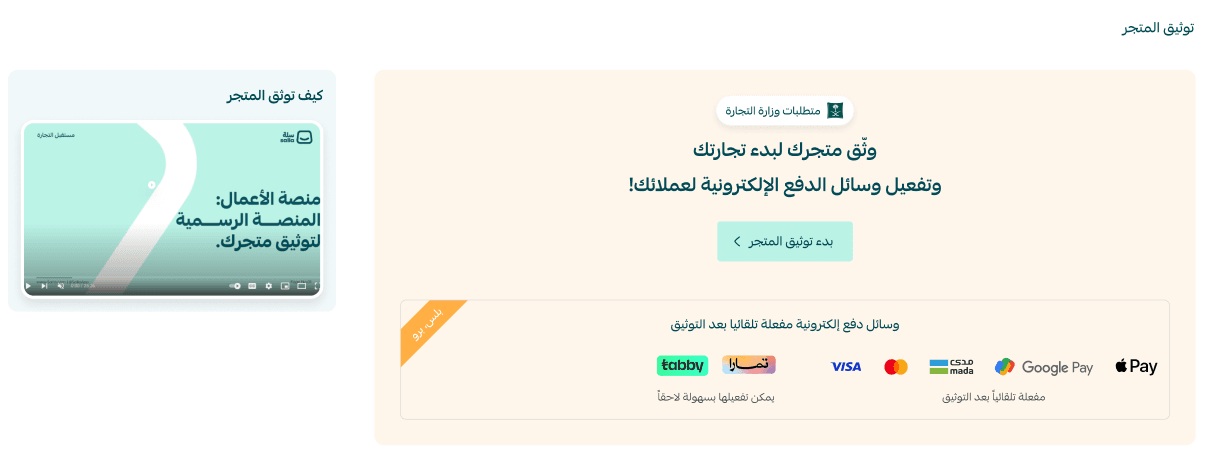
1. Enter the store owner’s information
Provide the following details accurately:
- Store owner national ID number (10 digits).
- Date of birth (Hijri for Saudi citizens, Gregorian for residents).
- Digital copy of the owner’s ID.
After entering the information, a verification SMS from Absher will be sent to the store owner’s registered phone number.
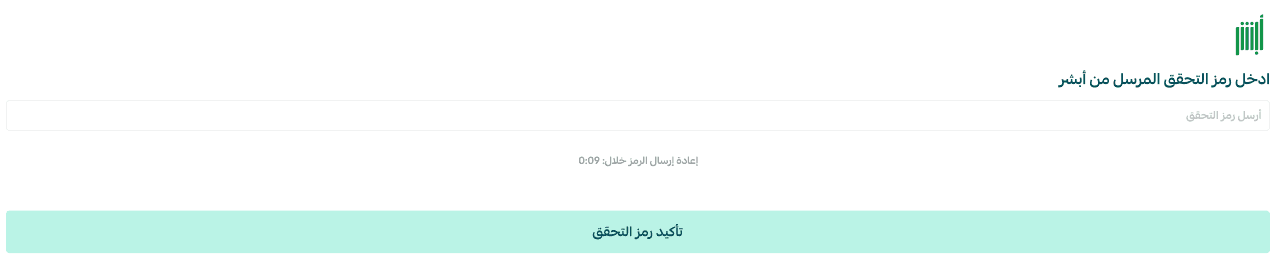
Once verified, the store owner’s identity will be successfully confirmed.
2. Enter the store manager’s information
If the store owner is also the store manager, enable the option:
“Store owner is the manager.”
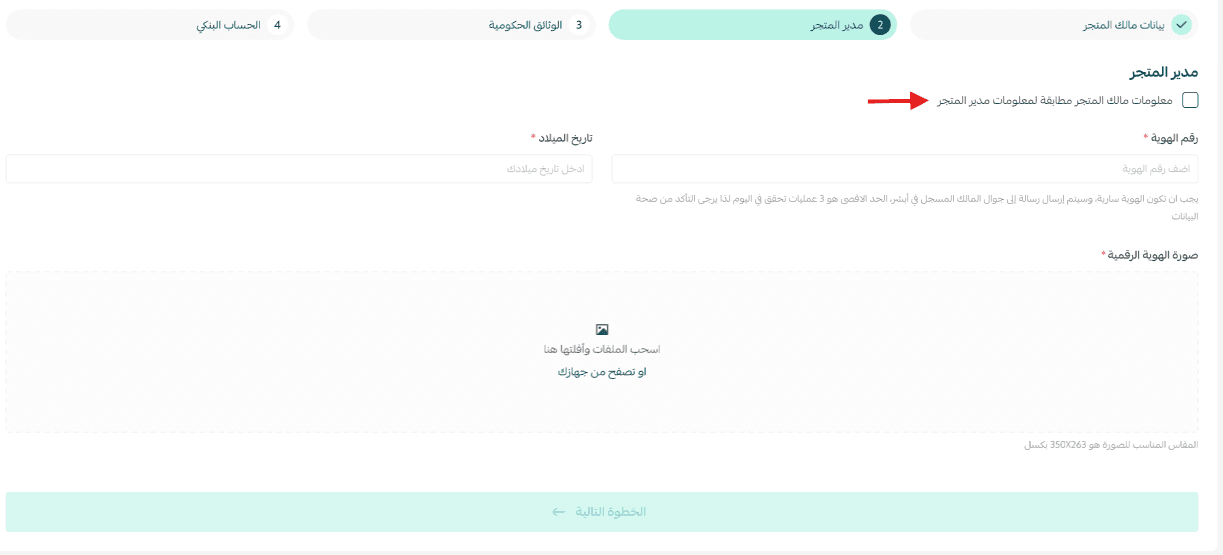
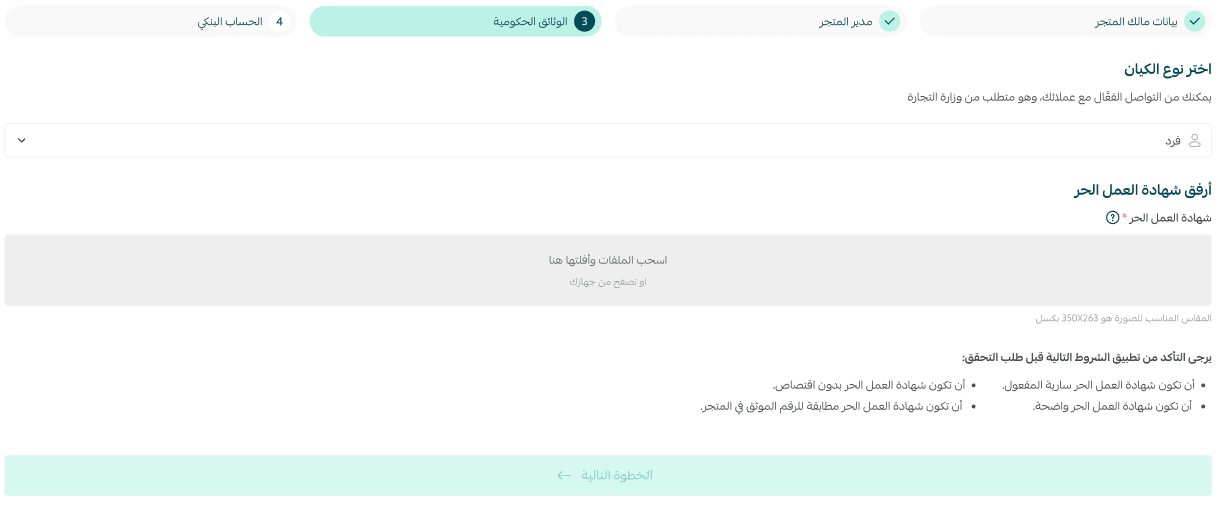
3. Select the business entity type
Depending on the entity type, you will need to enter the required documents and information.
Choose whether the store belongs to:
- Individual
- Establishment
- Company
- Charity organization
Required documents by entity type:
- Individual:
- Freelance Certificate
- Productive Families Certificate
- Establishment/Company:
- Commercial Registration (CR)
- Charity Organization:
- Charity Registration Certificate
Example: entering Freelance Certificate details
Make sure the certificate is valid and meets the requirements for successful store verification.
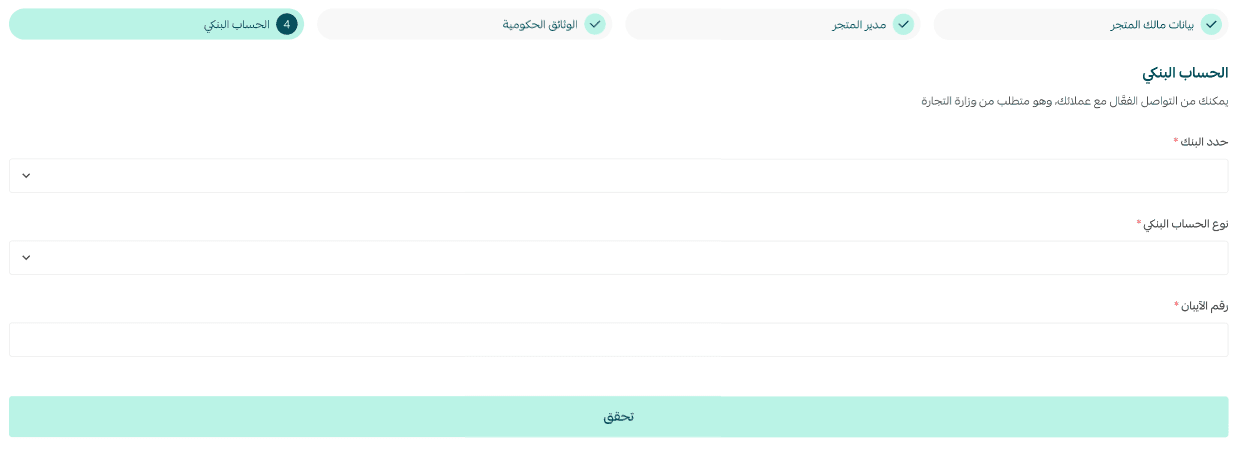
4. Enter bank account details
After entering the required information, click Submit Request.
Important note: The bank account name must match the name on the IBAN certificate, not the name on the bank card.
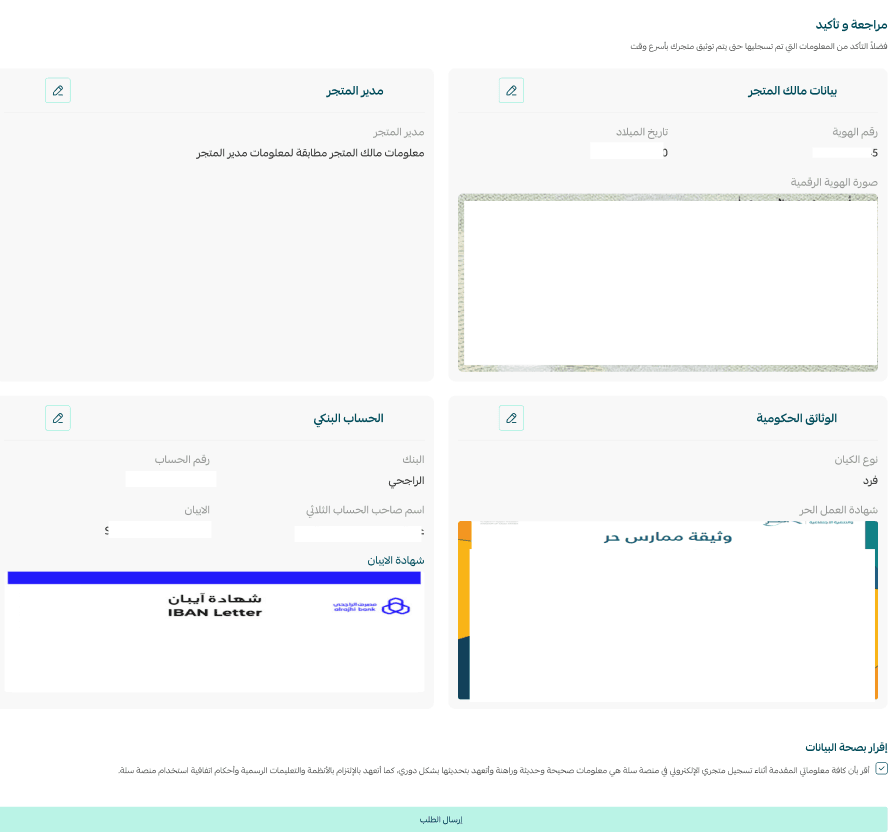
5. Review and submit the request
Review all the information you entered and confirm its accuracy, then click Submit Request.
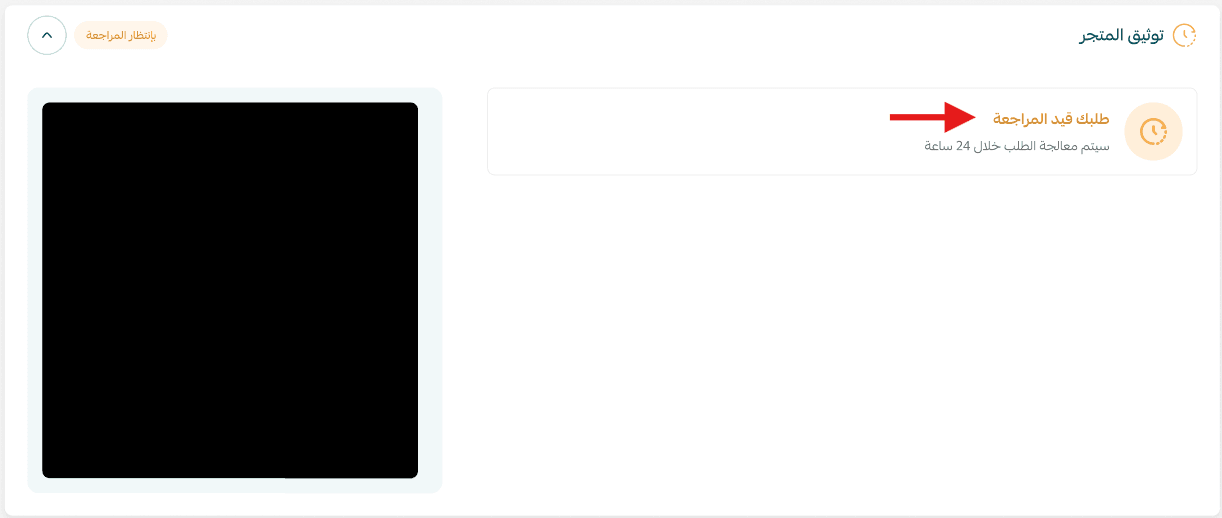
Your request will be reviewed by the Salla team.
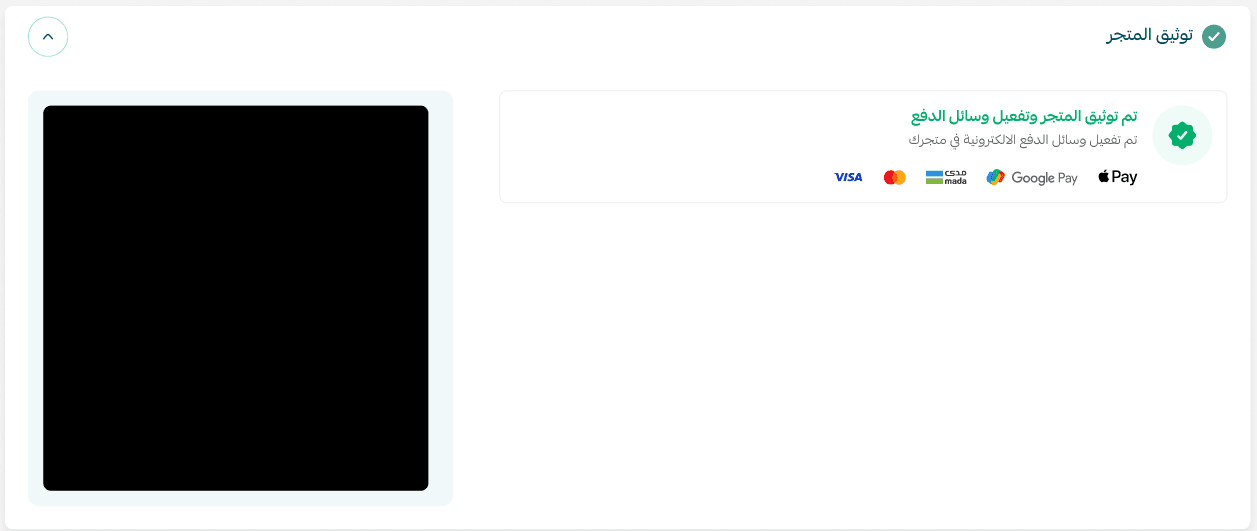
🎉 Congratulations! Your store has been successfully verified.
What happens after submitting the request?
- The Salla team reviews your verification request.
- If all information is correct and complete, the request will be approved.
- You will receive a notification confirming that your store has been successfully verified.
Tips to ensure your verification request is approved on the first attempt
- Use clear and valid documents.
- Ensure names match exactly across your ID, documents, and bank account.
- Enter information accurately without spelling or numerical errors.
- Carefully review all steps before submitting the request.
Frequently asked questions
Can I modify the information after submitting the verification request?
Yes. If the request is rejected or requires modifications, you can update the information and resubmit the request.
How long does store verification take?
The review time depends on the completeness and accuracy of the submitted information, but responses are usually provided within a short period.
✨ By verifying your store, you establish the right foundation for growing your e-commerce business with confidence and professionalism. Start now and complete your store verification process to access all the features of the Salla platform.