A faster and more accurate shipping experience for every order! With the new national address feature, customers can easily enter their national address during checkout, and the address details will be automatically filled in with accuracy and speed.
Merchants also benefit when creating orders manually, as they only need to enter the national address without having to manually fill in details such as the city or postal code.
📢 Mandatory update effective January 1, 2026
Starting from 01/01/2026, entering the national address will become mandatory for all merchants and customers on Salla when completing or manually creating orders.
This update aims to ensure the highest level of shipping accuracy and faster delivery, while standardizing address data in accordance with Transport Authority and regulatory requirements.
📌 Article overview
- For customers: entering the national address during checkout
- For merchants: specifying the customer’s address when creating a new order
- Branches and warehouses
- The difference between the National Address and the Short Address Code
- How to obtain the national address
- Frequently asked questions
For customers – entering the national address during checkout
Customers can type their national address in the input field, and a list of matching addresses will appear. Once selected, all fields are automatically filled.
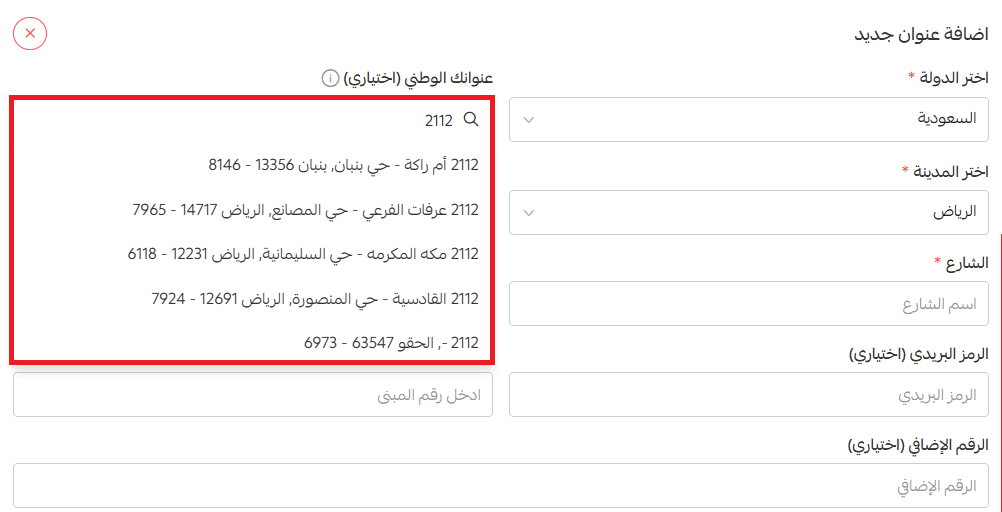
Key benefits for customers
- Enter the address in just one step.
- Save time during checkout.
- Receive orders easily and accurately.
- A smoother and more reliable shopping experience.
For more details about selecting the customer location on the map
For merchants – specifying the customer’s address when creating a new order
Merchants can enter the customer’s short national address code when creating an order manually, and the full address will appear automatically.
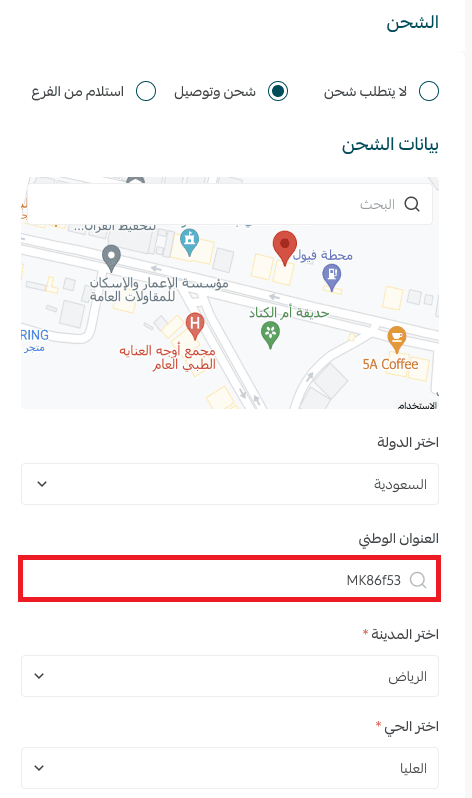
Key benefits for merchants
- High accuracy in determining shipping locations.
- Faster and more organized delivery.
- Shipping cost calculated based on the actual location.
- Compliance with Transport Authority requirements.
- A smoother and more efficient order management experience.
For more details about creating a new order manually
Branches and warehouses
When adding a new branch or warehouse, the merchant can easily specify its location using the same methods available for national addresses.
For more details about branches and warehouses
Note: Both customers and merchants can specify the location in more than one way:
- Using the map for precise location selection
- By entering the short address code
- By manually entering address details such as city, district, street, and postal code
The difference between the national address and the short address code
- National Address: Requires entering all location details manually (city, district, street, postal code, etc.).
- Short Address Code: Consists of only 8 characters, through which the system automatically fills in all address details.
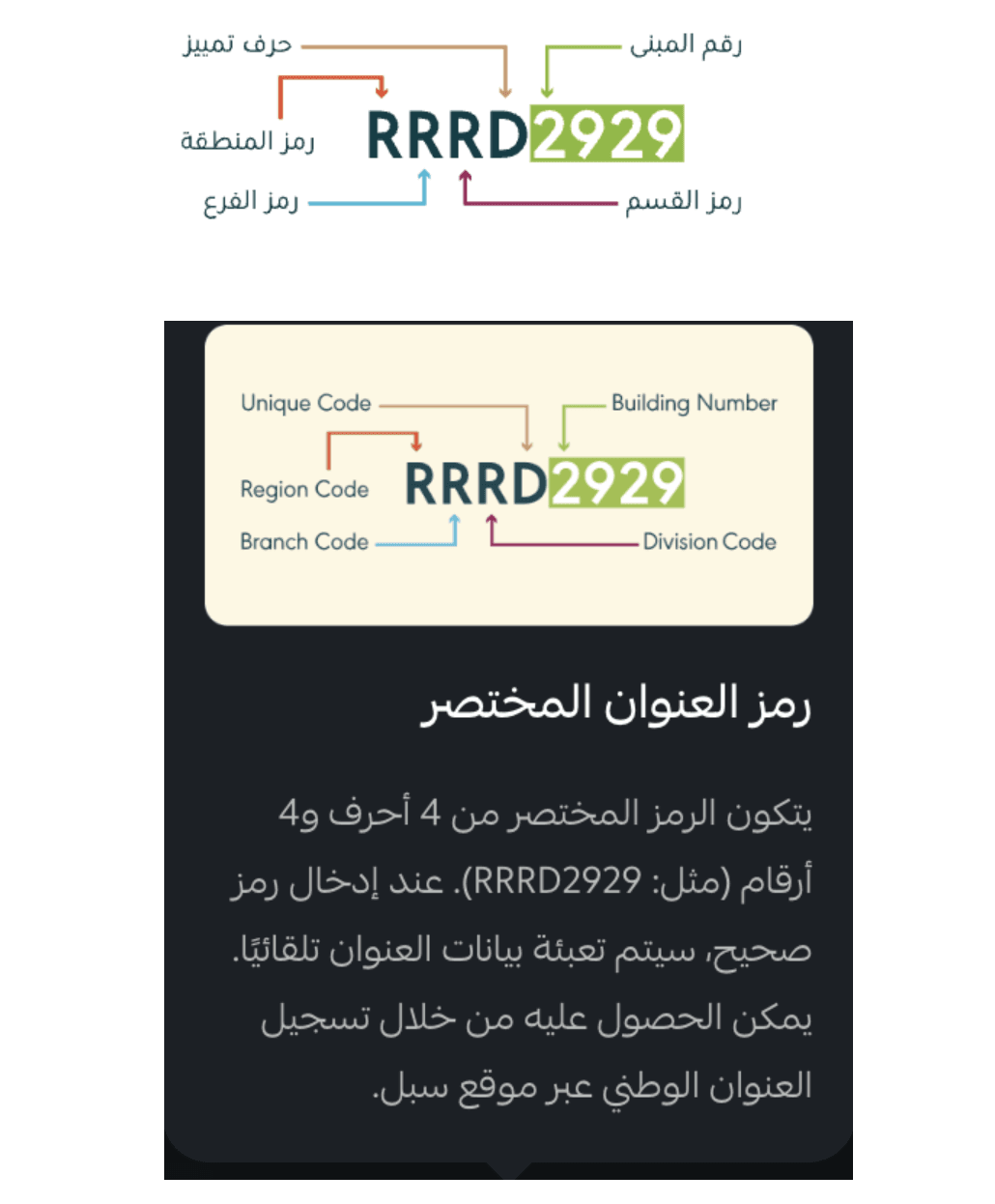
✅ Tip: Make sure the national address is accurate before completing the order to ensure faster and more reliable shipping.
How to obtain the national address
Customers can obtain the national address from several sources, including:
SPL Services
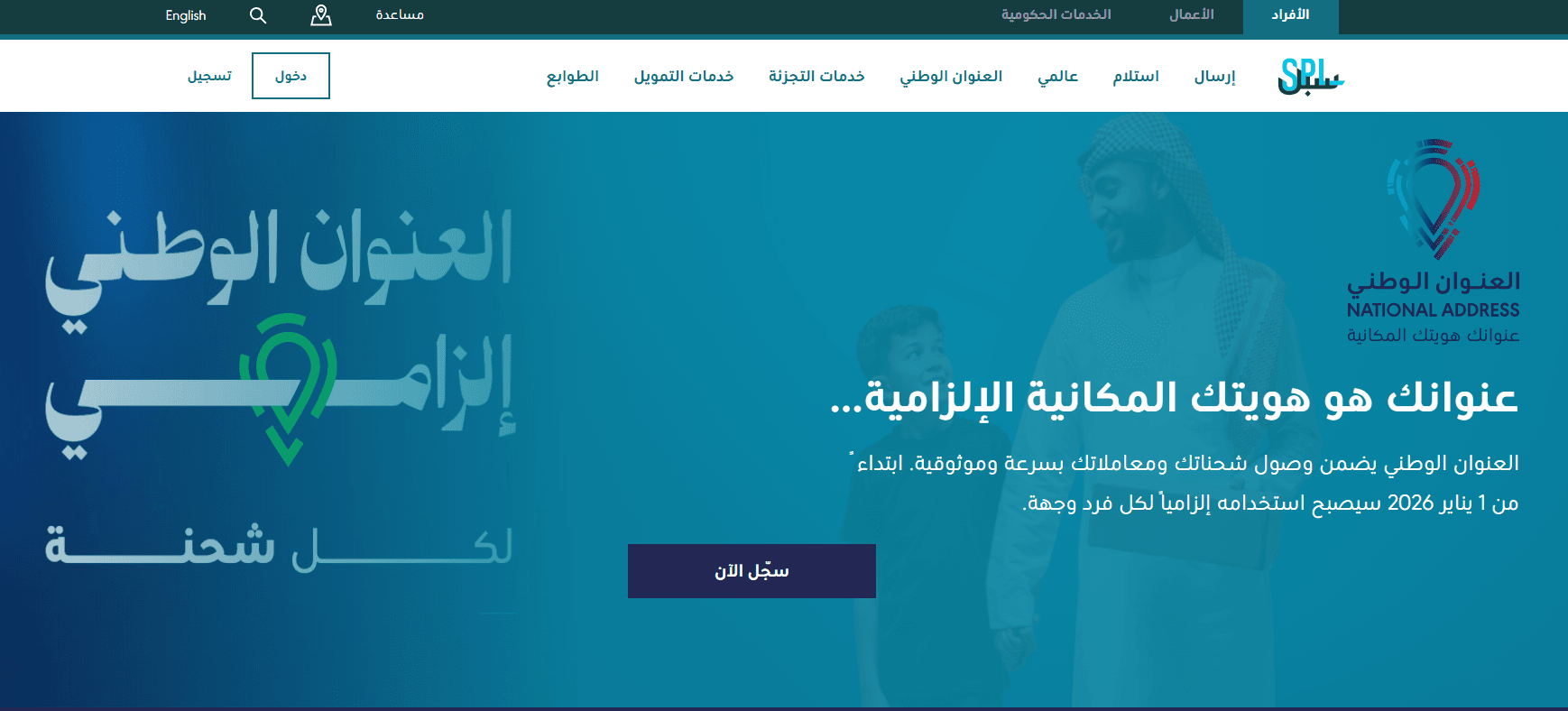
To get the national address from SPL:
Use the automated response system and type “national address.” You will be asked for your ID number, and then you will receive your national address within less than two minutes.
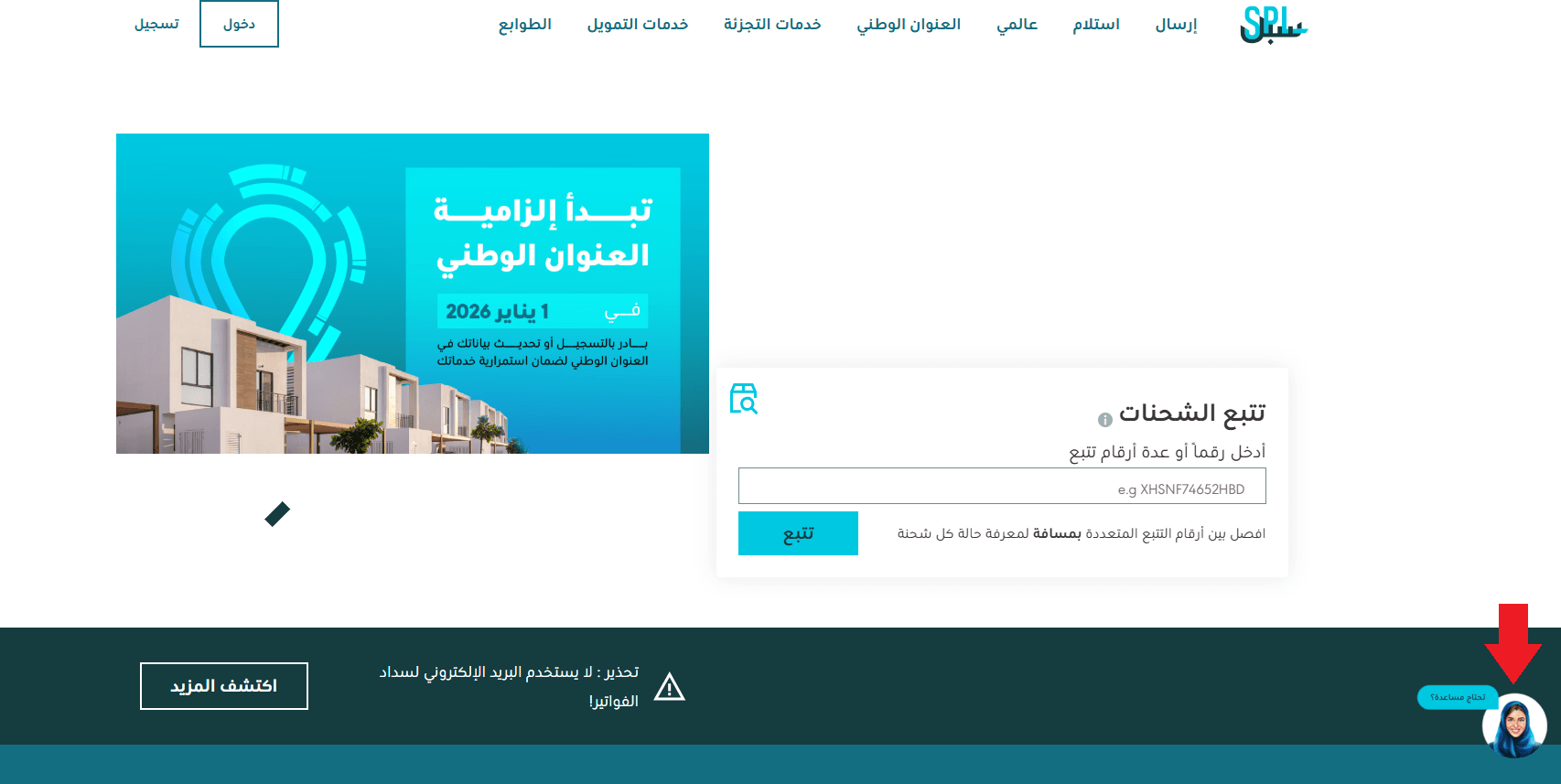
Or, you can log in to SPL, select the desired location, and the national address will appear.
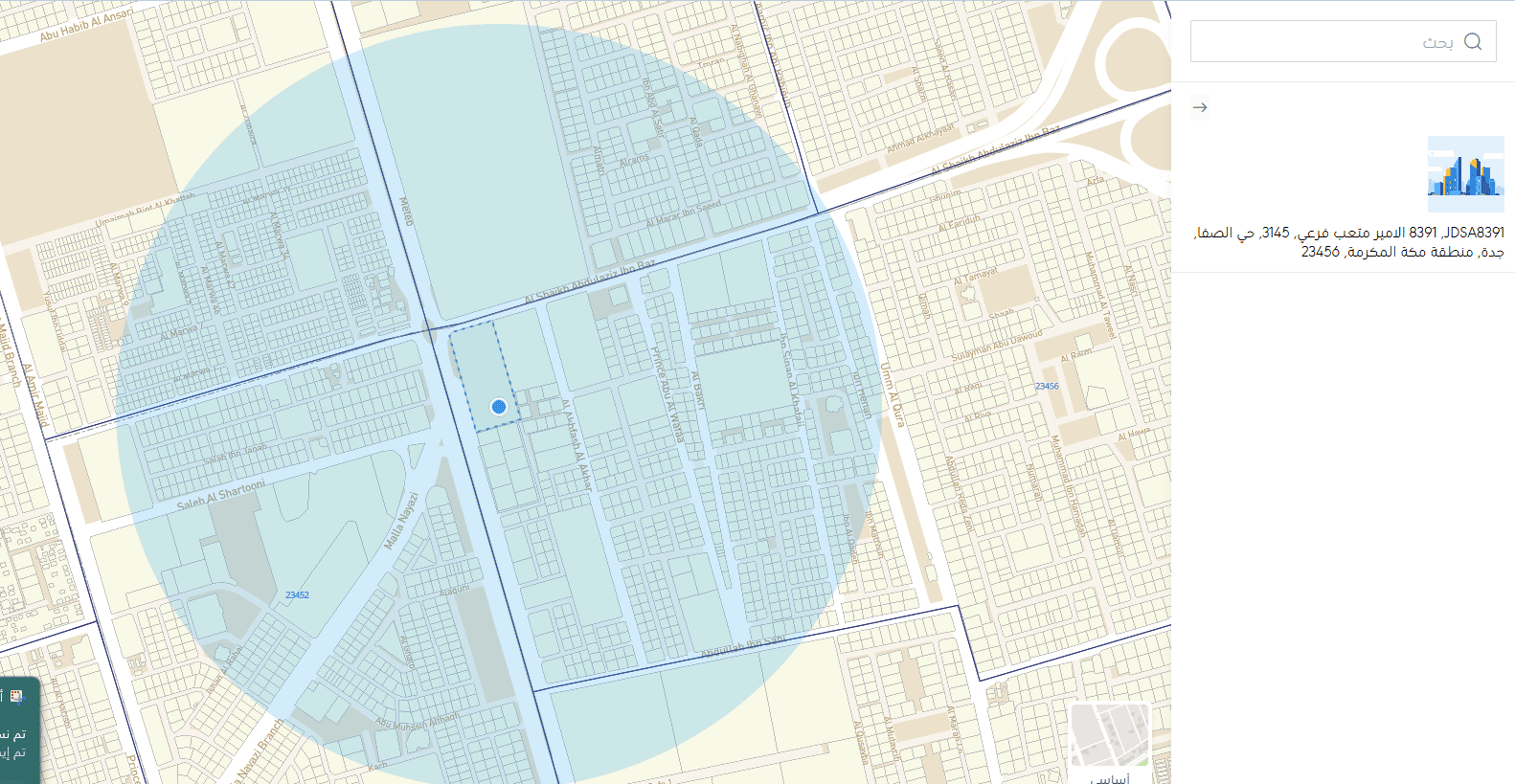
🔔 You can learn more about the national address and how to add it through SPL services.
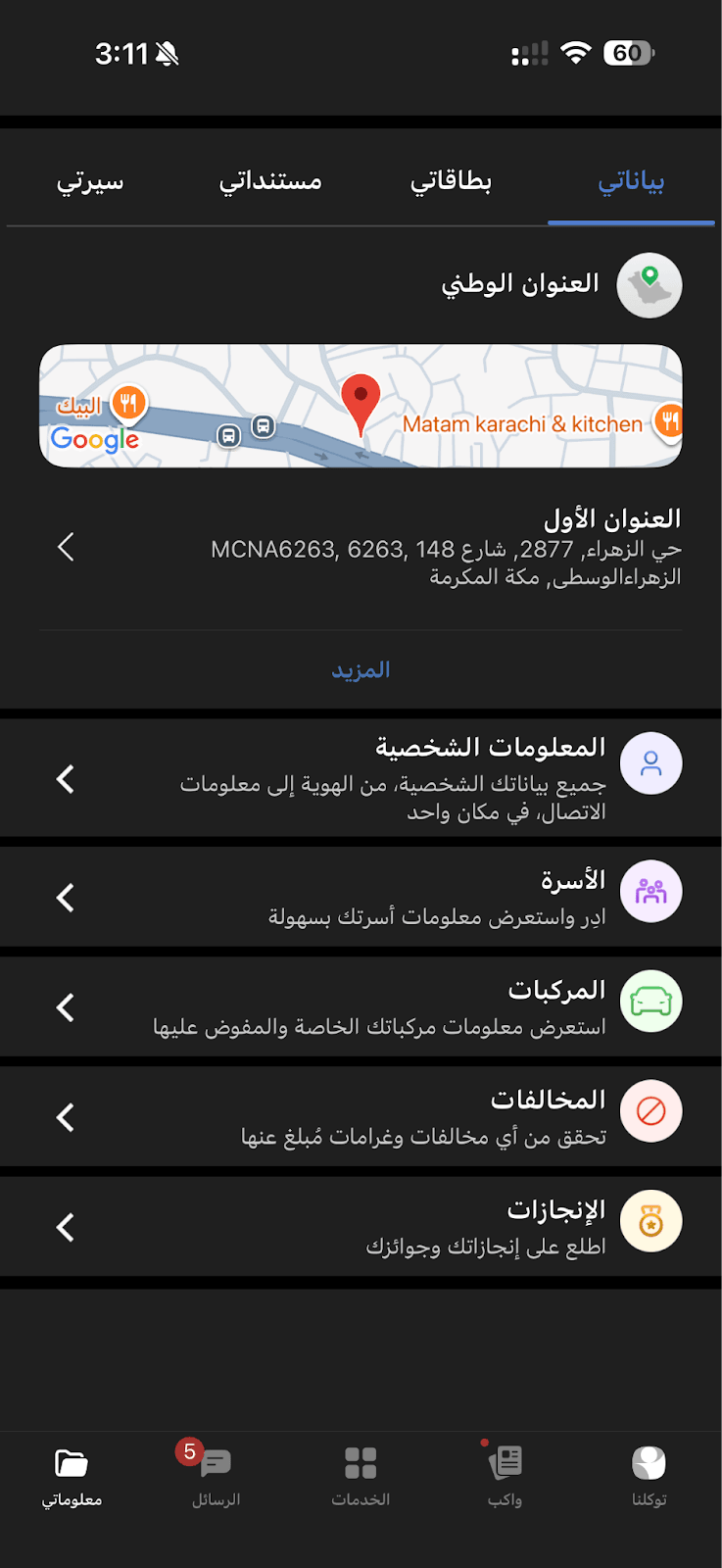
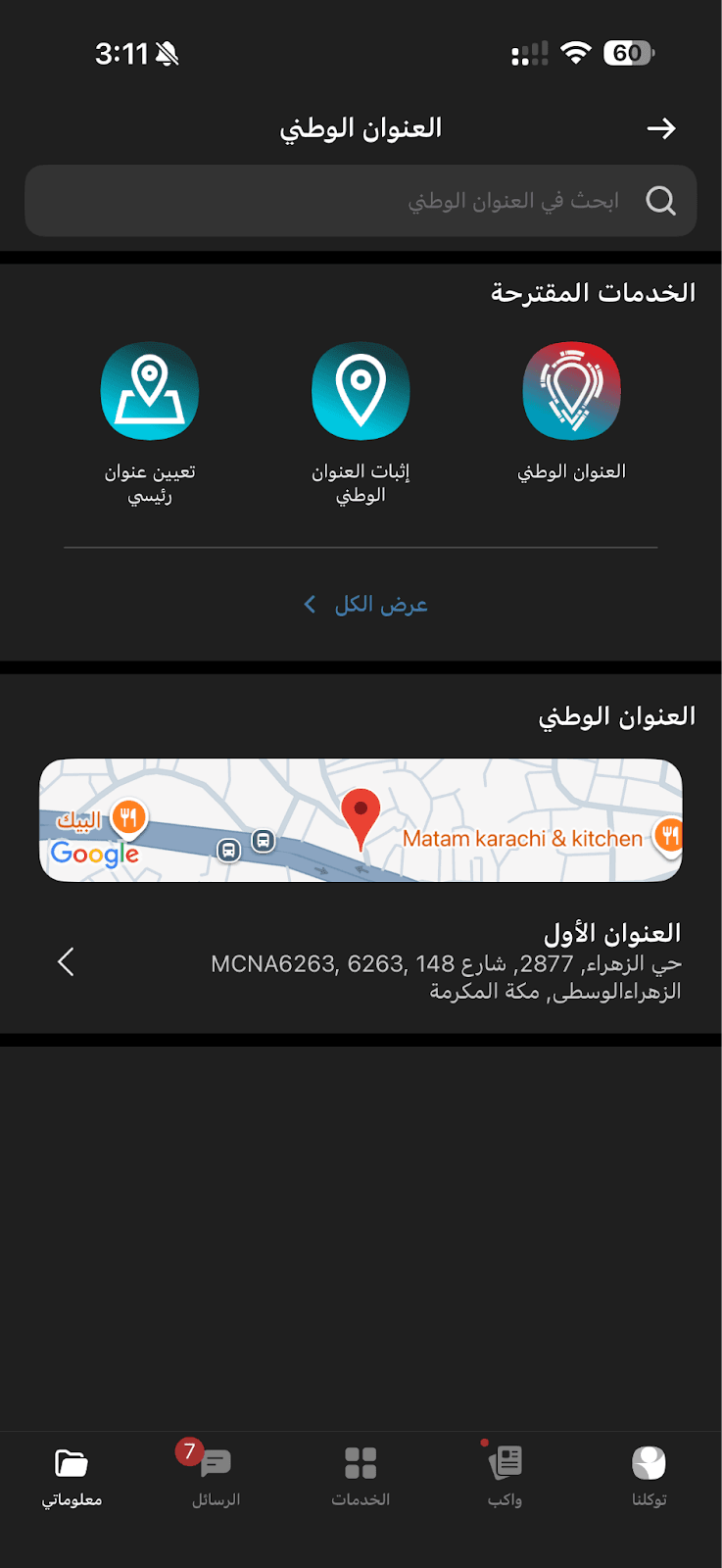
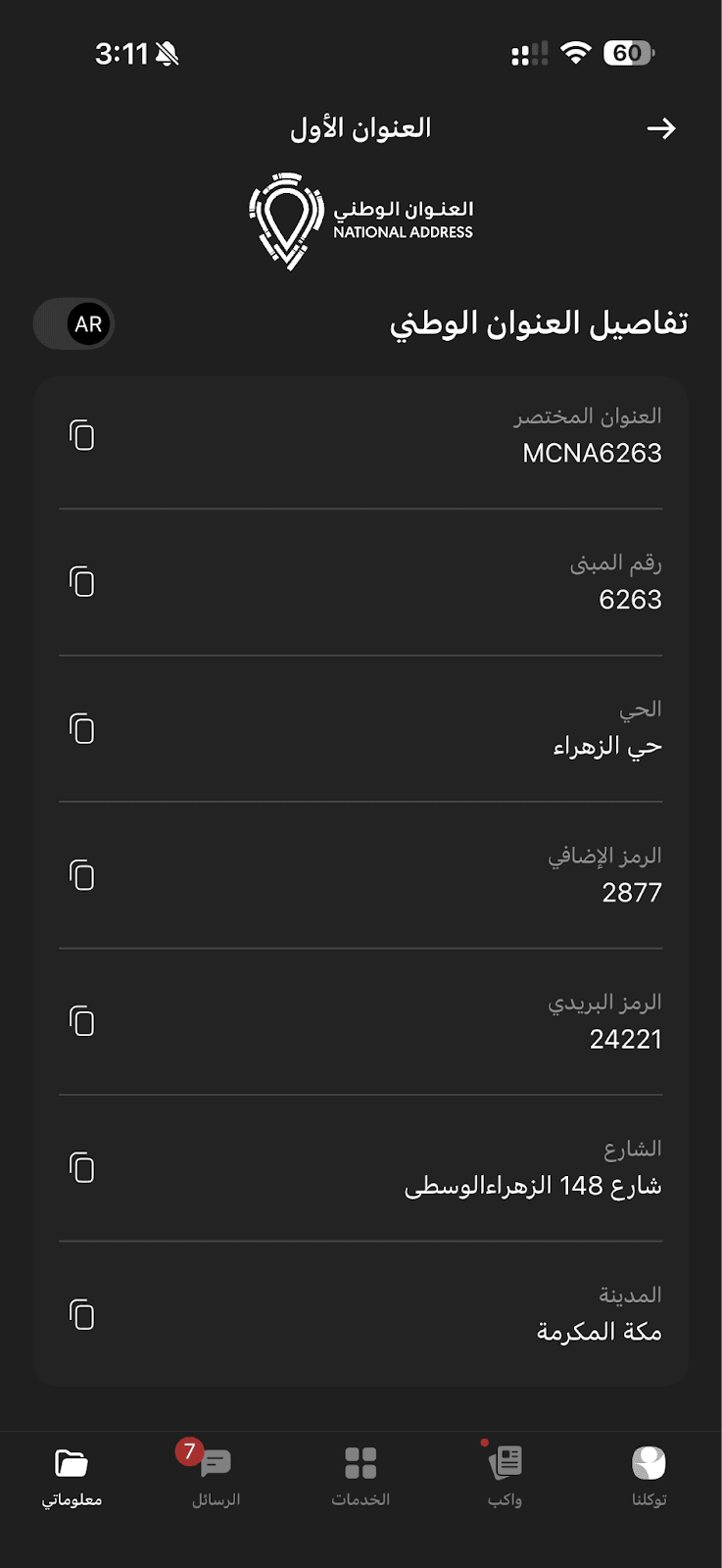
Tawakkalna App
- Open the Tawakkalna app.
- From the My Data page, click National Address.
- Select National Address from the suggested services.
- From the address details page, you will find the short national address code.

Google Maps
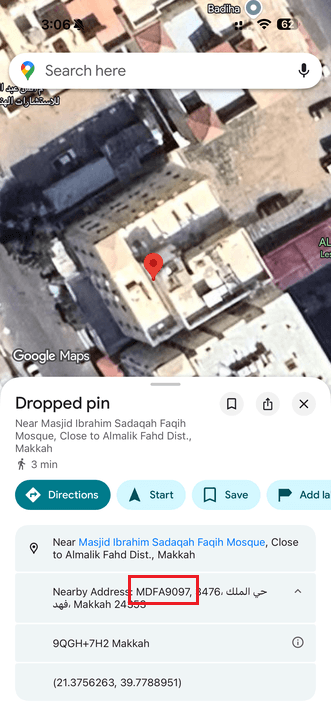
After opening Google Maps:
Select the location you want on the map, then copy the short address code from the “Nearby Address” section.
Frequently asked questions
Will entering the national address be mandatory for all stores?
Starting from January 1, 2026, entering the national address will be mandatory on Salla when creating or completing orders, in accordance with Transport Authority requirements.
What is the benefit of using the short code instead of full details?
The short code simplifies the entry process and ensures all address fields are filled accurately within seconds, reducing errors and speeding up shipping.
Does the customer need to enter the national address for every purchase?
No. If the customer has already saved their national address in their account, they can select it during checkout without re-entering it.
Can the national address be modified after adding it?
Yes. The national address can be edited or updated at any time from the addresses page in the customer account or from the merchant dashboard.