You can accurately measure the performance of your Salla Point Free POS sales through your store dashboard, analyze the results, and make informed decisions to improve sales efficiency.
📌 Article overview
- Steps to view Salla Point free POS reports
- Product Sales Report
- Branch Sales Report
- Employee Sales Report
Steps to view Salla Point free POS reports
- From the top menu, go to Reports

- From the report categories list, select Salla Point to view the related reports
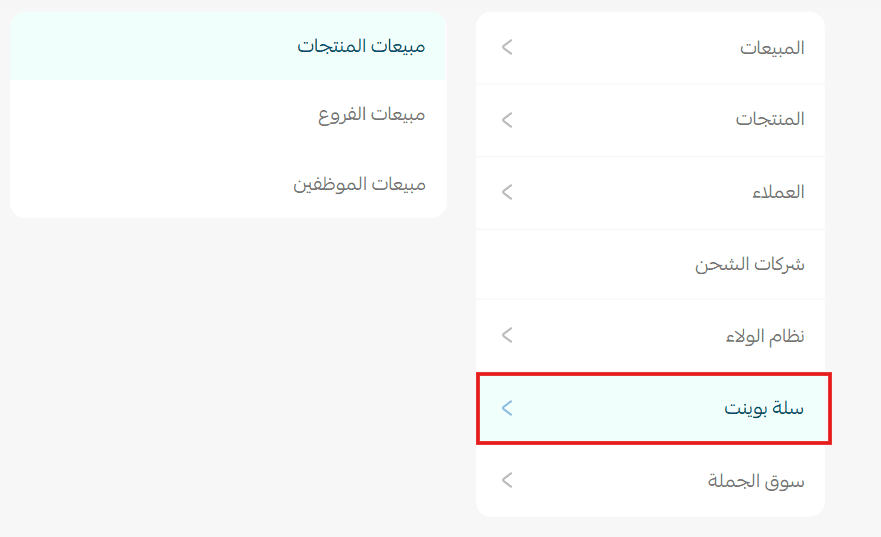
Salla Point reports
Salla Point reports allow you to measure the performance of the Salla Point free POS system from multiple perspectives.
Product sales report
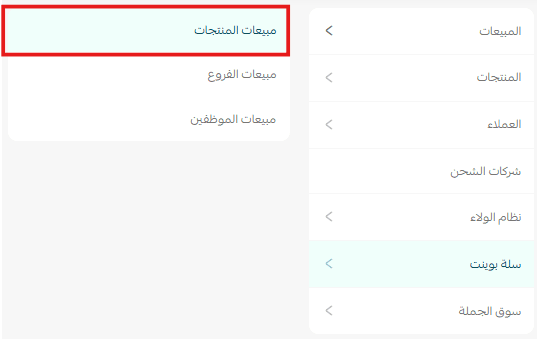
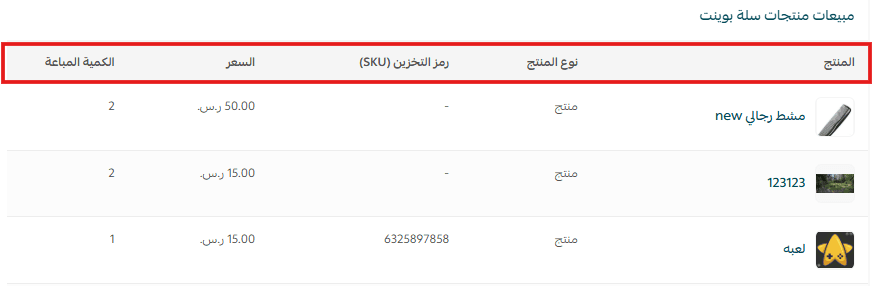
This report helps you track product sales in terms of quantity sold and pricing, allowing you to identify top-performing products and make better pricing and inventory decisions.
Branch sales report
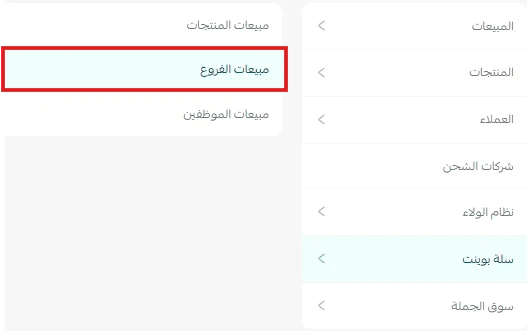
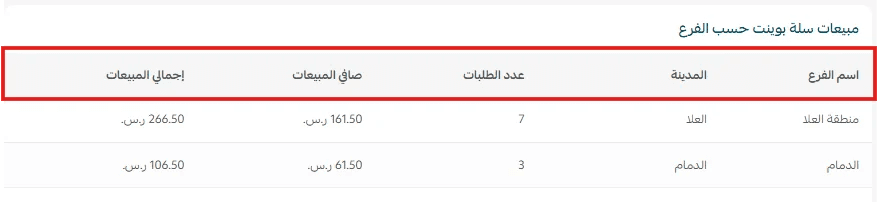
This report helps you compare branch performance based on the number of orders, as well as net and total sales, supporting better resource allocation and performance optimization.
Employee sales report
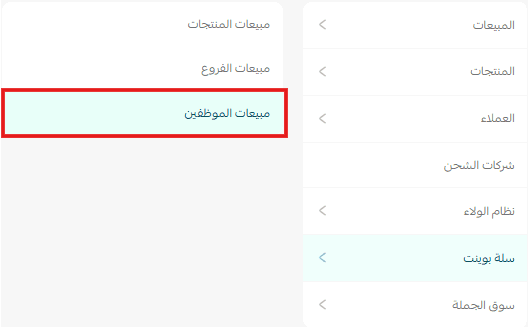
This report helps you evaluate each employee’s performance based on the number of orders and total sales value, enabling better performance assessment, employee motivation, and improved sales team efficiency.
