Are your customers still waiting on you to send the code or file they already paid for?
Digital products only feel instant if the delivery is instant. Sadeem is a Salla app that delivers your digital products to buyers automatically over WhatsApp, the moment the order goes through. It fits stores selling codes, accounts, and digital files, and it adds stock alerts, security controls, and live statistics on top. In this guide, you'll learn what Sadeem does, how to install it on your store, how to add your products, and how to remove the app if you no longer need it.
Sadeem is a Salla app that delivers digital products automatically through WhatsApp as soon as a customer buys. Install it from the App Store, pick a plan, complete the payment, then sign in with the credentials emailed to you and start adding your products from the Products tab.
📌 Article overview
- What makes Sadeem different?
- How to install Sadeem on your store
- Managing the Sadeem app
- Frequently asked questions
What makes Sadeem different?
With Sadeem in place, you no longer chase orders manually or worry about a late delivery. Every purchase is fulfilled on its own, which saves you time and gives customers the kind of professional experience that keeps them coming back.
- Instant, automatic delivery of digital products over WhatsApp, with no human step in between.
- Full product management, with smart alerts and live reports.
- Advanced security options, including two-step verification and automatic rejection of orders that do not qualify.
- A smooth, professional buying experience that builds customer trust and loyalty.
🚀 How to install Sadeem on your store
1. From the main menu, click (All), then under helpful tools, click (App Store).

2. Search for the app using the search field.

3. On the Sadeem app page, click (Install).
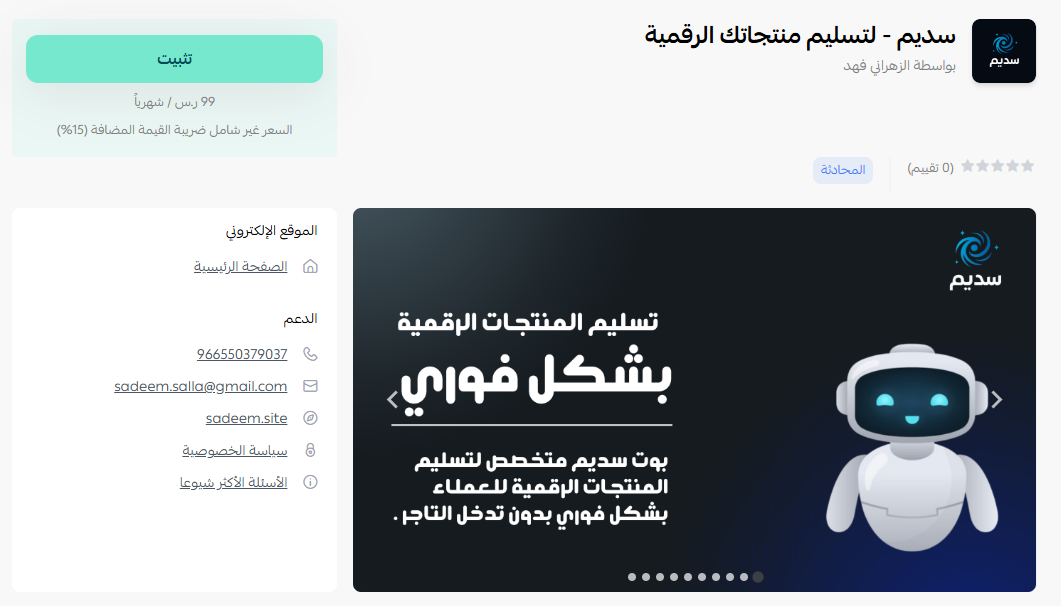
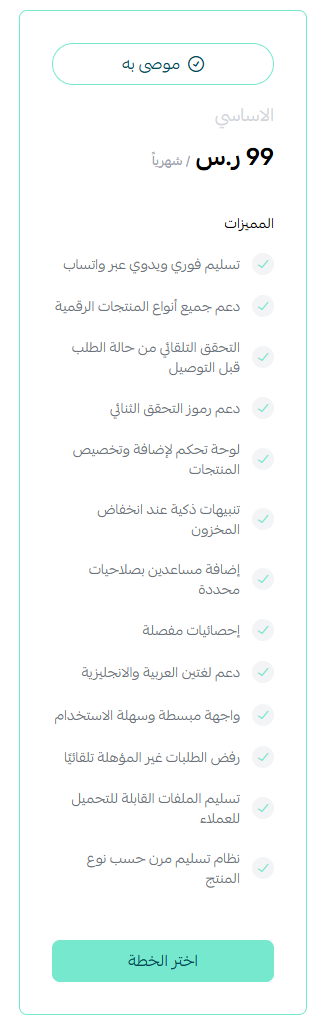
4. Choose the plan that suits your business to continue with the installation.
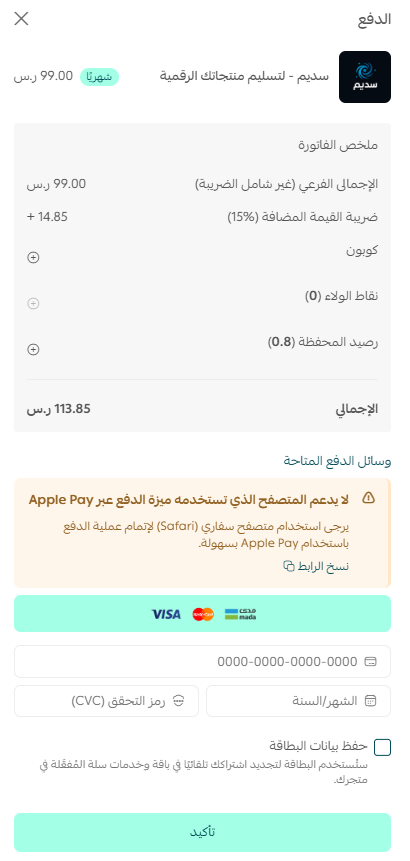
5. Complete the payment to unlock the app's features.
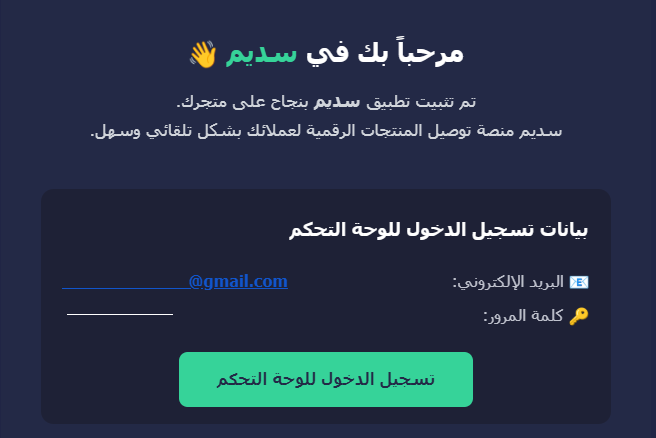
Sadeem is now installed on your store.

Once the installation is done, you'll receive an email with your login details.
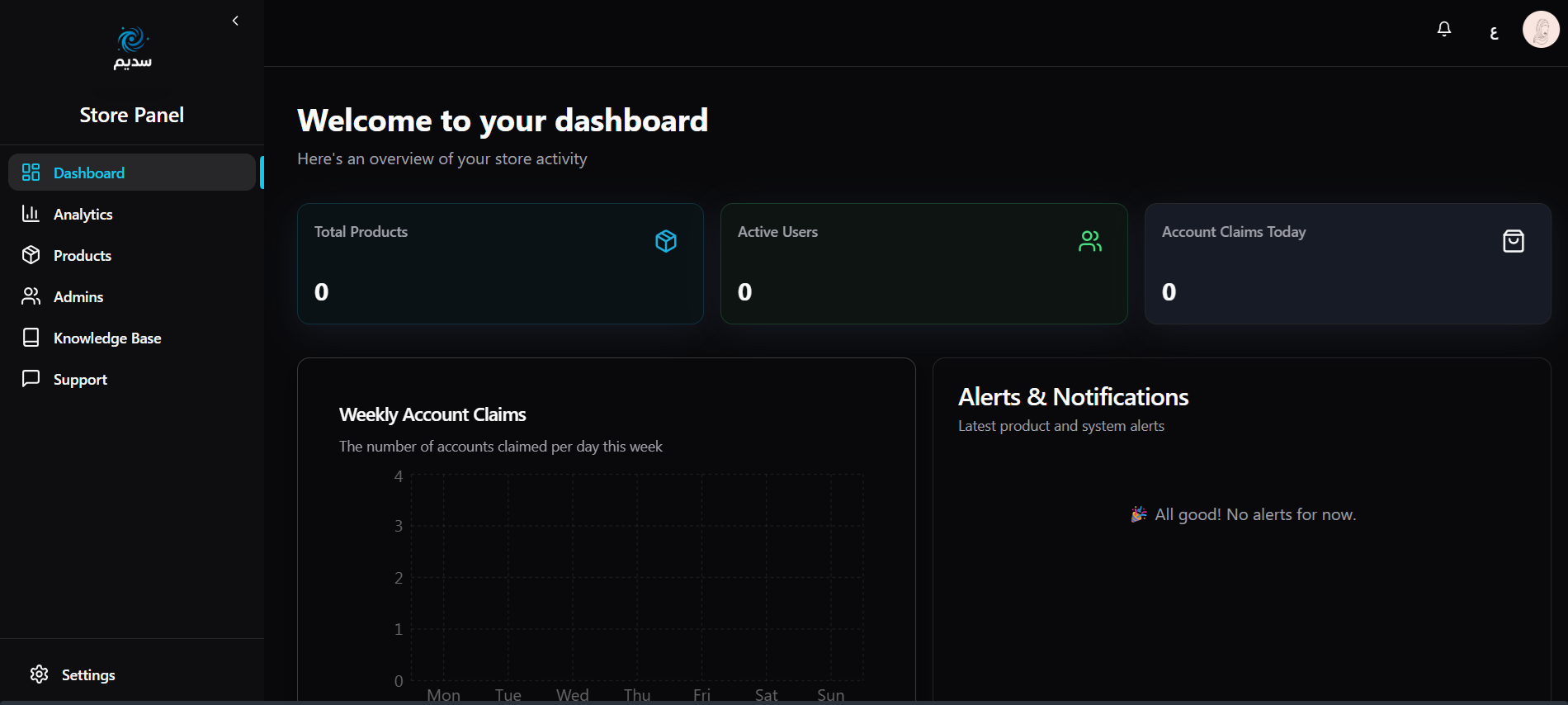
After you sign in, the Sadeem home page looks like this:
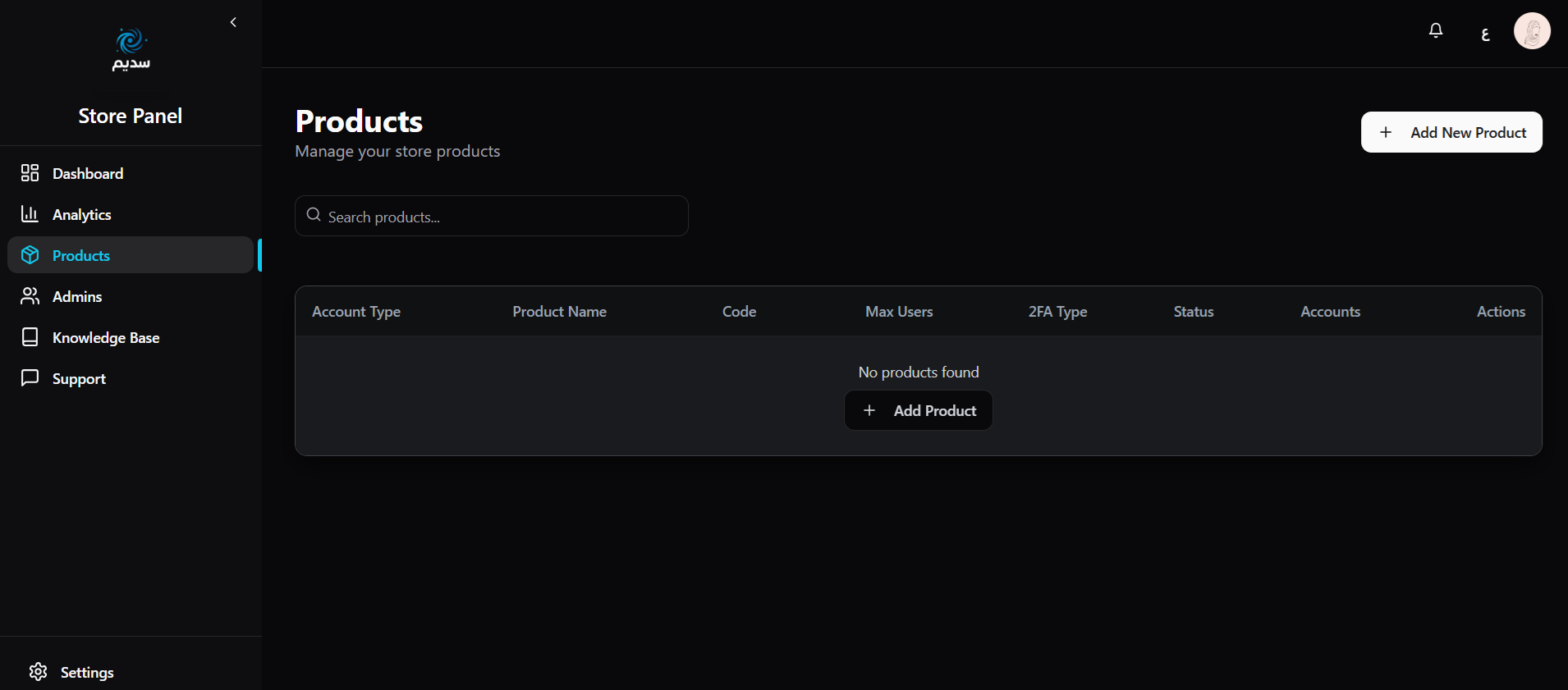
From the side menu, click the Products tab and start adding your digital products.
Managing the Sadeem app
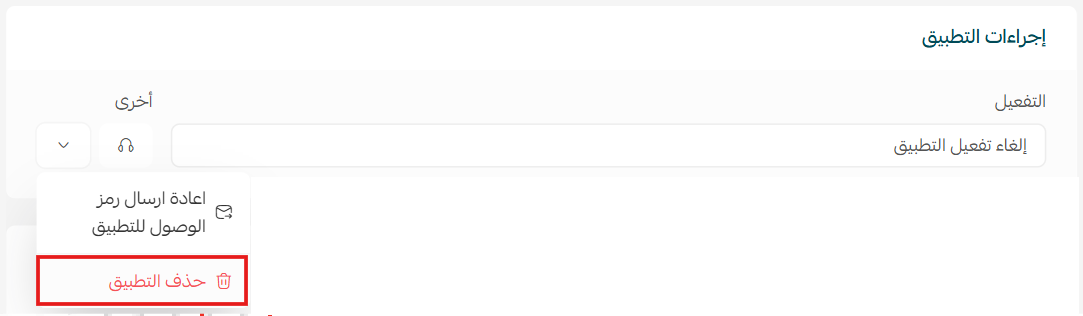
- Delete the app
From the Sadeem app, click ( ), then click (Delete app).
Frequently asked questions
❓ How does the customer receive the product?
Sadeem sends it over WhatsApp automatically as soon as the purchase is completed. You don't send anything yourself.
❓ What kinds of products can I sell with Sadeem?
Codes, accounts, and digital files — anything you deliver as data rather than a shipment.
❓ Where do I get my Sadeem login details?
They arrive by email right after the app is installed on your store. Use them to sign in to the Sadeem dashboard.
❓ Is Sadeem free?
No. You choose a plan during installation and complete the payment before the app's features become available.
❓ Will I know when a product is about to run out?
Yes. Sadeem sends stock alerts and shows live statistics, so you can restock before a customer hits an empty item.
Automating delivery removes the slowest part of selling digital products — you. Set Sadeem up once, and every order after that is fulfilled while you focus on the rest of the store.
For more details, see the Sadeem app page.