Are you finding it difficult to track the performance of your advertising campaigns or improve audience targeting?
With tracking tools available in the Salla dashboard, connecting your store to advertising platforms is now easier than ever. Gain access to accurate data, powerful retargeting capabilities, and real-time campaign optimizations.
Improve your marketing performance with decisions based on reliable analytics and measurable results.
📌Article overview
- Tracking tool features
- Tracking tools page and Snapchat integration
- Frequently asked questions
Tracking tool features
- Direct and fast integration with Snapchat
- Accurate tracking of visitor behavior and campaign results
- Improved audience targeting based on real data
- Retargeting support to increase conversion opportunities
- Real-time performance measurement and ad optimization
- Data-driven marketing decisions based on reliable insights
- Eligibility for free advertising credit (subject to terms and conditions)
Tracking tools page and Snapchat integration
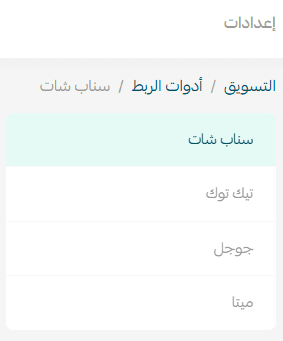
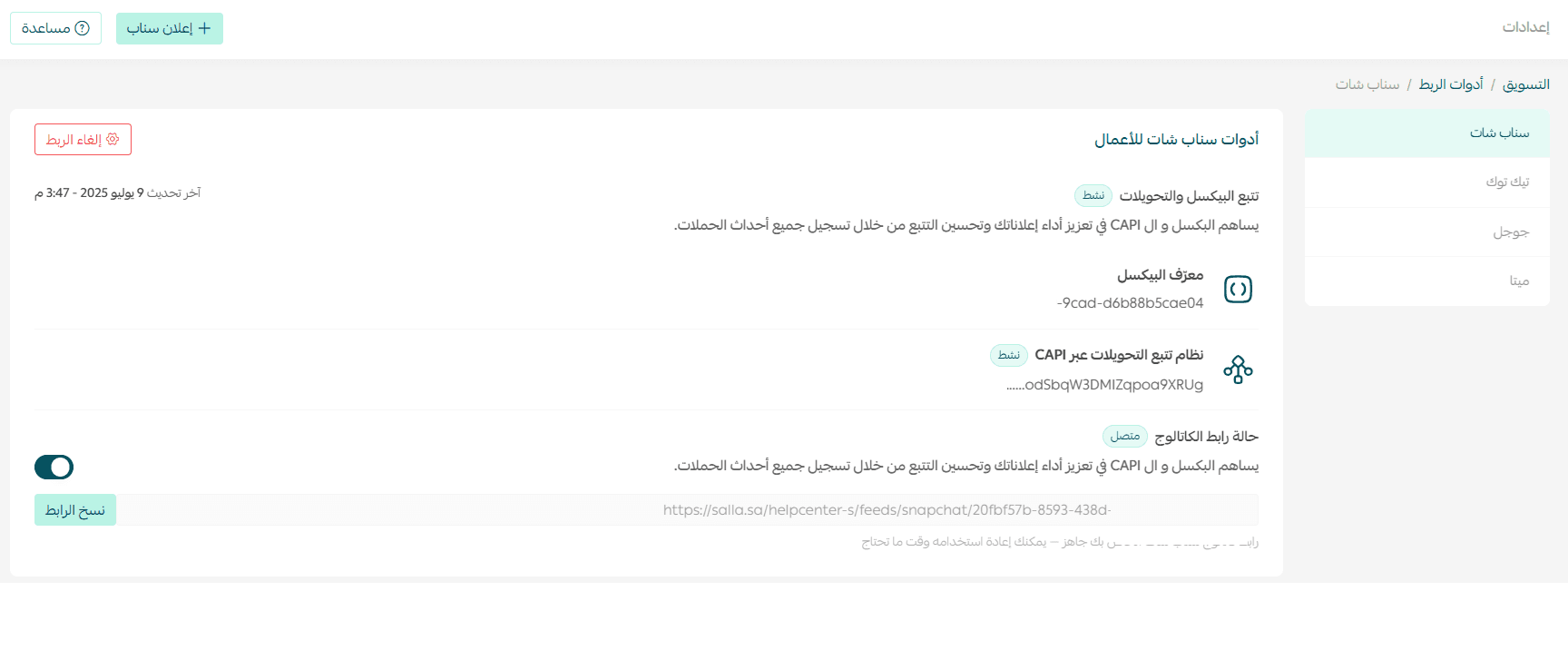
From the main navigation bar, click Marketing, then open the Pixels & feeds tab.

These tools help you collect more accurate data about your target audience and achieve better advertising results through the Conversion API and Pixel.
Snapchat integration
Get precise data to strengthen your targeting and achieve better results with Snapchat’s audience, which is 34% more likely to make a purchase, unlocking greater growth opportunities.
Benefits of Snapchat integration
- Accurate data to improve targeting and performance
- Snapchat users are 34% more purchase-ready
- Track store visits, product views, and completed purchases from one place
- Retarget engaged customers with motivating messages
- Create lookalike audiences based on your best customers
- Use intelligent data to show ads to users most likely to convert
Integration steps
- Click Connect your account.
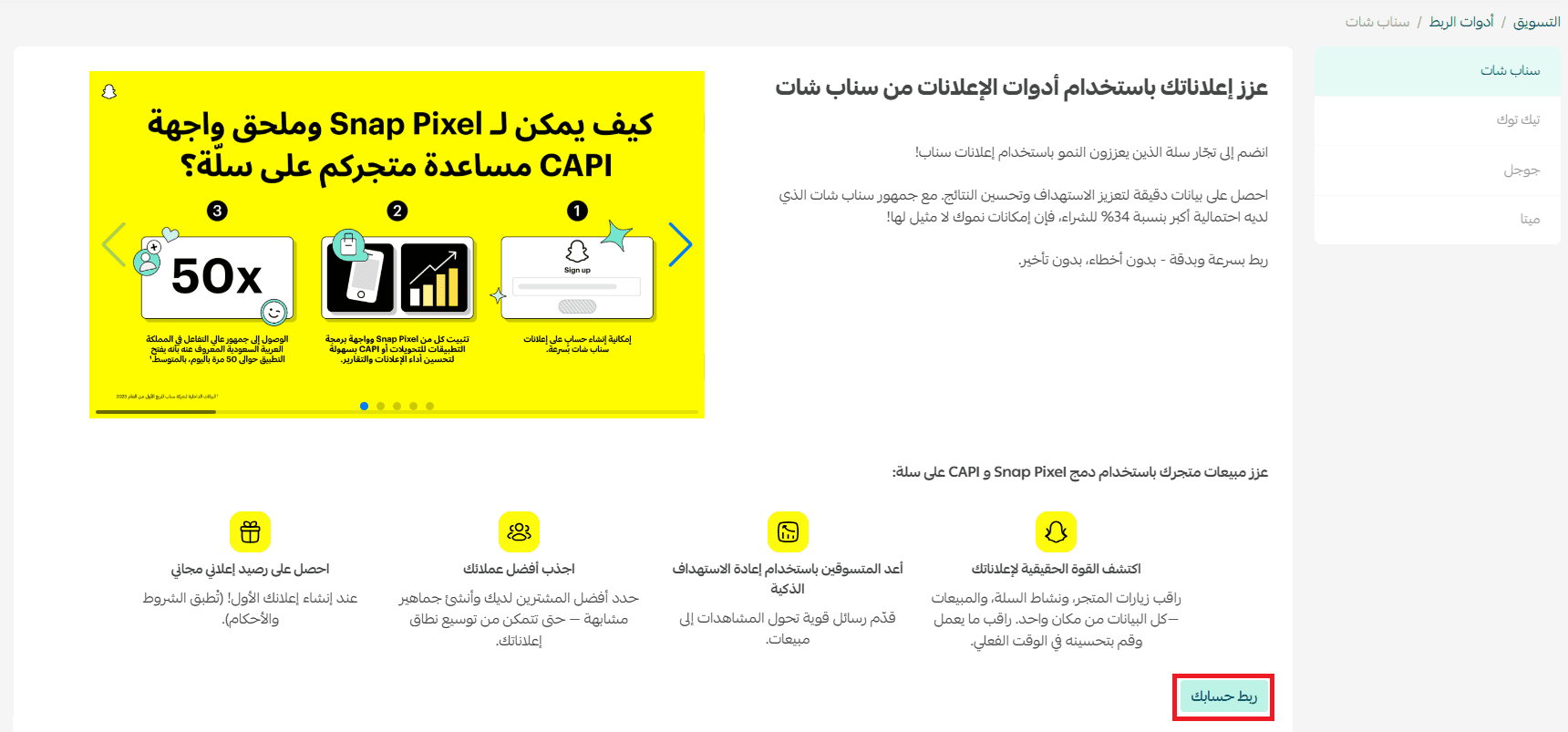
Note: If you do not have an account, you will be guided to create a new one and set up a pixel for your account.
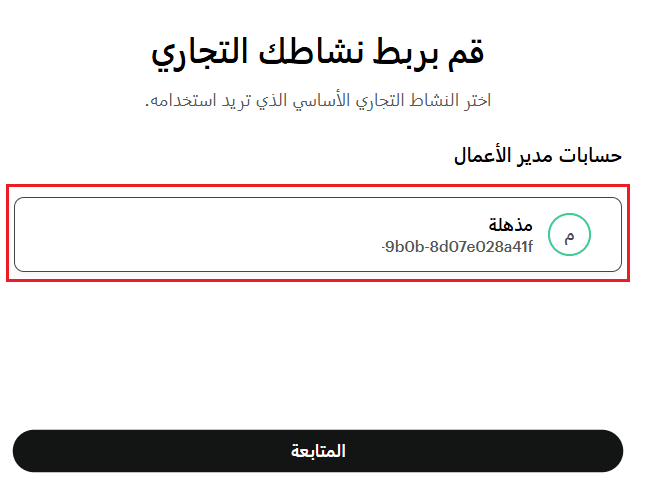
2. Select the required Business Manager account, then click Continue.
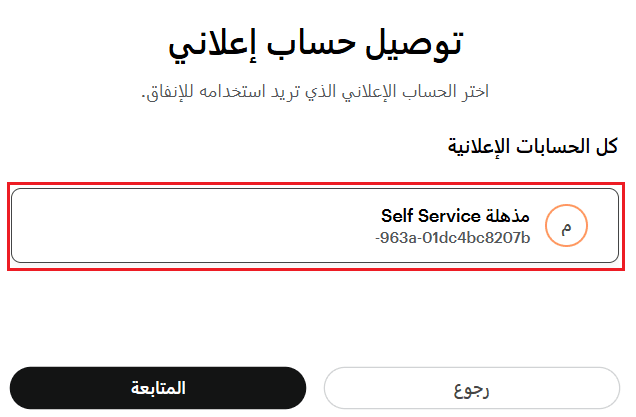
3. Select the advertising account, then click Continue.
4. Select the pixel, then click Continue.
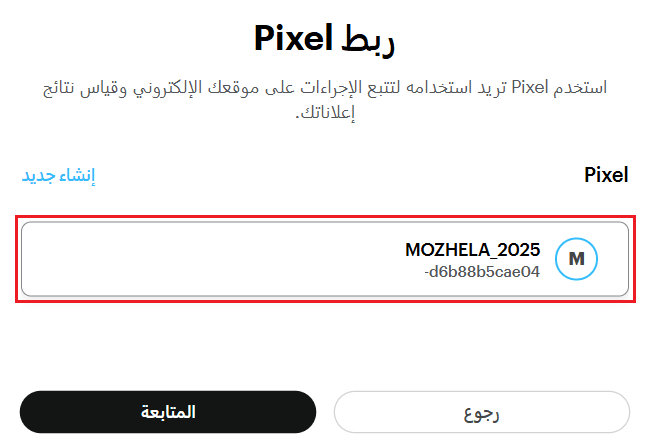
5. Click Continue.

6. Review the required permissions for the integration, then click Continue.

Congratulations! Your Snapchat advertising account has been successfully connected.
Frequently asked questions
How do I connect TikTok tracking tools?
The TikTok Pixel provides accurate data that helps improve targeting and increase conversions easily, without complex setup or coding. Your growth opportunities are now stronger than ever.
Integration is done through the TikTok Pixel – Catalog app from the Salla App Store.
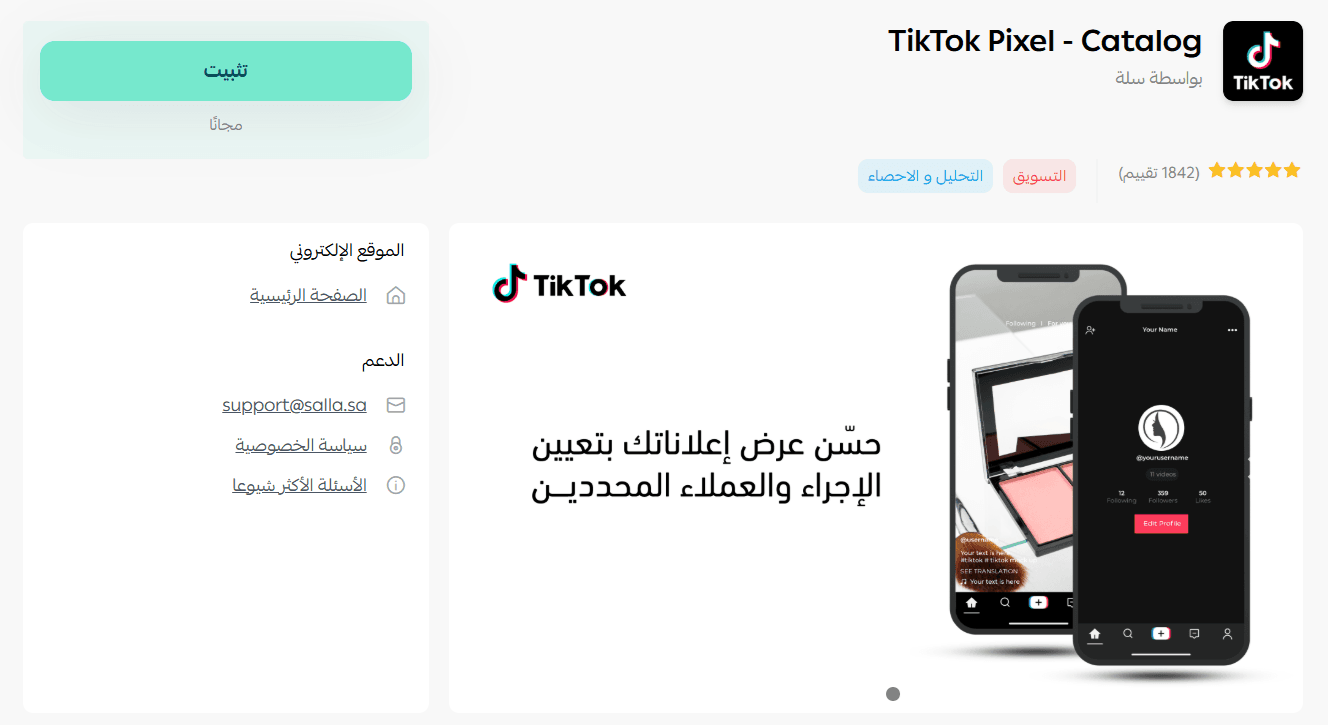
Start analyzing your TikTok campaign performance with precision and efficiency. Discover the integration steps through the TikTok Pixel app and stay closer to your customers with every click.
You can also launch your TikTok ad campaigns directly through Salla Ads, following simple steps from your dashboard, and learn everything you need to create effective ads that reach the right audience.
How do I connect Google tracking tools?
Integration is done through the Google Ads app from the Salla App Store.
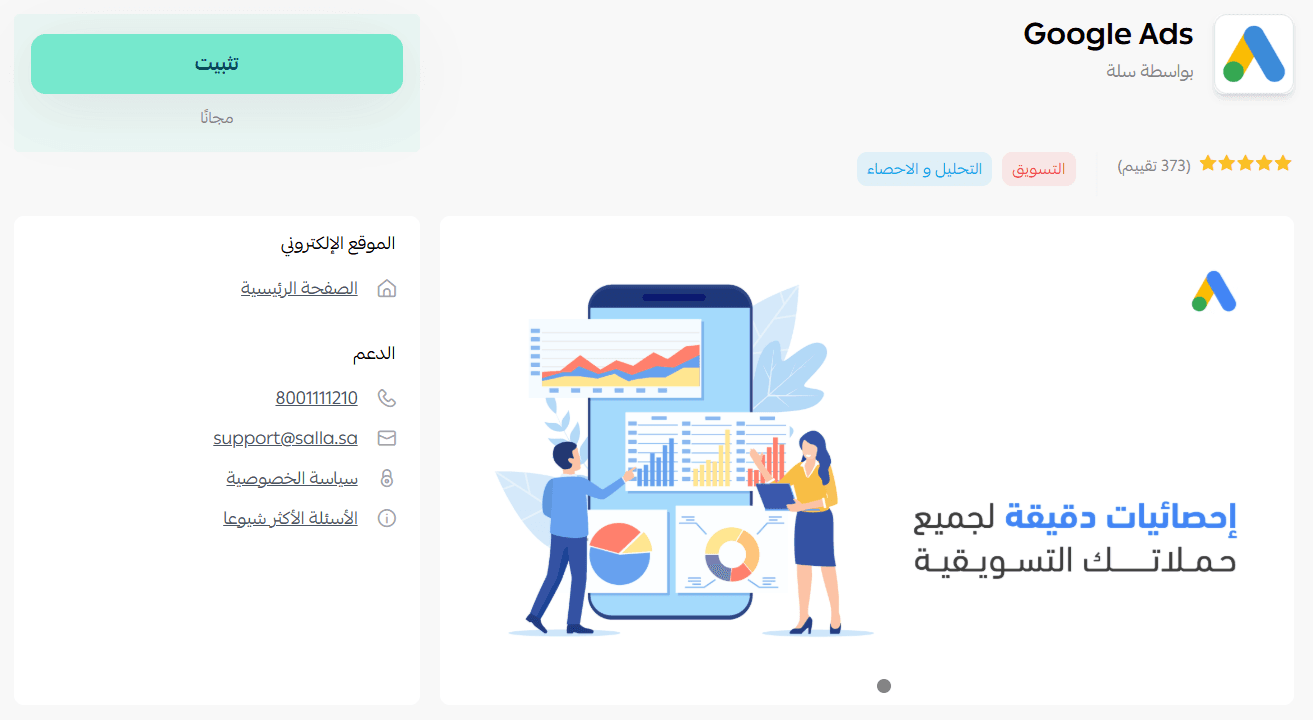
Connect your store to Google Ads and start running professional marketing campaigns. Learn the steps easily and benefit from conversion tracking to achieve measurable results.
Retarget your store visitors and drive higher sales through Google Ads using Salla Ads, with step-by-step guidance to create professional campaigns directly from your dashboard.
How do I connect Meta tracking tools?
Integration is done through the Facebook – Instagram Catalog app.
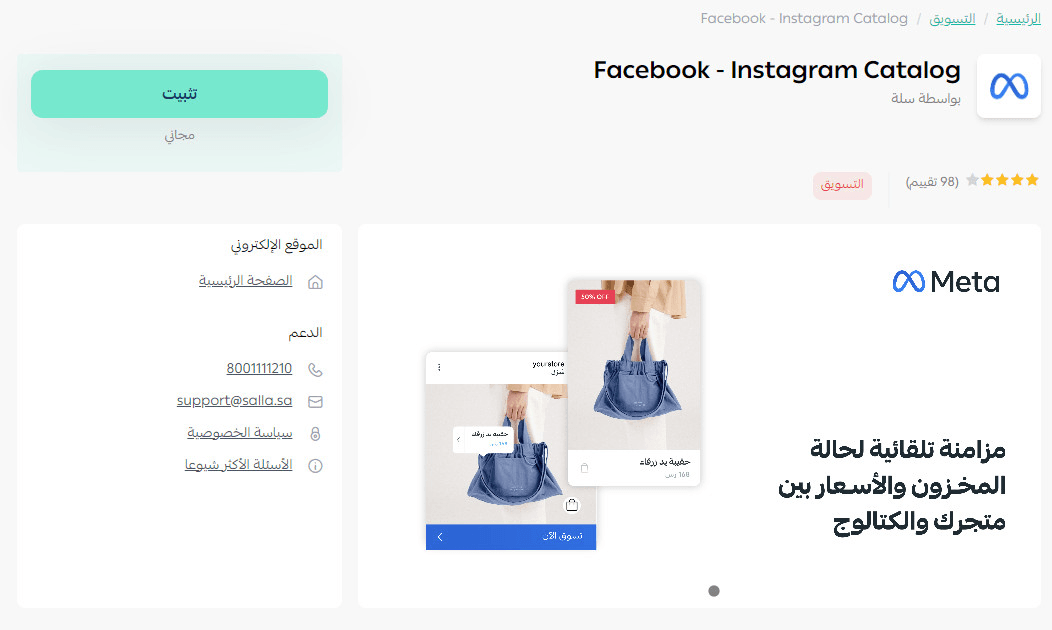
Learn how to connect your product catalog to Facebook and Instagram in simple steps and start promoting intelligently to interested audiences across the most powerful social platforms.