Do you know which Salla tools could be growing your store right now, but aren't?
Most merchants only use a fraction of what their dashboard can do, usually because they never had a reason to go looking. The growth assistant turns that around: instead of hunting through settings for something worth improving, you get a short list of specific suggestions, each one explained and linked straight to the page where you act on it. In this guide, you'll learn what the growth assistant is, how it works, and how to use it.
The growth assistant is a space in your Salla dashboard that surfaces practical suggestions for growing your store and increasing sales. Each recommendation explains what to do, why it helps, and links directly to the right page or tool. It appears for merchants whose stores have passed 5 orders.
📌 Article overview
- What the growth assistant is
- What you'll find inside the growth assistant
- How the growth assistant works
- Why it's worth using
- How to use the growth assistant
- Frequently asked questions
🎯 What is the growth assistant?
The growth assistant is a space inside your dashboard that helps you find new opportunities to grow your store and increase sales, through practical suggestions and tailored recommendations you can act on directly.
Instead of searching through tools and settings to work out what to improve, the growth assistant shows you clear steps and suggestions that help you get more out of Salla's features and tools, more easily and more effectively.
It also raises your awareness of features and tools inside Salla that you may not have used before, or whose potential you were not aware of.
✅ What you'll find inside the growth assistant
The growth assistant shows a set of recommendations and suggestions that help you develop your store, such as:
✅ Marketing suggestions that appear directly inside your dashboard.
✅ Practical recommendations you can start applying immediately.
✅ A simple explanation of what each suggestion does and the impact you can expect.
✅ Guidance that helps you apply best practices.
✅ A direct jump to the right page or tool to carry out the action.
How does the growth assistant work?
The growth assistant works by showing you a set of suggestions that help you get more out of the tools and features available in your store.
When you open the growth assistant, you'll find ready-made recommendations that include:
- A short explanation of the suggestion.
- The benefit it can bring to your store.
- Guidance that helps you apply it correctly.
- A direct link to the page connected to the suggestion, so you can start straight away.
That way you move from spotting an opportunity to acting on it, without searching through the sections of your dashboard.
Why use the growth assistant?
The growth assistant helps you:
1. Discover growth opportunities you may not know about.
2. Learn about features and tools that can help develop your store.
3. Turn ideas and advice into practical steps you can carry out.
4. Get more out of what is already available inside Salla.
5. Increase the chances of using the tools that help raise sales and improve the customer experience.
6. Save the time and effort of searching for the right steps to develop your store.
👣 How to use the growth assistant
The growth assistant appears for merchants whose stores have passed 5 orders, so that the recommendations suit the store's stage and activity.
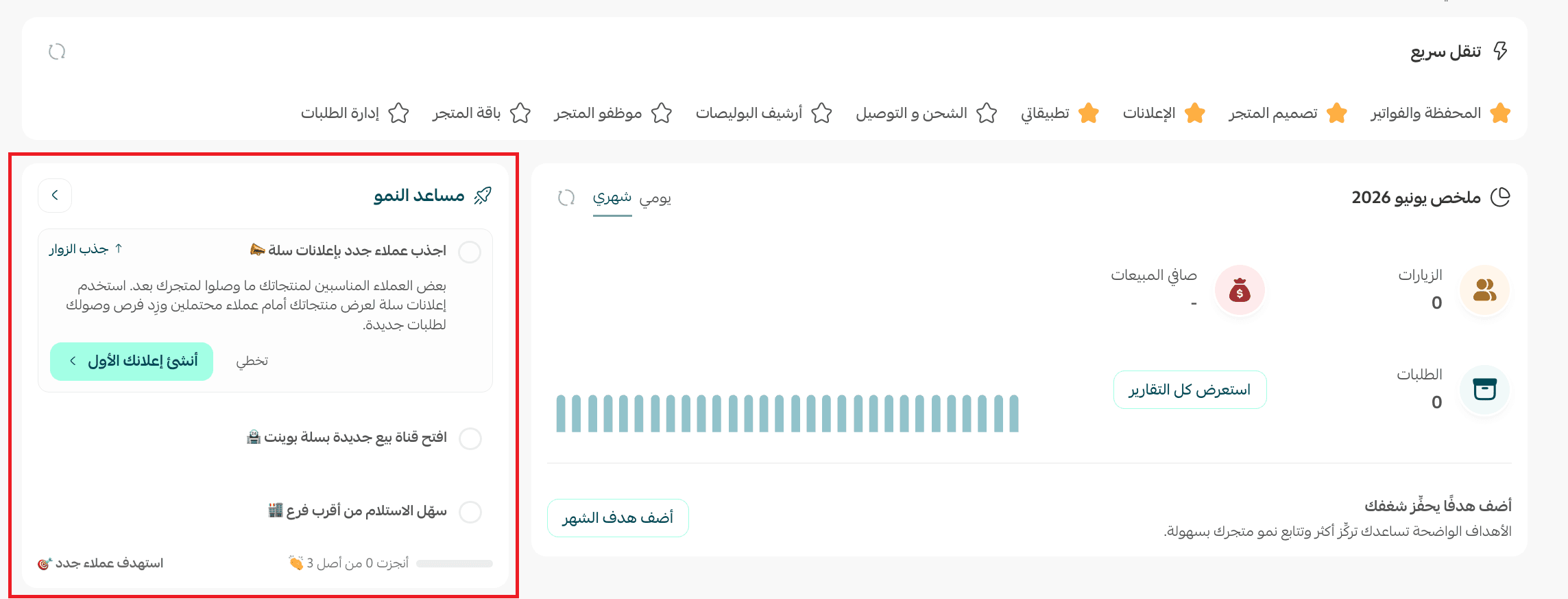
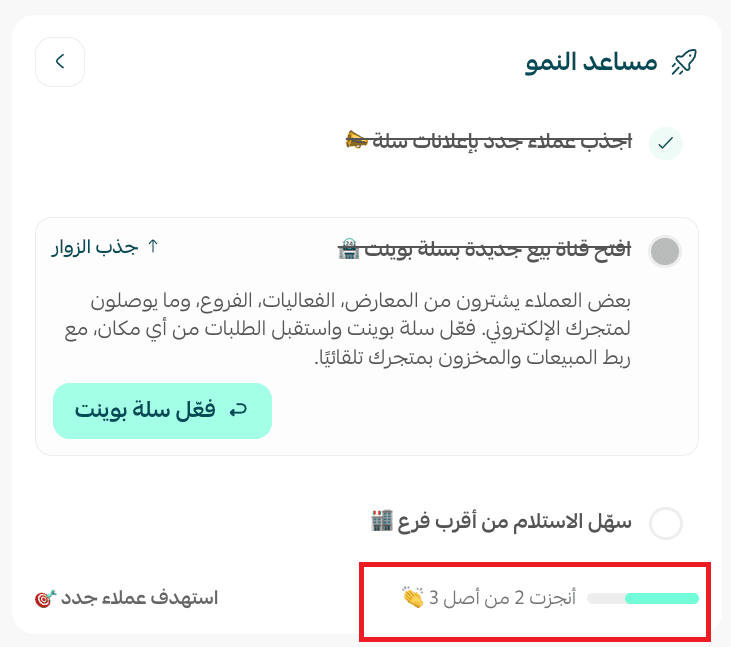
You'll see suggestions for tools and features that can help develop your store. To carry out a suggested task, click the complete task button.
💡 Example: click (Create your first ad).
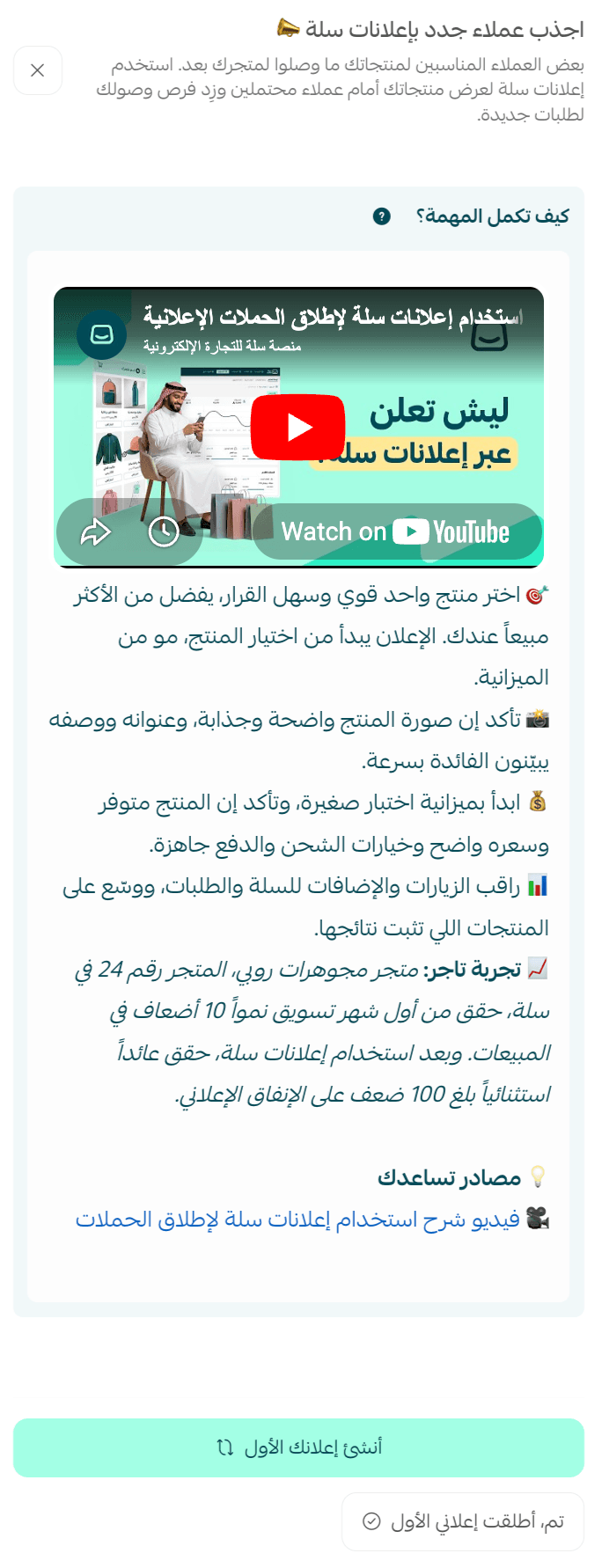
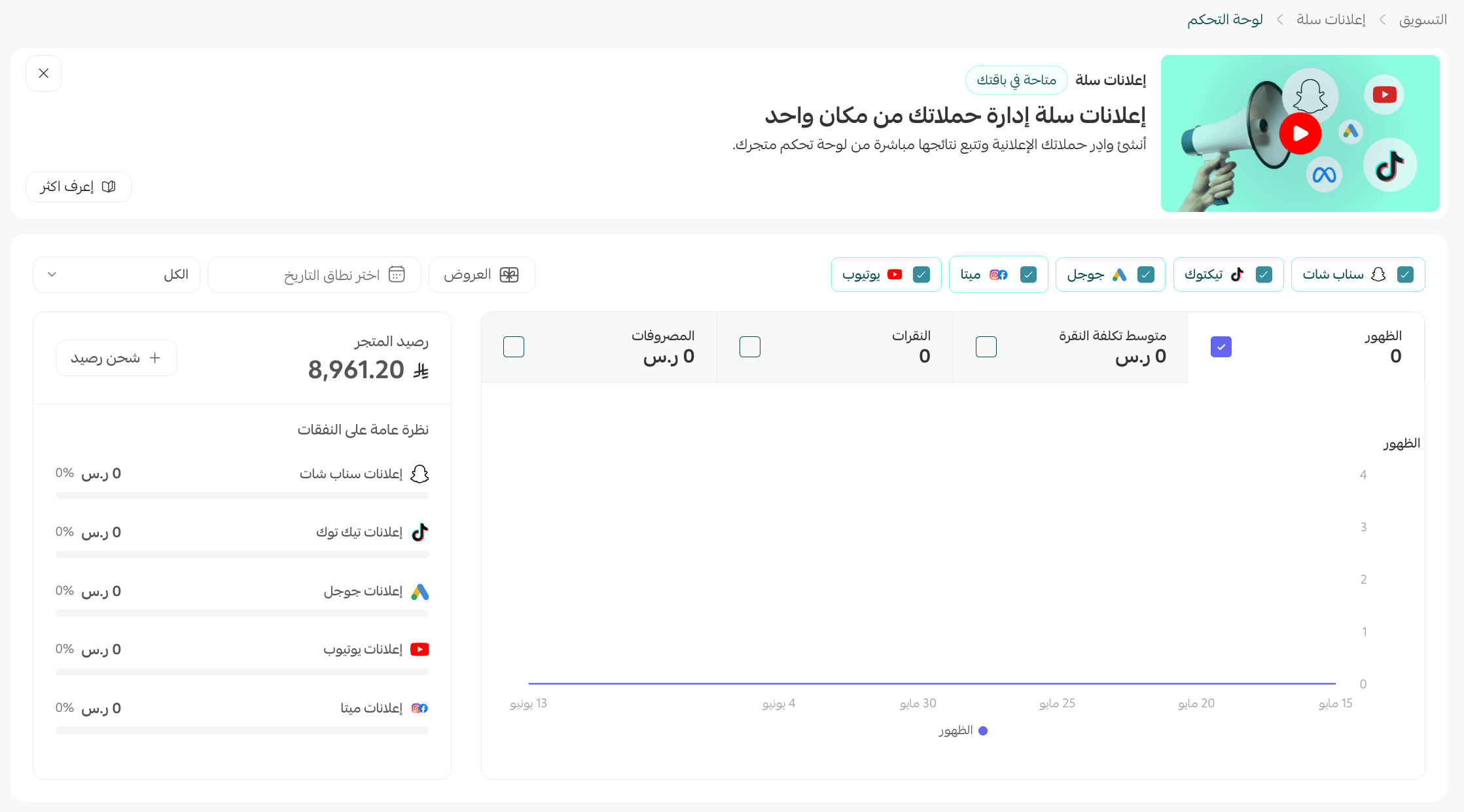
You'll be taken to the page for creating your store's first ad.
You can skip any step and come back to it later.
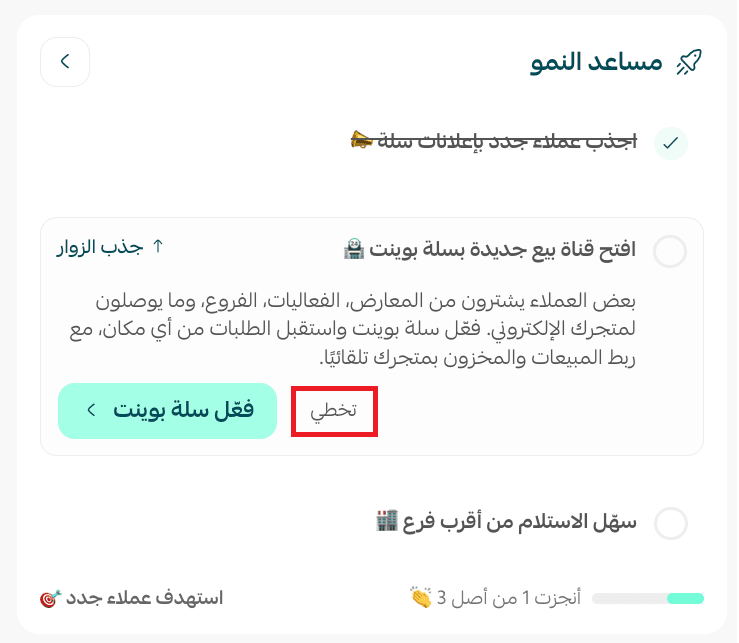
You can also see what you have already completed.
❓ Frequently asked questions
Why don't I see the growth assistant?
The growth assistant appears for stores that have passed 5 orders. If your store has fewer orders than that, the feature will not appear yet.
If your store has not reached 5 orders, we recommend using the launch path, which gives you recommendations and practical steps to help you reach your first five orders.
For more details, see the launch path, a practical guide to your first five orders.
Do all stores see the same recommendations?
Not necessarily. The recommendations shown can differ depending on the store's stage and the features available to it, so you may see suggestions that differ from those shown to other stores.
Do the recommendations change over time?
Yes. Recommendations may be refreshed, and new suggestions may appear over time, to help you take advantage of more of the tools and opportunities available for developing your store.
Does applying every recommendation guarantee an increase in sales?
The recommendations are there to help you take advantage of best practices and the tools available inside Salla. Results can still differ depending on your store's activity, your products, your customers, and your operational and marketing strategy.
Discover new opportunities to grow your store through practical recommendations that are ready to apply.