You can manage your products in Salla Point directly from your mobile device, with quick access to add, edit, and track products. This helps streamline operations and ensures a more efficient and professional sales experience.
📌 Article overview
- Adding a new product
- Editing existing products
- Deleting products
Adding a new product
- From the bottom navigation bar, tap Products to manage your products.

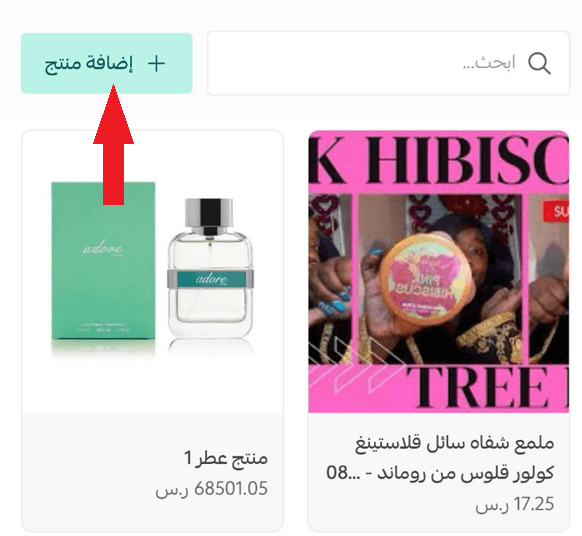
- Add a new product instantly by tapping + Add product.
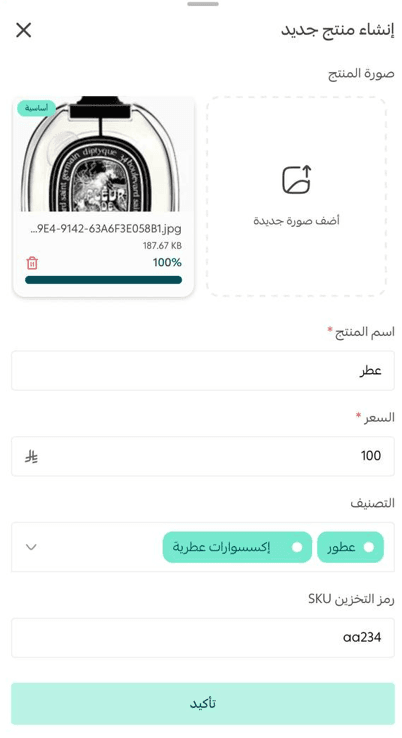
- Complete the product details by adding the product image, name, price, and other required information.
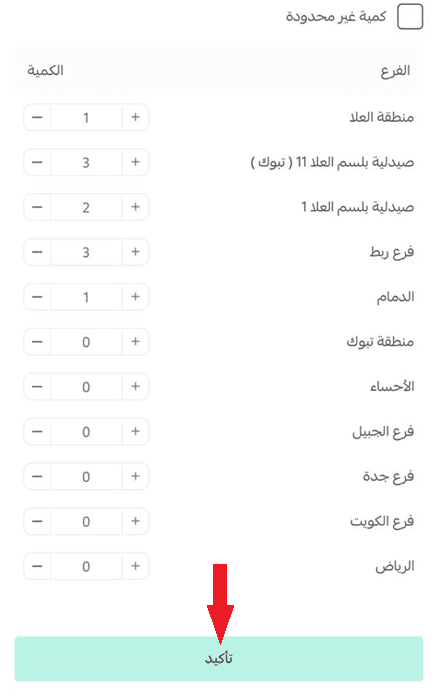
- Set the product quantity across your store branches, then tap Confirm to create the product.
Editing existing products
- From the Products tab, tap on the product to open the product details page.
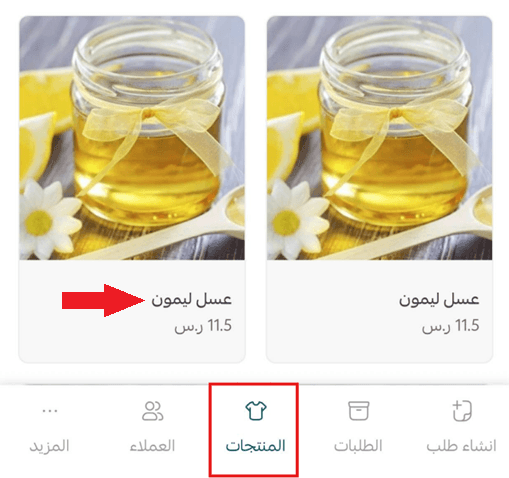
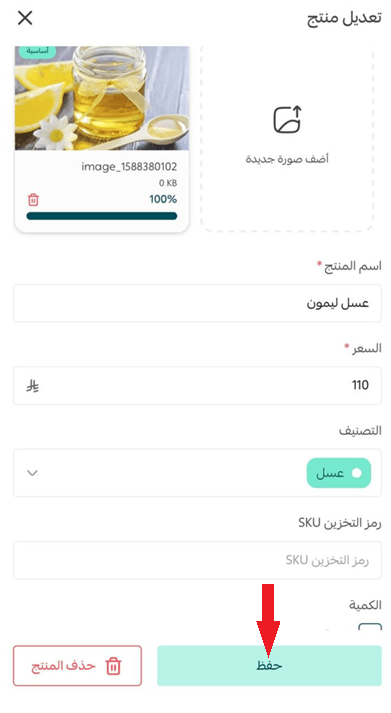
- Update the product information based on your assigned permissions, then tap Save.
Deleting a product
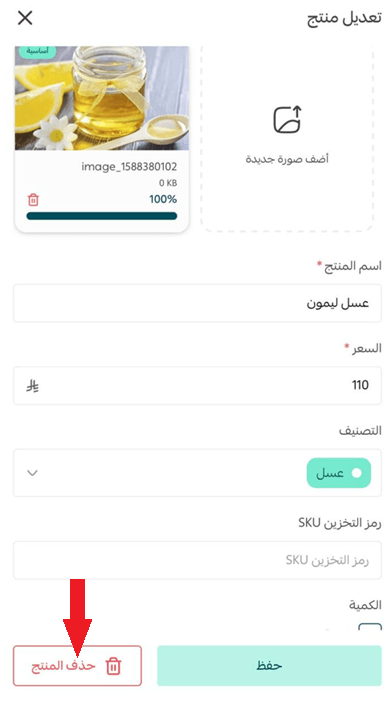
From the product details page, tap Delete product.