Starting an online store comes with its own challenges. In this guide, we walk you through setting up your store, adding your first product, connecting shipping companies, and enabling online payments step by step.
By the end of this article, you will be ready to present your products professionally, offer multiple payment options, and provide flexible shipping and delivery methods. Everything you need to confidently launch your store in the UAE and start receiving your first orders.
Steps to launch your new Salla store in the UAE
🎯 After creating your Salla account, you will be guided through the initial setup steps to launch your store.
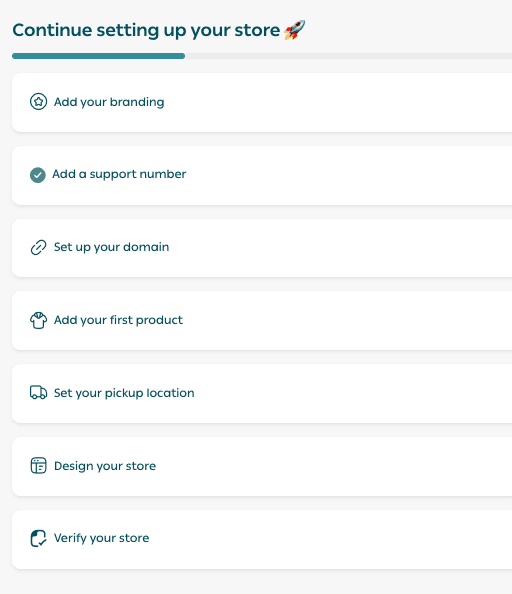
Store identity
Start by entering your store identity details:
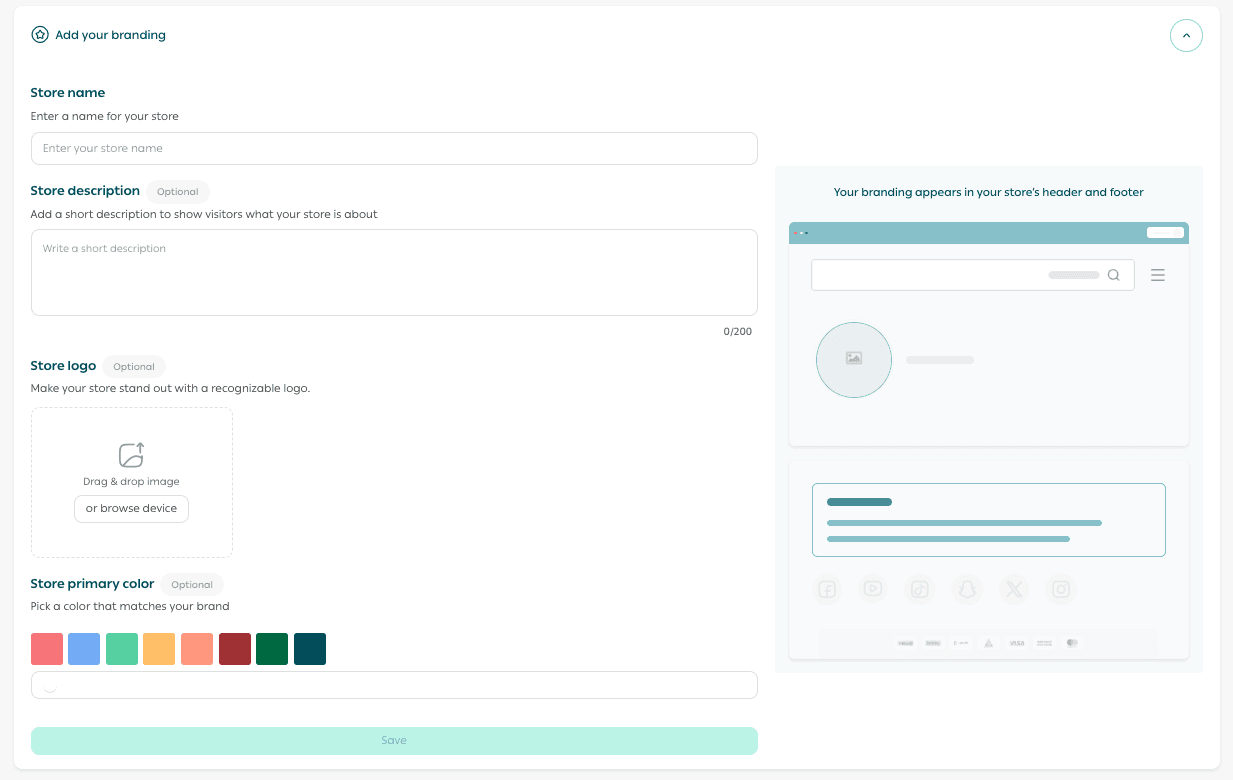
- Store name
This is the name customers will see. Choose a name that is easy to remember, appealing, and relevant to your business.
- Store description (optional)
A short description that appears to visitors and explains what your store offers.
- Store logo (optional)
Upload your logo to represent your brand visually. You can change it later, even after completing the launch process.
- Store interface color (optional)
Choose a color that matches your brand identity, then click Save.
Customer support channels
🎯 By default, Salla uses the same phone number you registered with when creating your account. This number appears at the bottom of your store for customer communication.
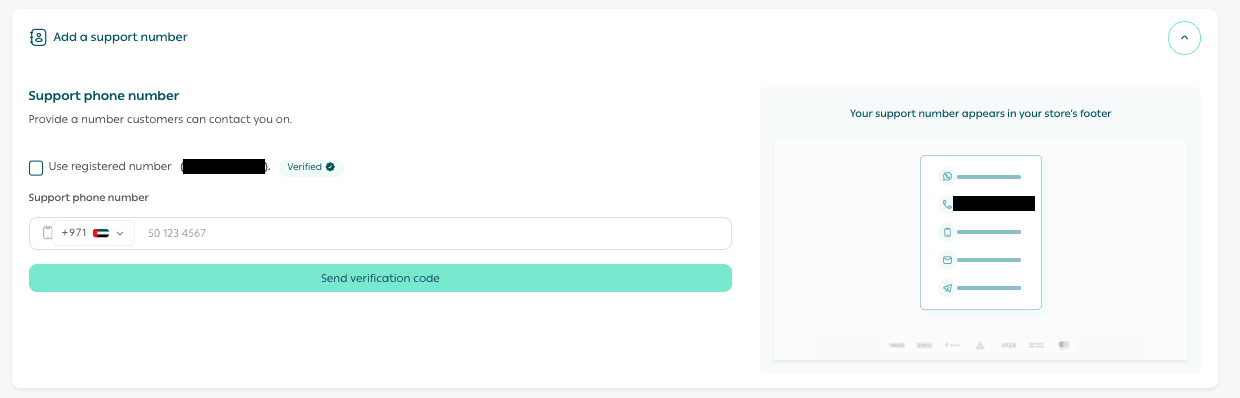
If you want to use a different customer support number, simply uncheck “Use the same registered number” and enter the new contact details.
Store domain
🎯 Enter the store link you want customers to use to access your store, then click Save.
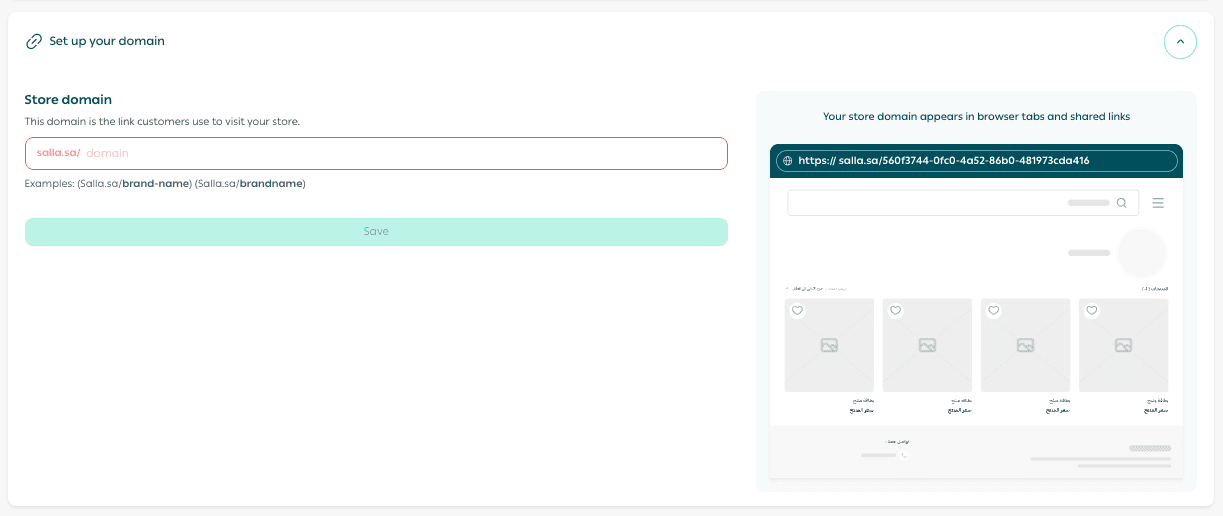
For best results, choose a short and easy-to-remember domain that reflects your brand.
Add your first product
🎯 Add your first product by selecting the product type that fits your business.
For example, if you sell ready-made items, choose Ready product.
- Enter the required product details
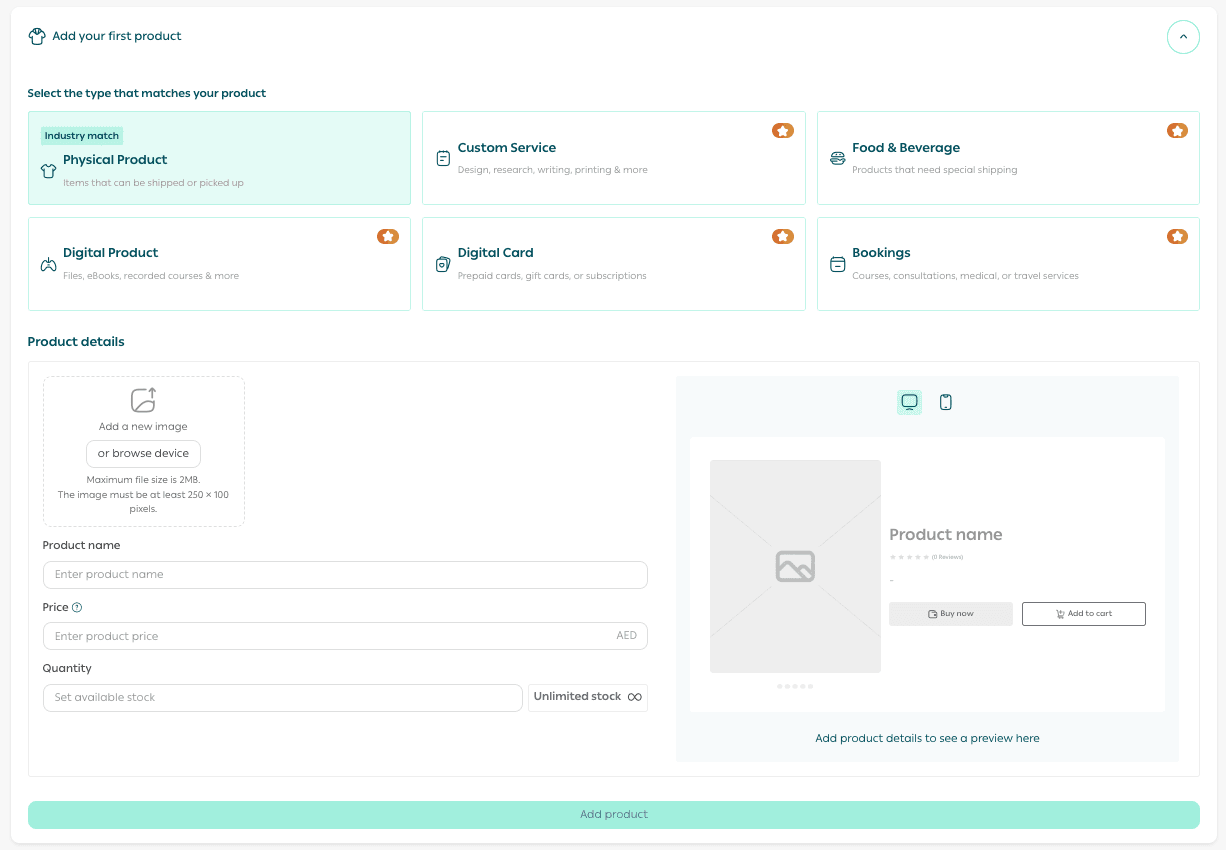
- Click Add product
Your product will now be added to the store and ready for display.
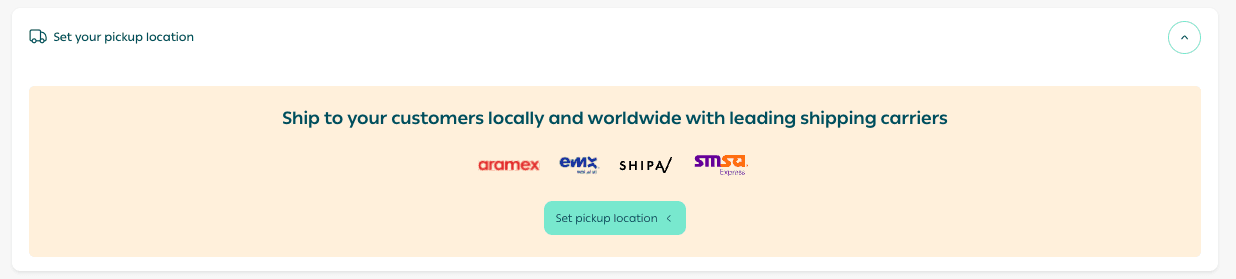
Set the pickup location for shipments
- Click Set shipment pickup location
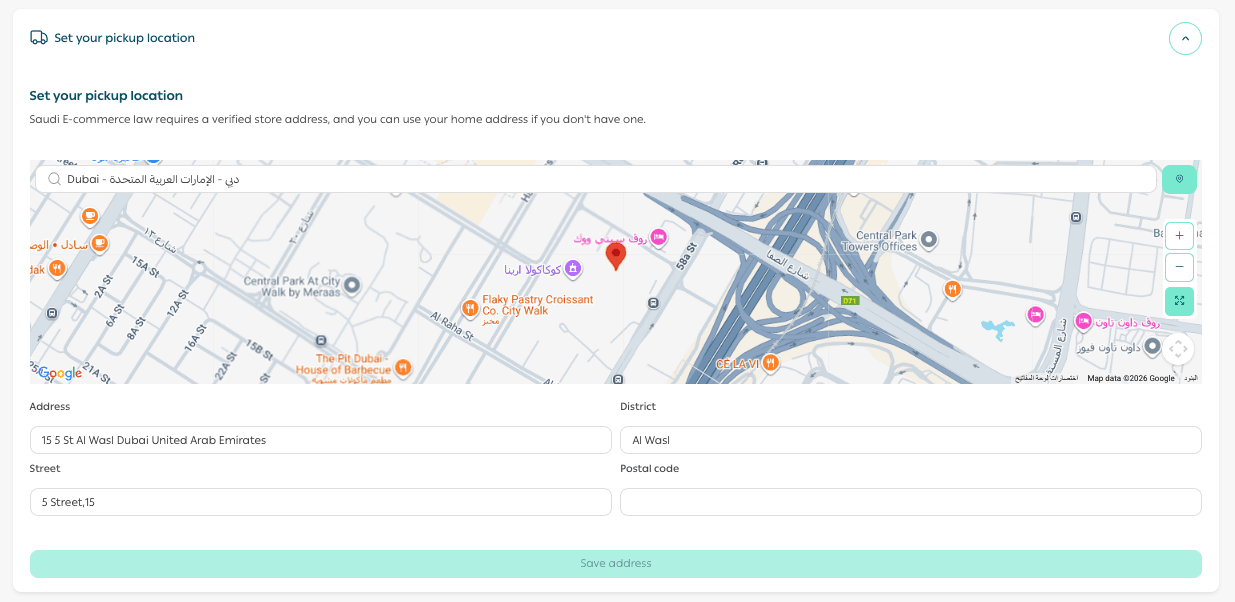
- Select your pickup location using the map shown on the page
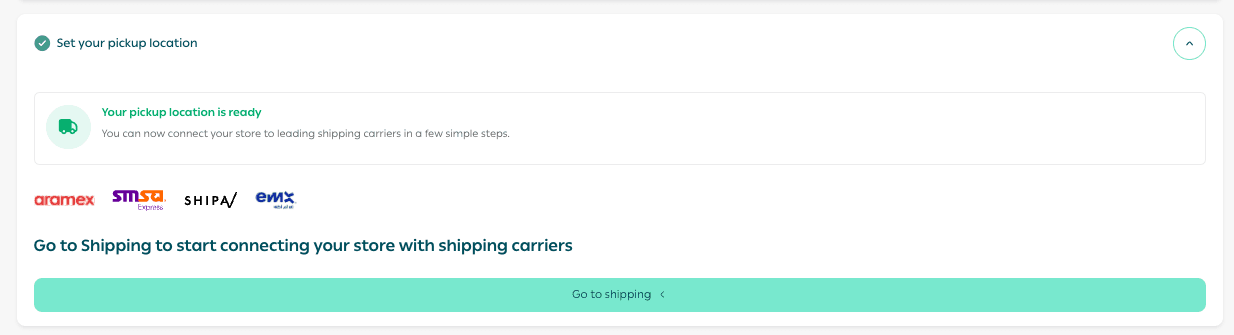
Once completed, you can move to the shipping settings page to connect your store with shipping companies operating in the UAE.
Store design
Start designing your store interface:
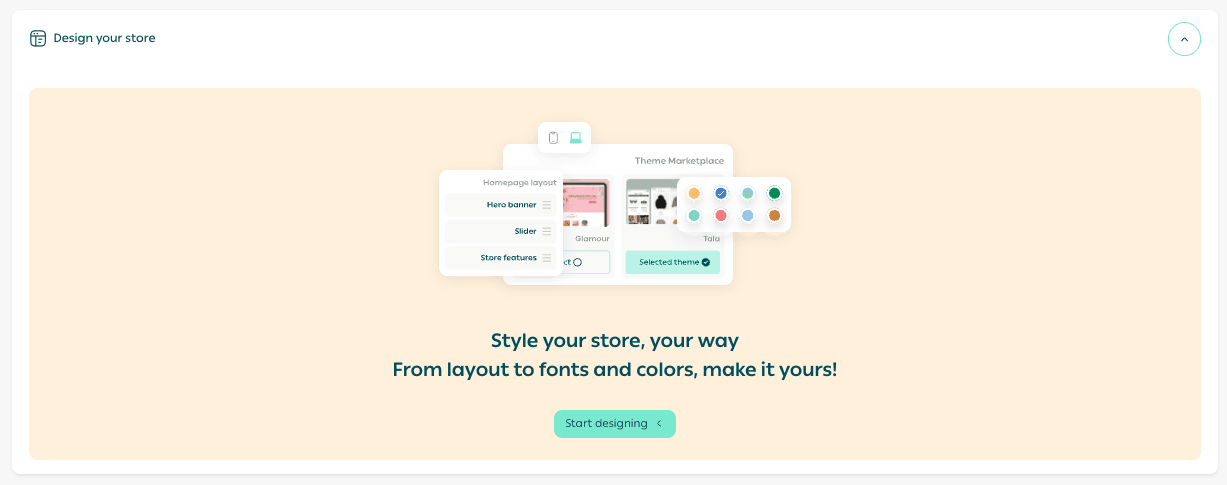
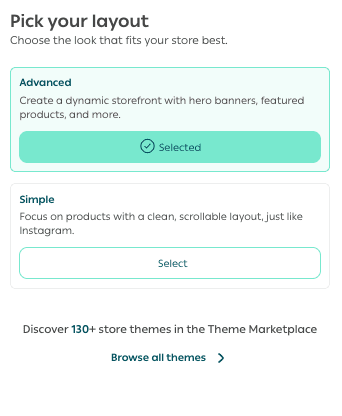
- Choose your preferred design mode
- Advanced
- Simple
- Upload your store logo
- Select your store colors and customize the available design options
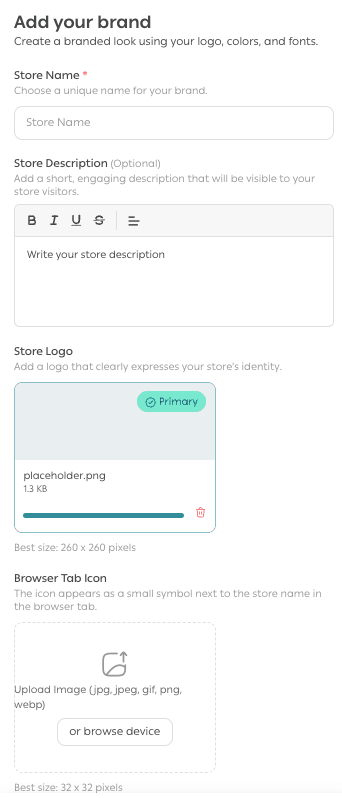
Once finished, your store design setup will be complete.

Store verification
🎯 Verify your store to unlock the full features of the Salla platform.
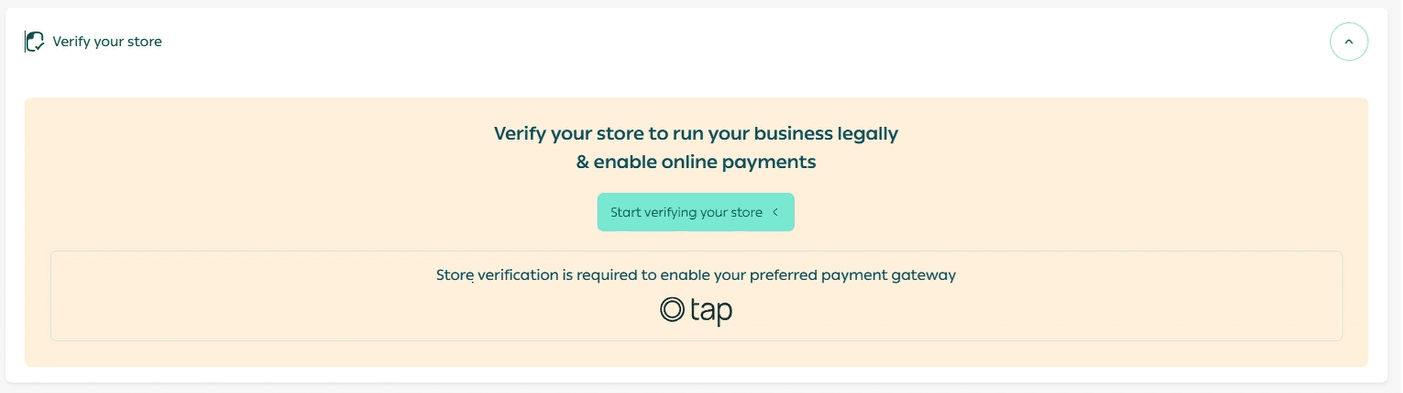
You will be redirected to the store verification page, where you can begin the verification process according to UAE requirements.
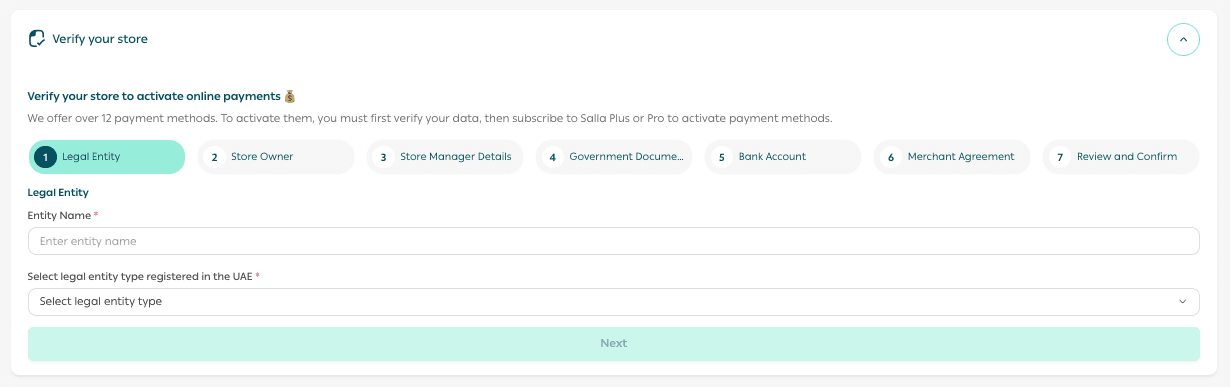
Start your business in the UAE with confidence 🏆
Learn how to verify your store to ensure compliance with official regulations and build trust with your customers from day one.
Related guides:
- Verifying your UAE store as an individually owned company
- Verifying your UAE store as a company owned by another company
💡 Before you begin, make sure you are familiar with the key details that will help you manage your store smoothly and activate all services without complexity. Review the most common questions and clear answers to avoid delays.
Support services
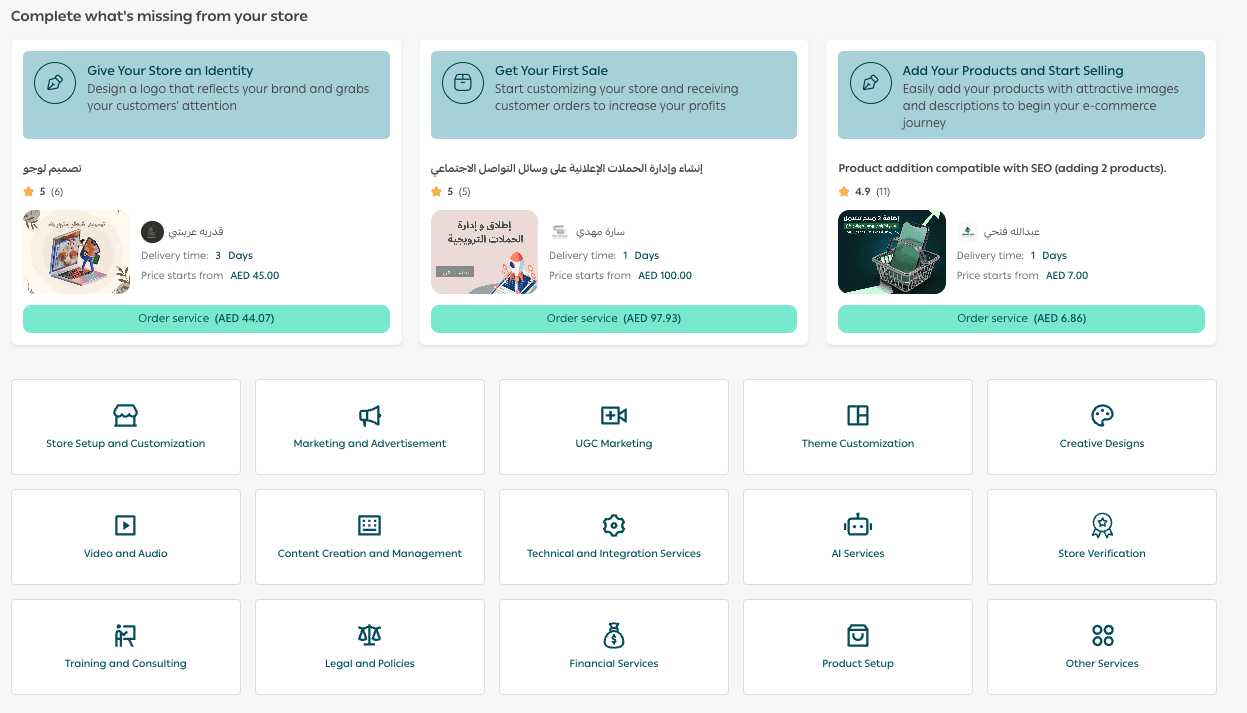
If you need help setting up your Salla store, adding products or services, enabling payment methods, or completing store verification, you can benefit from Merchant Services. These services are provided by trusted external experts to help you launch and manage your business professionally.