Mando | Smart Conversations:
A customer support platform that helps you build a custom AI agent trained on your store's data and content to answer customer inquiries by connecting it to your store and various communication channels like WhatsApp, Instagram, and Messenger, for a unified support system that responds to customers from one place.
📌 Main topics of the article:
- Steps to connect with the Mando app
- Managing and activating the Mando app
🚀 Steps to connect with the Mando app
1. From the main menu, click (All), then from the utilities section, click (App Store).

2. Search for the app using the search field.

3. From the Mando app page, click (Install).
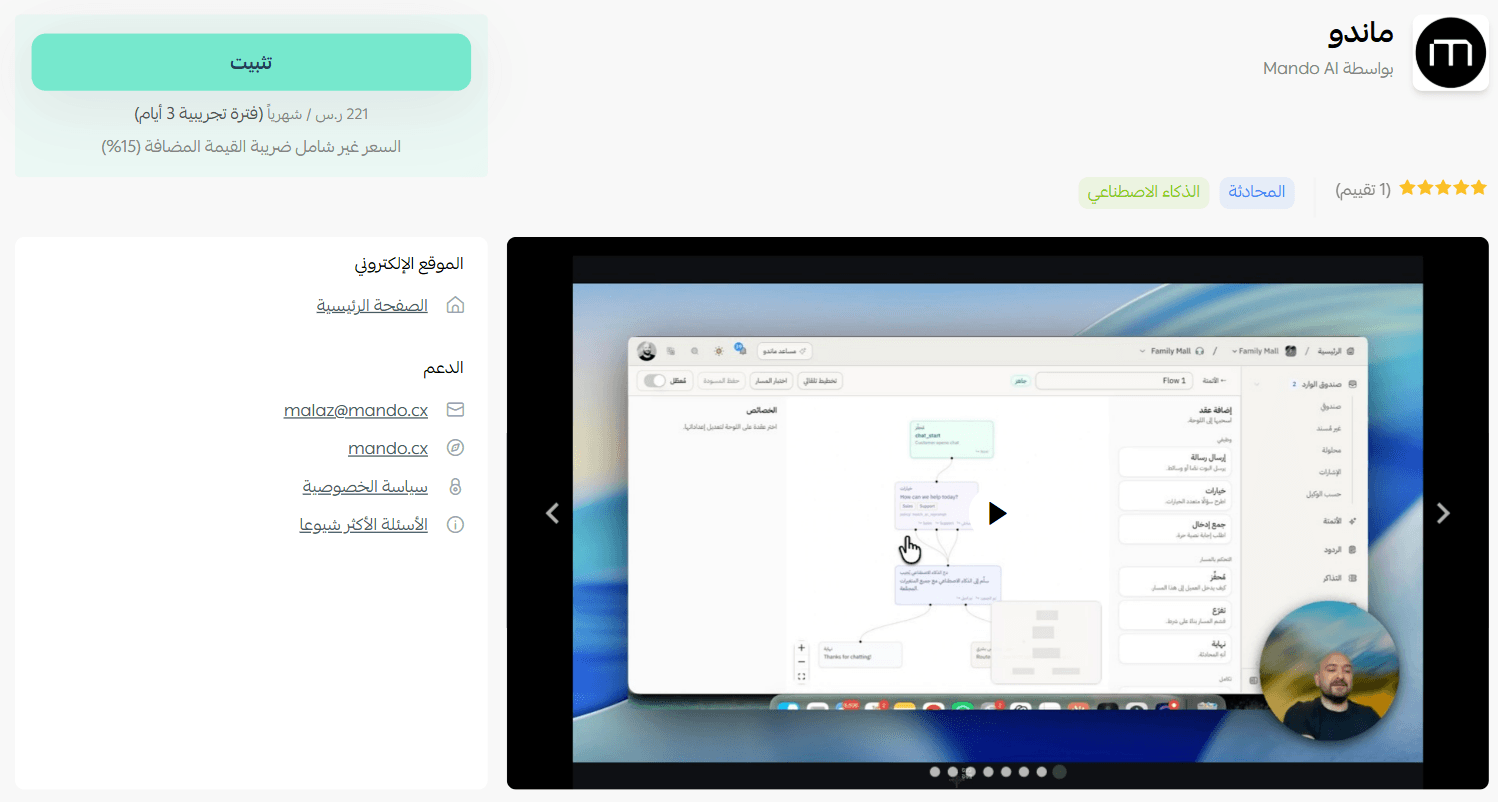
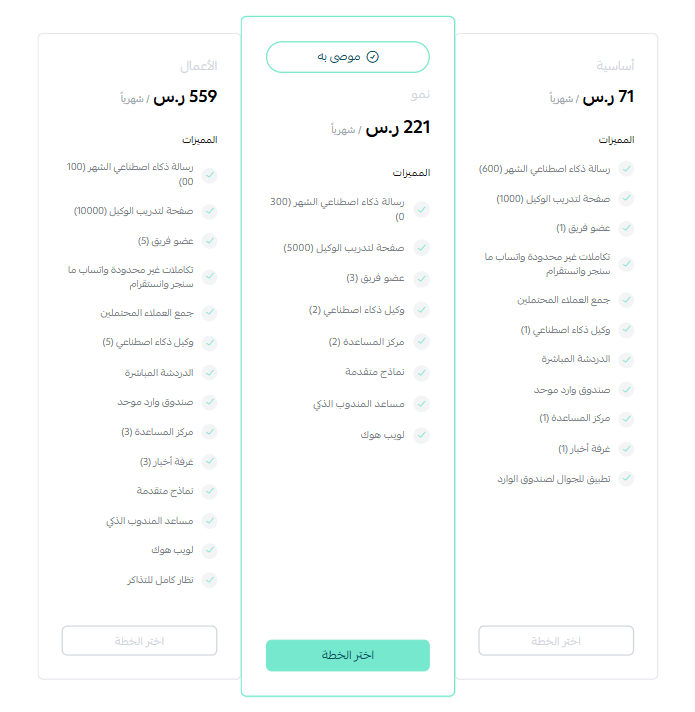
4. Choose the package that suits your business to continue installing the app.
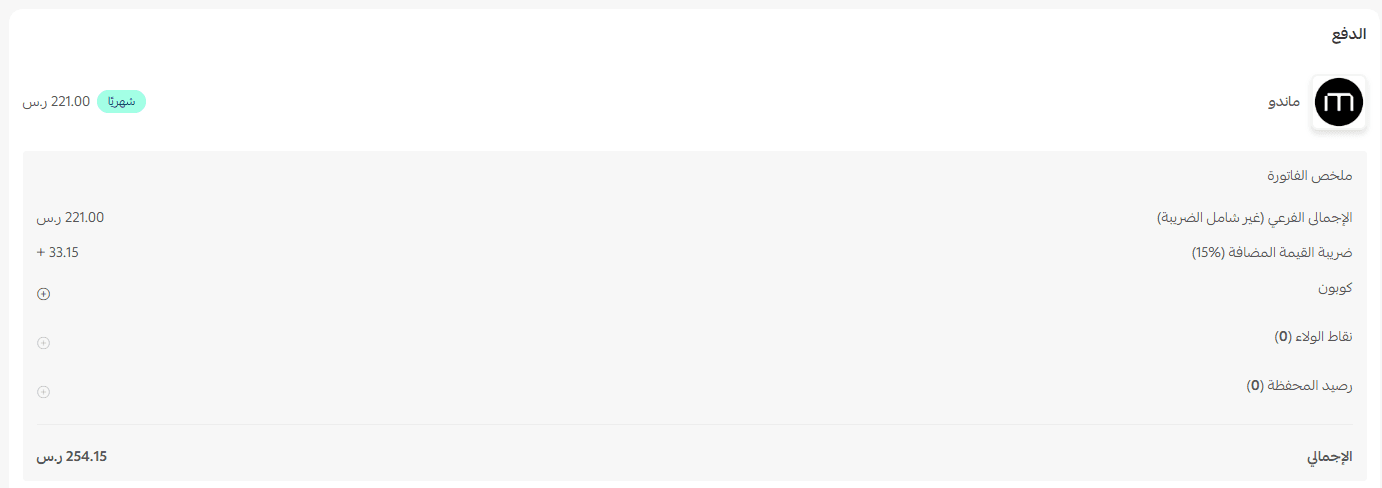
Complete the payment process to successfully benefit from the app's features.
This completes the installation of the Mando app on your store.
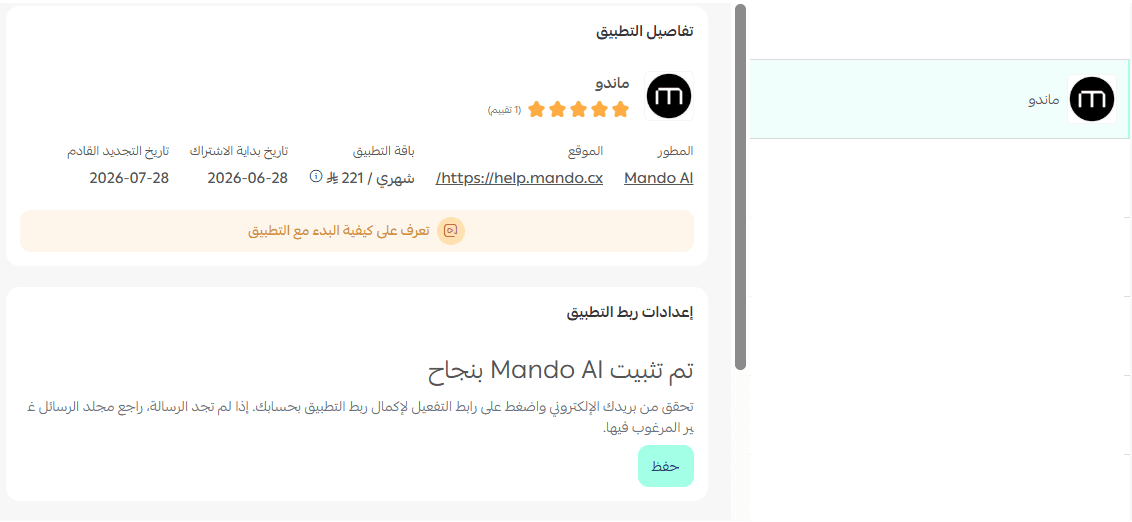
🚀 Managing and activating the Mando app
- Accessing the Mando app platform
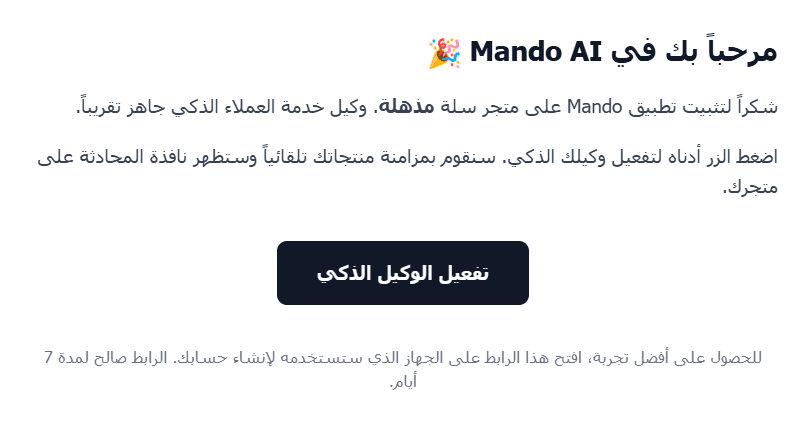
1. After installing the app, you will receive an email. Click (Activate Smart Agent), then log in to the Mando platform to benefit from the provided services
- Deleting the app
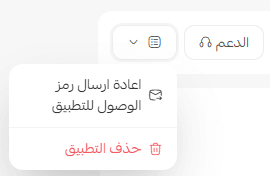
From the Mando app, click (App Options) then click (Delete App).
For more details about Mando