Your Salla Store gives you access to a range of services and add-ons that help you expand your store's capabilities as your business grows.
Whether you need additional SMS credits, more users, extra branches, or subscription upgrades, you can purchase and activate these services directly from your dashboard.
📌 In this article
- Available services in the Salla Store
- Purchase a service
- Frequently asked questions
Available Services in the Salla Store
The Salla Store offers a variety of services, including:
- Upgrade your current plan to Salla Plus or Salla Pro
- Renew an existing subscription
- SMS credits
- Additional branches
- Additional users
- Instant translation for one million characters
Purchase a Service
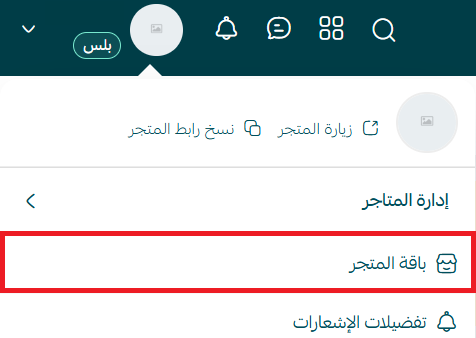
From the side menu of the control panel, click (Store Package)
2. To purchase any of the available services, click (+) next to the desired service.
💡Example: Purchase instant translation for one million characters

3. Select the quantity and complete the payment process
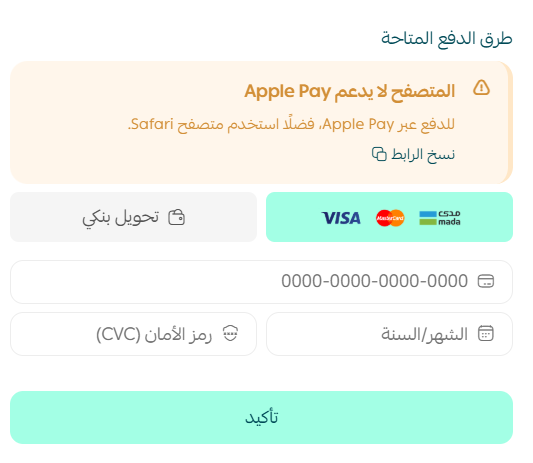
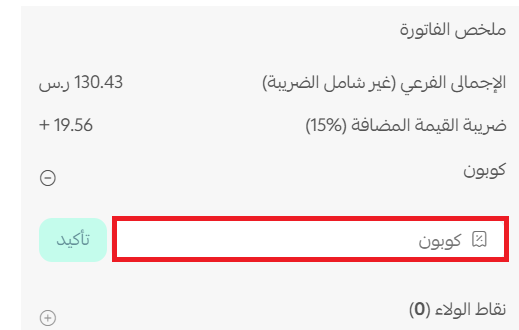
If you have a discount coupon for the Salla Store, enter the coupon details and click (Apply).
Wait for the order to be processed to enjoy the service you purchased.
Frequently Asked Questions
What if the amount in my wallet is enough for the purchase?
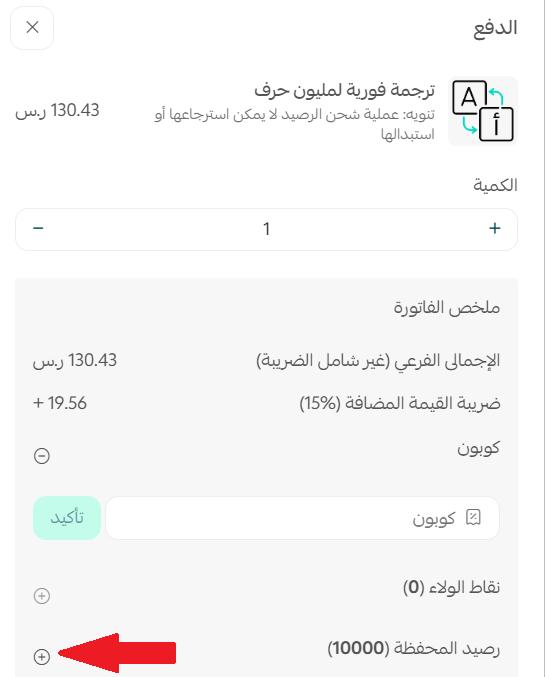
You can pay the full order amount from the wallet by clicking the (+) sign next to the wallet balance:
What if the amount in my wallet is not enough for the purchase?
You can pay the amount available in the wallet, and the remaining amount will be charged to the credit card linked to your store.
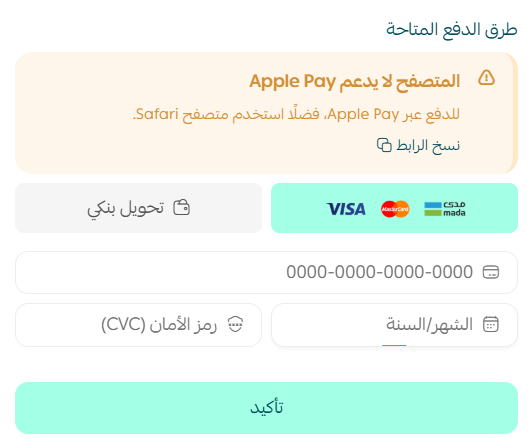
?How will the order be paid if there is no balance in my store wallet
:The full order amount will be paid through electronic payments instead of the wallet. As shown
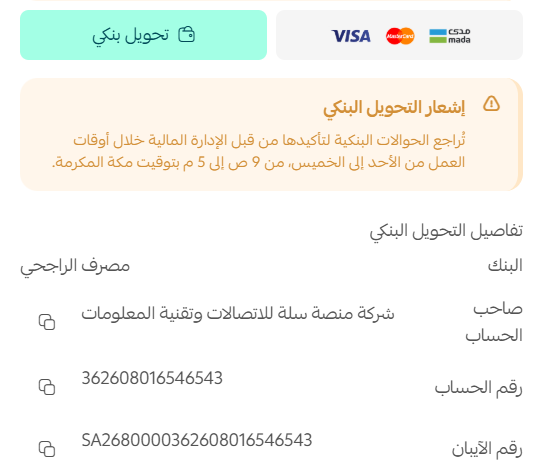
?When are transactions confirmed when paying by bank transfer
When purchasing from the Salla Store and choosing to pay via bank transfer, a message will appear indicating the times for confirming bank transfer transactions by the financial management at Salla
?Are there details for purchasing other services
Yes, for more details on:
For more details, see Store Wallet