Imagine reaching millions of potential customers in just a few minutes. TikTok gives your store a powerful opportunity to turn attention into real purchases.
In this guide, we walk you step by step through creating a TikTok advertising campaign focused on sales, helping you reach high-intent customers and convert their engagement into actual orders quickly and effectively.
Steps to create a new TikTok ad campaign
1. Access Salla Ads
From the main menu, click Marketing, then select Salla Ads.

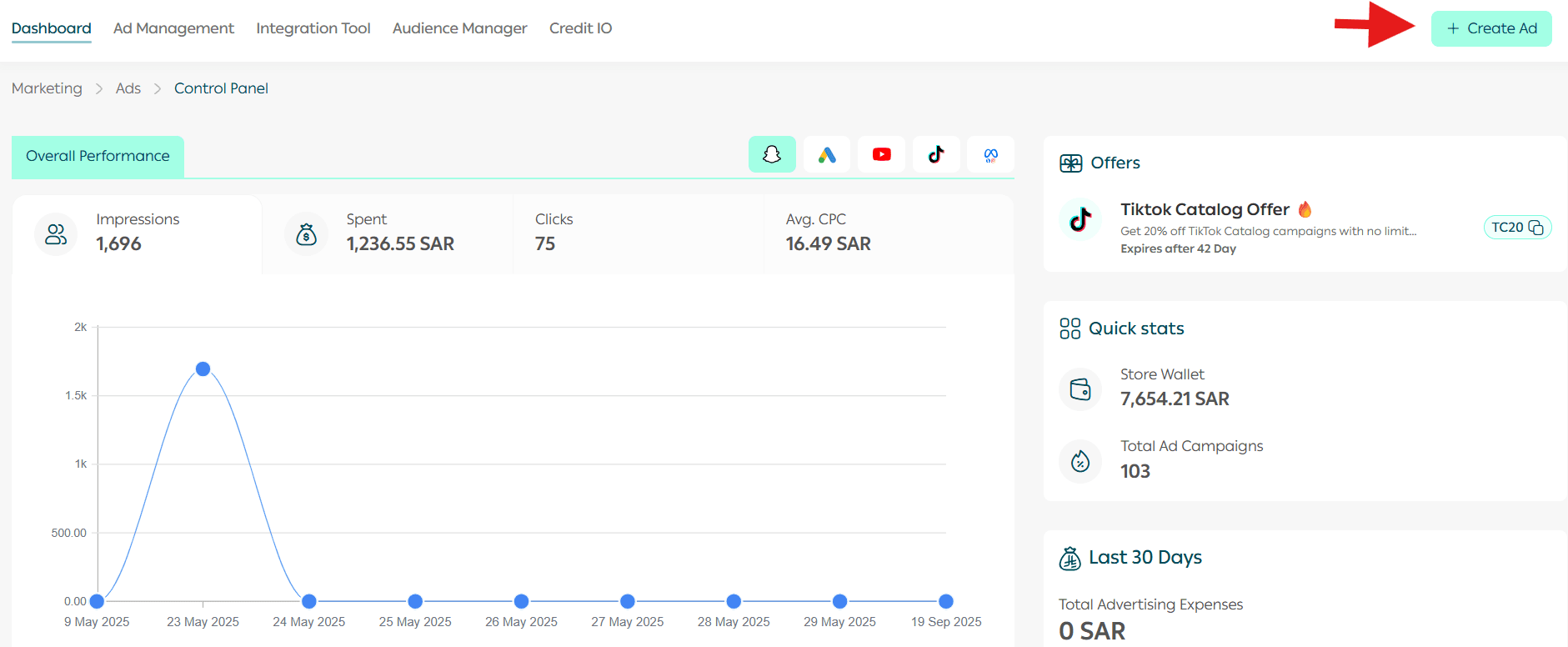
2. Create a new ad
From the dashboard page, click Create Ad.
3. Choose TikTok as the advertising platform
Select TikTok to start creating your campaign.
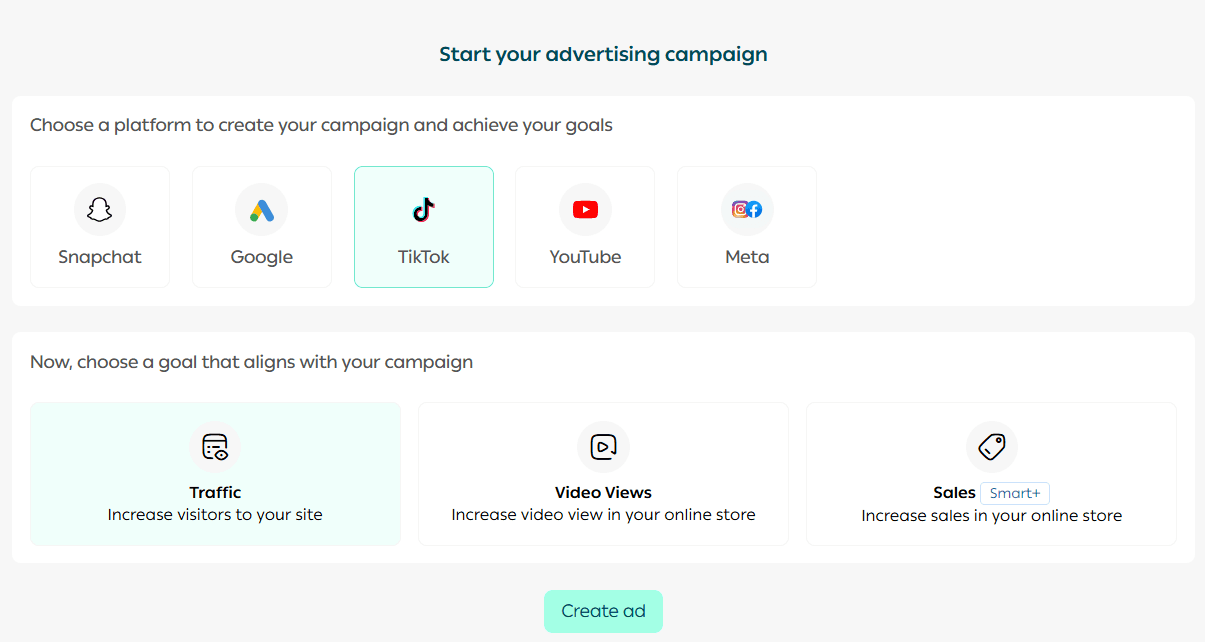
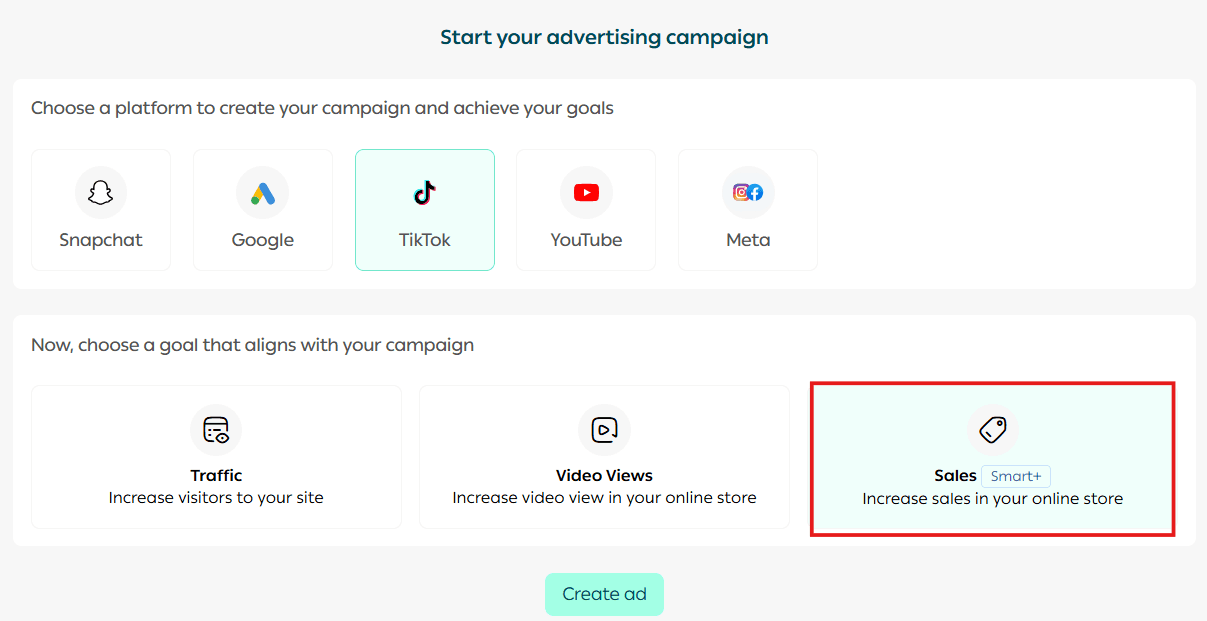
4. Select the campaign objective
Choose the campaign goal.
Note: In this example, we select Sales as the campaign objective. If you want to create a campaign with the Website Visits objective, refer to the article: Creating a TikTok ad campaign for website visits.
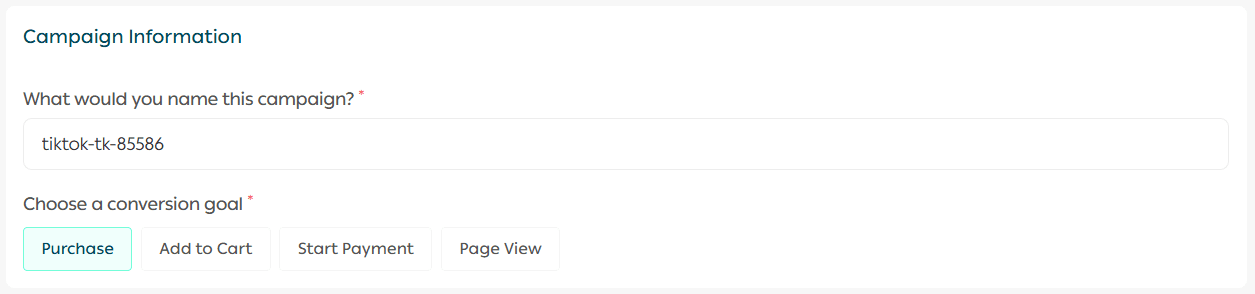
5. Start designing your campaign
Enter a campaign name, then select the conversion objective that matches your sales goal.
6. Enable Smart Catalog Ads (Smart+)
When you activate Smart Catalog Ads, you can:
- Run ads for all products or select specific products only
- Target customers more precisely and increase conversion opportunities by focusing on their interests and needs

Note: Only available products can be used in ads. To select specific products, click Select Products, and a list of available products will appear.
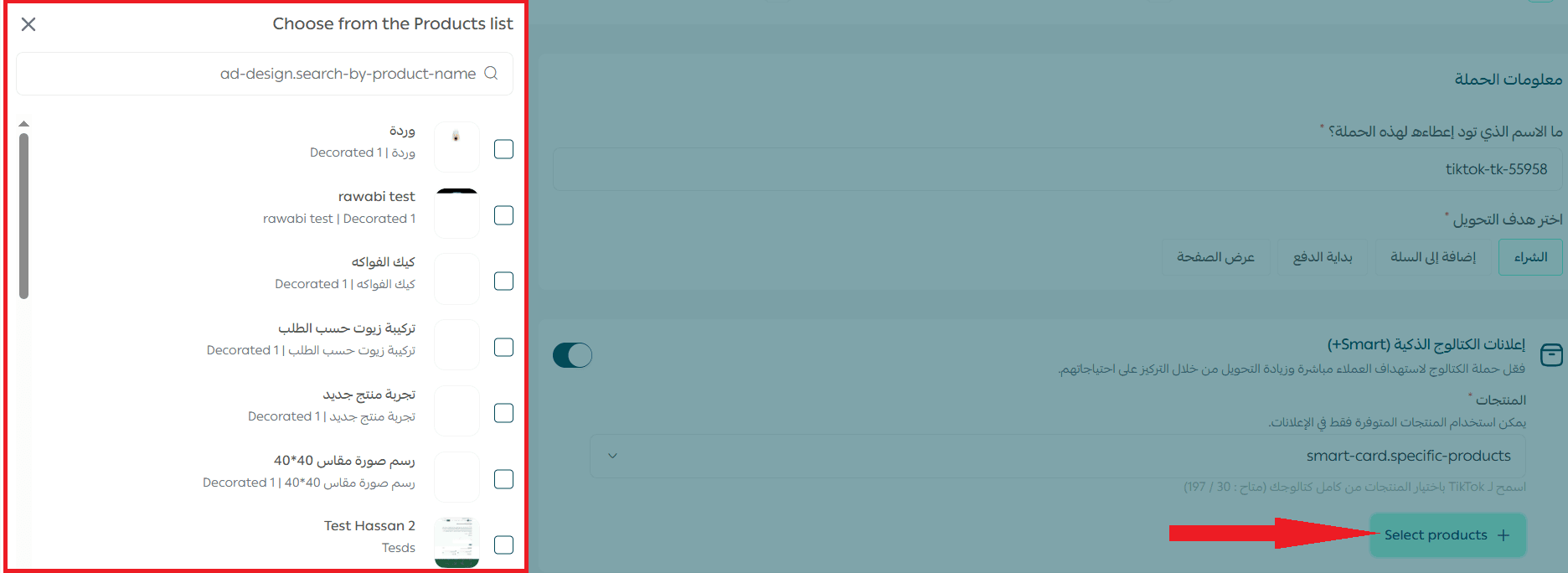
7. Choose the destination link
Select the link you want customers to visit after interacting with the ad, and choose the call to action button text.
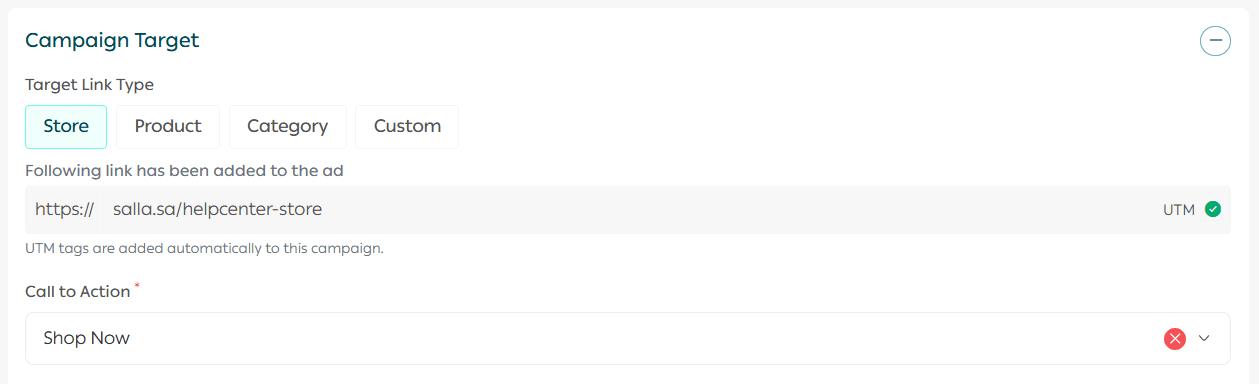
This step ensures users land directly on the page most likely to convert.
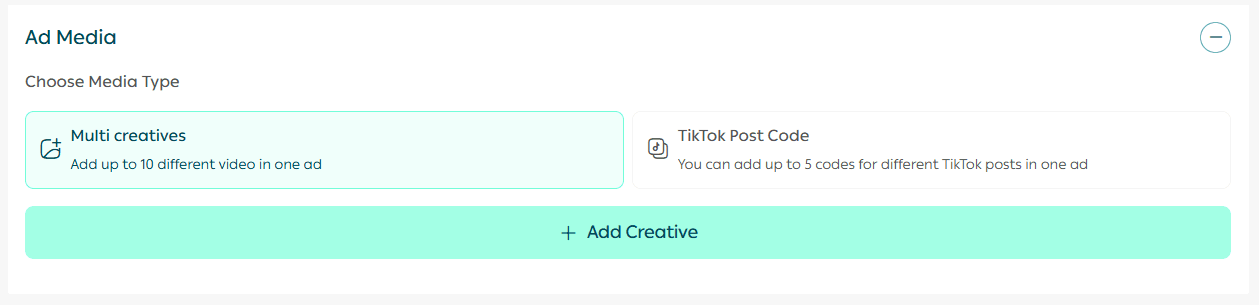
8. Design the ad creative
Add a video from your TikTok account to the ad by pasting the video post ID into the designated field.
Note: To learn how to extract a TikTok video post ID, click Learn how to get the post ID.
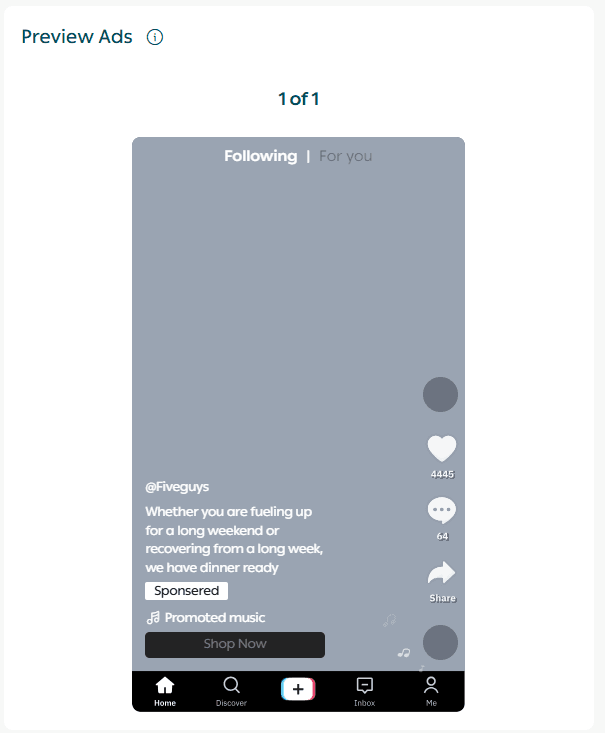
You can preview how the ad will appear using the preview section.
9. Define the target audience
After clicking Next, you will move to the audience targeting section.
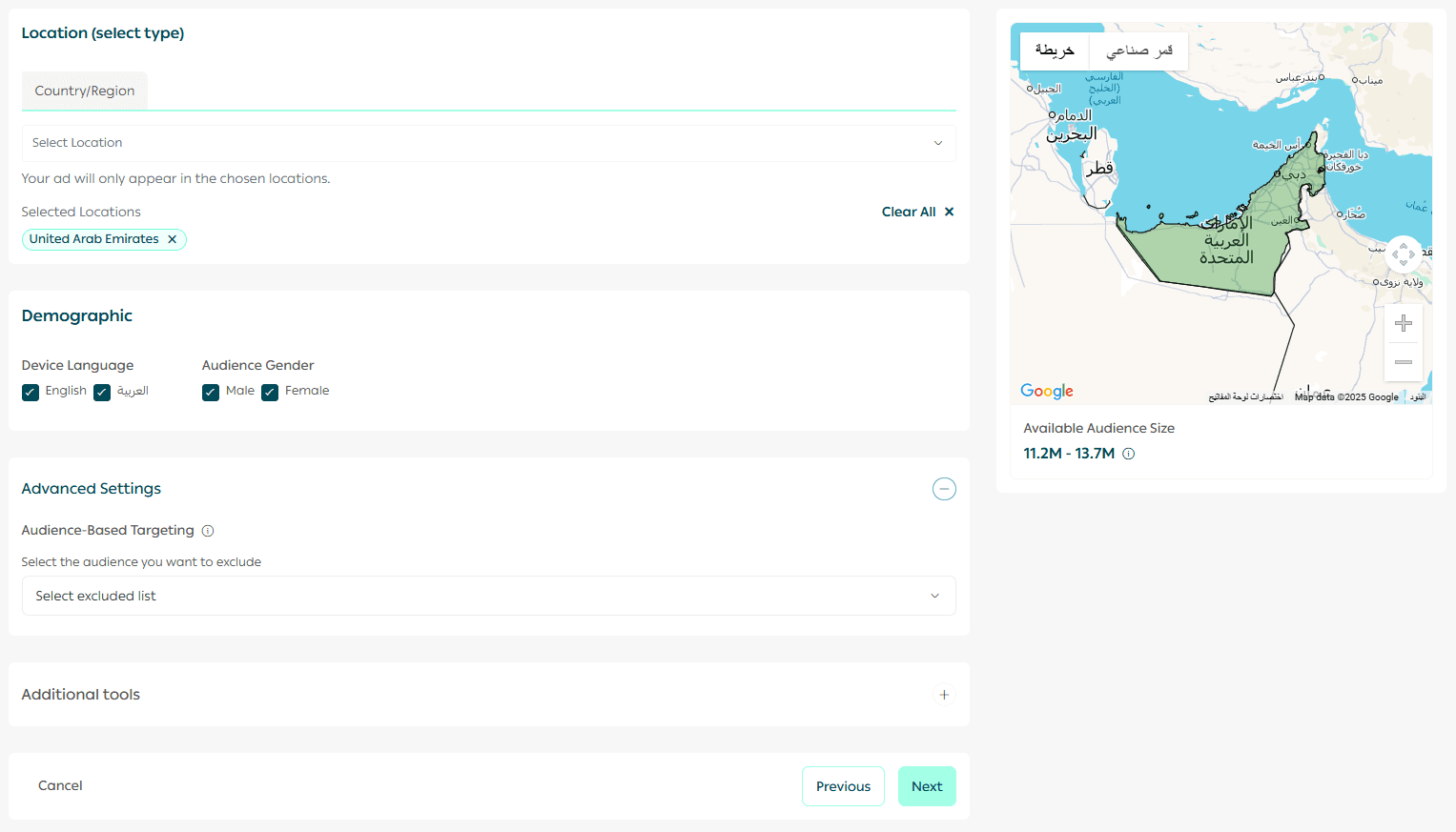
Here you can define:
- Location
- User language
- Additional targeting factors
One of the most important targeting elements is defining the coverage area, which helps ensure your ad reaches the right audience.
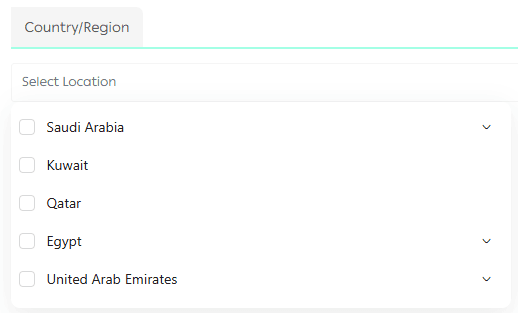
10. Set the budget and complete payment
Choose your campaign budget and proceed with payment.
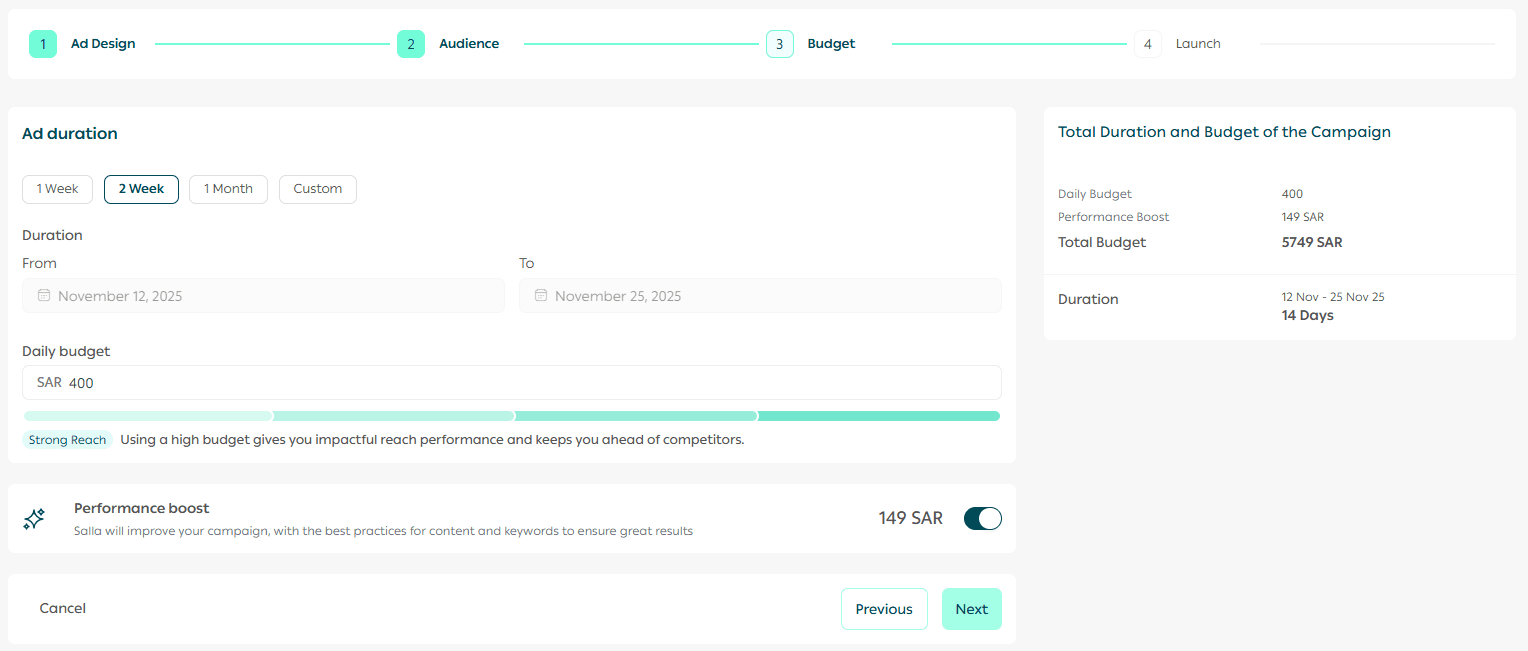
Note: When you enable Performance Boost, the Salla Ads team will optimize your campaign using best content practices to help achieve stronger results.
11. Review and launch the campaign
Review all campaign details carefully, then launch your ad.
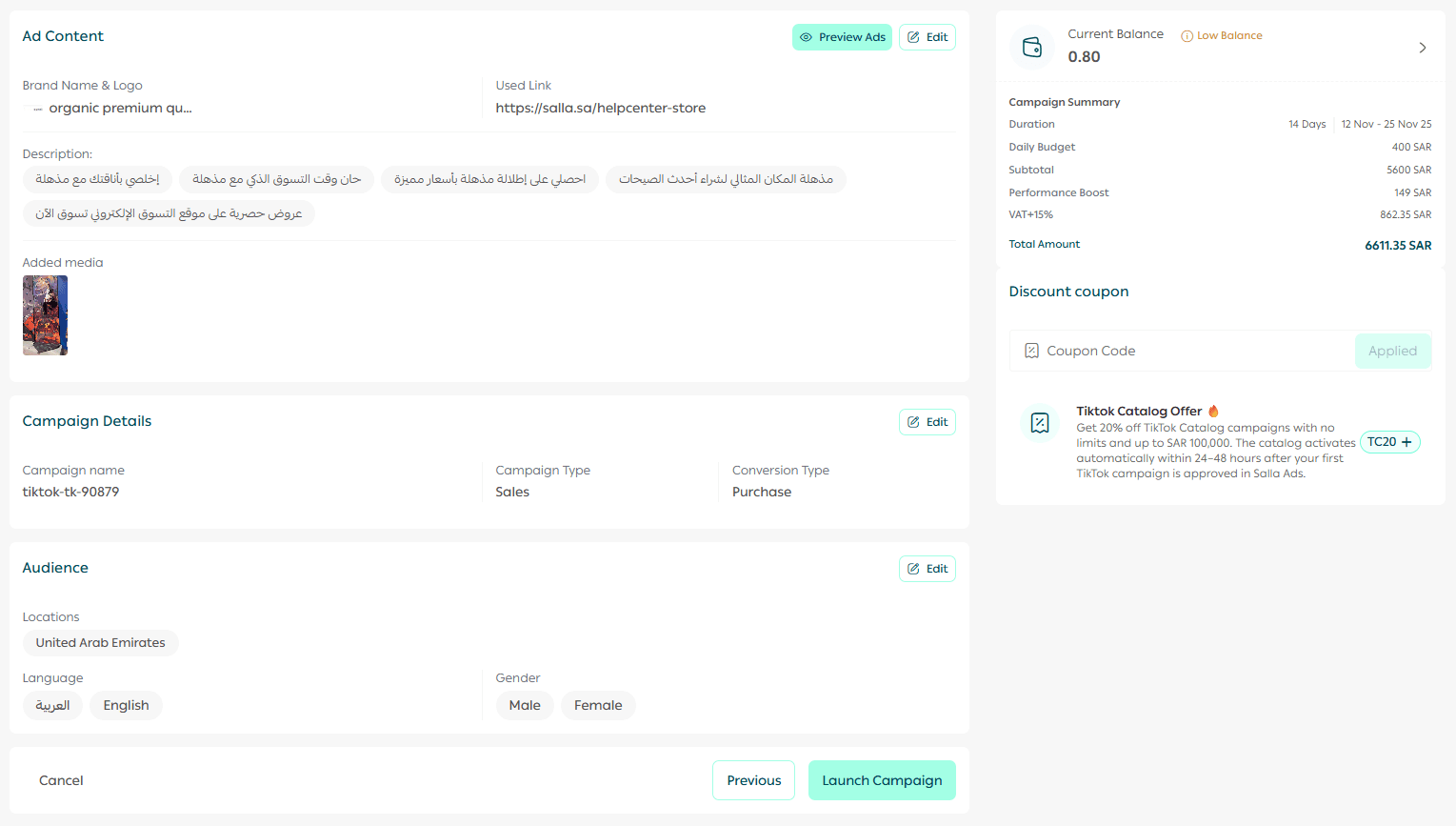
Note: Your advertising campaign will be reviewed within a maximum of 48 hours after submission.
For deeper insights, performance optimization tips, and campaign management tools, review the Managing Salla Ads article to maximize your advertising return and improve results over time.