Do you struggle to present your products in a way that instantly grabs attention and convinces visitors to buy?
Traditional product pages are often not enough to highlight a product’s real value. This is where product landing pages become a powerful marketing tool. They allow you to fully customize design and content to tell a compelling story, build trust, and increase conversions.
In this guide, you will learn how to professionally customize a product landing page on Salla in a way that reflects your brand and maximizes sales potential.
📌Article overview
- Product landing page customization
- Product landing page elements customization
Customize Product Landing Pages
1. Access landing page management
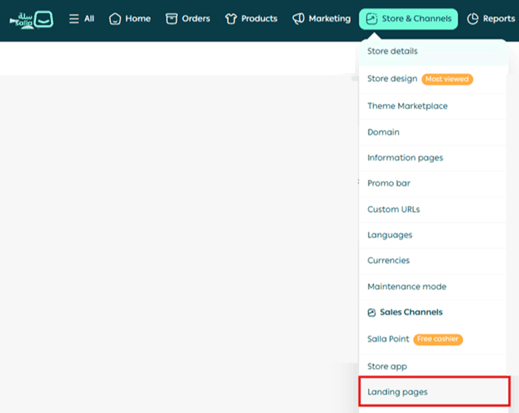
From the main navigation menu, click Store & Channels, then click Landing Pages.
2. Open the page editor
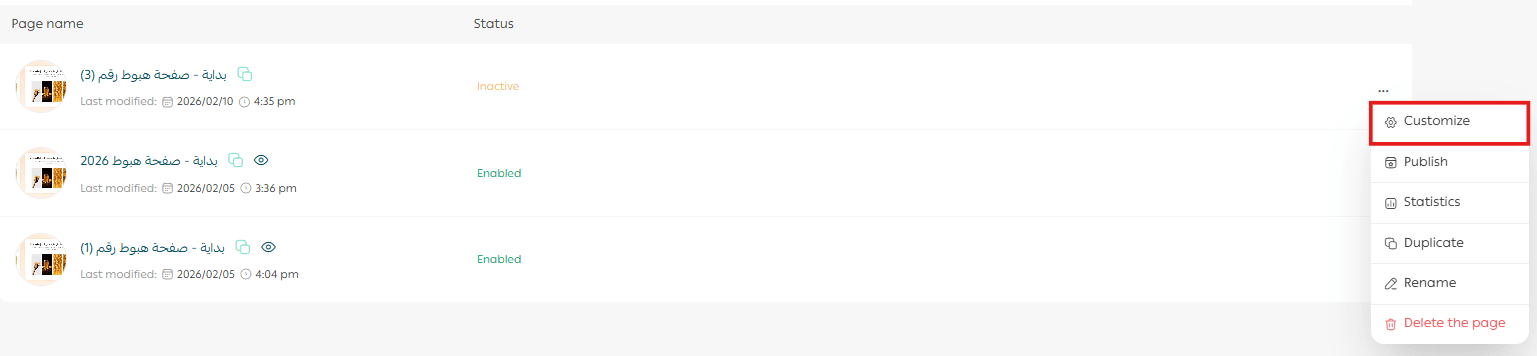
From the control menu of the landing page you want to edit, click Customize.
3. Configure basic design settings
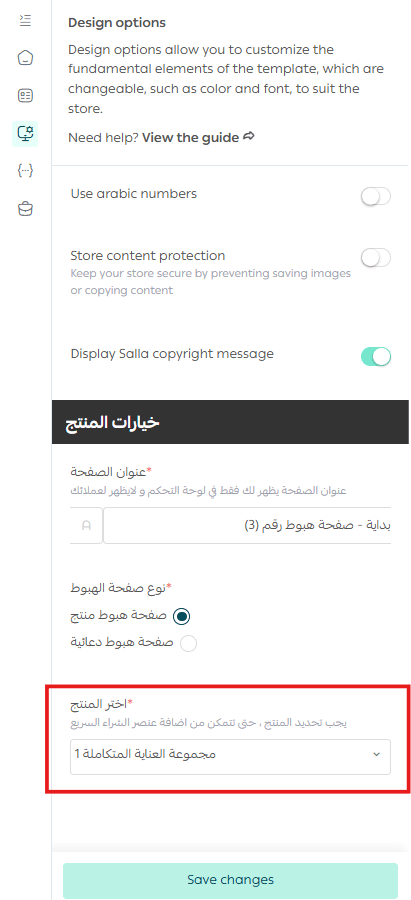
From the Design Options tab, make sure the page name matches its goal and select the correct product, then click Save Changes.
Supported products
- Ready product
- Digital card
- Digital product
- Product bundle
Unsupported products
- Made to order
- Bookings
- Food
- Donations
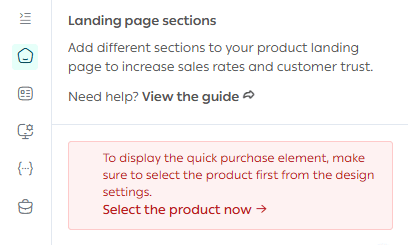
📝 Note: If no product is selected, a warning message will appear on the homepage.
4. Customize design options
Click the Design Options tab and configure the available design settings.
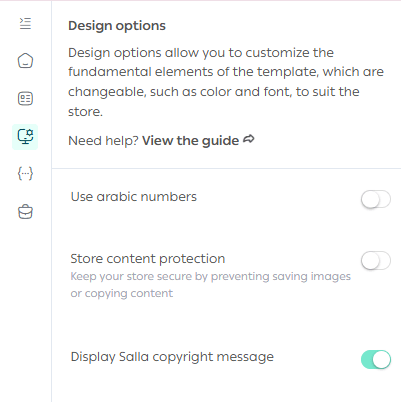
For more details, refer to the theme design options guide.
5. Customize homepage sections
Each new landing page includes default content and elements. You can fully customize these sections and add or remove elements based on your landing page goals.
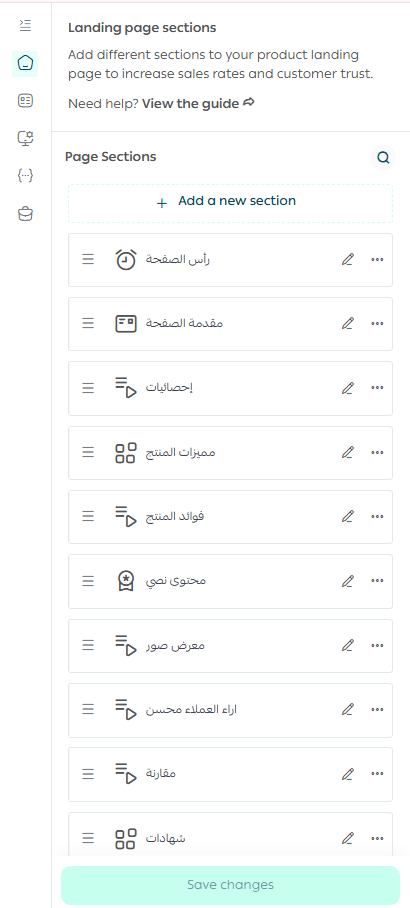
📝 Note: You are free to modify or delete any section that does not serve your conversion objective.
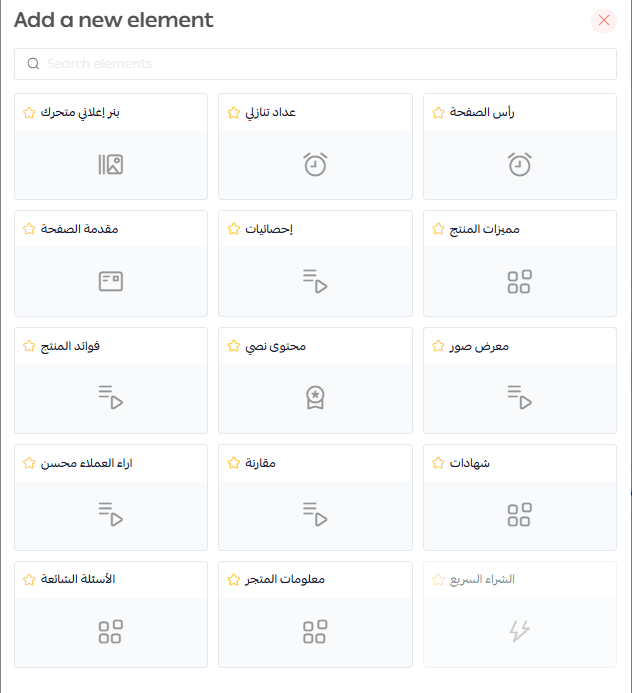
Customize Product Landing Page Elements
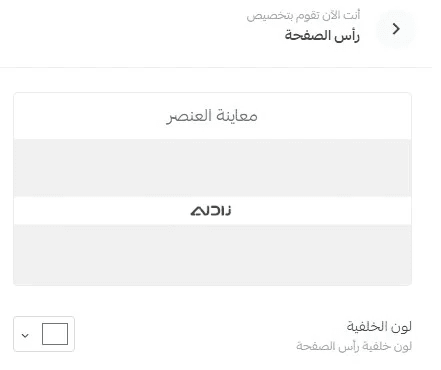
1. Page header
The store logo appears in the page header.

Choose a background color that complements your logo colors for visual consistency.
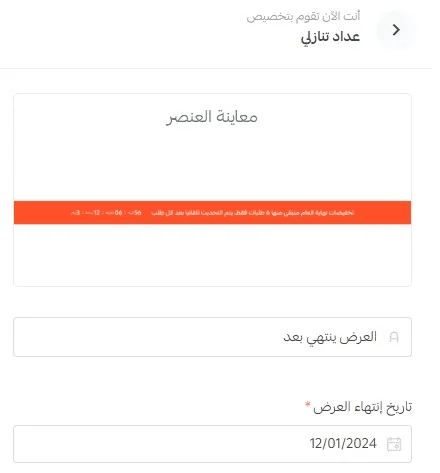
2. Countdown timer
The countdown timer shows how much time remains before the offer on the landing page expires.

Timer settings include the title text and the offer end date.
3. Animated promotional banners
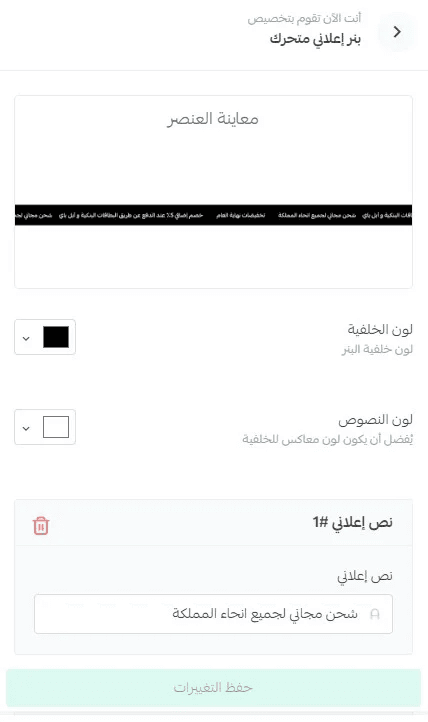
You can add up to 10 animated banners displayed side by side.

Use them to highlight key marketing messages, offers, or product benefits.
Banner customization includes background color, text color, and banner text.
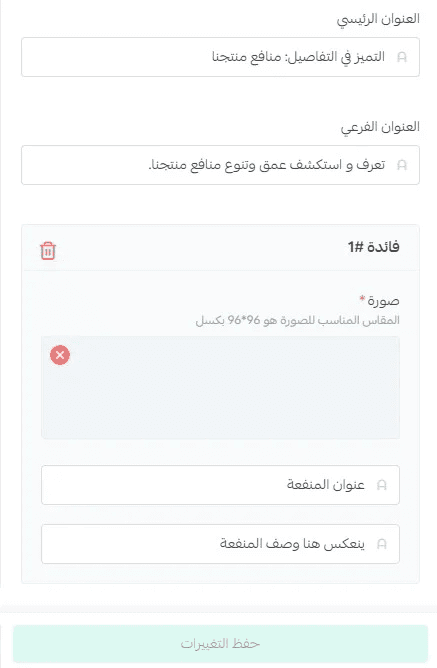
4. Product features
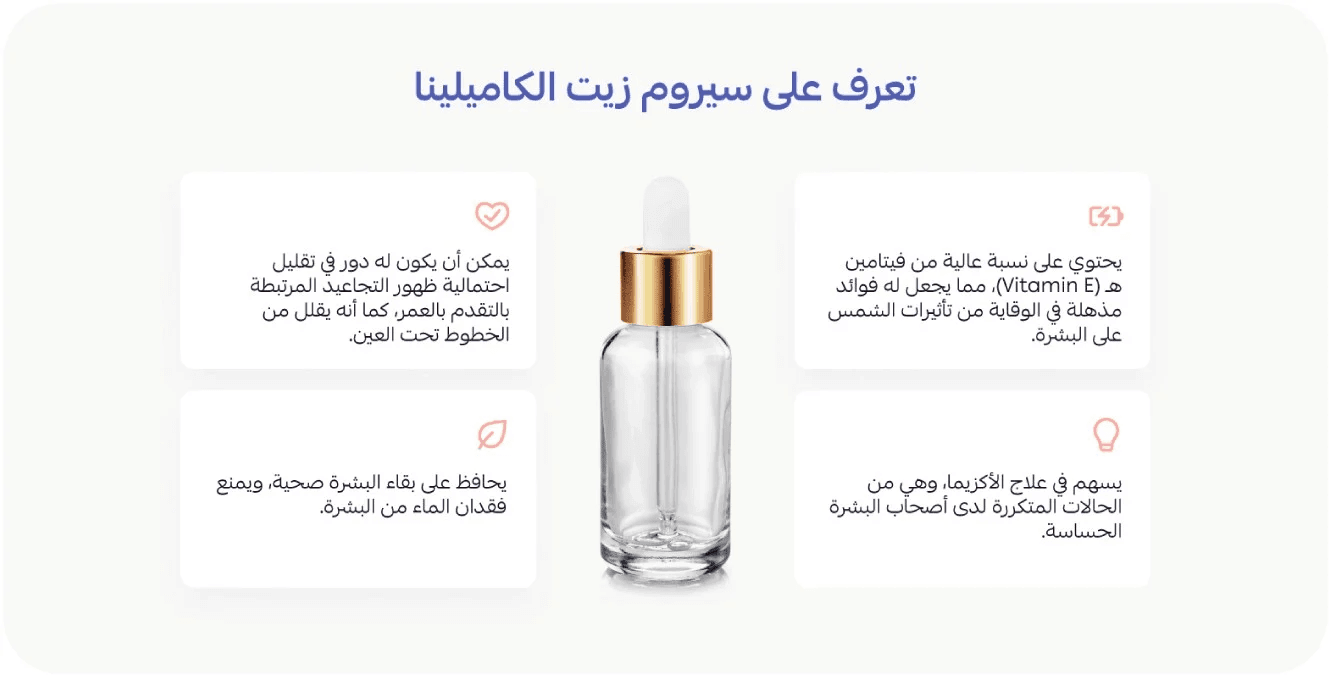
Highlight up to 6 key product features in a clean and professional layout.
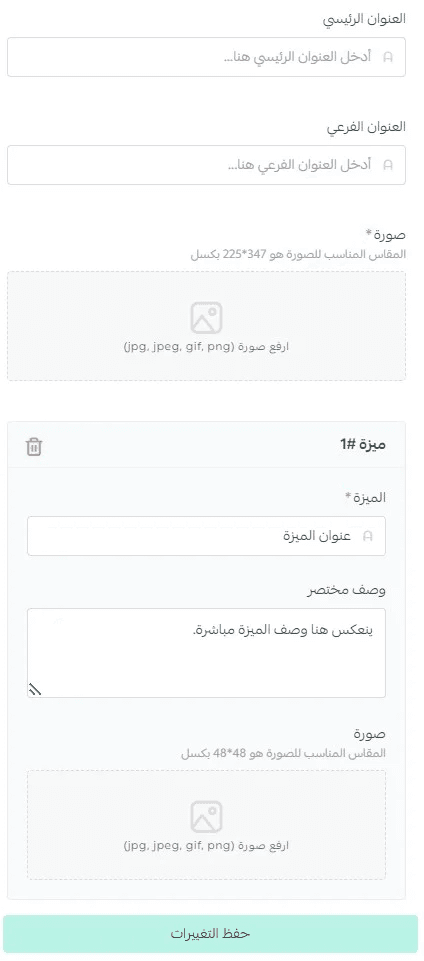
Customization options include:
- Section title
- Section image
- Subtitle
- Feature name
- Feature description
- Feature icon
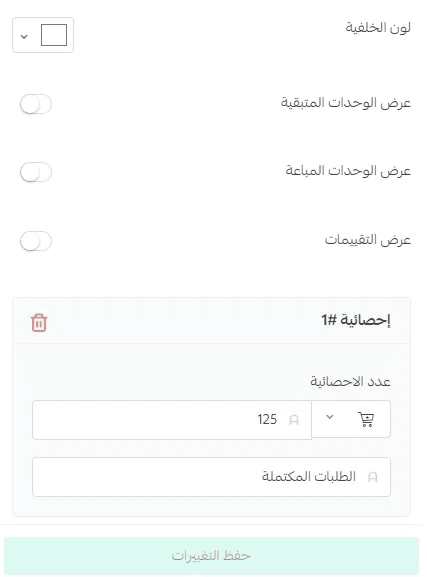
5. Statistics
Add up to 3 key statistics that help visitors make a purchase decision.

You can also display:
- Remaining units
- Sold units
- Product ratings
Choose a background color that supports your landing page goal.
6. Page introduction
The introduction section provides a strong incentive for visitors to continue and purchase.
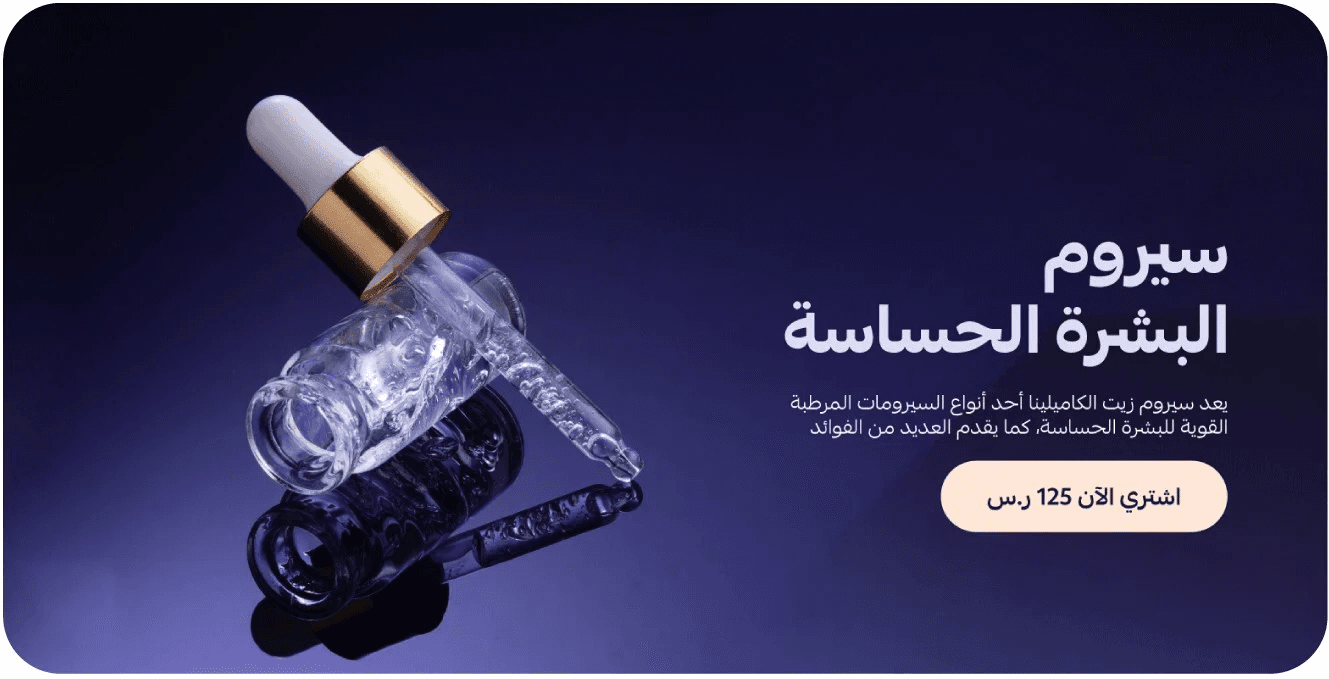
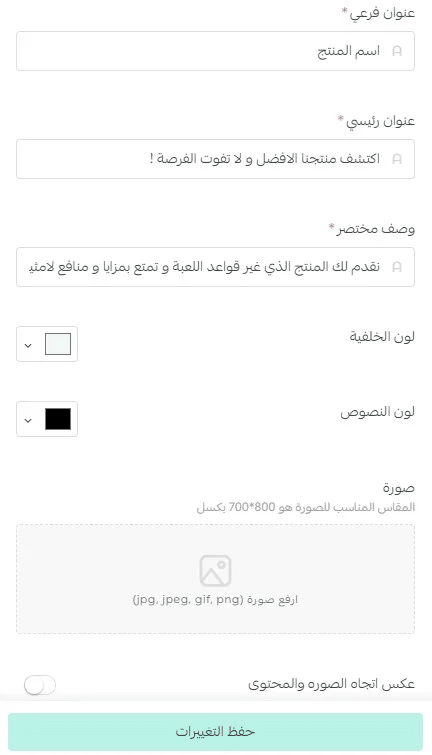
You can add:
- Main text
- Subtitle
- Image
- Background color
- Text color
You can also reverse the image and content layout.
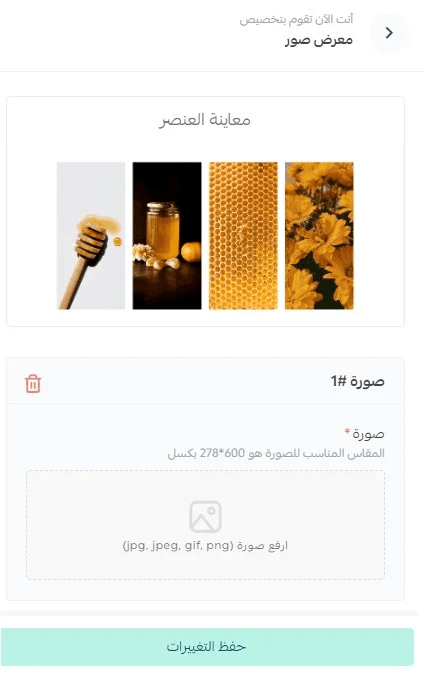
7. Image gallery
Add up to 4 aligned product images.
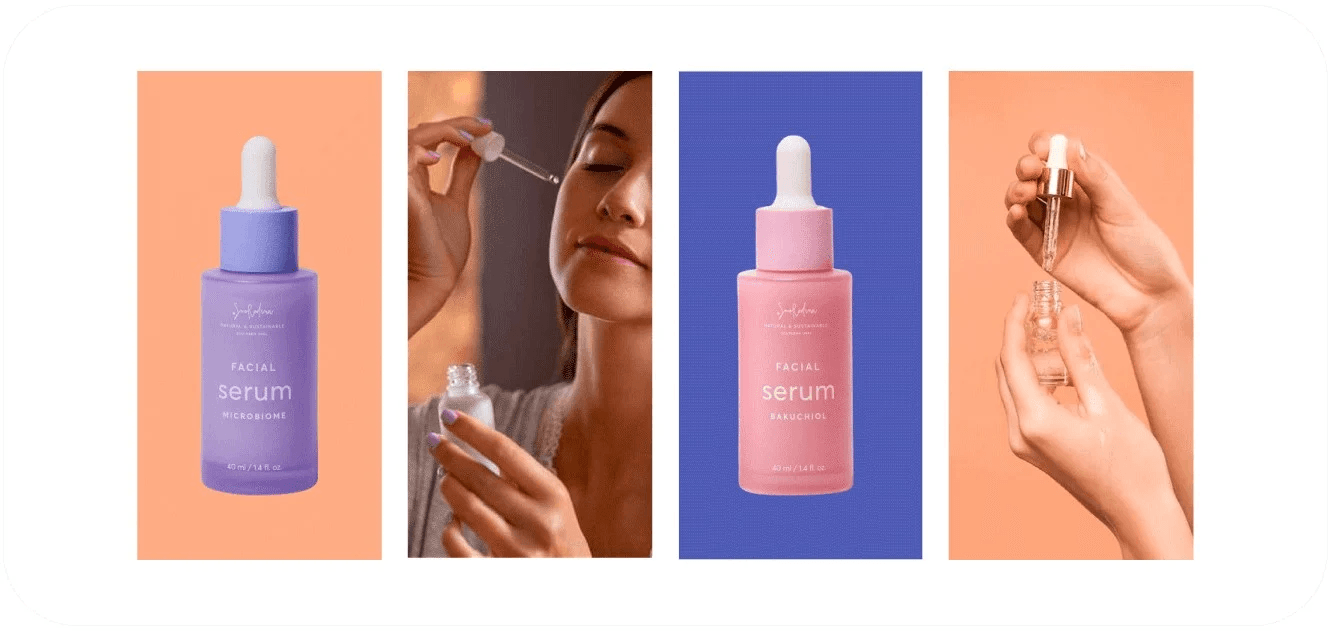
Recommended size:
- Height: 600 pixels
- Width: 278 pixels
8. Text content
Text content acts as a visual break between image-heavy sections.
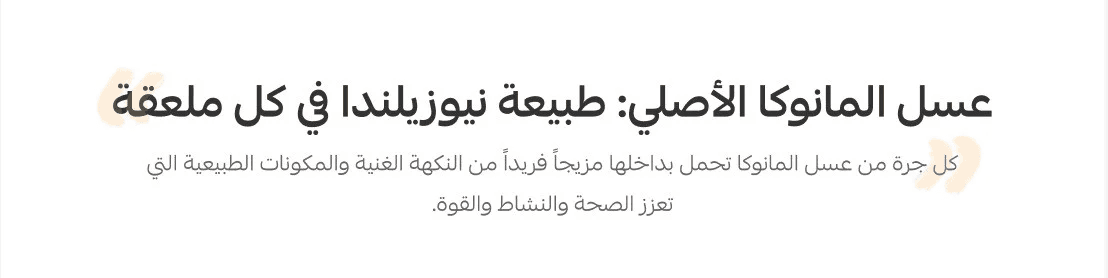
Enter a main title and subtitle, and the landing page layout will handle formatting automatically.

9. Product benefits
Display up to 6 product benefits that clearly explain the value customers gain.
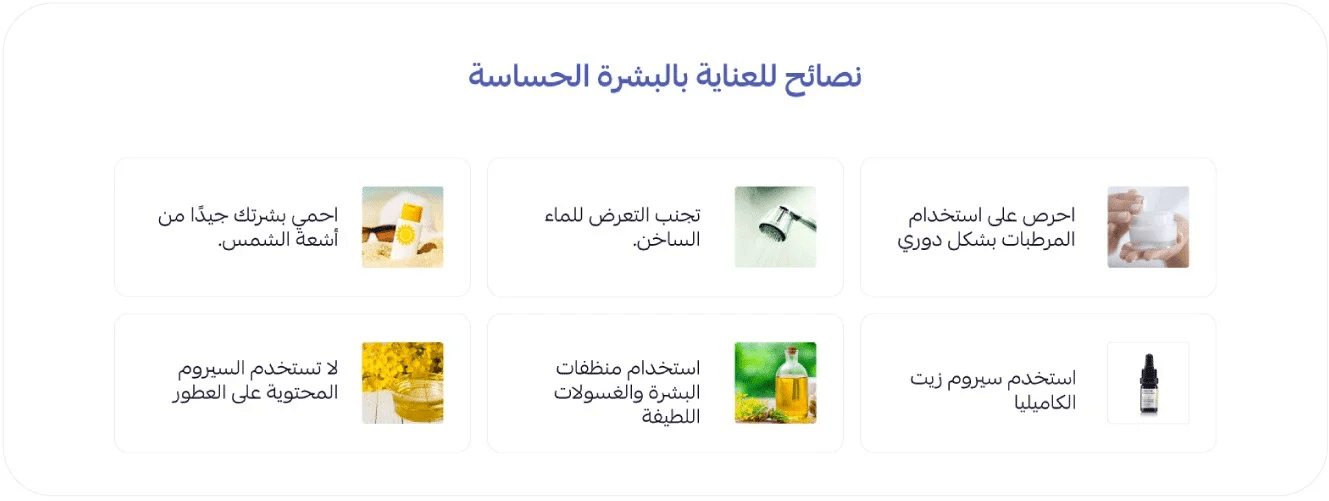
Customization includes:
- Section title
- Subtitle
- Benefit image
- Benefit name
- Benefit description
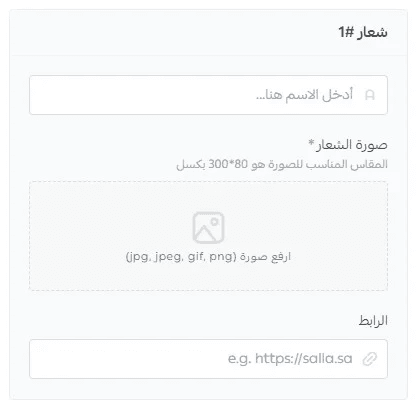
10. Certifications

Build trust by displaying official certifications such as:
- Zakat, Tax and Customs Authority
- Saudi Business Center
- Other relevant certifications
Add the organization name, logo, and certificate link.
11. Comparison
Compare your product with competitors in a clear and objective way to help customers make confident decisions.
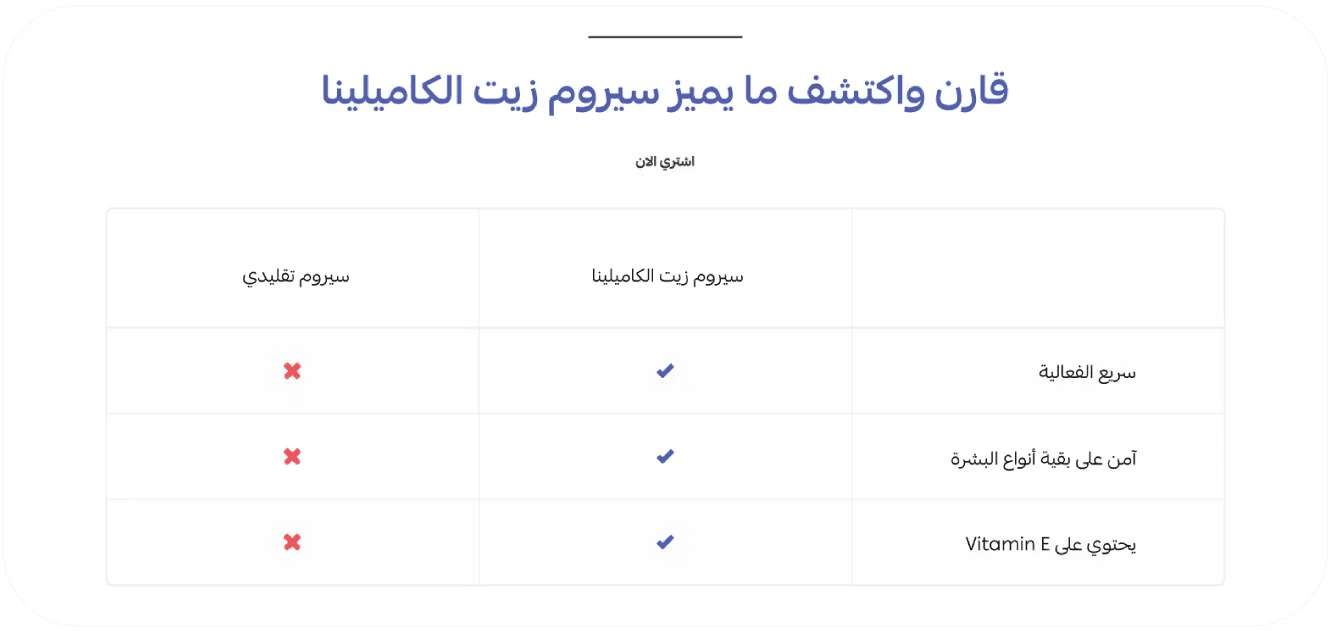
You can add up to 6 comparison points.

12. Enhanced customer reviews
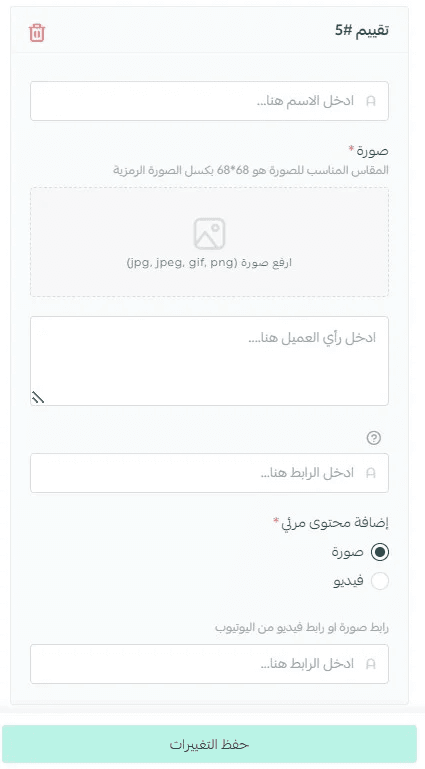
Show up to 6 real customer reviews from verified buyers.
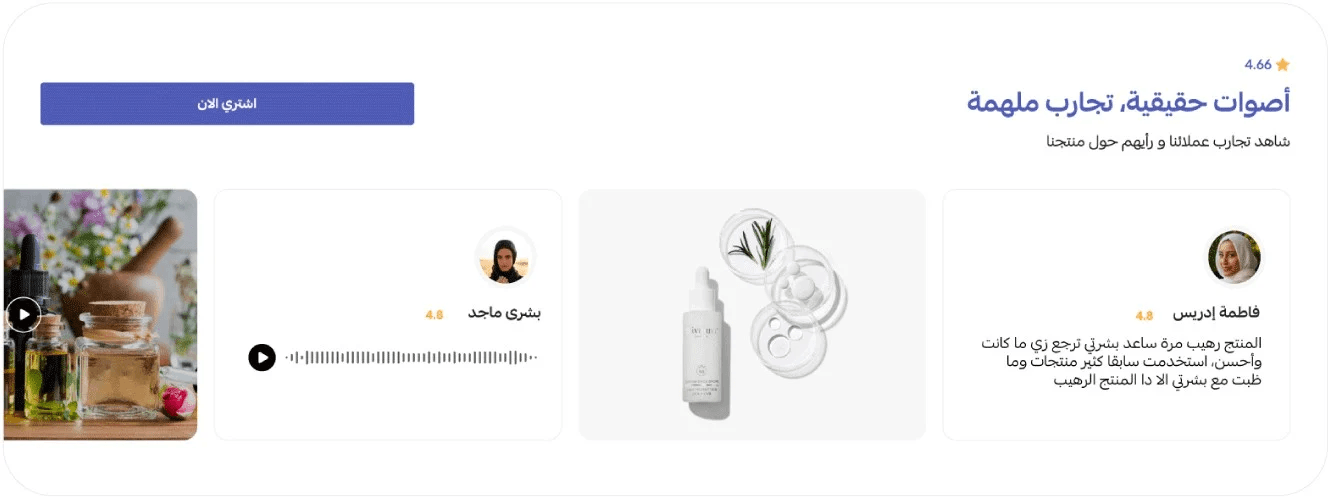
You can include visual content such as images or videos in reviews.
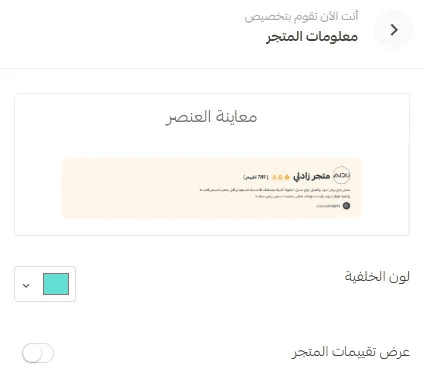
13. Store information
Choose a background color for the store information section and enable store ratings display, then click Save Changes.
14. Frequently asked questions
Add up to 5 frequently asked questions with their answers.
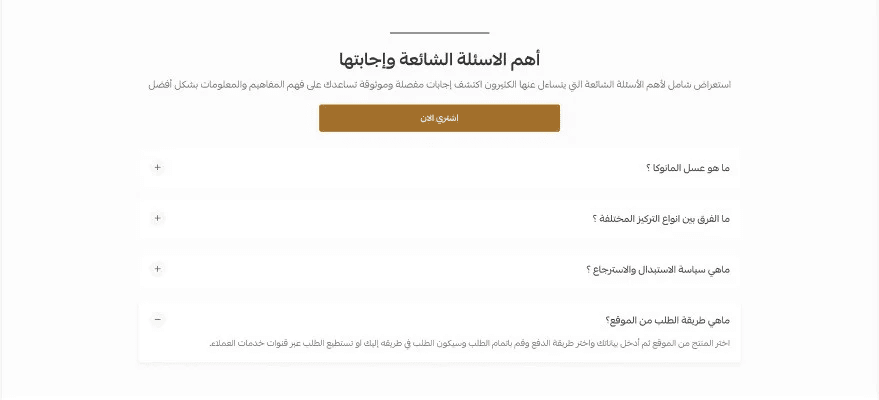
Focus on the questions customers commonly ask before purchasing.
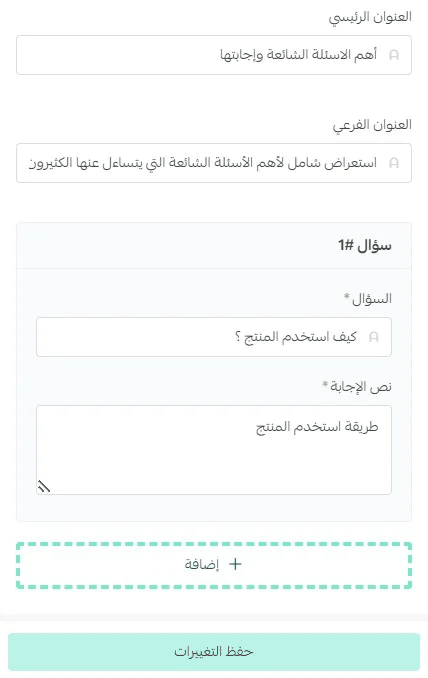
Enter the section title and description, then add each question and answer.
15. Buy Now purchase
Customize this element by entering a title and subtitle that will appear on the store homepage.
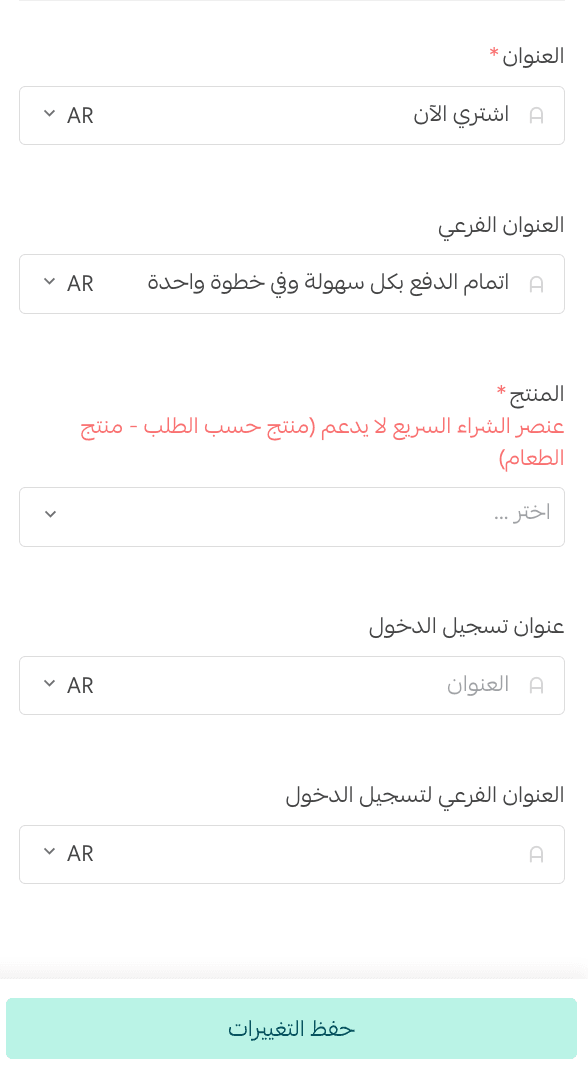
Select the products available for Buy Now purchase.
📝Important Note About Buy Now Purchase
There is a difference between the Buy Now purchase element supported in the Fareed theme and the quick purchase popup.
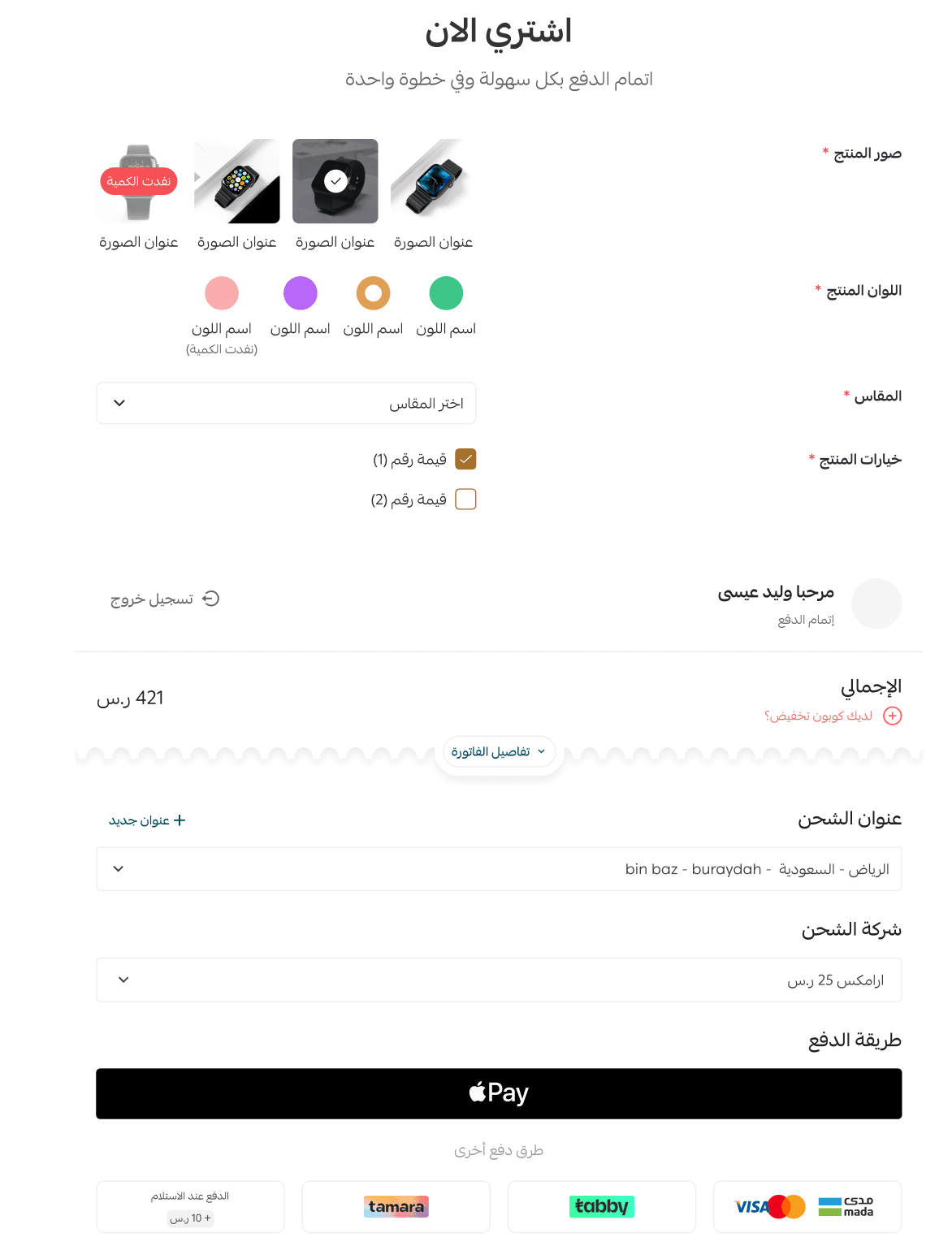
Buy Now purchase element
This element displays a single product in a focused layout, allowing customers to select quantity, choose delivery options, and complete payment directly from the same page.
Buy Now purchase popup
This option takes customers directly from the product page to checkout through a popup window, allowing them to complete the purchase without visiting the cart page.
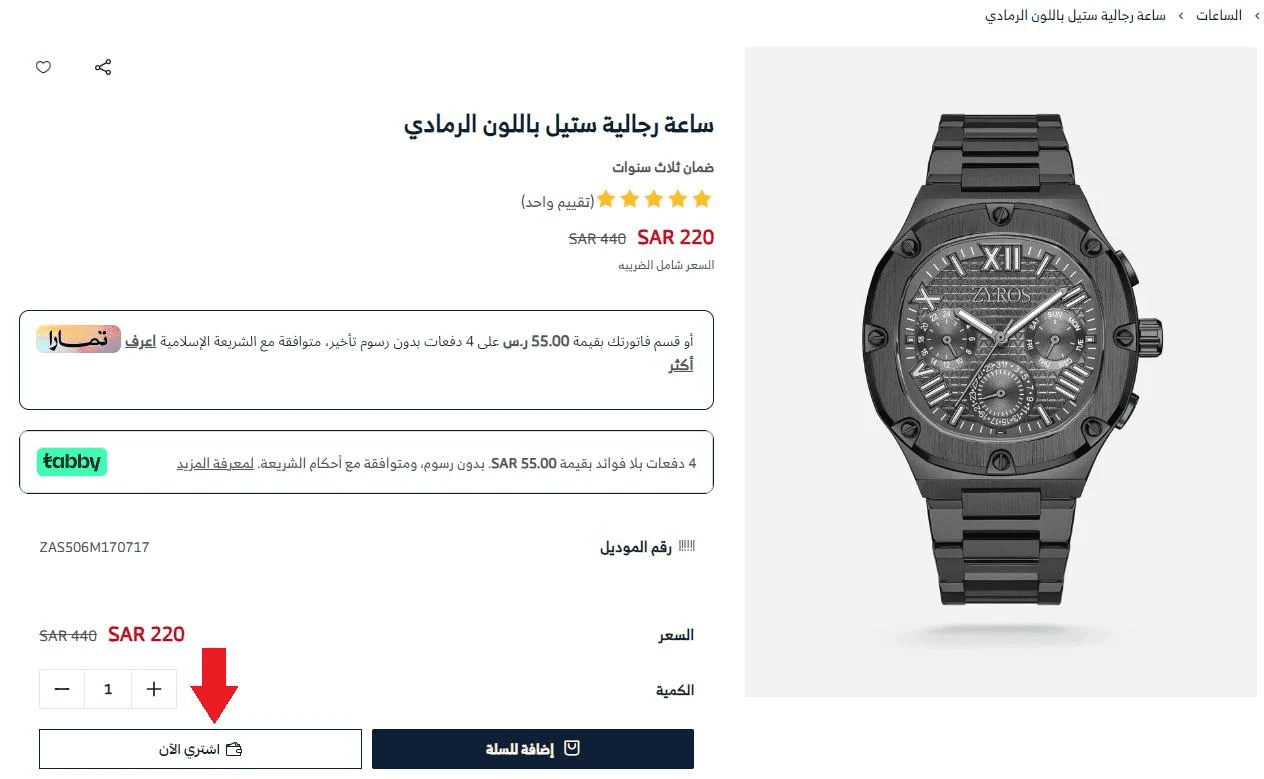
For more details, refer to the Buy Now purchase activation guide.
Make Your Landing Page Work Harder
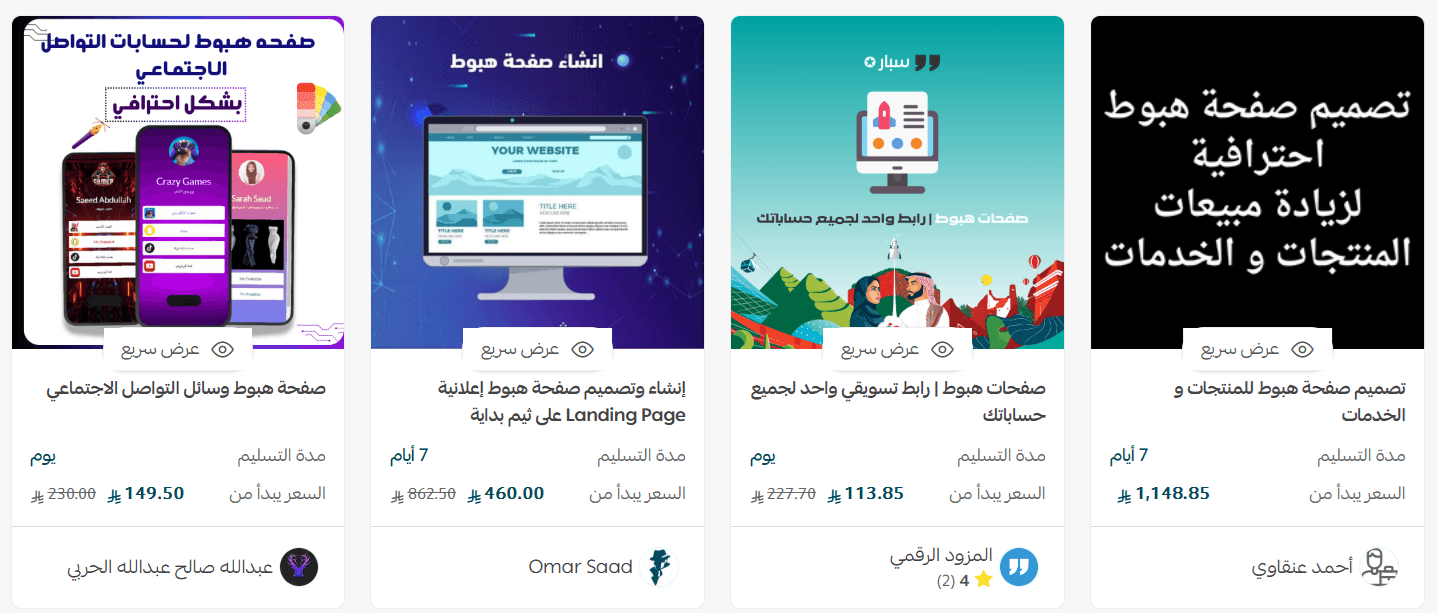
Create a professional, high-converting landing page without the hassle.
Request an expert from the Merchant Services page to design a custom landing page focused on your product, built to attract customers and increase conversion rates so every visit delivers maximum value.