Masfufat enables online store owners to sell products without purchasing inventory or managing storage. The platform handles all logistics on your behalf, including order fulfillment and shipping, so there’s no need for warehouses, staff, or operational overhead.
Masfufat also provides ready-made product content and images, allowing you to select products and sync them with your Salla store instantly and effortlessly, with just one click.
📌 Article overview
- How to install the Masfufat app
- How to activate the Masfufat app
- How to manage the Masfufat app
How to install the Masfufat app
- From the main menu, click All, then under Support Tools, select App Store.
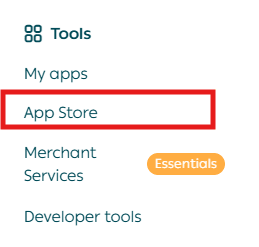
2. Search for Masfufat using the search field.

3. From the Masfufat app page, click Install.

4. Once completed, the Masfufat app will be successfully installed on your store.
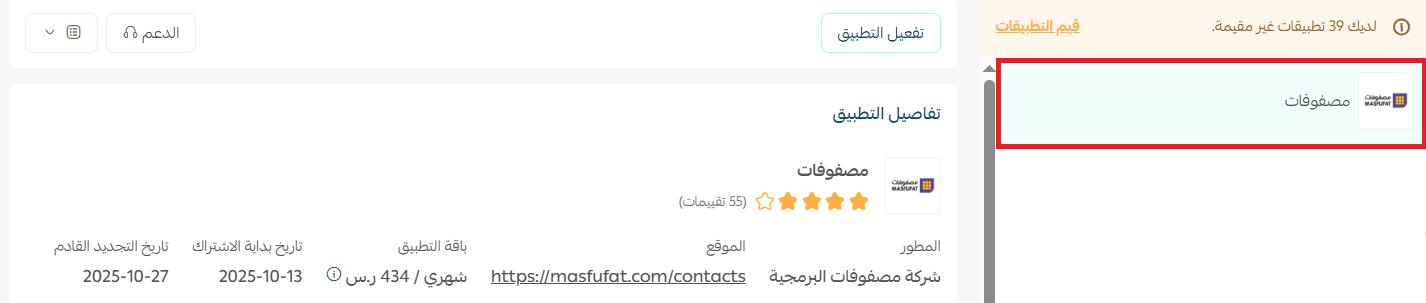
How to activate the Masfufat app
- After installing the Masfufat app, you will receive an email containing your login credentials for your new Masfufat account.
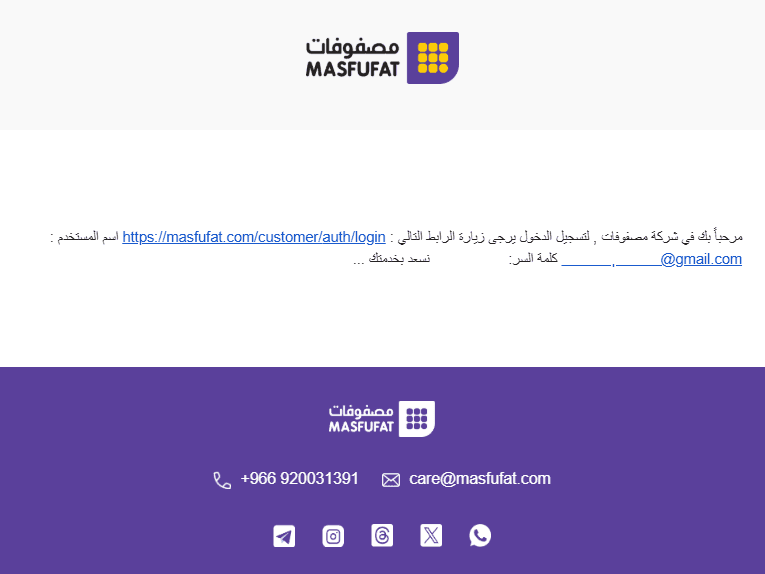
2. Log in using the credentials sent to your email.
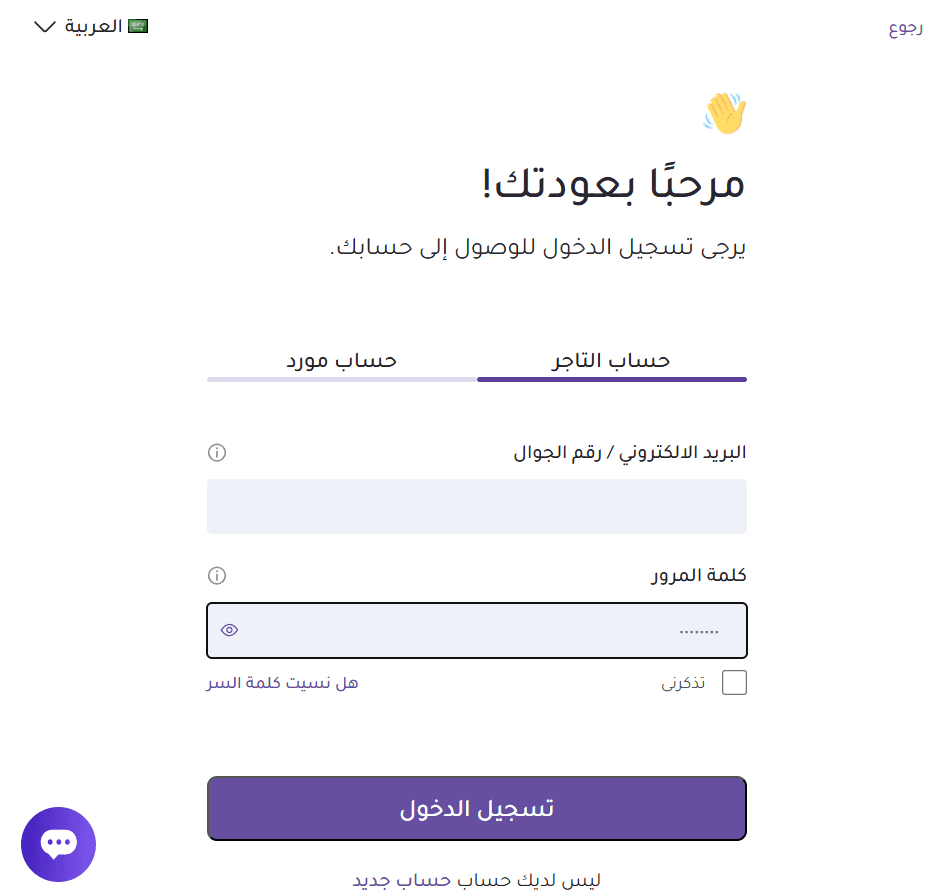
3. After logging in, you’ll find your store’s API Key inside your Masfufat account.
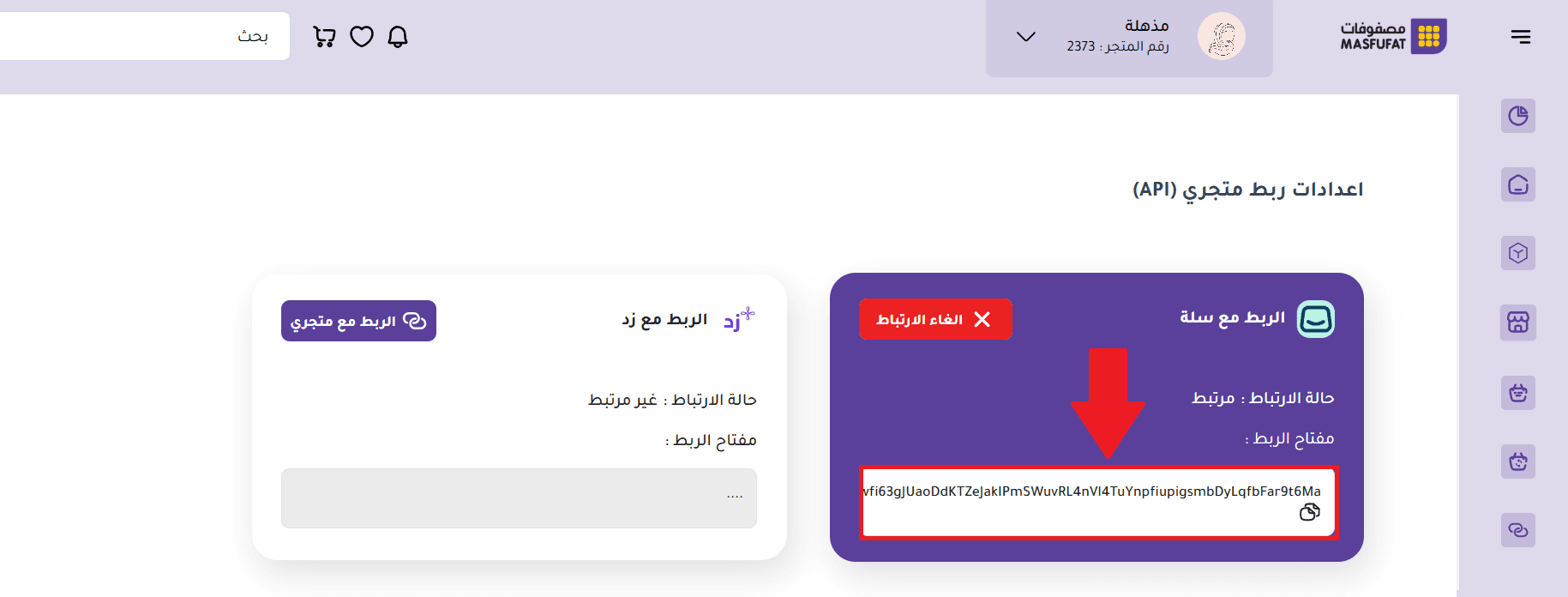
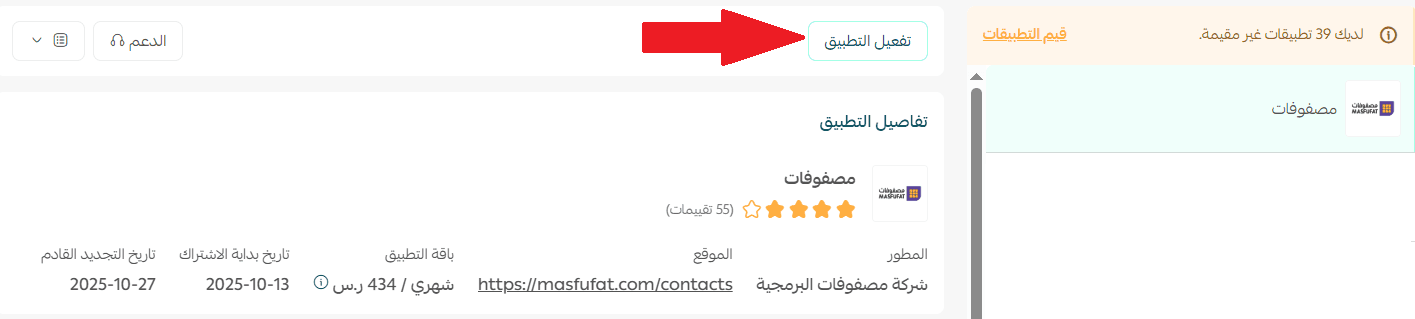
4. In your Salla dashboard, open the Masfufat app page and click Activate App.
5. Paste the API Key you copied from Masfufat, then save the settings.
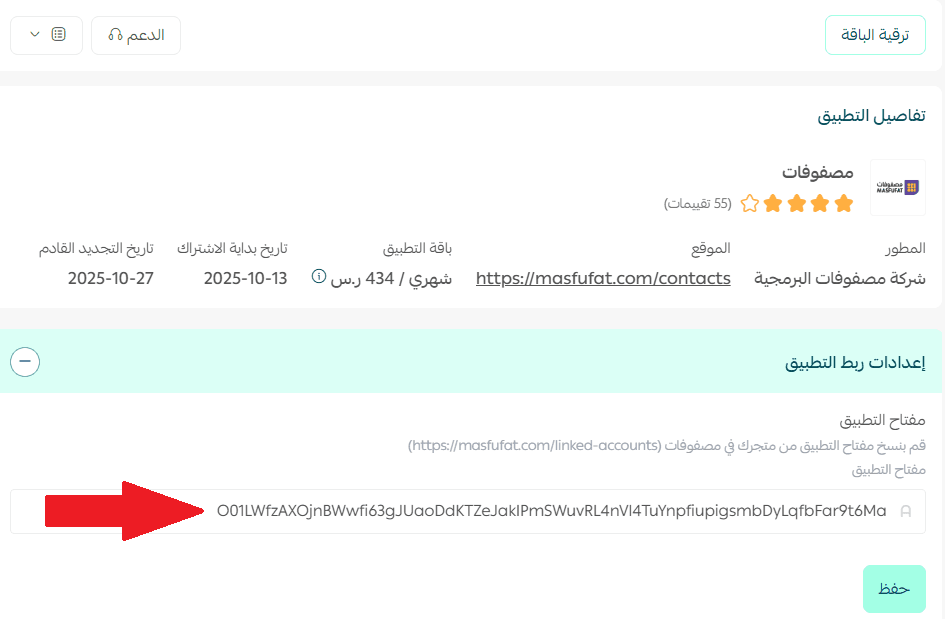
✅ The Masfufat app is now fully activated on your store.
Managing the Masfufat app
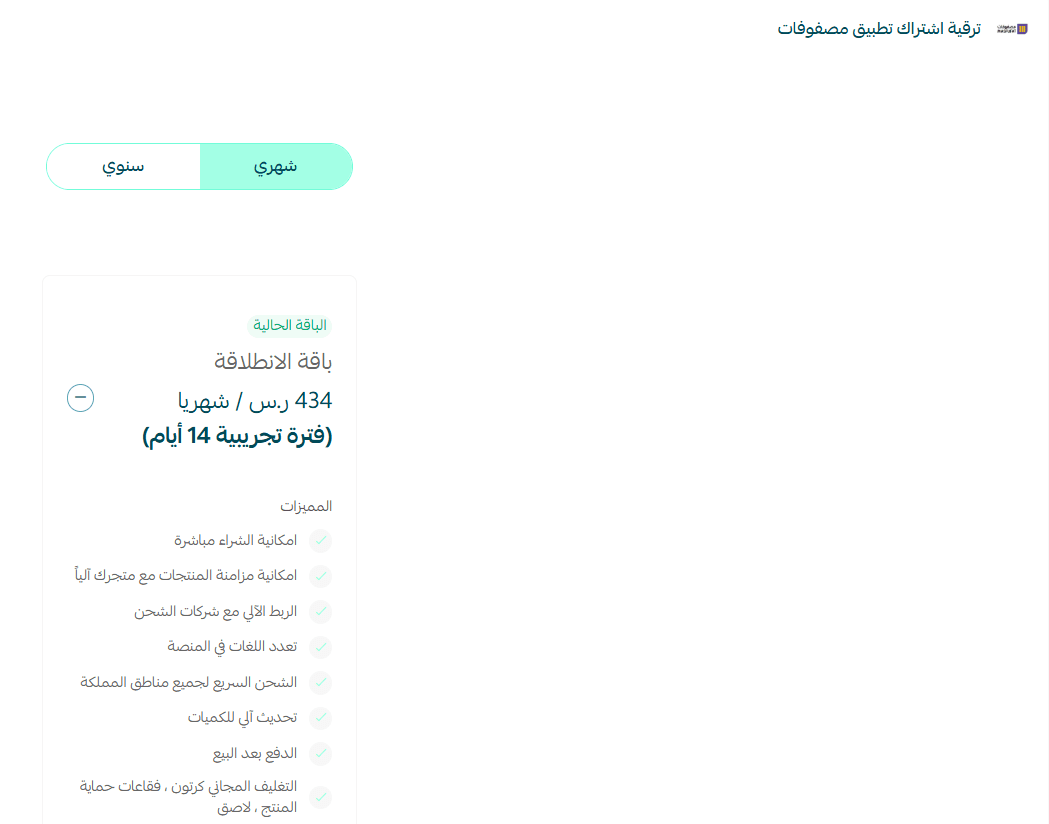
Upgrade your plan
- From the Masfufat app page in your dashboard, click Upgrade Plan.
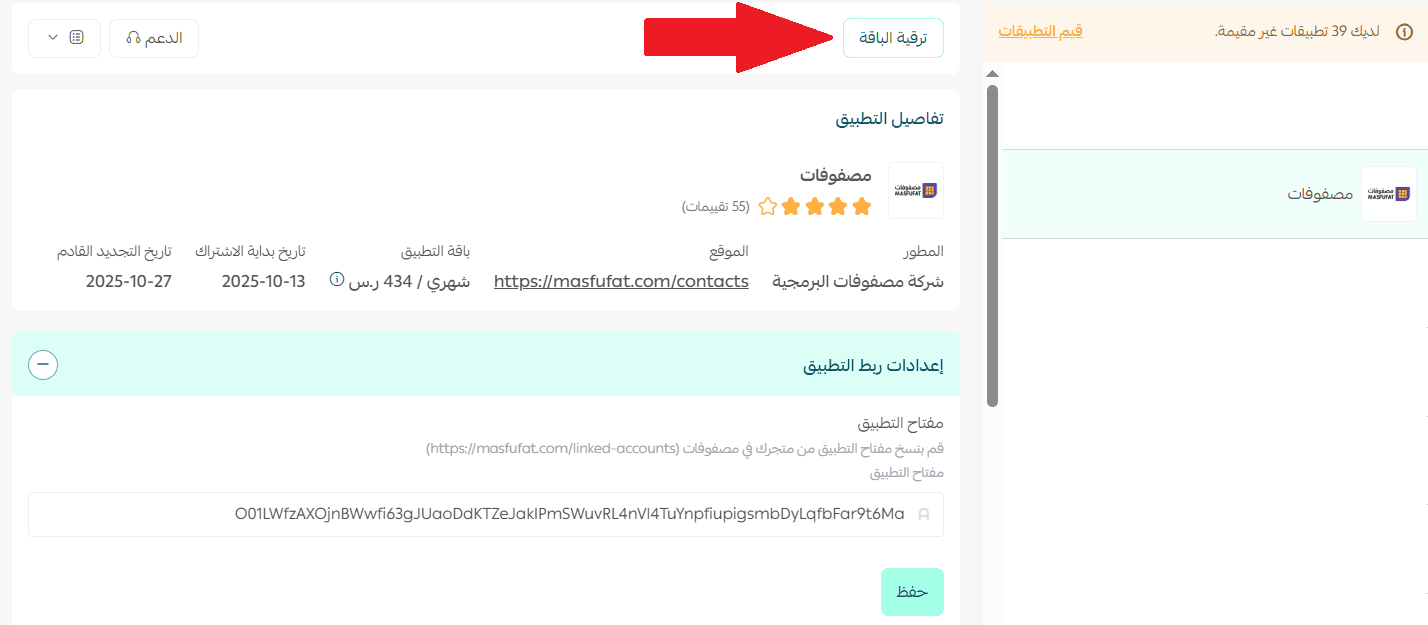
2. Select the plan that best suits your store’s needs and complete the payment to unlock additional features and advanced services.
Delete the app
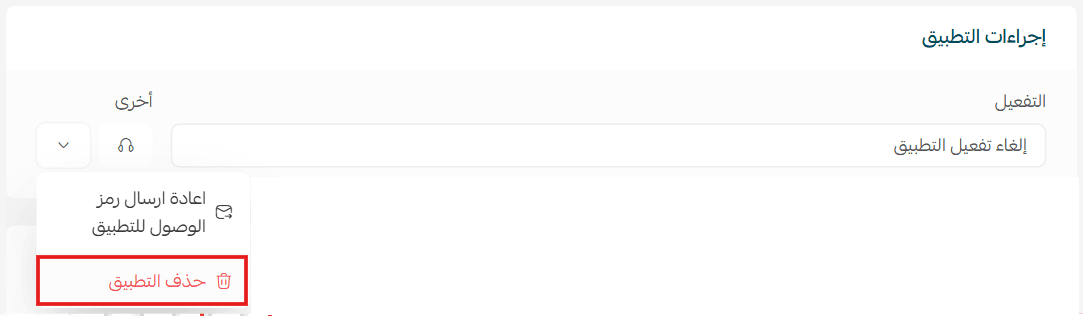
To remove the Masfufat app:
- Click Delete App.
- From the App Actions section, click More, then confirm deletion.
Additional resources
For more details on:
- Product selection
- Creating custom store designs
- Managing Masfufat products
Please refer to the Masfufat app product and design guide.