Tracking your app performance through data helps you better understand user behavior and improve their experience.
In this article, we’ll walk you through how to view reports and key performance indicators to effectively optimize your app.
📌 Article overview
- Mobile app reports page
- Searching within reports
Mobile app reports page
- From the main menu, click Store & Channels, then select Mobile app.
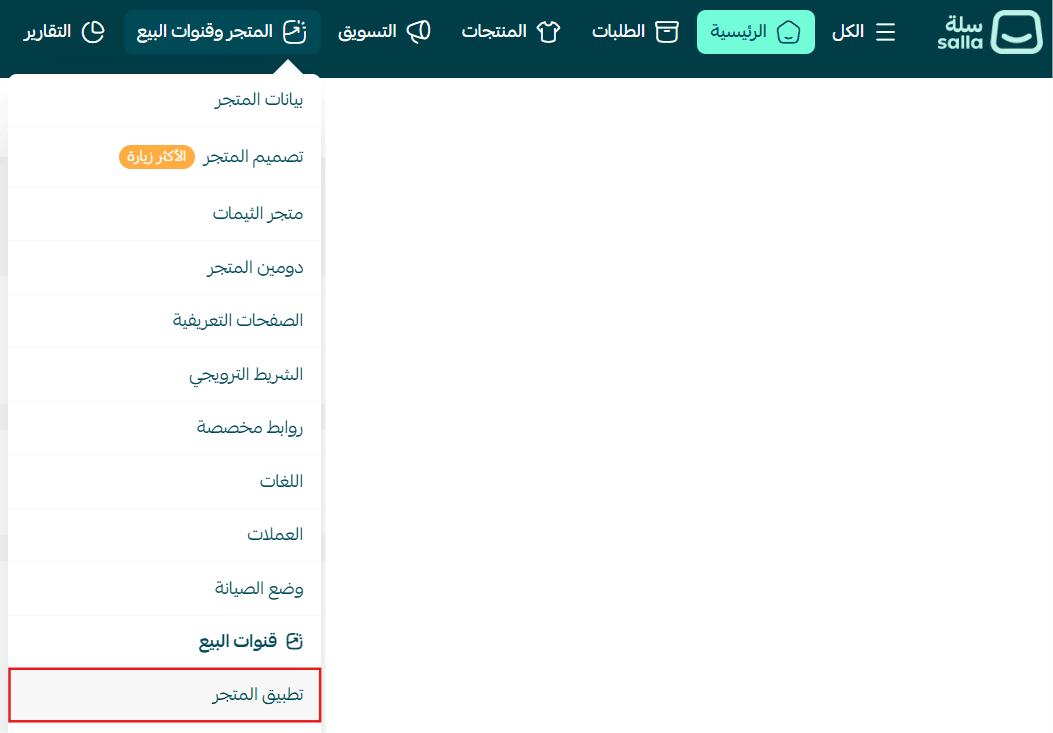
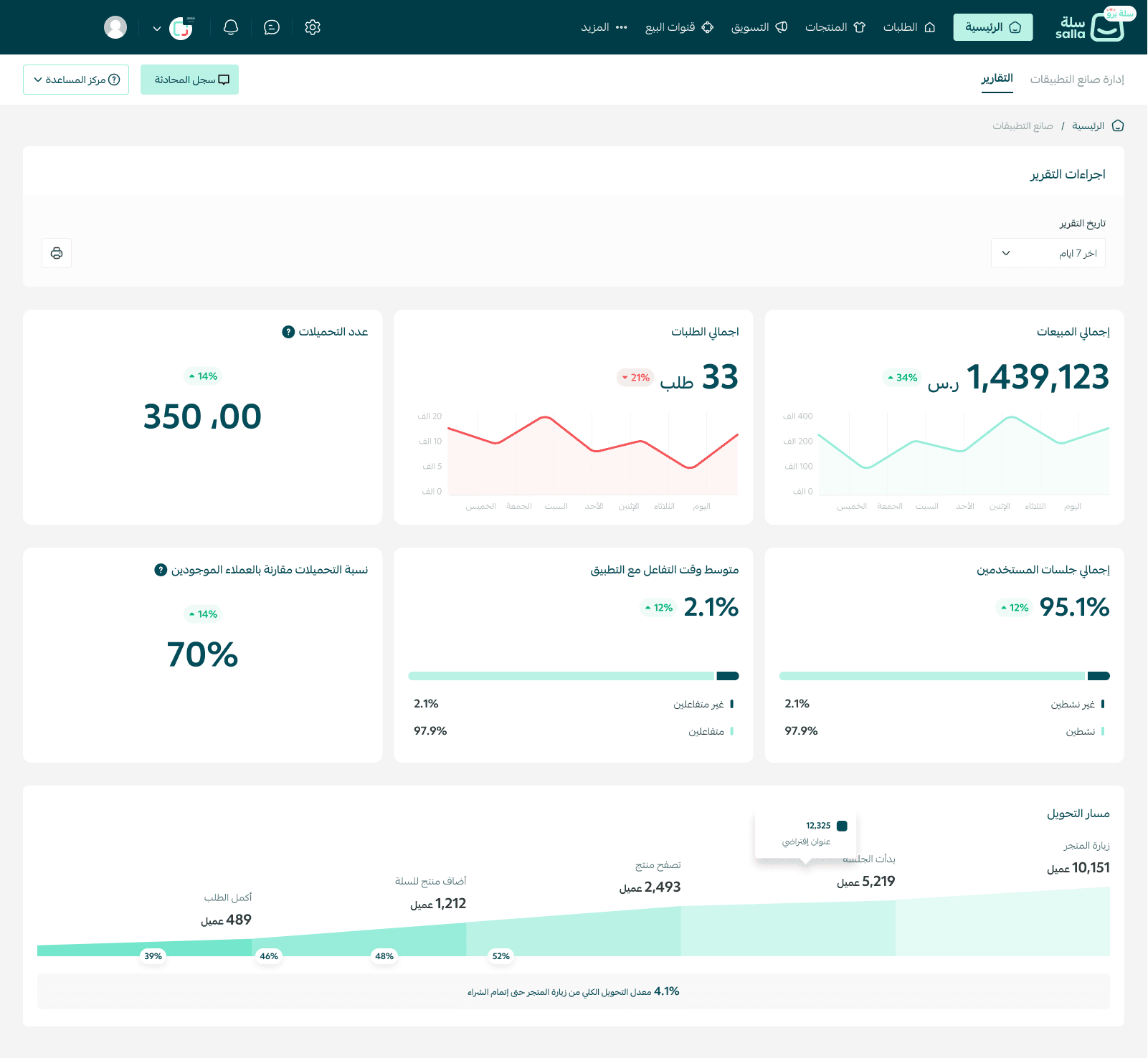
- From the top bar, choose Reports.

- You will see all order reports related to your store’s mobile app on this page.
Searching in reports
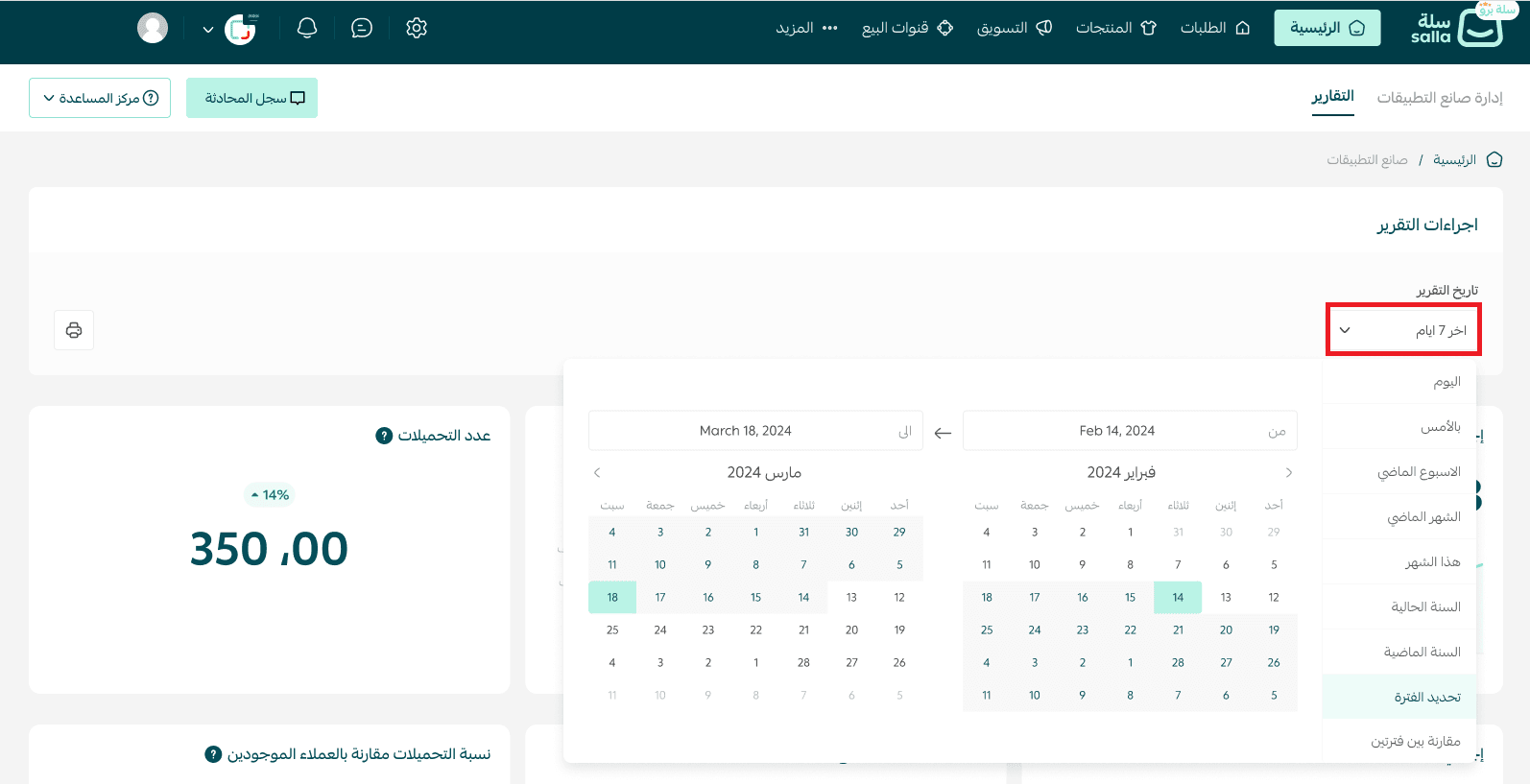
You can filter reports by selecting a specific time period using the start date and end date.
Frequently asked questions
Do the reports include all orders made through the mobile app?
Yes, the reports display only the orders placed from the mobile app, and you can track them daily or within a selected date range.
Can I export or download the reports?
Currently, reports are available for viewing inside the platform only. Export functionality may be added in future updates.
What is the benefit of using app reports?
Reports help you analyze your app’s performance, identify peak activity times, and understand user behavior—allowing you to improve the overall shopping experience.