Connect Klaviyo via Scalera:
A solution that connects your Salla store with the Klaviyo platform and transfers your store data in real-time and accurately, enabling you to build stronger marketing campaigns and achieve higher sales.
📌 Main topics of the article:
- Steps to connect with the Scalera app.
- Steps to manage the Scalera app.
🚀 Steps to connect with Scalera
1. From the main menu, click (All), then from the Utilities section, click (App Store).
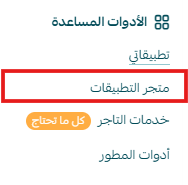
2. Search for the app using the search field.

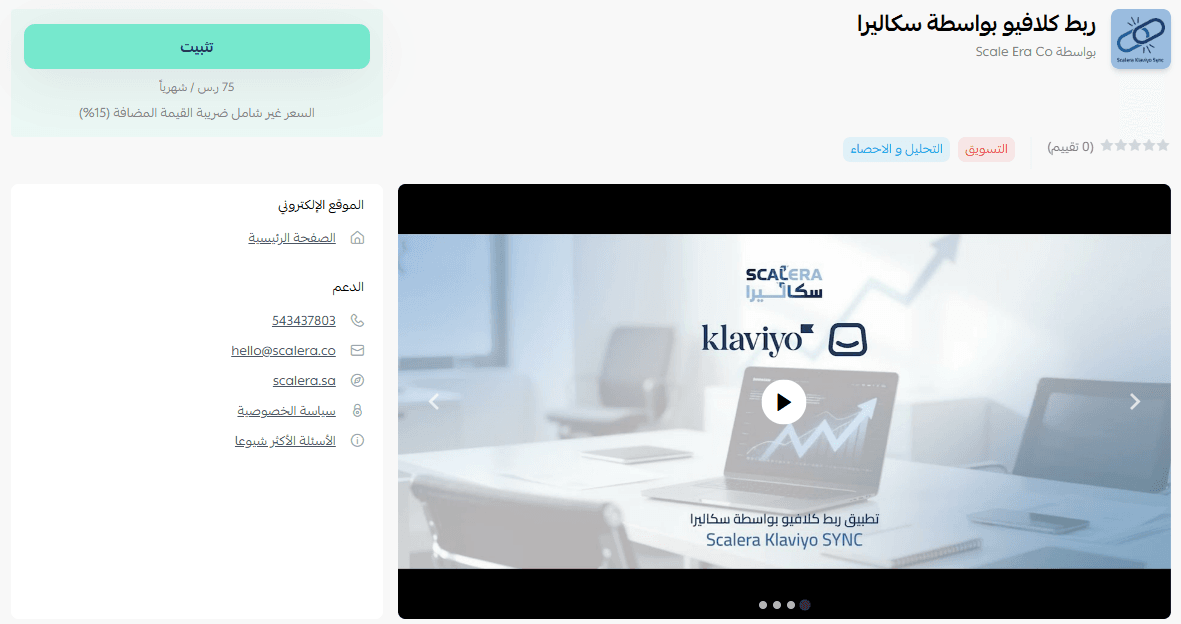
3. From the Scalera app page, click (Install).
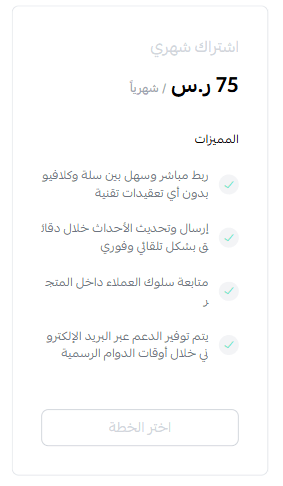
4. Choose the appropriate plan, then click (Proceed to payment).
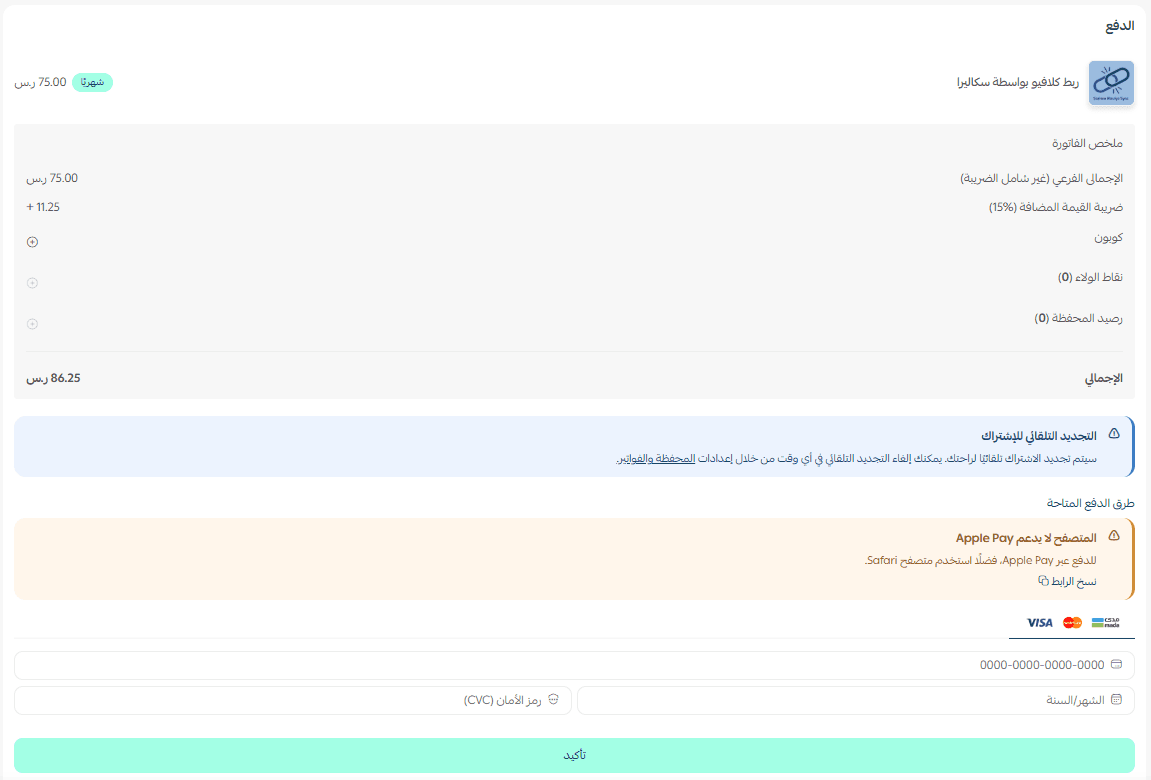
5. Complete the payment details, then click (Confirm) to install the app.
6. The app will appear in the (My Apps) section.
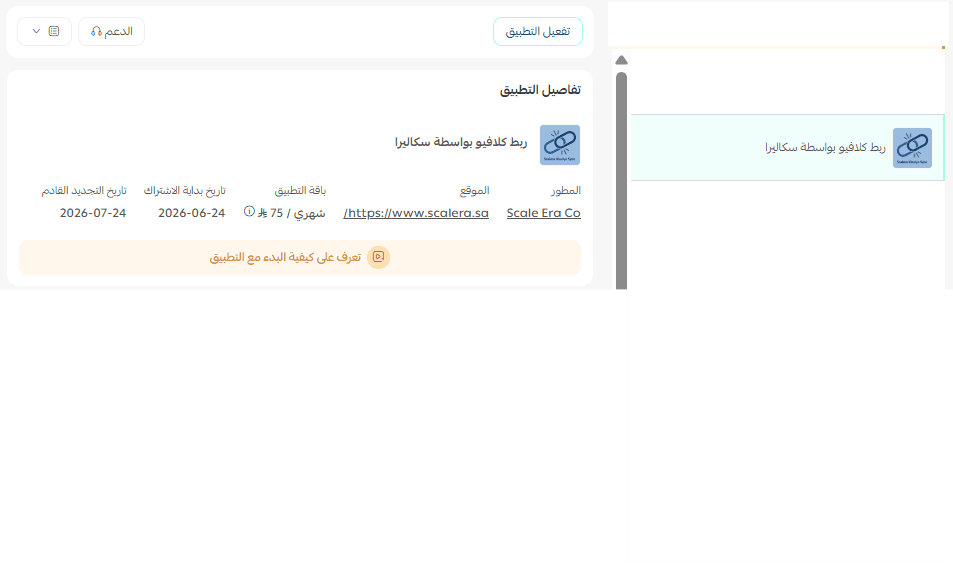
After completing the installation in your store, you will receive an email with login details. Click (Login).
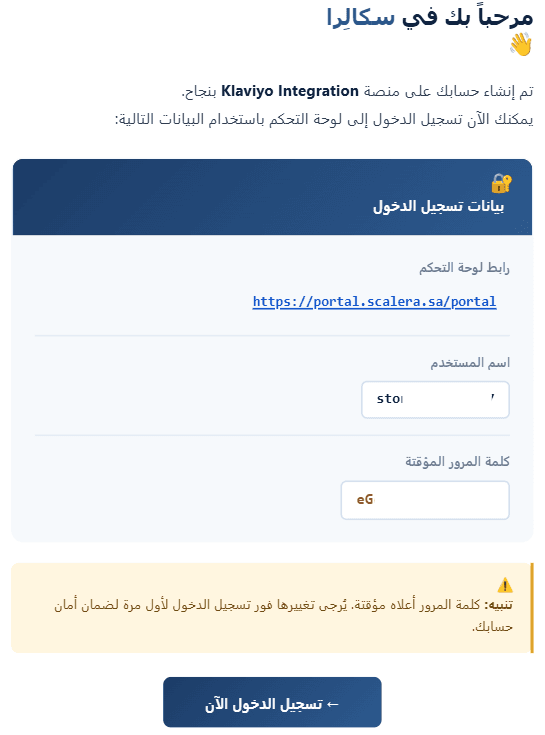
🚀 App management
- Log in to Scalera platform
1. Log in to the Scalera platform using the login details sent to your email.
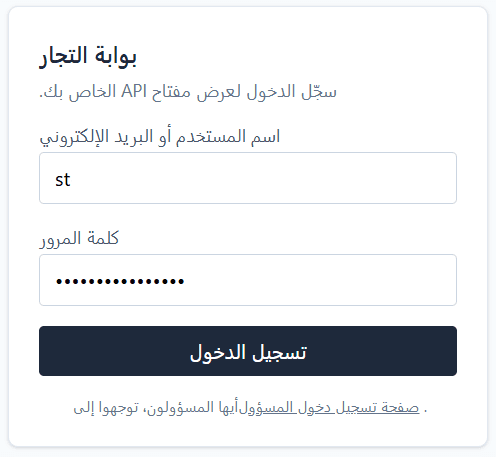
2. You will be directed to the Scalera platform homepage, click (Copy)
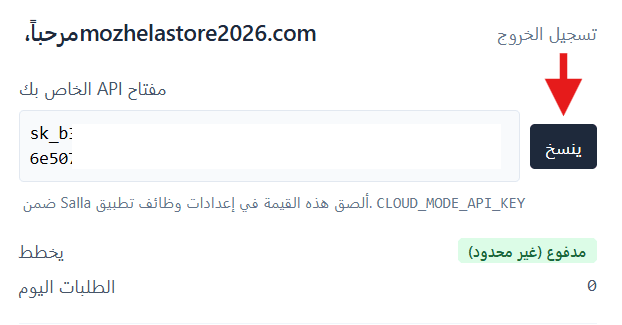
- Activate the app
To activate the app, from the app connection settings section, click (Activate the app) then paste the API key from the previous step and click (Save).
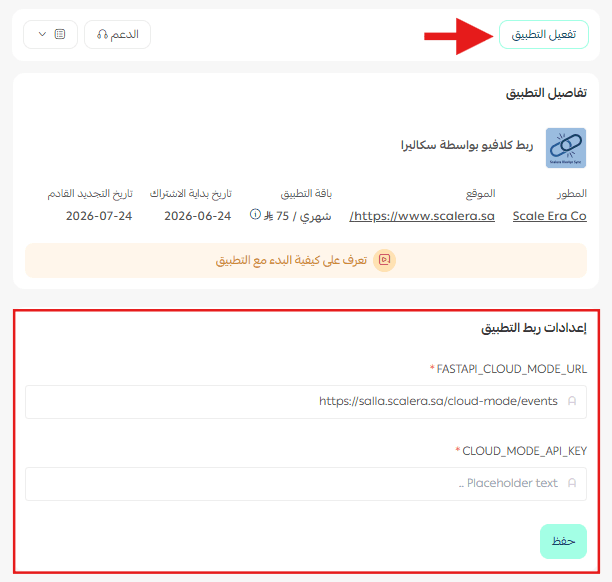
The app has been successfully activated!
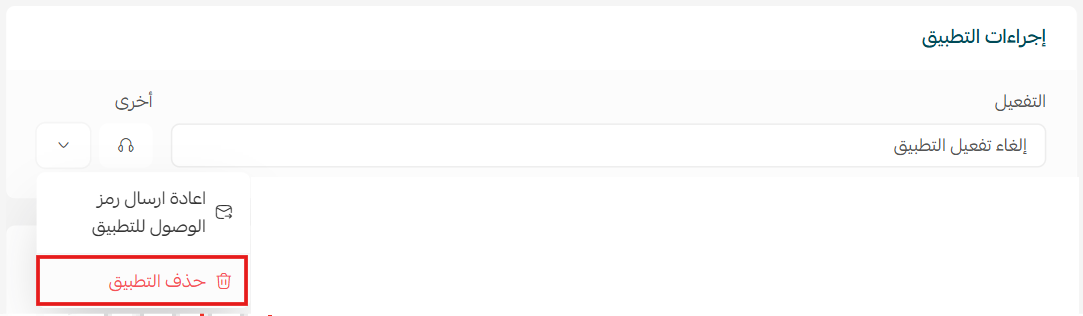
Delete the app, click (Delete the app).
From the (App Actions) section, click (Other).
For more details about Klaviyo app by Scalera