Do you want to ensure how your store's app looks before launching it to your customers? And do you want to test all the modifications you make directly?
With the app preview feature on the template customization page, you can see how your app looks realistically and test the modifications easily before approving them, giving you full control over the launch experience and display quality.
In this article, we will learn how to use the preview feature and its key advantages that help you build a professional app for your store with confidence.
📌 Main topics of the article:
- Steps to preview the app from the template customization page
- Frequently asked questions
Steps to preview the app from the template customization page
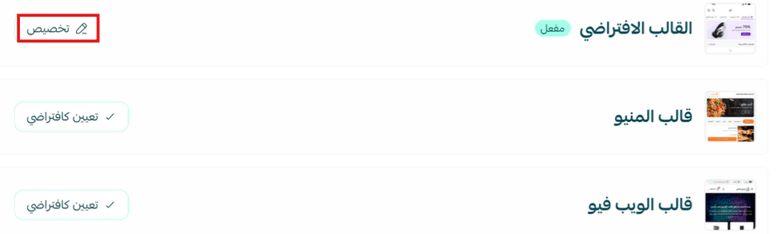
From the template customization page, you can preview the changes to the template after saving.
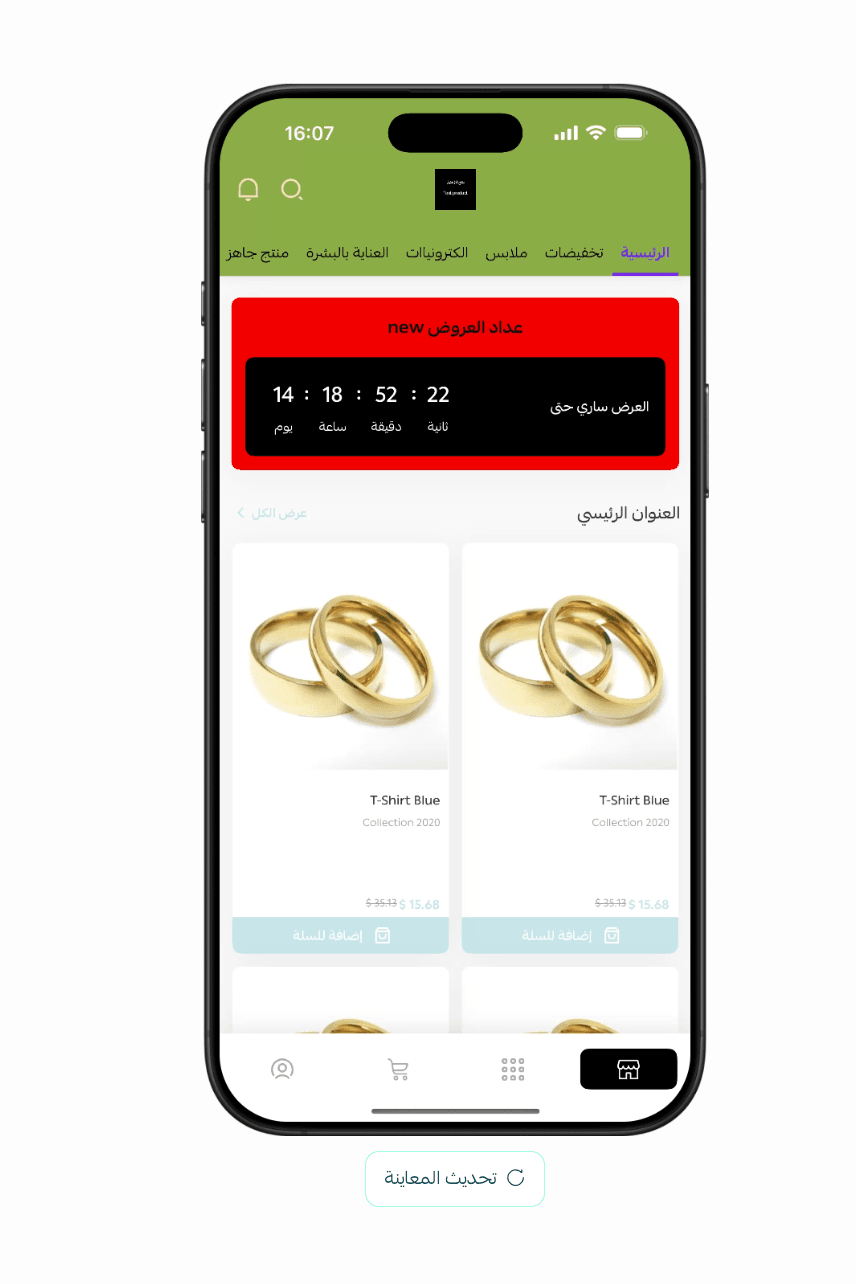
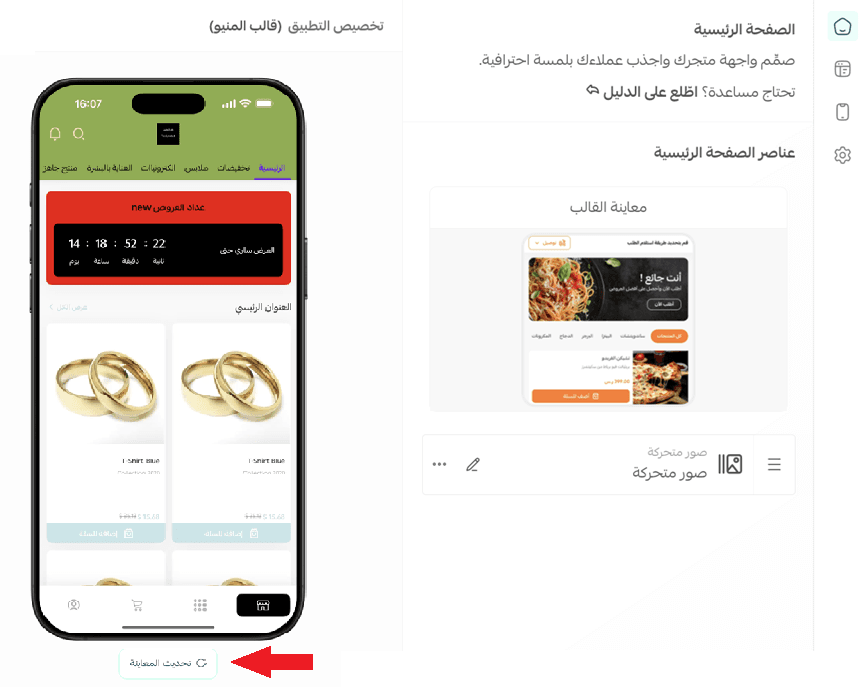
⚠️Click (Update Preview) after each modification to display the latest changes.
Frequently asked questions
❓What are the features of the app preview from the template customization page?
- Preview the app without needing to install an app emulator.
- Ability to test the store app before subscribing to the app builder service.
- Ability to fully prepare the app and launch it at any time.
- Easily and realistically preview the app from the template customization page.
❓Can I preview changes without saving the settings?
No, changes are previewed after clicking the (Save Changes) button.

👍 Take advantage of the preview feature to accurately test your modifications, ensure your app is ready before publishing it to your customers, and start your journey towards launching a professional app that reflects your store's quality and enhances your success in e-commerce.