Boto
Order updates that arrive by WhatsApp get read; the same message by email often does not. Boto connects your store to a WhatsApp account to send customers automatic messages such as abandoned cart alerts and order updates. It improves the customer experience and raises the chance of a purchase being completed, without needing a permanent internet connection. In this guide, you'll learn how to install and activate the Boto app, sign in to the platform, and remove the app.
To install Boto on Salla, click All in the main menu, then open the App Store from the helper tools section. Search for the app, open the Boto app page, click Install, choose your plan, review the permissions, click Go to payment, and complete the payment.
📌 Article overview
- How to install and activate the Boto app
- Signing in to the Boto platform
- Removing the app
- Frequently asked questions
🚀 How to install and activate the Boto app on Salla
1. From the main menu, click (All), then from the helper tools section click (App Store).

2. Search for the app using the search field.

3. From the Boto app page, click (Install).
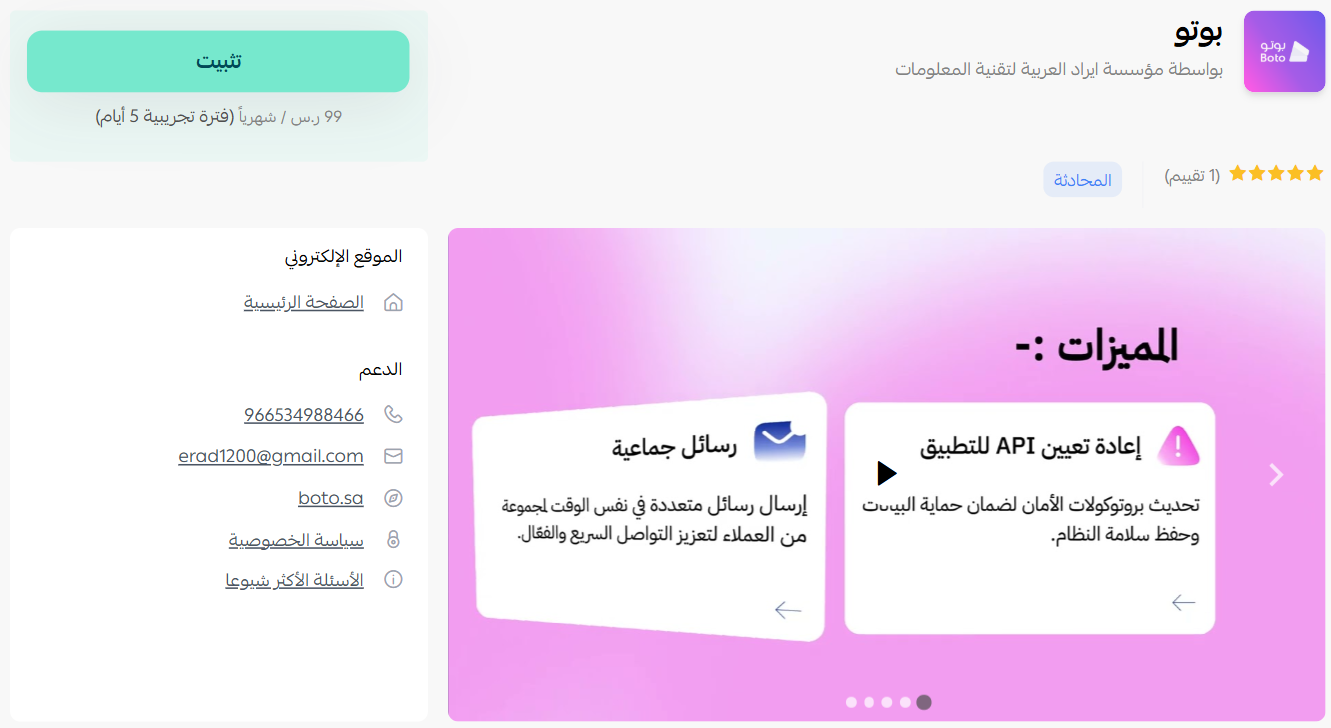
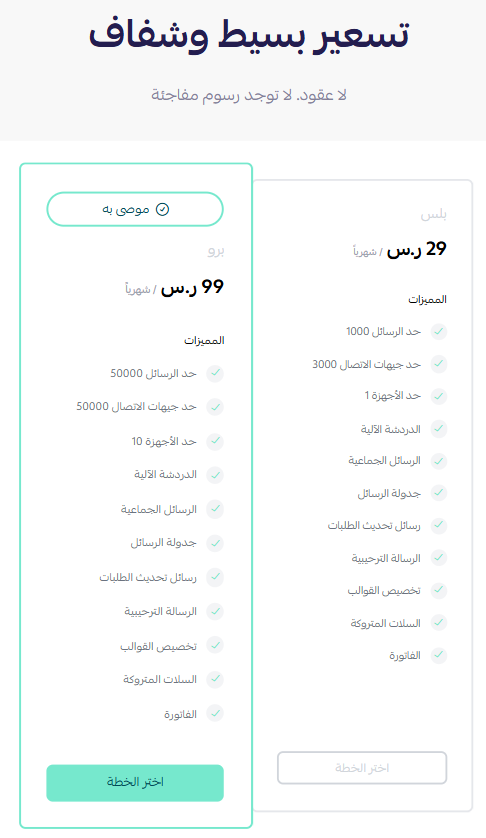
4. Choose the plan that fits your business to continue with the installation.
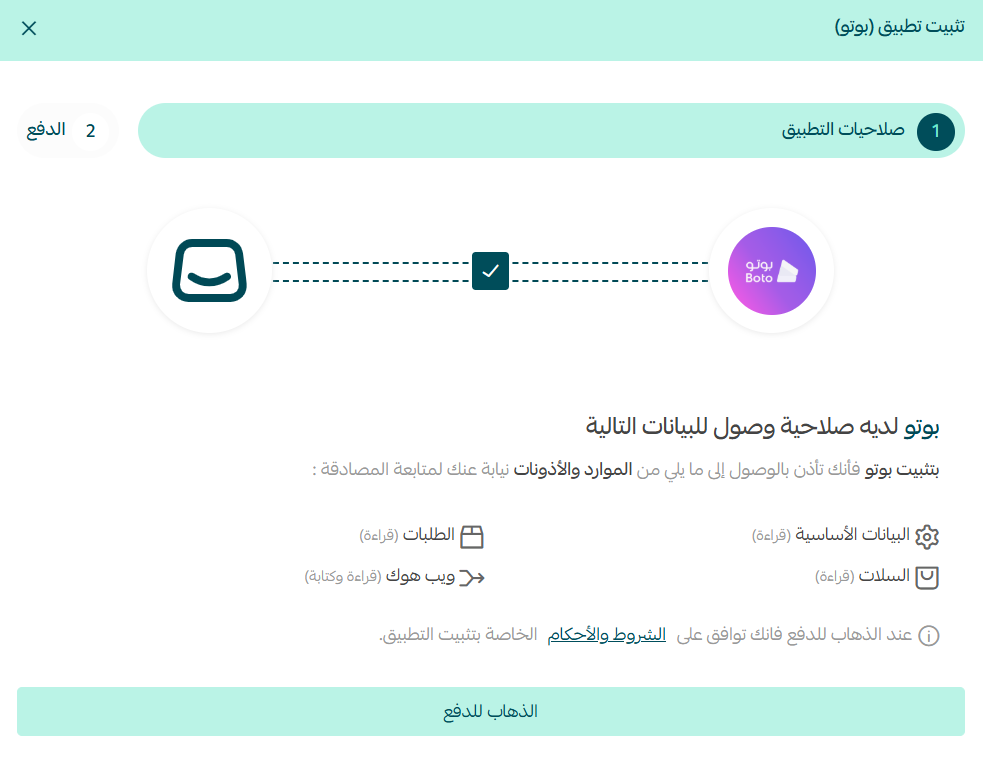
5. Review the requested permissions, then click (Go to payment).
6. Complete the payment to activate the app's features.
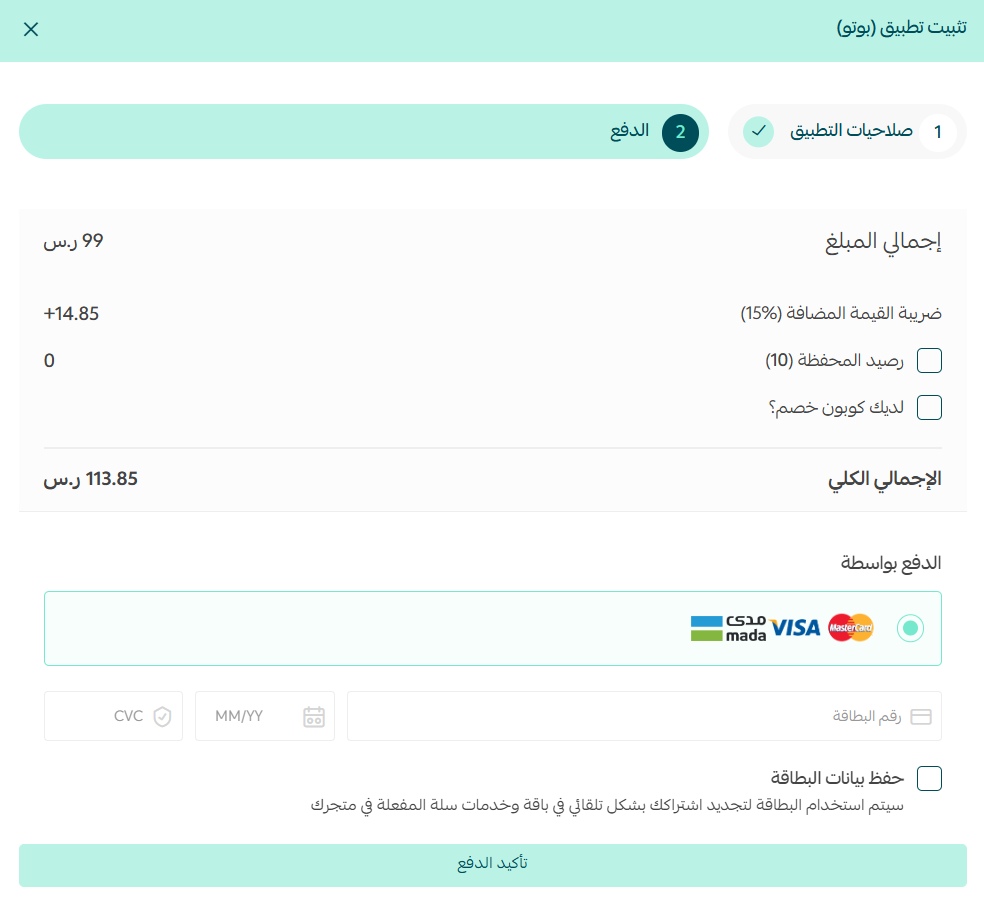
The Boto app is now installed on your store.
🚀 Signing in to the Boto platform
1. After installing the app, you'll receive an email. Click (Sign in).
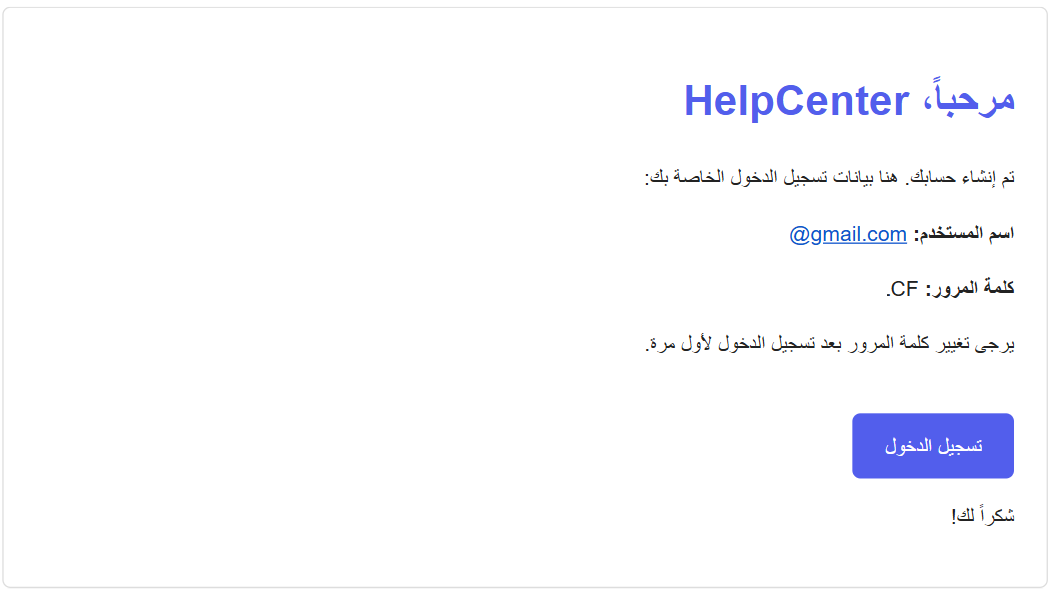
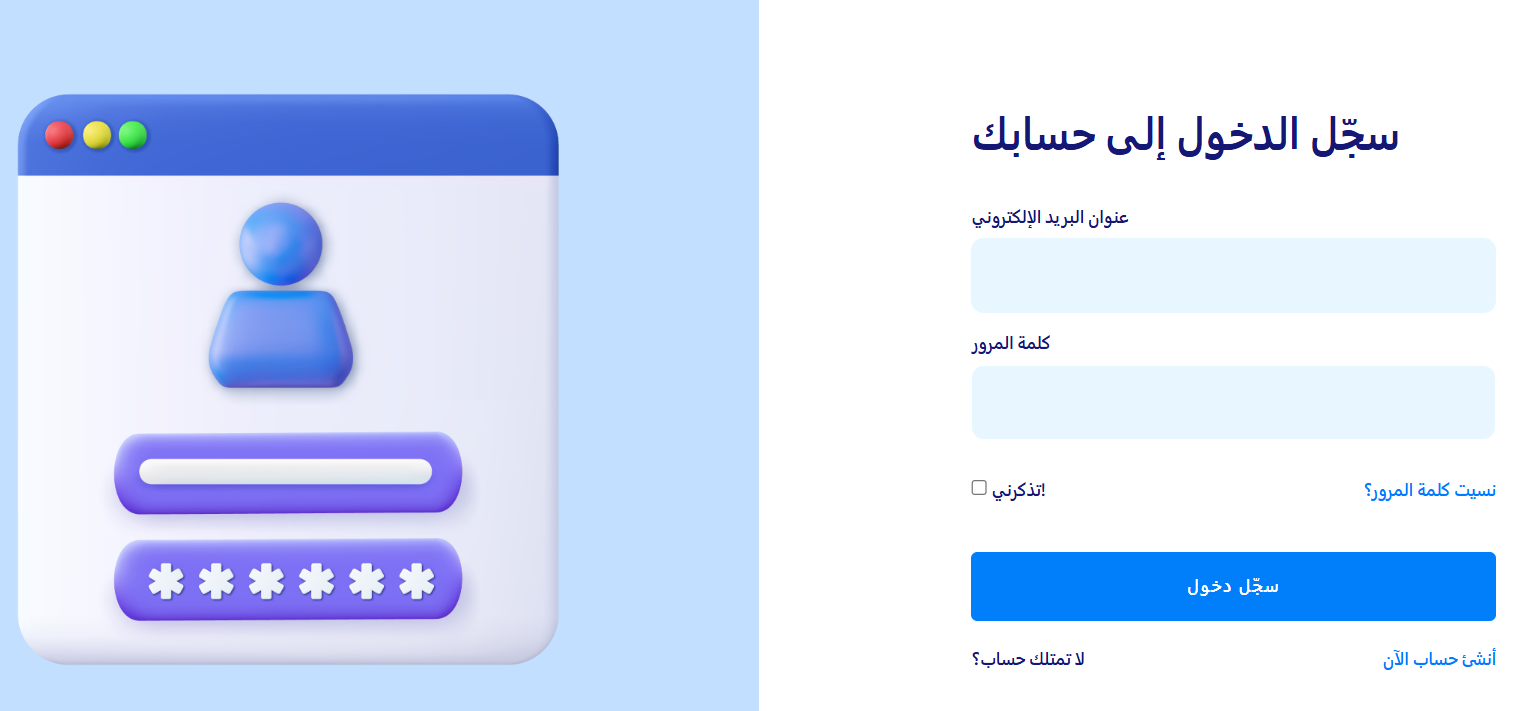
2. Sign in to the Boto platform using the details provided in the email.
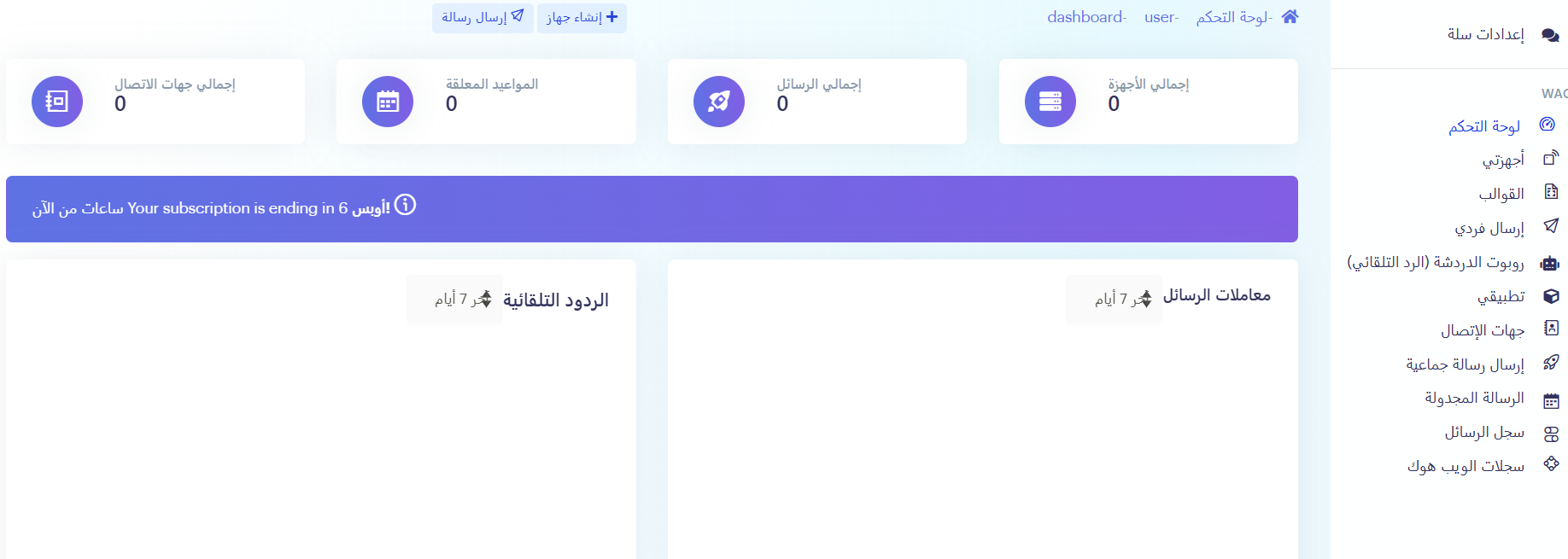
3. From the main dashboard you can control your store's messages, add devices, and create message templates to suit your business.
Removing the app
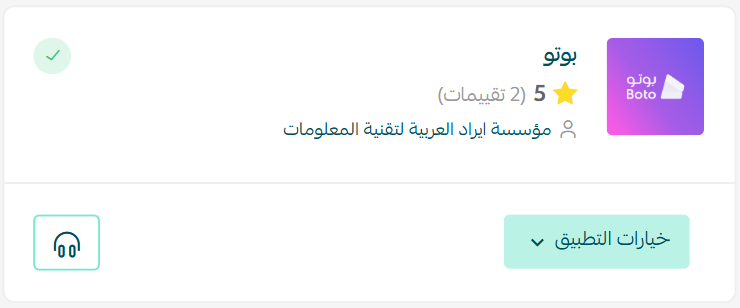
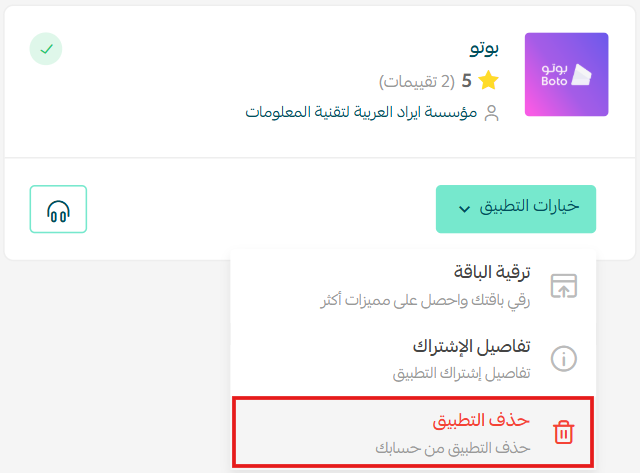
From the Boto app, click (App options), then click (Delete app).
Frequently asked questions
❓ What messages can Boto send?
Automatic messages such as abandoned cart alerts and order updates.
❓ Does my phone need a permanent internet connection?
No. Boto works without one.
❓ Where do I create message templates?
On the Boto platform. Sign in with the details emailed to you, then use the main dashboard to add devices and build templates.
For more detail, see the Boto app site.
Message templates are worth writing once and reusing rather than improvising per campaign. Consistent wording is what makes automated updates read as service rather than spam.