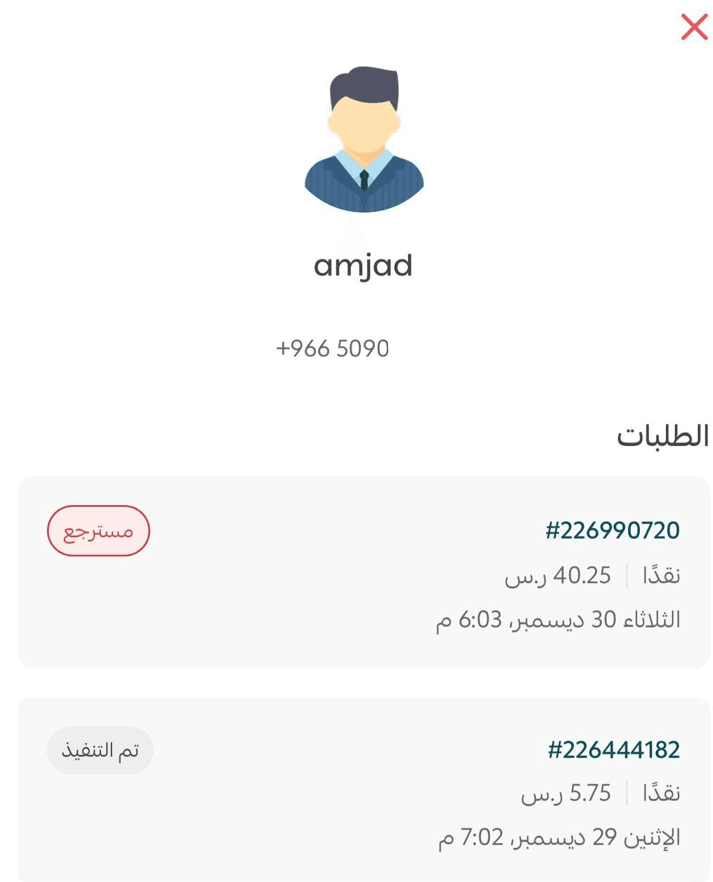
You can view your customers’ orders and details directly through Salla Point on your mobile device. With quick access to customer information and activity tracking, you can stay organized and manage your sales operations more efficiently.
📌 Article overview
- Searching for a customer and viewing their details
Searching for a customer and viewing their details
- From the bottom navigation bar, tap Customers to view the customer list.

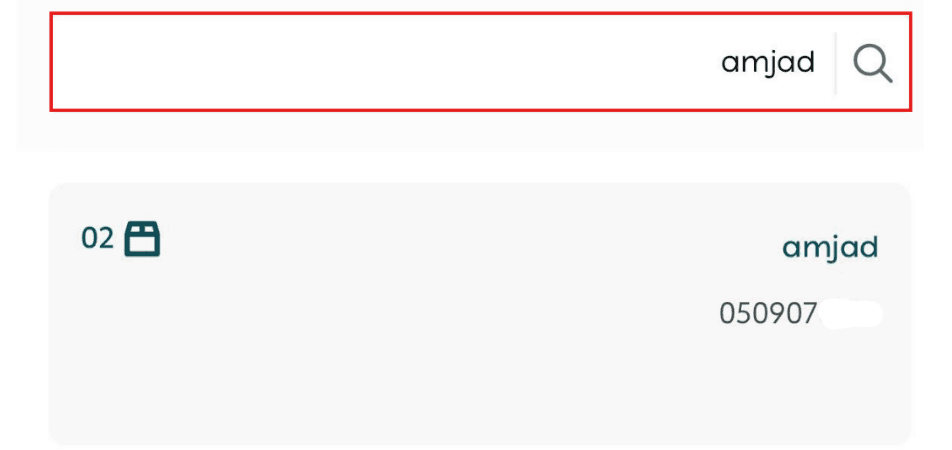
- Search for a customer by entering their name or phone number in the search bar.
- Tap on the customer’s name to open their profile, where you can review all their orders, order statuses, and contact details.