Floating Video is an app that allows you to display interactive videos directly on your website, with options to add calls to action. This helps increase engagement and convert visitors into customers, without requiring any technical skills.
📌 Article overview
- Steps to connect the Floating Video app
- Managing the Floating Video app
Steps to connect the Floating Video app
- From the main menu, click All, then under Tools, select App Store.

- Search for the app using the search bar.

- From the Floating Video app page, click install.

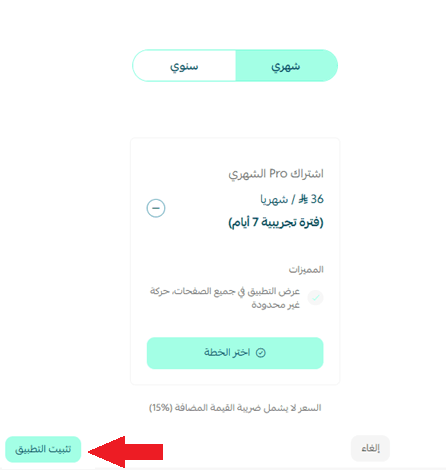
- Choose the plan that suits you, then click install app.
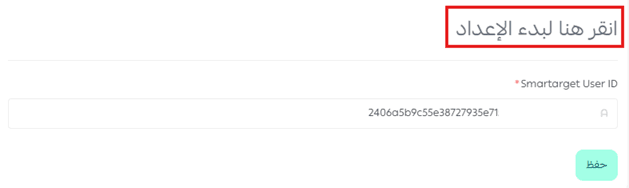
- Click “Click here” to start setup to continue the connection.

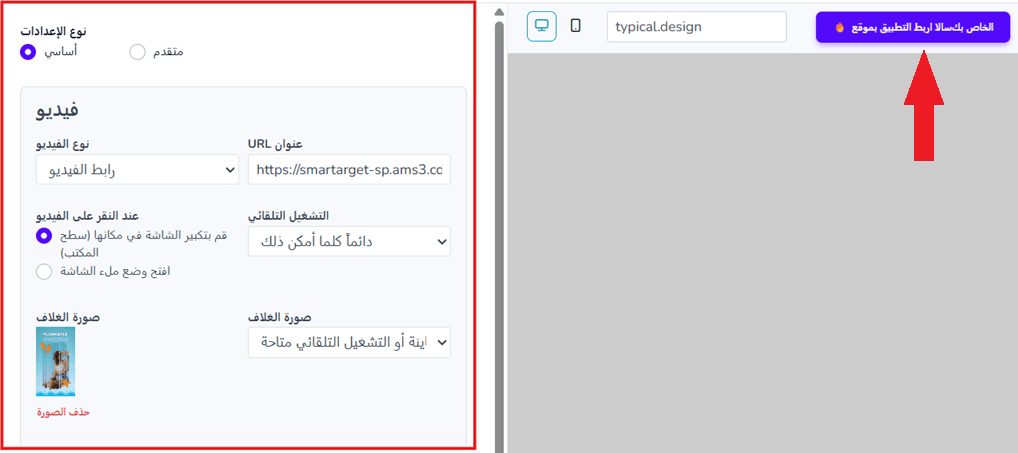
- Customize your marketing video details, then click Connect app to your Salla site to generate the identification code.

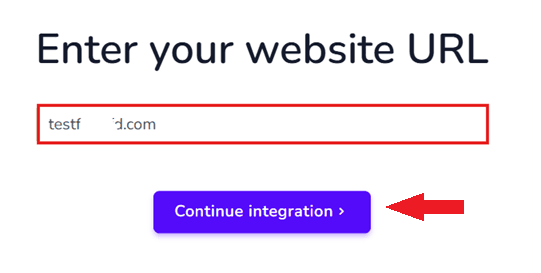
- Enter your store URL, then click Continue integration to complete the connection.
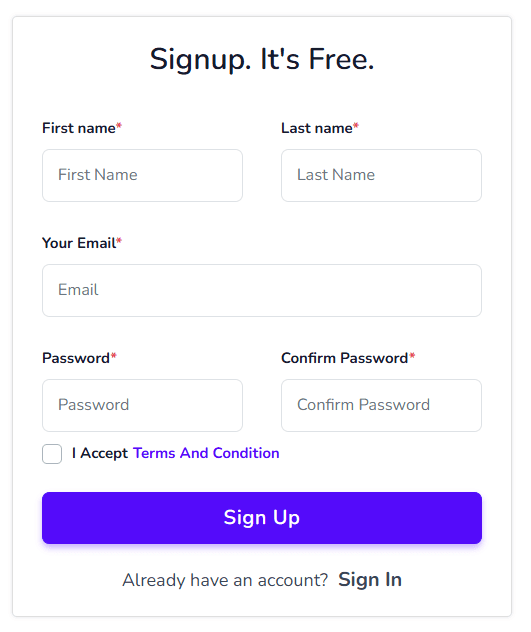
- Enter your details to create a new account.
- Copy the identification code to use in the next step.
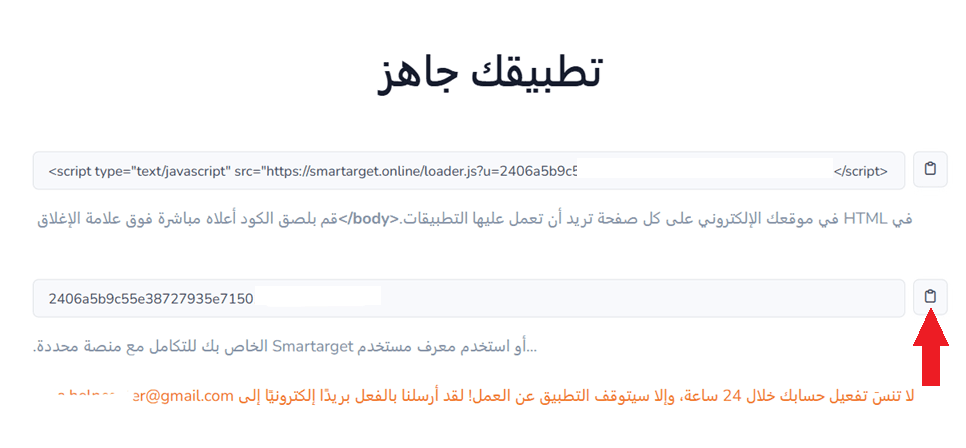
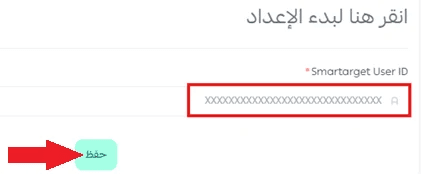
- Paste the identification code in the app details page, then click save.
Managing the Floating Video app
Upgrade plan
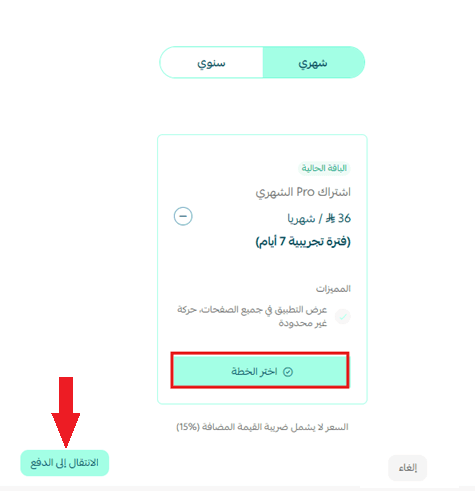
- From the app details page in your store, click upgrade plan.

- Choose the plan that suits you, then click proceed to payment.
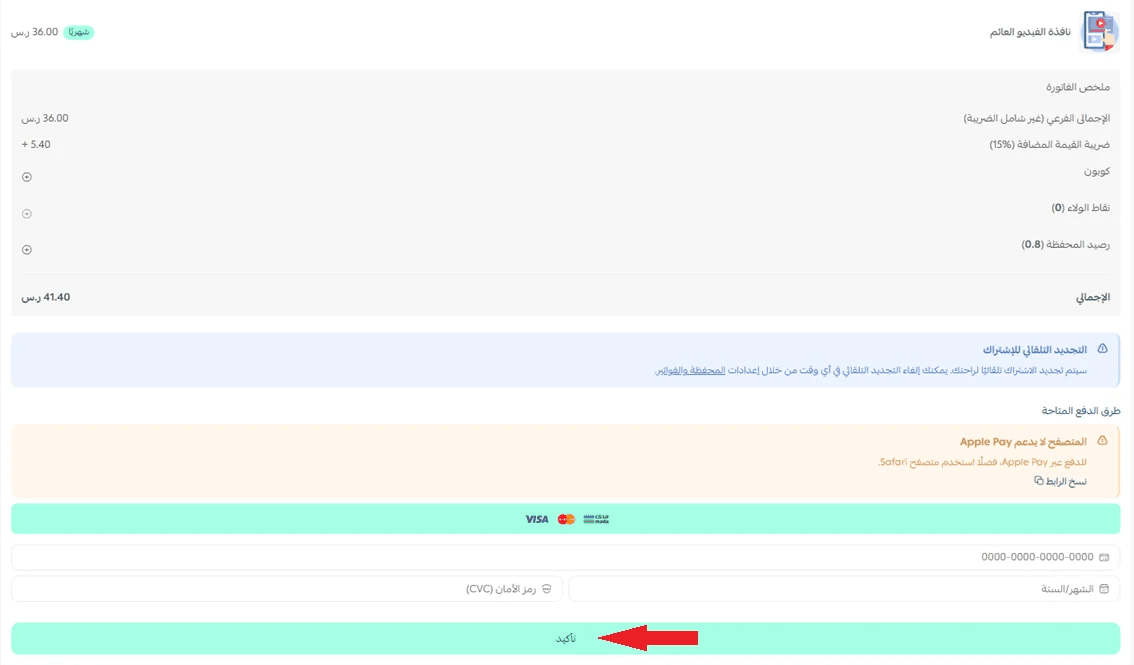
- Complete the payment details, then click confirm to upgrade your plan.
Customize the app
- From the app customization page in your store, click Start setup.
- Update the video customization settings, then click Connect app to your Salla site to add your store link and apply the changes.
Delete the app
- From the app options menu, click unsubscribe, then select a reason.
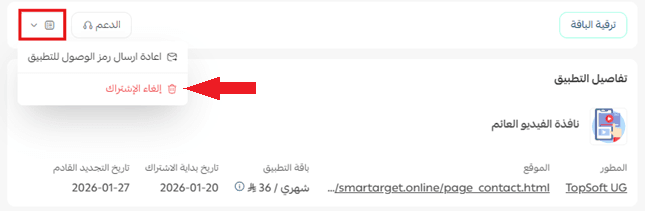
- From the app options menu, click delete app, then select a reason.

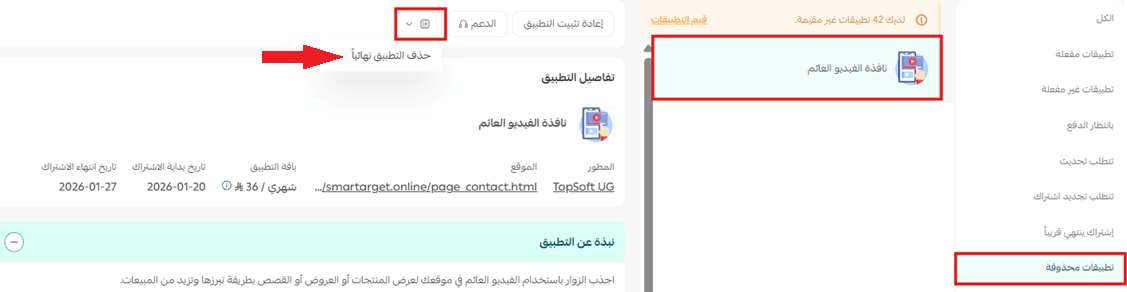
- From the deleted apps page, go to the app options and click delete app permanently to remove it completely from your store.