Do your customers face challenges when requesting your services through landing pages? Many merchants offer services that require specific details before execution, but traditional purchase flows don’t allow for collecting these details at the right time. This often leads to unclear orders and delays in fulfillment.
Relying on a purchase experience designed only for physical products makes selling services through landing pages a real challenge.
Customers may proceed to checkout without specifying service requirements, forcing you to follow up later to gather details, creating friction and negatively impacting both customer experience and conversion rates.
To solve this, support for on-demand services within landing pages was introduced, offering a purchase experience specifically designed for services.
📌 Article overview
- How on-demand services are supported on landing pages
- The purchase experience for on-demand services
- Practical use cases
- FAQs
How on-demand services are supported on landing pages
With this feature, you can enable your customers to:
- Request and purchase services directly from the landing page
- Enter all required service details before creating the order
- Complete a clear purchase flow without leaving the page
- Reduce incomplete or unclear orders
- Increase conversion rates and improve order accuracy
All of this comes with full support for quick purchase patterns and a consistent experience across mobile and desktop.
On-demand service purchase experience on landing pages
The purchase flow is designed to support all service display scenarios within landing pages, with consistent behavior that ensures clarity before completing the order.
Supported purchase patterns:
- Fixed quick purchase element (top-left of the page)
This element remains visible during browsing on desktop and displays service options directly if there are 3 options or fewer.
⚠️ If there are more options, a “Select product options” button appears.
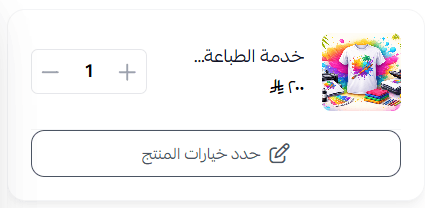
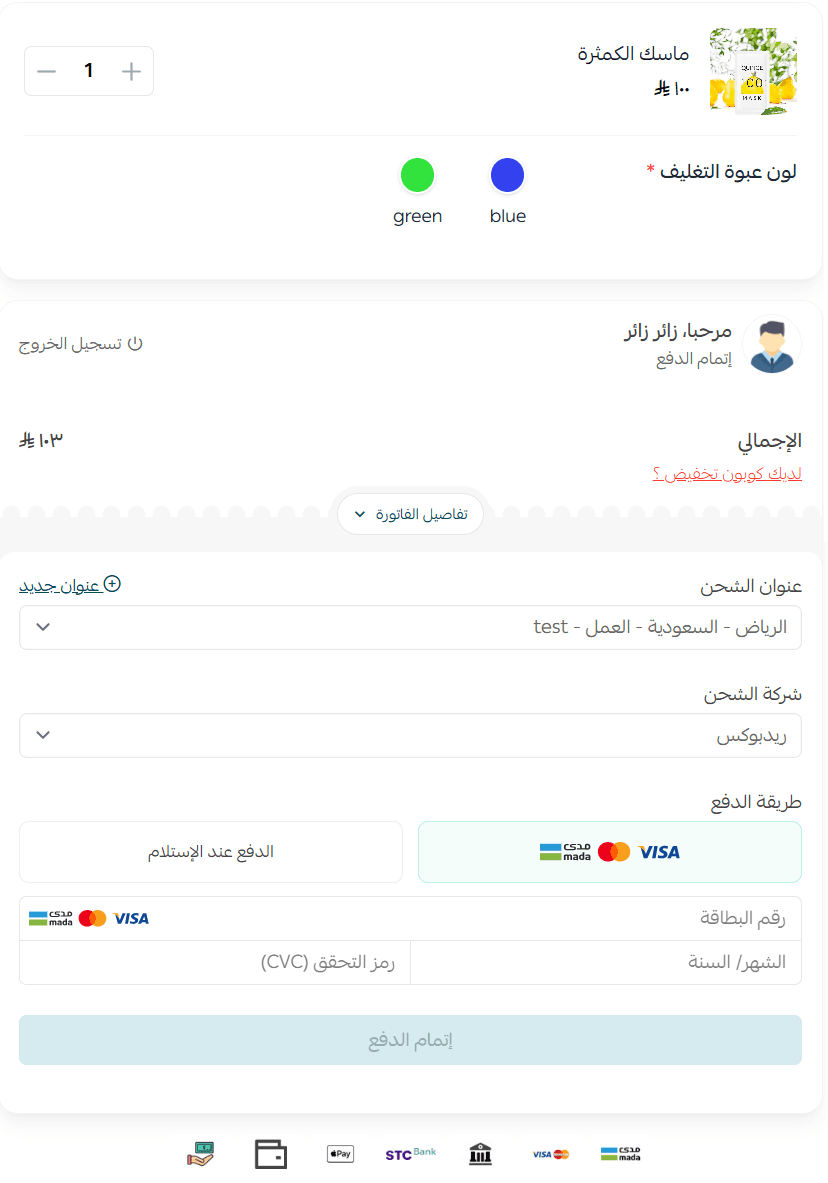
A side panel will open, displaying all service options, and the user cannot proceed without completing all required fields.
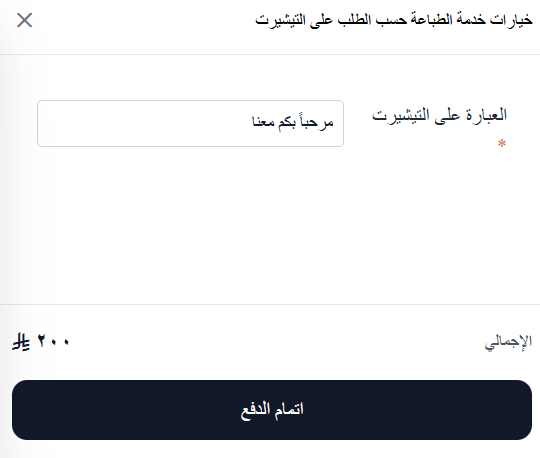
After entering the service details, the user proceeds to checkout.
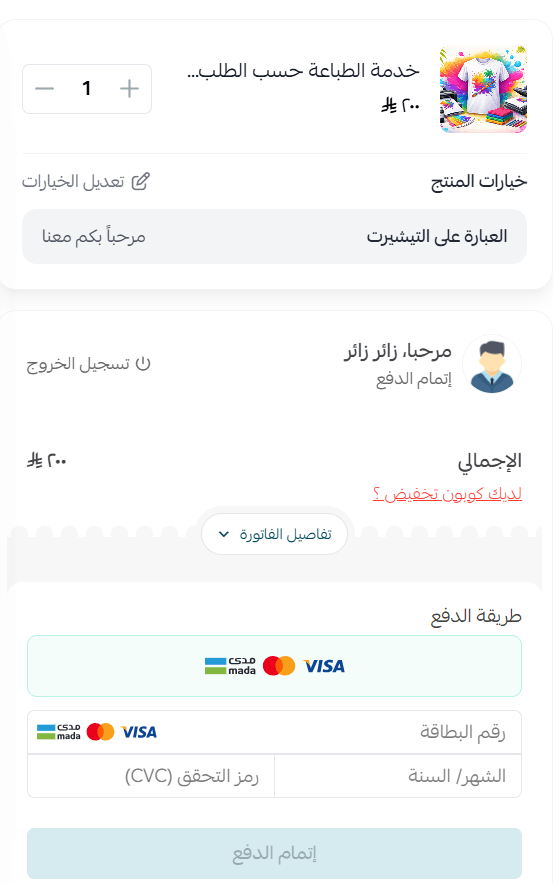
2. Standalone quick purchase element inside the page
This element appears within the landing page content (not fixed) and displays options either directly or through a side panel, depending on the number of options.
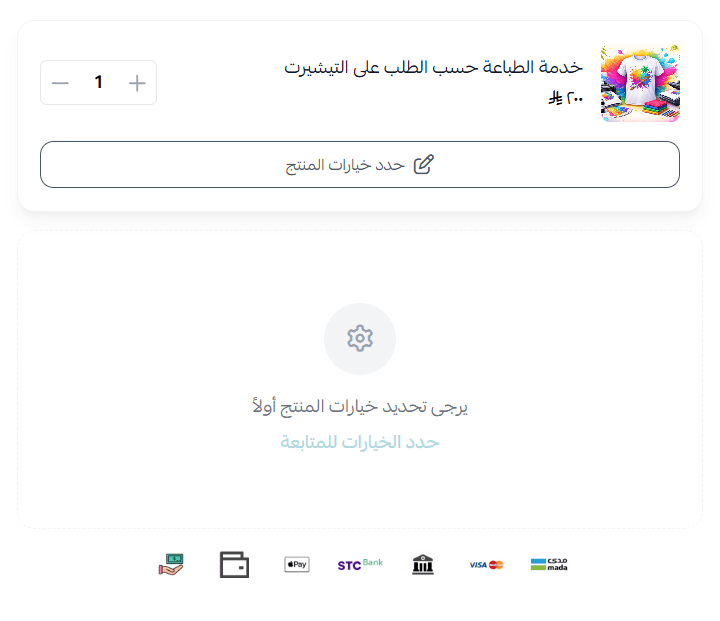
After selecting the service options, the user proceeds to checkout.
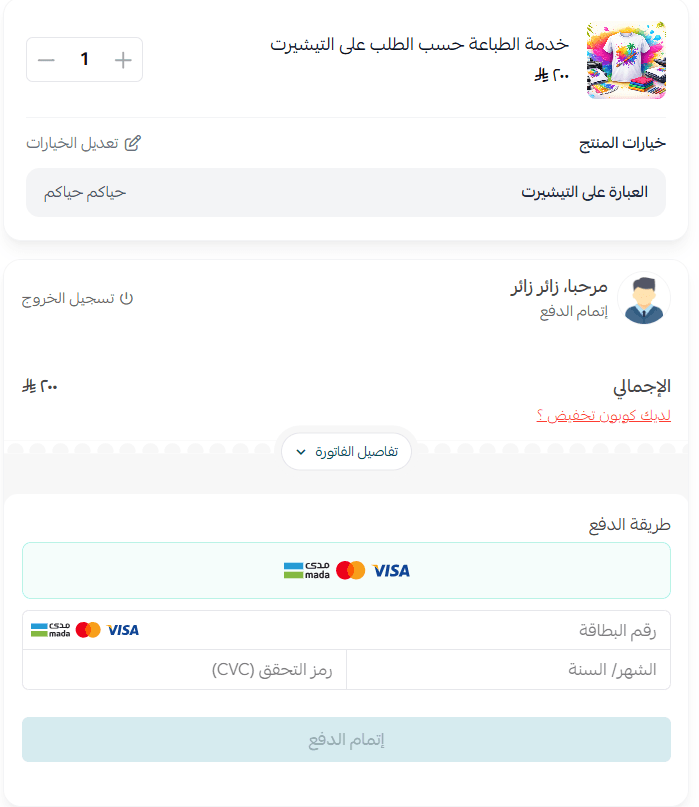
3. Purchase via side panel
Activated through the “Buy now” button, while the landing page remains visible in the background.
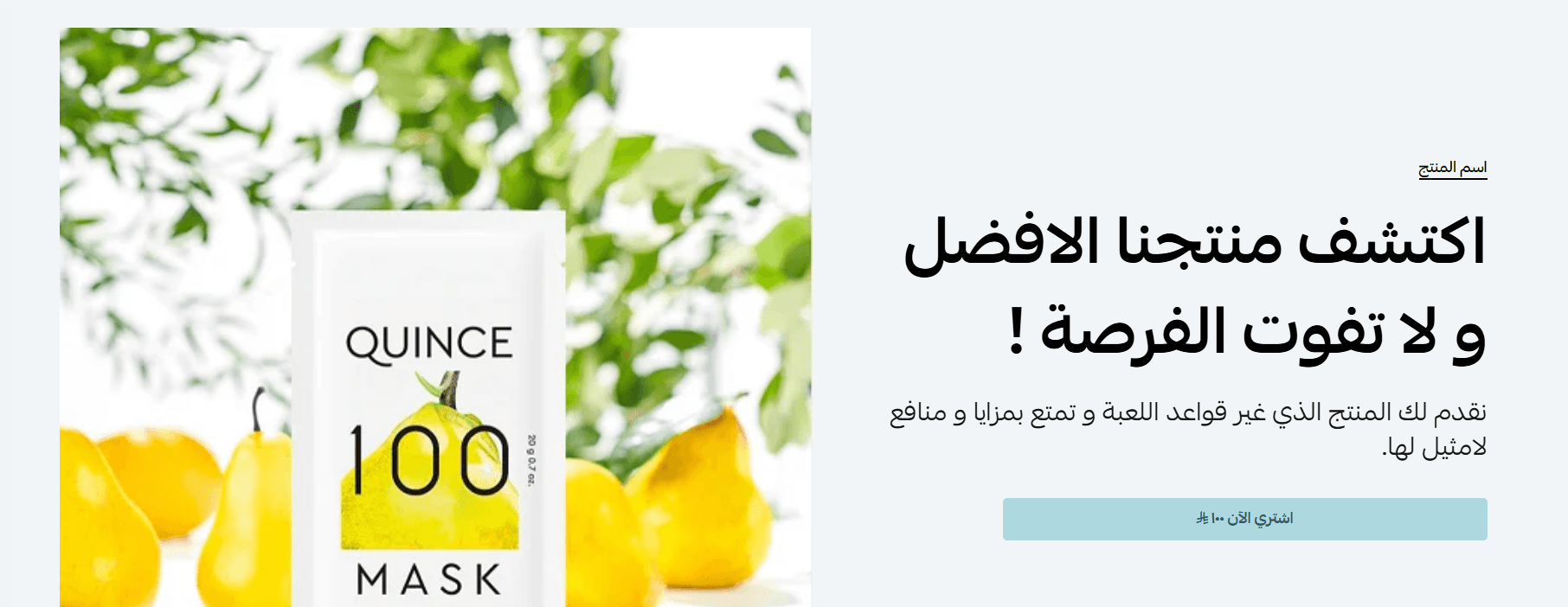
This method supports displaying options directly or opening an additional panel when needed.
Practical use cases
- Simple service request with direct flow
Scenario: You offer a service that can be requested quickly, such as a quick consultation or short appointment booking.
Implementation:
- Display simplified service options directly in the purchase element
- Ensure all required fields are completed before checkout
- Add a motivating message like: “Book your service now to secure your slot”
Recommended patterns:
- Fixed element (Fixed Quick Purchase)
- Side panel (if the service has multiple options)
2. Complex or multi-option service
Scenario: Your service requires multiple inputs, such as website design or event planning.
Implementation:
- Enable validation messages for all required fields (e.g., date, duration, service level)
- This prevents errors and ensures correct order completion from the first attempt
Recommended patterns:
- Side panel
- Standalone element (if you want to highlight the service inside the page)
3. Promotional campaign or featured service
Scenario: You want to engage customers without immediate direct selling, such as promoting a new service or limited offer.
Implementation:
- Add engaging content and high-quality visuals to highlight the offer
- Use a main CTA button to direct users to the service page if needed
Recommended patterns:
- Standalone element inside the page
- Main link button for redirection
4. Mobile experience optimization
Scenario: Most of your customers complete purchases via mobile.
Implementation:
- Display all required fields clearly with fast payment options like Apple Pay (if enabled)
- Reduce steps to minimize drop-off
Recommended patterns:
- Always open checkout as a side panel on mobile
- Compatible with both fixed and standalone quick purchase elements
Frequently asked questions
Can customers complete an order without specifying service details?
No, the order cannot be created or completed unless all required service fields are filled.
The action button is automatically disabled until all details are correctly entered.
What happens if the service has many options?
If there are more than three options, they will not all be displayed directly inside the purchase element.
Instead, a “Select product options” button appears, opening a side panel with all service options.
Can this feature be used with quick purchase?
Yes, it supports all quick purchase patterns inside landing pages, with consistent behavior that ensures all service requirements are completed before checkout.
Does this feature impact conversion rates?
Yes. By collecting service details upfront and reducing the need for follow-up after the order, it improves clarity, increases conversion rates, and enhances execution quality.
💡 If you offer services that require details before execution, this feature is built for you.
Enable on-demand service support in your landing pages today, and start receiving clear, accurate, and ready-to-execute orders from the first interaction.