EMX is your logistics partner for a seamless delivery experience, locally and internationally. With real-time shipment tracking, flexible payment options, and direct integration with Salla, EMX helps you deliver orders faster, smarter, and with full visibility.
📌 Article overview
- How to install the EMX app
- How to connect and configure the EMX app
🔔 Important Note: This app is available exclusively for stores based in the United Arab Emirates.
How to install the EMX app
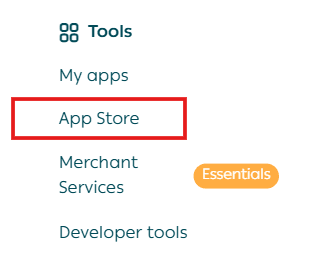
- From the main menu, click All, then under Support Tools, select App Store.
2. Search for EMX using the search bar.

3. From the EMX app page, click Install.
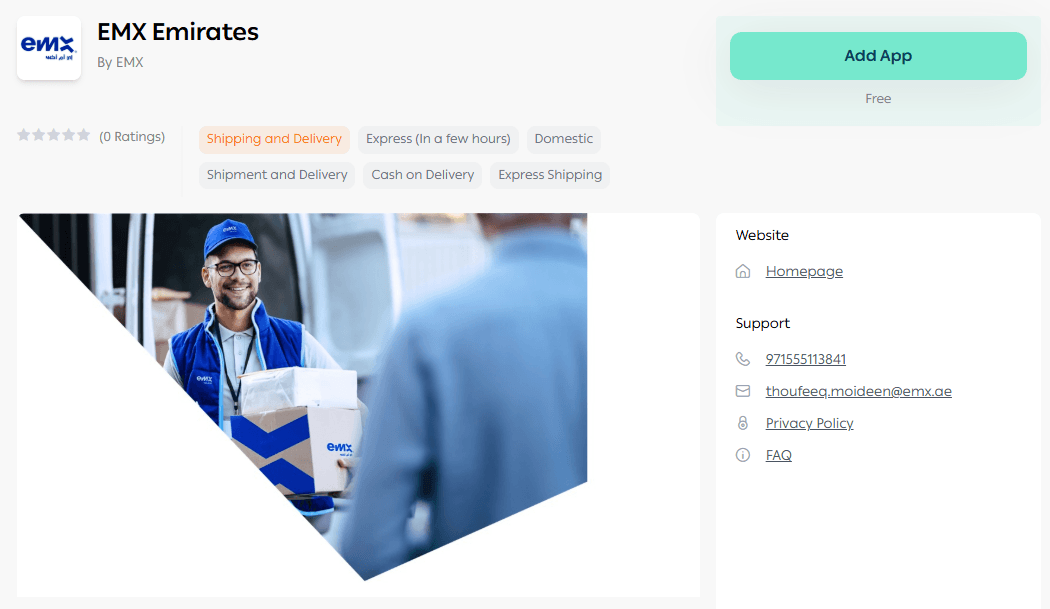
Note: To complete the installation successfully, your store’s registered location must be in the UAE.
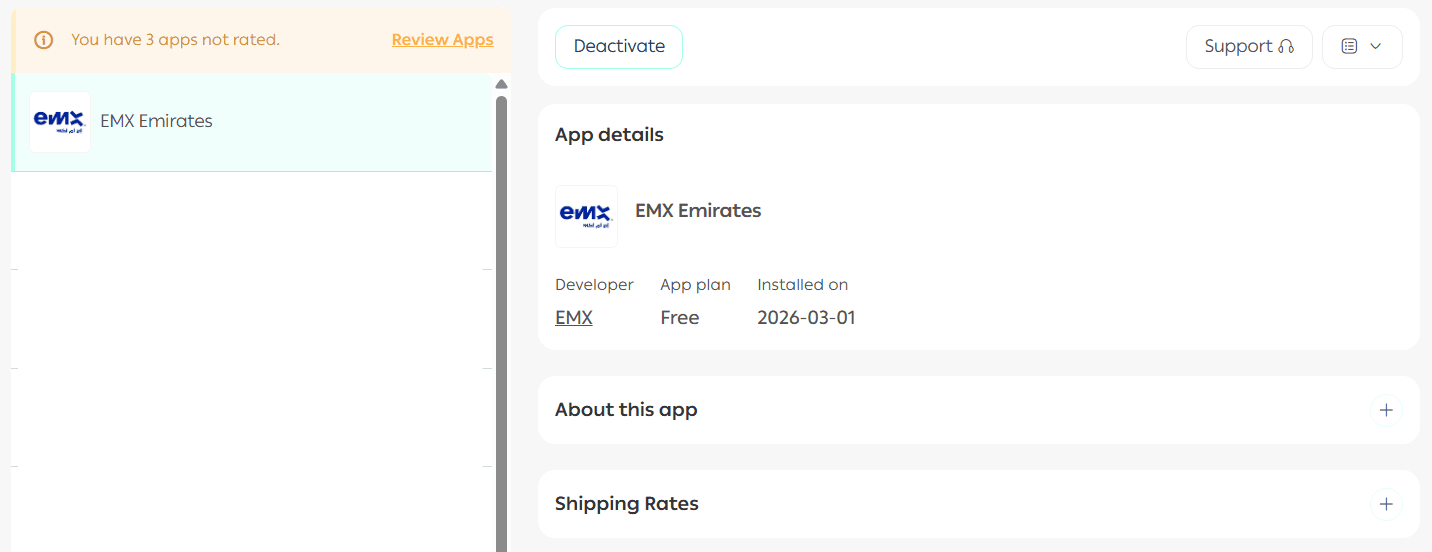
4. Once installed, the app will appear under Installed Apps.
How to connect and configure the EMX App
From the app page, you can start by setting up your shipping rates.
Add shipping rates
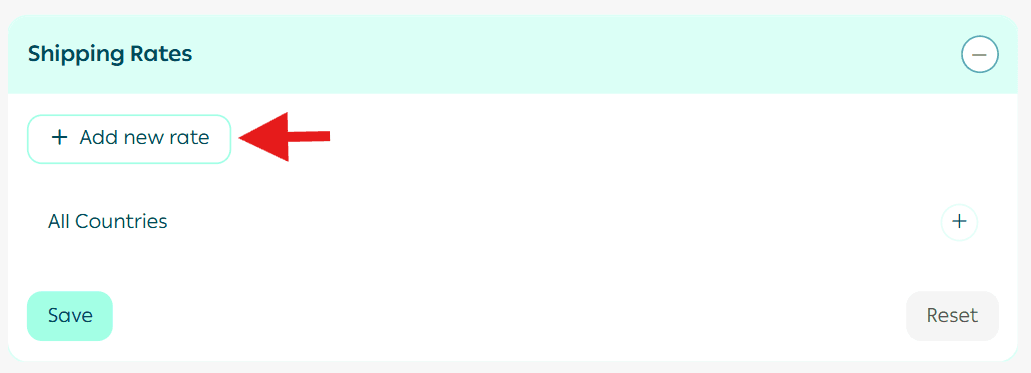
- In the Shipping Pricing section, click Add New Rate.
2. Enter the shipping rates for the required cities and regions.
3. Add the merchant shipping cost to accurately calculate and display your shipping profit margins.
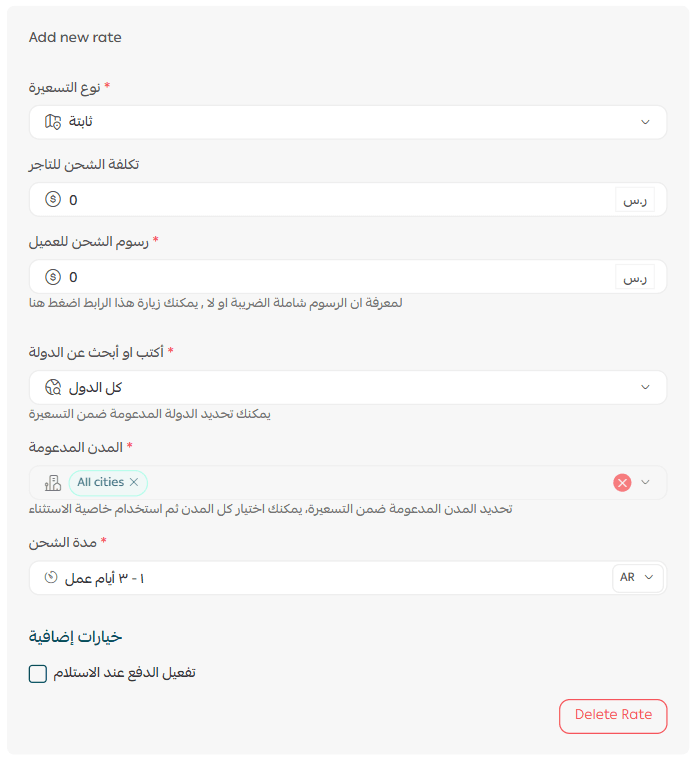
For more details on configuring shipping costs when using direct integrations, please refer to the dedicated setup guide.
Delete the app
To remove the EMX app:
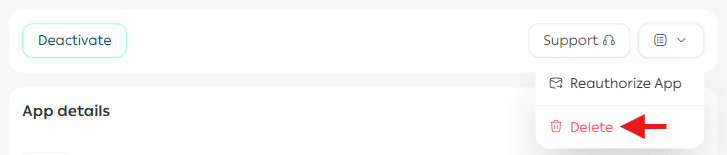
- Click Delete App.
- From the App Actions section, click More, then confirm deletion.
Additional information
For more details about:
- Available EMX services
- Pricing models
- Delivery coverage areas
Please refer to the EMX services and pricing documentation.