If you have a question, we have the answer. If you face difficulties, we have the solutions. To support you with a comprehensive answer, you need to choose the appropriate communication method to guide you and provide the best advice and solutions from the specialized team.
This tip will mention effective ways to communicate with the Salla team according to your needs.
- To submit a suggestion
- To learn how to connect and operate services or any other inquiry
- To file a complaint about shipping services and companies
- To know the latest updates on the Salla platform
- To answer inquiries through live chats with customer service
- Gain experience from Salla merchants
- Inquiry or challenge in installing or operating an app
- Inquiry about installing or customizing a theme
In addition to the ways customers can communicate with Salla
First. To submit a suggestion
If you have a suggestion for improvement or performance enhancement, you don't need to contact customer service. We welcome your suggestion via the Suggestions Platform.
1. From the control panel, click on the main menu at the top left of the page, then select (Suggestions).
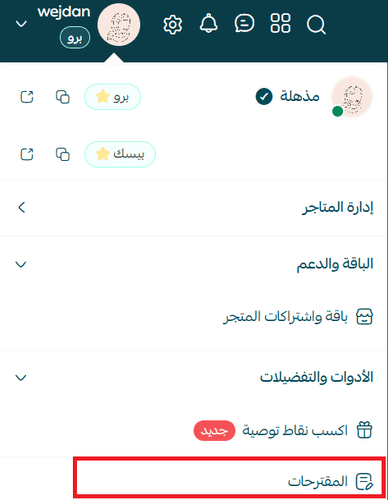
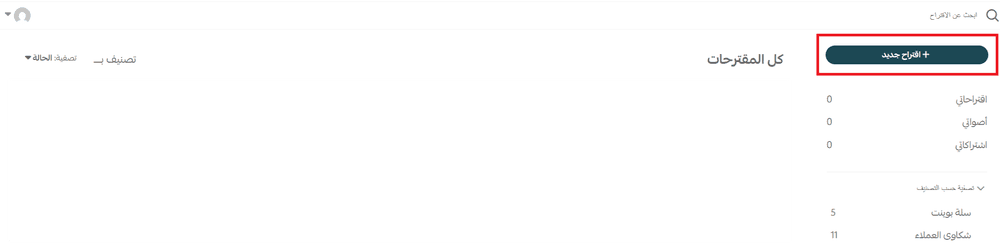
2. You will be directed to the Suggestions Platform, where you can submit your suggestion by clicking (+New Suggestion)
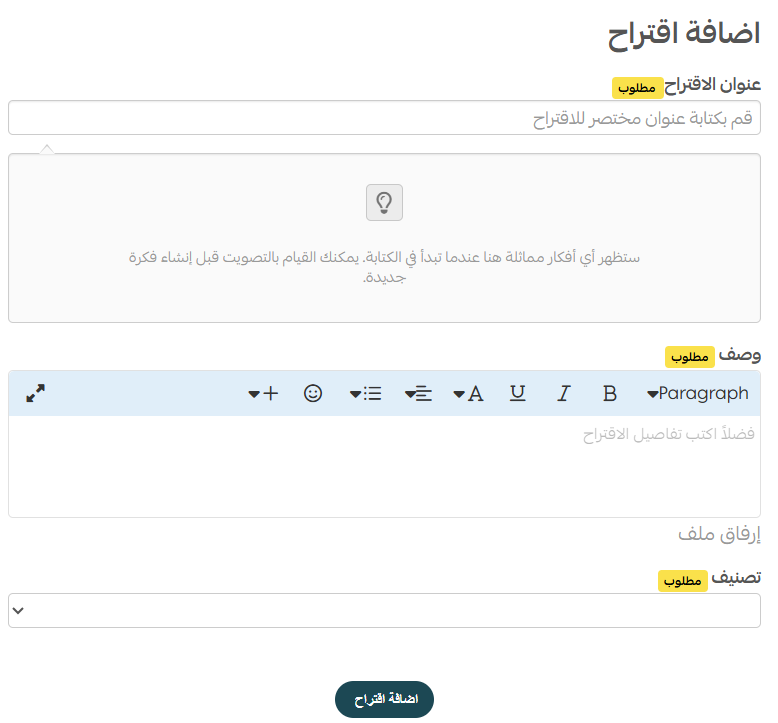
3. Write the suggestion title to check if it already exists, then provide the details of your suggestion in the description box, add the category, and click (Add Suggestion).
Second. To learn how to set up features and connect apps or any other inquiry
The Help Center provides simplified information and explanations on how to set up features and connect apps. You will most likely find answers to many of your inquiries without resorting to customer service.
1. From the control panel, click on the help icon, then select (Articles).
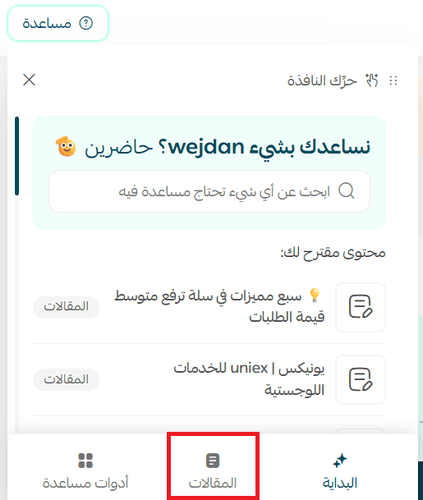
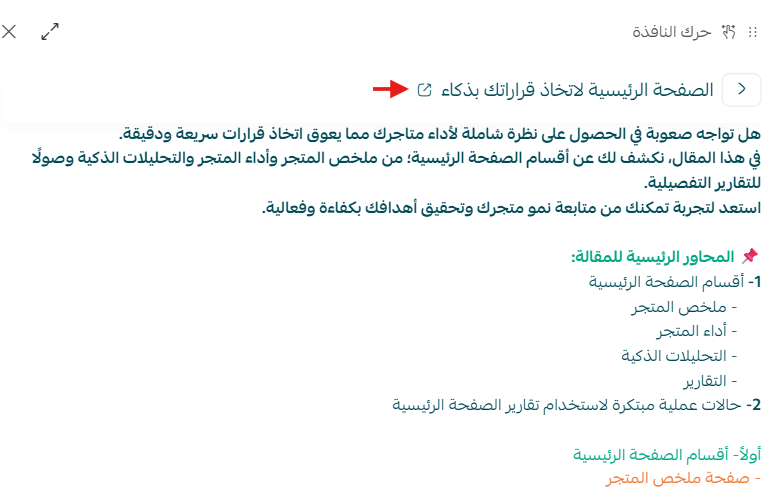
2. Choose the article from the list of articles, and the article details will be displayed. To go to the Help Center page, click ( )
)
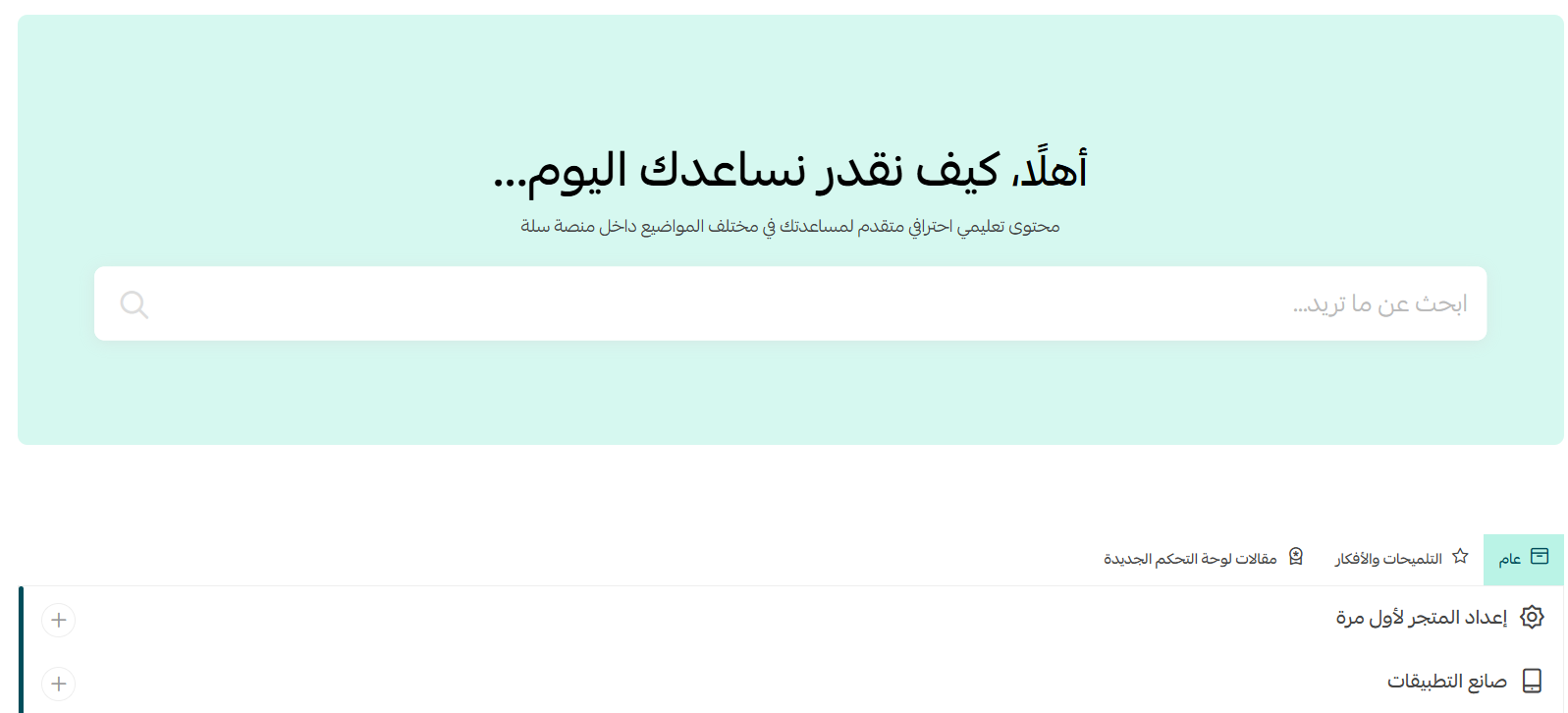
3. You will be directed to the Help Center page where you can search for your inquiry in the search box.
Third. To file a complaint about shipping services and companies
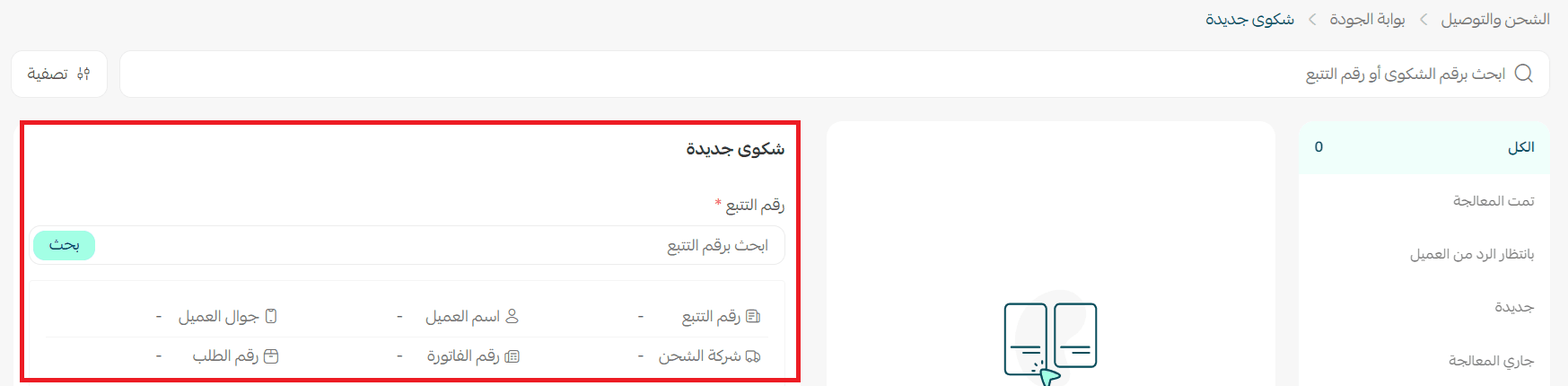
To address shipping challenges you face such as: damaged shipment, lost shipment, sending the representative, non-responsive shipping companies, go to (Quality Portal).
1. From the store settings page, click (Shipping and Delivery Options) then go to the (Quality Portal).

2. To file a complaint, enter the shipping policy number in the search box, and the policy details will appear directly. Then select the type of complaint, add complaint details, and click Send.
For more details about Quality Portal
Fourth. To know the latest updates on the Salla platform
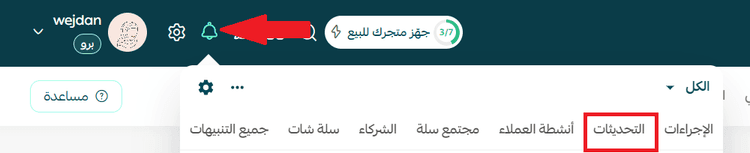
You will find what you are looking for in the Updates Center of Salla, with the ability to browse these updates by category.
From your store's control panel, select (Updates).
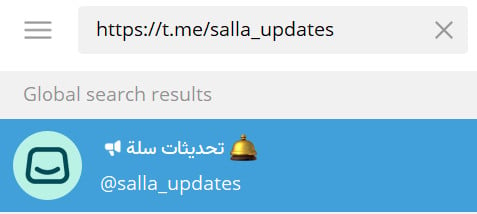
You can also learn more by joining the Salla Updates channel on Telegram
Fifth. To solve an issue with your account or Salla service
You can get help to solve an issue with your account or Salla service through several ways:
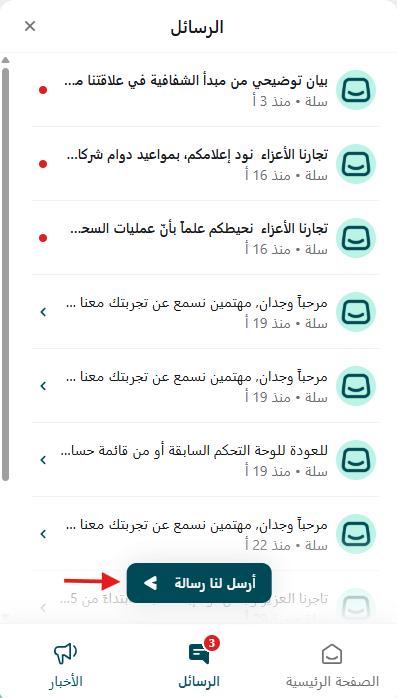
1- Live chats: You can use the live chat service (Intercom) via your store's main control panel.
From the control panel, click the chat icon, then select (Send us a message).
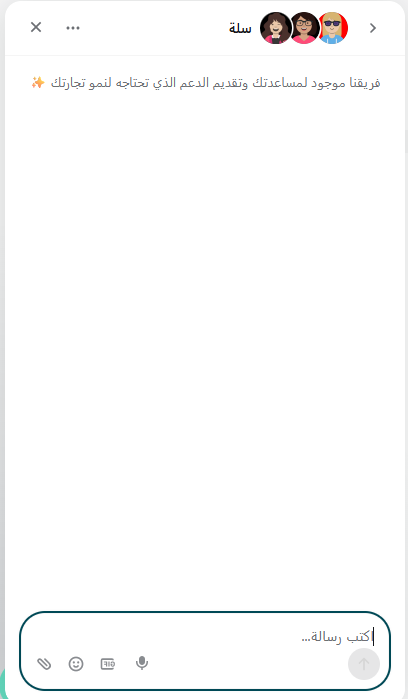
A live chat with technical support will open where you can specify your inquiry from the automatic options to direct you to the specialized department.
2- Twitter account: You can send your inquiry to the customer service account on Twitter.
3- Email: If you are unable to use live chats, you can send your inquiry details to: support@salla.sa
4- Contact through the unified number: You can contact our team via the unified number 920031659 during working hours, from 9:00 AM to 5:00 PM.
Important note:
1- You can also send your inquiry to the Salla Customer Service account on Twitter, which is also available for the Basic package.
2- If you are unable to contact customer service through live chats for any reason, you can send your inquiry details to customer service via email at support@salla.sa, and always make sure to send them the inquiry from your store's email so they can link your inquiry to your Salla account and speed up the response process.
Basic package merchants can also use email to send any inquiry since the live chat service is only available for paid package merchants.
Sixth. Gain experience from Salla merchants
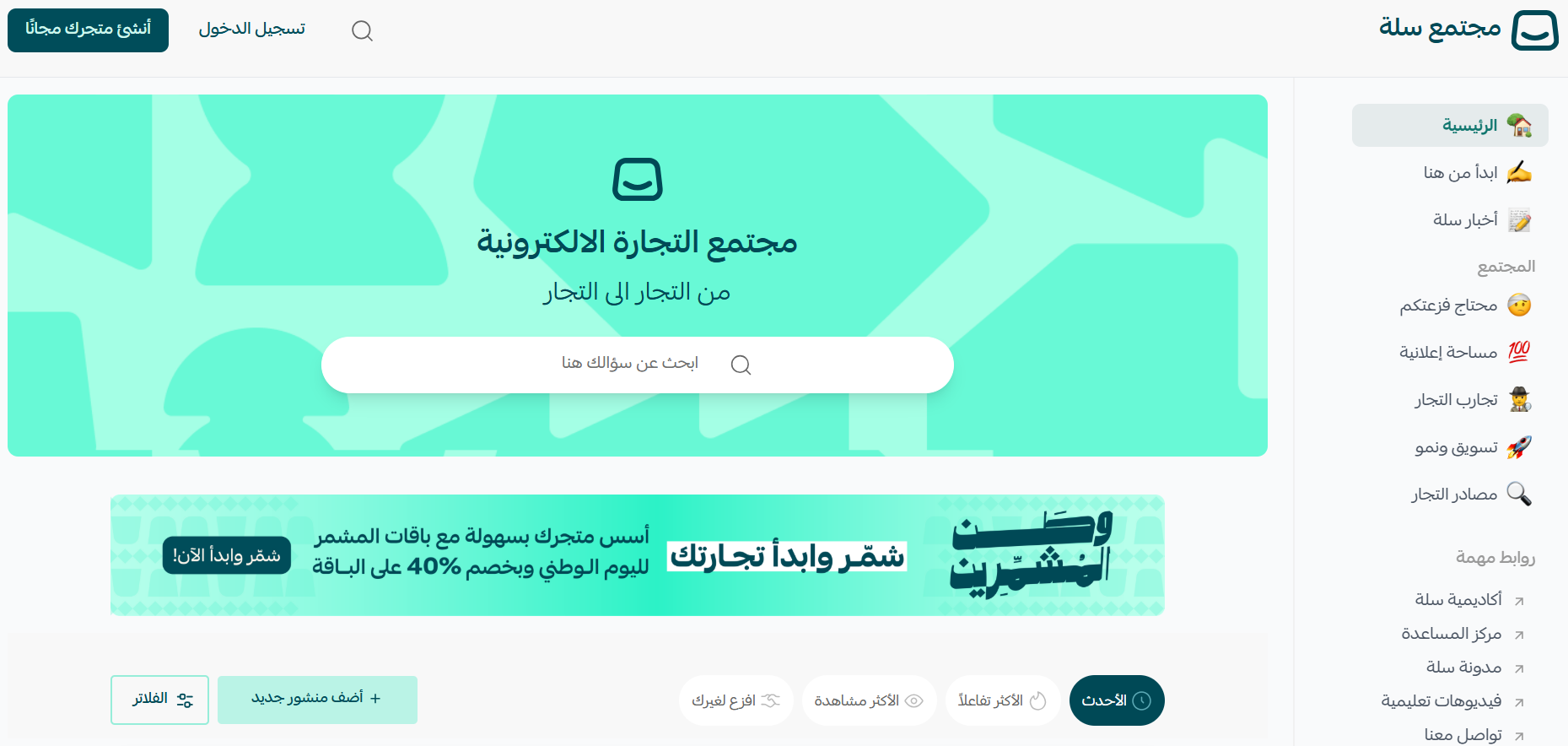
Become a member of the Salla Merchants Community and gain knowledge alongside e-commerce experts and entrepreneurs.
1. From your store's control panel, click on the help icon, then select (Community).
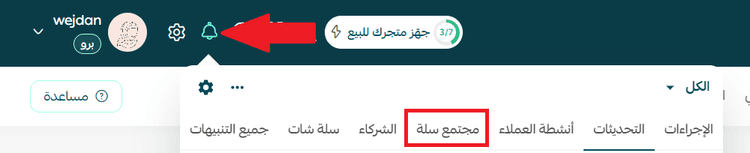
You will be directed to the Salla Merchants Community page
Seventh. Inquiry or challenge in installing or operating an app
If you face a challenge in installing the app, you may find what you are looking for in the Help Center or you can return to Salla customer service through live chats.
If you face the challenge in the way of operating a previously installed app, the solution is to return to the app's technical support through:
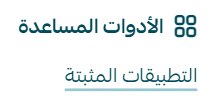
1. From the (All) menu, and from the utilities section, click (Installed Apps).
2. From the installed app card, click (Contact Technical Support)
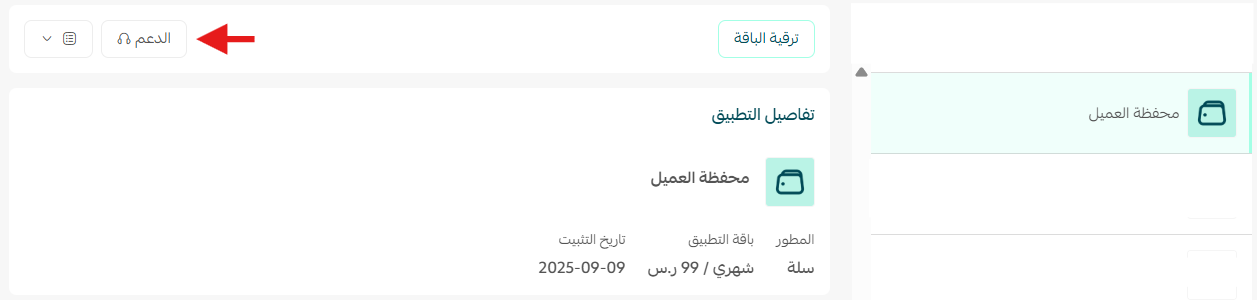
We have two cases:
- The app is developed by Salla, you will be directed to Salla customer service
- The app is developed by Salla partners, you will be directed to the available means to contact the app developer, which may include: email, contact form, customer service
Eighth. Inquiry about installing or customizing a theme
If you face a challenge in installing or customizing the app, we recommend updating with the theme's technical support through the theme details page
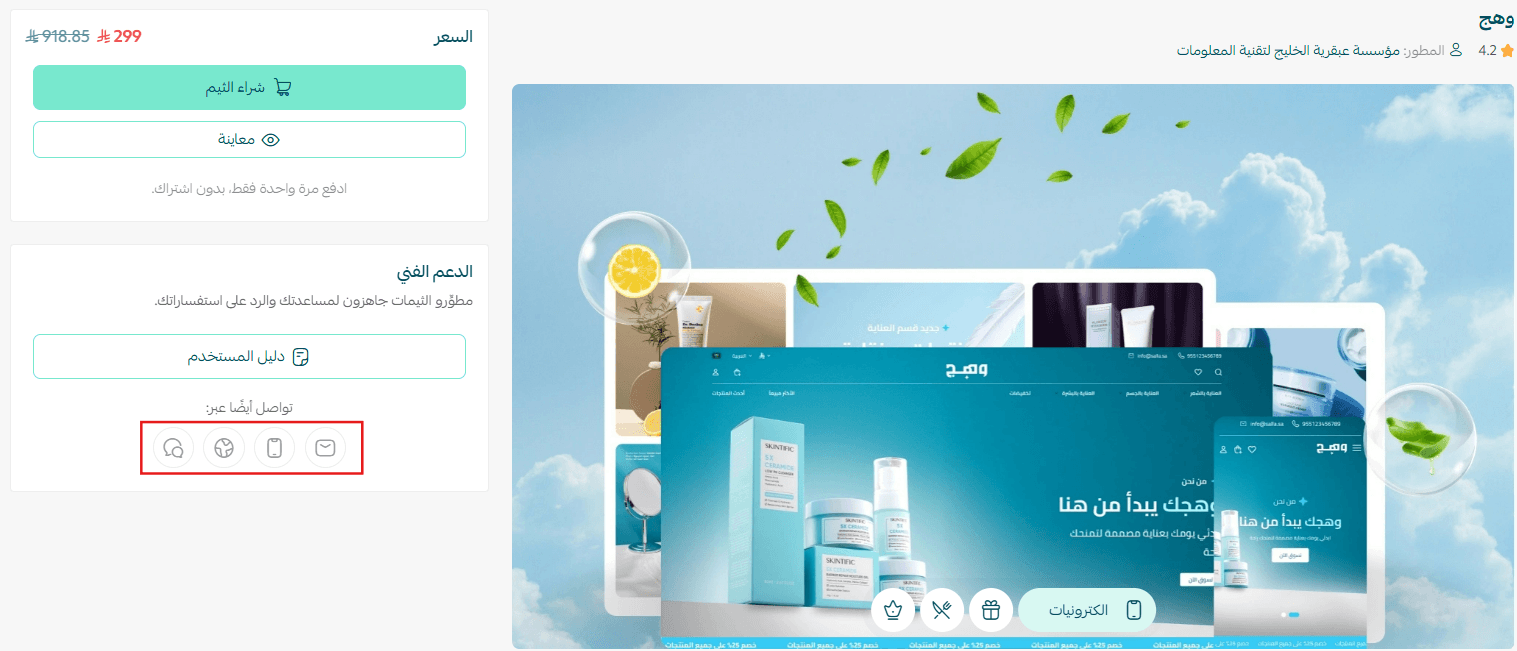
We have two cases:
- The theme is developed by Salla, you will be directed to Salla customer service.
- The theme is developed by Salla partners, you will be directed to the available means to contact the theme developer.
If you are one of the merchants of the Salla platform, contact us through the following communication channels:
First- Website
You can submit and send complaint details and supporting documents through the complaints page and follow them via https://complaint.salla.sa/
1. Through the Complaints Page click (Open a New Complaint) or (Follow a Complaint).
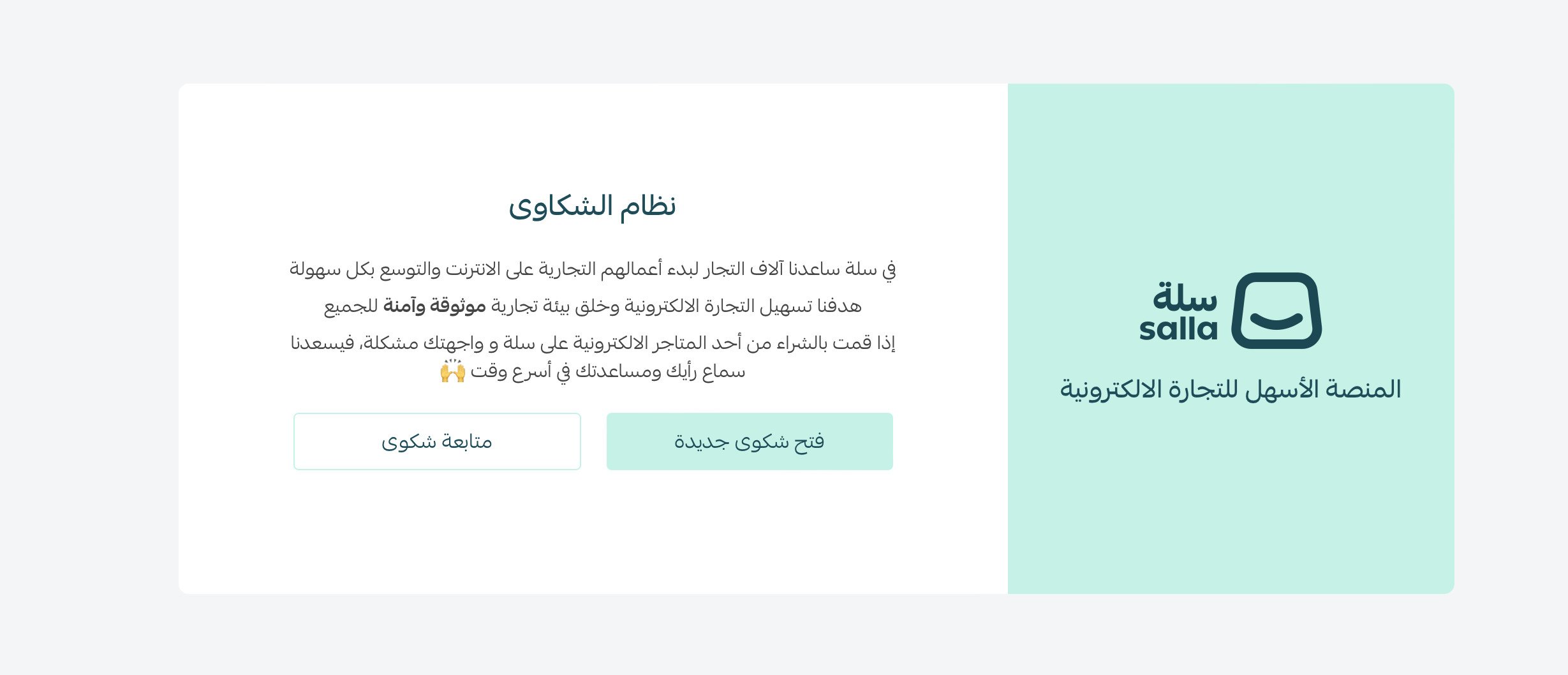
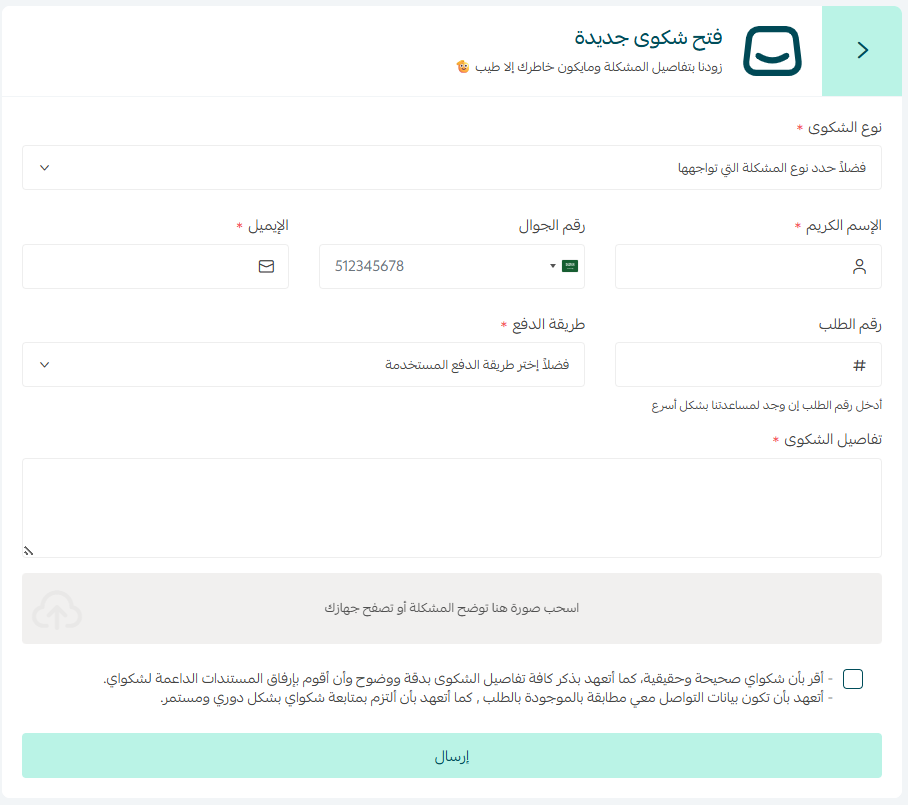
For new complaints
- If you wish to open a new complaint, click (Open a New Complaint).
- You will be directed to the complaint submission page, complete the required data and provide complaint details with acknowledgment, then click (Send).
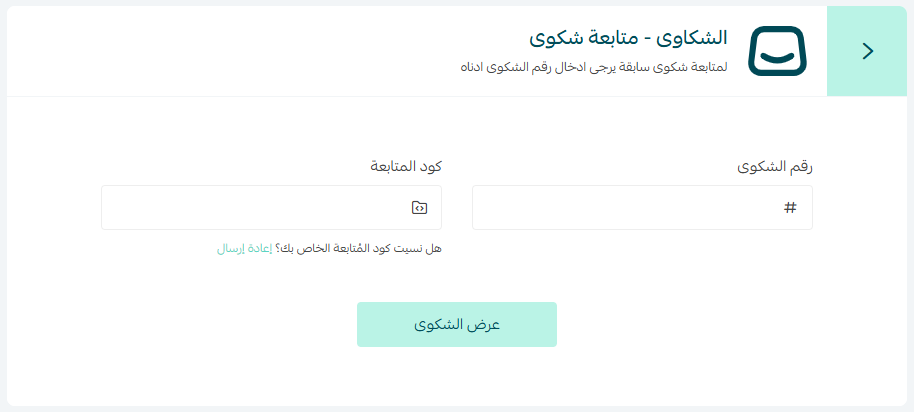
To follow a previous complaint
- If you wish to open a new complaint, click (Follow a Complaint).
- Add the complaint number and follow-up code sent to your email, then click (Follow).
Second- Social media platforms
Follow the latest features and news through our pages on social media platforms.