The Wesam Theme is designed to reflect professionalism and deliver an advanced store experience. It supports exclusive features, offers high customization flexibility, and stands out with fast performance and SEO compatibility.
📌 Article overview
- Steps to install the Wesam Theme on your store
- New elements added to the Wesam Theme
- Design customization options
- Key features of the Wesam Theme
- Header and footer features in the Wesam Theme
Steps to install the Wesam Theme on your store
- From the main menu, click (Store & Channels), then select (Theme Store)
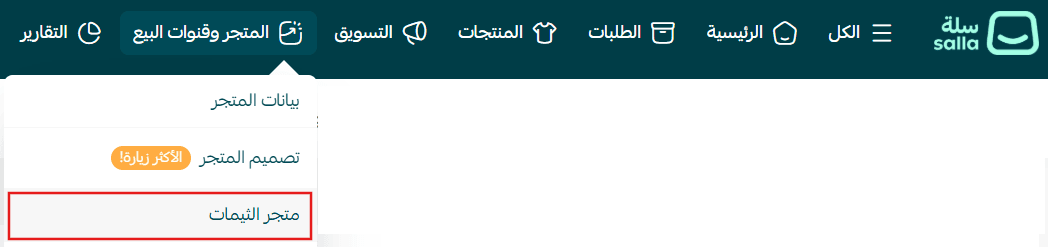
2. From the Store Design page, search for Wesam Theme, then click on it from the results

3. On the theme details page, click (Purchase) and complete the payment process
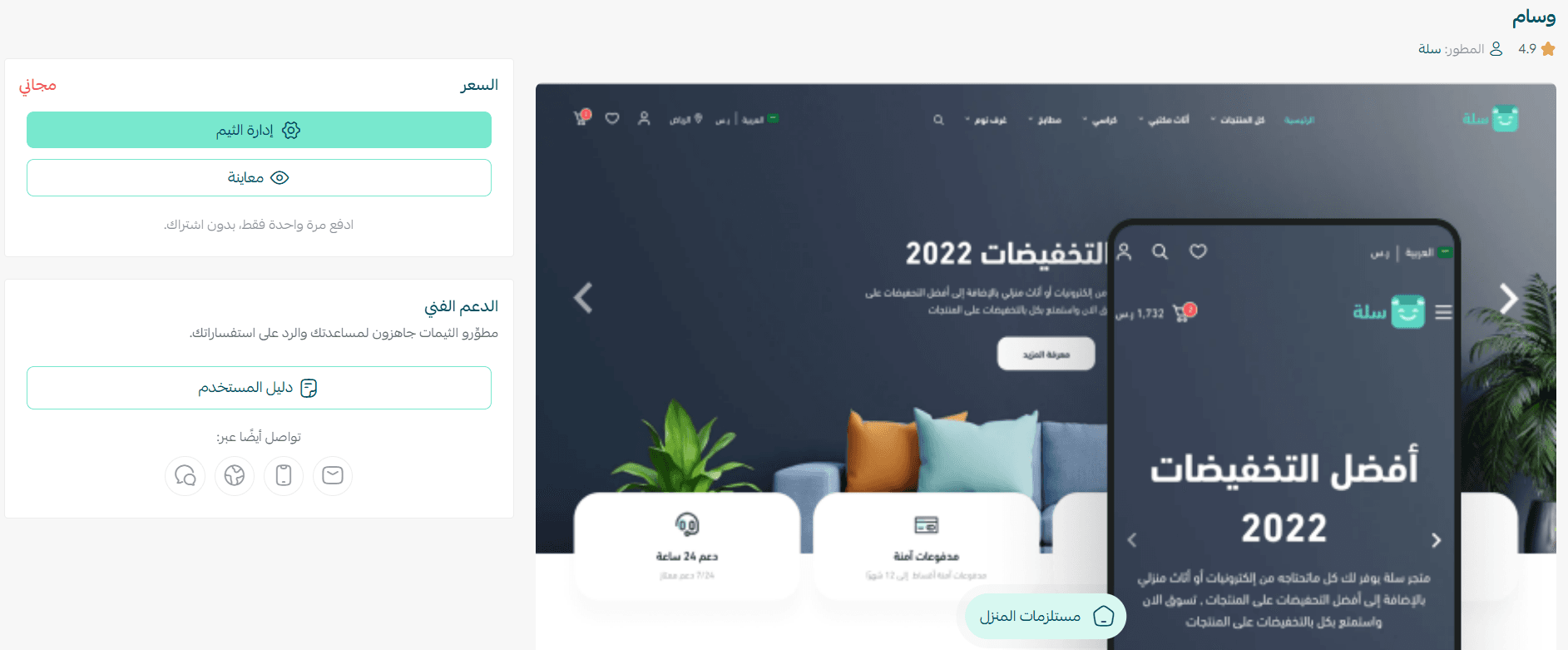
4. After installing the theme, go to the Store Design page, click on Wesam Theme, then select (+ New Theme Copy from Default)
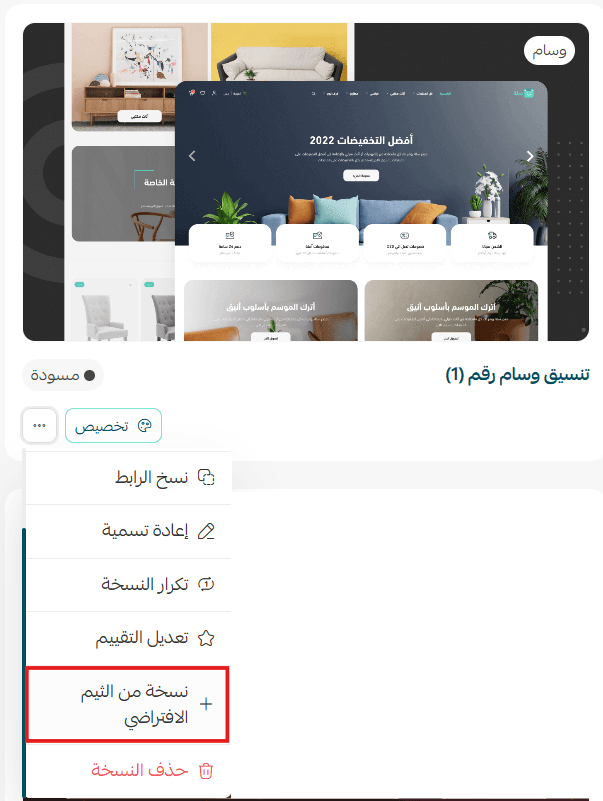
You can then customize the theme copy according to your preferences.
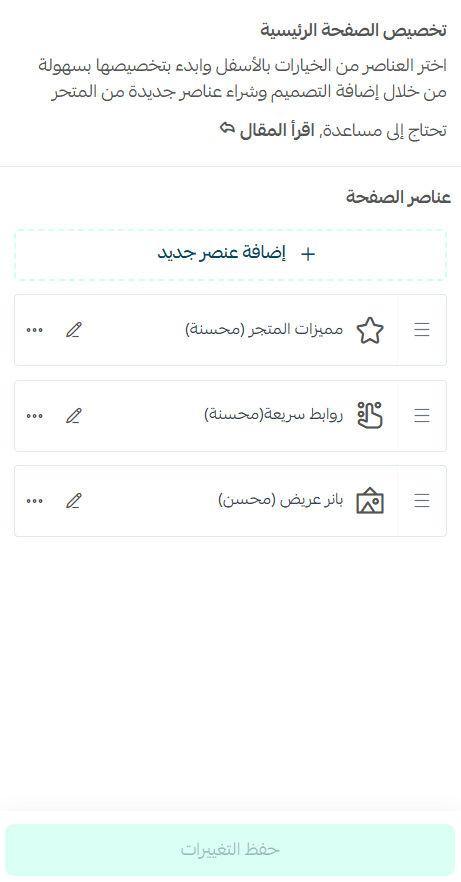
You can also preview how your store will look after applying the theme from the customization page.
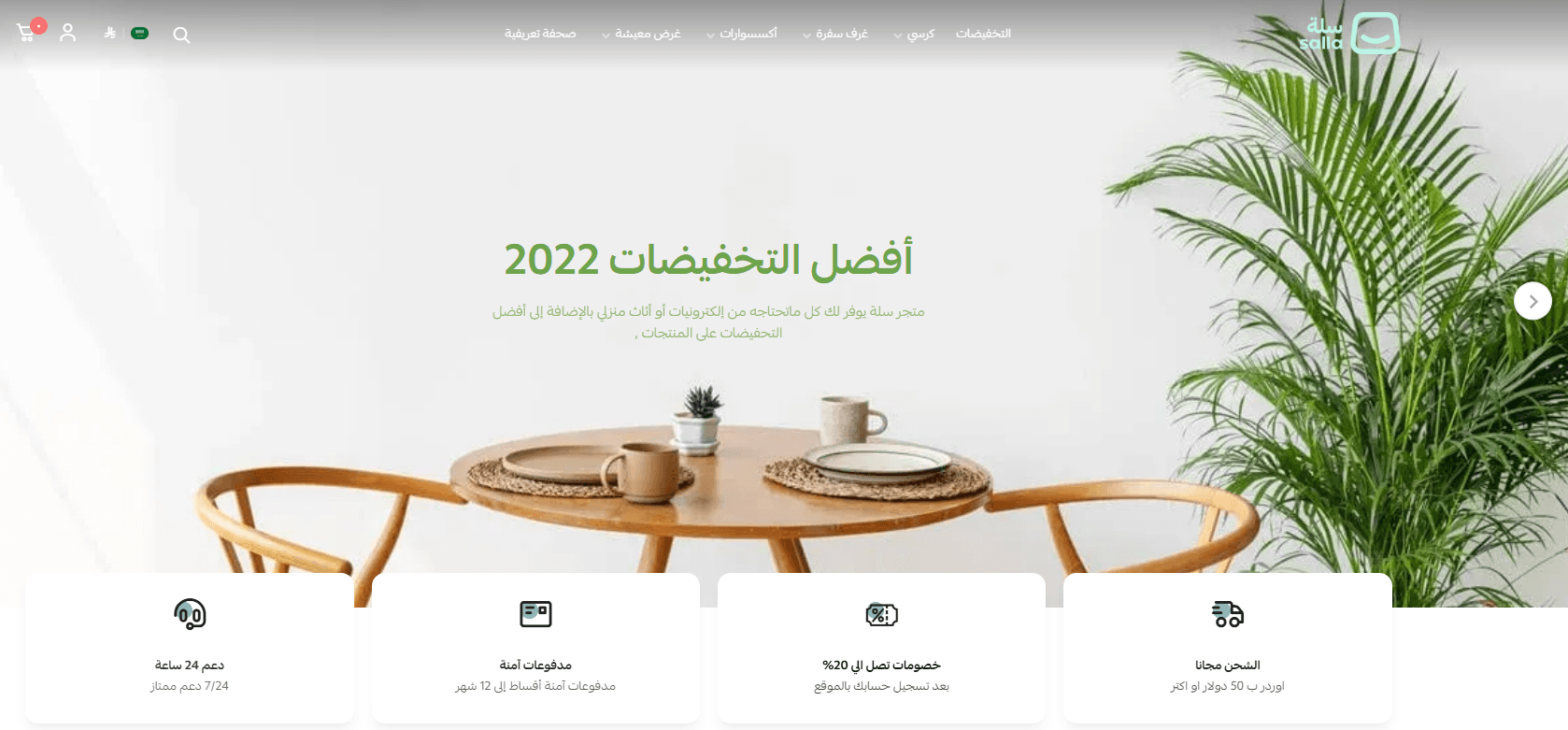
Preview a store using the Wesam Theme
Make your store more attractive and professional, and provide a seamless shopping experience that increases customer loyalty and sales. Learn how to:
- Manage theme versions and schedule activation
- Customize and manage theme design
New elements added to the Wesam Theme
The theme includes a set of new elements designed to enhance performance and speed.
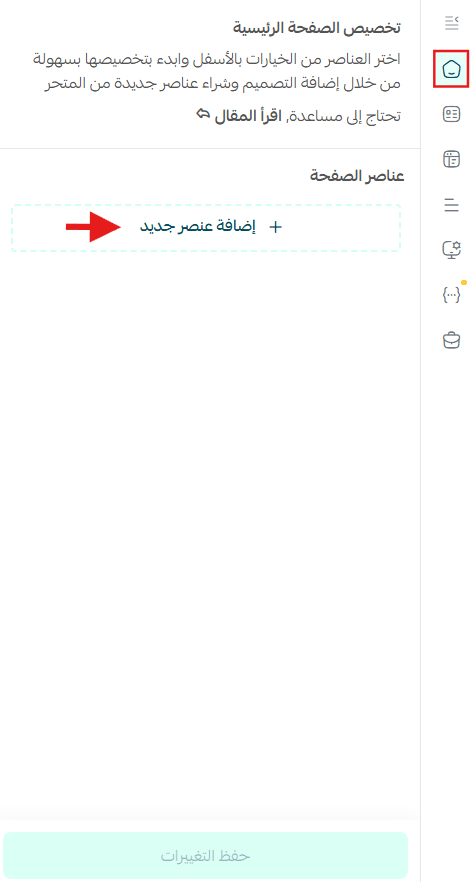
To add these elements to your store, go to the Wesam Theme customization page and click (Page Elements).
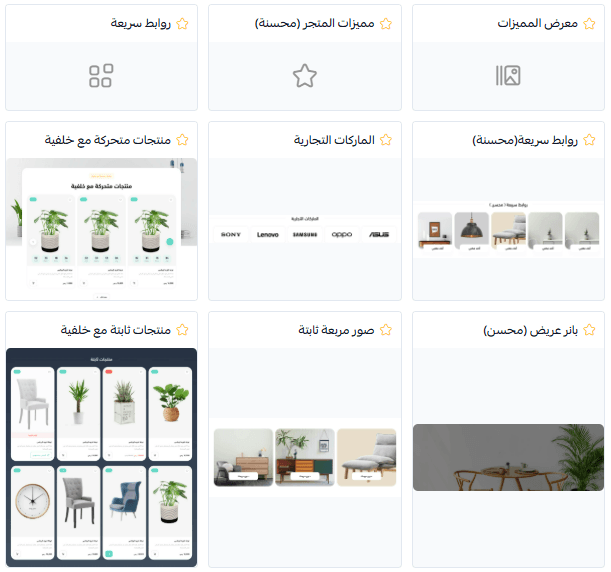
A list of elements you can add to your store will appear.
Note: New theme-specific elements are marked with a ⭐ symbol.
Make your store’s homepage more engaging and professional, and deliver a smoother shopping experience that increases successful order completion. Discover how to customize each element easily.
Design customization options
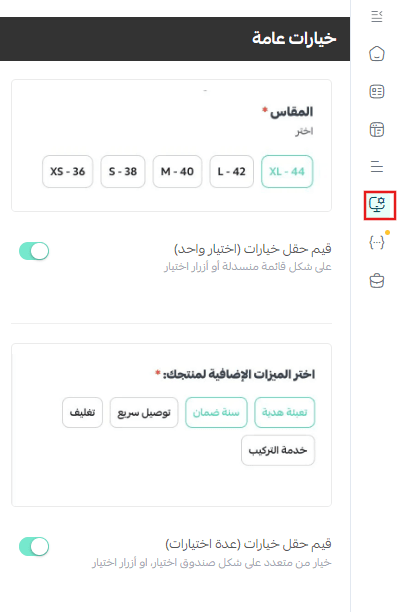
Display custom fields and product options
From the (Design Options) section, enable the options that match your needs.
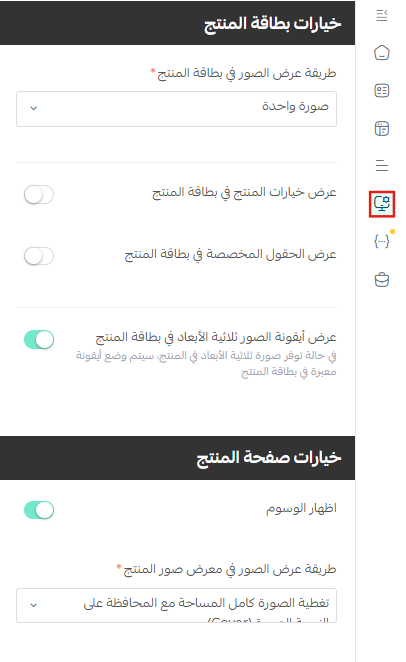
These will then appear in your store accordingly.
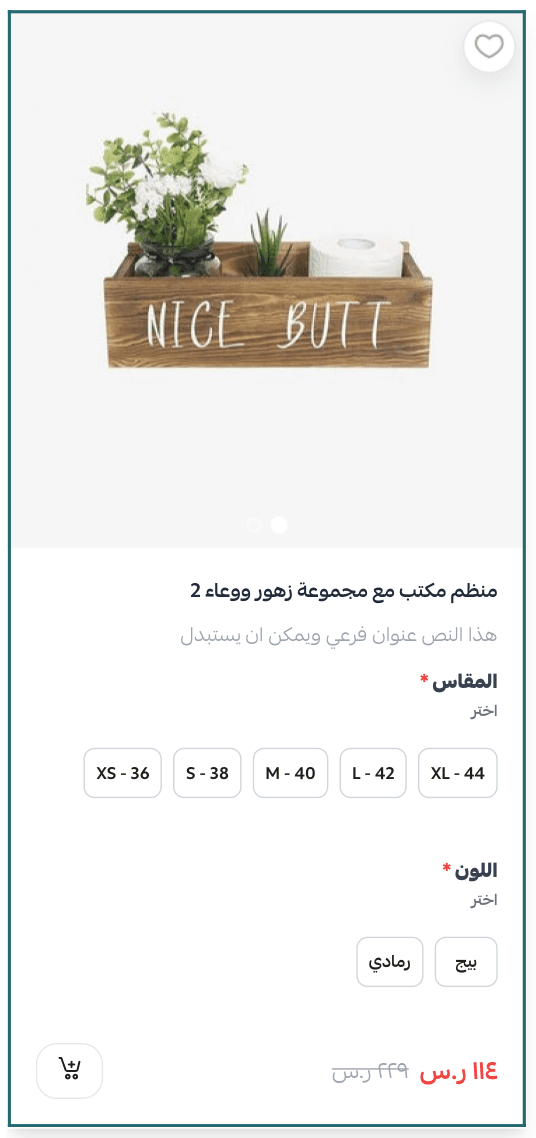
Product customization page design
From the (Design Options) section, activate the design that best fits your store.
Key features of the Wesam Theme
The theme offers a wide and advanced set of features to support your business and deliver an engaging shopping experience.
Note: This feature is available in top-selling paid themes: Wesam, Malak, Aali, Marah, and Store.
1. Quick product preview
Displays available colors or sizes directly within the product card—without requiring the customer to open the product details page.
2. Customizable product options layout
You can choose your preferred layout—default or any alternative design.
3. Light and dark mode support
Allows the top section of your store to match your brand’s color identity.
4. SEO optimization
Supports the latest SEO standards to improve your store’s visibility in search engines.
Header and footer features in the Wesam Theme
- Enable/disable dark mode
- Enable/disable transparent header background
- Display newsletter subscription and app download icons in the footer
- Customize the newsletter title
- Add a newsletter form link
- Enable/disable map display to show store location
- Support light and dark modes across the entire footer section