How much time do you lose every month re-entering your store's sales into your accounting system?
Bookkeeping is the part of running a store that quietly eats your week. The Hesaab accounting app connects your Salla store to Xero & Hesaab, a cloud accounting platform built for Arabic-speaking businesses and approved as an e-invoicing service provider. It handles sales, purchases, inventory, HR, and bank accounts in one place, and produces detailed financial reports in Arabic so your books stay aligned with local regulations. In this guide, you'll learn how to install the app, sign in or create a Hesaab account, choose the organization to link, and remove the app.
Hesaab is a cloud accounting platform that brings Xero to Arabic-speaking businesses and is approved by ZATCA as an e-invoicing provider. It covers sales, purchases, inventory, HR, and banking with detailed Arabic financial reports. Install it from the Salla App Store, then link your store to your Hesaab organization.
📌 Article overview
- How to connect the Hesaab accounting app to your store
- How to manage the Hesaab app
- Frequently asked questions
🚀 How to connect the Hesaab accounting app to your store
1. From the main menu, click (All), then under the helper tools section, click (App Store).

2. Find the app using the search field.

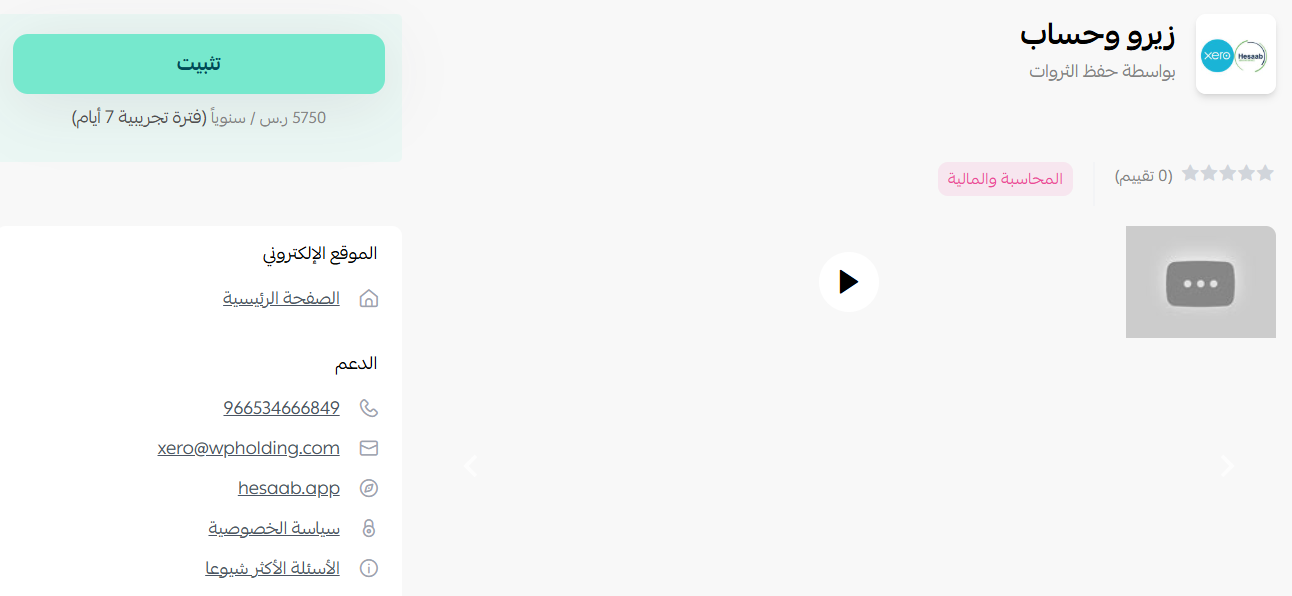
3. Open the Xero & Hesaab app page, then click (Install).
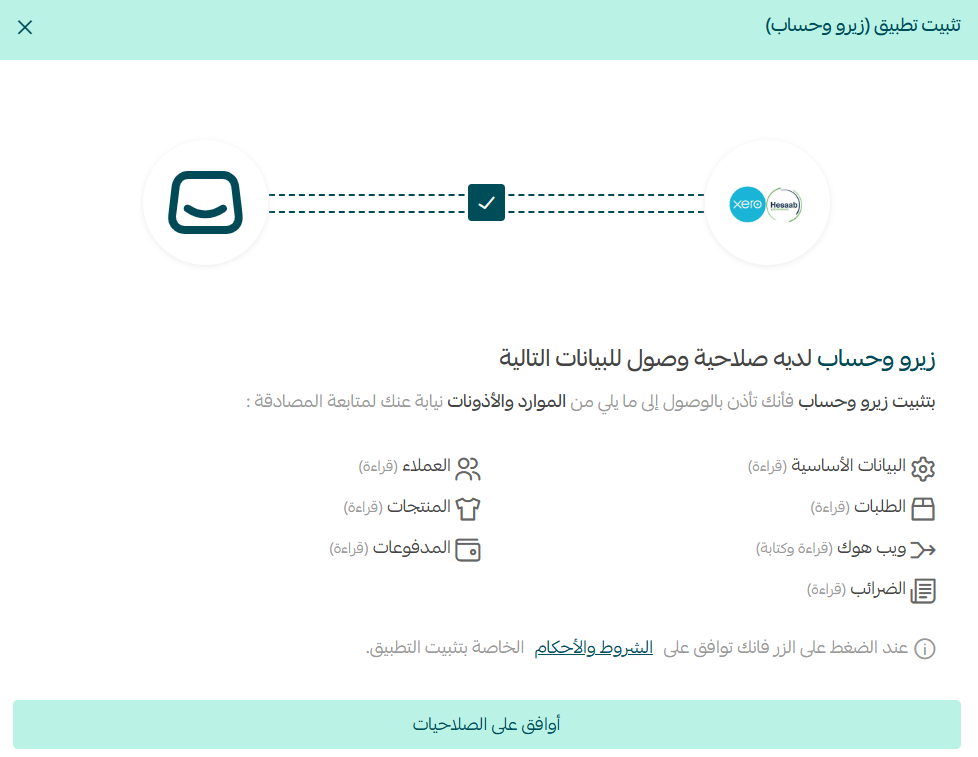
4. Review the permissions the app requests, then click (Approve permissions).
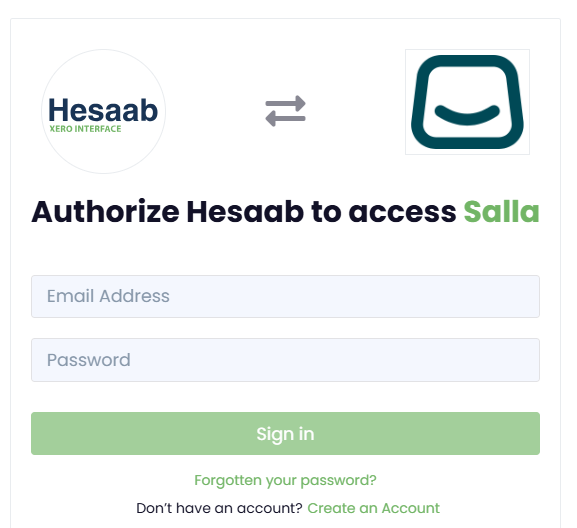
5. If you already have a Hesaab account, enter the email address and password sent to your store's email, then click (Sign in).
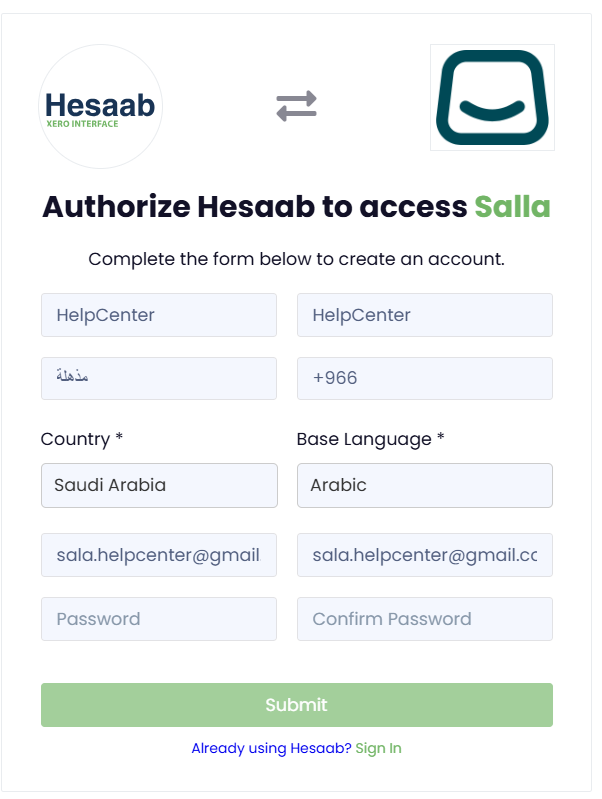
If you don't have one yet, click (Create an Account) and register a new Hesaab account.
6. Select the store you want to link from the list, then click (Continue with the selected Organization).
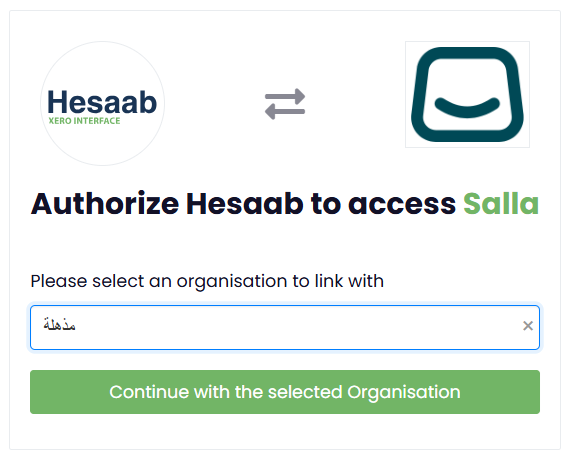
That's it. Your Salla store and your Hesaab account are now connected.
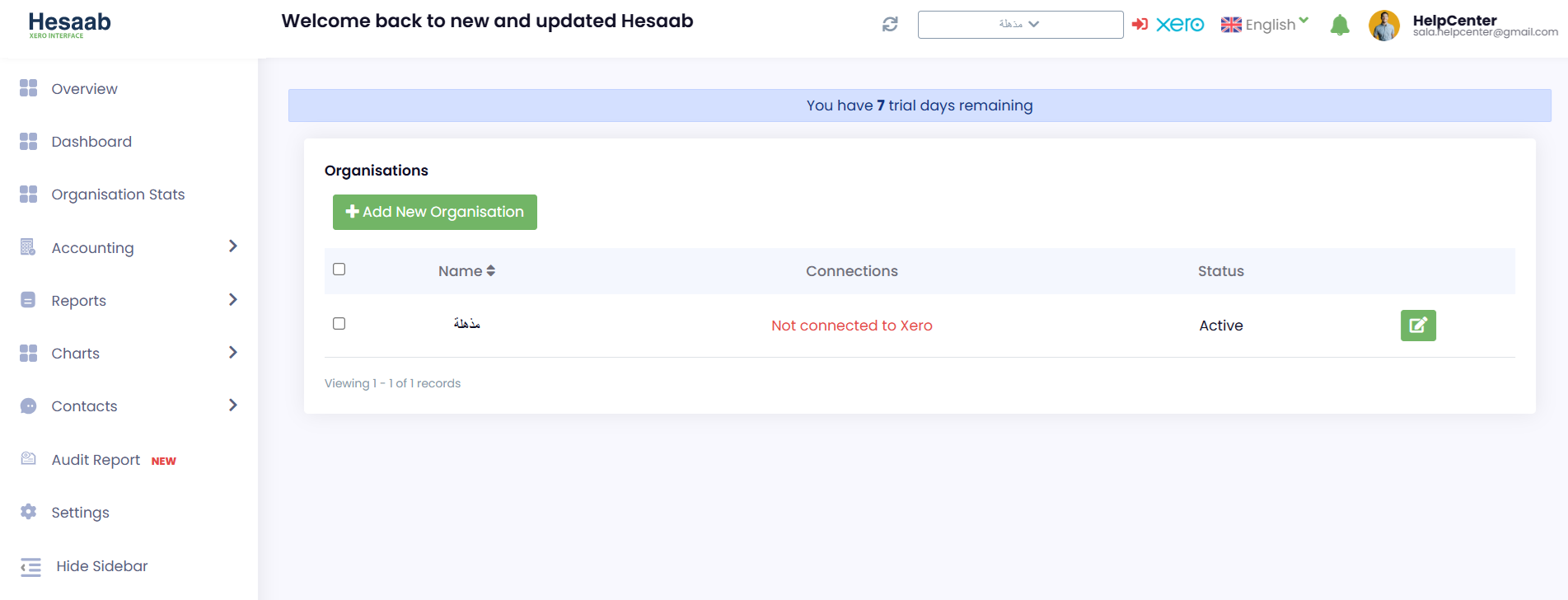
🚀 How to manage the Hesaab app
Remove the app
Click (App options), then click (Delete app).
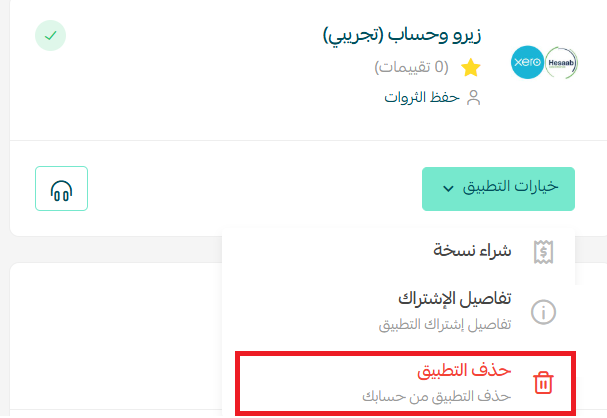
For more details, visit the Xero & Hesaab app page.
📝 Important notes
- Your account credentials are sent to the email address registered on your store, so check that inbox before signing in.
- One Hesaab account can hold several organizations. Pick the one that matches the store you're linking, since that's where the accounting data lands.
- Hesaab is an accredited e-invoicing service provider with the Zakat, Tax and Customs Authority (ZATCA), which matters if you invoice in Saudi Arabia.
❓ Frequently asked questions
What does the Hesaab app actually manage?
Sales, purchases, inventory, human resources, and bank accounts, along with detailed financial reports in Arabic.
Do I need a Hesaab account before I install the app?
No. If you don't have one, click (Create an Account) on the sign-in screen and register during setup.
What is an organization in the linking step?
It's the business file your accounting data belongs to. If you manage more than one, choose the one tied to the store you're connecting.
Is the app suitable for e-invoicing requirements?
Yes. Xero & Hesaab is approved by ZATCA as an e-invoicing service provider.
How do I disconnect the app?
Open (App options) and click (Delete app).
Accounting only pays off when it's current. Connect the app once, keep the organization mapping clean, and your financial reports stay ready whenever you or an auditor need them.