Payment methods are a key part of your checkout experience. In Salla, you can manage online payments, buy now pay later options, digital wallets, and cash on delivery from one place.
Payment methods at a glance
Reaching the Payment Methods page
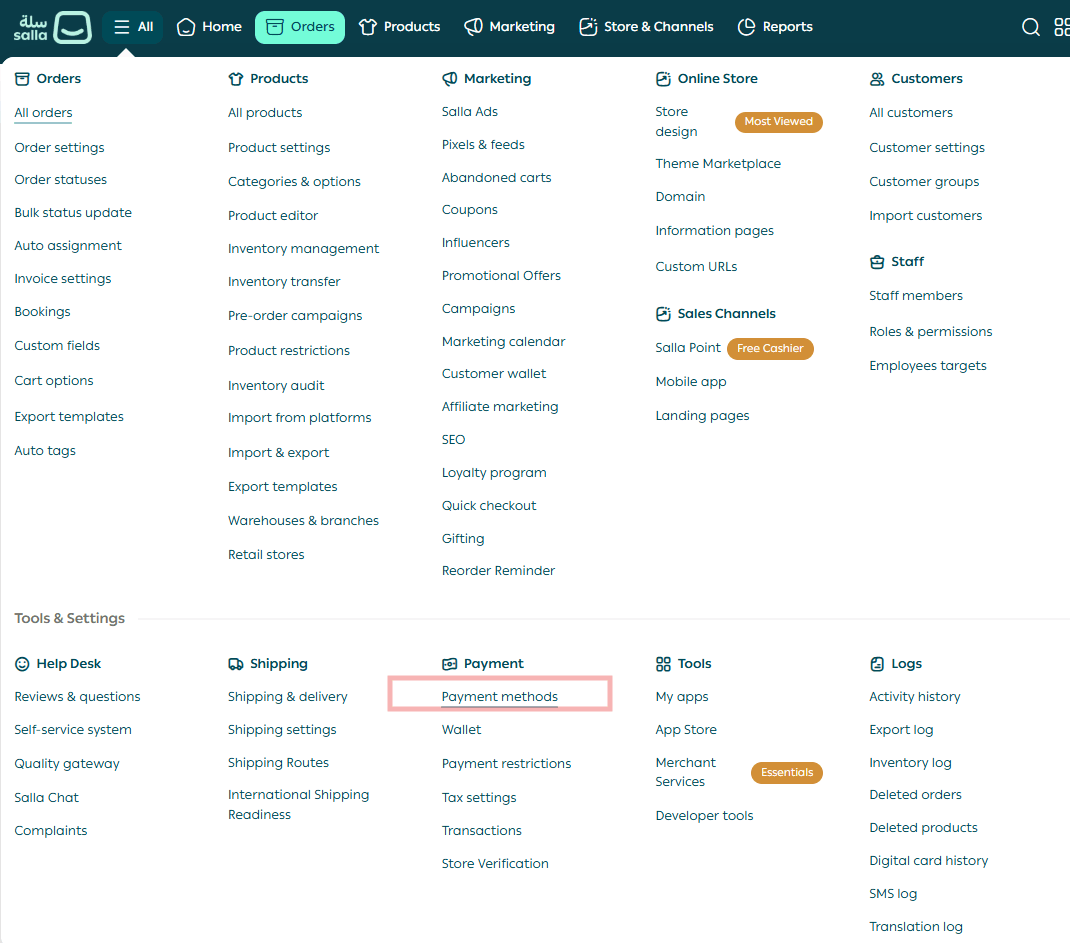
1. From the main menu, open All.
2. Under Settings & Tools, click Payment Methods.
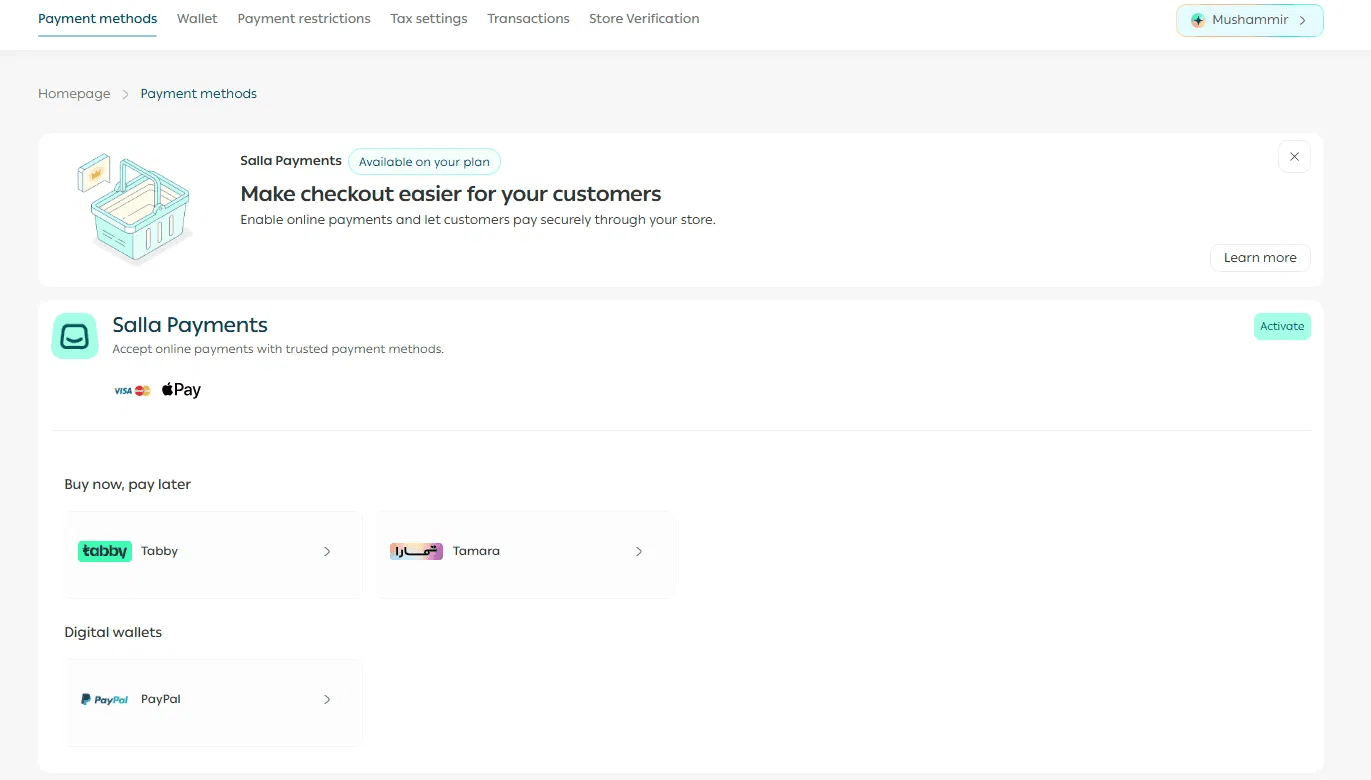
The page is organized into Salla Payments, Buy now pay later, and Digital wallets.
Requirements for Salla Payments
Before you can activate Salla Payments, all three requirements must be met:
1. Your store is on Salla Plus, Pro, or Special.
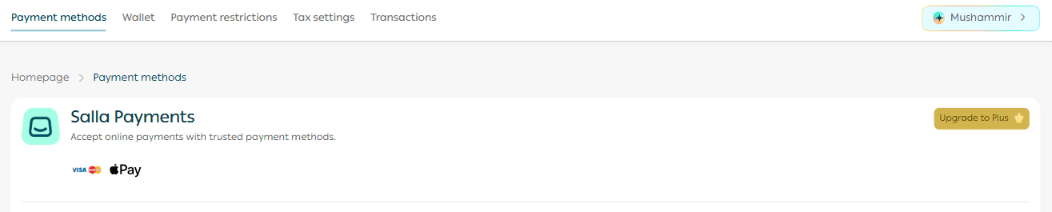
Basic plan: If your store is on Basic, you can use cash on delivery. Online payment methods require an eligible paid plan.
2. Your store verification is complete.

Verification required: If your store is not verified, the Payment Methods page shows a verification alert. Select Verify now and complete store verification first.
3. Payments have been enabled for your store by the Salla team.
Your payment activation request is reviewed while your store verification is in progress. If more information is needed, you will be notified. Once the review is approved, Salla Payments becomes available for activation.
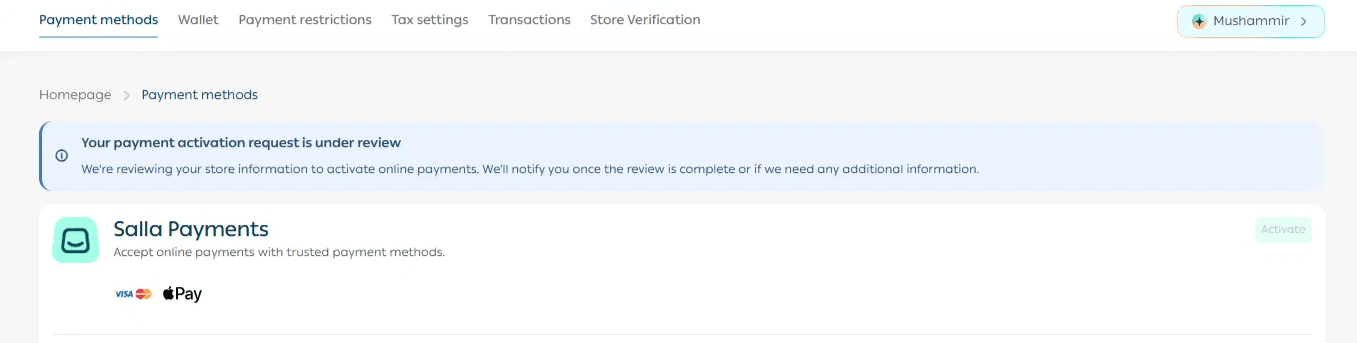
Activate Salla Payments
1. On the Payment Methods page, find the Salla Payments section.
2. Click Activate.
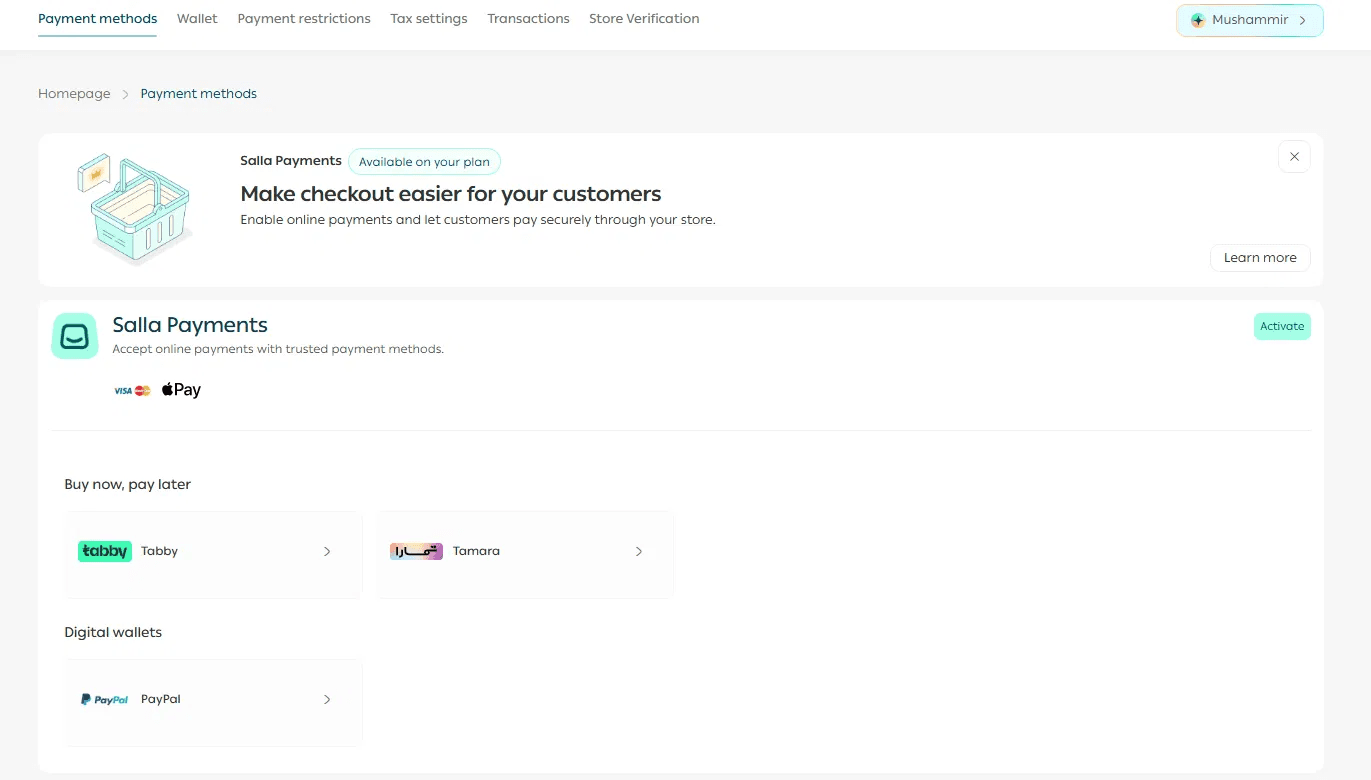
3. Use the on/off toggle beside each available payment method to choose what customers can use at checkout.
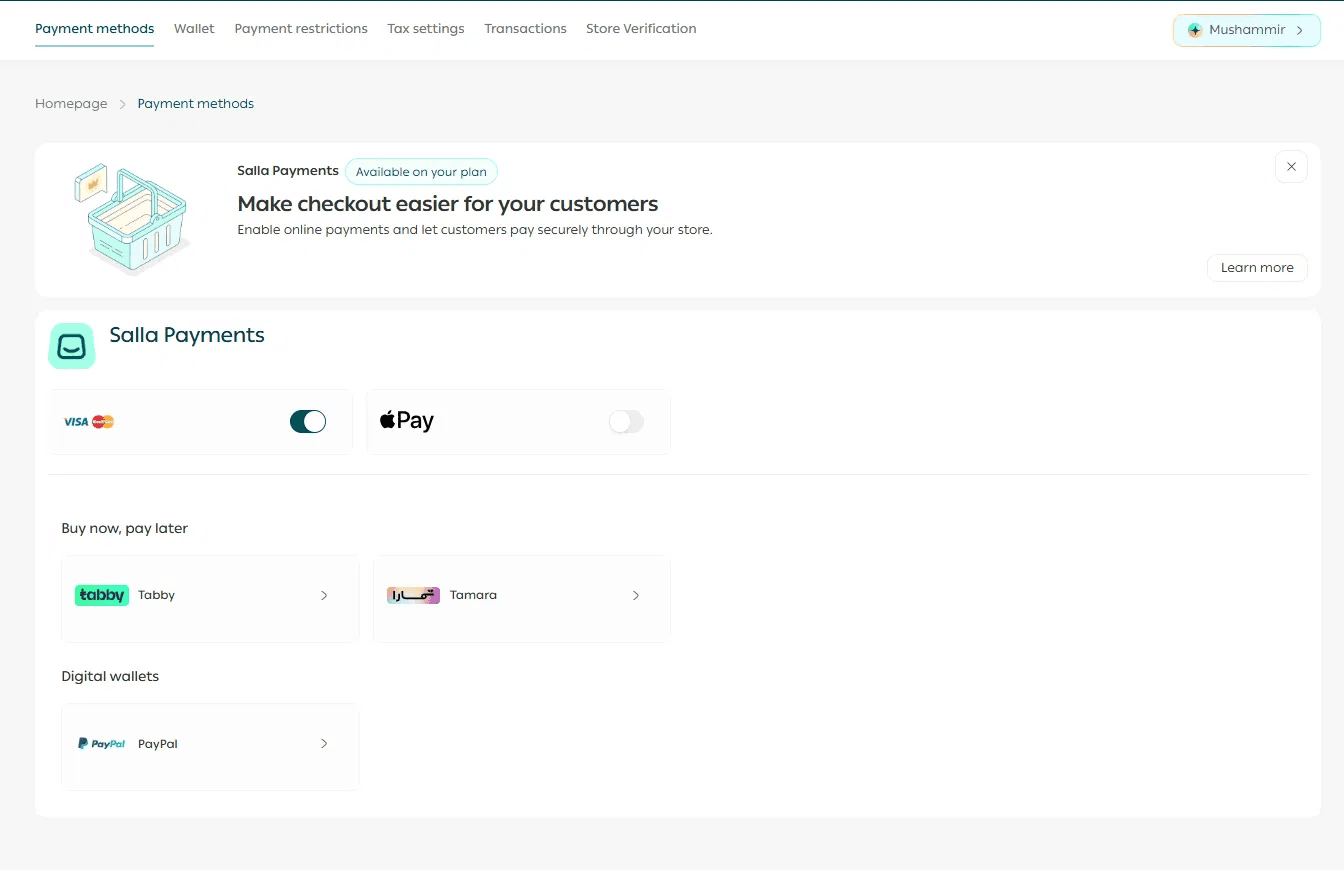
Visa, Mastercard, and Apple Pay
Salla Payments lets you accept online payments through:
Visa
Mastercard
Apple Pay
Turn on the methods you want to offer from the Salla Payments card.

Buy now, pay later
You can offer supported buy now pay later options including:
Tabby
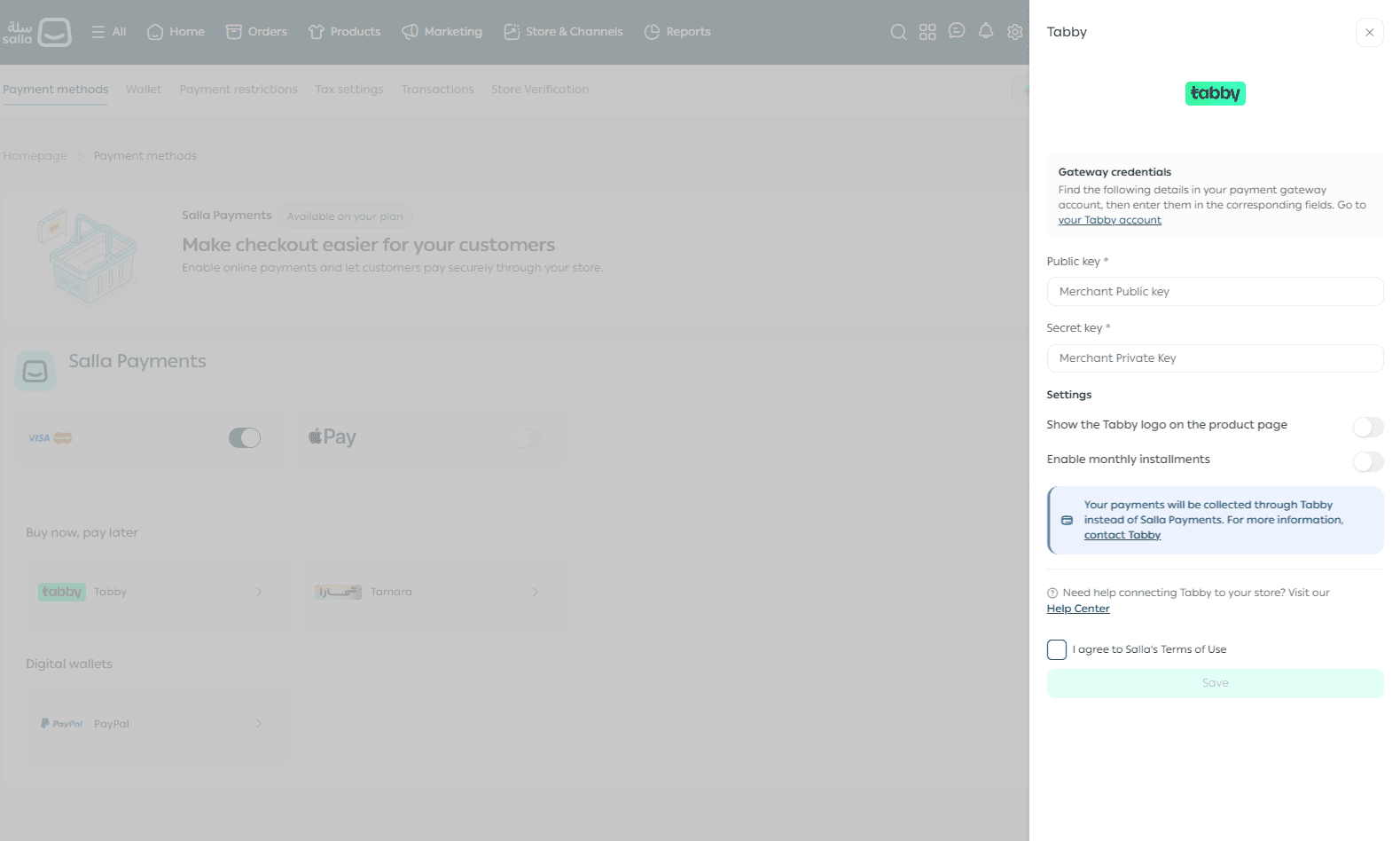
Tamara
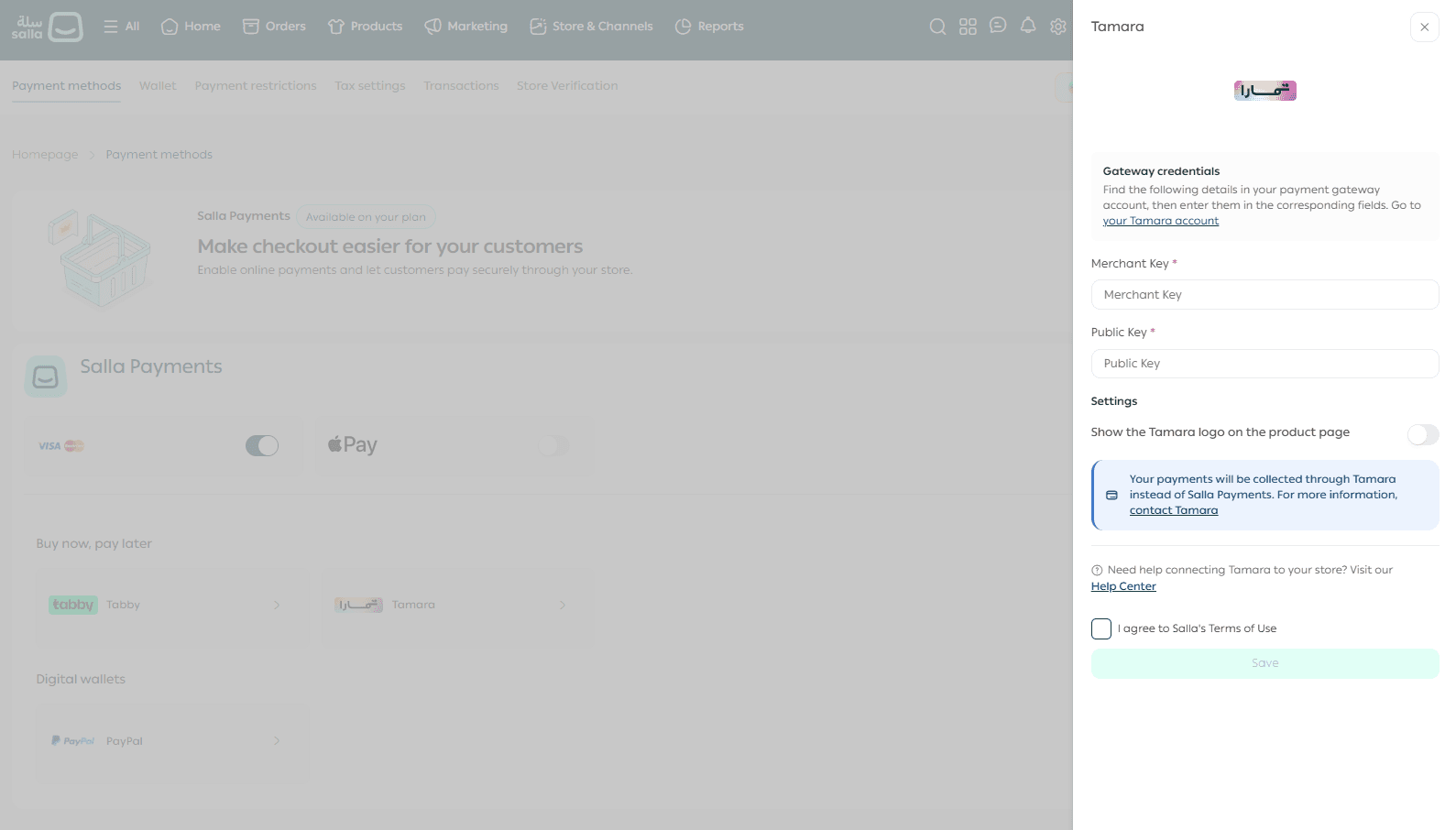
Select the provider you want to offer and complete its activation steps.
Related articles
How to activate Tamara in the UAE
How to activate Tabby in the UAE
Digital wallets
PayPal is available as a digital wallet option. Select PayPal from Payment Methods and enter the requested account information to connect it.
Related article
Cash on delivery and Customer Wallet
Enable cash on delivery
You can enable cash on delivery in one of the following ways:
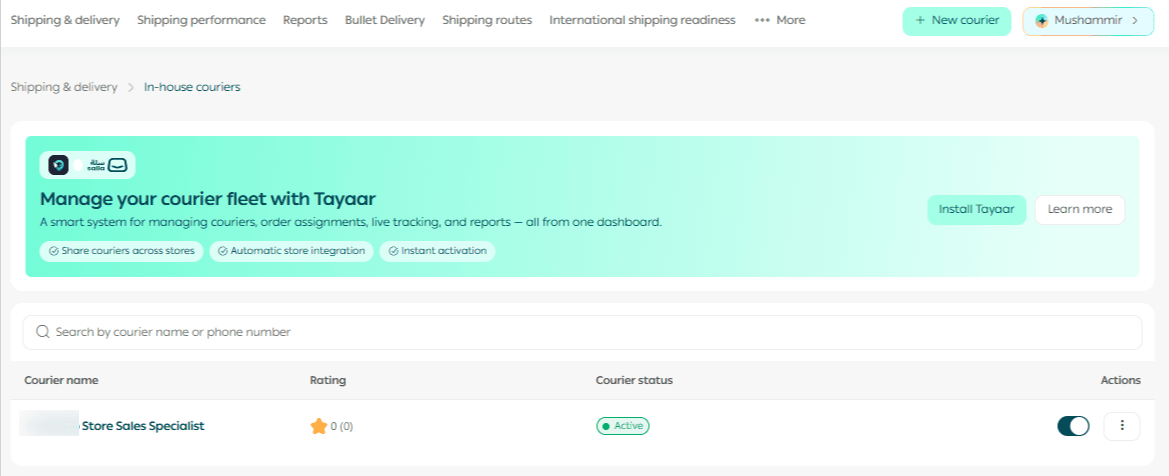
Through your own store courier
1. From the main menu, open All. Under Shipping & delivery, open the three-dot menu and select Store couriers.

2. Select an existing courier, or add a courier if you are setting one up for the first time.
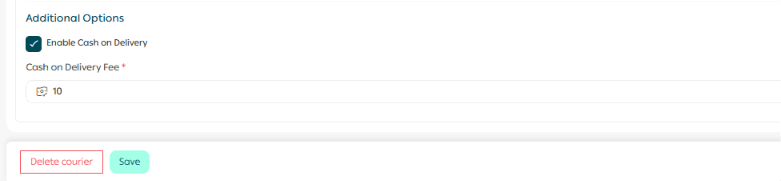
3. Under Geographic coverage and pricing, turn on Cash on delivery and set the cash-on-delivery fee.
Related article
Through a shipping company
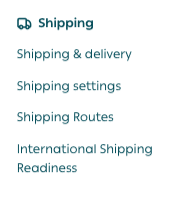
1. From the main menu, open All, then select Shipping companies.
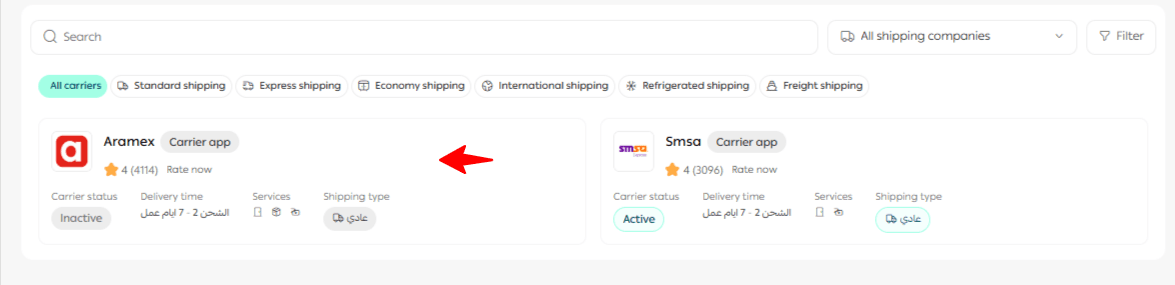
2. Select the external shipping provider already activated on your store that you want to use for cash on delivery.
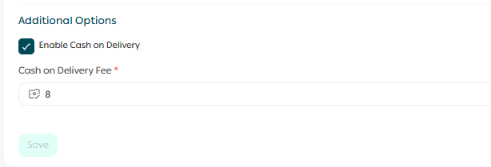
3. In the Shipping pricing section, turn on Cash on delivery and enter the fee agreed in your contract with the shipping company.
3. Using Salla's discounted shipping labels
This option will be available soon in the UAE.
Enable Customer Wallet payments
To let eligible customers pay using their Customer Wallet balance, enable the Customer Wallet on the dashboard.
Related article
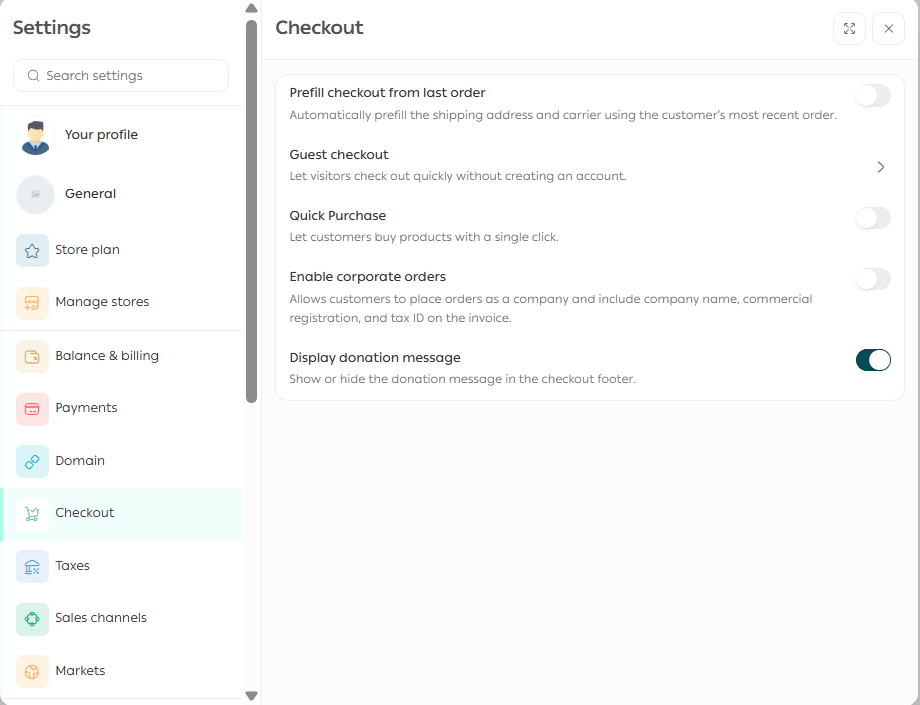
Checkout settings
Manage checkout-related payment settings from the Checkout tab in the unified Settings Center.
Related articles
The unified settings center in your Salla dashboard
Customer checkout page details
-Verify your Salla store in the UAE | Salla
- Salla Payments UAE Payouts & Settlement | Salla
-Set up shipping companies for your UAE store | Salla
Frequently asked questions
Which payment methods are available on the Basic plan?
You can enable cash on delivery. Online payment methods are available on eligible paid plans.
Can I activate online payments before verifying my store?
No. Store verification must be completed before Salla Payments can be activated.
When do payment controls appear after I click Activate?
After activation, the payment-method controls appear so you can turn available methods on or off. If your verified store still shows the activation request as under review, contact Salla Support because additional information may be required.
Which methods are available through Salla Payments in the UAE?
Visa, Mastercard, and Apple Pay.
Which buy now pay later options are available?
Tabby and Tamara.
Is PayPal available?
Yes. PayPal is available as a digital wallet option.
Can I filter orders by payment method?
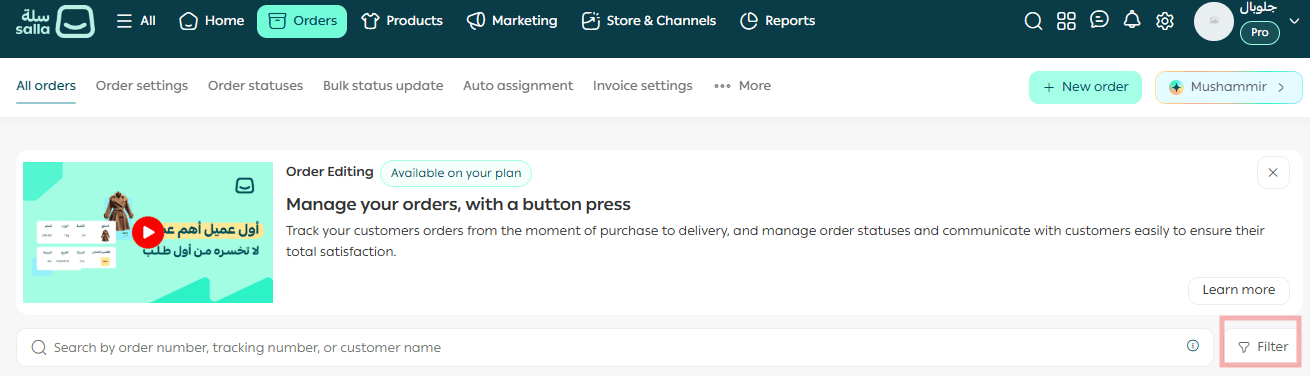
Yes. Use Filter on the Orders page and select the payment method you want to view.