How much of your month goes into copying store sales into your accounting system?
Every order, refund, and VAT line eventually has to reach your books, and doing that by hand is where mistakes and late filings come from. The Mezan connector is the official app for linking your Salla store to Mezan ERP, so revenue, refunds, and VAT move across on their own. In this guide, you'll learn how to install the Mezan connector app, complete your Mezan account setup, manage the connection, and remove the app.
The Mezan connector is the official app for syncing your Salla store with Mezan ERP. It sends order revenue, refunds, and VAT to your Mezan account automatically. Install it from the App Store, choose a plan, then finish registering your organization account on Mezan to start syncing.
🚧 Before you start
- The app's plans cover the connection only. They do not include your subscription to the Mezan system itself.
- If you're new to Mezan, contact the Mezan team to set up a plan for your business.
📌 Article overview
- How to install the Mezan connector app
- How to manage the Mezan connector app
- Frequently asked questions
👣 How to install the Mezan connector app
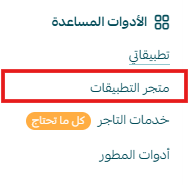
1. From the main menu, click (All), then under helper tools click (App Store).
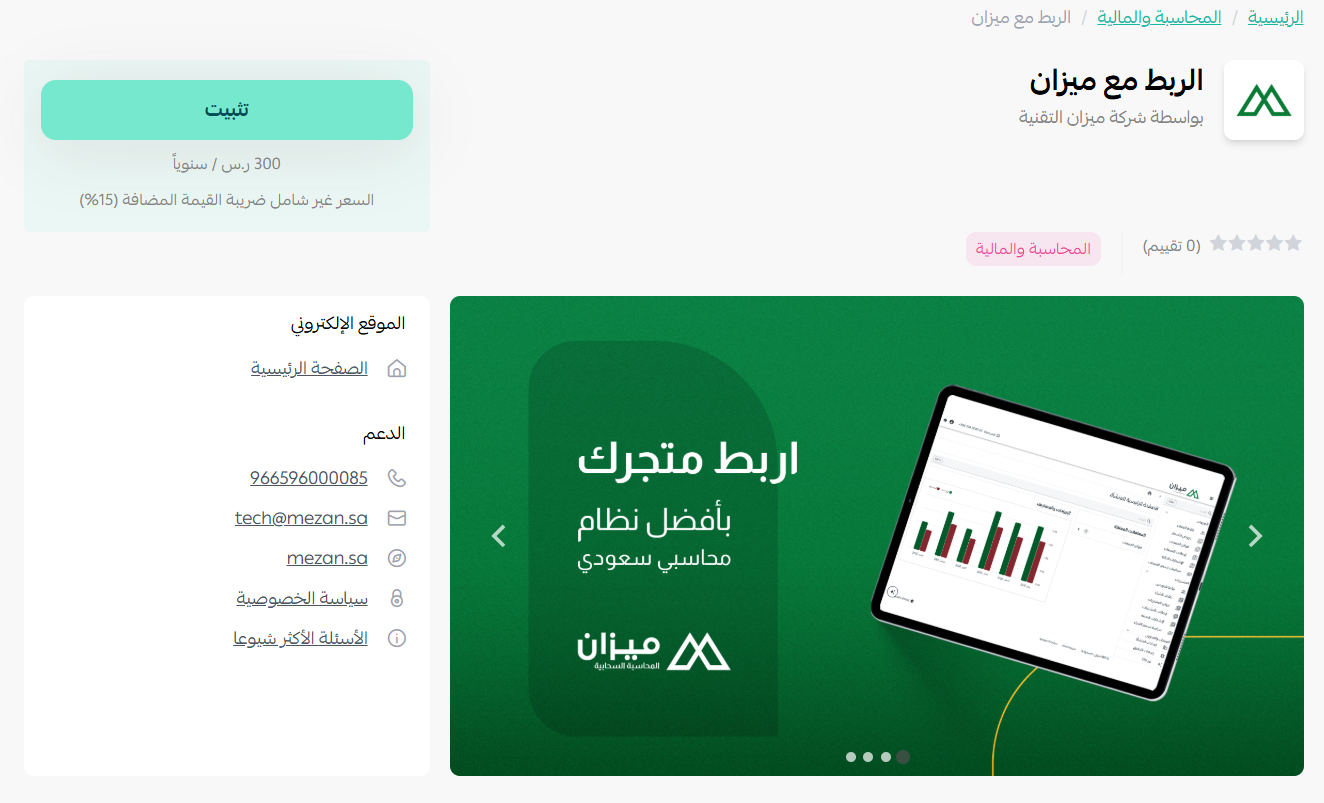
2. On the Mezan connector app page, click (Install).
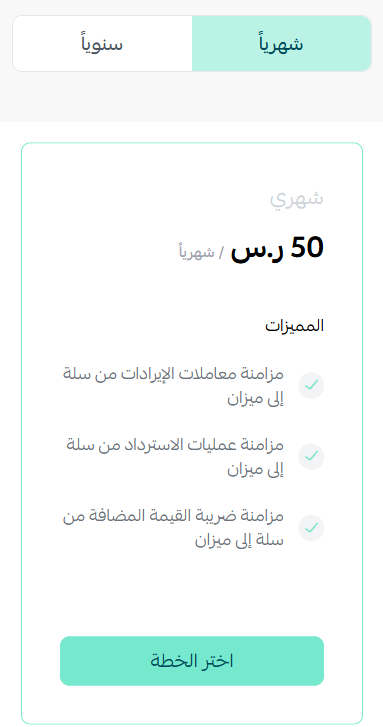
3. Choose the plan that suits you.
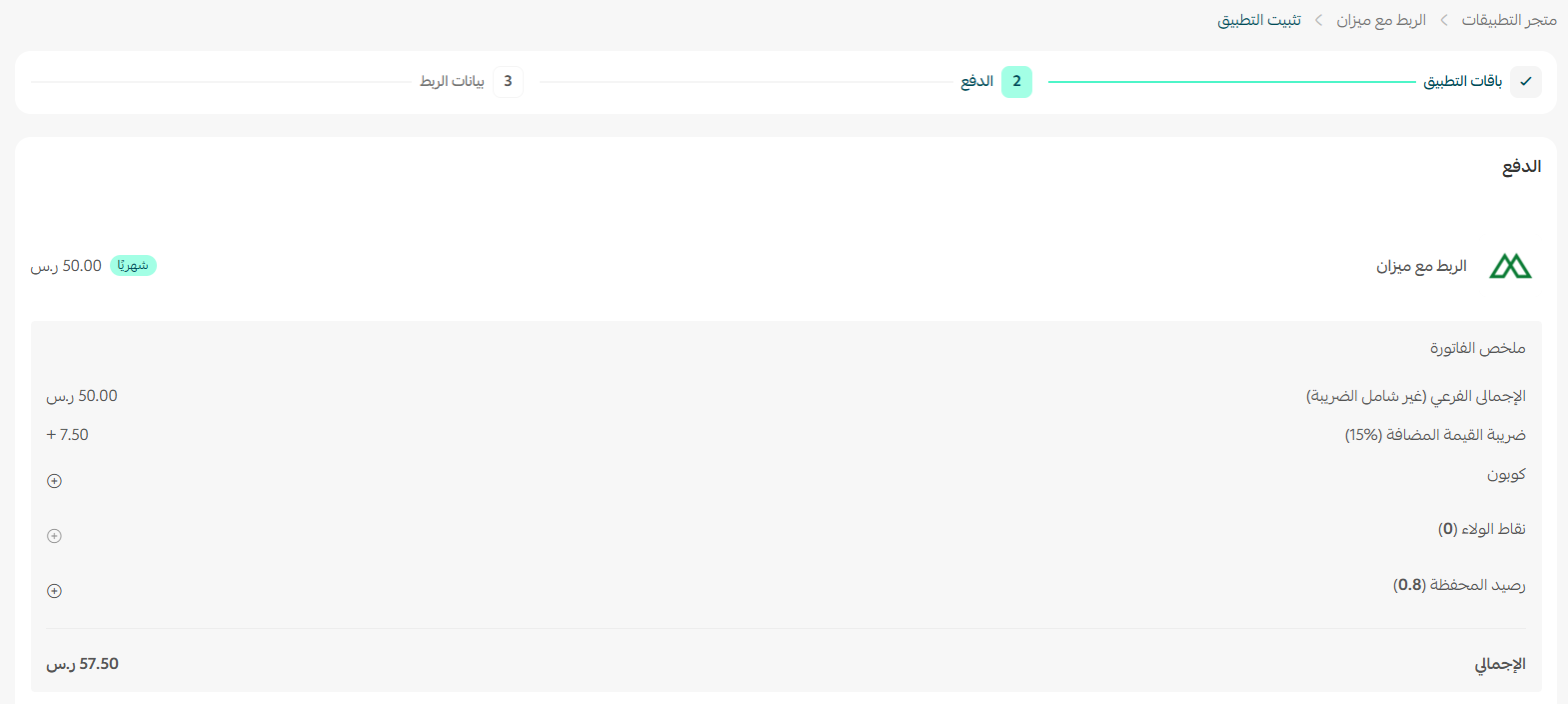
4. Enter your payment details, then click (Confirm).
5. Sign in to your account on the Mezan connector site.
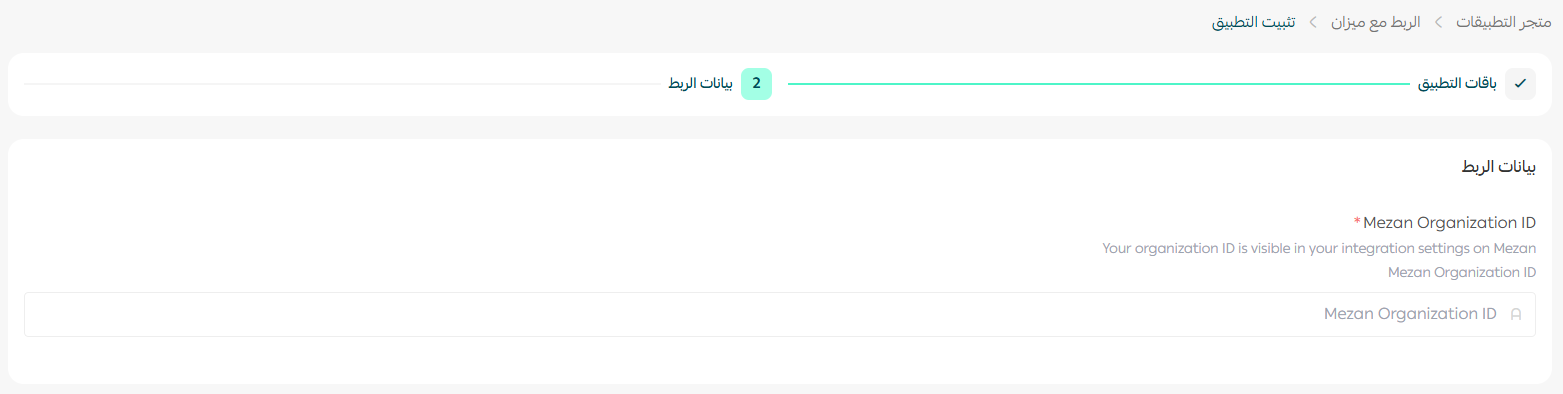
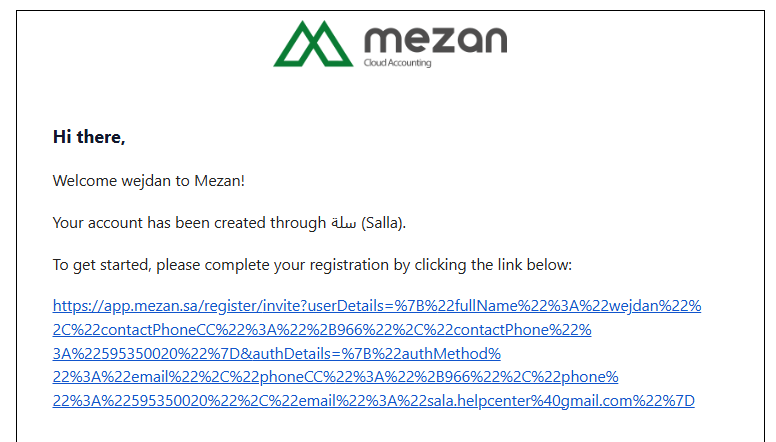
📝 Note:
After the app is installed, you'll receive an email confirming that your account has been created on Mezan. Click the link in that email to finish signing up.
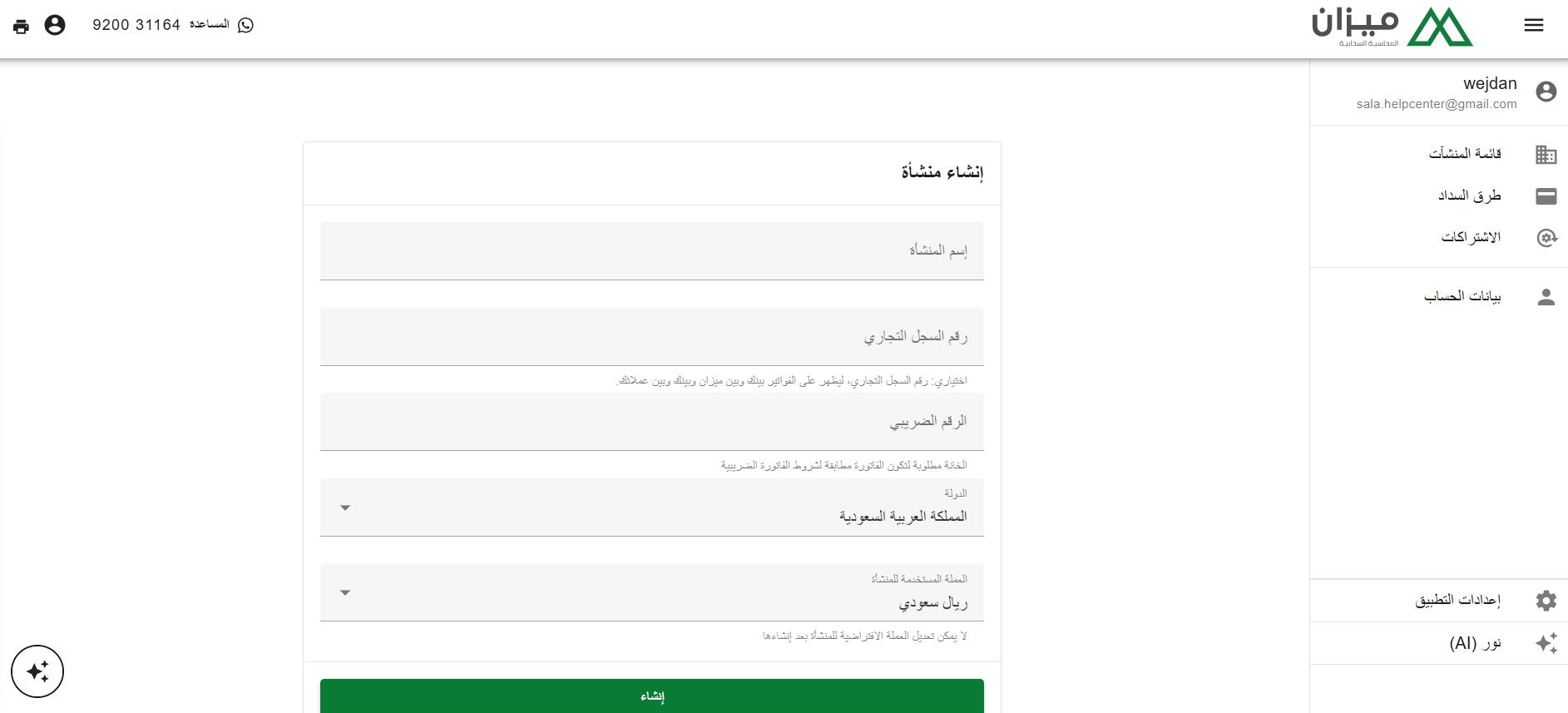
Then create your organization account on Mezan.
🚀 How to manage the Mezan connector app
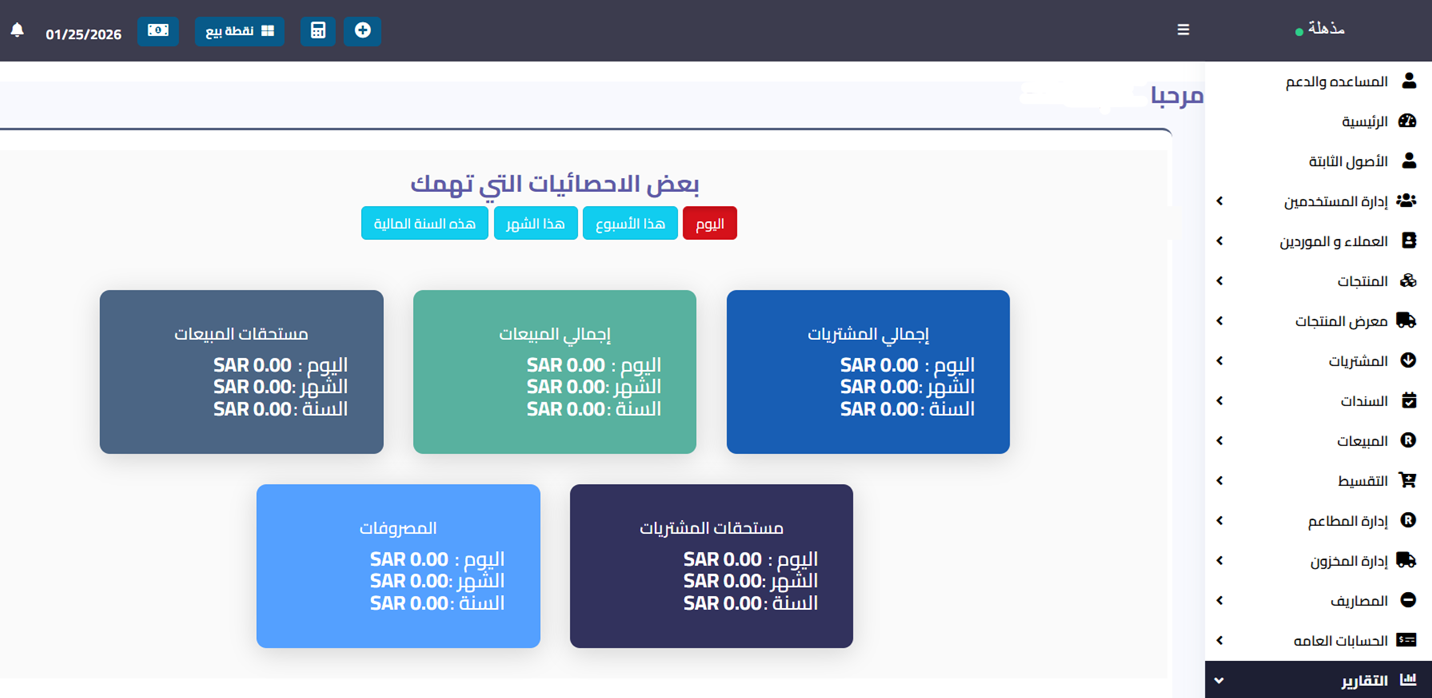
Customize the app
🎯 Manage your systems and control the app's settings from the main dashboard of the Mezan connector site.
Remove the app
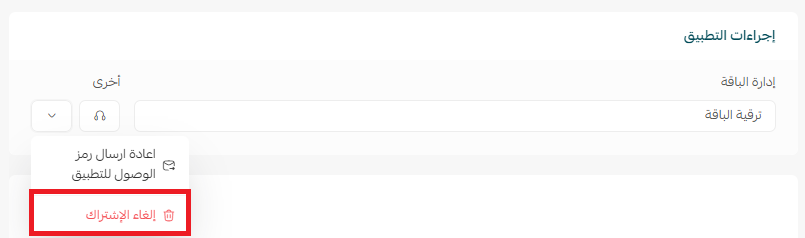
1. From the app options menu, click (Cancel subscription), then choose a reason for cancelling.
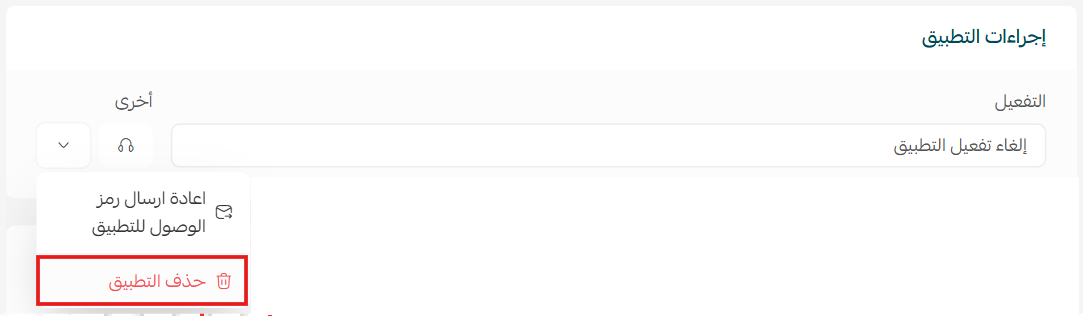
2. From the app options menu, click (Delete app), then choose a reason for deleting.
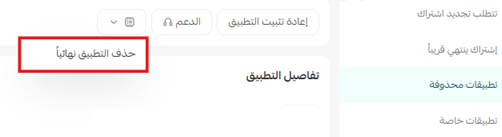
3. Open the deleted apps page, then from the app options menu click (Delete app permanently) to remove it from your store for good.
❓ Frequently asked questions
What does the Mezan connector actually sync?
Order revenue, refunded amounts, and VAT from your Salla store, sent automatically to your Mezan account.
Does the app plan include my Mezan subscription?
No. The plans you see during installation cover the connection only. Your subscription to the Mezan system is separate.
I don't have a Mezan account yet. What should I do?
Contact the Mezan team so they can set up a plan for your business before you connect your store.
Where do I change the connection settings?
On the Mezan connector site, from its main dashboard.
How do I remove the app completely?
Cancel the subscription, delete the app, then delete it permanently from the deleted apps page.
For more details, visit the Mezan connector app page.