Because gifting moments deserve to be special and effortless, the gifting experience is now more flexible and seamless with a complete gifting system for your customers; whether for digital products or physical items. With a simplified process that opens new opportunities for sales growth, this article will show you how to make your products more impactful by enabling the gift option.
📌 Article overview
- Installing the gifting system aap
- Activating and setting up the gifting system
- Sending a gift
- Processing gift orders
Installing the gifting system app
Follow the steps below to enable the Gift Product button on a single product page, and activate the gifting button in the cart for all cart items.
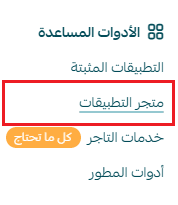
1. From the main menu, click All, then under the Tools section, click App Store.
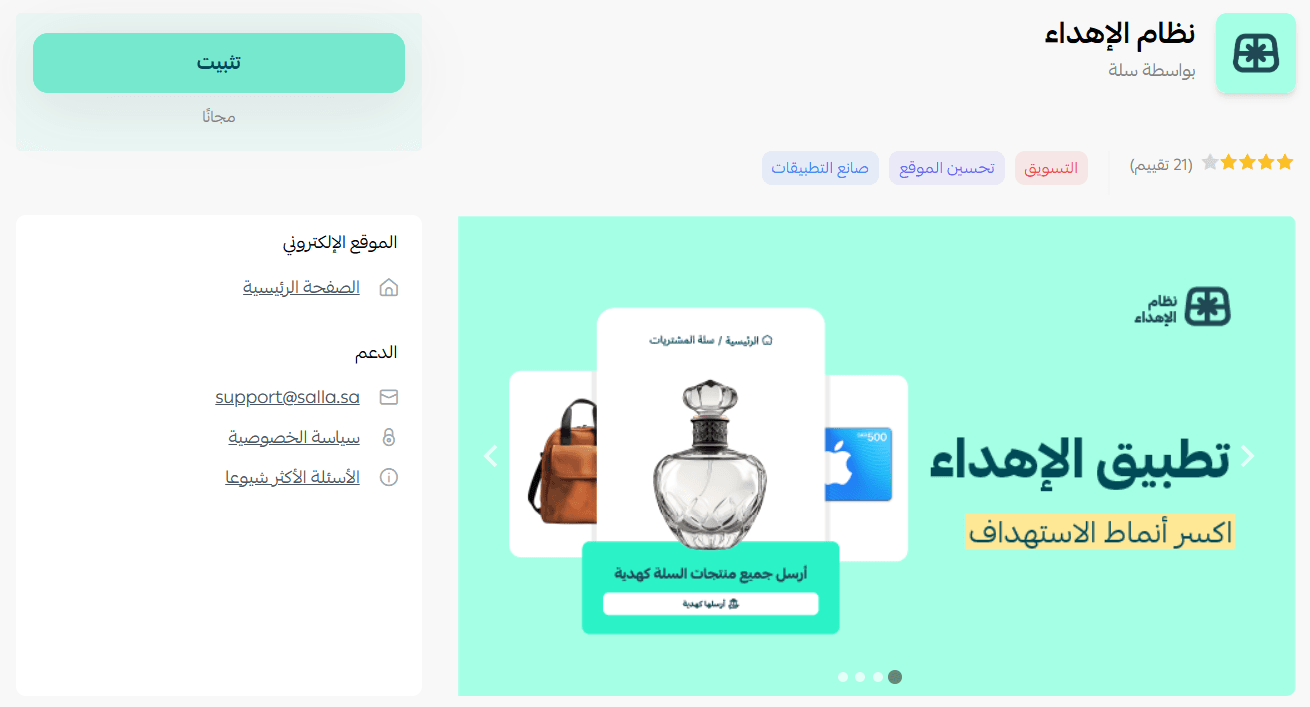
2. Search for the app using the search field.

3. From the Gift Cards app page, click Install.
The app has been successfully installed in your store.
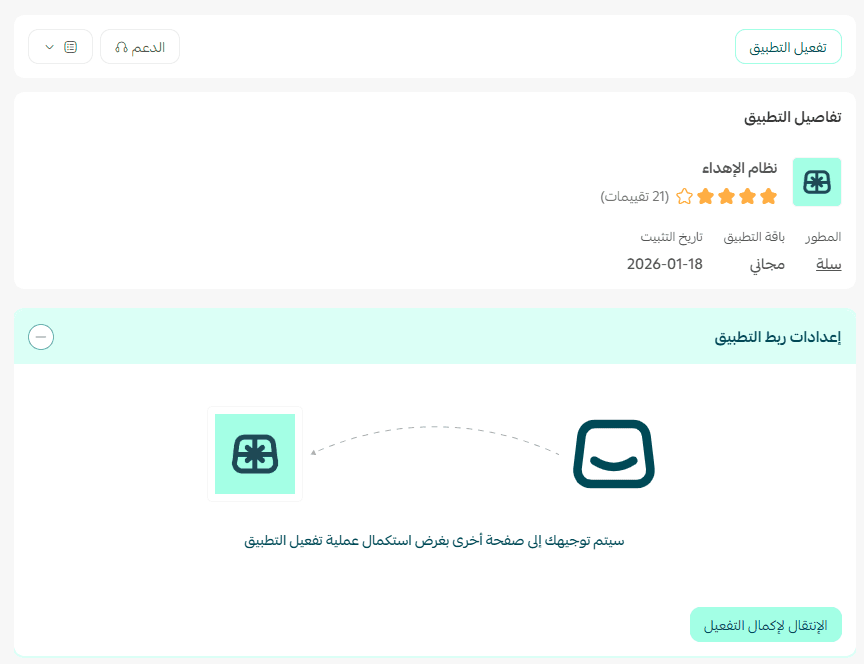
Activating and setting up the gifting system
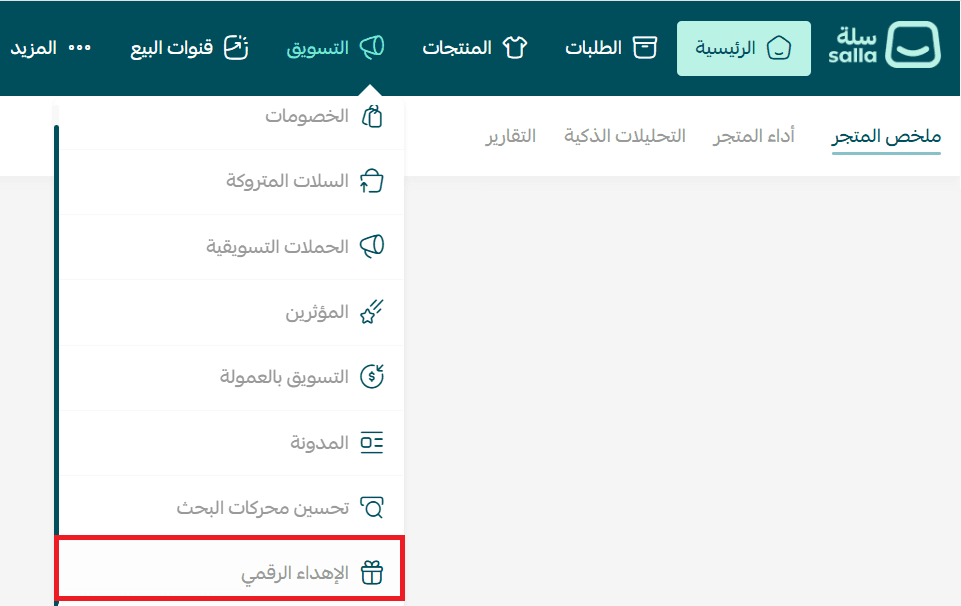
1. From the main menu, click Marketing, then click Gifting System.
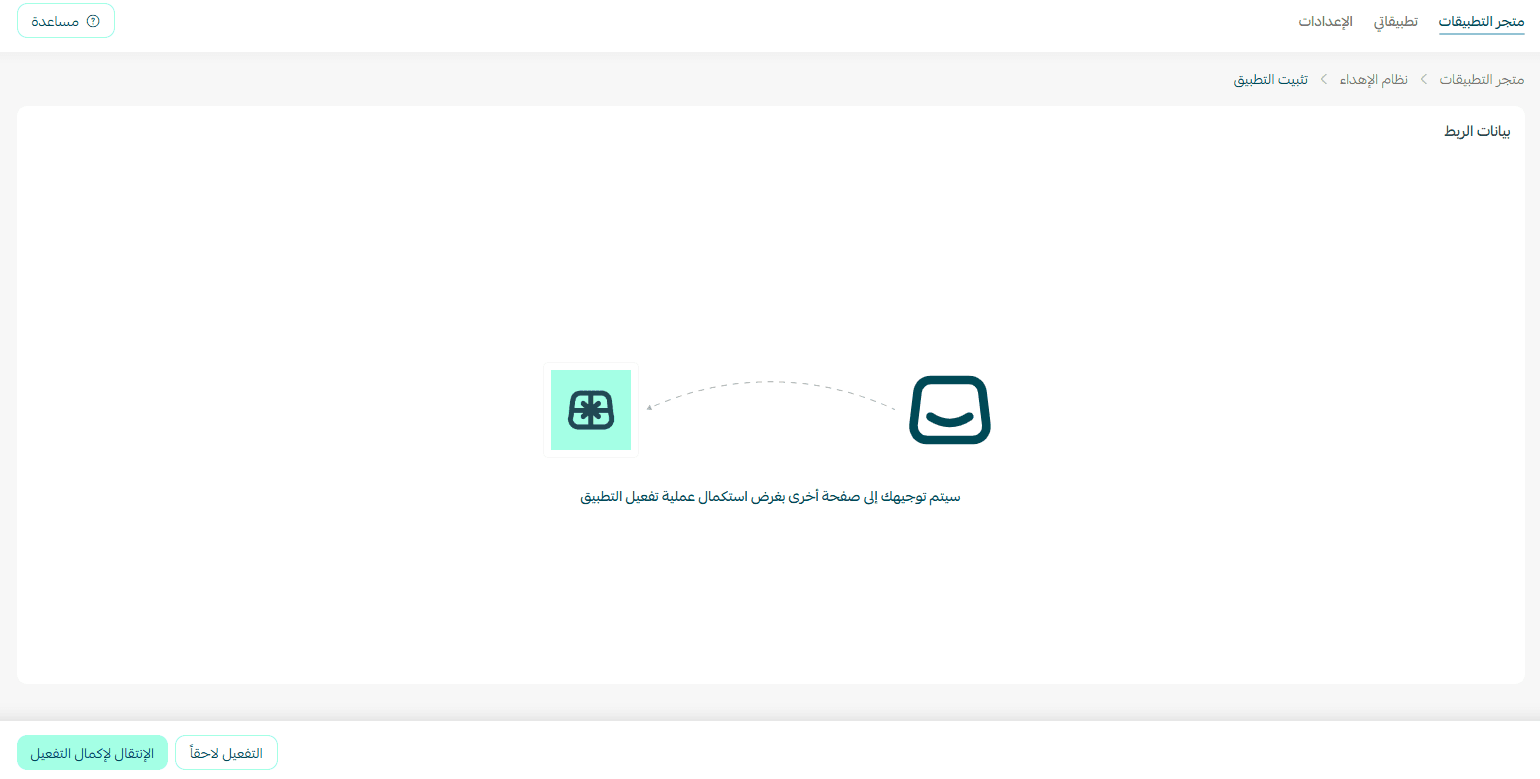
2. To activate the gifting system, click Go to Complete Activation.
3. Once activated, select Customize.
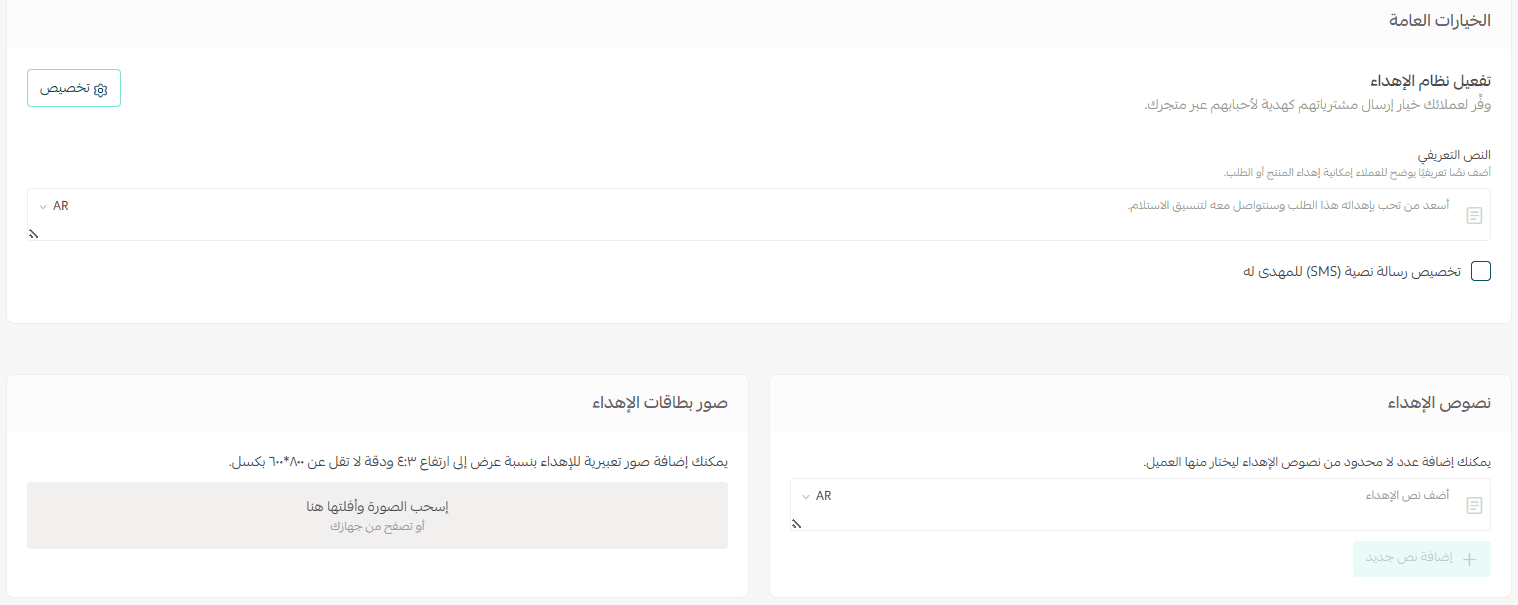
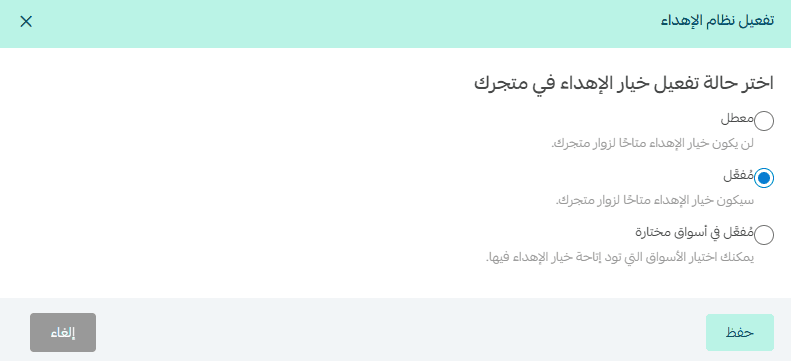
4. You will see options to control how the gifting feature appears in your store:
- Disabled: The gifting option will not appear to store visitors.
- Enabled: The gifting option will appear for all customers across all markets.
- Enabled in selected markets: You can choose which markets will have gifting available, such as your store’s default market.
After selecting the appropriate status, click Save to apply the changes.
The text will appear in your store like this:
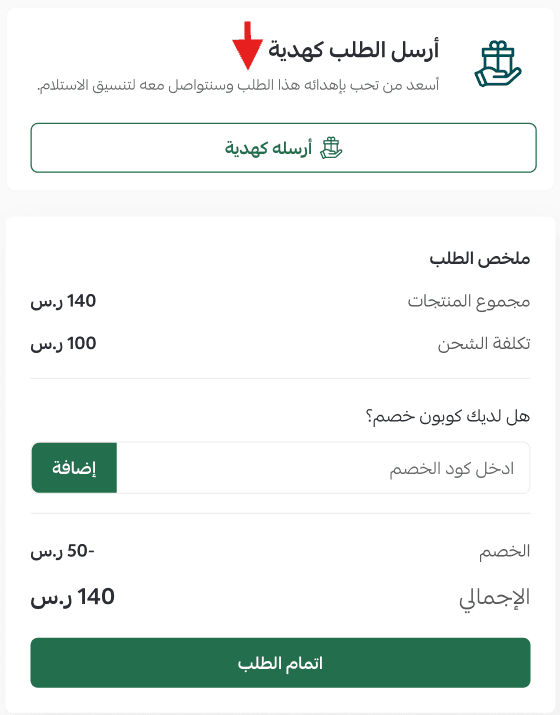
Note: Physical and digital products cannot be combined in the same gift cart. Customers must send each product type separately, using separate carts for physical or digital gifting.
Customizing gift message texts for the recipient
Enable or disable customizing an SMS gift message for the customer receiving the gift.
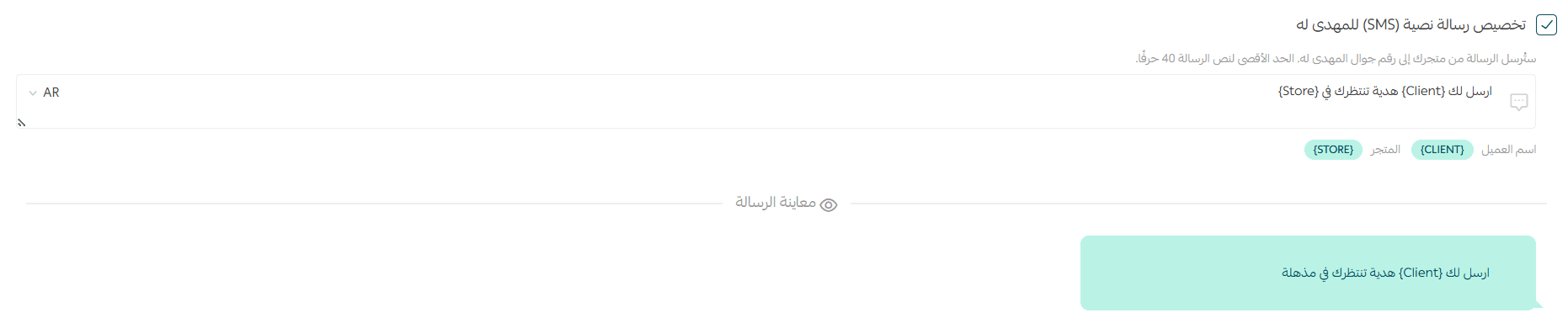
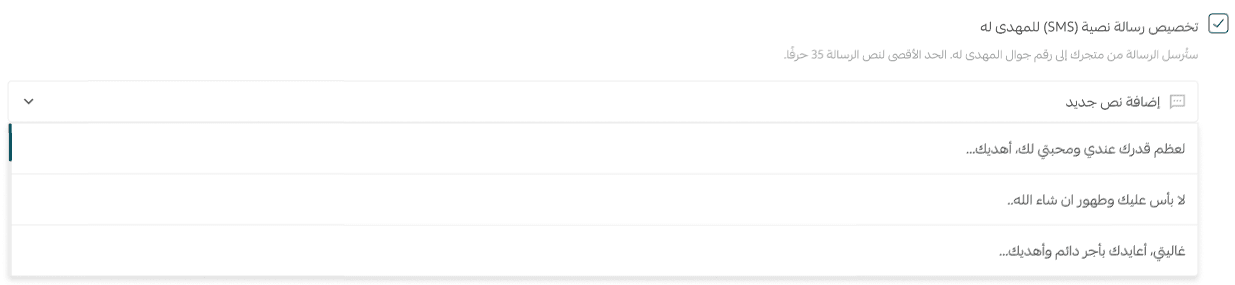
You can also create a list of preset gift message options to make it easier for customers to choose the most suitable one.
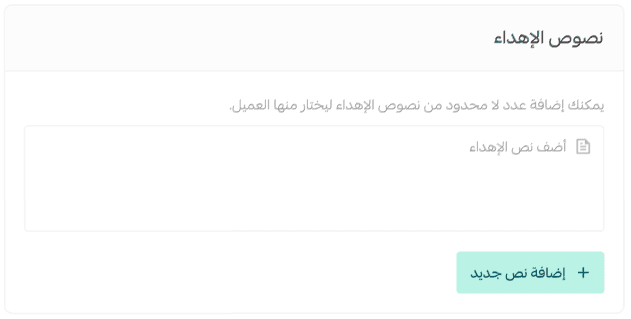
Gift texts have been successfully added.
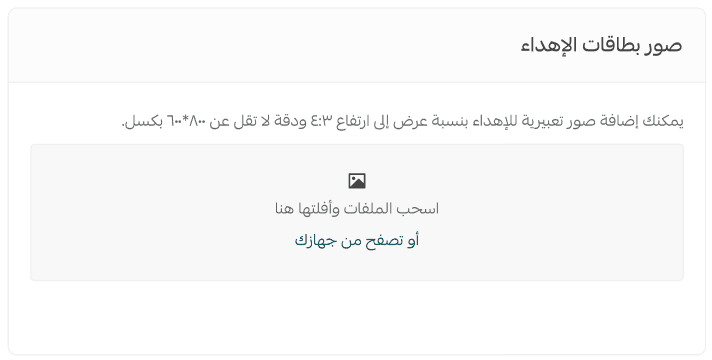
Adding gift card images for the recipient
You can optionally add ready-made gift card images that appear when the customer clicks Gift Product.
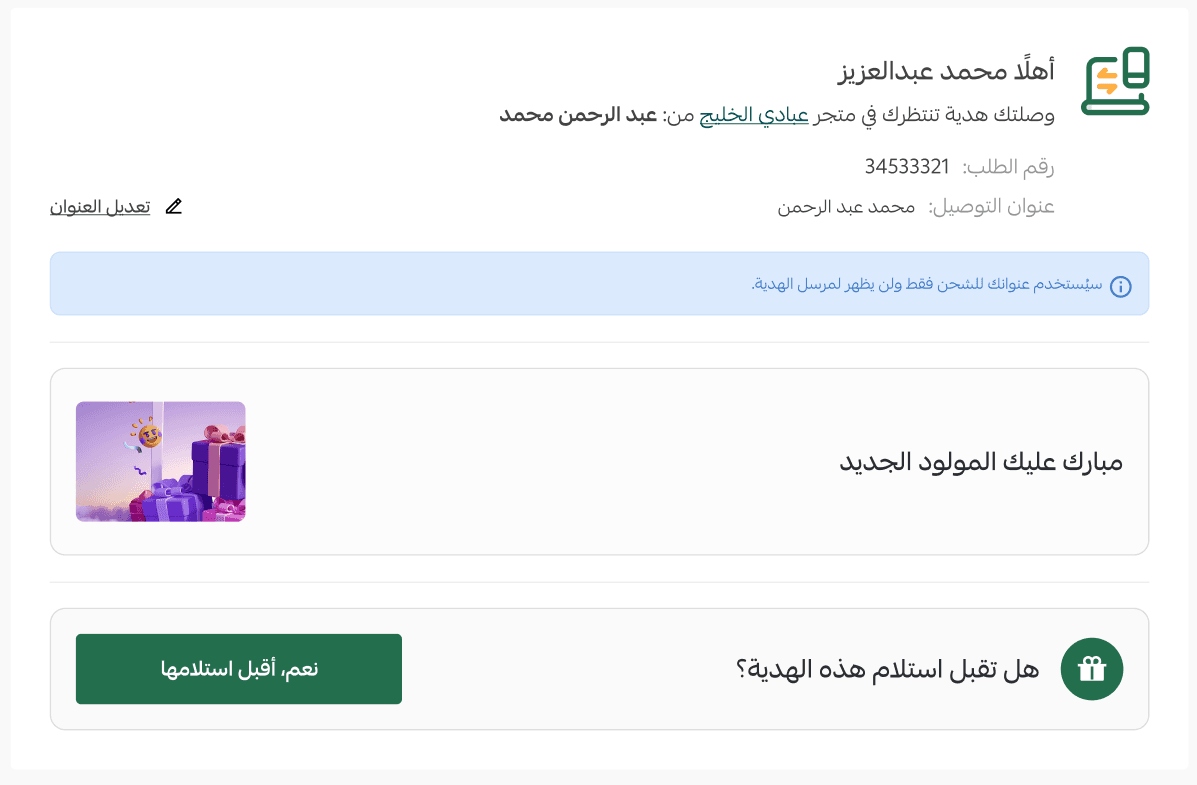
Gift images will appear to the recipient like this:
Sending a Gift
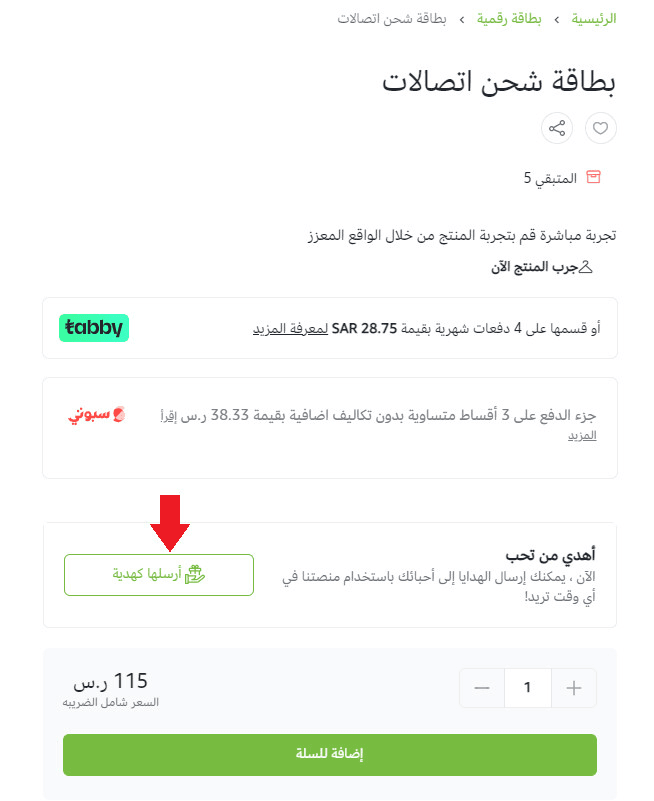
- Sending a gift order for one product
From the product page of the item you want to gift, the gift button will appear, allowing the sender to gift the product.
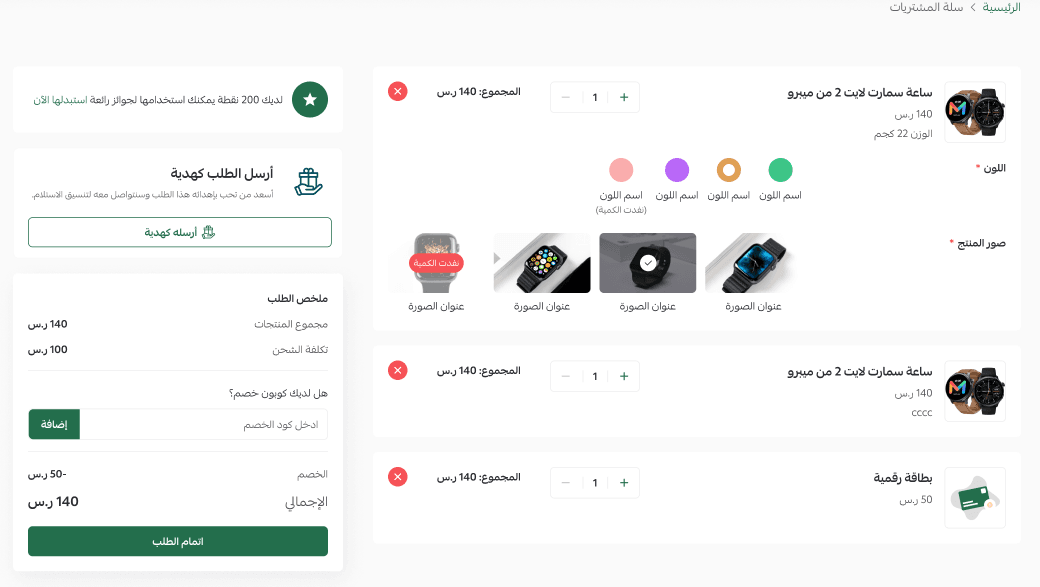
- Sending a gift order for multiple products (Entire cart)
From the shopping cart page, customers can send all items in the cart as a gift by clicking Send as a gift.
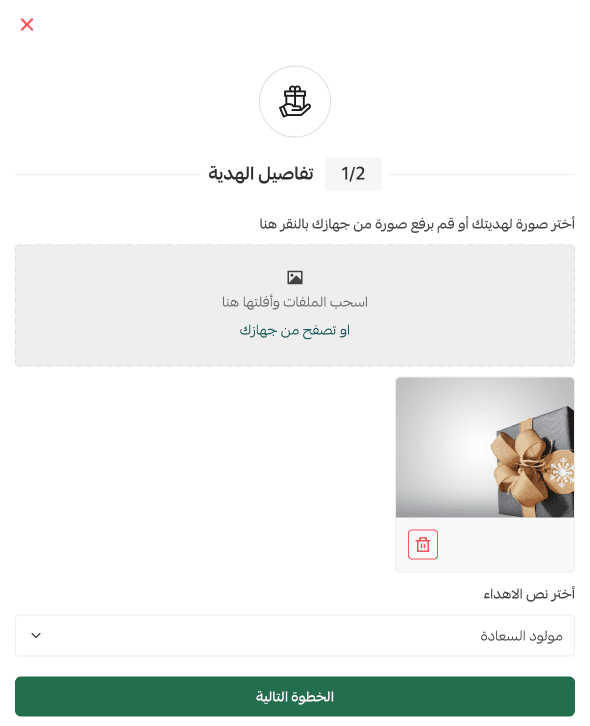
After selecting the products to gift, the sender can customize the gift message and card.
The sender (customer) will be required to enter the recipient’s details.
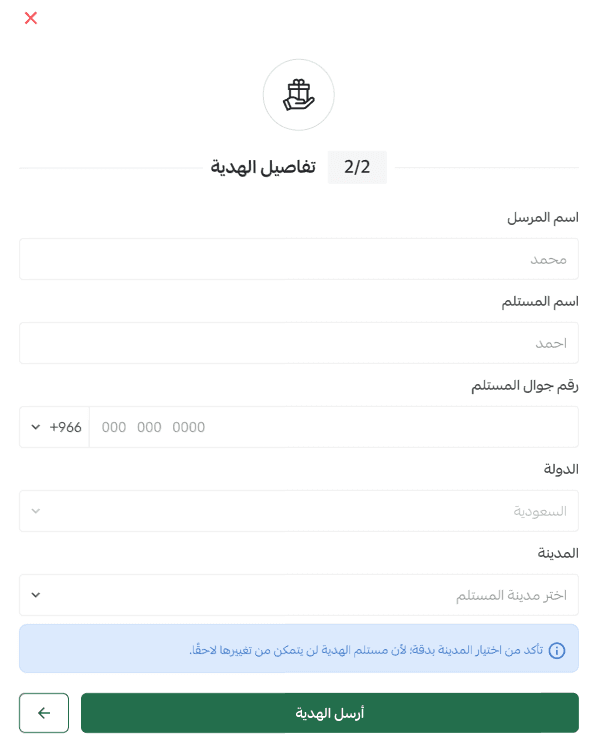
📝 Note
- The gifting feature is available only for cities inside of Saudi Arabia.
- The sender will then be directed to complete the payment so the merchant can begin processing the order.
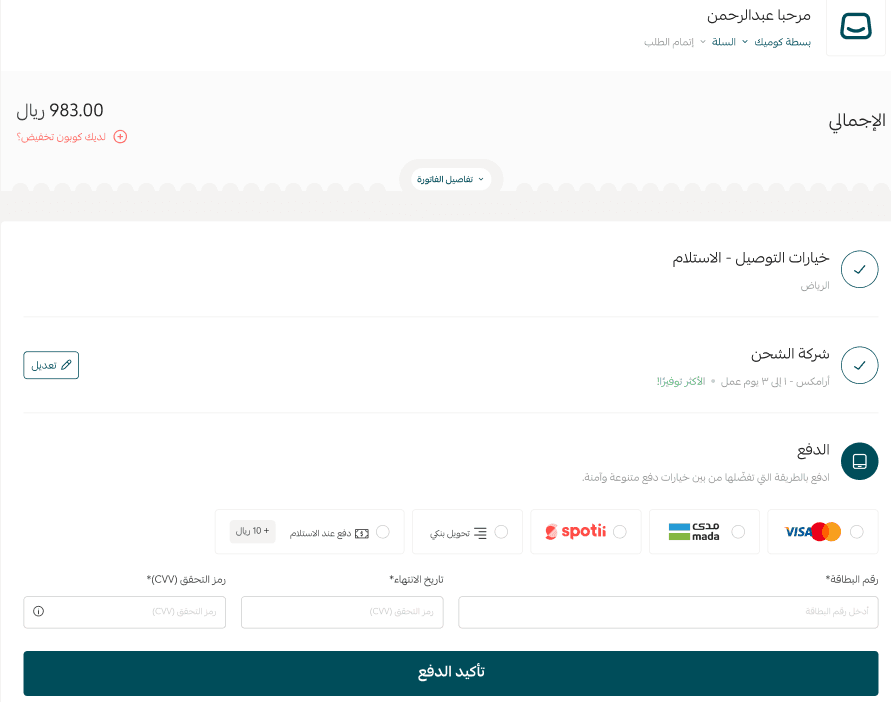
Gift order processing actions
📝 Important note
If the recipient does not confirm that they want to receive the gift, an alert message will appear inside Salla when opening the order as a reminder.
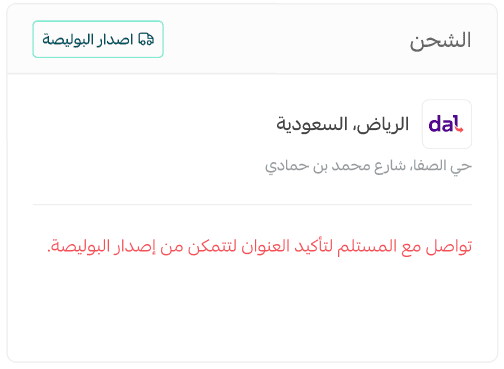
Before changing the order status to Executed, the merchant must contact the recipient to confirm their willingness to receive the order and confirm the address.
Step one: Recipient accepts the gift
If the gift includes shippable products, the shipping label button will remain hidden until the recipient confirms acceptance of the order.

To begin shipping procedures:
Once the gift SMS message is received on the recipient’s phone:
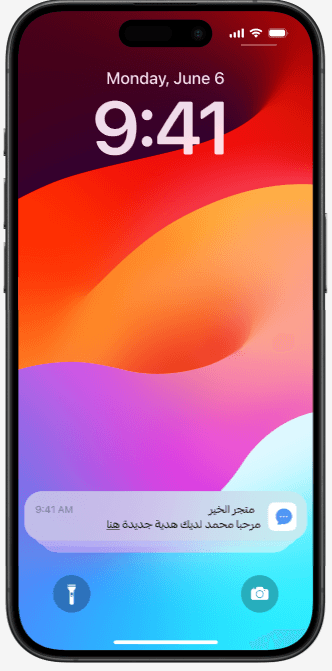
- The recipient must accept the gift.
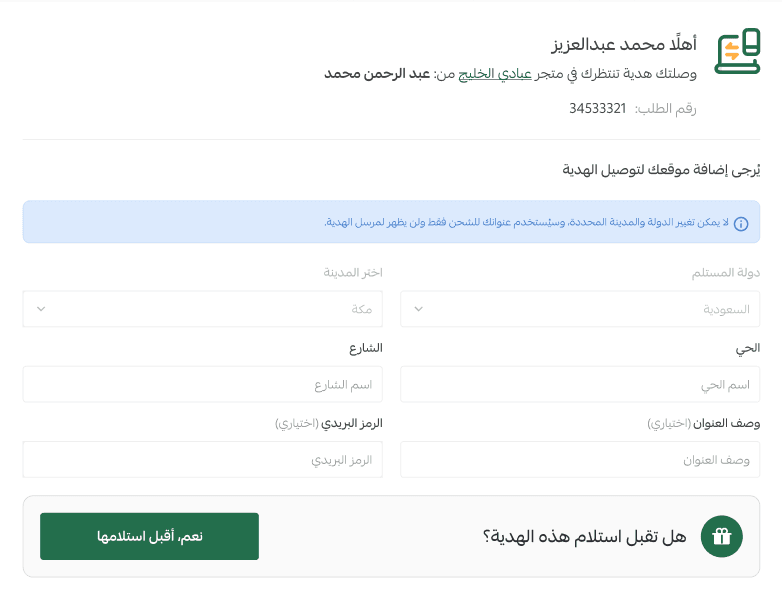
- After entering the delivery address and accepting the gift, shipping procedures will begin.
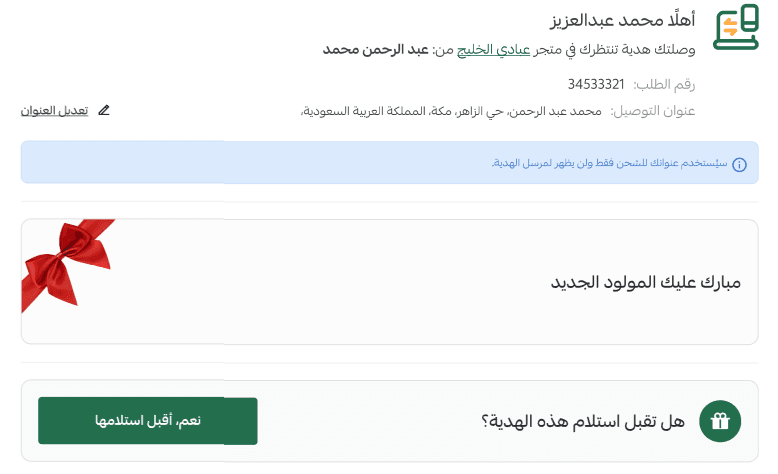
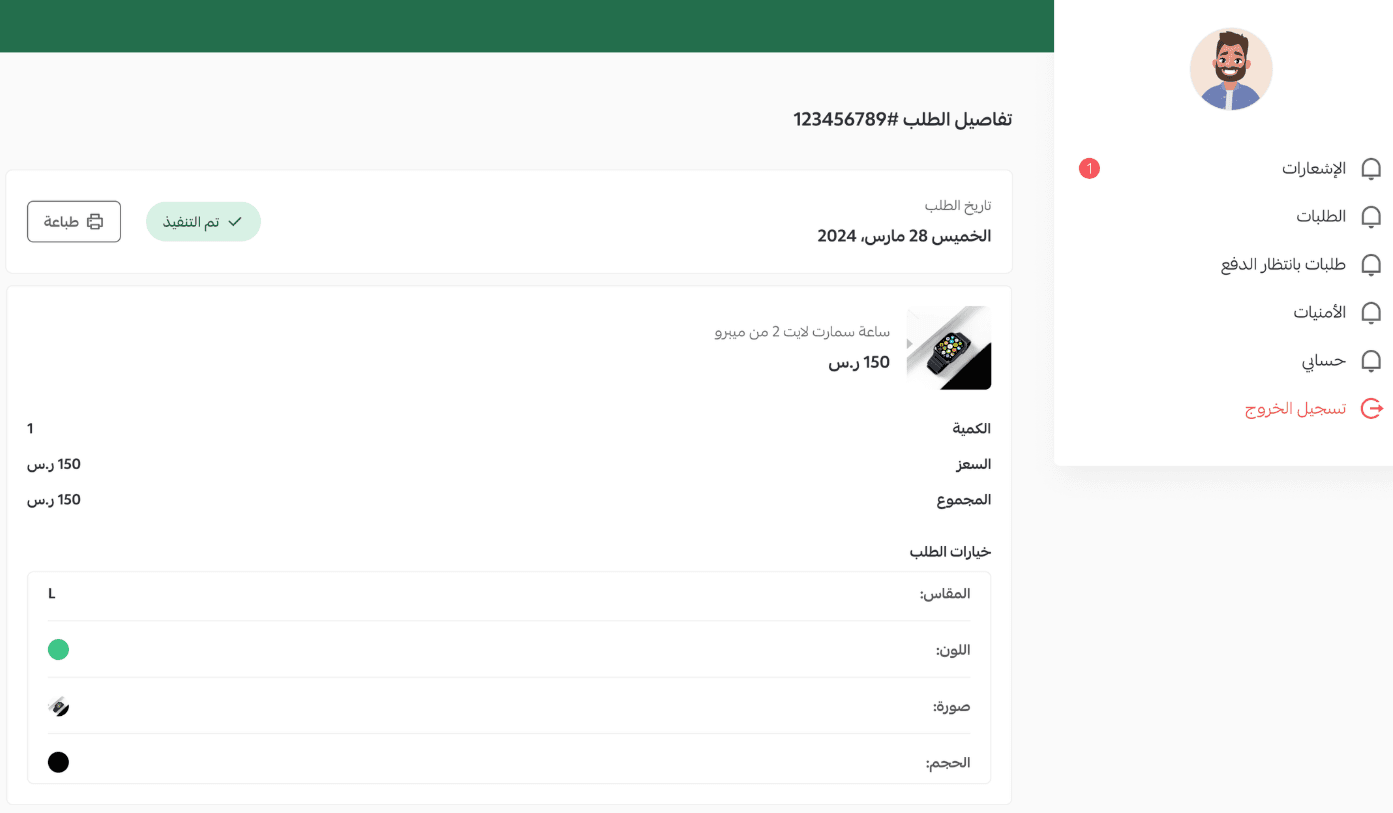
Step two: Order tracking
The sender (customer) can track order status updates normally.
📝 Important note
- If the gift includes physical products, shipment and delivery address details will be hidden to protect the recipient’s privacy.
Frequently asked questions
What products can I gift?
- All shippable products (excluding made-to-order service products).
- Donation products.
- Digital cards.
- Digital products.
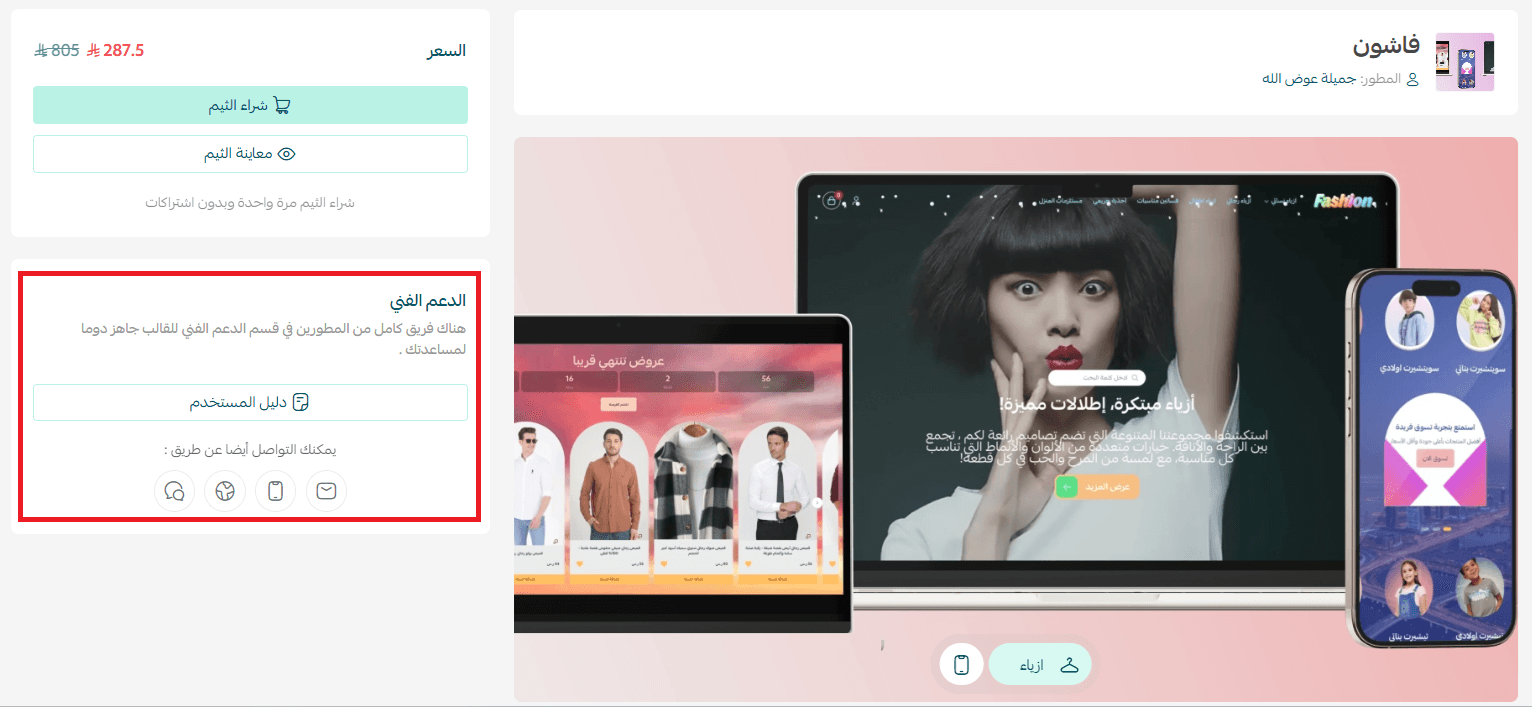
Do all themes support the gifting system?
All themes developed by Salla support the gifting system.
If your theme is not developed by Salla, you must check with the theme developer to confirm whether it supports gifting.
You can contact the theme developer through the theme page.
When is the gift sent to the recipient?
- Digital product: The gift link will be sent when the order status is changed to (Executed).
- Shippable products: The gift link will be sent when the order status changes to (In Progress).
Can customers edit scheduled gift details later?
No. The sender cannot return to edit the details of scheduled gifts that were set to be delivered later.
How will the gift message reach the recipient?
- If the gifted product is digital: the recipient can access and use the digital products immediately.
- If the gifted product is physical: the recipient will receive a message containing a link with the gift details.
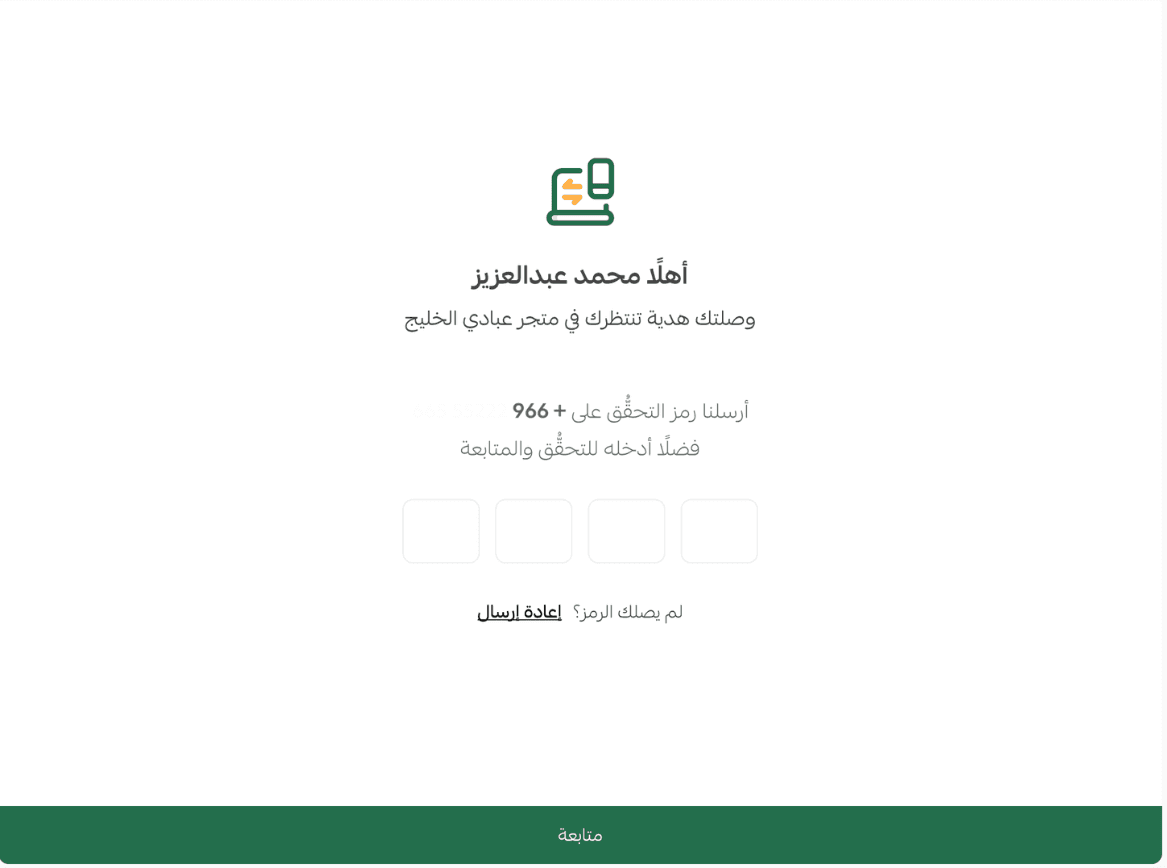
When opening the gift link, the recipient must verify their identity using a code sent to their phone, preventing unauthorized access.
We will review the following steps for receiving a shippable gifted product:
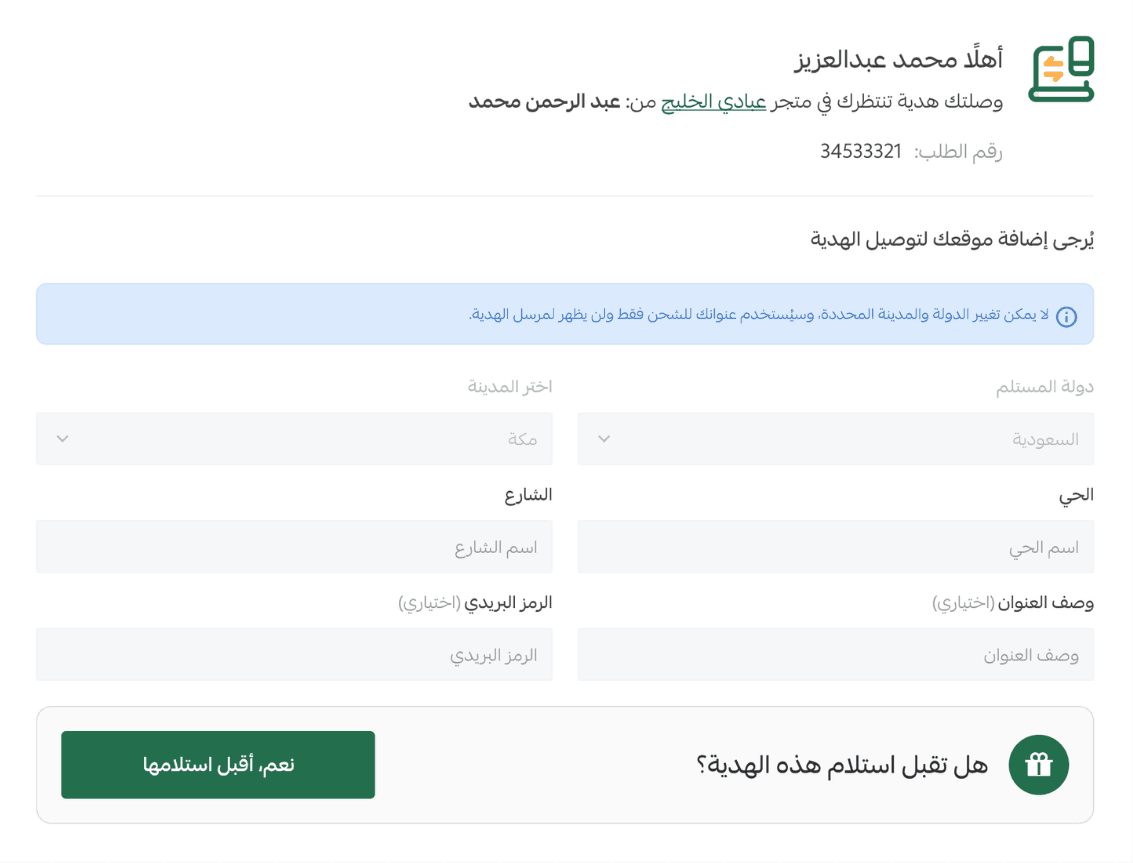
For shippable products: the recipient must enter shipping and delivery address details and confirm acceptance of the gift.
📝 Important note
- For shippable products:
- The recipient cannot change the city or country.
- The sender cannot view the recipient’s address details in the order page, to protect privacy.
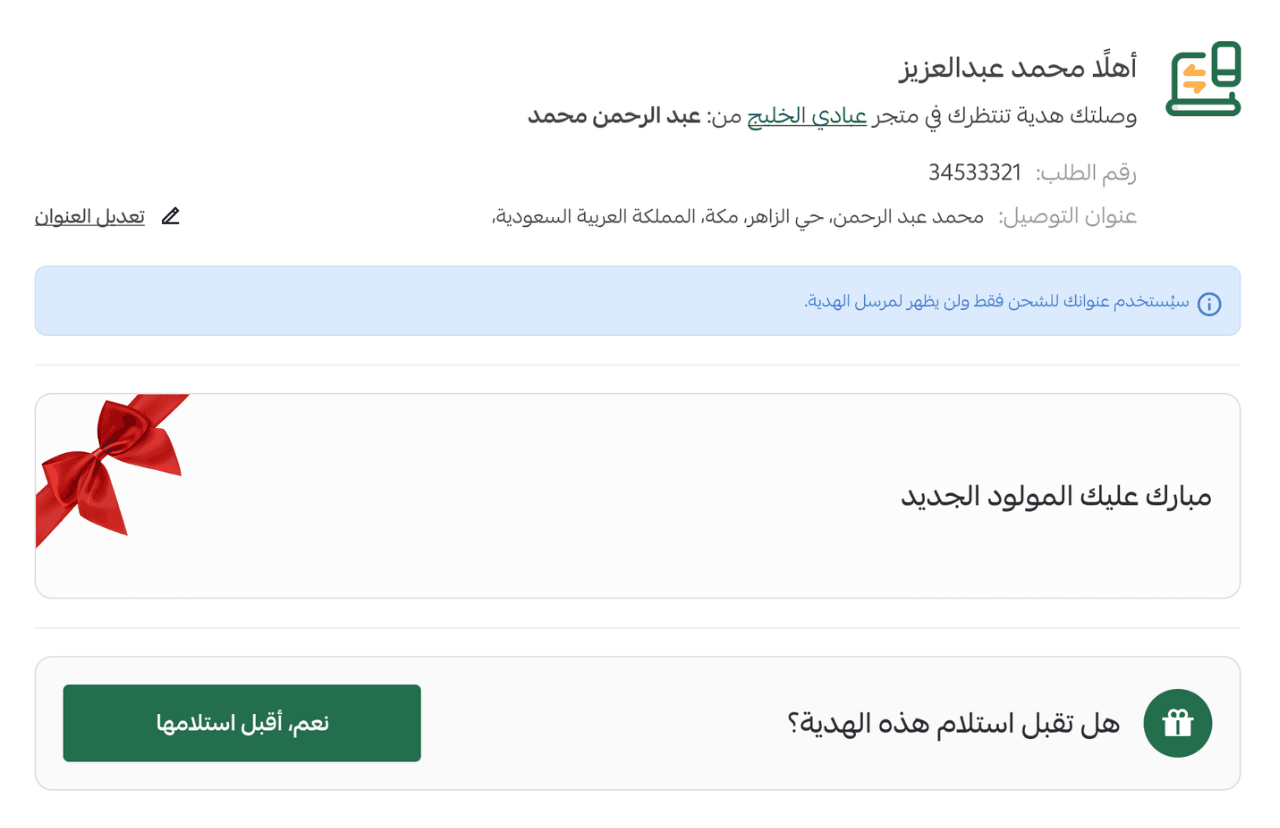
- If an address matches the city and country, the recipient will be asked to confirm delivery or change the location.
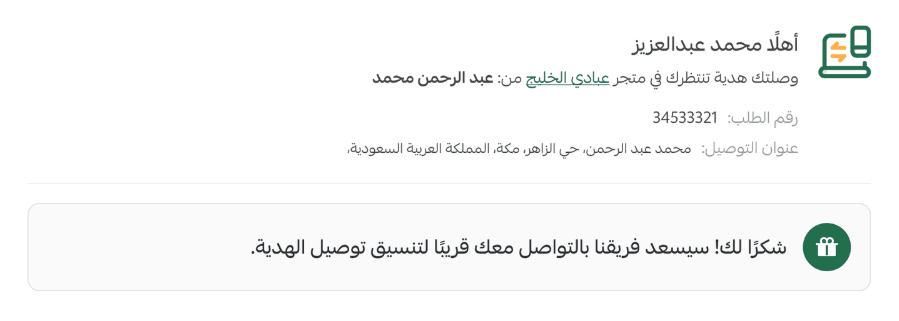
- After confirming shipping and delivery details, the store will contact the recipient to coordinate delivery.
Turn every gift in your store into an unforgettable experience!
Discover in this article how Salla’s gifting system helps you offer personalized gifts, organize gifting options, and market them smartly, making your store the first destination for anyone searching for the perfect gift.