Selling digital products comes with a critical challenge: protecting your content from copying, sharing, or unauthorized resale.
In this article, you will learn how to activate a feature that protects PDF digital products by allowing customers to view the file through a secure, private link that renews automatically on every visit. This protection disables text selection and copying, helping you safeguard your intellectual property while still delivering a smooth customer experience.
📌Article overview
- Enable intellectual property protection for digital products
- Upload the digital product file
- Frequently asked questions
Enable intellectual property protection for digital products
- From the control panel menu, click Products, then select Product Settings.

- In the product options settings, enable Enable digital product protection for PDF files.

This feature protects your PDF files from copying, publishing, or resale by:
- Allowing viewing through a private customer specific link
- Automatically renewing the link on every visit
- Disabling text selection and copying
This ensures your digital content remains secure while still accessible to legitimate buyers.
For more details, refer to the guide on adding a digital product.
Upload the digital product file
To apply protection to your digital product, you must upload the PDF file directly from your device when creating or editing the digital product.
Once uploaded, the file will be securely stored and delivered to customers using the protected viewing method.

Frequently asked questions
How can customers view the protected file?
The customer can access the file by following these steps:
- From the account menu, click Orders.
- Open the relevant order.
- Navigate to Digital Content.
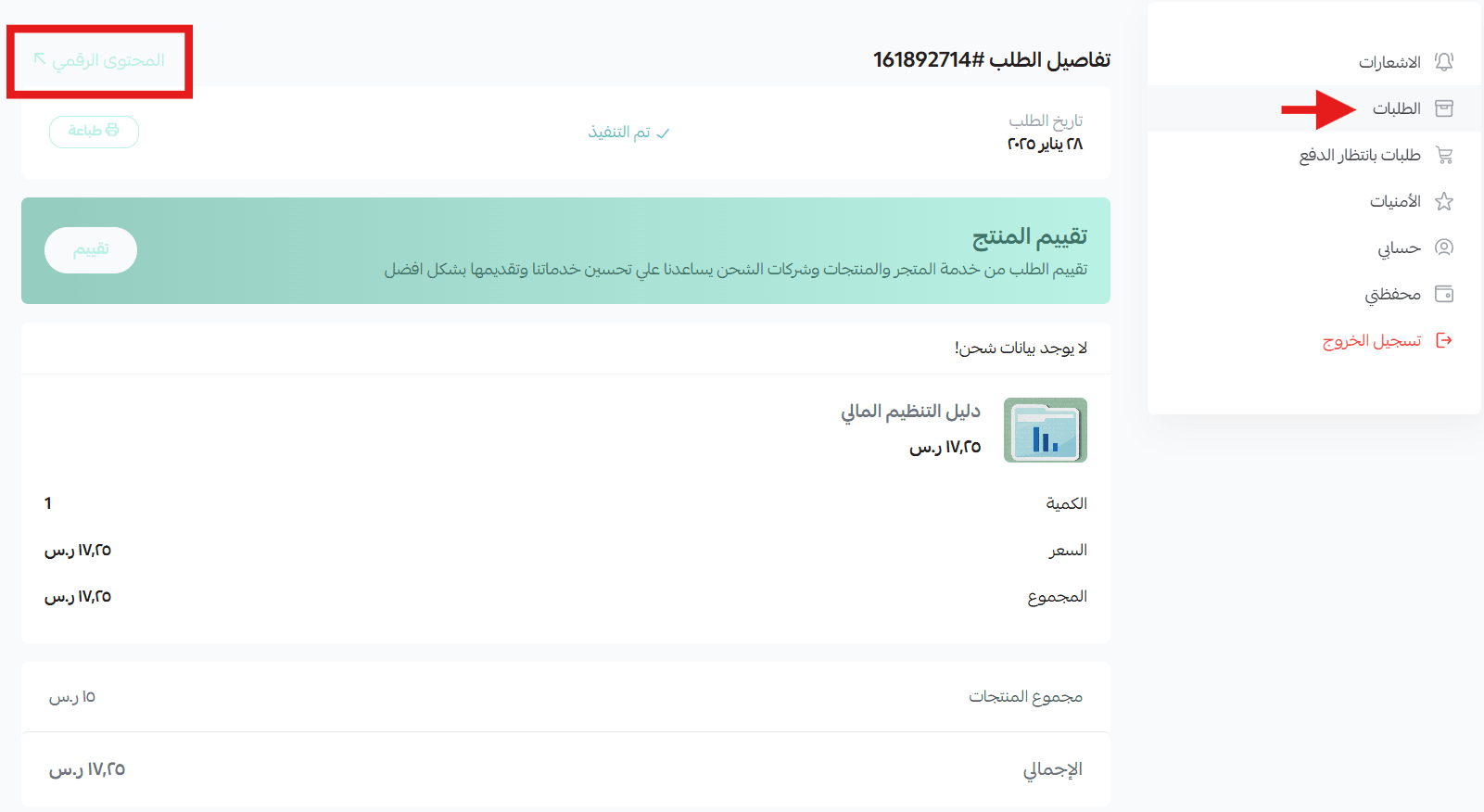
4. Click Download File.
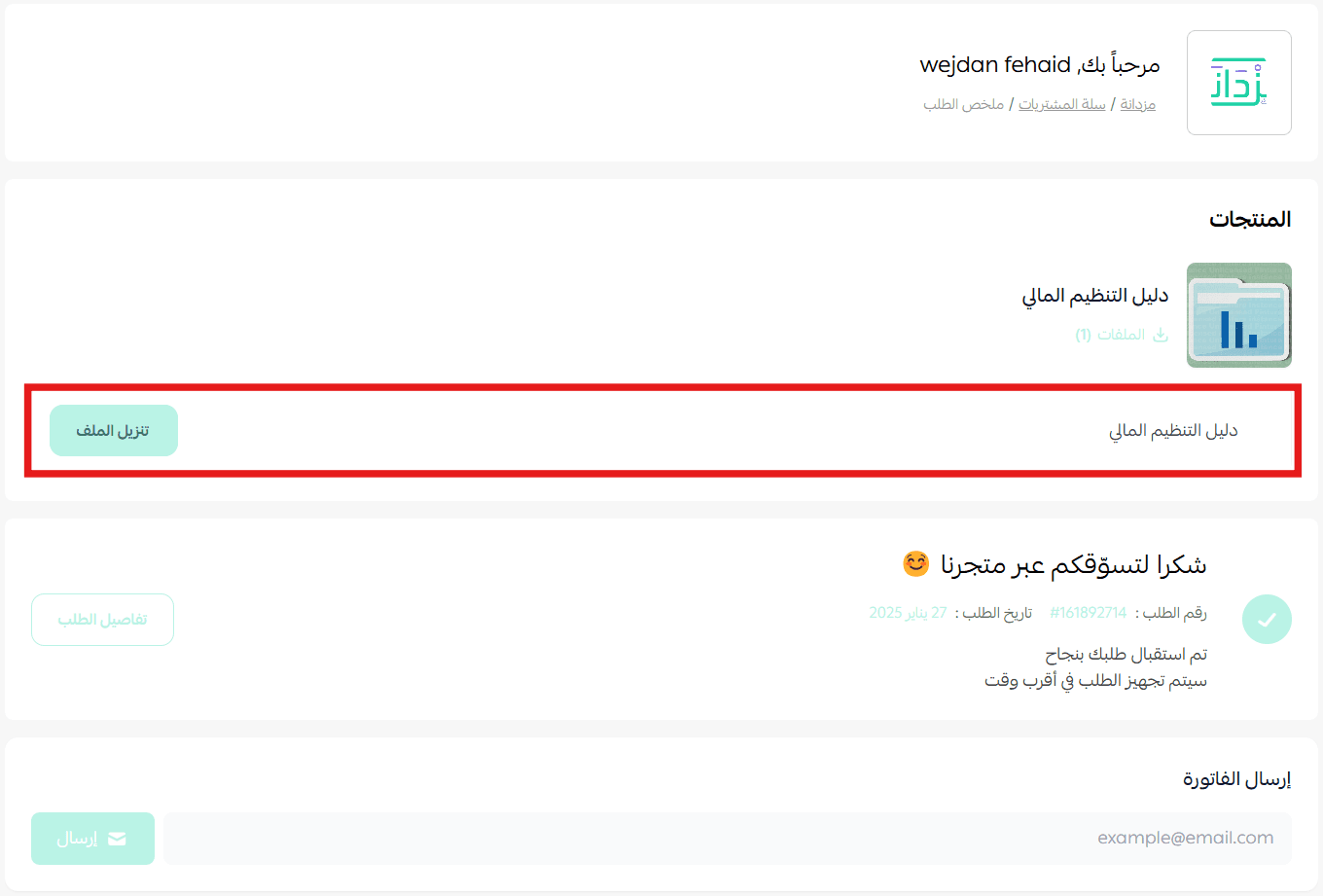
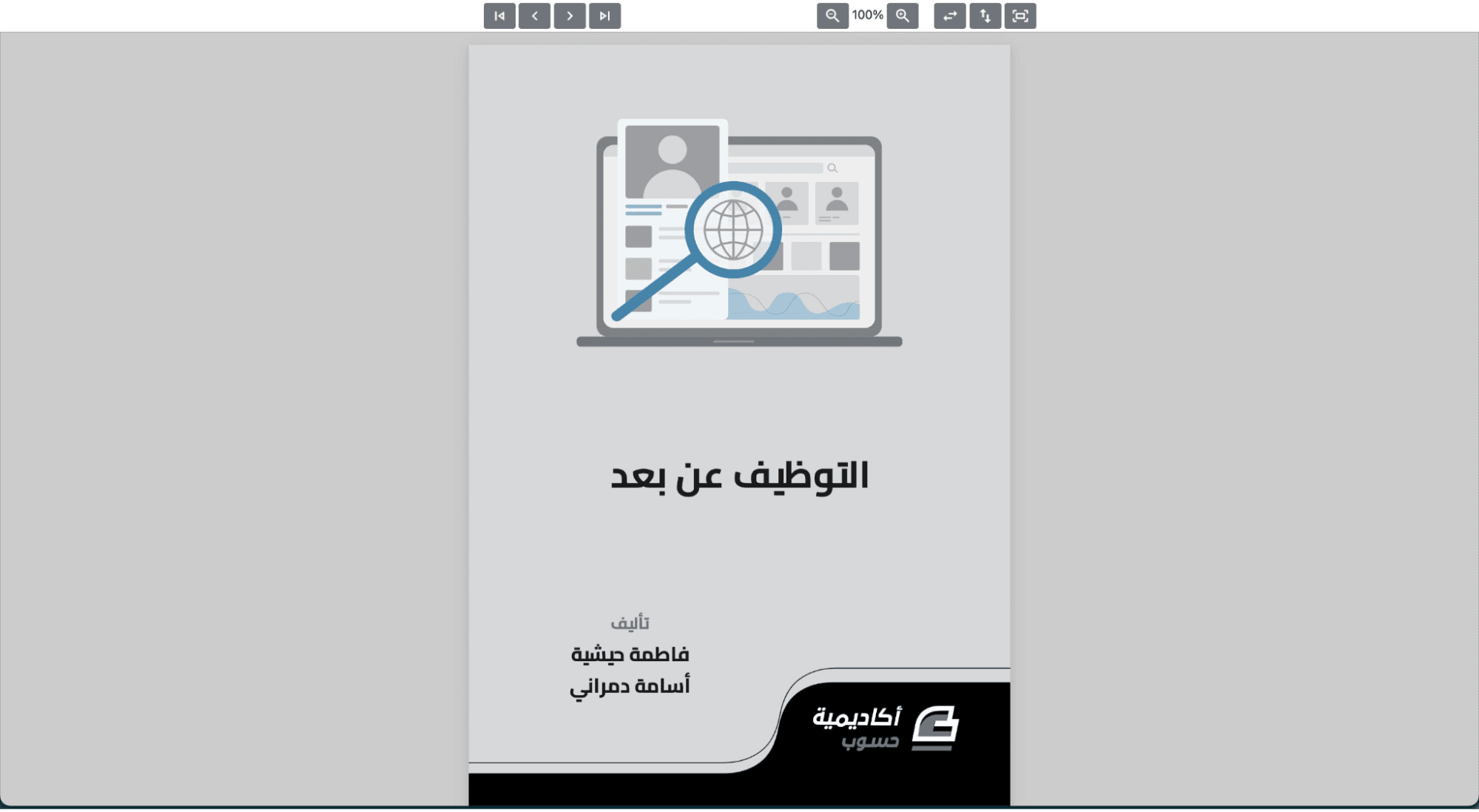
The file will open directly in the browser, where the customer can:
- View the content securely
- Navigate through all pages
- Access the file using a refreshed secure link on each visit
Which plans support this feature?
The intellectual property protection feature is available for stores on the following paid plans:
- Plus
- Pro
- Special
Why this feature matters
Protecting your digital products helps you:
- Prevent unauthorized copying and redistribution
- Maintain the value of your content
- Build trust with creators and partners
- Deliver digital products confidently and professionally
By enabling PDF protection, you ensure your digital assets remain secure while providing customers with a seamless and reliable viewing experience.