Improper packaging can lead to damaged products during shipping, resulting in financial losses and an unsatisfactory customer experience. With the Packaging Materials Request service from approved shipping companies, you can secure professional packaging materials that protect your products and help ensure they arrive safely.
In this article, you’ll learn how to request, manage, and track packaging materials easily to maintain high shipping quality.
Note: This feature is currently available only for stores operating within the Kingdom of Saudi Arabia.
📌Article overview
- Packaging materials page
- Steps to create a new request
- Service rating
- Escalating a request to Salla
- Searching for and accessing a specific request
Packaging materials page
To access the Packaging Materials page:
- From the main menu in your Salla dashboard, click All, then under Shipping, choose Packaging.
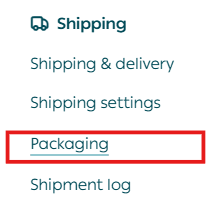
You’ll be directed to the Packaging page, where you can view existing requests and create new packaging requests.
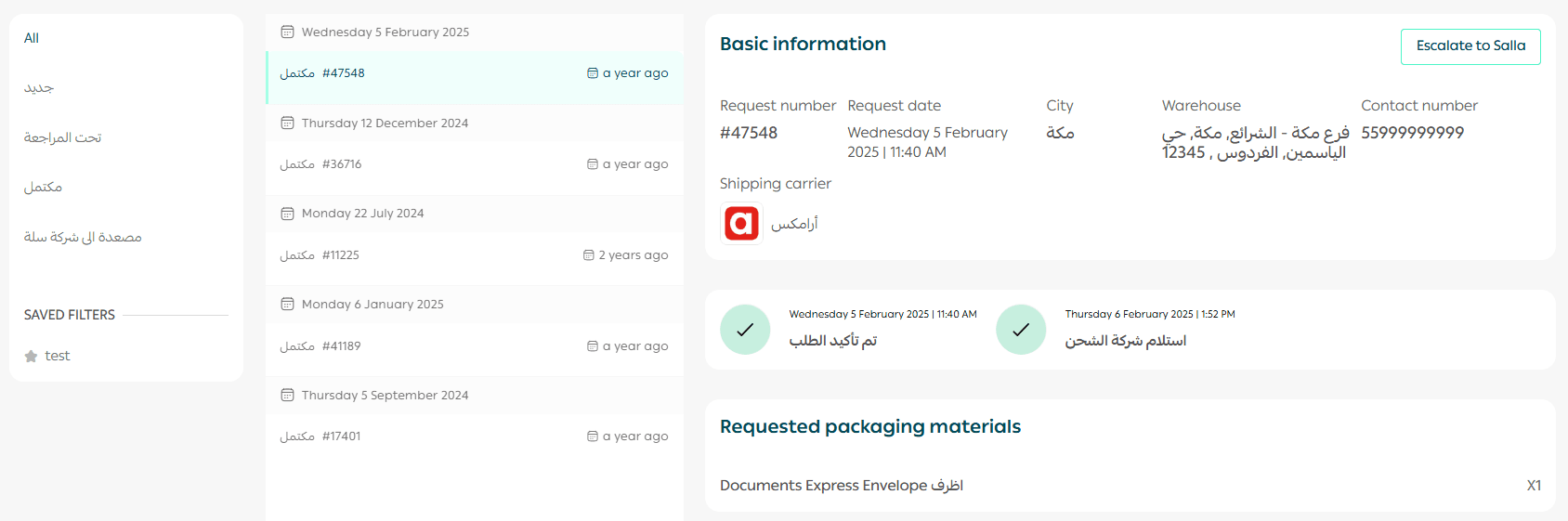
Steps to create a new request
Create a new packaging materials request
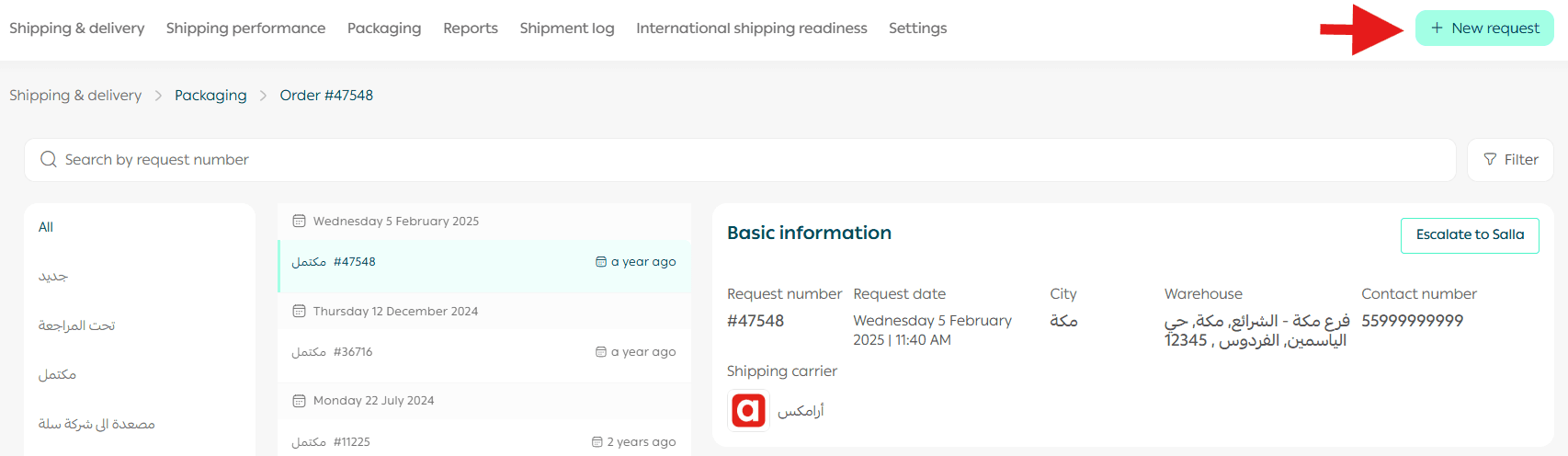
- Click New Request.
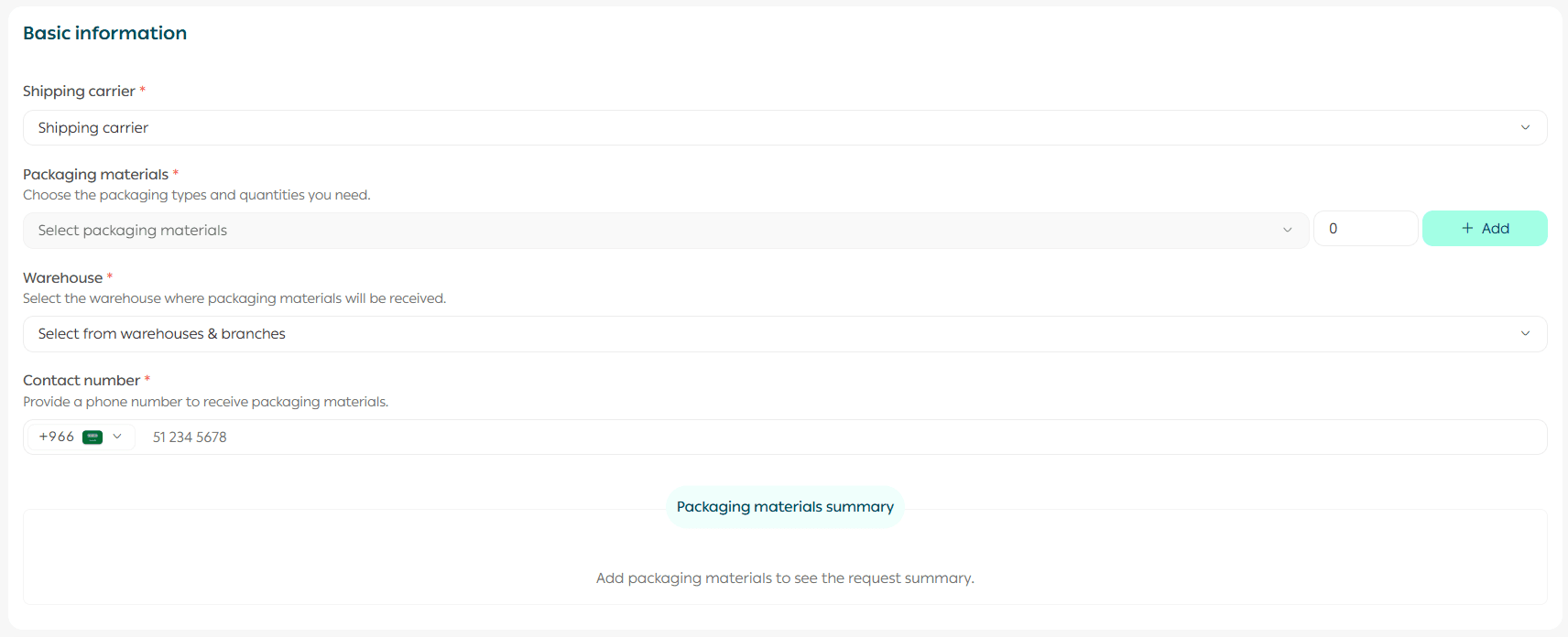
2. From the Request tab, enter your request details, then click Submit Request.
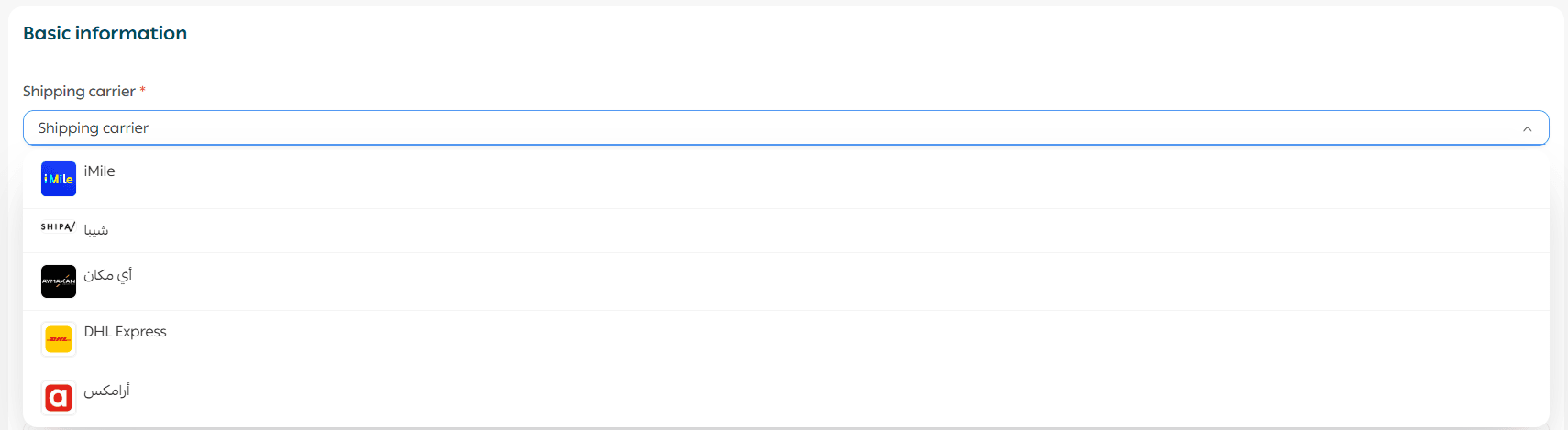
Select the shipping company
Choose the shipping company you want to request packaging materials from.
Note: Currently, packaging material requests are available through the following shipping companies:
iMile, Shipa, AyMakan, Aramex, DHL, and Salasa. Additional shipping companies will be supported soon.
Select packaging materials and quantities
- Choose the packaging materials you need and specify the required quantities.
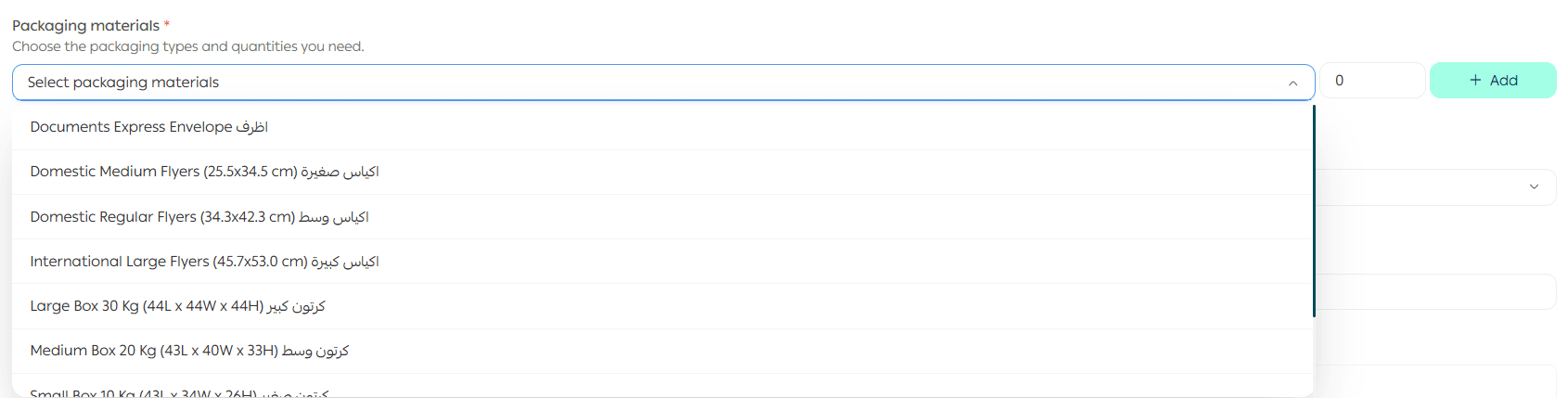
2. You can add more than one type of packaging material to the same request.
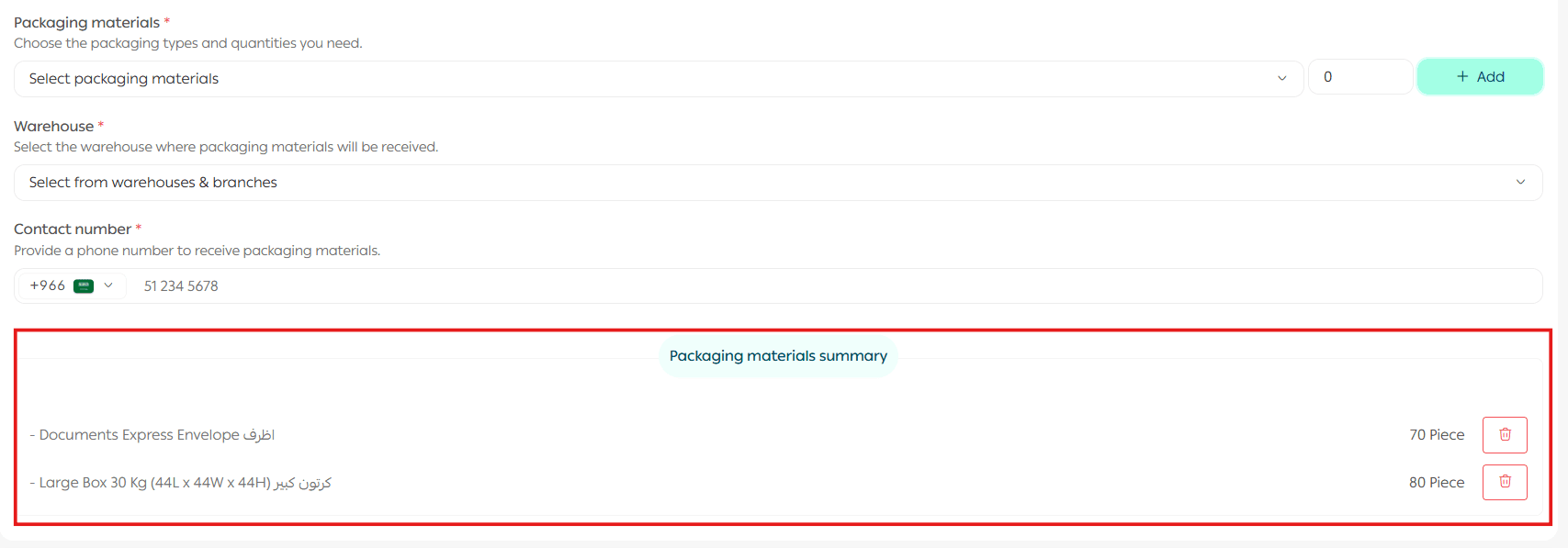
3. To remove an item, click the delete icon.

Important note: The maximum quantity you can request is 50% of your store’s Aramex shipments during the previous month. This means you must have previous shipments with Aramex in order to request packaging materials from them. A notification will appear if you exceed the allowed quantity.
Example: If your store shipped 20 orders with Aramex in February, you can request up to 10 packaging material items in your first request of the month. After two weeks, you can submit another request for the same quantity.
Select the destination warehouse
If you have more than one warehouse, select the warehouse where the packaging materials should be delivered.

Enter contact details and submit
- Enter the contact phone number.
- Click Submit Request.

Your request will be submitted successfully. You can review it by clicking Request Details.
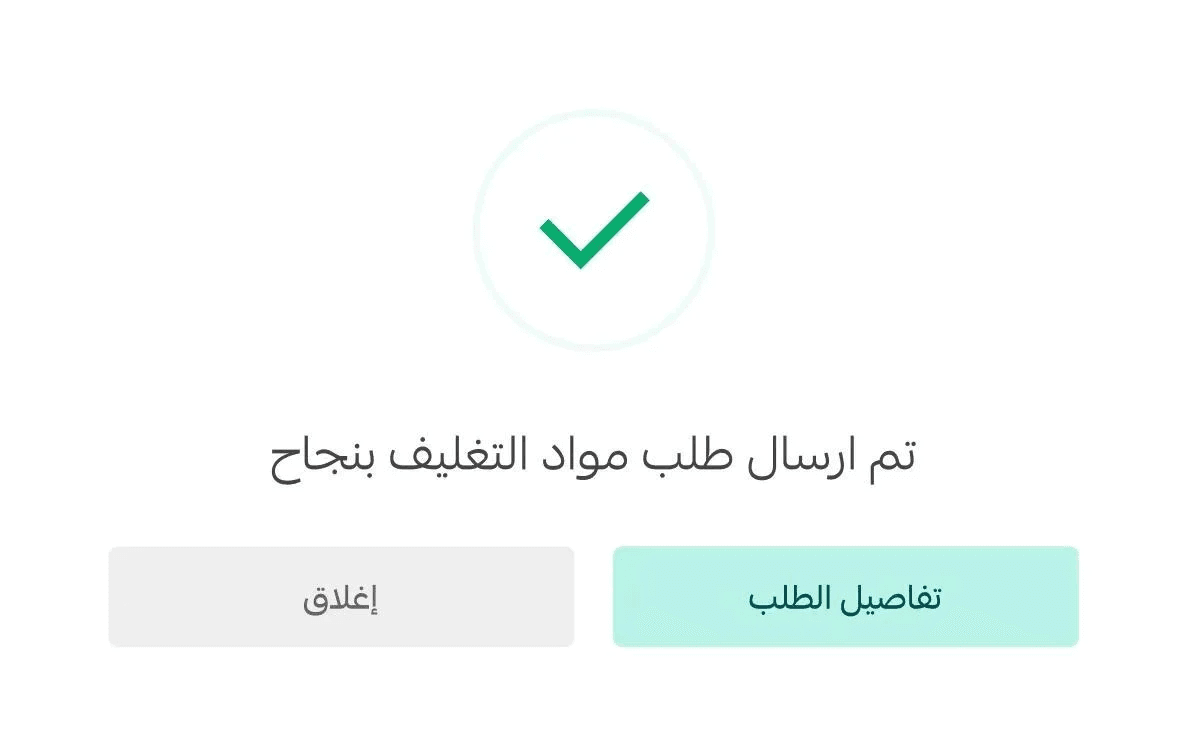
Clicking the packaging materials request number will display full request details.
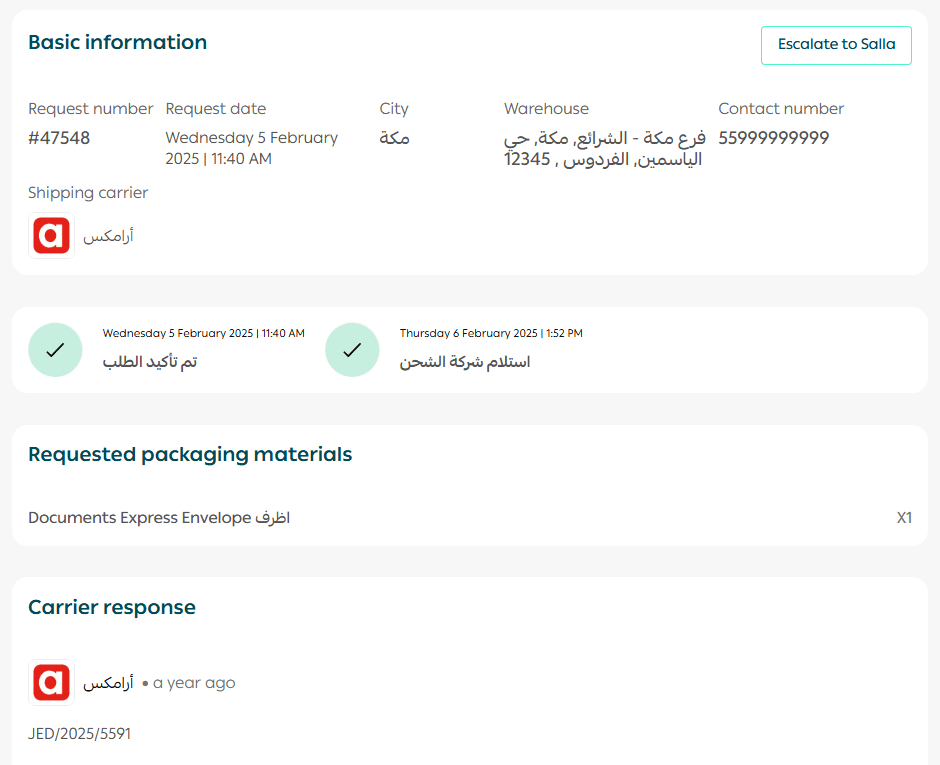
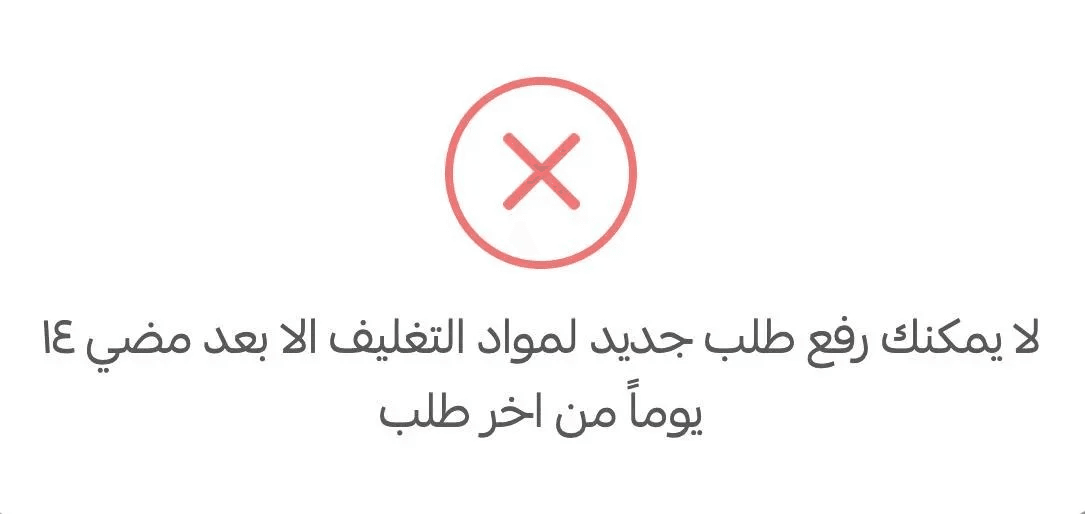
Note: You cannot create a new packaging materials request until 14 days have passed since your previous request.
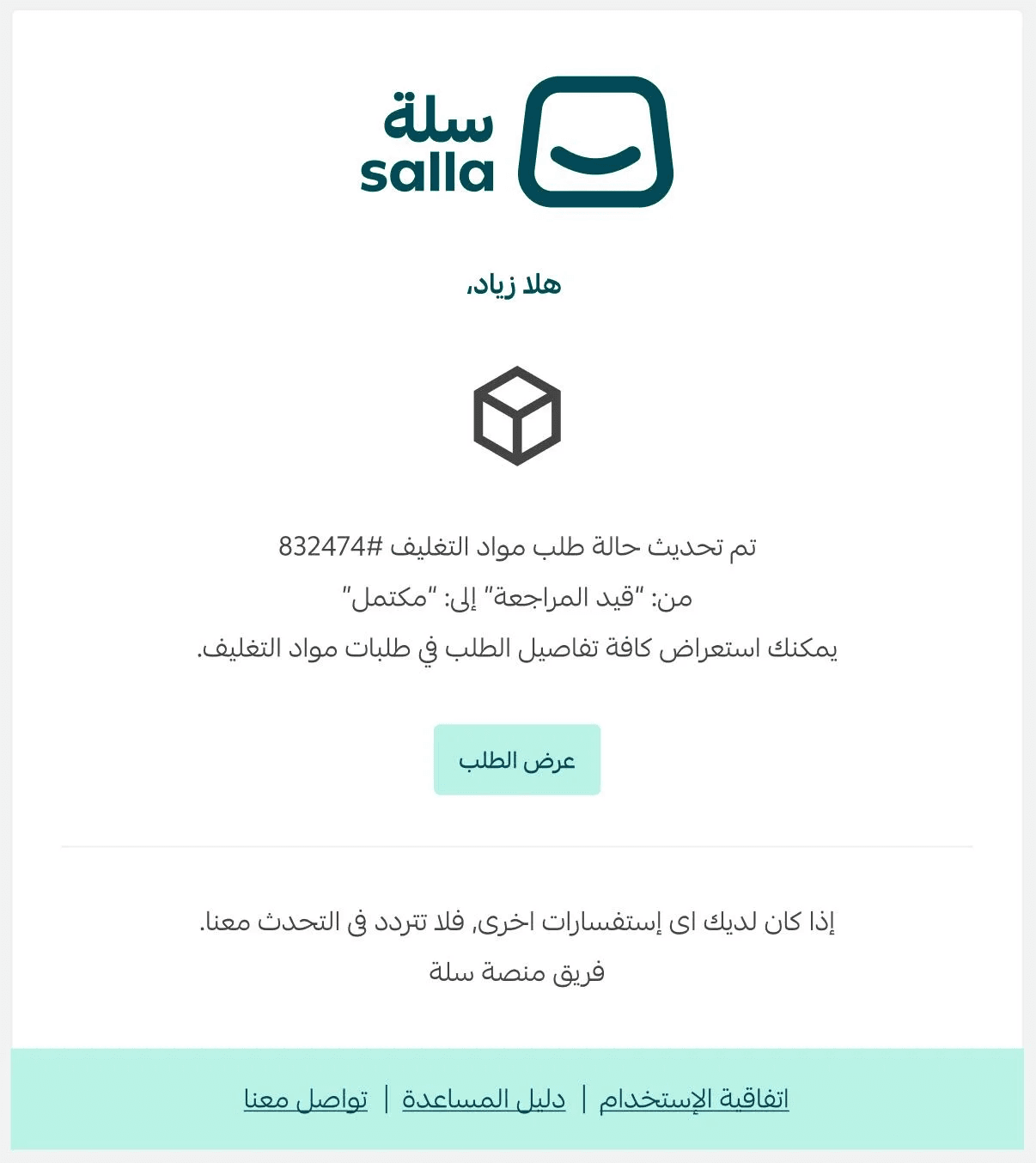
Once your request is completed, you will receive an email notification confirming completion.
Service rating
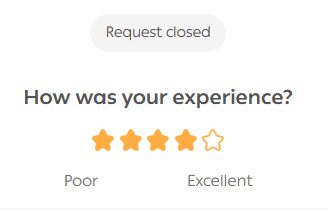
After your request is completed, you can rate the service directly from the request details page. Your feedback helps improve packaging and shipping services.
Escalating a request to Salla
If:
- The shipping company does not respond to your request for 5 days, or
- The request is accepted but delivery of the packaging materials is delayed for more than 5 days
You can ءescalate the delay to Salla by following these steps:
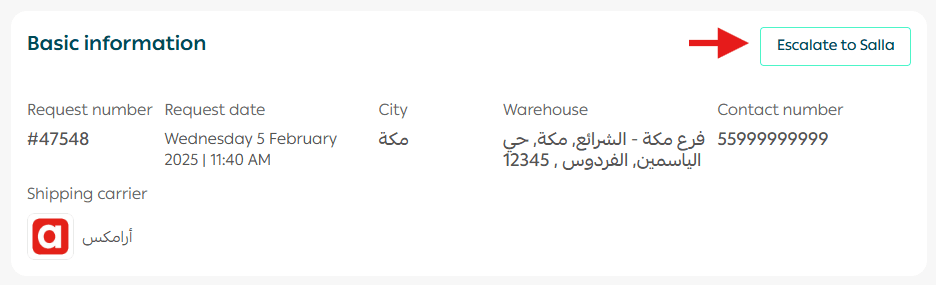
- From the request details page, click Escalate to Salla.
- Confirm the escalation.
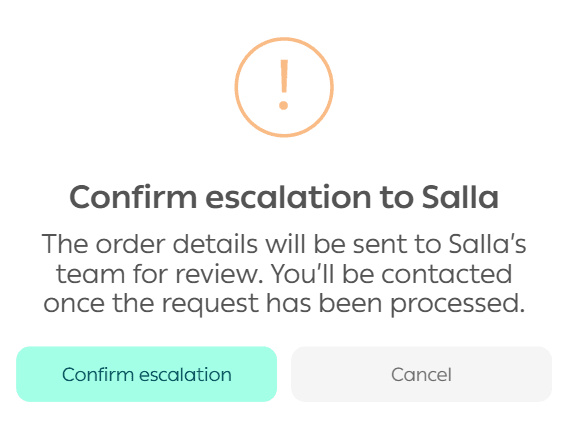
Your escalation request will be submitted successfully.
For more details, see the guide on the Shipping quality gateway.
Searching for and accessing a specific request
To find a specific packaging materials request:
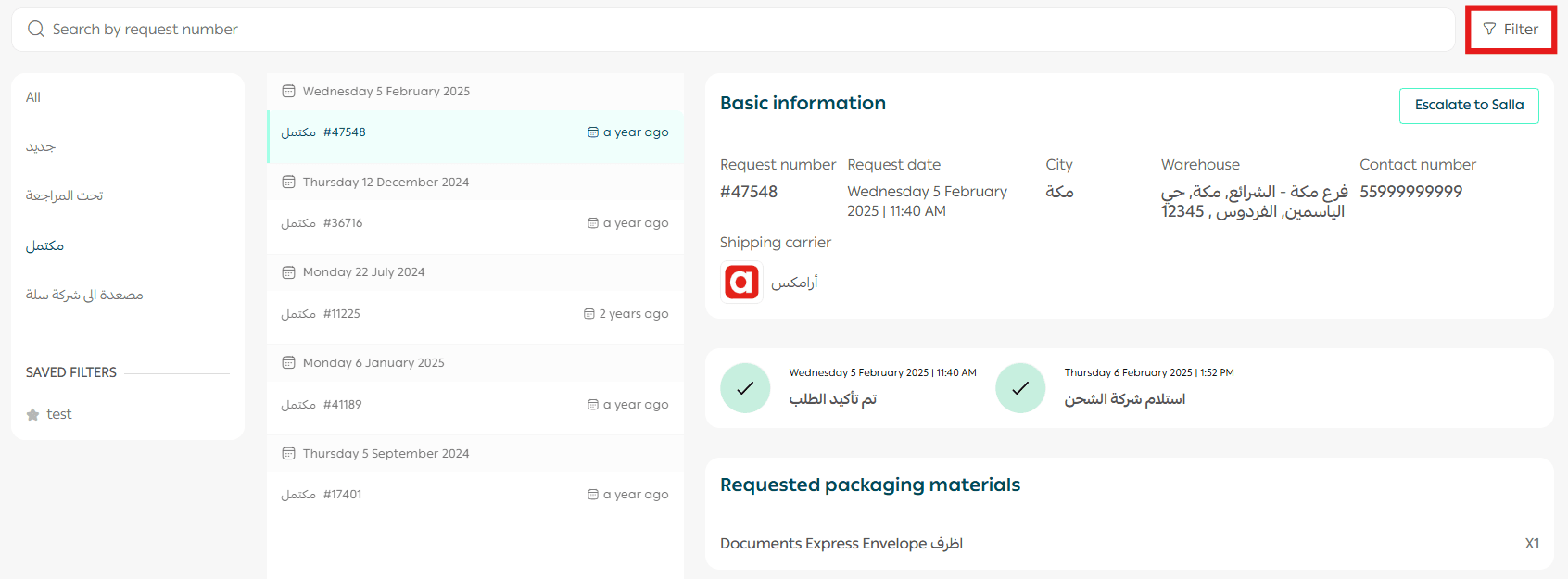
- From the Packaging Materials page, click Filter.
2. Select the filter options that match your needs.
3. Click View Results.
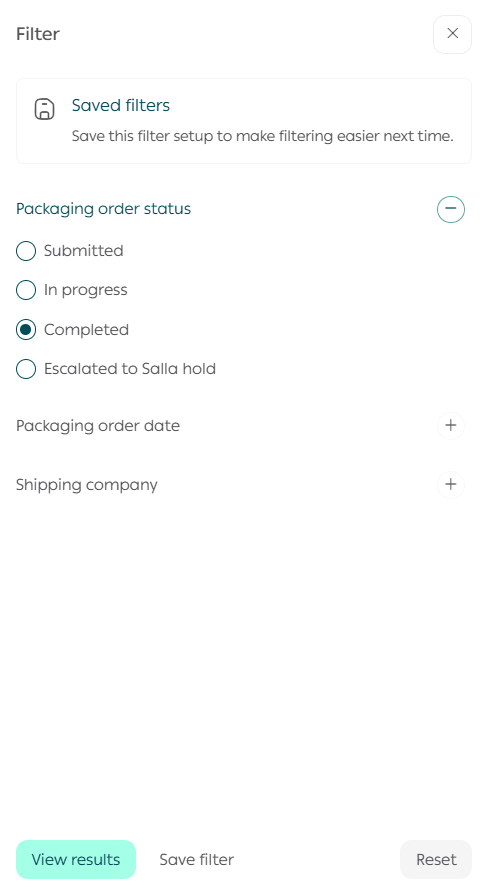
This makes it easy to locate and manage specific requests.