This page answers the most common questions merchants ask about the Theme Store, theme selection, trials, support, and customization options. It is designed to help you make confident decisions when choosing and managing your store’s design.
What are the most important tools and features my online store design should include?
The tools and features required in an online store depend on your business type, products, and target audience. However, some essentials apply to almost every store:
- Shipping and delivery services
Reliable shipping is critical. Choose specialized shipping companies to ensure products arrive safely and at reasonable costs for customers.
- Clear sales and return policies
Establish clear rules that organize buying and selling processes and define return conditions.
- Customer support
Provide fast and accessible support through email or phone so customers can reach you easily and resolve issues quickly.
- Secure payment methods
Offer trusted and secure payment options that suit both you and your customers.
- Live chat or messaging services
Enable direct communication to answer questions and support purchase decisions.
- Buyer protection policy
A clear buyer protection policy builds trust and increases customer confidence in your store.
Do I pay for a theme once, or is it a monthly or yearly subscription?
Themes are purchased with a one time payment only. There are no monthly or yearly subscription fees for themes.
Can I try a theme before purchasing it?
Yes. The try before purchase feature allows you to test up to five themes on any paid plan before making a purchase decision.
How to try a theme:
- Visit the Theme Store
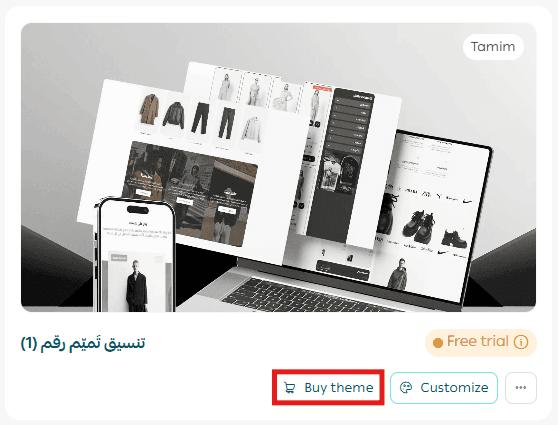
- Select any paid theme and click Try theme
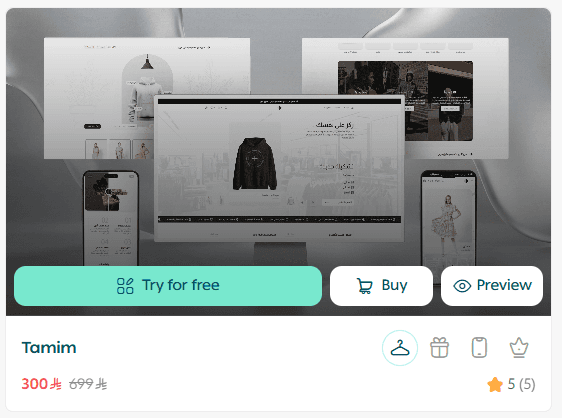
🔔 You can activate and test up to five themes at the same time.
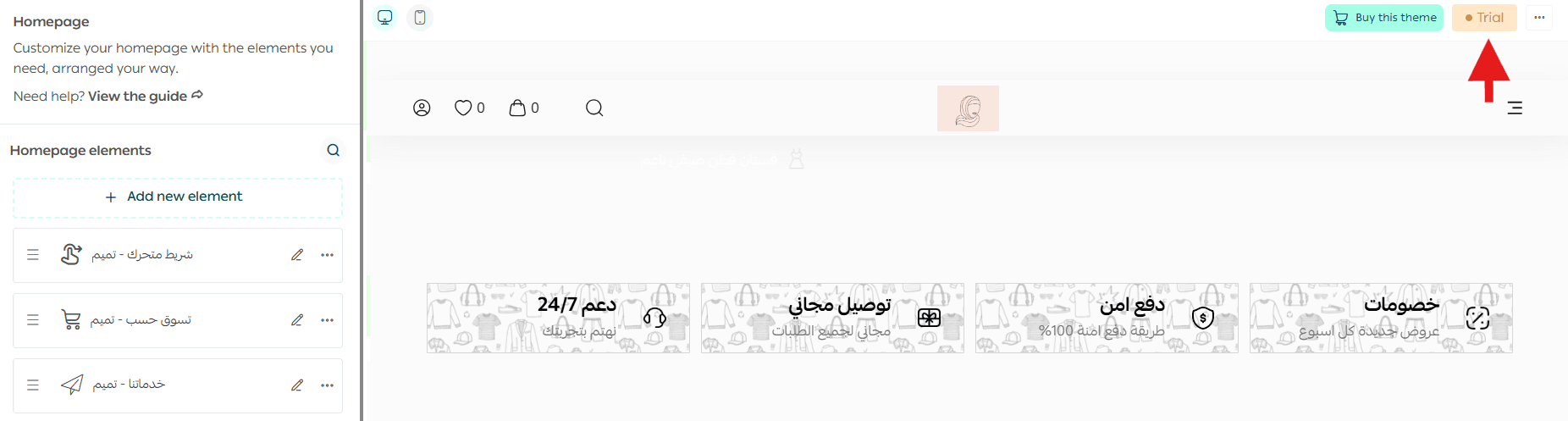
A trial version of the theme will be created and marked as a trial.
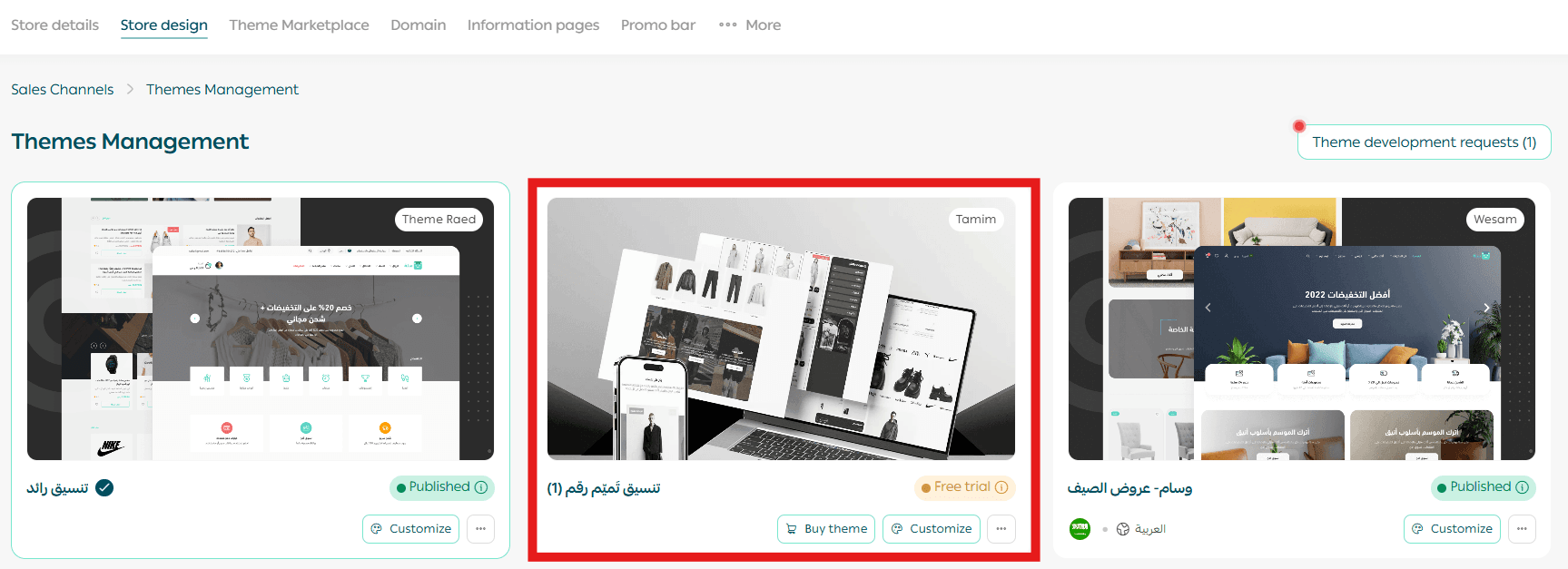
The theme will appear under the Store Design tab.
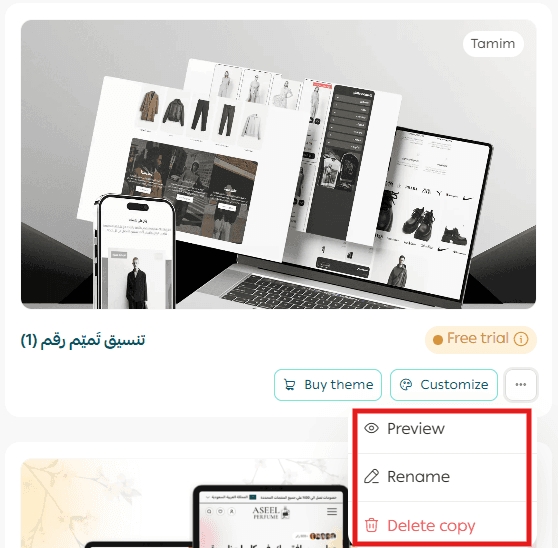
You can manage the trial version by customizing it, previewing it, renaming it, or deleting it.
Once you are ready, you can purchase your preferred theme and activate it immediately.
If my store has no content, will elements be added automatically when previewing a theme?
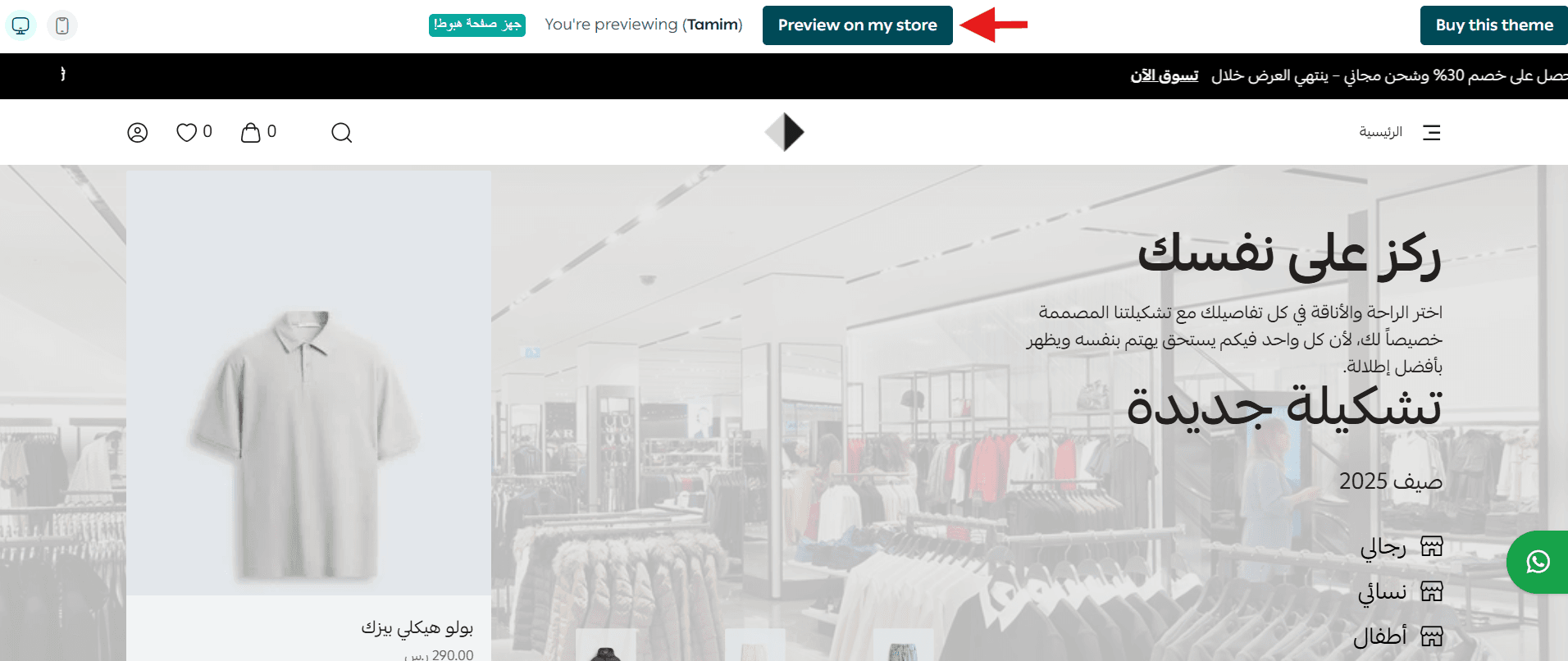
Yes. Salla provides a virtual demo store that automatically includes sample elements when previewing a theme.
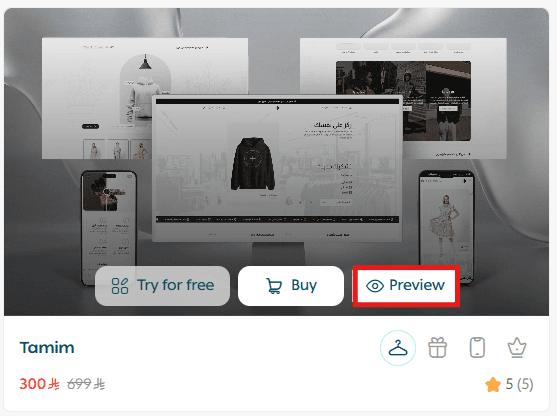
You can choose to preview the theme on the virtual store or on your own store.
Are all themes developed by Salla?
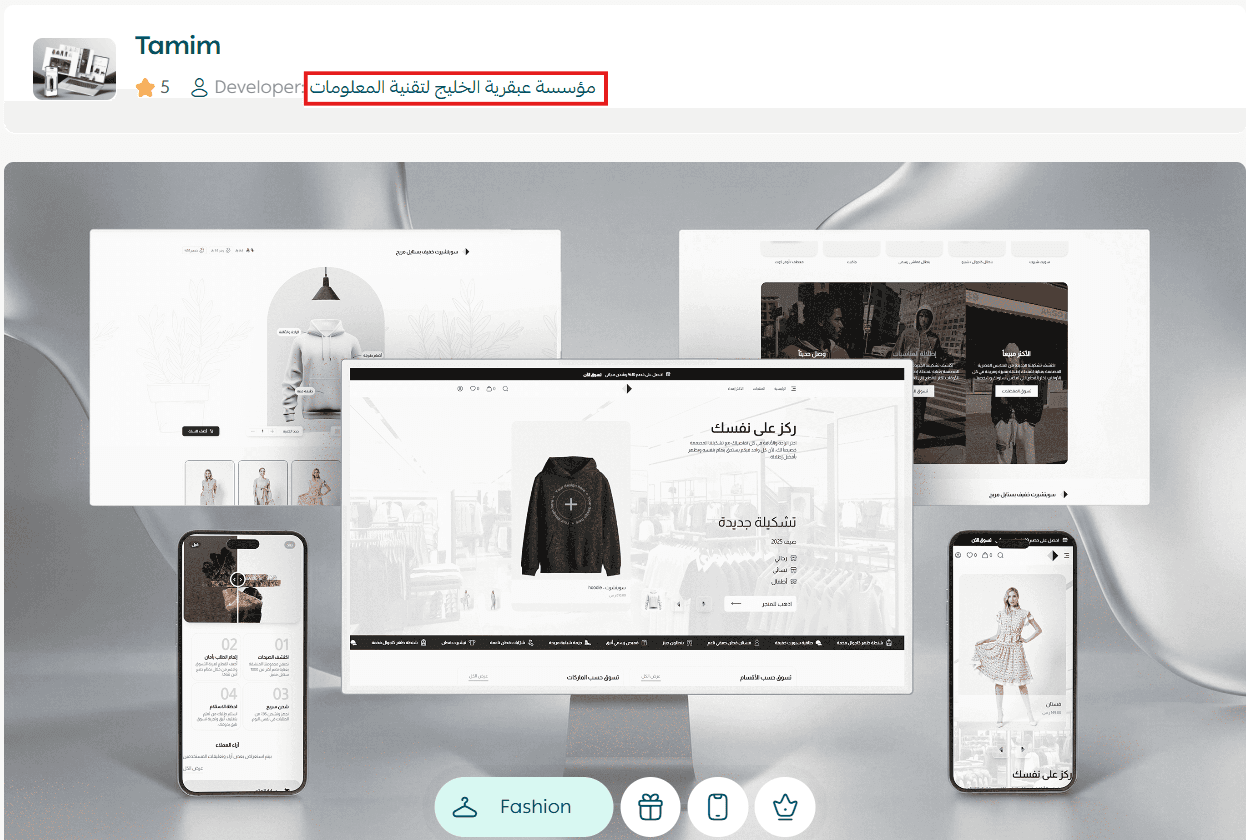
No. Some themes are developed by Salla, while others are created by external designers.
The developer’s name appears below the theme name in the Theme Store.
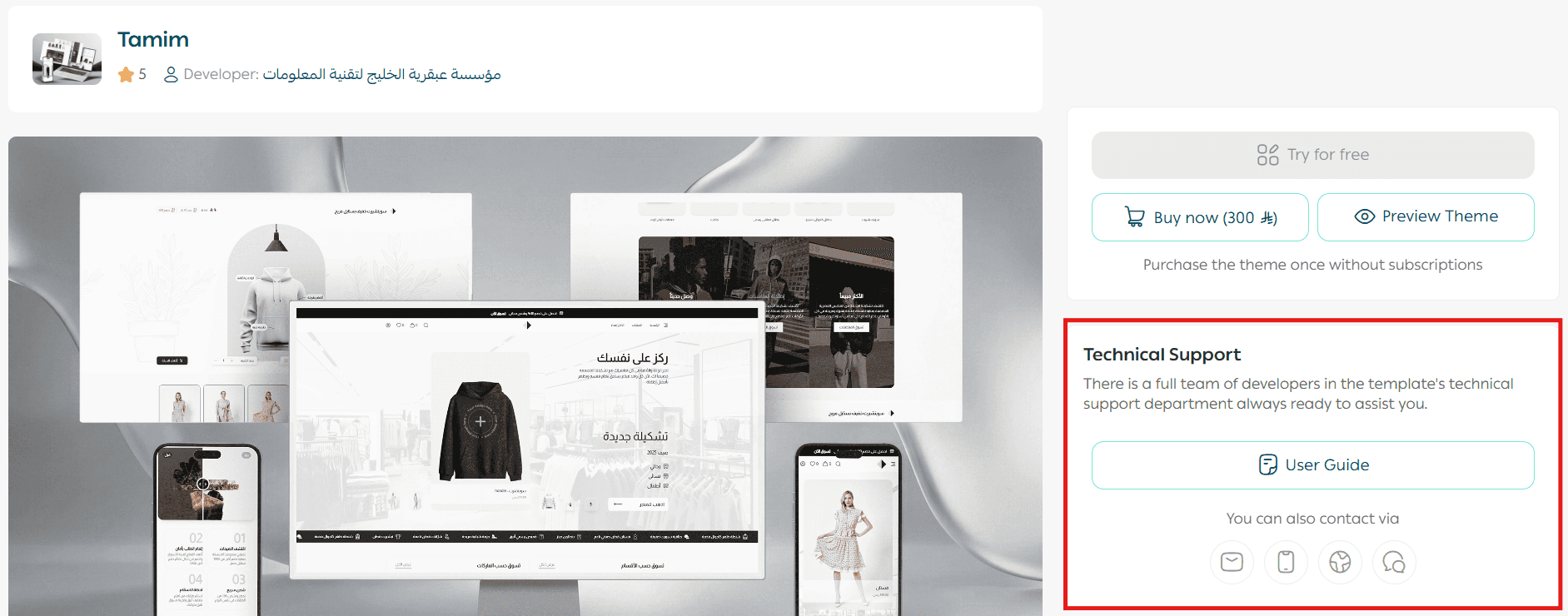
If I face an issue with a theme, who can help me?
From the theme’s Support tab:
- If the theme is developed by Salla, contact Salla technical support
- If the theme is developed by an external developer, contact the developer directly
Can I build a fully custom external design for my store?
Yes.
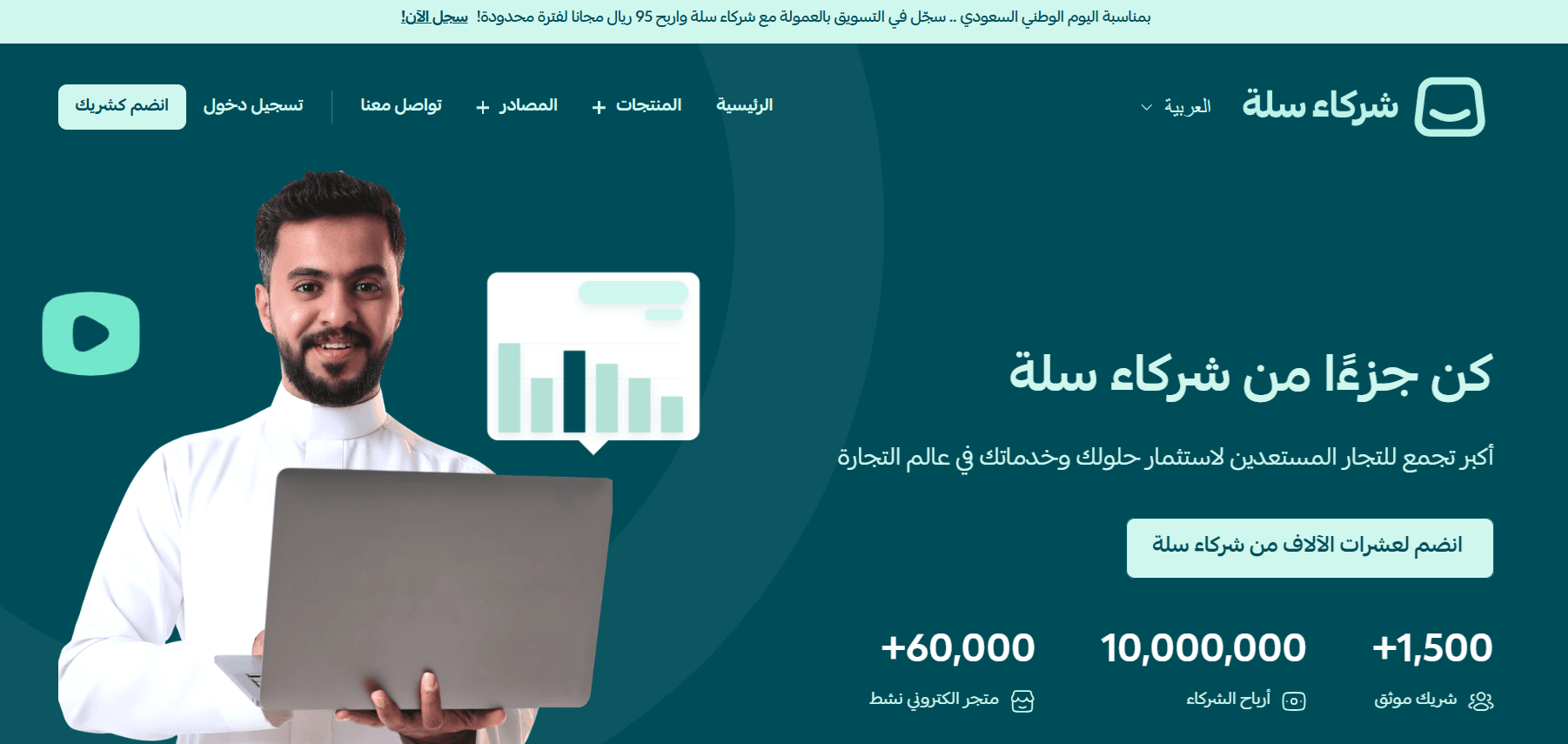
From the Store Design page, scroll to the bottom and click Join now in the custom design banner.

You will be redirected to the Salla Developers website, where you or your developer can learn how to start building a custom theme from scratch.
How do I receive an invitation to preview an external theme?
From the Store Design page, you will see the Theme Development Requests section at the top.
- Click View requests

2. Enable Accept theme preview requests during development
3. Click Save
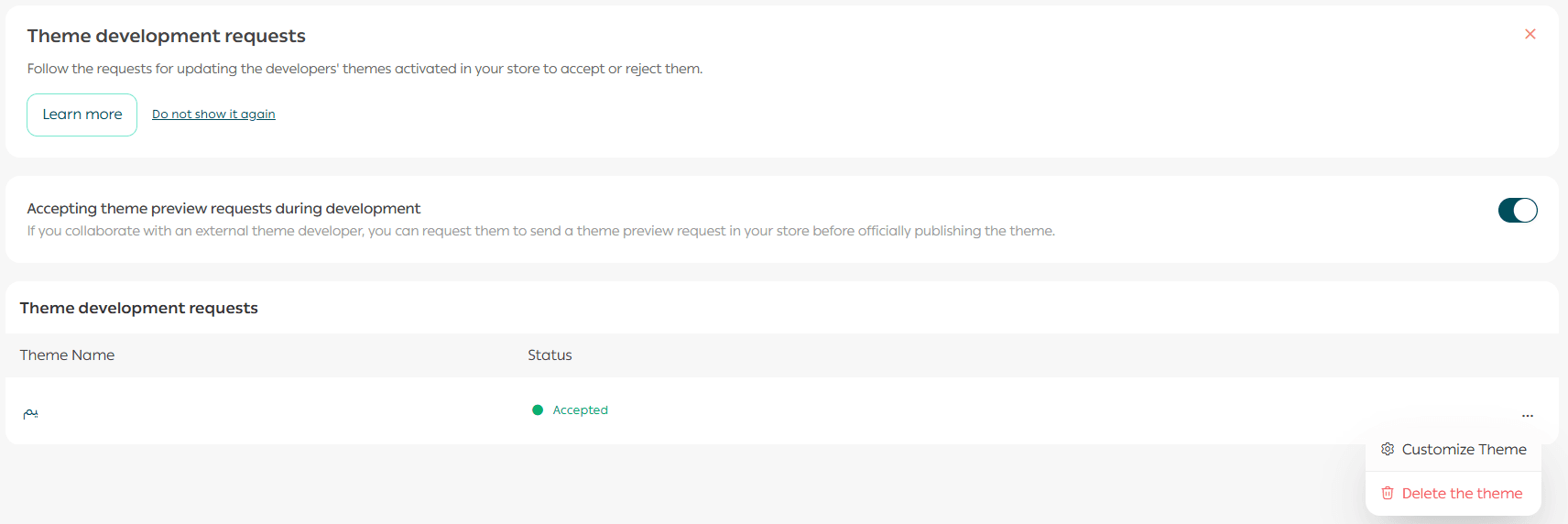
You will then receive a notification when a preview invitation is sent.
Can stores on the Basic plan customize their store design?
Yes. Stores on the Basic plan can customize their store design.
Final Takeaway
The Theme Store gives you flexibility, transparency, and control.
Whether you are testing themes, working with external developers, or building a fully custom design, these FAQs ensure you understand your options and can confidently shape a store experience that fits your brand and your customers.