A charity website has a different job from a shop window. It has to explain a cause, prove who is watching over it, and make giving effortless.
The Ataa theme was built for exactly that. It brings together the design elements charitable organizations actually need, such as supervisory bodies, articles, and statistics that show the impact of a campaign, and it renames the standard store pages so they speak the language of giving: (Cart) becomes (Donation cart), and (Orders) becomes (Donation history). In this guide, you'll learn how to buy and customize the Ataa theme, and what each of its exclusive components does.
The Ataa theme is a Salla theme built for charitable organizations. It renames store pages to fit donation work, such as donation cart and donation history, and adds exclusive homepage components: features gallery, statistics, about the organization, supervisory bodies, featured donations, and quick links.
📌 Article overview
- How to activate the Ataa theme on your store
- The exclusive and enhanced components of the theme
- Header and footer features
- Product page changes
- Quick donation and fixed donation amounts
🚀 How to activate the Ataa theme on your store
1. From the main dashboard menu, click (Store design).
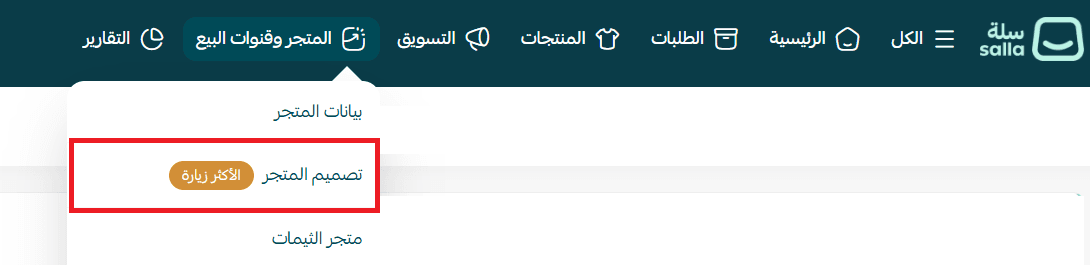
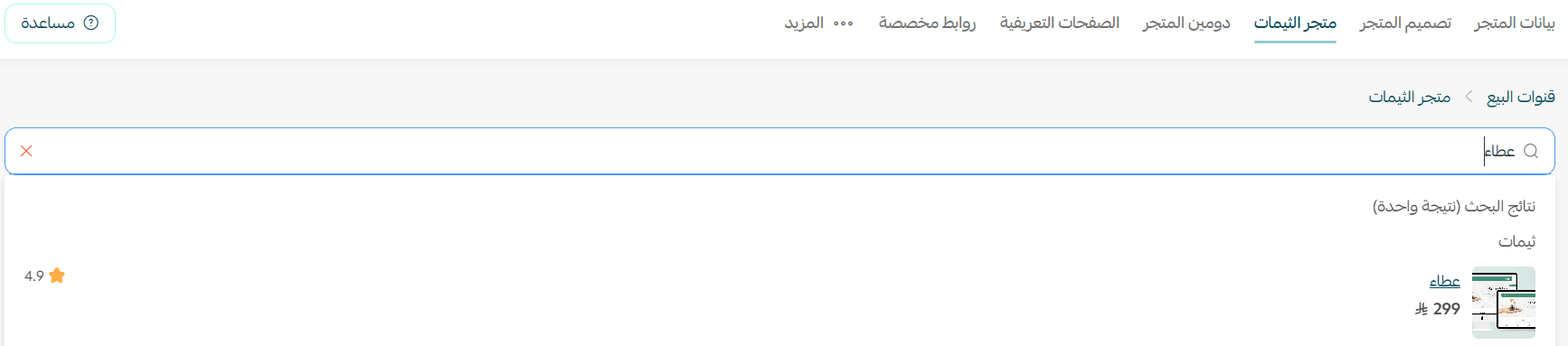
2. On the store design page, look under the newest themes and find the Ataa theme.
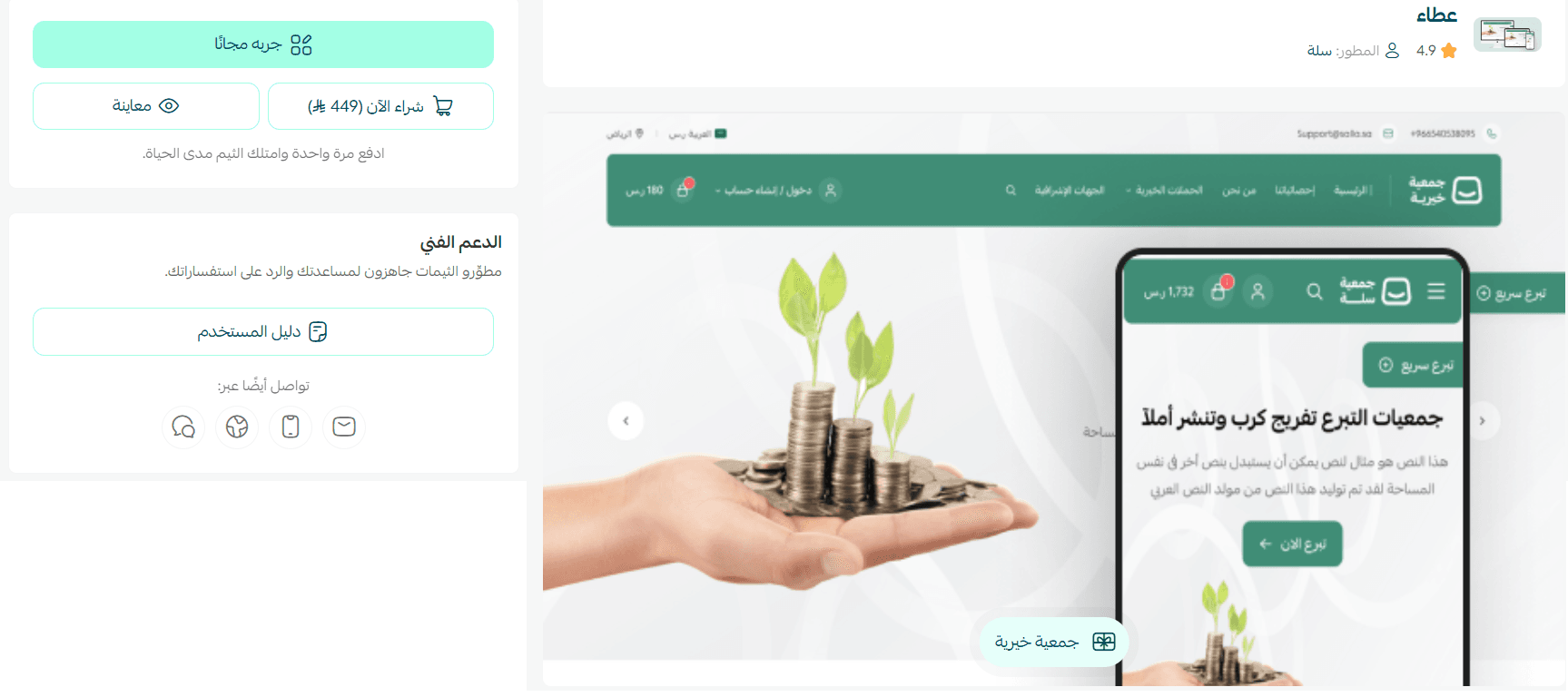
3. On the Ataa theme details page, click (Buy theme).
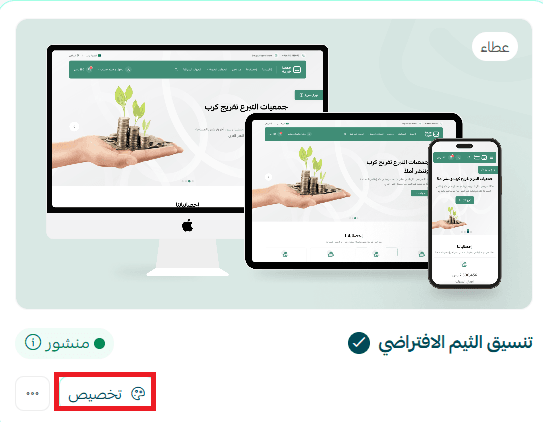
4. Once the theme is installed, go back to the store design page and click (Customize) on the Ataa theme card to start tailoring it.
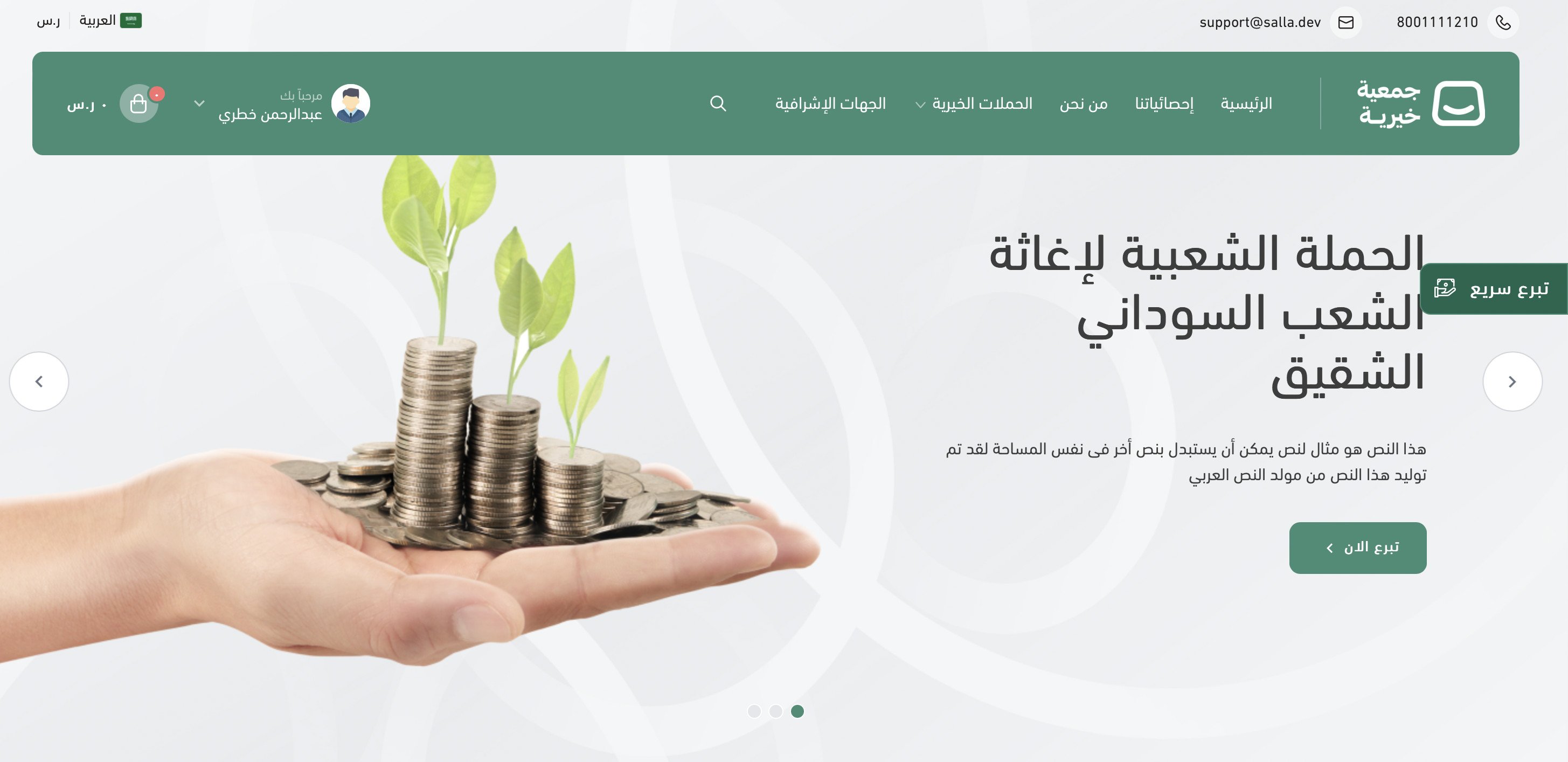
From the theme customization page you can preview how your store will look once the theme is applied. It might look like this:
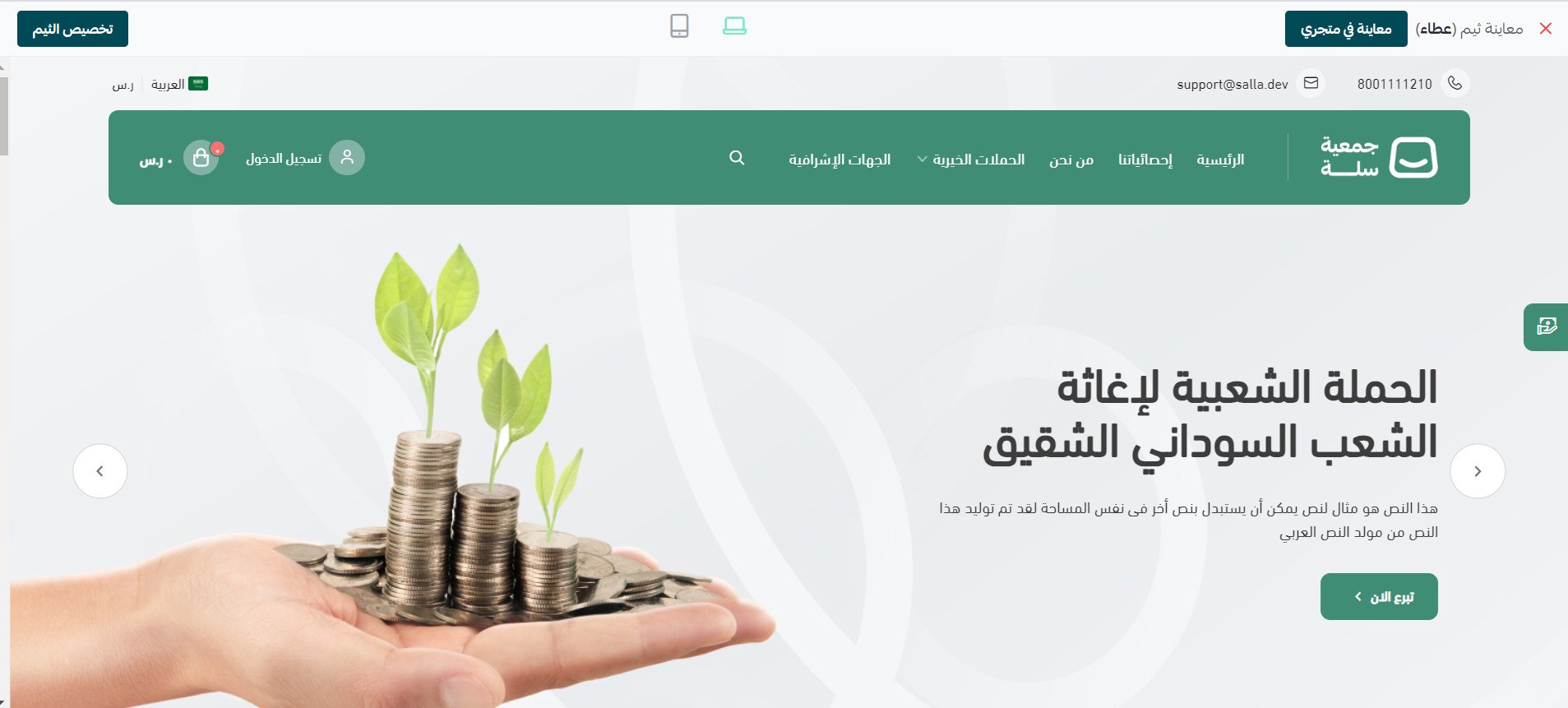
Preview a charity store using the Ataa theme
More on managing the theme store and store design
More on customizing your store design
Frequently asked questions
Here are the answers to the questions merchants ask most about the Ataa theme:
1. What are the exclusive or enhanced components of the Ataa theme?
2. Does the Ataa theme add anything extra to the header and footer?
3. Does it change the product page or the way products are displayed?
4. Is quick donation available for charitable organizations?
5. Can I add fixed donation amounts to a donation product?
❓ What are the exclusive or enhanced components of the Ataa theme?
To add the new components to your store, open the Ataa theme customization page, click (Homepage components), then choose (Add new component).
The new components available to you appear like this:
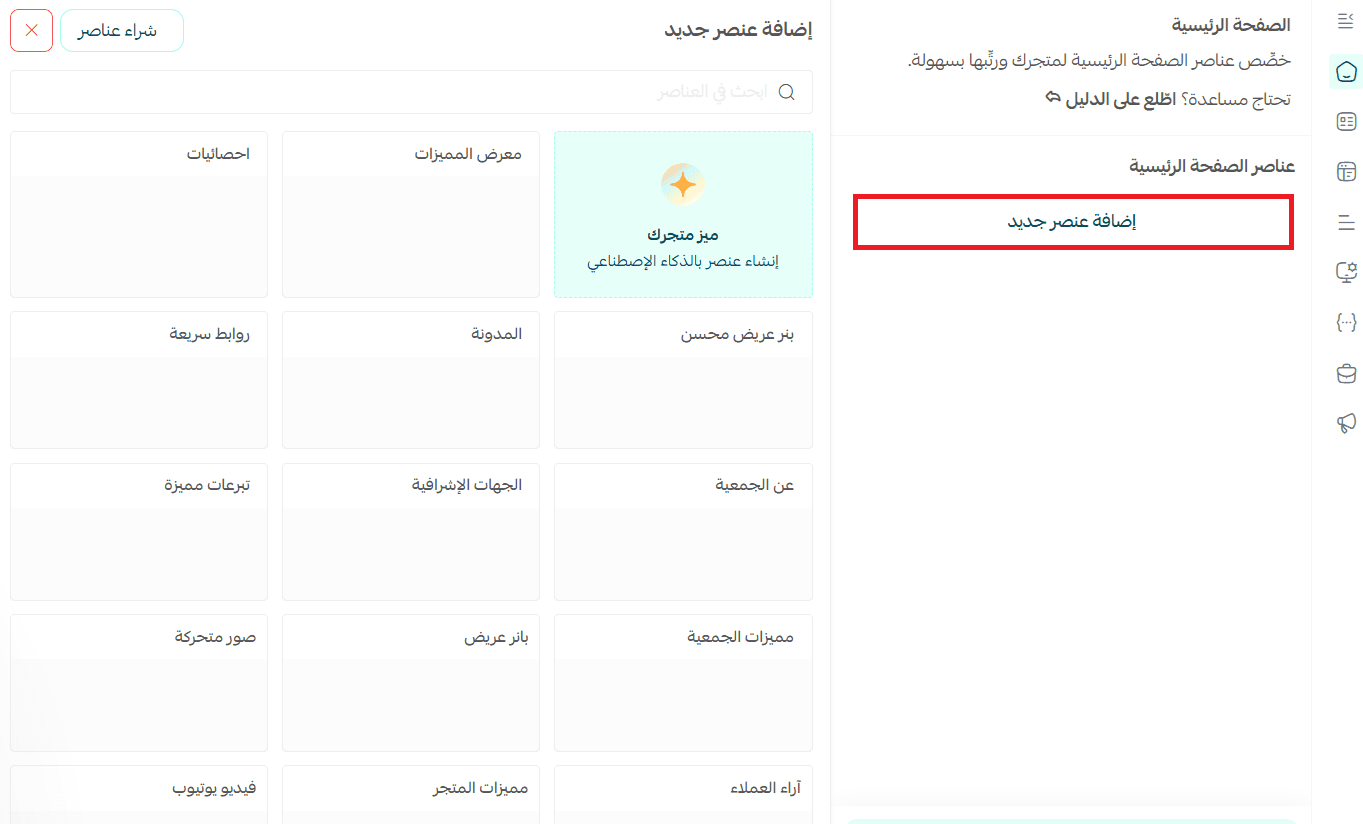
📝 Important notes
Components that are new to the theme, or that have been enhanced for it, are always marked with an asterisk.
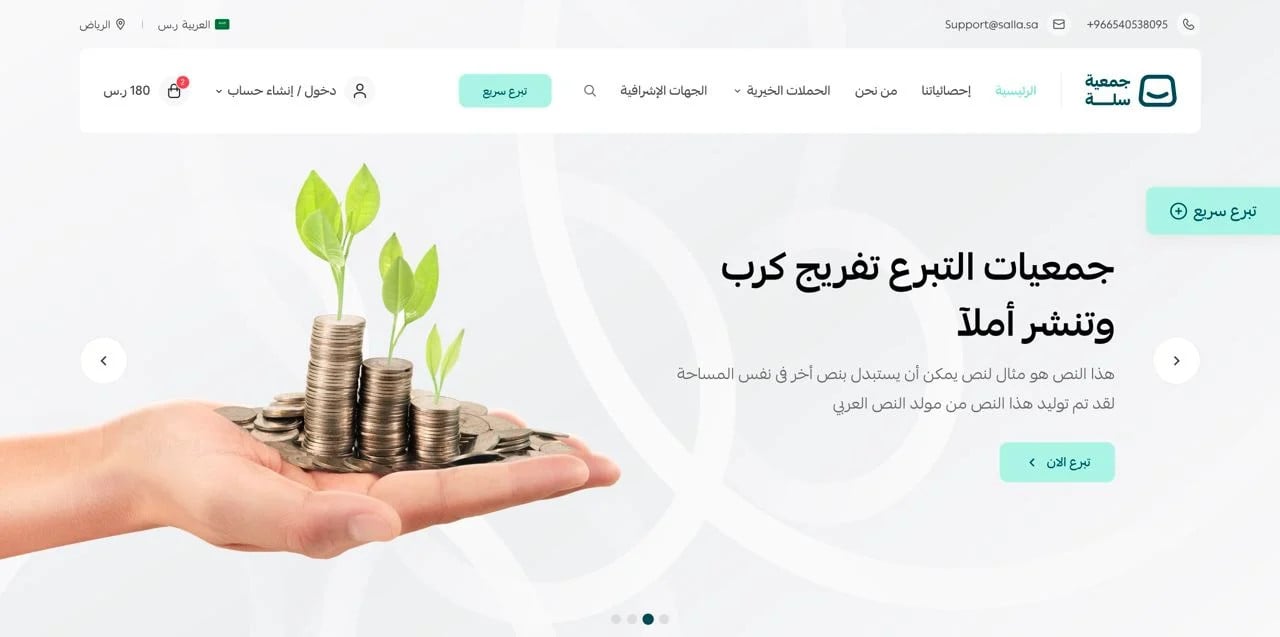
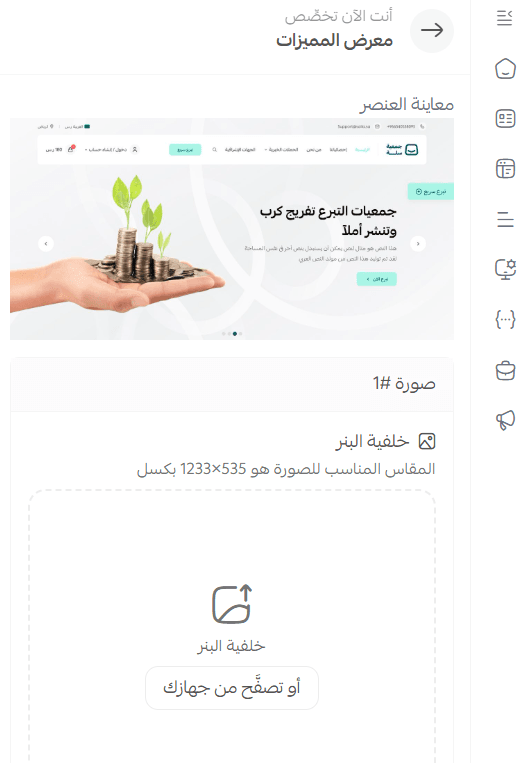
1. Features gallery

In the store it appears like this:
That look comes from its customization options, which include:
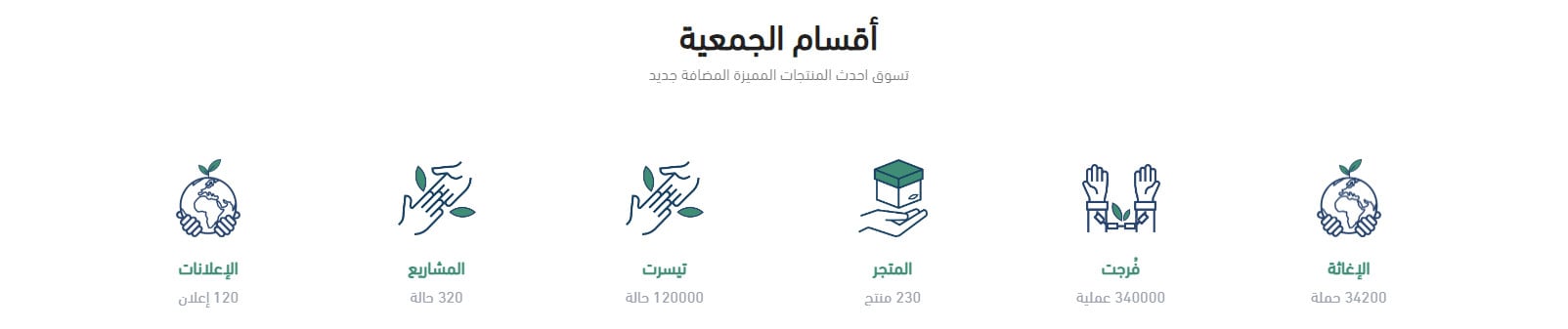
2. Statistics
The statistics appear in the store like this:
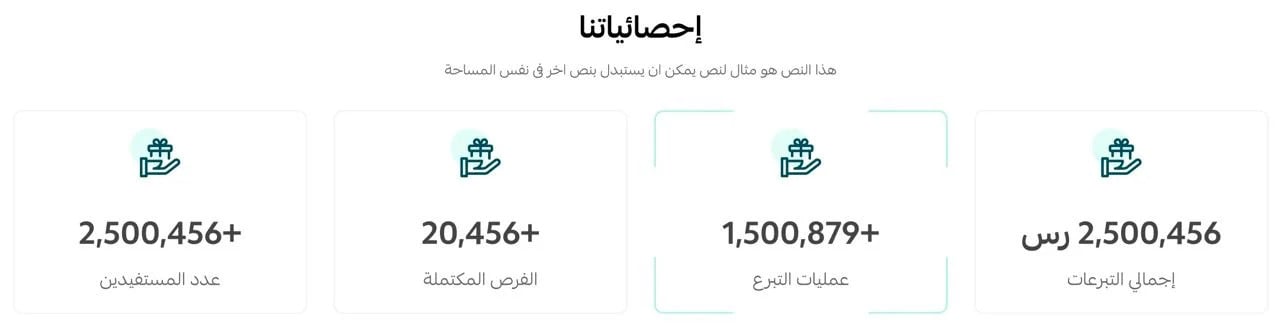
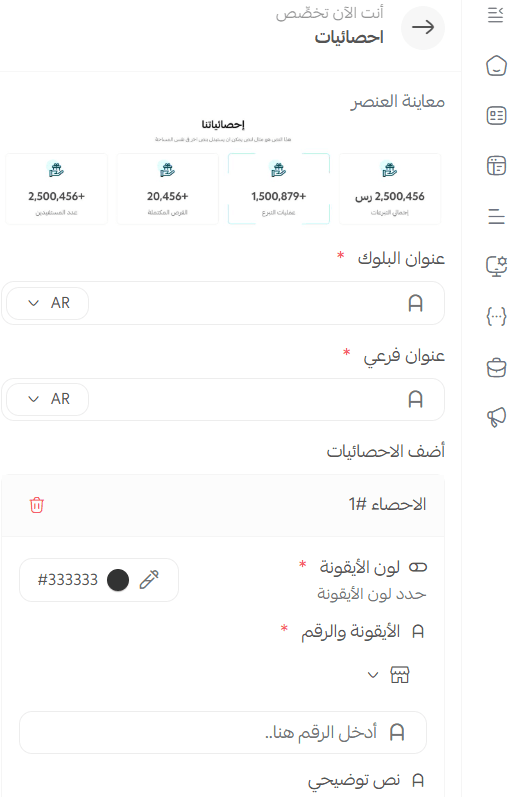
Among the tools added for customizing it: you can change the shape and color of the icon and add explanatory text to it.
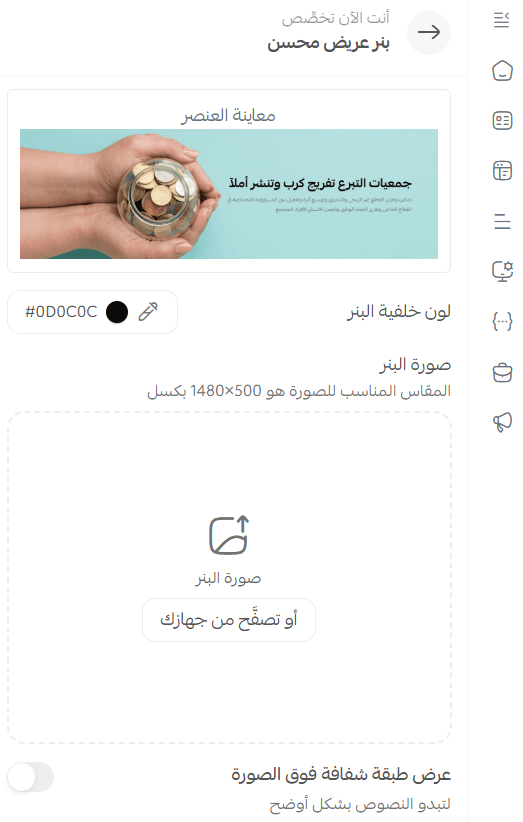
3. Enhanced wide banner
The banner appears in its enhanced form, with the option to lay a translucent white overlay over it so the text reads more clearly, and control over how transparent that overlay is.
4. About the organization

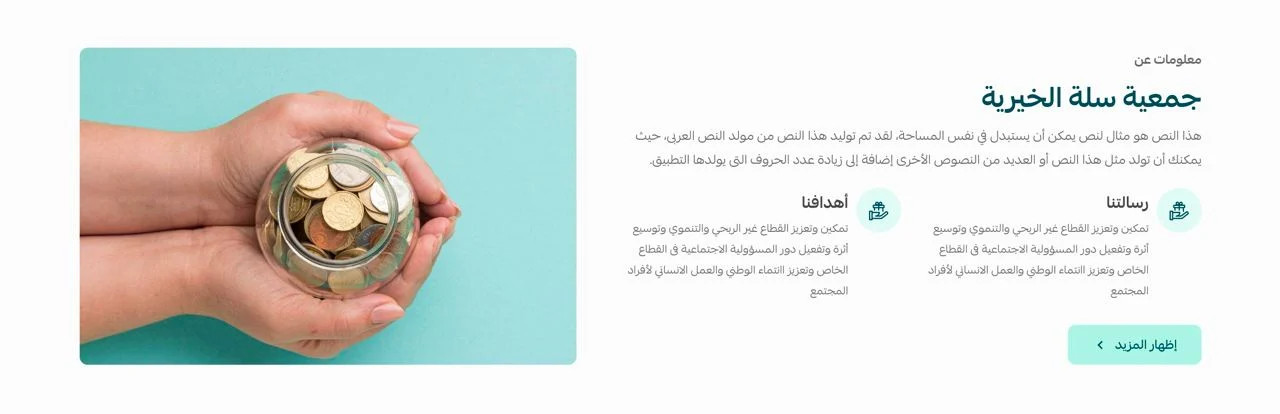
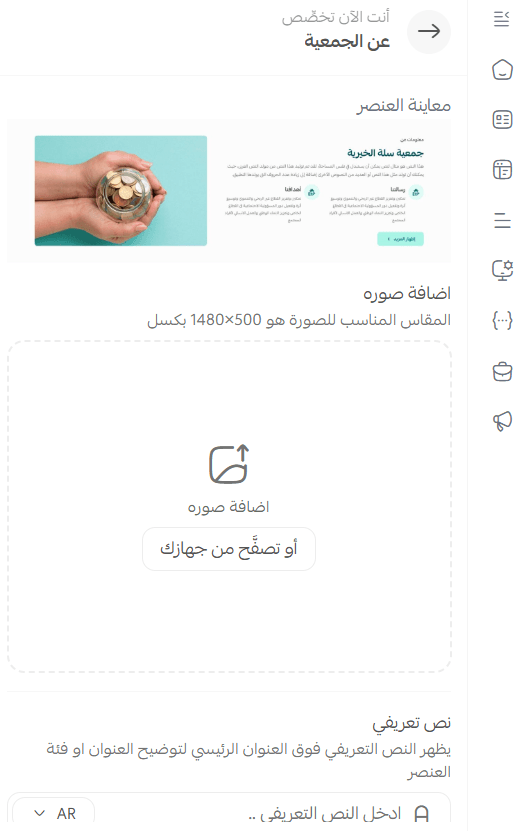
The (About the organization) section carries an introductory text, icons with short captions, and a More button you can point at a page introducing the organization, or anywhere else you choose.
You set all of that up through these options:
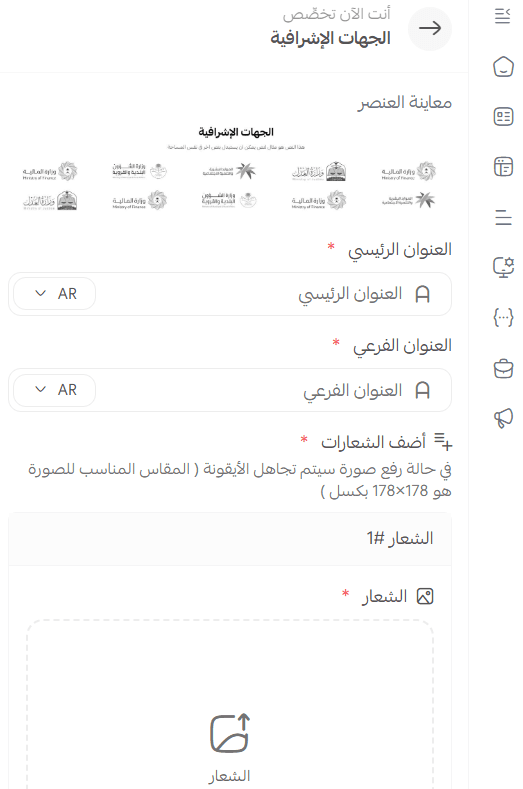
5. Supervisory bodies
Display the logos and names of the bodies that supervise your organization in a polished, professional layout.

You do that by customizing the following options:
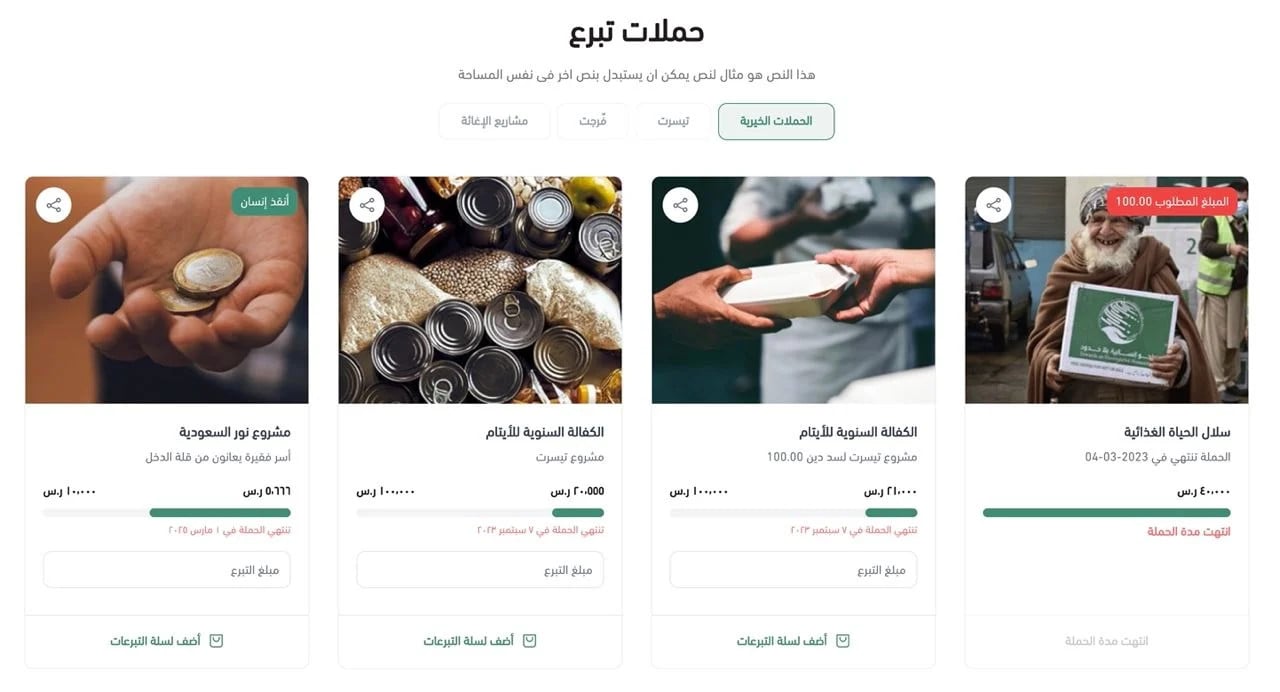
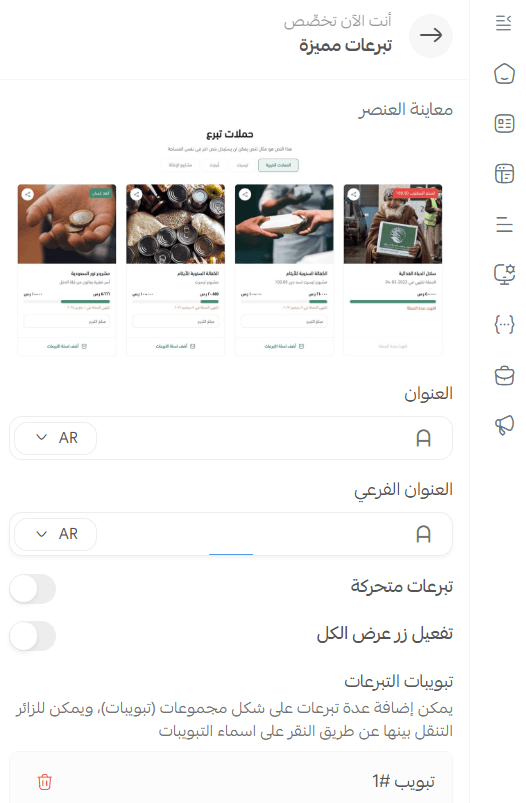
6. Featured donations
Show the donations you most want to draw attention to in a creative grid layout.
You can customize the featured donation tabs and choose which products appear in each one.
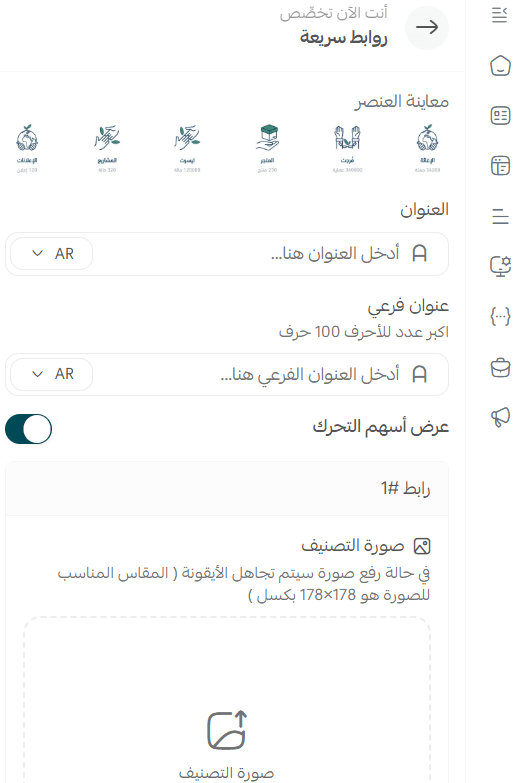
7. Quick links
Set the quick links to match the way your organization works, for example to introduce its different departments.
You control the category image, the link title, and several other options.
❓ Does the Ataa theme add anything extra to the header and footer?
Yes. Here is what you get.
Header features
The header is made up of:

1. A top bar carrying your contact details, a list of important links, a currency and language switcher, a branch switcher, and a sign-in button.
2. The main menu bar.
It holds the site logo, the main menu, and the search bar.
You can switch each bar between light and dark color modes.
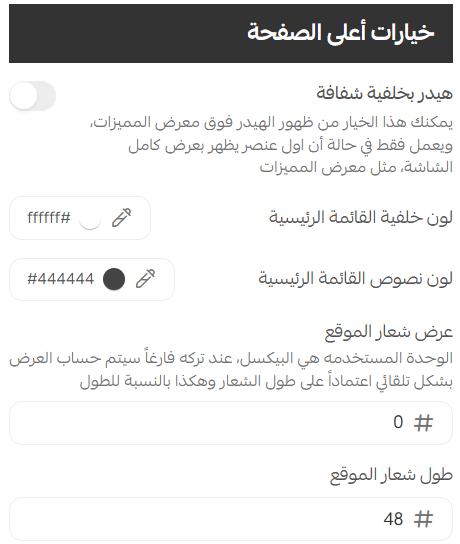
You can also control the size of your store logo by entering its dimensions in pixels (height and width), or entering just one of them, in which case the other is calculated automatically to keep the proportions.
Footer features
The footer is designed to look inviting, and it contains:
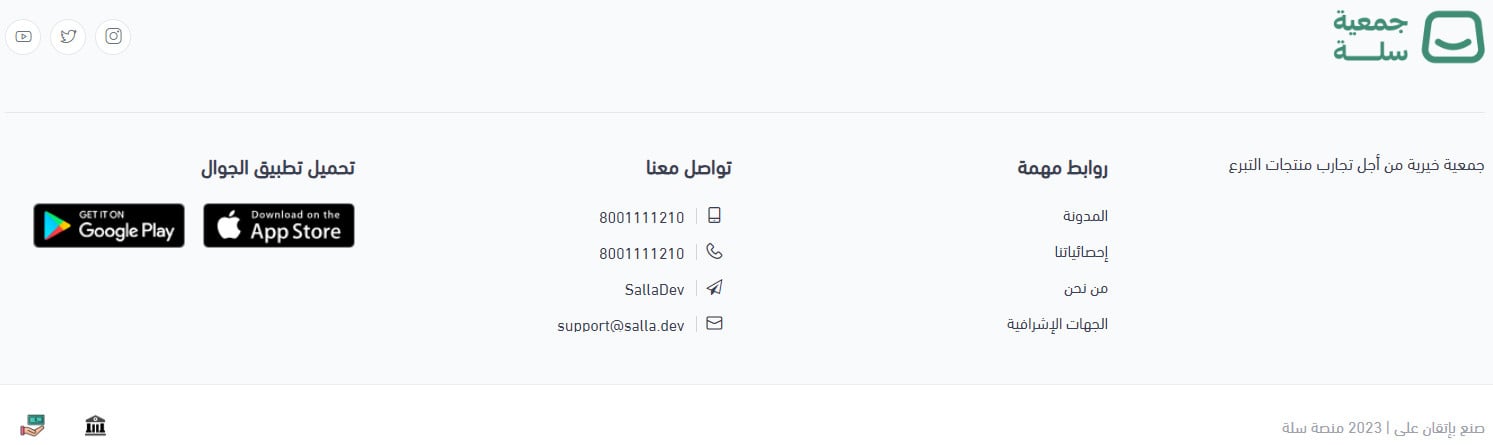
1. Links to your social networks.
2. A main components bar with an about-the-store block, important links, user links, and app download icons.
3. An optional map pinpointing the store location.
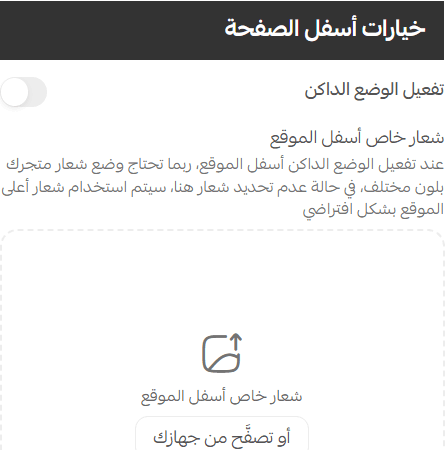
Light and dark color modes are supported across the whole footer.
You can also control the logo dimensions, so your own touch carries through every detail of the design.
❓ Does it change the product page or the way products are displayed?
Yes. The main changes are these.
Product page
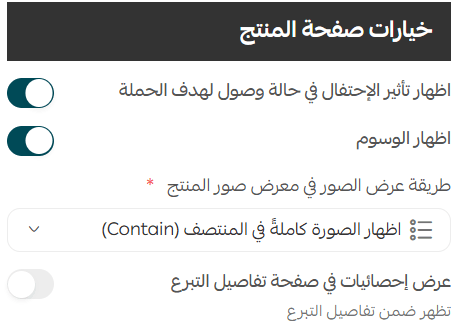
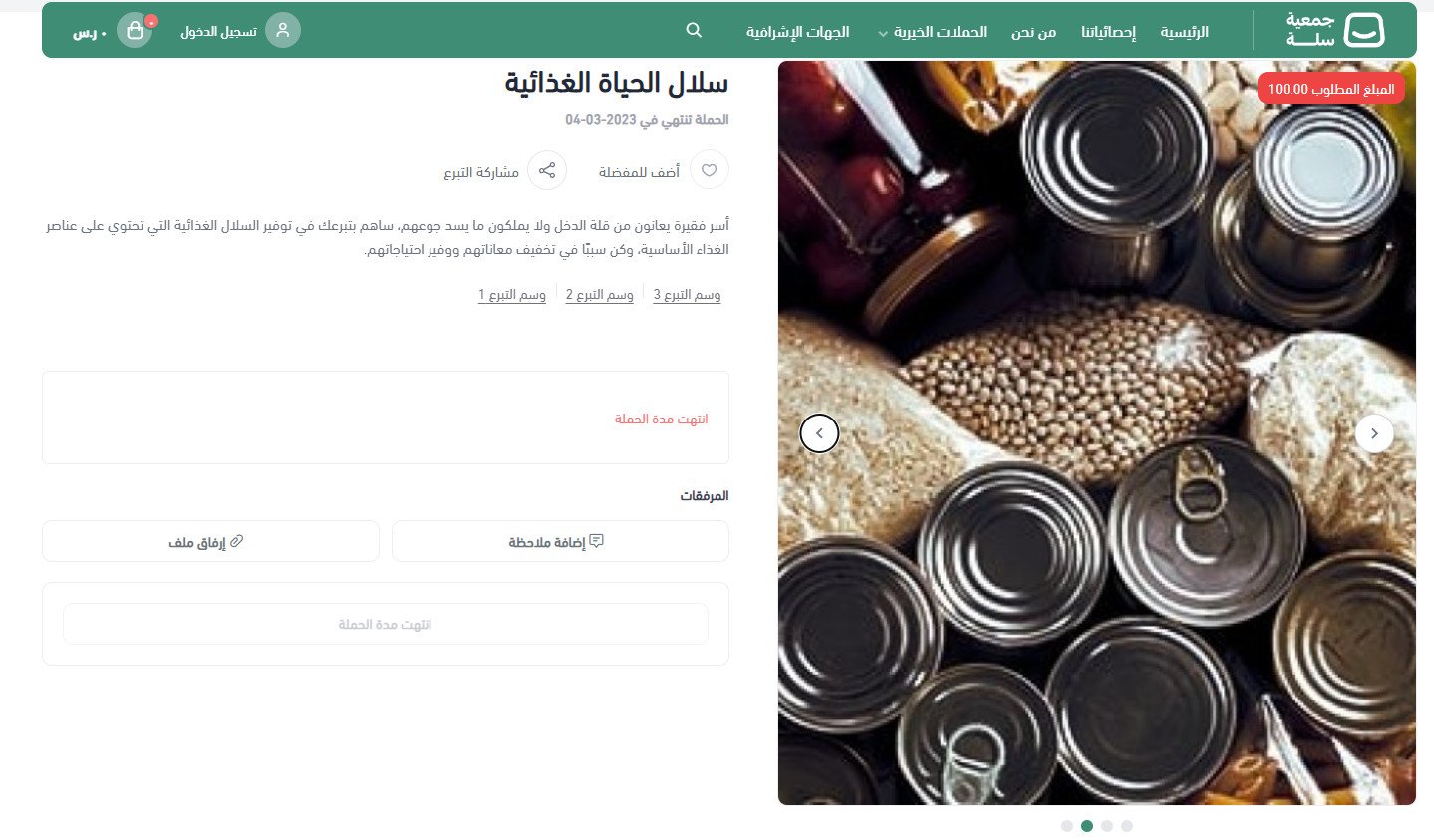
From the product page options you control whether tags appear and how the images are displayed, and you can show statistics on the donation details page.
The product page then looks like this:
The rest of the store pages
Every other store page has been redesigned to match the overall look of the theme.
❓ Is quick donation available for charitable organizations?
Yes. It lets a donor give immediately, without having to enter personal details such as their name and email address.
More on controlling the quick donation settings
❓ Can I add fixed donation amounts to a donation product?
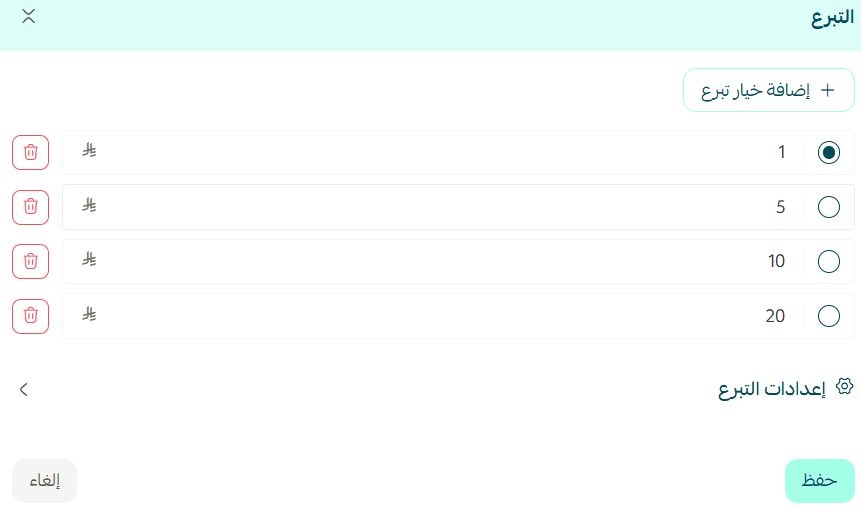
Yes. Open the (Donation) tab inside the product details, click (Add donation option), and enter the donation amount.
You can add up to 6 donation options.
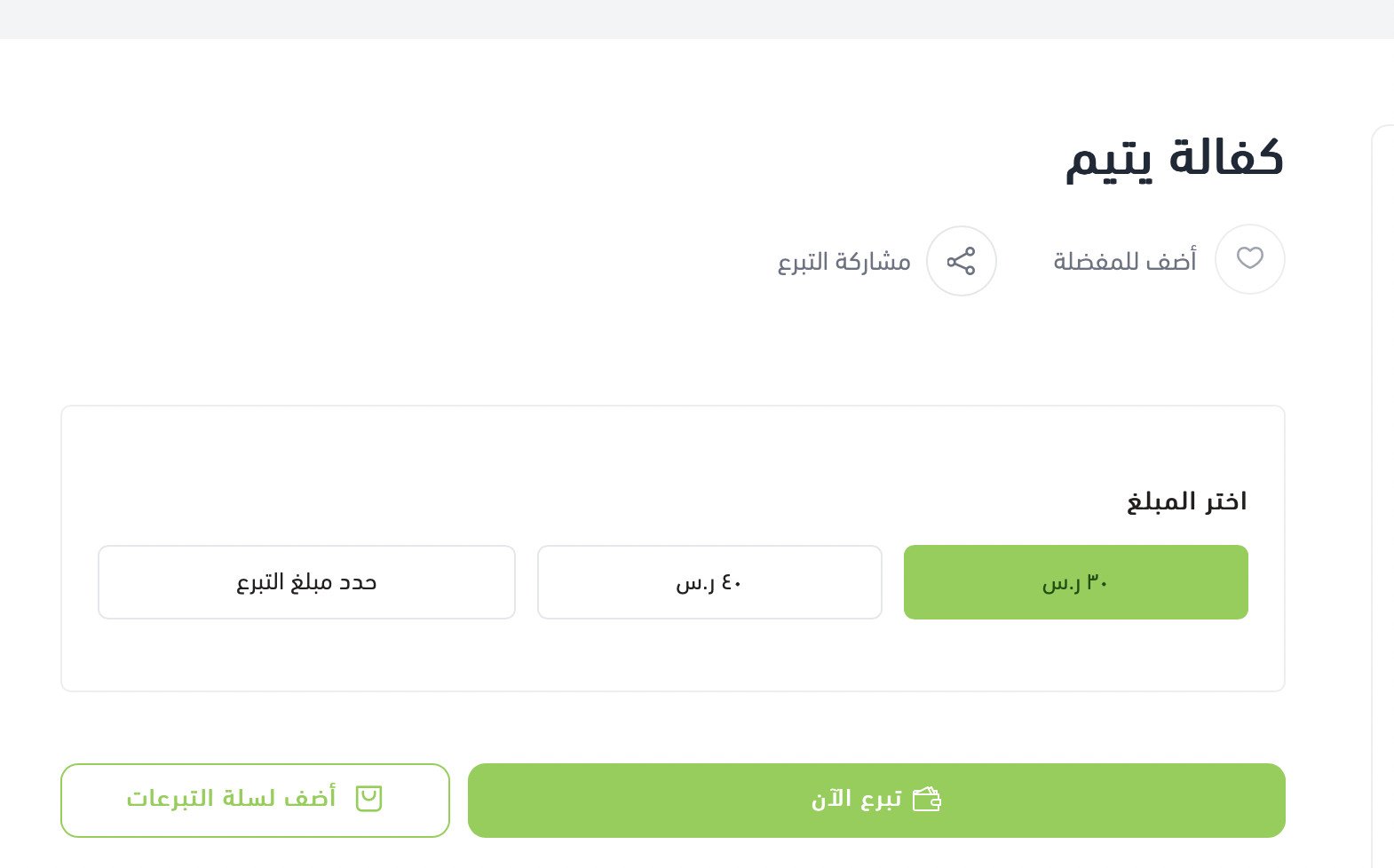
Donors then see the options in your store like this:
More on adding a donation product
A donor decides in seconds whether a cause looks credible. The Ataa theme gives you the pieces that build that confidence, the supervisory bodies, the statistics, the story of the organization, and it keeps the path to giving short.